The moment you hit a daily generation limit mid-project, every tool with caps starts to feel like a subscription trap. AI image generators with unlimited generations are changing that dynamic entirely, giving creators, designers, and content teams the freedom to iterate as many times as they need without watching a credit counter tick toward zero. The difference in creative output between capped and uncapped workflows is not marginal. It is fundamental to how ideas develop.
Why Daily Limits Kill Your Creative Flow
Most people don't realize how disruptive generation limits actually are until they hit one mid-session. You have momentum, you are refining a concept, and suddenly you are staring at a "come back tomorrow" message. That interruption does not just delay the work. It breaks the creative state that produced the idea in the first place.
The Credit Trap Most Tools Use
Virtually every major AI image platform uses a credit or generation cap as their primary monetization lever. Free tiers typically offer anywhere from 10 to 100 images per day, which sounds reasonable until you are doing serious work. Iteration is fundamental to creative output: you generate, you evaluate, you adjust the prompt, you generate again. A photographer working on a concept shoot might need 50 variations before finding the right one.
The math doesn't work in your favor when you're limited. Many premium plans cap even paying users at a few hundred images per month, which translates to roughly 10 to 15 per day if spread evenly. For professional or commercial work, that ceiling is hit fast.
What "Unlimited" Actually Means in Practice
"Unlimited" in the context of AI tools usually falls into two categories. The first is genuinely uncapped generation, where you can run as many images as you want within reasonable usage policies. The second is a very high cap set so far above what most users need that it functions as effectively unlimited for practical purposes.
Both are worth your attention. The question is which models deliver the quality that makes those unlimited generations worth creating in the first place.
The Models Actually Worth Running Without Limits
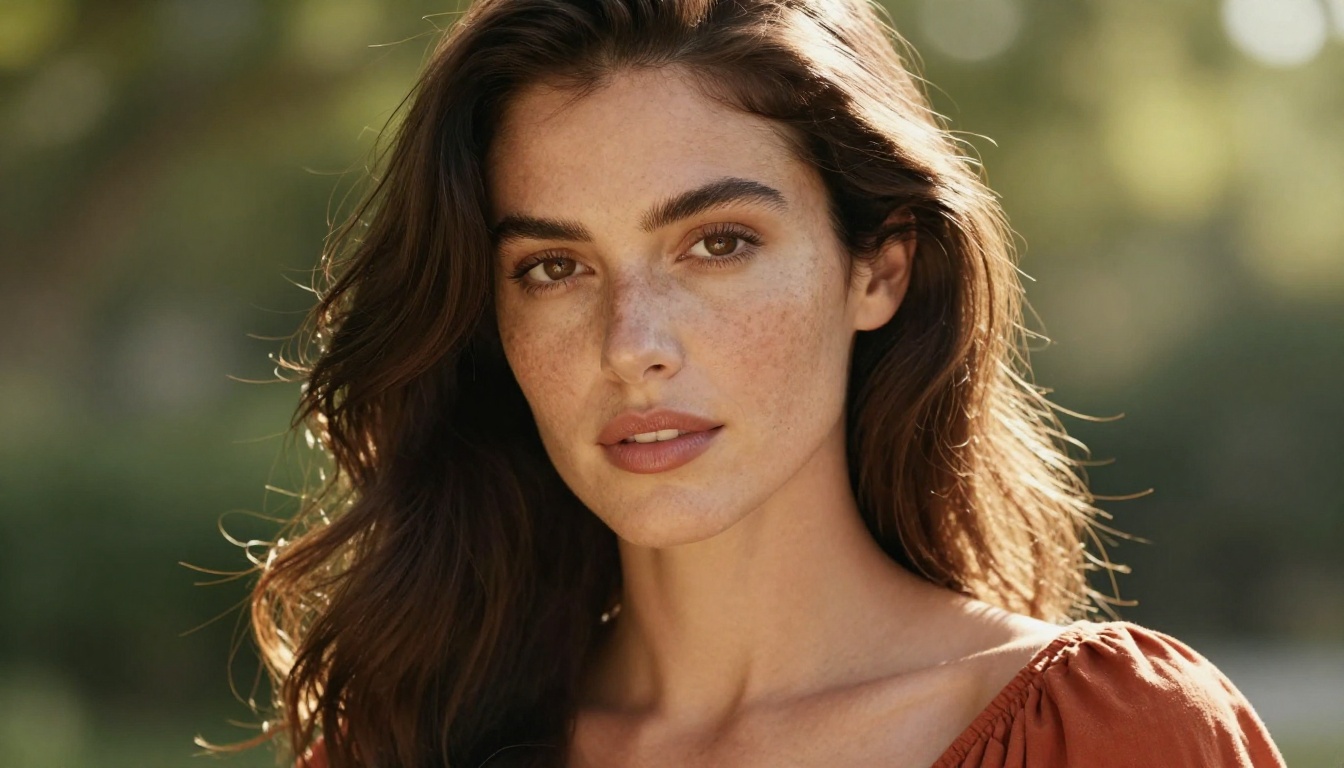
Not all unlimited generators are equal. Running a mediocre model a thousand times won't produce better results than running a great model ten times. These are the models currently producing results that justify unlimited access.
FLUX Redux Dev for Controlled Variations
FLUX Redux Dev from Black Forest Labs is one of the most capable image variation tools available right now. When you already have a base image you love, FLUX Redux Dev lets you generate controlled variations that preserve the core composition while shifting specific details, lighting conditions, or surface treatment. For unlimited generation workflows, this is particularly powerful because you can lock in a strong starting point and iterate endlessly on targeted elements without losing what already works in the original.
The model's strength is structural fidelity. Faces stay consistent. Poses hold. The variation happens where you direct it rather than randomizing the entire image with each generation.
GPT Image 2 for Complex Multi-Element Prompts
GPT Image 2 handles complex multi-element prompts better than most models. If you need an image that follows a specific brief with multiple characters, props, and precise spatial relationships, this model actually reads and responds to that complexity. For professional and commercial work where precision matters, the ability to generate unlimited attempts means you can dial in exact results rather than settling for close enough.
Where most models struggle with long, detailed prompts and start ignoring elements past a certain length, GPT Image 2 maintains coherence across the full instruction set.
Wan 2.7 Image for 2K Resolution Output
Wan 2.7 Image delivers 2K resolution output, which is significant for print work, large-format displays, and situations where you need to crop aggressively without losing quality. High-resolution unlimited generation is a combination that most premium tools still haven't made accessible at a practical price point.
When you are producing at this quality level, having no cap means you can experiment with compositions without worrying about wasting high-quality credits on exploratory prompts. The investment in each generation is time, not credits.
Free Tiers That Actually Deliver Usable Output
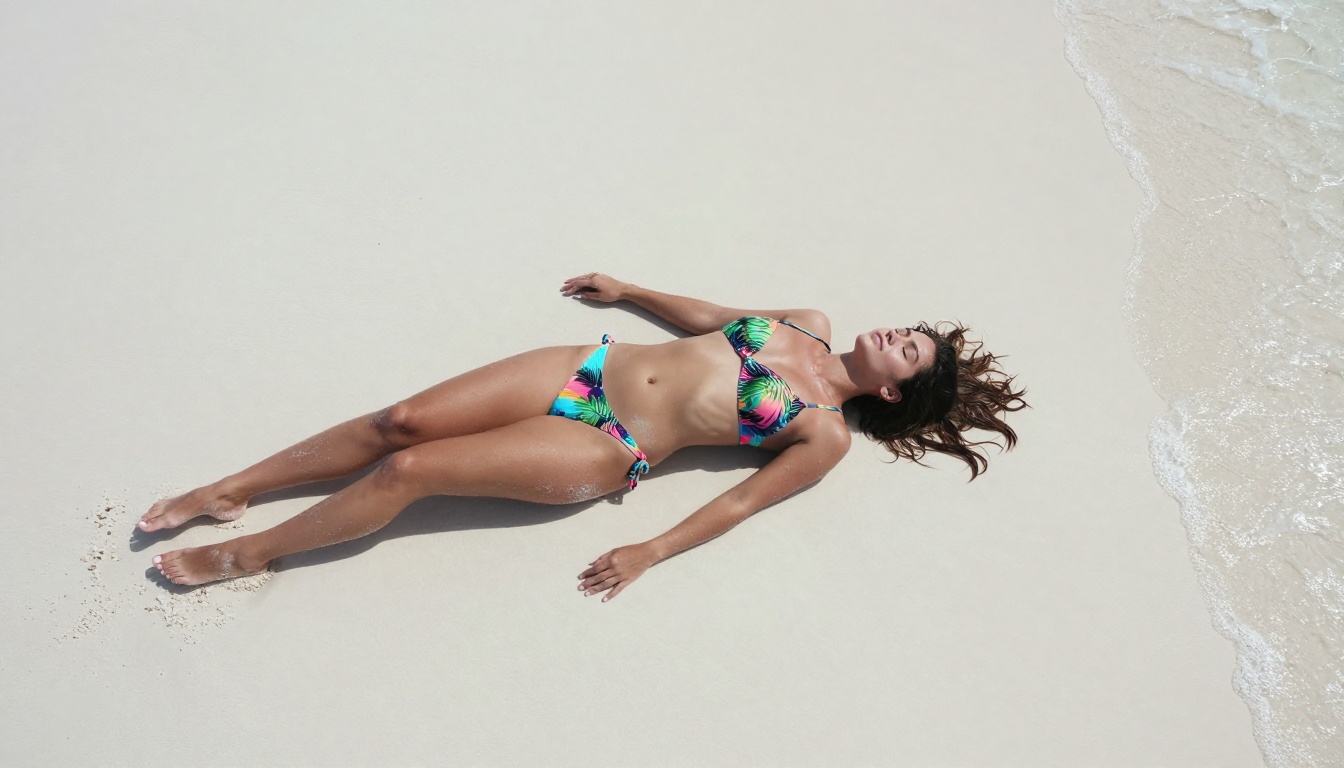
The distinction between "free with limits" and "free with unlimited access" matters significantly. Several platforms offer genuinely useful free access that doesn't function as a constant advertisement for their paid tier.
What You Actually Get Without Paying
| Platform Feature | Limited Free Tier | Unlimited Access |
|---|
| Daily image cap | 10 to 50 images | None |
| Watermarks | Often applied | Removed |
| Resolution | Reduced quality | Full 8K or 2K |
| Model access | Basic models only | All models |
| Commercial rights | Restricted | Included |
The gap between limited and unlimited access is most visible in commercial rights and watermark policies. Even when generation count is technically uncapped on some platforms, invisible restrictions on output quality or commercial use make the unlimited claim hollow.
Where Watermarks Still Appear
Watermarks are the most common remaining limitation on free unlimited tiers. Even when generation count is uncapped, watermarks make output unusable for professional work. The solution is straightforward: choose platforms that separate watermarks from generation count entirely, or offer watermark-free output as a baseline feature rather than an upgrade.
💡 Some platforms apply invisible metadata watermarks even when no visible watermark appears on the image. If provenance documentation matters for your use case, check the platform's specific policy on embedded metadata before building a workflow around it.
How to Pick the Right Model for Your Output
Having access to dozens of models is only useful if you know which one serves your specific goal. The wrong model for the job will produce mediocre results no matter how many times you run it.
Photorealism vs Stylized Output
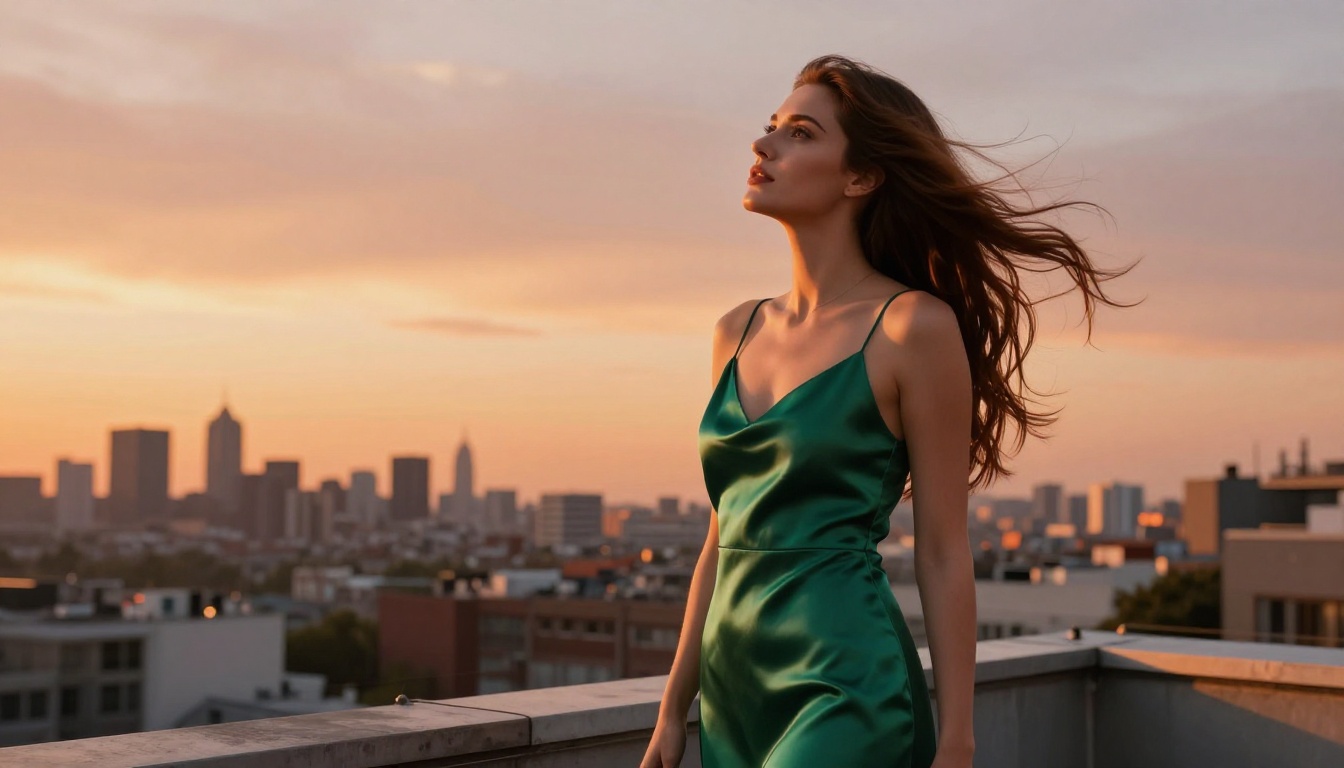
Models designed for photorealism, like P Image and Hunyuan Image 2.1, prioritize accurate skin texture, natural lighting physics, and realistic spatial depth. These are the right tools for portraits, lifestyle photography, product shoots, and editorial content.
Stylized models intentionally break from photorealism toward painterly, cinematic, or illustrated aesthetics. These serve genuinely different creative purposes and shouldn't be evaluated on photorealism metrics. Using the wrong evaluation framework leads to poor model selection regardless of generation count.
If your goal is images that pass as genuine photography, stay in the photorealism lane. FLUX 2 Klein 9B Base LoRA offers additional style control through LoRA weights, letting you push the aesthetic in specific directions while maintaining realistic foundations from the base model.
Speed vs Quality Tradeoffs
This is the most consistent tension in AI image generation. Faster models generate in seconds rather than minutes, which matters enormously for unlimited workflows where you are iterating quickly. The tradeoff is typically fine detail quality: faster models often cut corners on hair strands, fabric weave texture, and subtle lighting nuance that makes photorealistic images convincing.
For exploratory work where you are testing compositions and concepts, a faster model makes practical sense. Once you have settled on a direction, switch to the highest quality model available for your final generations. The two-stage approach gets you the speed benefits of fast models without sacrificing output quality on your final deliverables.
What Separates Strong Prompts From Weak Ones
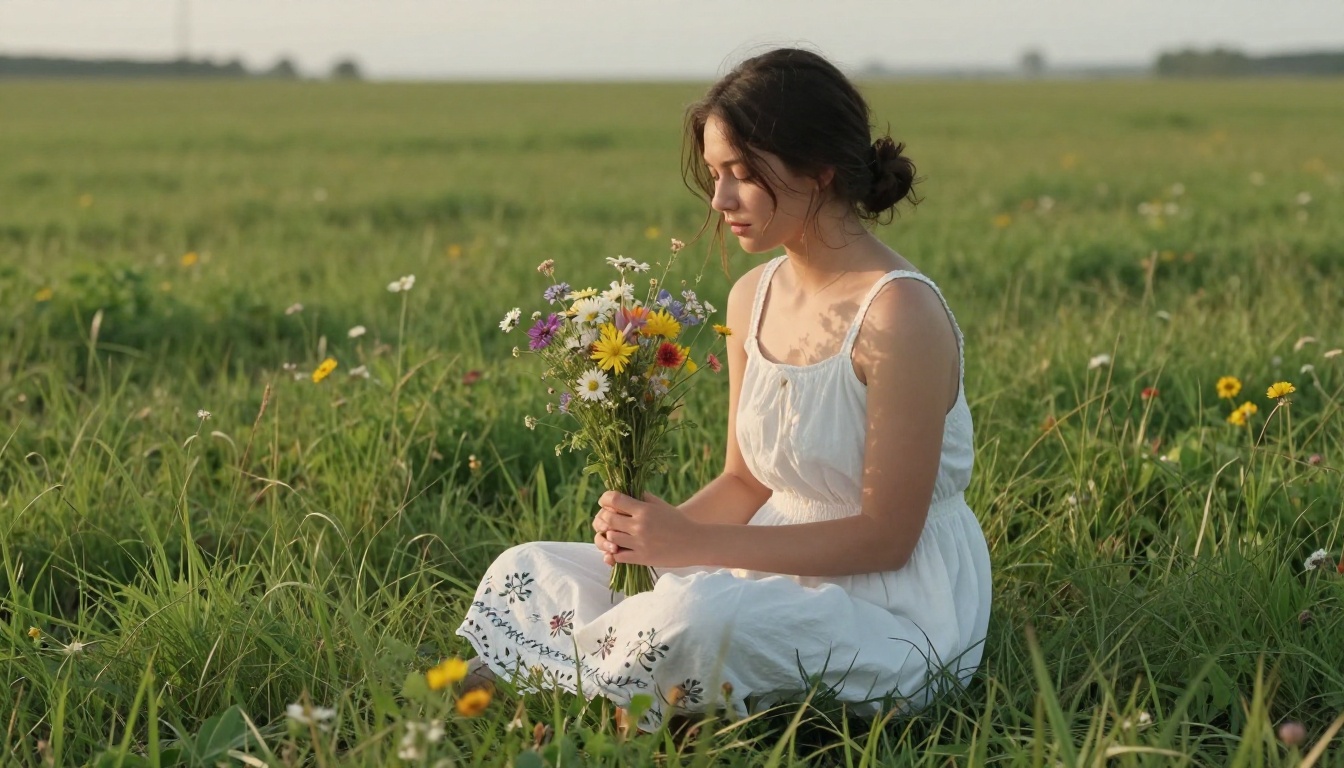
Unlimited generation is most valuable when paired with strong prompting skills. The tools that let you generate freely reward users who know how to direct them precisely. Vague prompts produce vague results at any volume.
Prompt Structure That Consistently Works
Strong photorealistic prompts share a consistent architecture: Subject with specific physical characteristics, followed by environment and contextual setting, followed by precise lighting conditions, followed by technical camera specifications.
A weak prompt: "beautiful woman on a beach"
A strong prompt: "Close portrait of a woman in her late 20s, dark wavy hair, sun-worn skin texture, wearing a white linen shirt, standing on a rocky shoreline at golden hour, warm directional light from the left creating soft shadows across her collar, 85mm f/1.8 lens, Kodak Portra 400, photorealistic 8K RAW"
The difference in output quality between these two approaches is not subtle. With unlimited generation, you can afford to develop strong prompt templates and refine them across dozens of iterations until the template reliably produces the output character you are after.
Camera and Film Details Are Not Decorative
Camera and film stock details communicate fundamental visual choices directly to the model. They are not style tags or decorative prompt elements:
- Lens focal length (35mm, 85mm, 135mm) determines image compression and background separation
- Aperture value (f/1.4 to f/8.0) controls depth of field character and bokeh quality
- Film stock (Portra 400, Ektar 100, Velvia 50) affects overall color science and grain pattern
Models trained on large photographic datasets respond directly to these technical specifications. Including them consistently produces images that read as genuine photography rather than AI output.
Use Cases Where Unlimited Generation Changes the Work
Some creative workflows are fundamentally transformed when you remove the generation cap. These are the situations where unlimited access shifts from a nice feature to an operational necessity.
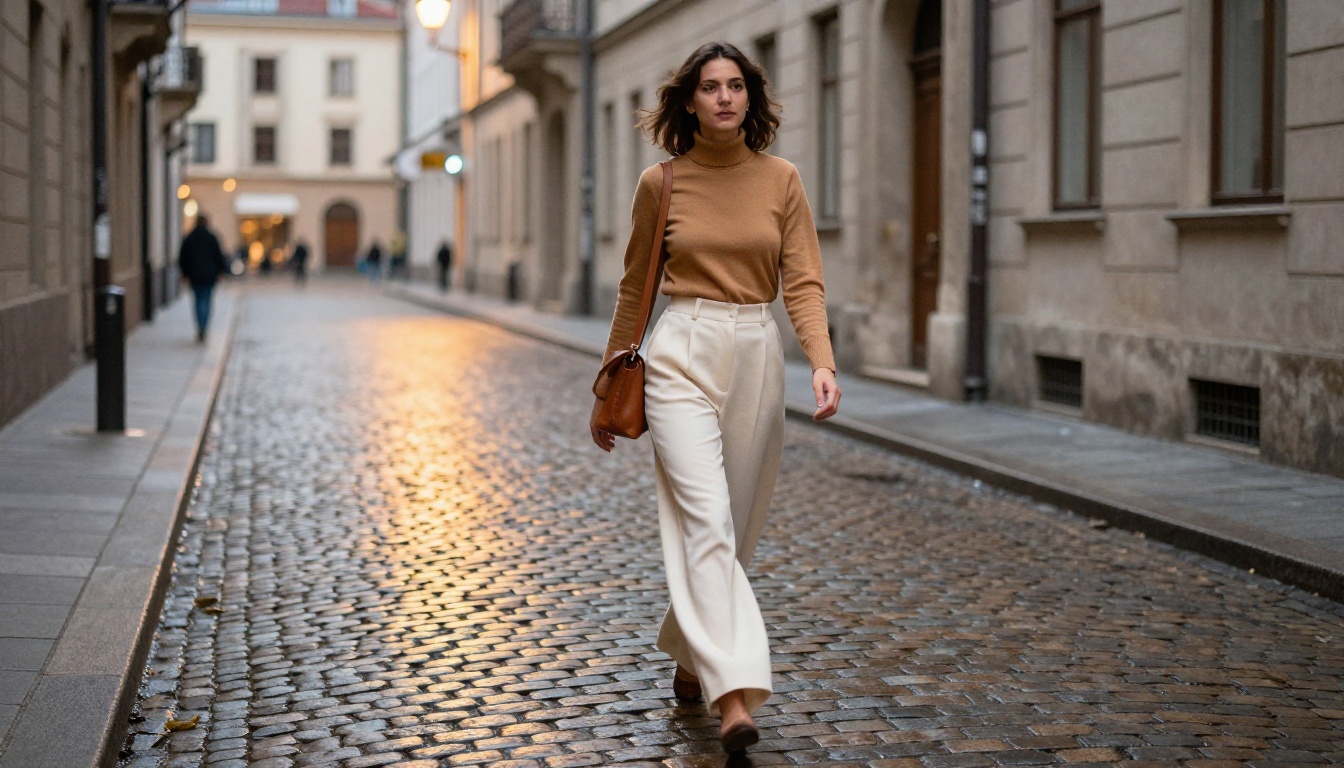
Portrait and Beauty Content at Scale
Portrait photography is an iterative medium. Professional photographers shoot hundreds of frames to find the ten they use. The same logic applies directly to AI portrait generation. Lighting angle, expression nuance, hair placement, and background composition all interact in ways that are genuinely difficult to predict from the prompt text alone.
With Qwen Image Edit Plus, you can not only generate unlimited portraits but also edit specific elements of generated images without regenerating the entire composition. Change the background without touching the subject. Adjust clothing details without re-generating the face. This edit-in-place capability paired with unlimited access is a powerful combination for portrait-focused workflows.
Fashion and Lifestyle Visual Production
Fashion content demands volume and variety. A single product might need to be shown in multiple contexts, on different subjects, in different settings, and across different lighting conditions. Generating this content with a cap-based tool is expensive and creates artificial bottlenecks in the production timeline. Unlimited generation makes it economical to produce the full range of visual content a fashion brand actually needs for a single campaign, let alone an ongoing content calendar.

Social Media Content Pipelines
Content calendars demand sustained volume. A social media team producing daily content across multiple channels needs hundreds of images per month. The economics of AI image generation only work at scale when you are not paying per-image or burning through monthly credits within the first week. Unlimited generation at platform-level quality is what makes AI image tools genuinely useful for content pipelines rather than occasional one-off creative projects.
💡 Batch your generation sessions by theme or prompt template. Generate 20 to 30 variations of similar concepts in one session, then curate the best from that batch. This approach is far more efficient than single-image generation and makes better use of the iterative momentum that builds within a focused session.
How to Use P Image on PicassoIA
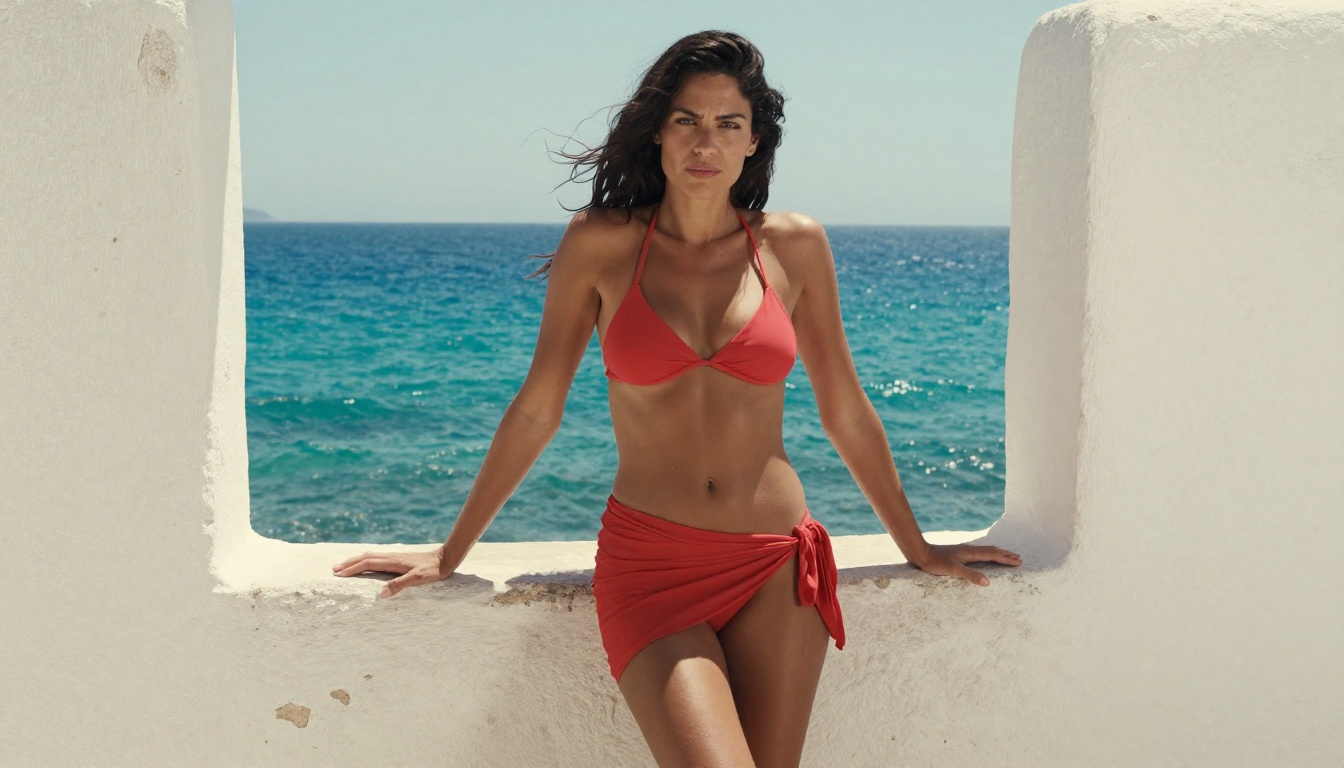
P Image is PicassoIA's core photorealistic image generation model and one of the strongest performers for portrait, fashion, and lifestyle content. Here is how to get the most out of it.
Step 1: Access the Model
Navigate directly to P Image on PicassoIA. The generation interface loads with a prompt field and a settings panel on the right side. No account setup or credit purchase is required to start generating.
Step 2: Set Aspect Ratio Before Prompting
For most web and social content, 16:9 is the standard working ratio. For portrait-oriented content like Instagram Stories or mobile wallpapers, switch to 9:16. Square 1:1 works for grid-based social layouts. Setting this before writing your prompt helps you frame the composition mentally as you describe it.
Step 3: Write a Structured Prompt
Use the four-part structure covered earlier. Subject, environment, lighting, camera details. For reliable photorealistic output with P Image, always include a specific camera lens, a named film stock, a directional lighting description, and "photorealistic 8K RAW" as a closing quality signal. These four elements consistently push P Image toward its highest quality outputs.
Step 4: Use Prompt Upsampling Selectively
P Image supports prompt upsampling, which uses a language model to expand and enrich your input before generation. For shorter conceptual prompts, enabling this can significantly improve output detail and specificity. For highly detailed technical prompts where exact phrasing matters, disable it to preserve your specific language.
Step 5: Iterate With Purpose
Generate your first image and evaluate it honestly. What works? What does not? Adjust the specific elements that are not landing rather than rewriting the entire prompt from scratch. Keep what works. Change one variable at a time. This targeted refinement process is where unlimited generation becomes genuinely valuable: you can afford to make small, precise adjustments across dozens of generations to find exactly the image you had in mind.
Comparing the Top Models Side by Side
None of these models is universally the right choice. The right model depends on what you are making, how fast you need it, and what resolution your final output requires. Having access to all of them without a cap means you can use each one at the right moment in your workflow rather than committing to a single model because you have already spent your credits.
Start Creating Without Restrictions
The best AI image work doesn't happen in a single generation. It happens through iteration, refinement, and the freedom to experiment without counting the cost of each attempt. Platforms that remove generation caps make that kind of creative process possible in a way that capped tools simply cannot match, regardless of how good their models are.
PicassoIA gives you access to all the models discussed in this article, including P Image, FLUX Redux Dev, GPT Image 2, and Hunyuan Image 2.1, in one place without requiring you to manage multiple accounts or platform subscriptions.
Open the P Image model and start with a single well-structured prompt. Generate 10 variations. Refine the elements that are not landing. Generate 10 more. The quality ceiling you hit through iteration is dramatically higher than what any single generation produces, and there is nothing stopping you from finding exactly how good these results can get.


