What Makes AI Mature Image Generation Different
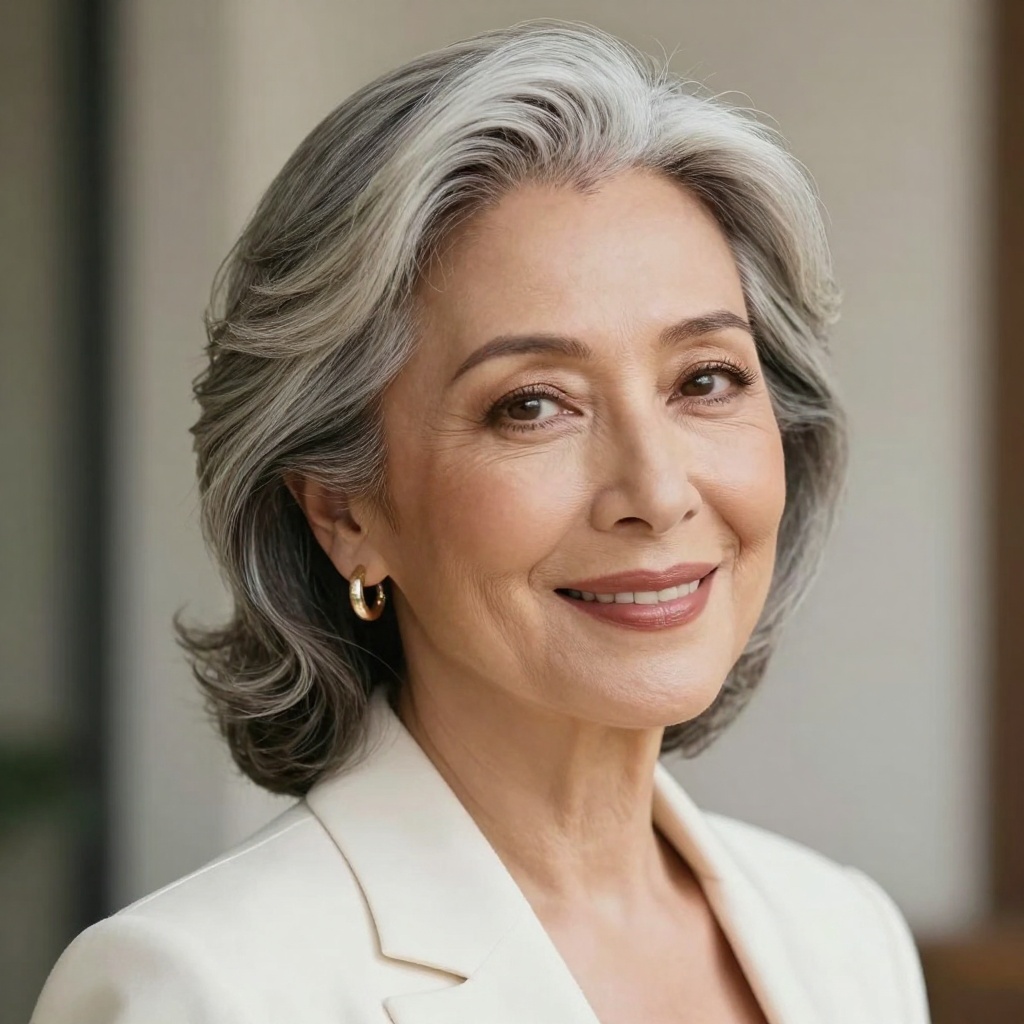
AI mature image generation focuses on creating realistic, dignified representations of adults in their 40s, 50s, 60s, and beyond. Unlike generic AI image generators, these tools excel at capturing natural aging features including skin texture, facial lines, silver hair, and the wisdom that comes with life experience.
The technology has evolved significantly. Modern AI models can now generate photorealistic portraits that showcase maturity with elegance and authenticity. These aren't generic stock photos or cartoon-style images. Instead, you get professional-quality visuals that respect the beauty and character of mature adults.

Why AI Generators Excel at Mature Content
Traditional photography can be expensive and time-consuming. Hiring professional models, photographers, and studio space adds up quickly. AI image generators solve this problem by delivering studio-quality results in seconds, not days.
Here's what makes AI particularly suited for mature image generation:
Realistic aging features - AI models trained on diverse datasets can render natural skin texture, facial structure changes, and age-appropriate styling without appearing artificial or overly retouched.
Professional quality - Generate 8k resolution images with cinematic lighting, proper composition, and photorealistic rendering that rivals professional photography sessions.
Creative flexibility - Test different poses, lighting scenarios, wardrobe choices, and environments instantly. You're not limited by what happens during a single photoshoot.
Cost efficiency - Create unlimited variations without additional model fees, studio rentals, or photographer costs.
Best AI Models for Mature Image Generation
Not all AI image generators handle mature content equally well. Some models excel at photorealism while others struggle with natural aging features. Based on testing and real-world usage, these are the top performers available on PicassoIA.
wan-2.2-image for Cinematic Realism
This model generates stunning 2-megapixel images in just 3-4 seconds. Perfect for creators who need photorealistic mature portraits with cinematic quality. The model handles skin texture, facial features, and professional styling exceptionally well.
Best for: Professional portraits, business imagery, editorial content, lifestyle photography
Key features: Multiple aspect ratios (1:1, 16:9, 9:16, 4:3, 3:4, 21:9), customizable output quality, fast generation speed
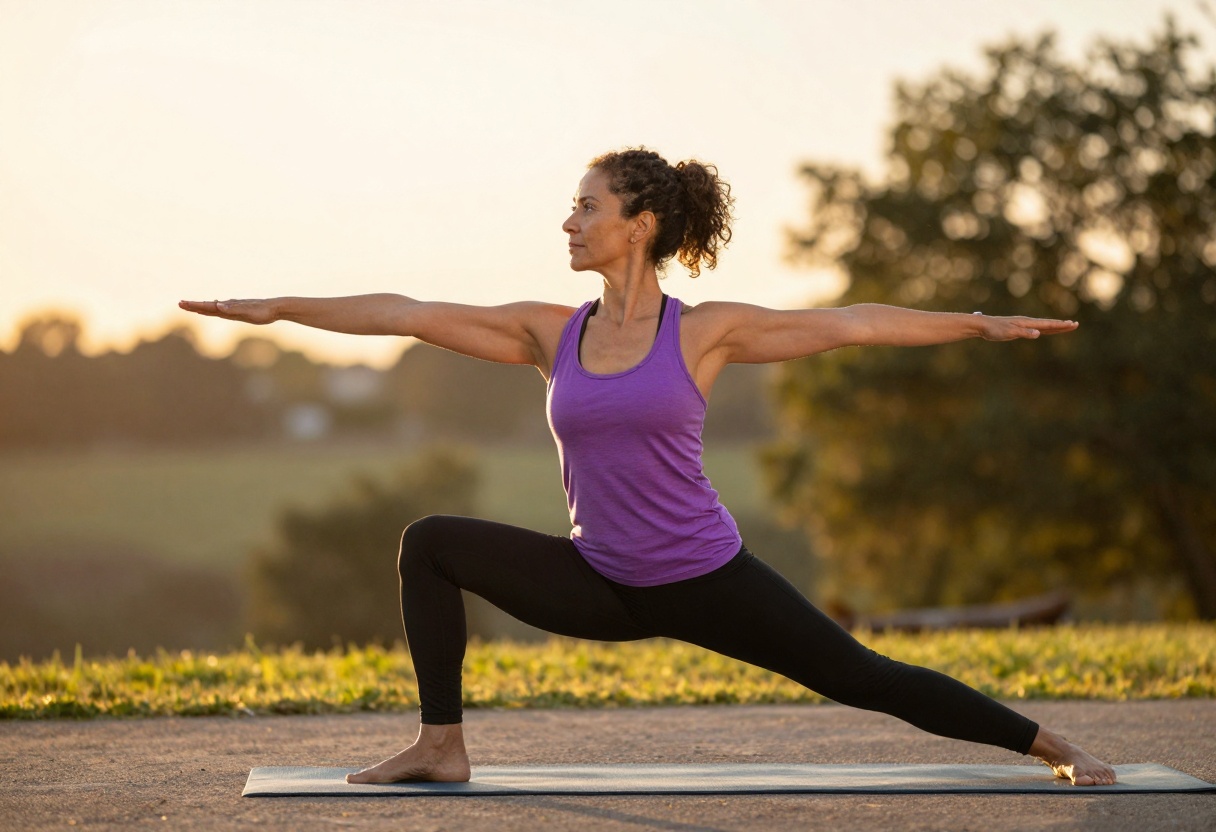
p-image-edit for Precise Editing
When you need to refine or modify mature portraits, p-image-edit delivers sub-second editing with professional results. This model excels at adjusting lighting, backgrounds, styling, and composition while maintaining photorealistic quality.
Best for: Photo retouching, background changes, style modifications, batch editing
Key features: Multi-image reference support, flexible aspect ratios, turbo mode for speed, reproducible results with seed control
Writing Effective Prompts
Prompt quality directly impacts your results. Generic prompts like "mature woman" produce mediocre outputs. Specific, detailed prompts generate professional imagery that meets your exact vision.
Anatomy of a Strong Prompt
A well-crafted prompt includes several key elements:
- Age range and characteristics - "Woman in her 50s with silver hair" or "Professional man in his 60s"
- Setting and context - "Modern office workspace" or "Outdoor garden environment"
- Lighting style - "Natural window light" or "Golden hour sunset"
- Mood and expression - "Confident and focused" or "Relaxed and joyful"
- Technical quality - "Photorealistic, 8k detail, cinematic composition"
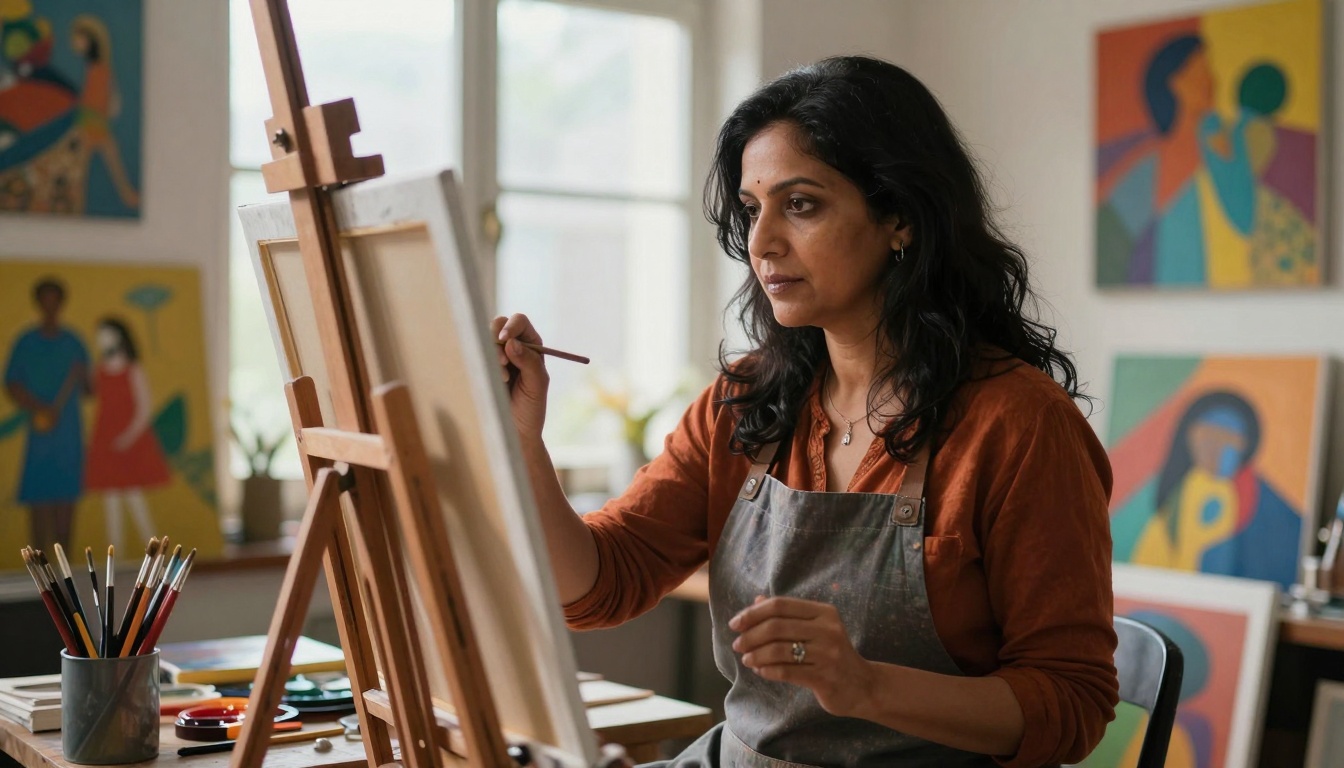
Examples of Strong vs Weak Prompts
Weak prompt: "Old person"
- Too vague, generic results, unclear intent
Strong prompt: "Sophisticated woman in her 60s, elegant portrait photography, natural beauty with silver hair, warm studio lighting, photorealistic 8k, confident expression"
- Specific age, clear style, defined lighting, quality markers
Weak prompt: "Business lady"
- Missing age context, no environment details, unclear styling
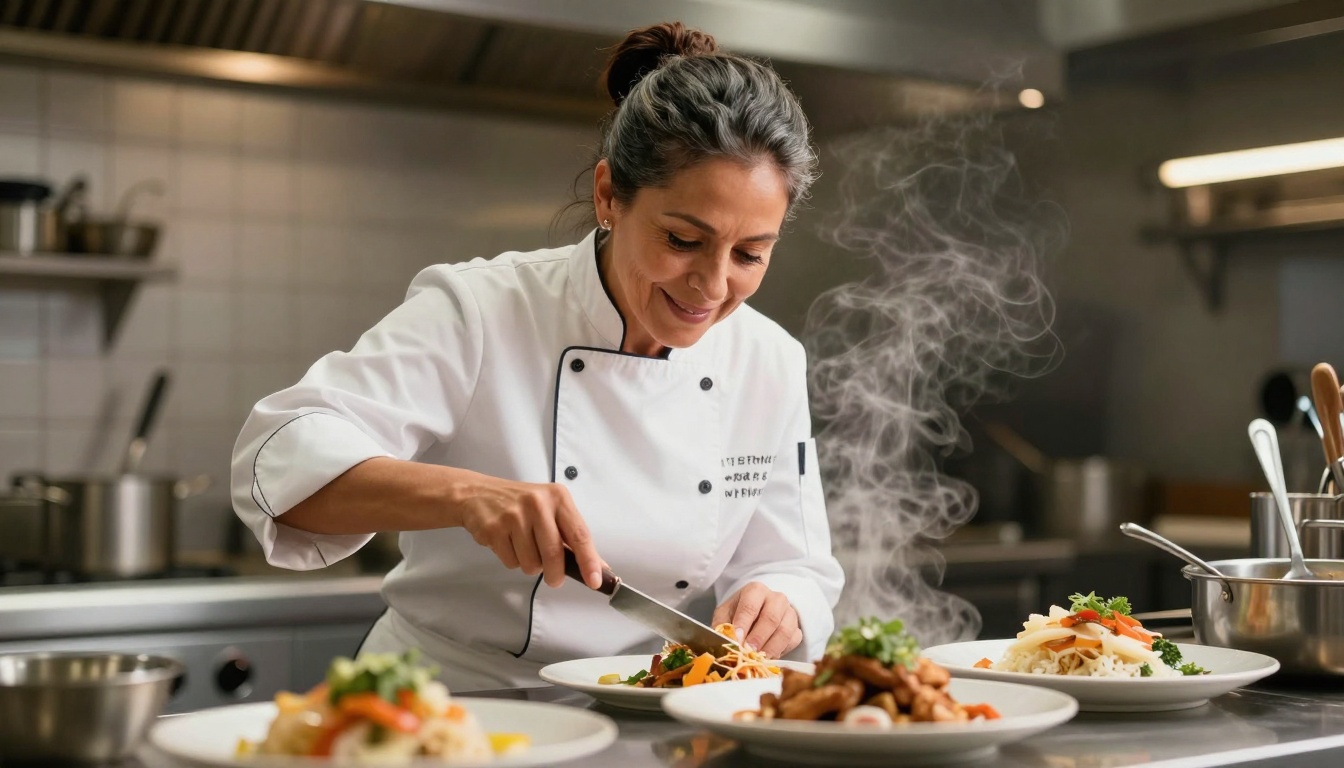
Strong prompt: "Professional businesswoman in her 50s, modern corporate office, working on laptop, natural daylight through windows, confident focused expression, photorealistic rendering, 8k detail, vibrant professional atmosphere"
- Complete scene, specific age, environmental context, mood definition
Common Use Cases
AI mature image generators serve diverse creative needs across industries and personal projects.
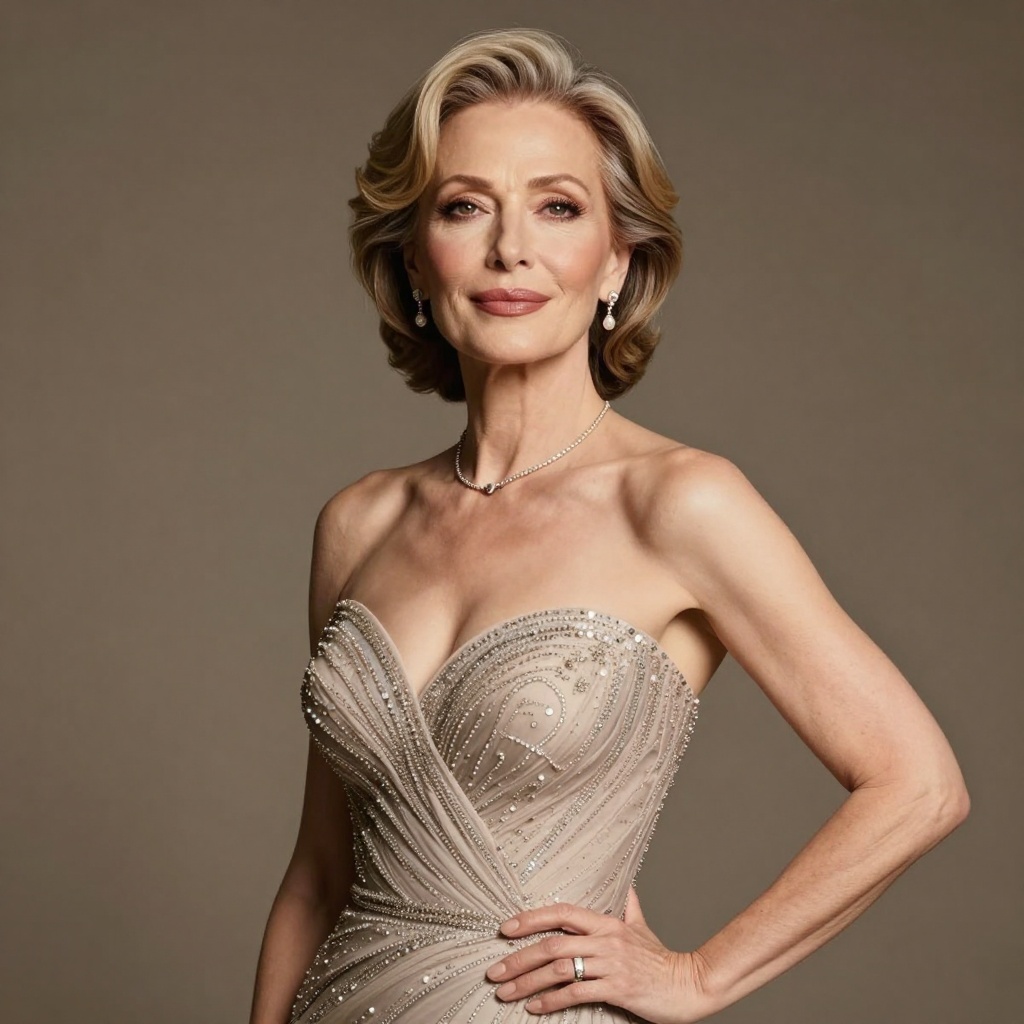
Professional and Commercial Applications
Marketing and advertising - Create diverse, age-inclusive campaigns that represent your actual customer demographics. Generate lifestyle imagery, product demonstrations, and testimonial portraits.
Healthcare and wellness - Develop educational materials, patient communication resources, and wellness content featuring age-appropriate representations.
Financial services - Generate imagery for retirement planning, investment services, and insurance products that resonate with mature audiences.
Corporate communications - Build professional headshots, team photos, and executive portraits without scheduling multiple photography sessions.

Creative and Personal Projects
Character design - Develop mature characters for novels, screenplays, games, or graphic novels with consistent, realistic appearances.
Art and illustration - Create reference images, moodboards, or final artwork featuring mature subjects with specific characteristics and styling.
Family projects - Generate conceptual portraits, gift ideas, or creative representations (always respecting privacy and ethical considerations).
Technical Considerations
Getting professional results requires understanding technical parameters and optimization strategies.
Resolution and Quality Settings
Most AI models offer quality controls:
Output resolution - Higher resolution (8k or 2 megapixels) provides more detail for professional use. Lower resolution works for social media or web thumbnails.
Compression settings - JPEG offers smaller files, PNG preserves maximum quality, WEBP balances both. Choose based on your delivery medium.
Quality slider - When available, set quality between 80-100 for professional work. Lower values reduce file size but compromise detail.
Aspect Ratios for Different Platforms
Choose aspect ratios based on where the image will be used:
- 1:1 (Square) - Social media posts, profile pictures, thumbnails
- 16:9 (Widescreen) - YouTube thumbnails, website banners, presentations
- 9:16 (Portrait) - Instagram Stories, mobile content, vertical displays
- 3:2 (Standard) - Traditional photography format, print media, editorial use
- 4:3 (Classic) - PowerPoint slides, older screen formats
Reproducibility with Seeds
Seed values allow you to recreate specific results. When you find a great generation, note the seed number. Using the same seed with identical prompts produces the same image, useful for creating variations or maintaining consistency across a series.
Ethical Considerations
AI image generation comes with responsibilities, particularly when creating realistic human representations.
Respect and Dignity
Mature adults deserve respectful, dignified portrayals. Avoid stereotypes, caricatures, or representations that diminish the subject's humanity. Focus on authentic beauty, wisdom, and character that comes with age.
Privacy and Consent
Never create AI images intended to impersonate real individuals without explicit permission. While AI can generate realistic portraits, using them to deceive or misrepresent someone violates ethical boundaries and may have legal consequences.
Transparency in Usage
When publishing AI-generated images professionally, consider disclosing that they're AI-created. This maintains trust with your audience and follows emerging best practices in digital media.

Getting Started on PicassoIA
PicassoIA offers several powerful models for mature image generation, all accessible through an intuitive web interface. No coding required, no complex setup.
Step-by-Step Tutorial: wan-2.2-image
This model delivers photorealistic mature portraits with cinematic quality in seconds. Here's how to use it:
Step 1: Navigate to the wan-2.2-image model page on PicassoIA.
Step 2: Write your prompt in the text field. Be specific about age, setting, lighting, and mood. For example:
"Professional woman in her 50s, elegant business attire, modern office workspace, natural daylight, confident expression, photorealistic 8k, cinematic lighting"
Step 3: Choose your aspect ratio based on intended use:
- Select 1:1 for social media squares
- Select 16:9 for widescreen presentations
- Select 9:16 for mobile vertical content
- Select 3:2 for traditional photography format
Step 4: Adjust quality settings:
- Megapixels: Keep at 2 for maximum detail
- Output format: JPG for web, PNG for maximum quality
- Output quality: Set 85-95 for professional results
Step 5: Optional advanced settings:
- Seed: Leave blank for random results, or enter a number to reproduce specific images
- Juiced mode: Enable for faster processing when quality isn't critical
Step 6: Click generate and wait 3-4 seconds for your result.
Step 7: Download your image and use it in your projects.
Troubleshooting Common Issues
Even experienced users encounter challenges. Here are solutions to frequent problems:
Issue: Results Look Too Young
Solution: Be explicit about age in your prompt. Use phrases like "woman in her 60s" or "man with silver hair and facial lines." Add descriptors like "mature," "elegant aging," or "natural wrinkles" to emphasize age-appropriate features.
Issue: Unrealistic Skin Texture
Solution: Include quality markers like "photorealistic," "natural skin texture," "realistic aging features," and "high detail 8k" in your prompts. Avoid terms like "flawless" or "perfect skin" which trigger excessive smoothing.
Issue: Awkward Poses or Expressions
Solution: Specify natural, relaxed poses. Instead of "standing," try "standing naturally with relaxed posture." For expressions, use "genuine smile," "thoughtful expression," or "confident demeanor" rather than generic terms.
Issue: Poor Lighting Quality
Solution: Always describe lighting in your prompt. "Natural window light," "golden hour sunset," "professional studio lighting," or "soft diffused lighting" all produce better results than leaving lighting unspecified.
Advanced Techniques
Once you've mastered basic generation, these advanced approaches unlock even better results.
Multi-Reference Generation
Some models like p-image-edit accept multiple reference images. You can combine:
- A pose reference (body position and angle)
- A lighting reference (the mood and illumination style)
- A styling reference (wardrobe and aesthetic)
The AI blends these influences to create something unique yet aligned with your vision.
Style Consistency
Creating a series of images with consistent style requires strategy:
- Generate your first image and note the seed number
- Use the same core prompt structure for subsequent images
- Vary only specific elements (pose, expression, background)
- Consider using the same aspect ratio throughout the series
Batch Processing
For large projects needing multiple images:
- Create 3-5 strong prompt templates
- Vary specific details within each template
- Generate in batches, reviewing and refining as you go
- Keep successful prompts and seeds documented
- Build a personal prompt library for future projects
Alternative Models Worth Trying
While wan-2.2-image and p-image-edit excel at mature content, other PicassoIA models offer unique capabilities:
flux-2-pro - Premium quality text-to-image generation with exceptional detail and composition control. Slightly slower than wan-2.2-image but produces stunning results.
nano-banana-pro - Advanced model with strong prompt interpretation. Particularly good at understanding complex scene descriptions and nuanced character details.
imagen-4 - Google's latest model offers photorealistic quality with excellent understanding of natural language prompts. Great for when you want to describe scenes conversationally.
Privacy and Commercial Rights
Understanding usage rights ensures you can use generated images confidently in your projects.
Who Owns AI-Generated Images?
On PicassoIA, you maintain full commercial rights to images you generate. You can use them in client work, publications, marketing materials, or any legal commercial application.
What About Privacy?
PicassoIA doesn't train models on user-generated content. Your prompts and generated images remain private. The platform uses established models trained on public datasets, not user submissions.
Commercial Use Guidelines
You can:
- Use images in client projects and charge for services
- Include images in products, marketing, and publications
- Modify and edit generated images freely
- Generate images for commercial purposes
You cannot:
- Create images that violate intellectual property rights
- Generate images intended to deceive or impersonate real individuals
- Use images in ways that would be illegal regardless of how they were created
The Future of Mature Image Generation
AI image technology continues evolving rapidly. Several trends are shaping the future:
Improved age accuracy - Models are getting better at rendering specific age ranges with appropriate features, skin texture, and natural characteristics.
Better diversity - Training data expansion means more authentic representation across ethnicities, body types, and cultural contexts.
Enhanced control - Newer models offer fine-grained control over specific features while maintaining overall photorealism.
Video capabilities - Image-to-video models can now animate still portraits, adding natural movement, blinking, and subtle expressions.
Ethical frameworks - Industry standards are emerging around responsible AI image generation, particularly for realistic human representations.
Conclusion
AI mature image generators have reached a point where they produce professional-quality, photorealistic results that rival traditional photography. Tools like wan-2.2-image and p-image-edit on PicassoIA make sophisticated portrait generation accessible to creators at every skill level.
The key to success lies in understanding prompt engineering, choosing appropriate technical settings, and maintaining ethical standards. Whether you're creating marketing materials, developing characters, or building visual content, these tools offer unprecedented creative freedom.
Start with clear, specific prompts. Experiment with different models and settings. Pay attention to what works and build on those successes. Most importantly, approach mature image generation with respect and authenticity, creating representations that honor the dignity and beauty of adults at every age.
The technology is here. The tools are accessible. All that's left is your creativity and vision.
Ready to create your own mature AI portraits? Visit PicassoIA and start generating photorealistic images in seconds.


