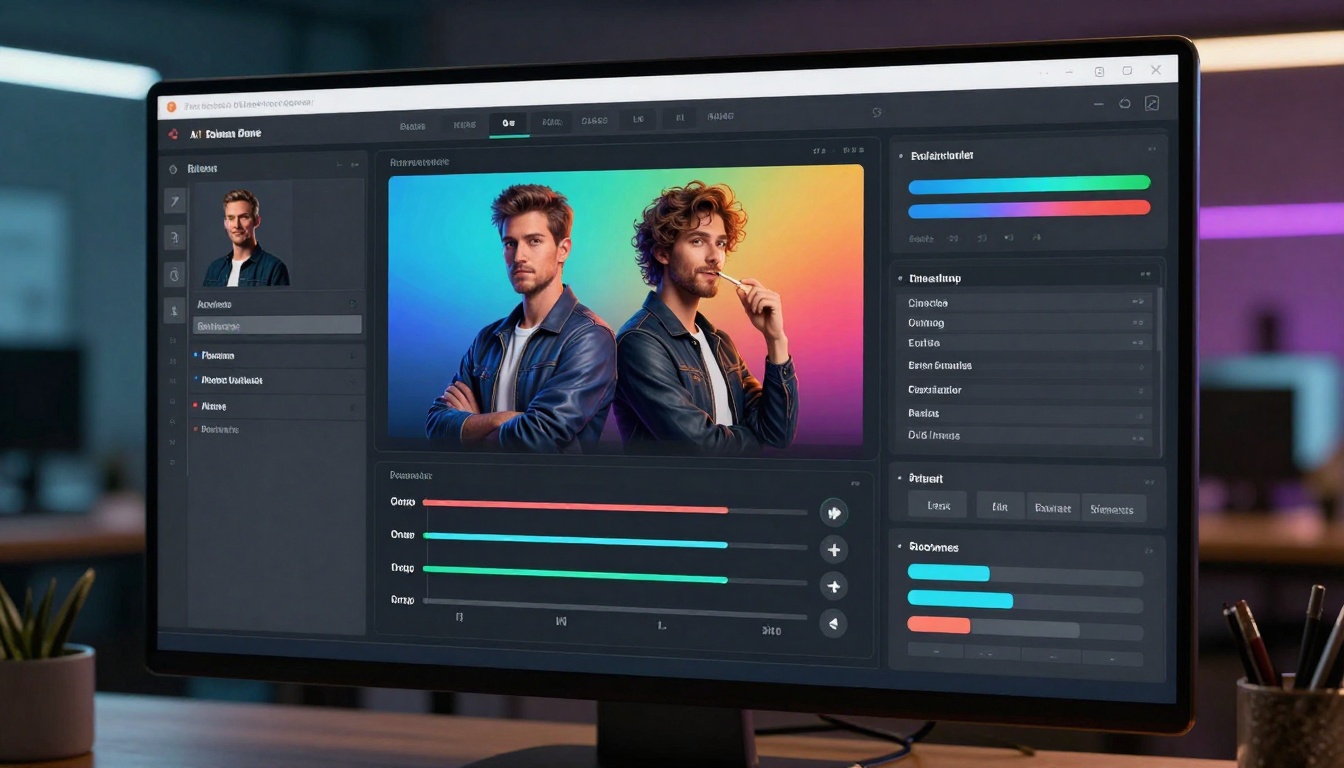
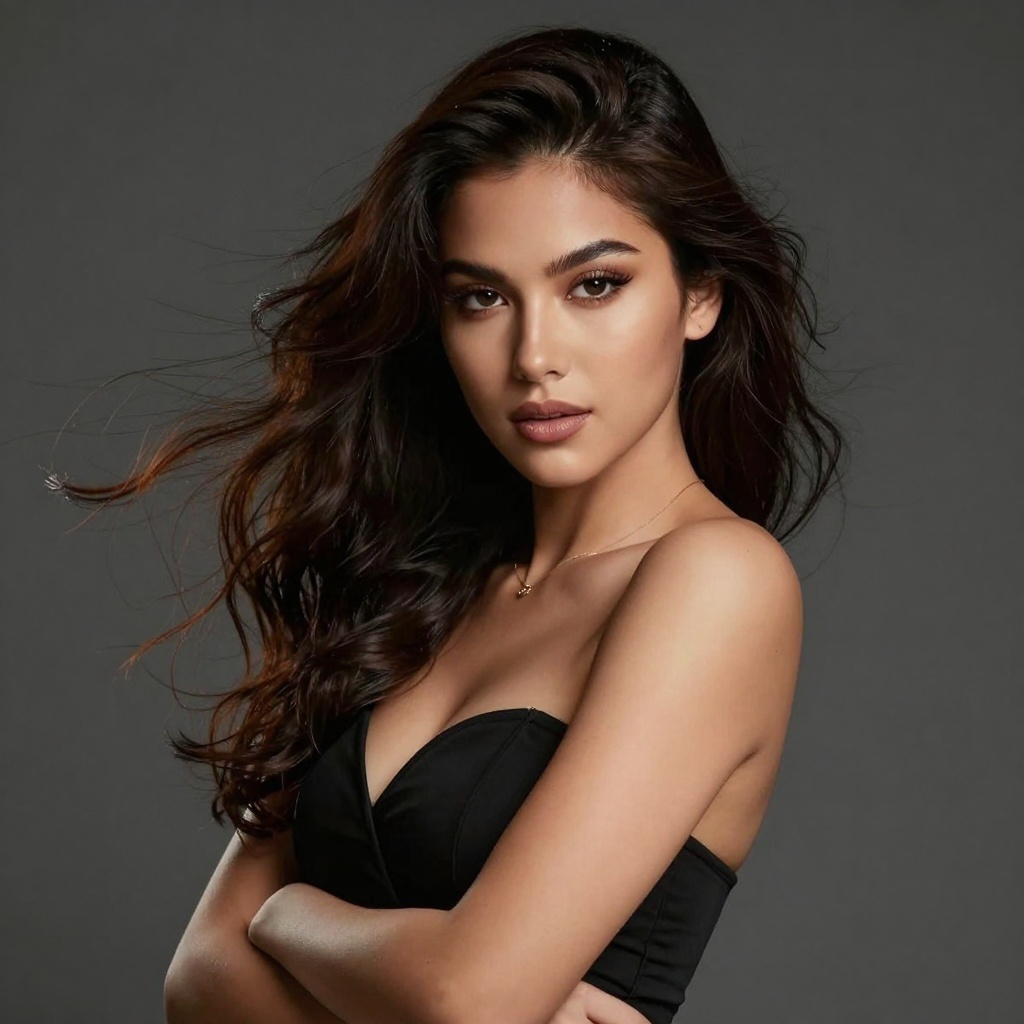
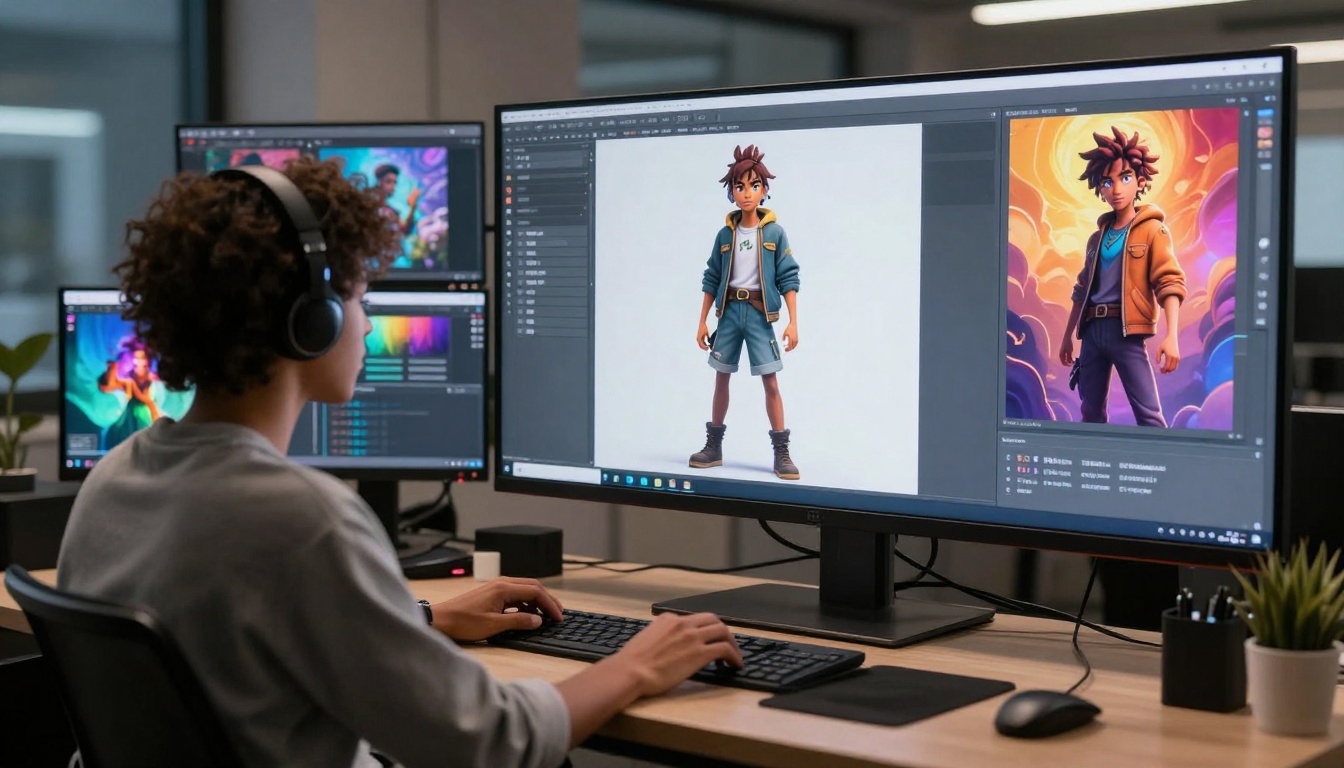
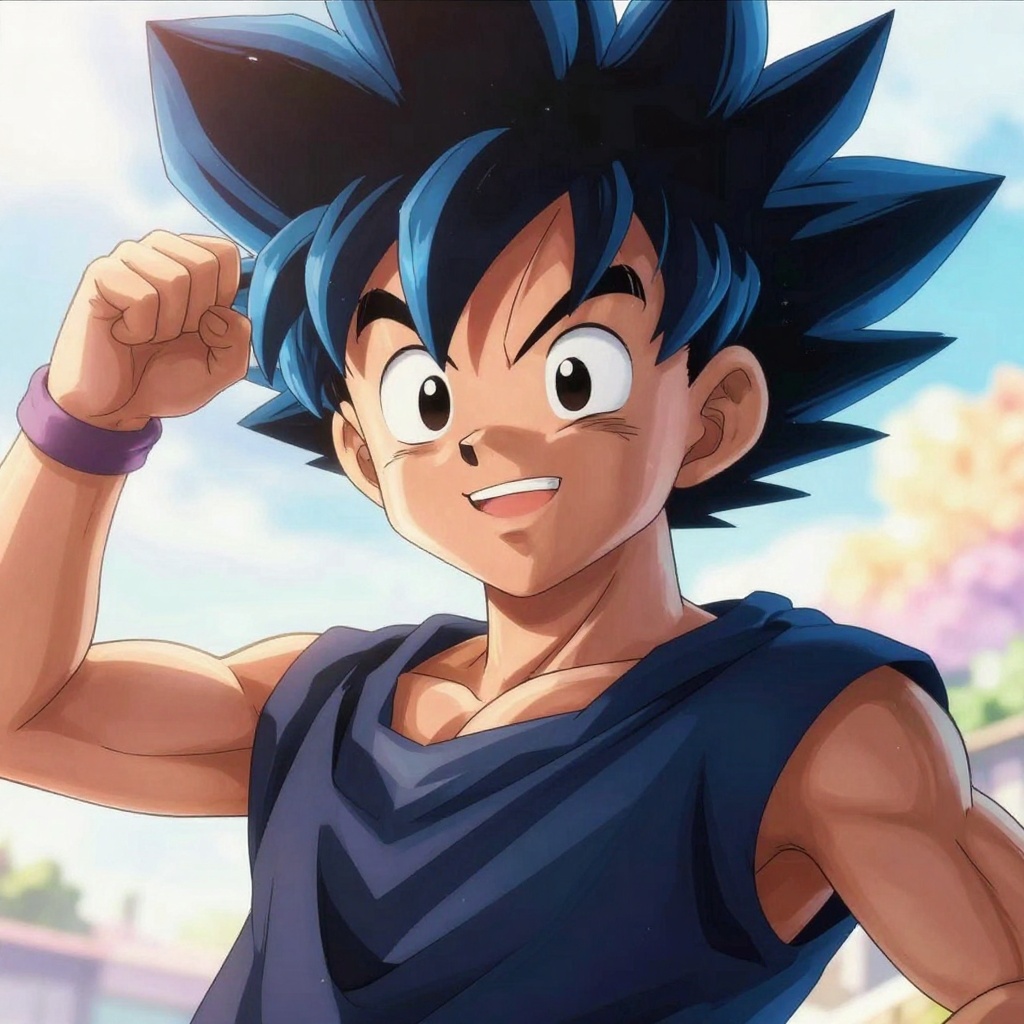
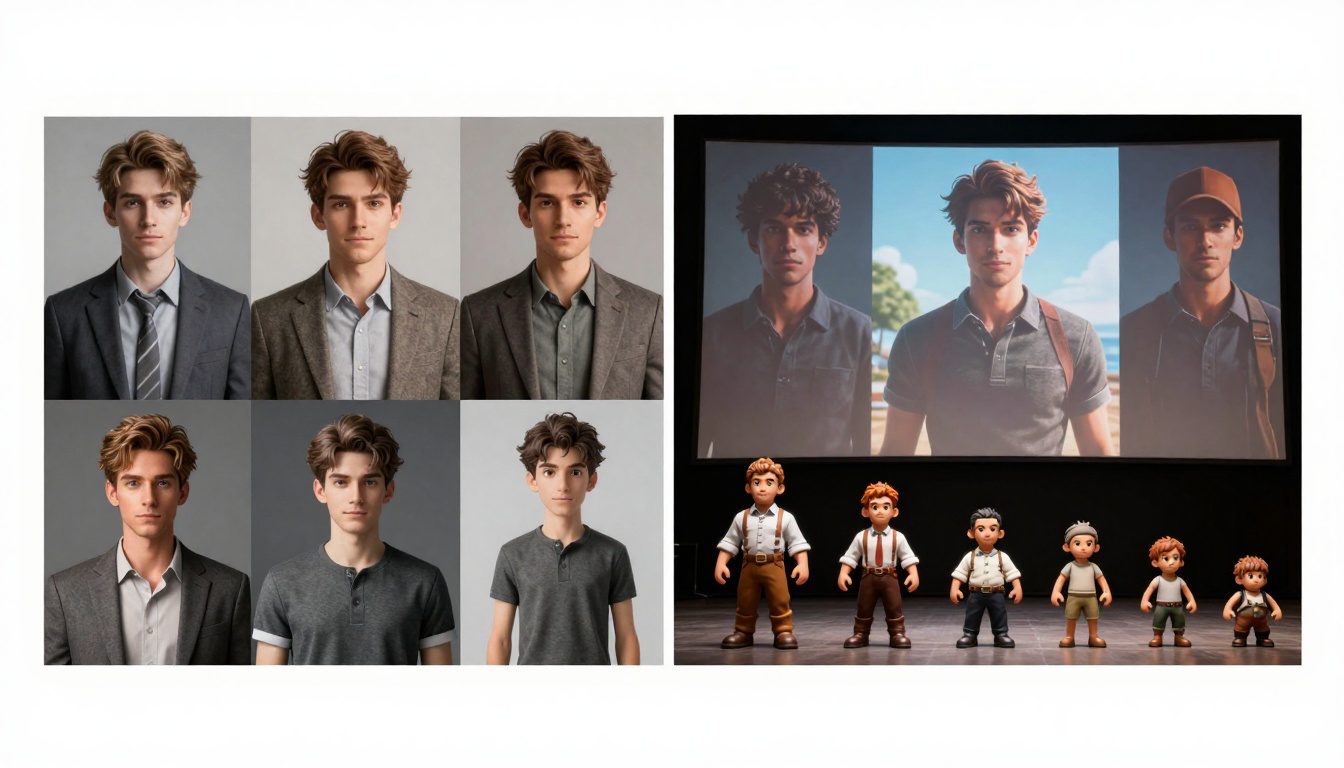
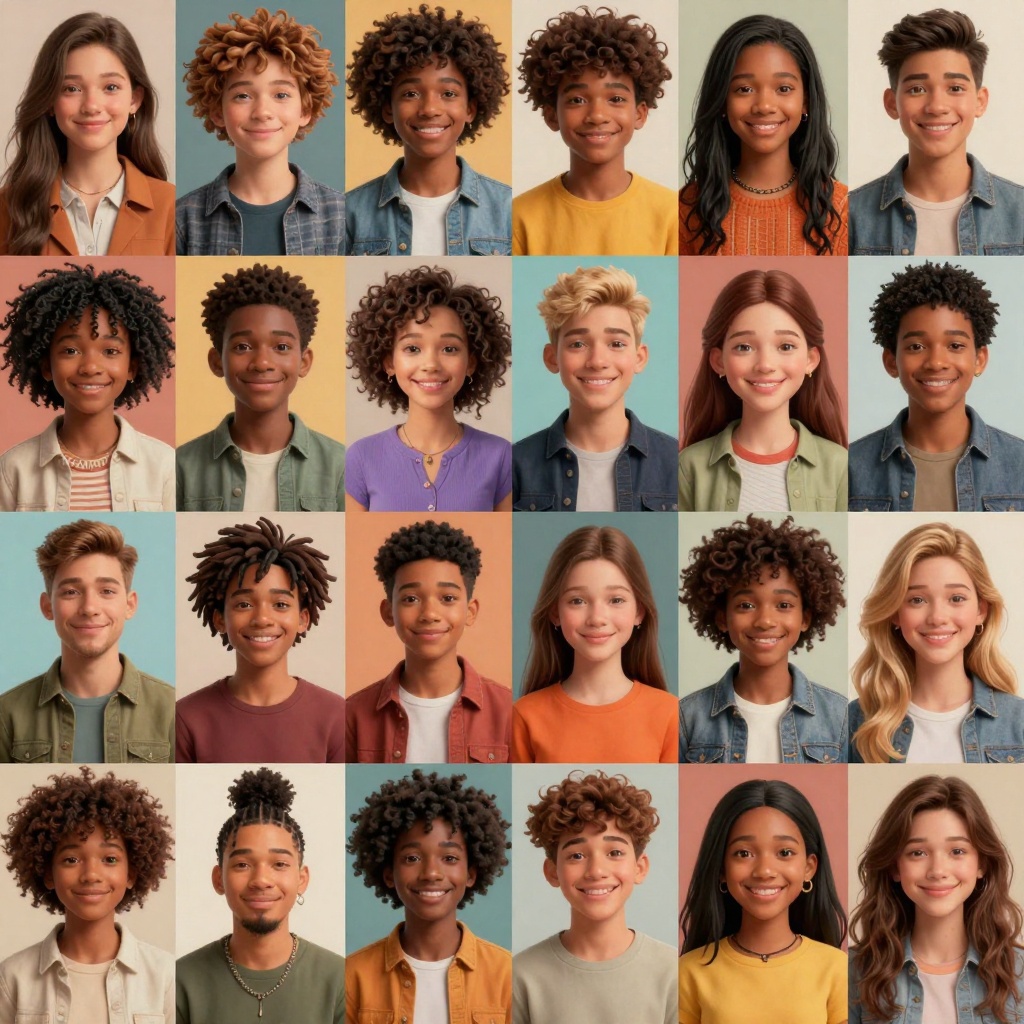
AI character creators are changing how artists, designers, and content creators bring their visions to life. With text-to-image models that support adult content, you can design fully customized characters in seconds, from realistic portraits to anime-style illustrations. This article shows you how to use AI tools on PicassoIA to create professional-quality NSFW character art without restrictions.
AI character creation has evolved dramatically. What used to require hours of manual illustration can now be done in seconds using AI image generators. For creators who need unrestricted tools that support adult content, platforms like PicassoIA offer powerful open-source models that deliver professional results without censorship.
Whether you're designing characters for games, visual novels, digital art projects, or personal creative work, AI character creators give you precise control over every detail. This article walks you through the process of creating NSFW characters using AI, from writing effective prompts to choosing the right models for your needs.
What Makes AI Character Creators Powerful
AI character generators use sophisticated neural networks trained on millions of images to understand how to translate text descriptions into visual content. Unlike traditional illustration methods, these tools can:
Generate characters in seconds rather than hours
Create consistent character designs across multiple images
Support various artistic styles from photorealistic to anime
Allow detailed customization through text prompts
Produce high-resolution outputs suitable for professional use
The real advantage comes from flexibility. You can describe exactly what you want in natural language, and the AI interprets your vision into a visual form. This makes character creation accessible to people without traditional art skills.
Understanding Text-to-Image Generation
Text-to-image AI models work by learning patterns from vast datasets of images and their descriptions. When you provide a prompt, the model generates an image that matches your description based on what it learned during training.
The quality of your results depends heavily on how you write your prompts. Effective prompts include:
Subject description: Who or what is in the image
Physical details: Hair color, body type, facial features, clothing
Pose and expression: Standing, sitting, confident, playful
For example, instead of writing "a woman," you might write: "beautiful woman with long black hair and blue eyes, confident expression, elegant pose, professional portrait photography, soft cinematic lighting, 8k high detail."
Choosing Your Art Style
Different AI models excel at different artistic styles. Here are the main categories:
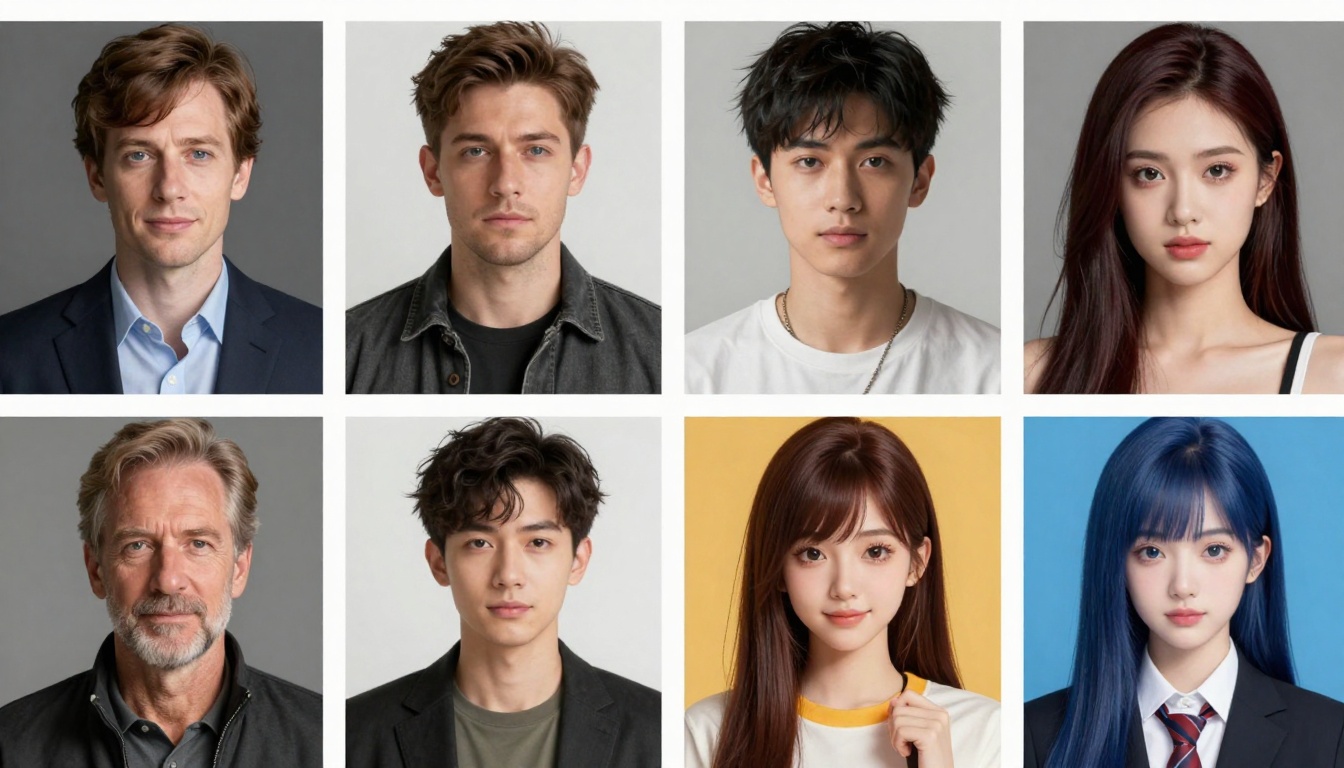
Realistic/Photorealistic
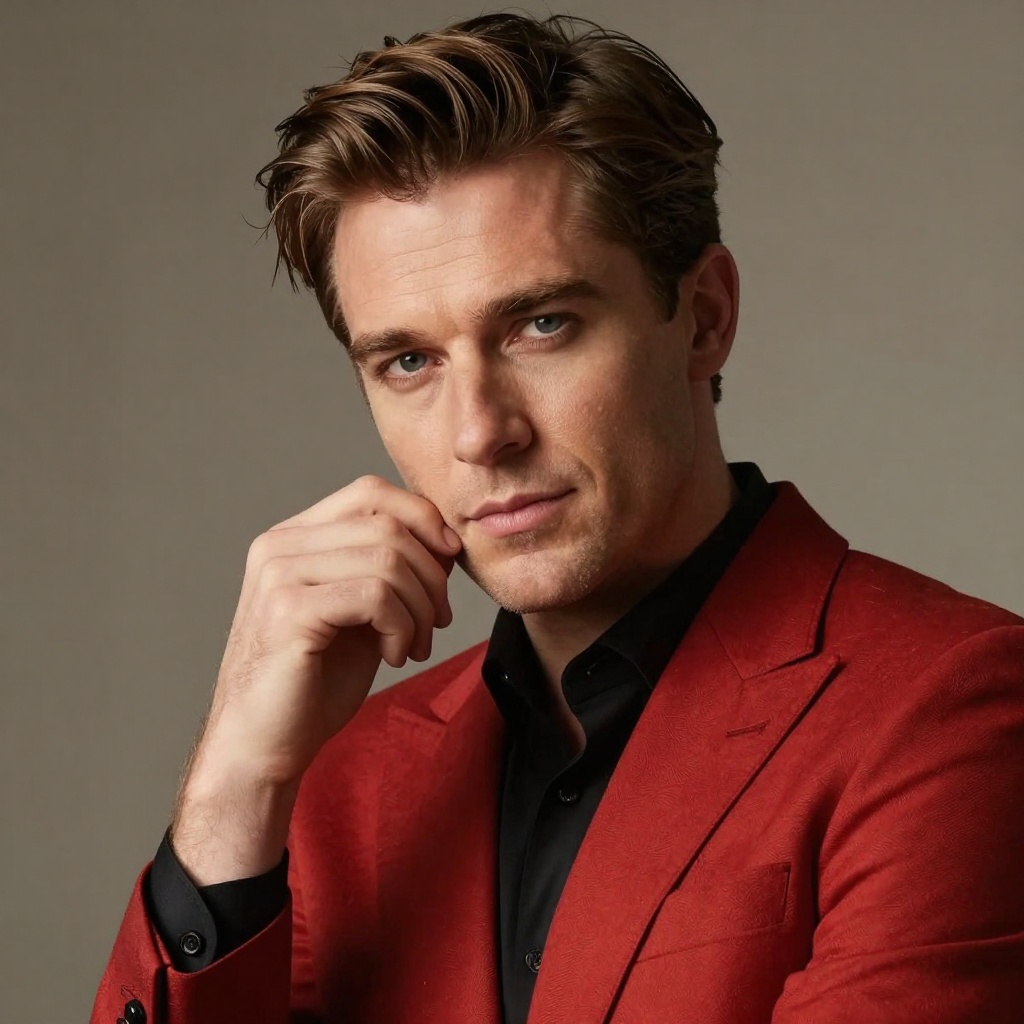
Models trained on photographs produce characters that look like real people. These are ideal for:
Realistic character portraits
Concept art for games or films
Virtual influencer content
High-fidelity visual projects
Anime/Manga
Anime-specialized models create characters with characteristic features like large eyes, stylized proportions, and vibrant colors. Perfect for:
Visual novel characters
Anime-style game assets
Fan art and original characters
Manga-style illustrations
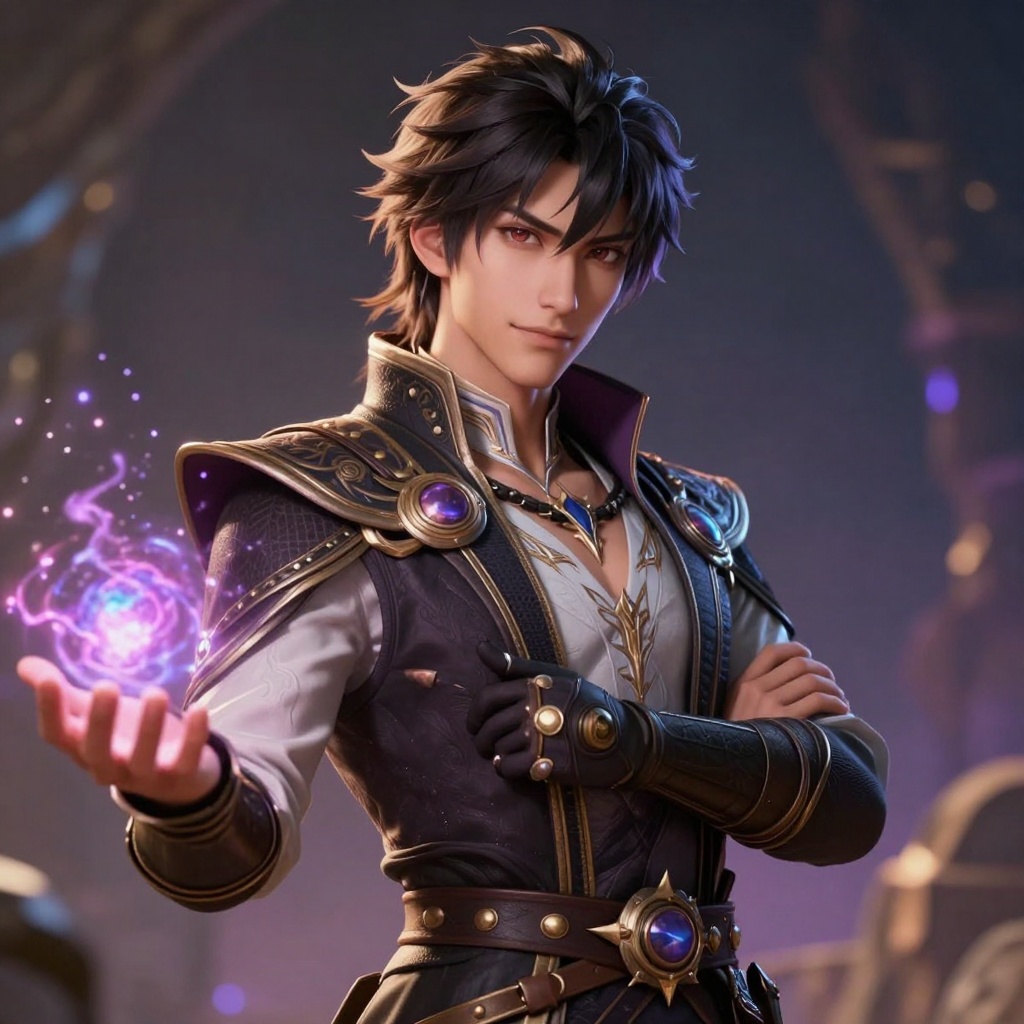
Artistic/Painterly
Some models produce results that look like traditional paintings or digital art. These work well for:
Fantasy character designs
Artistic portfolios
Creative concept exploration
Stylized character interpretations
Writing Effective Character Prompts
The secret to getting exactly what you want is prompt engineering. Here's a framework for writing character prompts:
Basic Structure
Start with the fundamentals, then add details:
[Subject] with [physical features], [expression/pose], [style], [technical quality]
Adding Detail
Layer in specific characteristics:
Hair: length, color, texture, style
Eyes: color, shape, expression
Body: type, proportions, pose
Clothing: style, colors, materials, fit
Setting: background, environment, context
Quality Modifiers
Include these to improve output quality:
"high detail"
"8k resolution"
"professional photography"
"cinematic lighting"
"photorealistic"
"vibrant colors"
💡 Pro tip: The order of terms in your prompt can affect the results. Put the most important details first.
Character Customization Options
Modern AI character creators offer extensive customization:
When creating adult content with AI, keep these guidelines in mind:
Ethical Considerations
Only create original characters you design yourself
Respect community guidelines on sharing NSFW content
Use appropriate content warnings when sharing
Keep generated content private if it's for personal use
Technical Quality
Use high-resolution settings for professional results
Generate multiple variations to find the best output
Save your prompt templates for consistent character designs
Experiment with different models to find your preferred style
Iteration and Refinement
The first generation is rarely perfect. Successful character creation involves:
Starting with a basic prompt
Reviewing the initial results
Identifying what needs adjustment
Refining your prompt with specific changes
Generating new versions until satisfied
You might need 3-5 iterations to get exactly what you want. This is normal and expected.
Popular Use Cases
AI character creators serve many purposes:
Digital Art and Portfolios
Artists use these tools for:
Quick concept sketches and moodboards
Character design exploration
Reference images for manual illustration
Portfolio pieces and artwork collections
Content Creation
Creators leverage AI for:
Social media content and avatars
Custom character designs for stories
Visual assets for videos and streams
Unique profile pictures and branding
Game Development
Game creators benefit from:
NPC character concepts
Player avatar options
Visual novel sprites
Marketing materials and promotional art
Personal Projects
Individuals create characters for:
Roleplay scenarios and storytelling
Personal art collections
Custom wallpapers and backgrounds
Creative expression and exploration
Common Challenges and Solutions
Challenge: Generic or Bland Results
Solution: Add specific, unique details to your prompts. Instead of "beautiful woman," try "woman with emerald green eyes, silver hair in loose waves, playful smile, wearing elegant evening dress."
Challenge: Inconsistent Character Features
Solution: Save your exact prompts and reuse them with the same seed values for consistency. Some models allow you to lock certain features across generations.
Challenge: Unwanted Elements in Output
Solution: Use negative prompts if the model supports them, or add "without X" specifications to your prompt.
Challenge: Low Quality or Blurry Images
Solution: Always include quality modifiers like "8k," "high detail," "professional," and "photorealistic" in your prompts.
PicassoIA Models for NSFW Character Creation
PicassoIA offers several powerful open-source models that support unrestricted adult content generation:
Recommended Models
Model
Type
Best For
p-image-edit
Edit Images
Transforming and refining character images with text prompts
wan-2.2-image
Text-to-Image
Generating realistic, cinematic character portraits
These models provide:
No content restrictions for adult character creation
Fast generation times (1-4 seconds)
High-resolution outputs
Full creative control
Professional-quality results
Creating NSFW Characters on PicassoIA with p-image-edit
The p-image-edit model is perfect for character creation because it combines speed with precision. You can generate and edit character images in under a second while maintaining full control over the output.
Features
Sub-second image generation and editing
Support for multiple reference images
Flexible aspect ratio options (1:1, 16:9, 9:16, etc.)
In the prompt field, describe your character in detail. For example:
Beautiful woman with long flowing red hair, confident expression,
elegant pose, detailed facial features, professional portrait photography,
cinematic lighting, 8k high detail, vibrant colors
Step 3: Upload Reference Images (Optional)
If you want to edit an existing image or use references, upload them in the images field. You can reference them in your prompt as "image 1" or "image 2."
Step 4: Configure Settings
Aspect Ratio: Choose your preferred format (1:1 for portraits, 16:9 for landscape)
Turbo Mode: Enable for faster generation (good for most tasks)
Disable Safety Checker: Turn this on for NSFW content
Seed: Set a specific number for reproducible results
Step 5: Generate Your Character
Click the generate button and wait 1-2 seconds for your result. Review the output and regenerate with adjusted prompts if needed.
Advanced Tips
For the best results with p-image-edit:
Be specific about every detail you want
Use quality modifiers like "high detail" and "professional"
Experiment with seeds to find the best random variations
Try different aspect ratios for various use cases
Disable turbo mode for complex, detailed characters
💡 Pro tip: Save your successful prompts in a text file so you can recreate similar characters or build on what worked.
Privacy and Ownership
When creating NSFW characters with AI, understanding privacy and ownership is important:
Your Content
Generated images on PicassoIA are yours to use
You have full control over what you create
Your prompts and images remain private unless you share them
Responsible Use
Keep adult content in appropriate spaces
Use content warnings when sharing publicly
Respect platform-specific guidelines for NSFW material
Only create original characters, not real people
Getting Started Today
Ready to create your own NSFW characters with AI? Here's what to do:
Visit PicassoIA and explore the available models
Start with simple prompts to understand how the models work
Experiment with different styles (realistic, anime, artistic)
Refine your technique through iteration and practice
Save your best prompts for future reference
The technology is accessible, powerful, and designed for creators who need unrestricted tools. With PicassoIA's open-source models, you can bring any character concept to life without limitations.
Whether you're an artist, game developer, content creator, or simply exploring creative possibilities, AI character creators offer an exciting new way to visualize your ideas. The only limit is your imagination.
Start creating stunning NSFW characters today on PicassoIA.