What Makes AI Image Generation Perfect for Bold Content
Creating visually striking fashion and lifestyle imagery has never been more accessible. AI image generators have evolved to produce photorealistic results that rival professional photography, making them ideal for content creators who need high-quality visuals quickly.
The technology excels at capturing dramatic lighting, bold compositions, and confident poses that define modern fashion photography. You can experiment with different styles, from editorial glamour to street fashion edge, all through text descriptions.
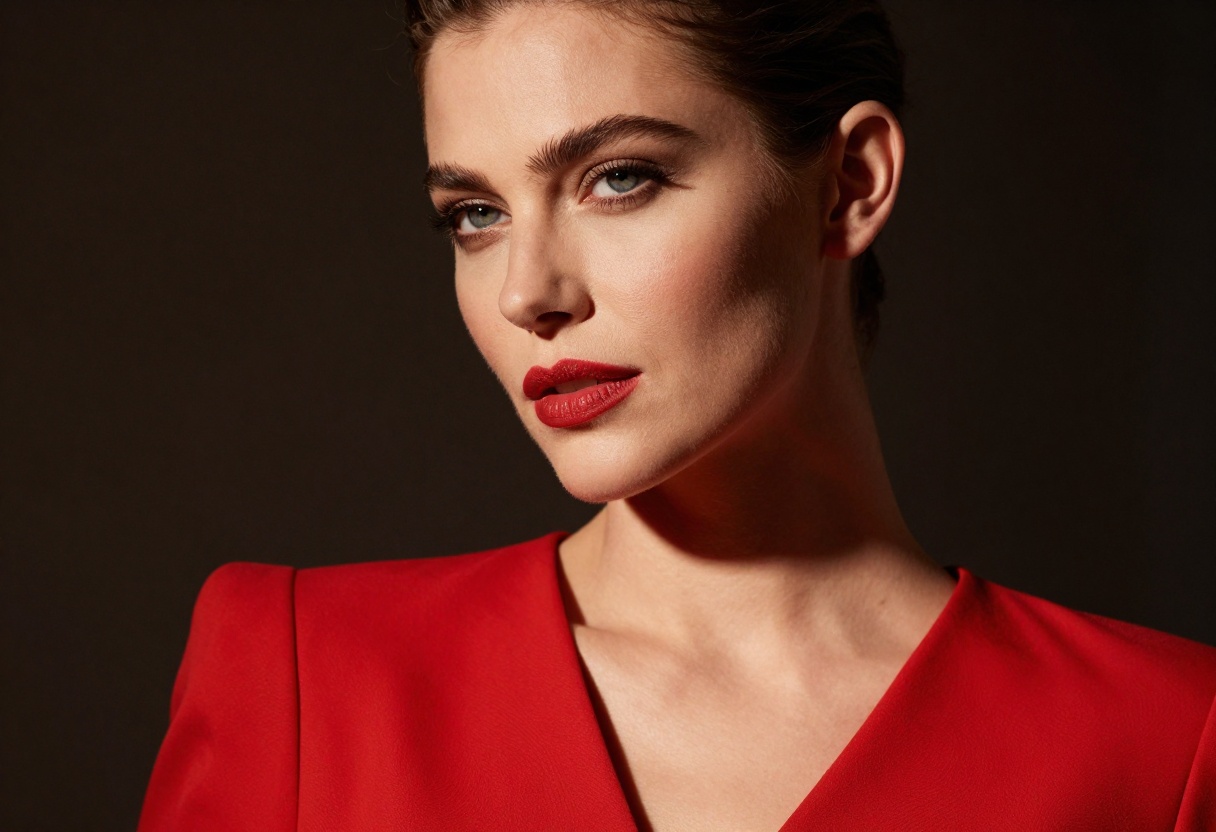
What sets these tools apart is their ability to understand nuanced creative direction. When you describe a "confident woman in stylish red dress with dramatic side lighting," the AI interprets both the subject matter and the artistic vision behind it.
The Creative Possibilities
AI image generation opens doors to styles and concepts that might be difficult or expensive to capture traditionally. You can create:
- Editorial fashion portraits with professional lighting and composition
- Street style photography capturing urban energy and attitude
- Luxury brand aesthetics with sophisticated color palettes
- Avant-garde creative concepts pushing artistic boundaries
- Commercial product photography for marketing campaigns
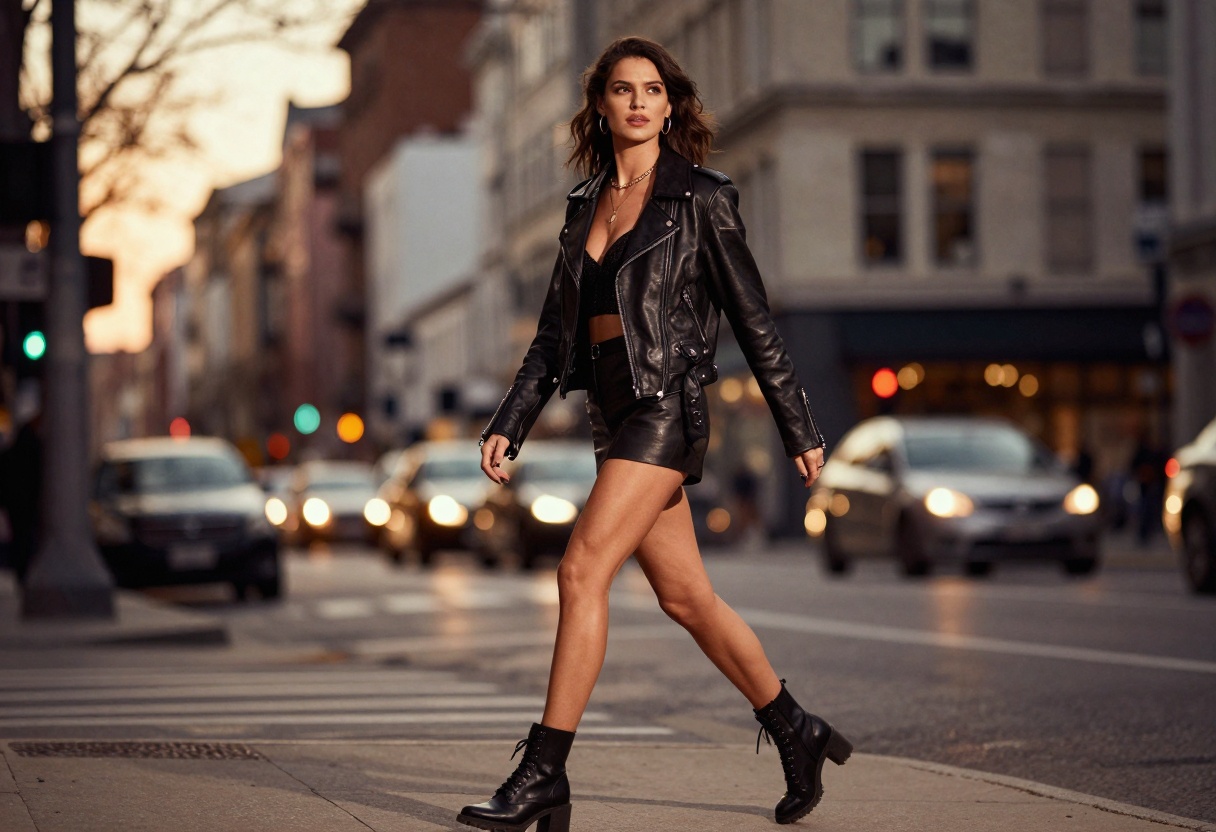
The flexibility means you can iterate on ideas instantly. Don't like the lighting? Adjust your prompt. Want a different color scheme? Regenerate with new parameters. This rapid prototyping accelerates the creative process dramatically.
Writing Prompts That Deliver Results
Getting the images you envision starts with writing effective prompts. Be specific about every detail you want to see in the final image.
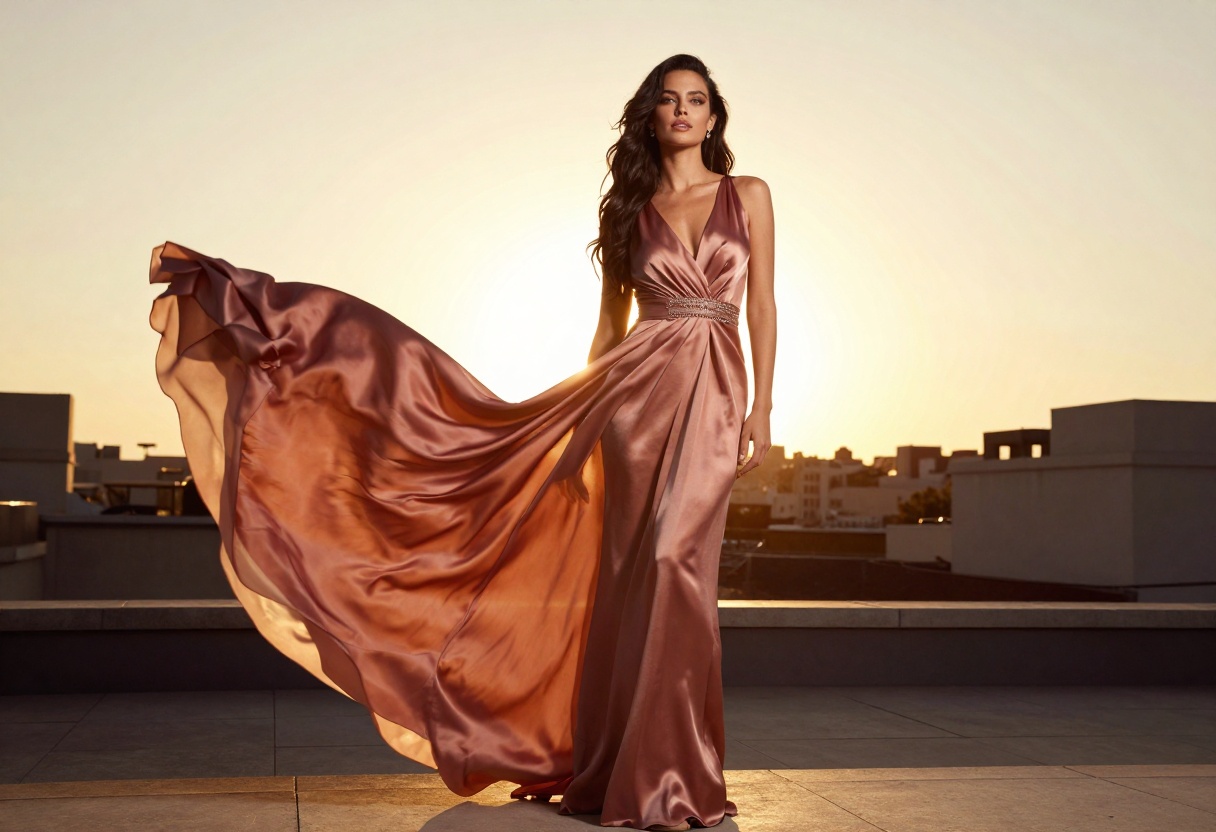
Instead of "a woman in a dress," try "elegant woman in flowing silk evening gown on rooftop terrace at sunset, warm golden light, cinematic photography." The difference in results will be dramatic.
Key Prompt Elements
Break your prompts into these components:
- Subject: Who or what is the focus? Be precise about appearance, pose, and expression
- Setting: Where is this taking place? Interior, exterior, studio?
- Lighting: Natural light, studio setup, golden hour, dramatic shadows?
- Style: Editorial, commercial, artistic, vintage, modern?
- Technical details: Resolution, perspective, depth of field
Quality modifiers matter too. Terms like "cinematic photography," "8k high detail," and "photorealistic" signal to the AI that you want professional-grade output rather than stylized illustrations.
Choosing the Right Style
Different models and settings produce varying aesthetic results. Fashion photography might call for clean, editorial styling, while lifestyle content could benefit from more dynamic, energetic compositions.
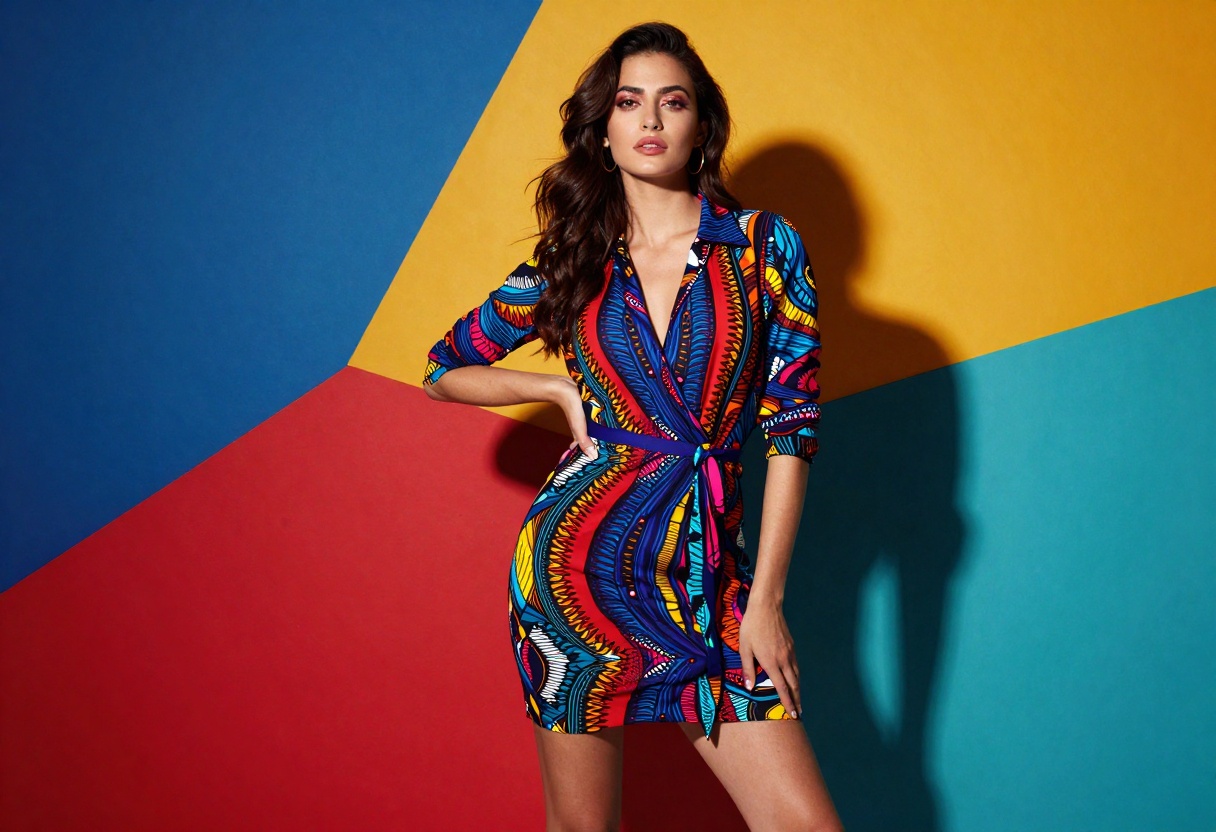
Consider your end use when selecting your approach. Social media content often performs better with vibrant, eye-catching colors, while brand campaigns might need more subdued, sophisticated palettes.
You can also reference specific photography styles in your prompts. Mentioning "magazine cover quality" or "Vogue editorial style" helps the AI understand the level of polish and composition you're seeking.
Artistic Direction and Composition
Beyond basic descriptions, you can guide the AI toward specific artistic choices that elevate your images from good to exceptional.
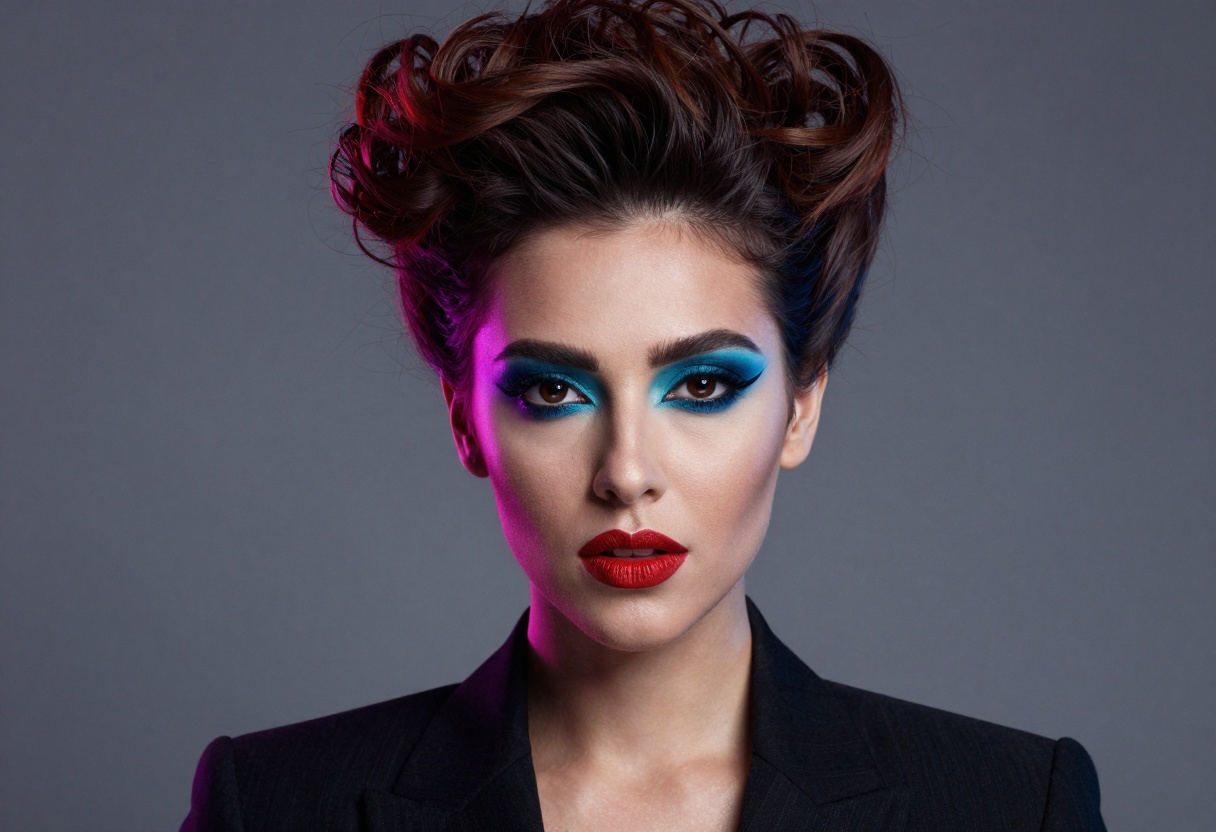
Composition techniques translate well into prompts. Phrases like "rule of thirds," "centered subject," or "dynamic diagonal composition" help structure your image. Lighting descriptions such as "Rembrandt lighting," "split lighting," or "rim lighting" give precise control over mood and atmosphere.
Think about the story your image tells. A confident pose with direct eye contact creates engagement, while a profile shot looking off-frame suggests contemplation or mystery. These subtle choices dramatically impact how viewers respond to your images.
Professional Applications
Businesses and creative professionals are finding practical uses for AI-generated fashion and lifestyle imagery across various industries.
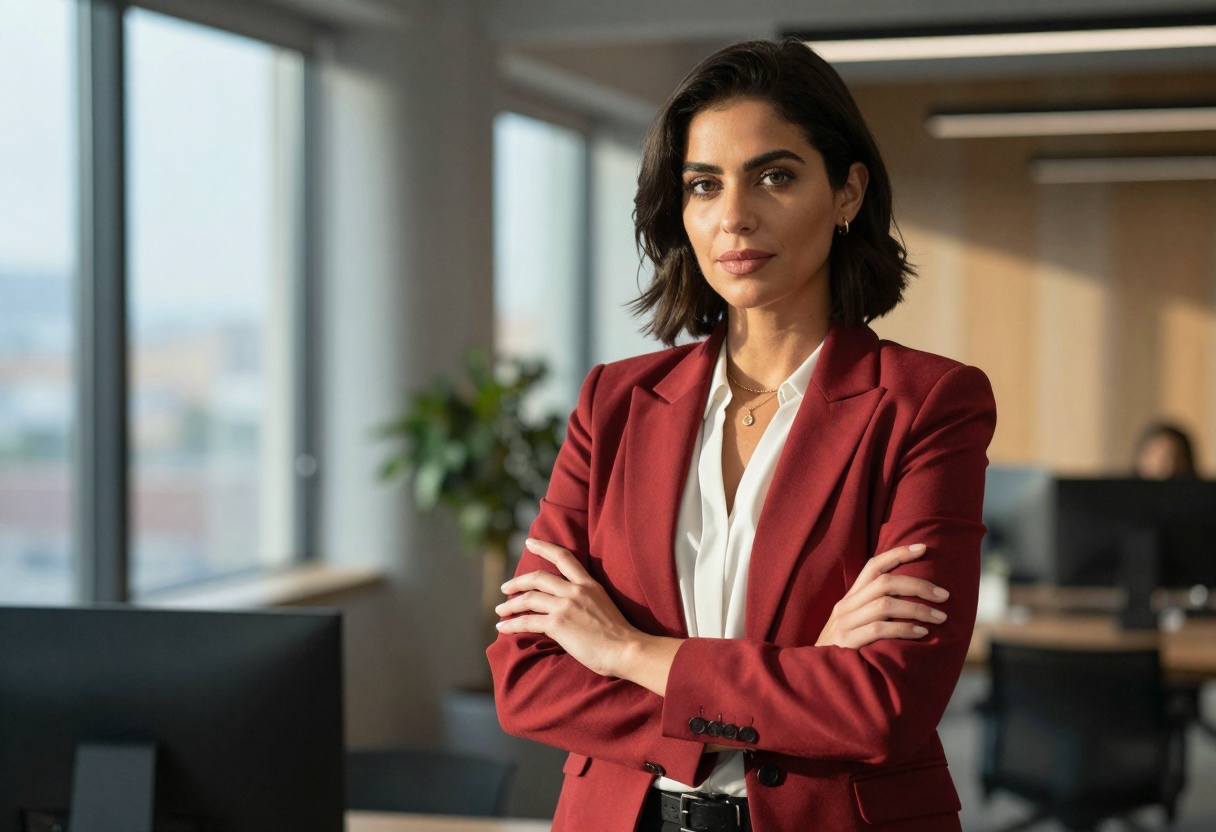
E-commerce brands use these tools to create lifestyle images showing their products in aspirational contexts. Instead of expensive model shoots, they can generate professional-looking photos that demonstrate how clothing or accessories fit into customers' lives.
Content creators and influencers leverage AI generation to maintain consistent visual branding across their channels. You can establish a signature style through your prompt formulas, ensuring every image feels cohesive while still offering variety.
Marketing agencies appreciate the speed and cost-effectiveness. When a client needs concept art or mockups for campaign pitches, AI generation delivers options in minutes rather than waiting days for a photographer's availability.
Event and Celebration Visuals
Special occasions call for glamorous imagery that captures the energy and excitement of the moment.
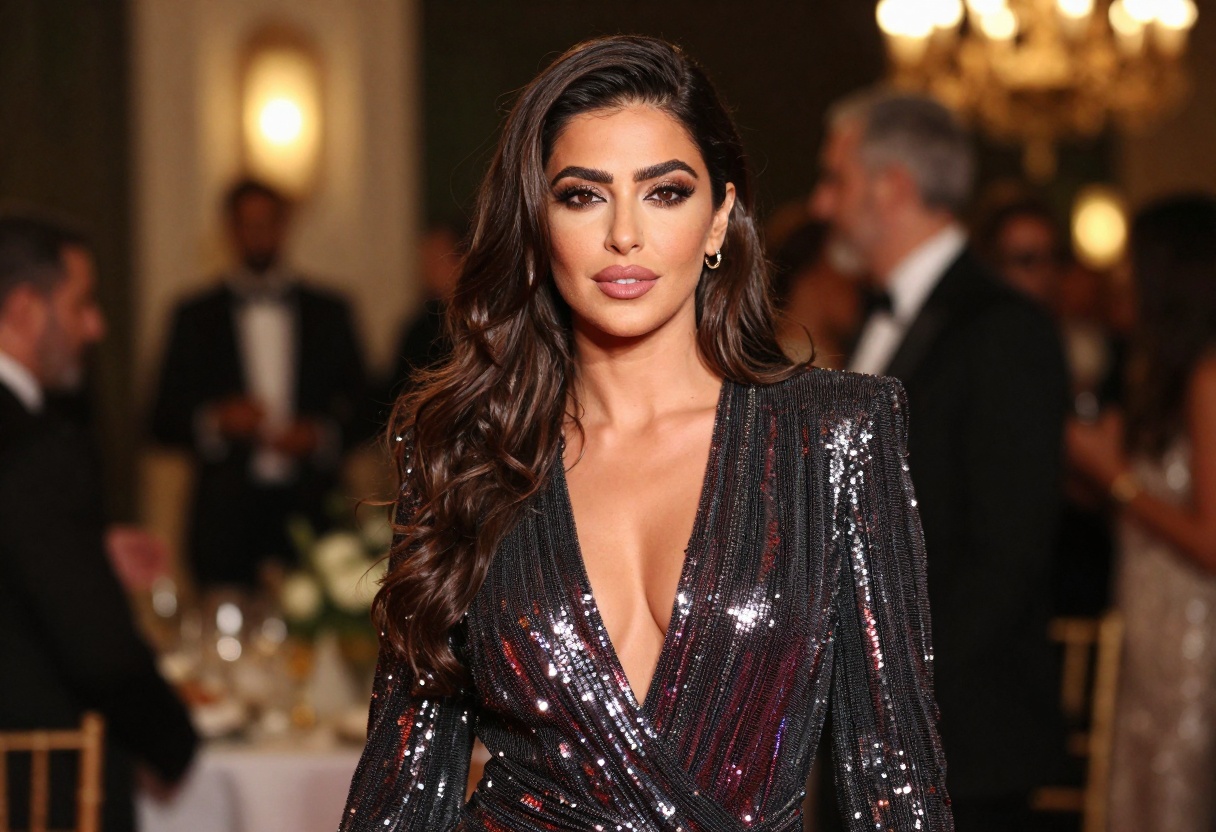
Whether you need invitations, social media announcements, or commemorative graphics, AI-generated images can match the sophistication of professional event photography. Sparkle, ambient lighting, and rich colors create that celebratory atmosphere.
The ability to generate multiple variations quickly is particularly valuable here. You can explore different moods and compositions until you find the perfect visual that matches your event's vibe.
Fitness and Lifestyle Content
The wellness and fitness space demands authentic-looking imagery that motivates and inspires. AI generation has become sophisticated enough to create images that feel genuine rather than overly staged.
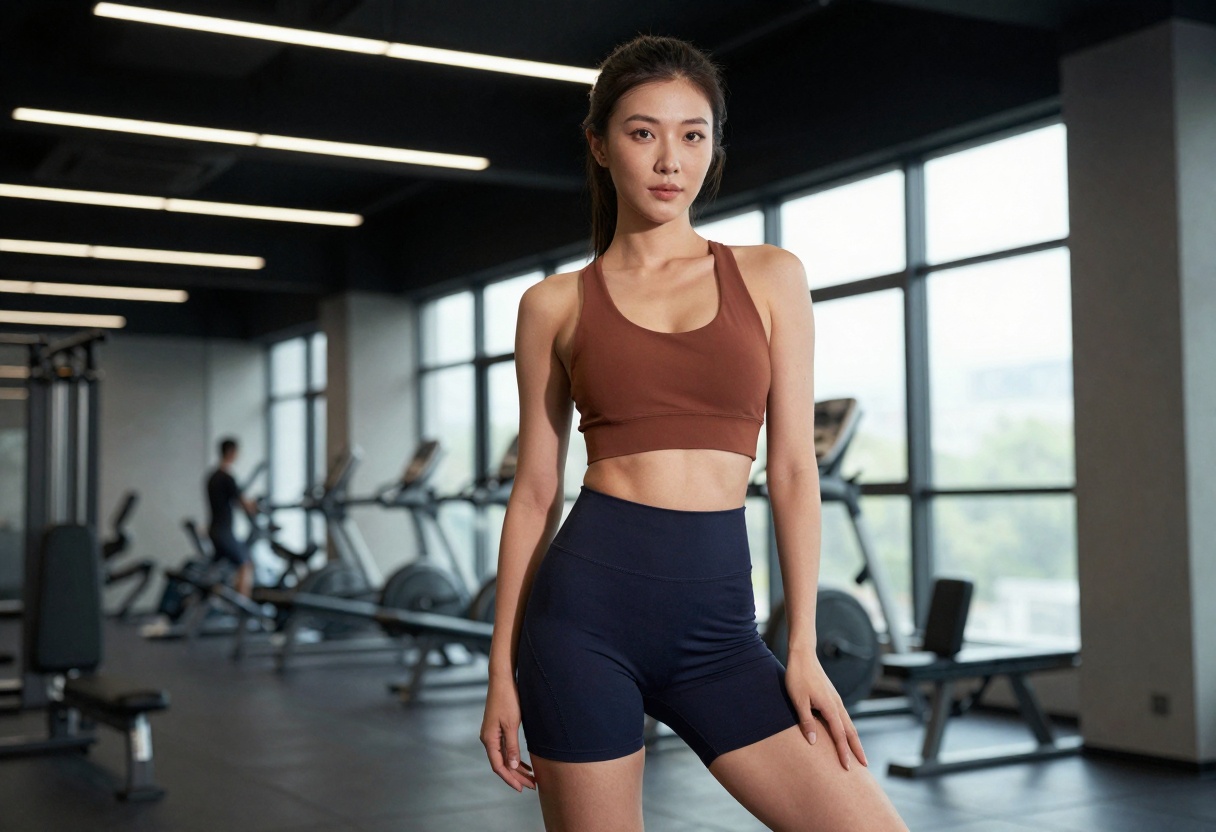
Active poses, natural lighting, and energetic compositions help convey the dynamism of fitness culture. These images work well for workout apps, coaching services, or athletic apparel marketing.
The key is balancing aspirational quality with relatability. Your images should inspire viewers while still feeling achievable rather than impossibly perfect.
Vintage and Retro Aesthetics
Nostalgia sells, and AI generators excel at recreating the look and feel of different eras. From 70s disco glamour to 90s grunge, you can tap into specific time periods that resonate with your audience.
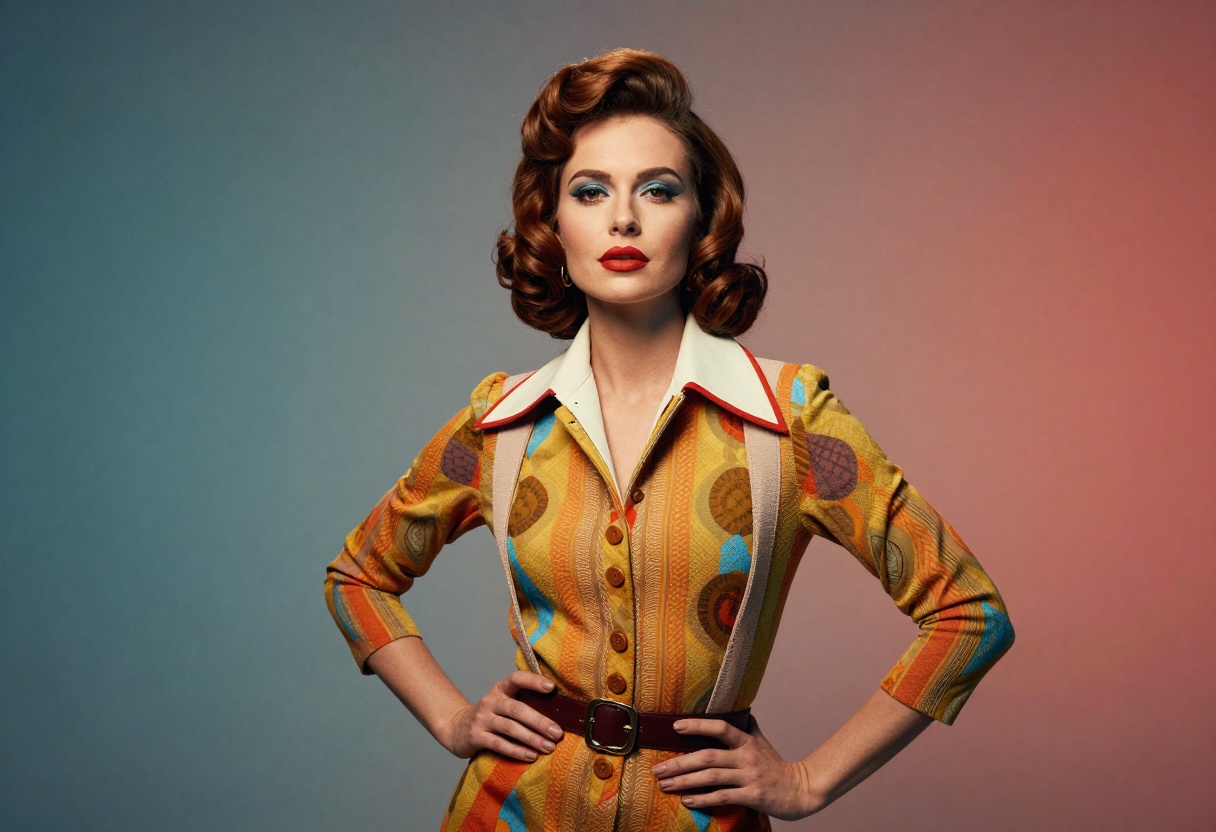
Period-specific details matter. Mentioning era-appropriate clothing, hairstyles, and color palettes helps the AI capture authentic vintage vibes. Adding terms like "vintage film grain" or "retro color grading" enhances the nostalgic feel.
This approach works beautifully for brands targeting demographics with nostalgia for particular decades, or creative projects that benefit from a retro aesthetic.
Minimalist and Modern Approaches
Not every project calls for bold colors and dramatic lighting. Sometimes clean, minimalist imagery makes the strongest statement.
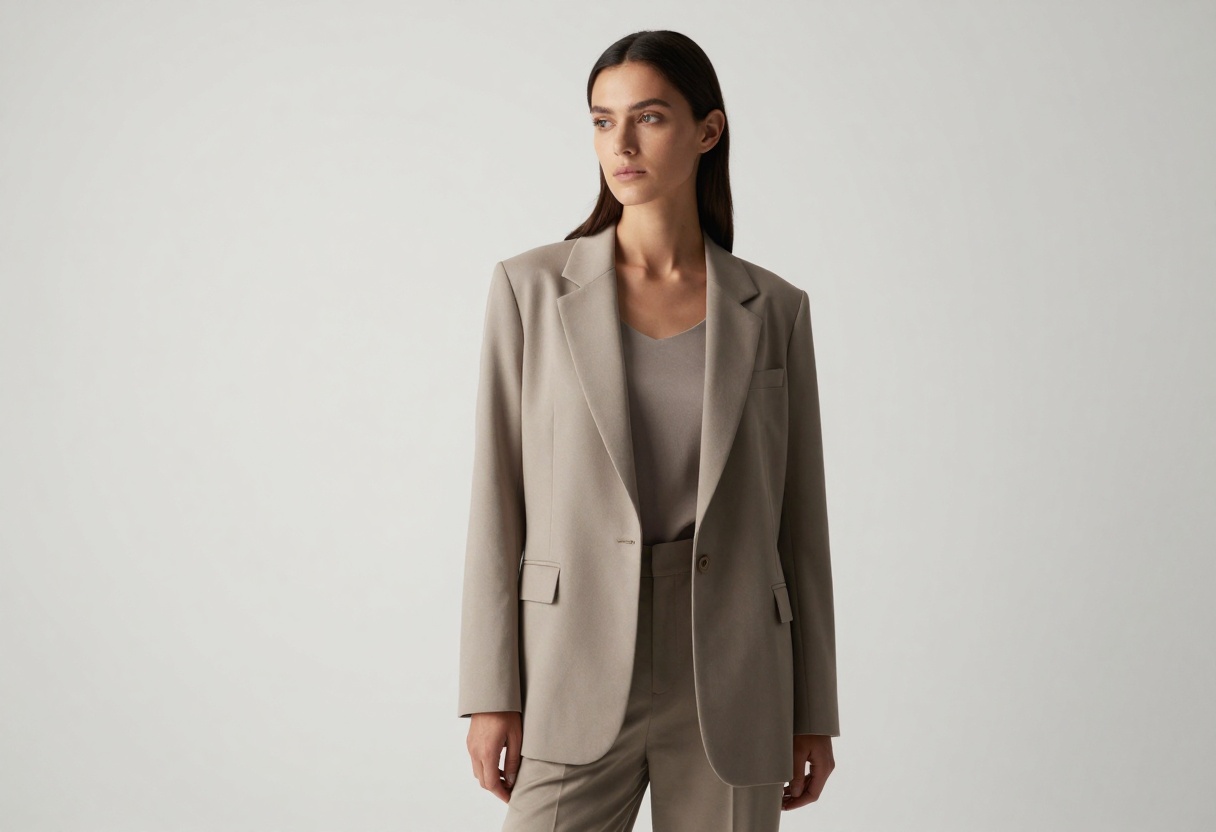
Neutral backgrounds, soft lighting, and sophisticated simplicity create images that feel contemporary and refined. This style suits luxury brands, professional services, or any context where understated elegance is the goal.
Describe negative space intentionally in your prompts. "Clean white background," "minimal distractions," and "focus on subject" help the AI understand you want simplicity rather than visual complexity.
How to Use Nano Banana Pro on PicassoIA
Ready to start creating your own bold, professional imagery? Nano Banana Pro offers advanced text-to-image capabilities perfect for fashion and lifestyle content creation.
Step 1: Access the Model
Visit the Nano Banana Pro page on PicassoIA to get started. The interface is clean and intuitive, making it easy to jump right into creation.
Step 2: Write Your Prompt
In the main text field, enter your detailed description of the image you want to generate. Remember to include:
- Subject details (appearance, pose, clothing)
- Setting and environment
- Lighting conditions
- Style and mood
- Technical quality indicators
For example: "Confident woman in elegant black evening dress, professional studio portrait, dramatic side lighting creating shadows, cinematic photography, 8k high detail, photorealistic"
Step 3: Configure Advanced Settings
Nano Banana Pro offers several optional parameters to fine-tune your results:
- Aspect Ratio: Choose from 1:1, 2:3, 3:2, 4:3, 9:16, 16:9, or 21:9 to match your intended use (social media, print, web)
- Resolution: Select 1K for quick previews, 2K for standard quality, or 4K for maximum detail
- Output Format: JPG for smaller file sizes or PNG for lossless quality
- Safety Filter Level: Adjust content moderation based on your needs
You can also upload up to 14 reference images to guide the style, composition, or subject matter of your generation.
Step 4: Generate Your Image
Click the generate button and wait while the AI processes your request. Processing typically takes 10-30 seconds depending on resolution settings.
Step 5: Refine and Download
Once generated, review your image. If it's not quite what you envisioned, adjust your prompt and regenerate. When you're satisfied with the result, download the high-resolution file.
Tips for Best Results
- Start with the safety filter on the most permissive setting (block_only_high) for creative freedom while still maintaining appropriate content
- Use reference images when you have a specific aesthetic in mind. Upload examples of lighting, composition, or style you want to emulate
- Experiment with aspect ratios for different platforms. Vertical (9:16) works great for Instagram Stories, while horizontal (16:9) suits YouTube thumbnails
- Save successful prompts that generate great results. You can reuse and modify them for consistent styling across your content
Why Choose PicassoIA for Your Creative Projects
PicassoIA provides access to cutting-edge AI models with flexible content policies that respect creative freedom. Unlike many platforms with restrictive filters, PicassoIA's open-source models support a wide range of artistic expression.
The platform is designed for creators who need professional results without learning complex software or writing code. Simply describe what you want to see, adjust a few settings, and generate stunning visuals in seconds.
Multiple model options mean you can choose the right tool for each project. Whether you need ultra-fast generation, the highest possible quality, or specialized features like image editing, there's a model that fits your workflow.
The web interface makes AI image generation accessible to everyone. No installations, no API keys, no technical knowledge required. Just creative ideas and the tools to bring them to life.
Getting Started Today
Creating bold, professional fashion and lifestyle imagery is now accessible to anyone with a creative vision. AI image generators have democratized high-quality visual content creation, putting studio-quality results within reach of individual creators and small businesses.
The key to success is understanding how to communicate your vision effectively through prompts, choosing the right settings for your intended use, and iterating until you achieve exactly what you're looking for.
Start experimenting with different prompts, styles, and compositions. The more you work with these tools, the better you'll understand their capabilities and how to extract the best possible results for your specific needs.
Try Nano Banana Pro on PicassoIA and start creating stunning visuals today. Your next favorite image is just a prompt away.


