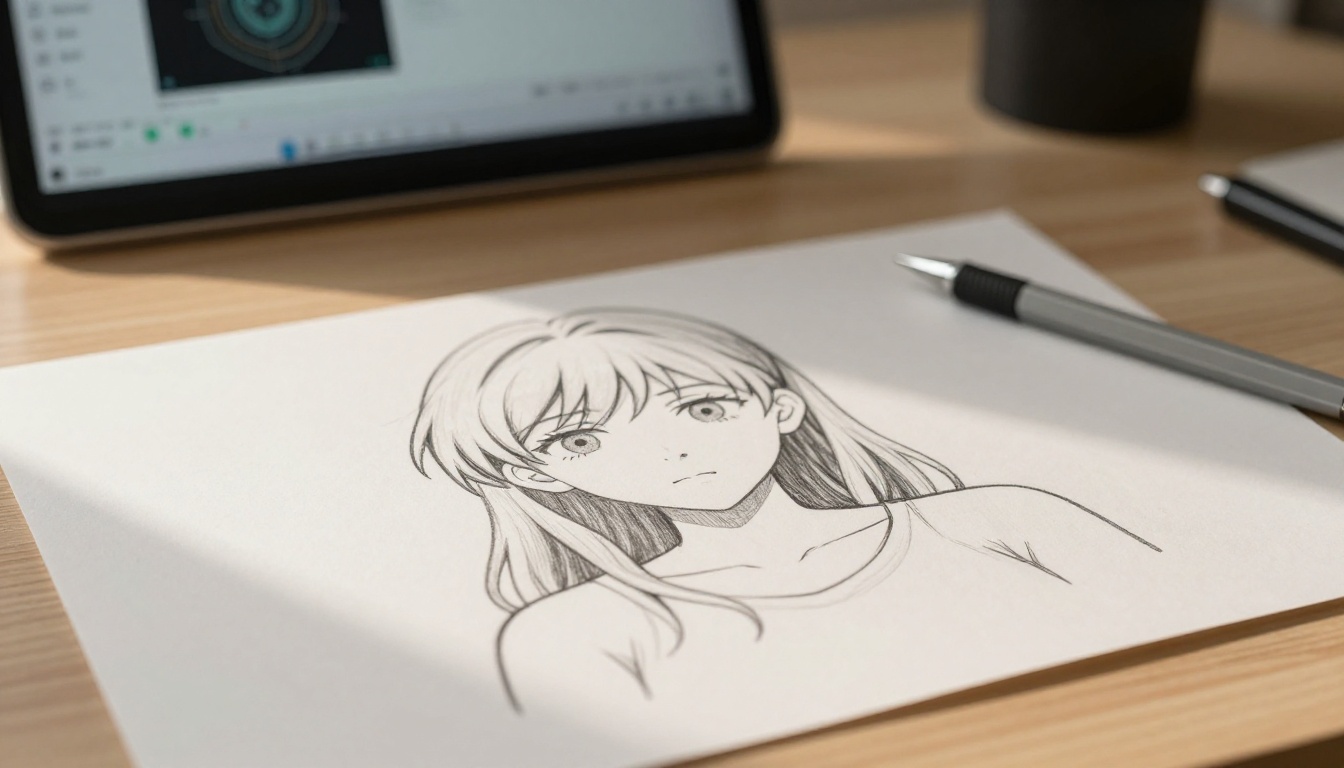
Flat anime art holds something special: the deliberate simplification, the bold outlines, the intentional color blocking. But there is a persistent creative gap between that stylized 2D world and the spatial depth that makes art feel physically present. AI tools that turn flat anime art into 3D have closed that gap in ways that seemed impossible just a few years ago.
Why Flat Anime Is Harder to Process Than Photos
The depth problem with illustrated art
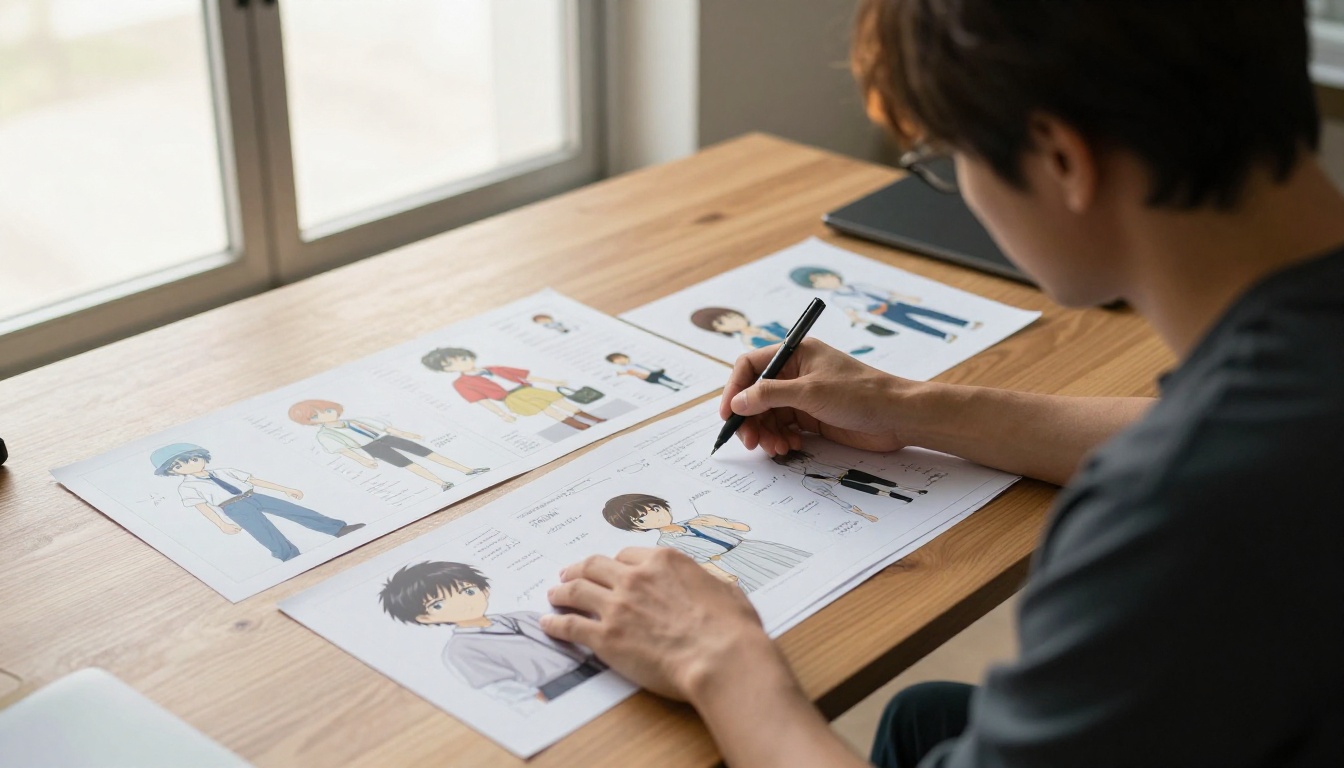
Modern AI depth estimation was developed and trained on photographic images. Photographs contain natural depth signals: occlusion of objects, atmospheric perspective, texture gradients that grow finer with distance, and convergence of parallel lines toward a horizon. Flat anime artwork deliberately strips most of these signals away. Characters are drawn with simplified faces. Backgrounds use flat color or simple gradients. The line between what is near and what is far is an artistic decision, not a spatial fact.
This creates a significant problem for generic depth estimation tools. When you feed a flat anime illustration into a tool trained on photographs, the results are often incoherent: a character's hair may be assigned the same depth as the sky behind them, or a foreground object may read as deeper than its background because the color values happen to match.
Specialized models built for illustrated content solve this by learning the visual conventions of drawn art: where outlines typically indicate foreground subjects, how color contrast in anime tends to signal spatial separation, and how simplified shading patterns map to real depth cues.
What "3D" means in practice
There are three different outputs people typically want when they ask for anime-to-3D conversion:
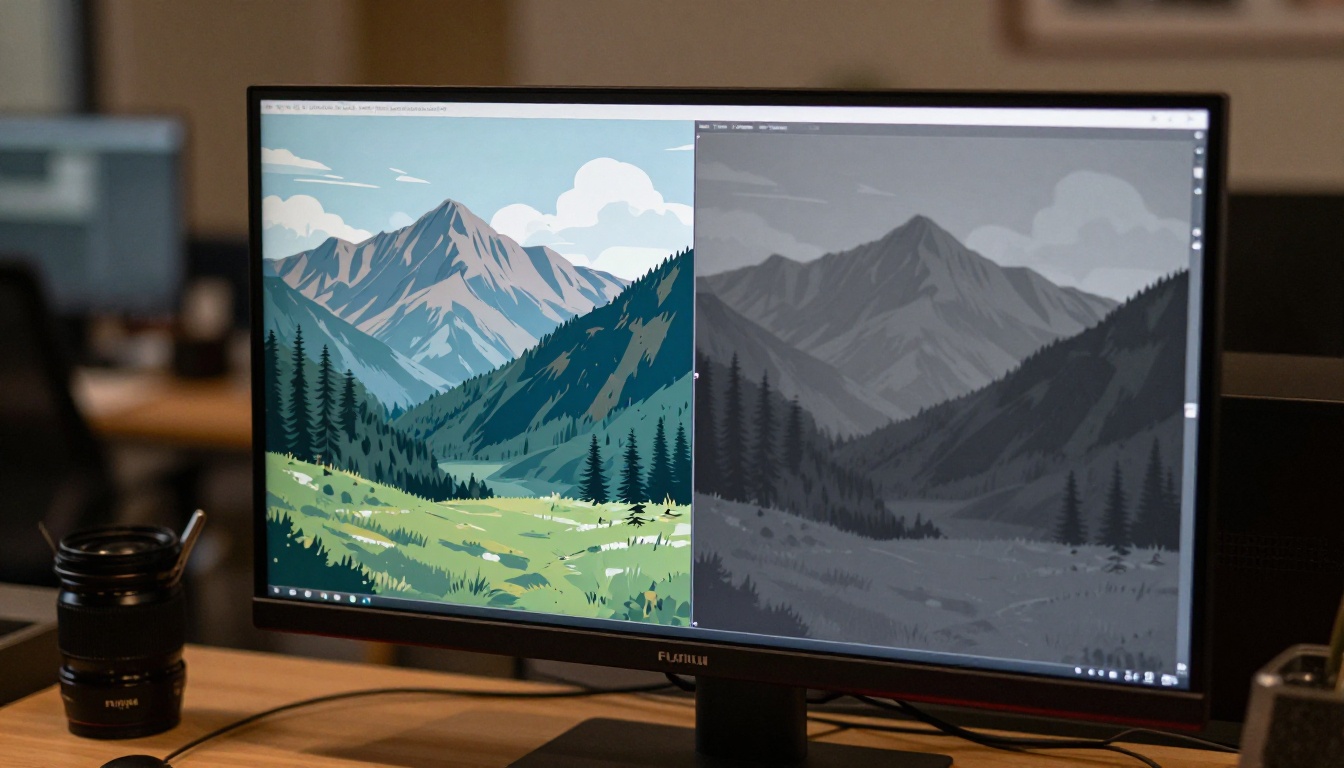
- A depth map: A grayscale image where white means close and dark means far, used as an input for other tools.
- A parallax animation: A short video clip where the virtual camera moves slightly, revealing layered depth in the original flat image.
- A 3D mesh model: Actual geometric data that can be imported into Blender, Unity, or similar software.
Each requires a different tool. For most creative and social media uses, the parallax animation is what people actually want, and it is also the most achievable with today's AI tools.
How AI Reads Depth in Anime
Neural depth estimation
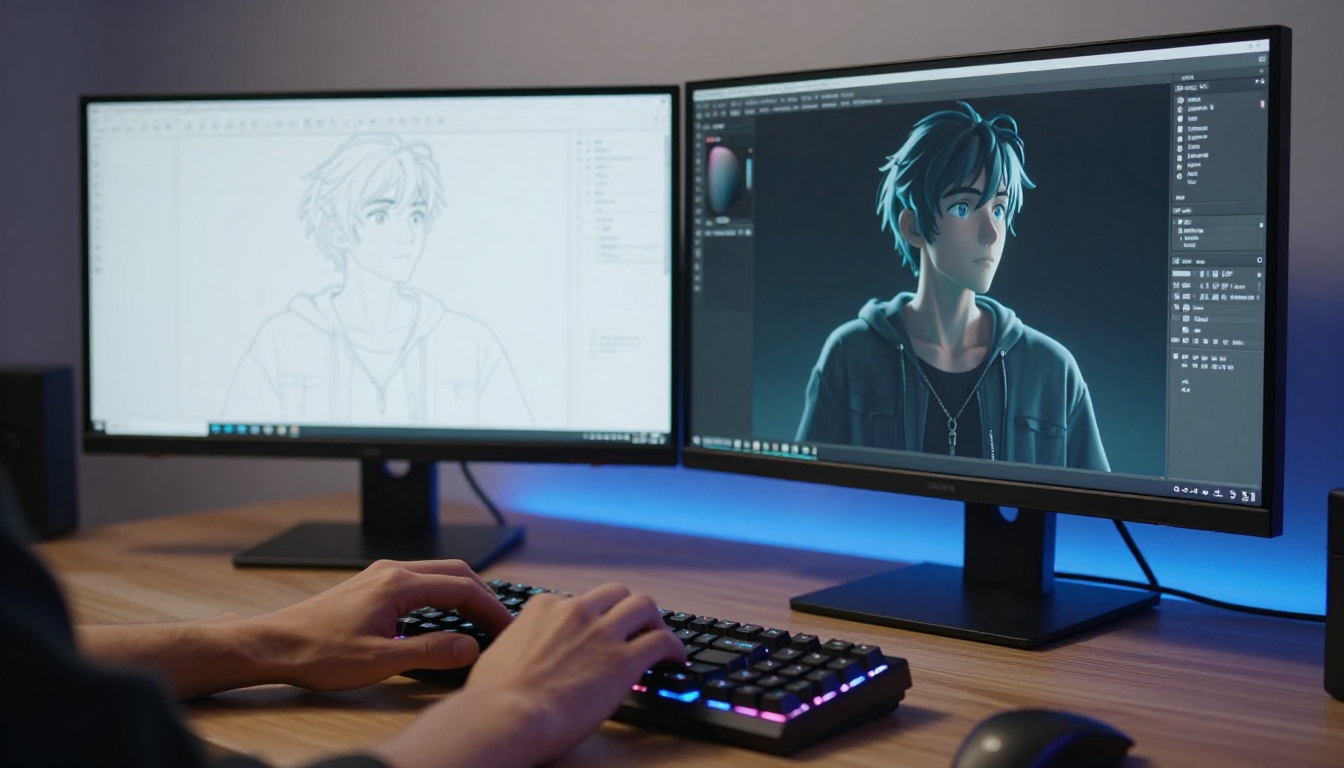
The core technology behind most anime-to-3D pipelines is monocular depth estimation, where a single neural network analyzes a 2D image and predicts a corresponding depth map. The key distinction: the model uses only one image, with no stereo pair or lidar data. It infers depth purely from visual patterns it has learned from training data.
For anime and illustration, models fine-tuned on drawn content perform dramatically better than general-purpose depth models. The fine-tuned models have learned that a character outline surrounded by white space is almost certainly in the foreground, that a uniform background gradient means large depth value, and that overlapping elements in typical anime composition conventions signal specific depth ordering.
Background inpainting for parallax
A detail that is rarely discussed in basic tutorials: when a parallax effect shifts different depth layers by different amounts, the edges of the image become exposed. If the background layer shifts left to simulate a rightward camera movement, the right edge of the image has no background data. This gap must be filled.
AI inpainting handles this automatically in modern parallax pipelines. The system generates plausible background content to fill those revealed edges, making the final animation seamless. PicassoIA's image editing suite includes inpainting tools that can extend the canvas of an anime image before depth processing, giving the parallax system more background material to work with and reducing the inpainting load during animation.
ToonCrafter for anime illustration
ToonCrafter is the most relevant model on PicassoIA for anyone working with anime or illustrated art. Unlike the majority of image-to-video models, which were trained primarily on photographic content, ToonCrafter was designed for cartoon-style and illustration animation. It takes a single anime frame and animates it with motion that respects the visual style rather than fighting against it.
How to use ToonCrafter on PicassoIA:
- Upload your source anime artwork as the input image.
- Write a motion prompt describing slow, subtle movement: "gentle parallax, soft camera float, slight foreground-background separation."
- Keep the motion simple, since ToonCrafter handles stylized content better with minimal movement instructions.
- Run the generation and review the depth separation in the result.
- If the output looks soft, run the result through Clarity Pro Upscaler before final export.
💡 Tip: ToonCrafter produces its best results with anime art that has a clear subject-background separation. High-contrast compositions with a character in front of a distinct environment work better than busy or complex scenes.
Wan 2.7 I2V for parallax animation
Wan 2.7 I2V is a versatile image-to-video model that handles anime source material with good fidelity. It accepts an image as the first frame and generates motion from it, which for depth conversion work means it can simulate a camera drifting slowly through a flat scene.
For parallax workflows, the prompt structure matters: describe the camera movement directly rather than character movement. "Slow dolly in, soft depth float, gentle atmosphere" gives the model clearer direction than describing the character's behavior.
Kling v3 for character detail
Kling v3 Video is optimized for high-quality video generation from image input, and it preserves fine detail well. For anime art where character expression and costume detail matter, Kling v3 generates motion without degrading the source material's visual quality in the way lower-tier models can.
Kling v3 Motion Control takes this further by allowing specific camera trajectory control, which is directly useful for depth animation workflows that need precise parallax direction.
Wan 2.6 I2V for wide scenes
Wan 2.6 I2V handles wide-composition images well, making it the right choice for anime landscape and environment art. Scenes with mountains, buildings, or natural environments often have more inherent depth cues than character portraits, and Wan 2.6 I2V uses those cues effectively to generate convincing parallax motion.
Upscaling After Depth Conversion
Why this step is non-negotiable
Depth-to-video pipelines reduce resolution during generation. The motion generation step introduces compression artifacts, and the inpainting step at edges can produce slightly soft output. Running the final image or video frame through a super-resolution upscaler restores the quality.
Clarity Pro Upscaler works best for anime-derived output because it sharpens line art and restores the clean edges that the depth and motion processing steps can blur. For maximum enlargement, Topaz Image Upscale handles up to 6x without quality collapse.
Real-ESRGAN is the reliable 4x option for clean line preservation, and Recraft Creative Upscale adds perceived depth alongside resolution, which pairs naturally with 3D depth work.
💡 Tip: Always upscale last. Upscaling the source image before depth processing adds no benefit and slows down every step that follows.
Matching upscaler to art style
Practical Workflow: Source Art to Final Output
Preparing the source image
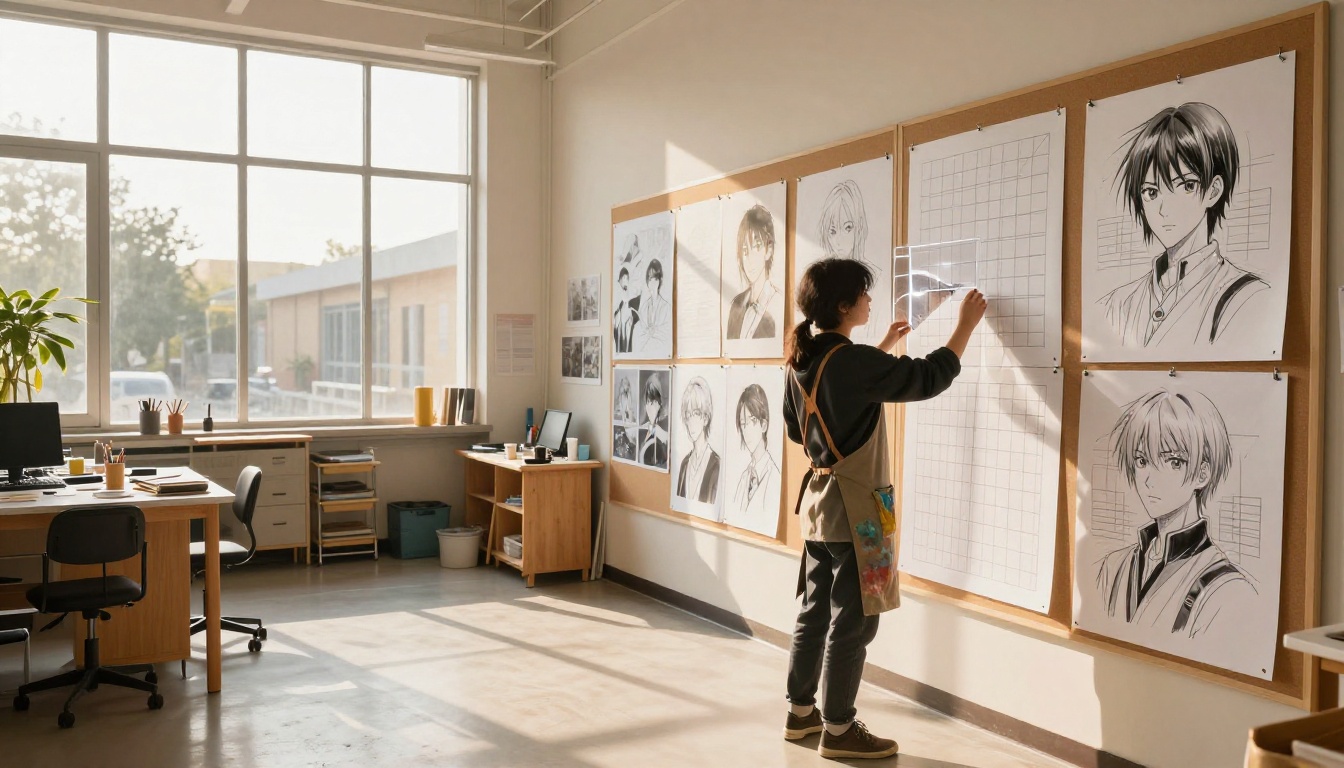
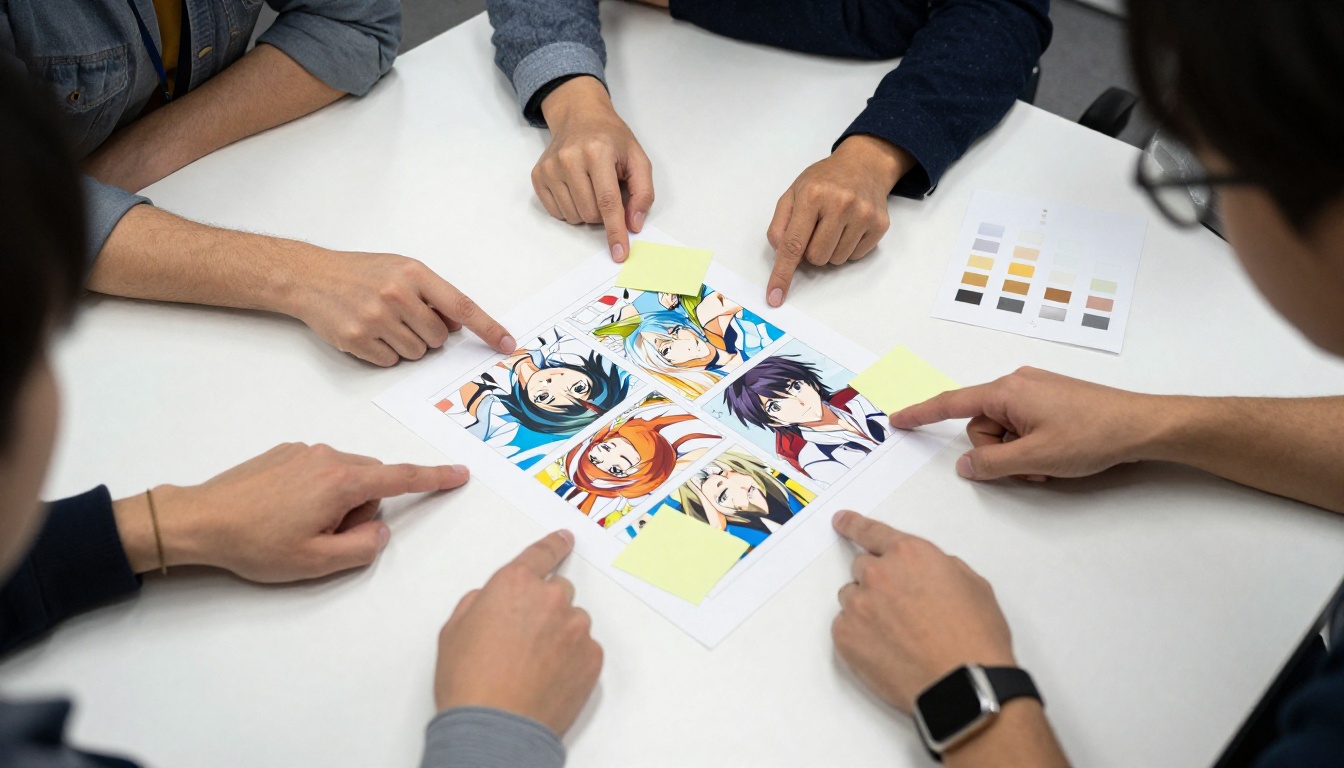
The single biggest factor in output quality is the source image. Anime art that works well with AI depth tools shares these characteristics:
- Visible overlap: The character's body overlapping the background gives the AI clear evidence of what is in front.
- Color contrast between layers: When the character's palette is distinct from the background, the depth model segments them correctly.
- Defined horizon or ground plane: Even a simple suggestion of where the ground meets the background gives the model spatial context.
- Consistent perspective: Art that follows a single perspective convention processes better than compositions that intentionally break perspective rules for stylistic effect.
If your source image has a flat, seamless background, use PicassoIA's inpainting tools to add a simple environmental element before running depth estimation. Even a subtle texture difference gives the depth model enough contrast to produce clean layer separation.
Choosing the right approach
Getting results worth sharing
The most common mistake in anime-to-3D workflows is over-complicating the motion prompt. Models like Wan 2.7 I2V and ToonCrafter respond well to simple, direct instructions. Instead of writing a lengthy complex description, write something like "subtle parallax camera movement, slow gentle float, soft depth separation." The model handles the technical execution; your job is to set the direction.
A second common mistake is running the upscale first. Upscaling before animation adds no benefit and increases processing time at every subsequent step. Always upscale last.
3D Effects Without Full 3D Models
Why meshes aren't always the answer
True 3D model extraction from a single 2D anime illustration remains unreliable at production quality. Tools that attempt to generate a full mesh from drawn images often produce distorted geometry, broken normals, and topology that requires significant manual cleanup in Blender or similar software. For most creative uses, you do not need a mesh. You need the appearance of depth, and AI can produce that without generating actual 3D geometry.
The parallax video approach achieves the depth effect in a fraction of the time with far more reliable results than mesh extraction. For social media posts, animation loops, wallpapers, and video thumbnails, depth-animated parallax is the right deliverable.
Ken Burns camera movement
P Video Animate generates slow camera pan and zoom effects from a still image, similar to the documentary Ken Burns technique. For anime art, this produces cinematic quality without requiring depth map processing at all. The motion feels intentional rather than artificial because the model generates in-between frames rather than simply panning the pixel canvas.
For anime artwork with a strong focal point, the Ken Burns approach often produces more reliable results than full parallax, because it does not require accurate depth segmentation to look good.
💡 Tip: For the best Ken Burns results, use a source image that is slightly wider than your target aspect ratio. This gives the model room to pan without hitting edges.
Extended animations with Seedance 2.5
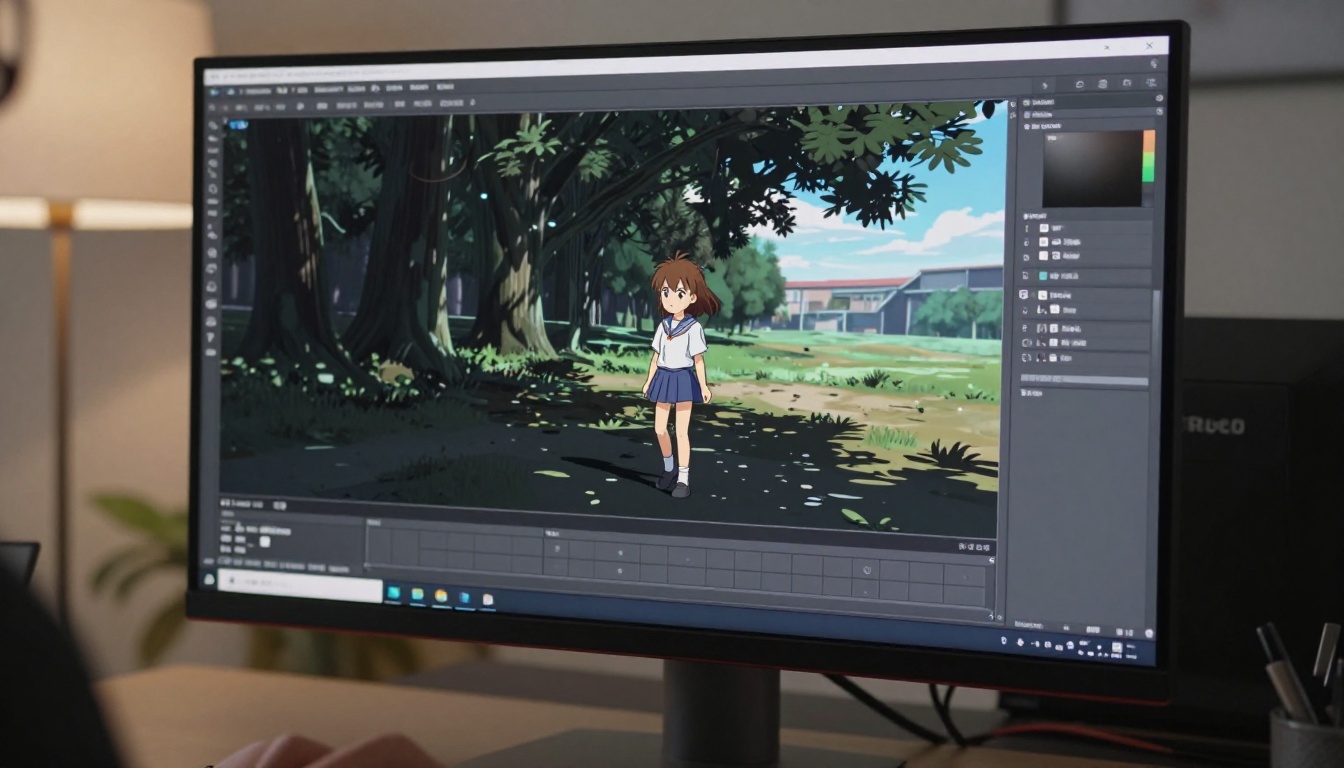
Seedance 2.5 supports up to 30 seconds of output with strong temporal consistency. For depth animation projects that need more than a 5-second loop, Seedance 2.5 maintains the visual integrity of the source across longer durations. It is a strong choice when the goal is an ambient animation loop rather than a brief social media clip.
It is worth being clear about what these tools cannot do reliably right now.
Full 3D mesh extraction from a single 2D illustration remains imperfect. The AI tools that attempt this produce geometry that works as a starting point, not a finished product. Plan for manual cleanup if a real mesh is the goal.
Complex compositions with many overlapping elements, abstract backgrounds, or intentionally broken perspective give depth models less to work with. Results vary widely based on the specific artwork.
Flat gradient backgrounds (solid sky colors, seamless voids) give depth models almost nothing to segment within the background layer. The character separates from the background, but the background itself stays flat.
These are not permanent limits. They reflect the state of today's models, and each major model release brings meaningful improvement to illustrated content handling.
PicassoIA Models Worth Bookmarking
PicassoIA has over 90 image-to-video models and multiple super-resolution tools that apply directly to anime-to-3D workflows. The ones that matter most:
The full catalog is at picassoia.com/en/all-models.
Start With Your Own Art
The tools for converting flat anime art into convincing depth animations are live on PicassoIA right now. The workflow is clear: prepare a source image with visible depth cues, run it through ToonCrafter or Wan 2.7 I2V with a simple parallax prompt, then finish with Clarity Pro Upscaler for sharp final output.
If you have anime art sitting flat on your hard drive, now is a good time to find out what depth it was always hiding. Upload it to PicassoIA, pick one of the models above, and see what the AI can do with it.


