Food blogging in 2027 is not the same game it was three years ago. Platforms demand more content, higher visual quality, and tighter publishing schedules, yet most creators still operate solo or in very small teams. That is exactly the gap where AI tools for food bloggers step in, and the ones who adopted them early are producing twice the content at half the effort, without sacrificing quality.
This is not about replacing your passion for food or your creative eye. It is about using intelligent tools to handle the repetitive, time-consuming work so you can focus on what actually matters: cooking, storytelling, and building a loyal readership.
Why Food Bloggers Need AI Right Now
The content volume problem
Publishing one recipe per week used to be enough. Today's food bloggers who rank on Google and grow on Instagram are typically publishing three to five pieces of content weekly across a blog, Pinterest, and at least one short-form video platform. That is a massive output for a single creator, and most people burn out within six months of trying to keep up.
💡 The bottleneck is rarely ideas, it is production time. The average food blog post takes four to eight hours from shooting to publishing. AI can cut that to ninety minutes.
What AI actually fixes
AI does not make your food taste better or your recipes more creative, but it does eliminate the parts of content creation that drain your energy without adding creative value:
- Writing and rewriting meta descriptions and intro paragraphs
- Generating multiple image variations of the same dish
- Resizing and cropping images for different platforms
- Removing cluttered backgrounds from product shots
- Transcribing and editing video captions
- Drafting social media captions from existing post content
Once you automate these steps, the economics of food blogging change dramatically.
AI Image Generation for Food Photos
Creating recipe images from scratch
This is where things get genuinely exciting. With modern text-to-image models, you can generate photorealistic food photography that rivals professional studio shots without hiring a photographer or owning expensive lighting equipment.
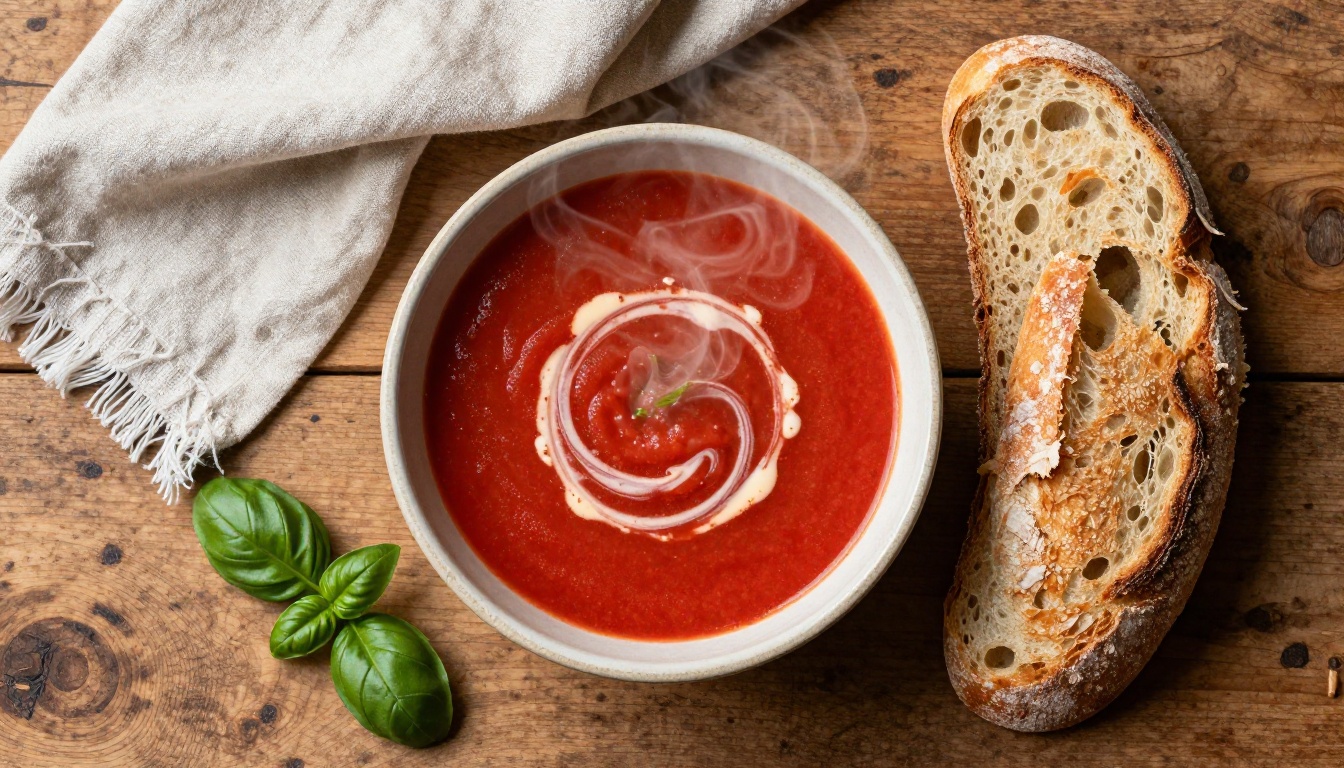
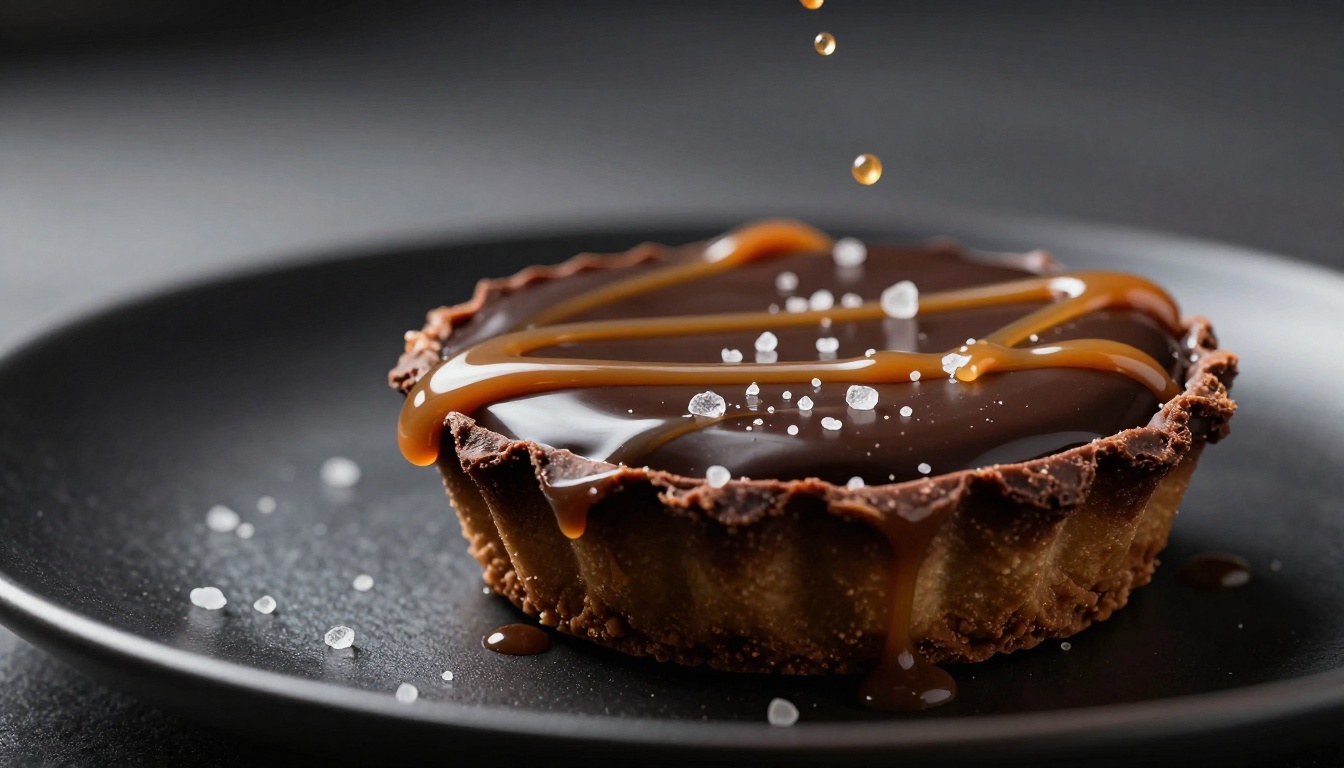
The quality leap from early AI art to today's models is enormous. Models like Flux 2 Pro produce images with accurate food textures, realistic steam, and natural lighting that is hard to distinguish from a photo taken in a real kitchen. Flux Dev offers a slightly more accessible version that still produces stunning results for editorial food photography.
What makes these models different for food specifically is their handling of:
| Detail | Why It Matters |
|---|
| Steam and condensation | Makes food look fresh and hot |
| Sauce texture and drizzle | Adds movement and appetite appeal |
| Plating shadows | Creates depth and professional staging |
| Surface textures (wood, marble, linen) | Builds the lifestyle context |
| Ambient light color temperature | Warm vs. cool changes the mood entirely |
Background removal for clean shots
Sometimes you have a great shot of the dish but the background is messy or distracting. Background removal AI has become fast enough to be a non-issue in 2027. PicassoIA's remove-backgrounds models can isolate your dish in seconds, giving you a clean cutout you can place on any surface, lifestyle background, or Pinterest template.
This is particularly powerful for food bloggers who sell digital products, run sponsored posts, or need consistent visual branding across multiple recipes.
Upscaling old photos to HD
If you have been blogging for several years, your early recipe photos are probably low resolution and poorly lit. A super-resolution AI can take those 800px images and upscale them to 4K-quality without the blurring and compression artifacts that traditionally came with upscaling.
PicassoIA's super-resolution models handle the noisy texture of food close-ups particularly well, preserving fine grain in bread crusts and the delicate structure of herbs without over-smoothing.
AI Writing Tools for Recipe Content
Writing recipe descriptions fast
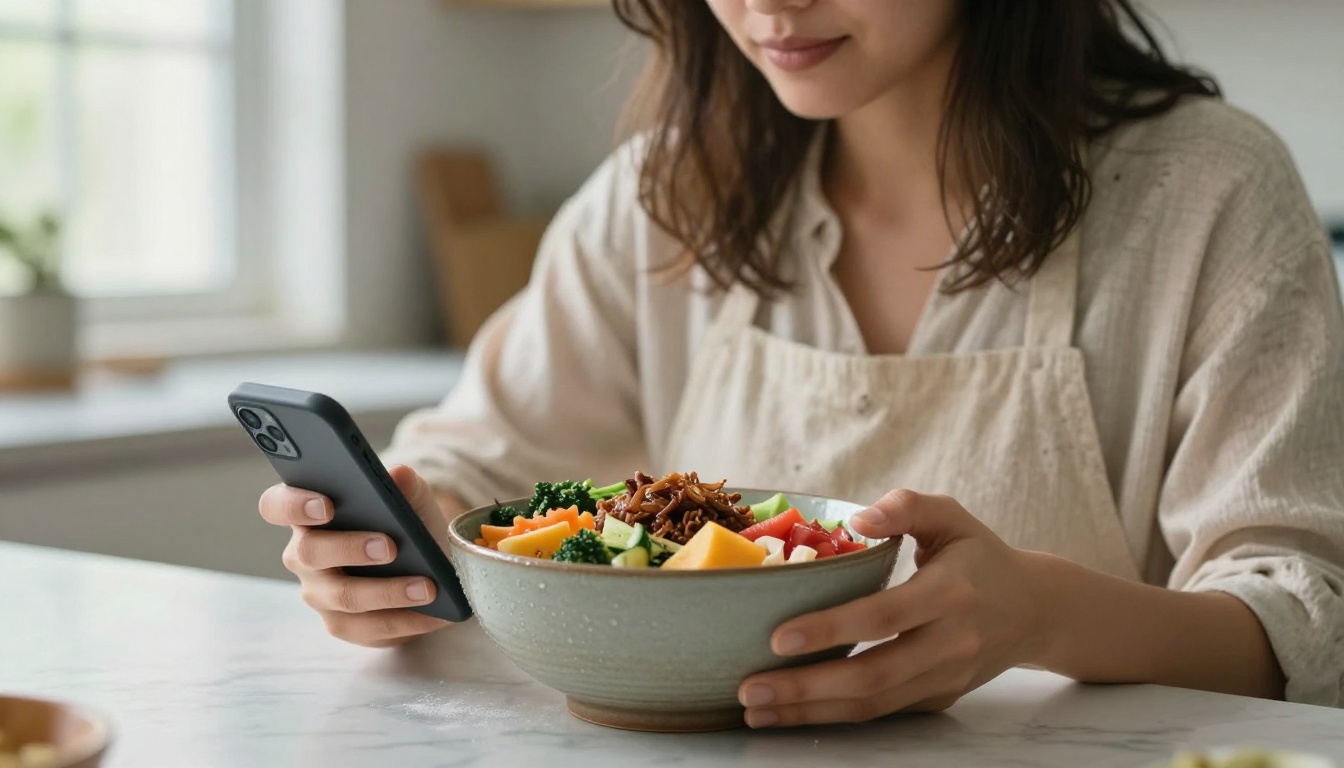
The recipe itself, the measured ingredients and timed steps, is the easiest part to write. It is the storytelling around it that kills time. The intro paragraph, the headnotes, the cultural context, the personal anecdote, the tips section. All of that takes hours per post.
AI writing tools can draft this content from a brief outline in minutes. A well-structured prompt like "write a 200-word intro about this winter lentil soup, the focus is comfort food for rainy days, casual tone, no generic statements" produces usable output you can edit to match your voice rather than starting from a blank page.
💡 Editing AI output is five times faster than writing from scratch. That is where the real time savings happen.
SEO optimization with AI
Food blogging lives and dies by organic search traffic. AI tools now integrated directly into content management systems can analyze your recipe post against the top-ranking competitors and tell you:
- Which LSI keywords you are missing (sourdough starter, hydration percentage, autolyse)
- What word count is performing in your niche
- Whether your headings match the actual questions people are searching
- How to rewrite your recipe card title for better click-through rate
The difference between a recipe that ranks on page one and one buried on page four often comes down to fifteen minutes of AI-assisted optimization.
How to Use Flux 2 Pro on PicassoIA
What Flux does for food photography
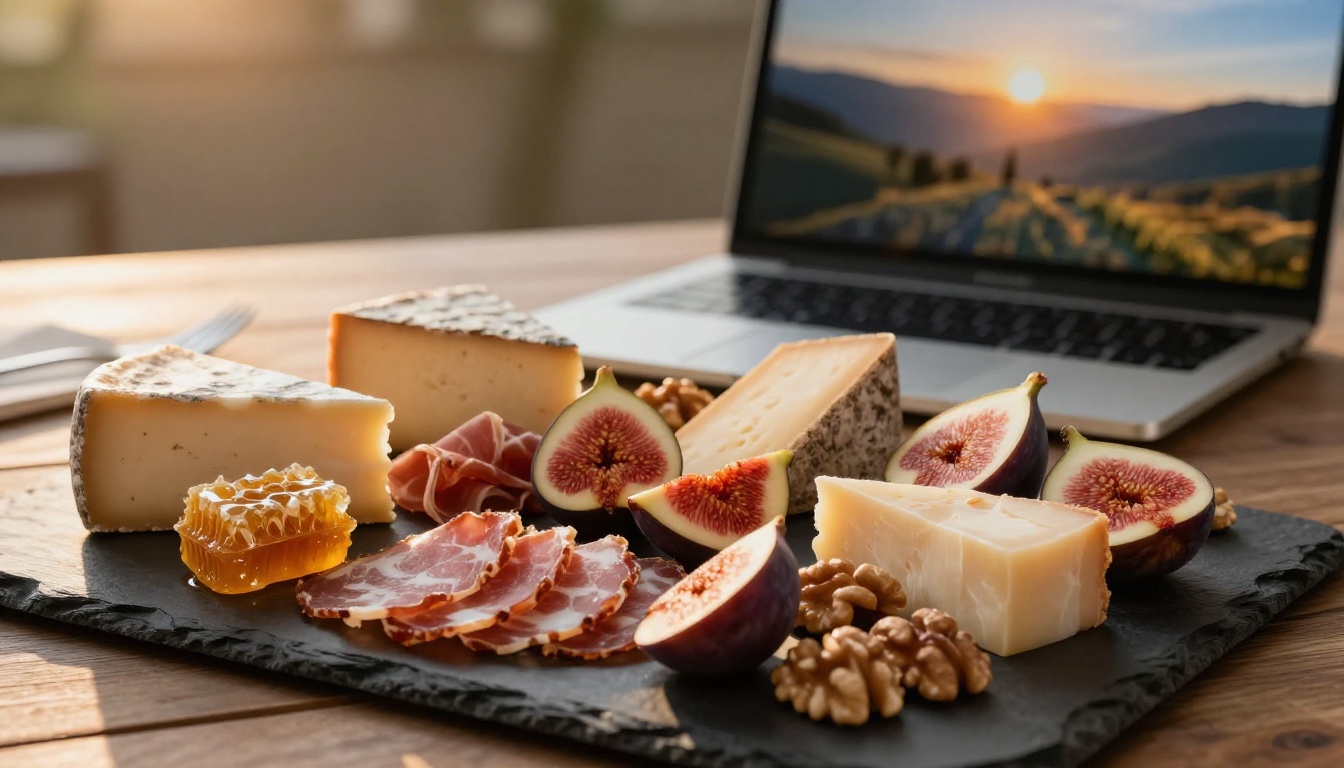
Flux 2 Pro is one of the most capable text-to-image models available for food photography because of how it handles lighting, reflections, and organic textures. Unlike models optimized for portraiture or architectural shots, Flux 2 Pro excels at the kind of natural-feeling food scenes that work for lifestyle blogs.
When you give it a detailed prompt about a dish, the light source, and the surface material, it produces results that food stylists would recognize as technically correct. Glaze drips in the right direction. Herbs wilt naturally rather than looking plastic. Shadows fall where physics would put them.
Step-by-step with Flux 2 Pro
- Go to PicassoIA and open Flux 2 Pro
- Write a structured prompt using this format: Subject + Environment + Lighting + Camera + Texture
- Specify the surface material (marble, dark slate, reclaimed wood, linen) as it anchors the lifestyle context
- Define your light source (morning window light from left, diffused overhead, golden hour side-lighting)
- Add quality modifiers:
photorealistic, RAW photography, 8K, Kodak Portra 400 grain, f/1.8 lens
- Set aspect ratio to 16:9 for blog headers or 4:5 for Instagram
- Generate and iterate: try 3-4 variations adjusting the lighting descriptor before selecting
Tips for better food prompts
Getting great food images from AI is less about luck and more about prompt discipline. Here are the modifiers that consistently improve food photography results:
volumetric morning light beats warm lightKodak Portra 400 film grain creates organic texture that makes images feel less digitalshallow depth of field, 85mm f/1.4 pushes background elements into soft bokehmatte ceramic specifies the plate material and changes the entire moodsteam wisps rising tells the model the food is hot and freshno artificial enhancements keeps the result honest and realistic
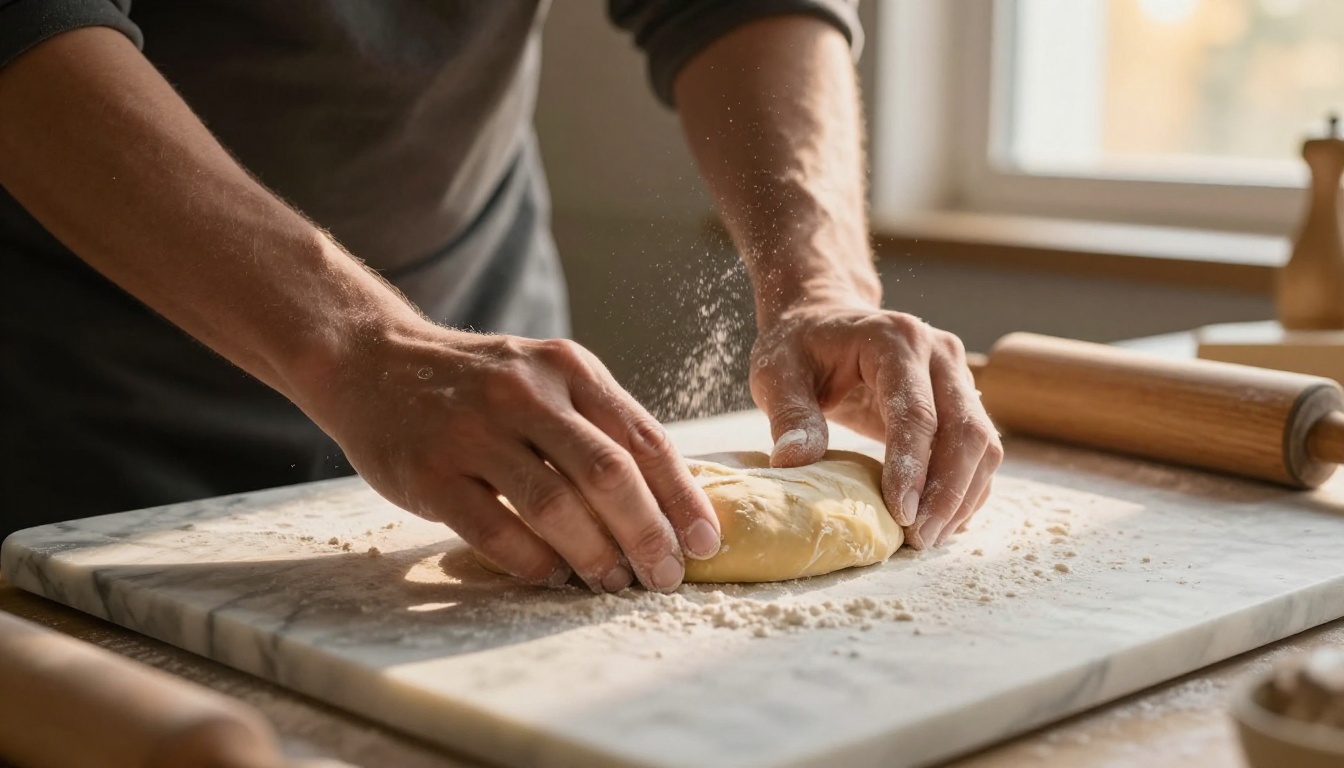
For even higher resolution output, Flux 2 Max generates up to 4-megapixel images that print cleanly and hold up at full-screen sizes on high-density displays. If speed matters more than resolution, SDXL Lightning produces solid food imagery in seconds, making it ideal for rapid concept testing.
AI Tools for Social Media Content
Batch-creating Instagram content
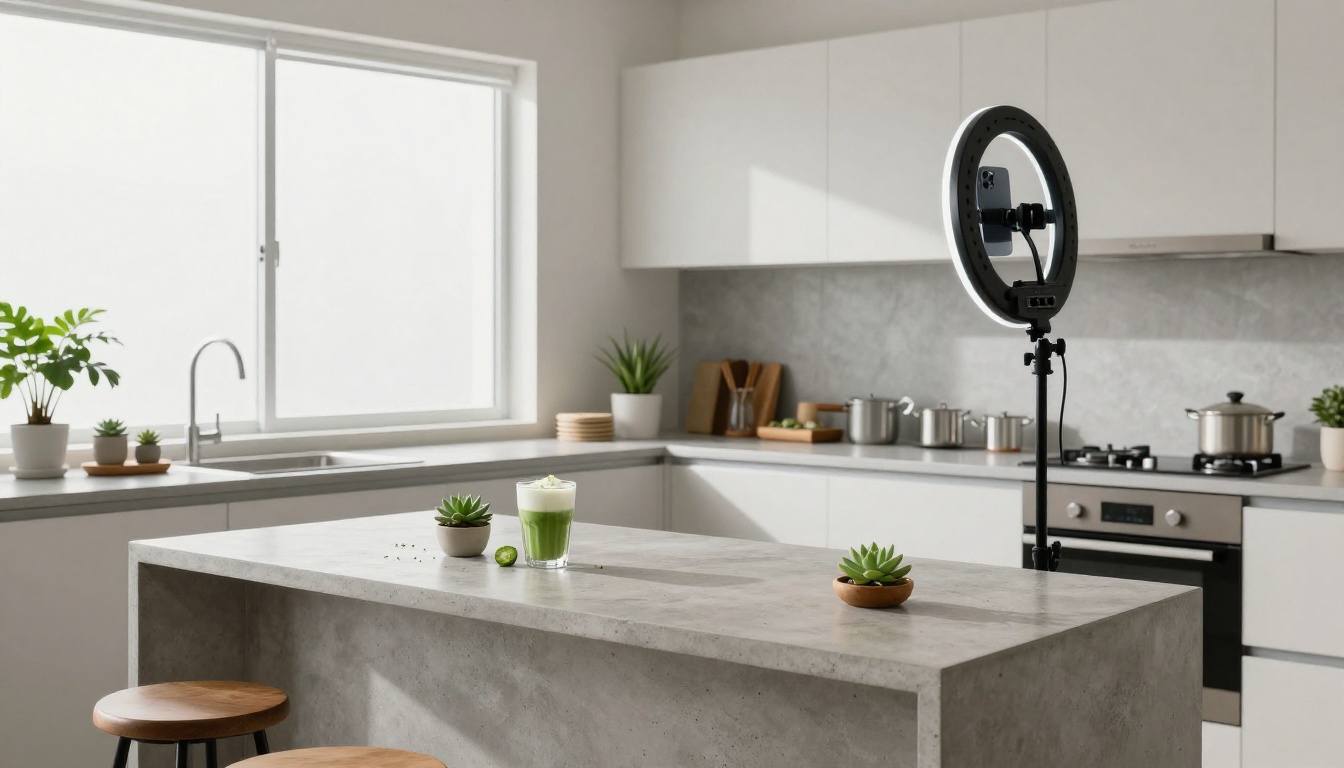
The biggest drain on food bloggers active on Instagram is the visual consistency requirement. Your feed needs to look cohesive, which means similar color grading, consistent crop style, and a recognizable aesthetic across dozens of posts.
AI image generation solves this differently than traditional editing: instead of painstakingly color-grading every photo, you build a prompt template that describes your aesthetic, then generate multiple images from that template. Every output shares the same lighting mood, color temperature, and surface palette because those are baked into the prompt.
A practical workflow:
- Define your blog's visual signature in a 50-word prompt template
- Swap only the dish subject and surface props between generations
- Use RealVisXL v3.0 Turbo for fast, consistent photorealistic outputs
- Schedule the approved images across the week
💡 One well-crafted prompt template generates thirty days of visually consistent content in about ninety minutes.
Caption writing with AI
Strong Instagram captions for food content follow a predictable structure: hook line, sensory description, personal note, call to action. AI tools can produce ten caption variations from a single brief, so you can pick the one that fits the day's mood rather than writing each from scratch.
The captions that perform best are short on the first three lines (everything above the "more" fold) and front-load the most compelling information: the flavor surprise, the unexpected ingredient, the story hook.
Real Workflow: From Recipe to Post
Planning with AI
Before you even start cooking, AI helps with the strategic decision of what to make. Feed your niche into an AI writing tool alongside seasonal trends and low-competition search queries, and it will surface recipe ideas with genuine organic traffic potential.
This is especially useful for deciding between two similar recipes. Should you post a classic cacio e pepe or a brown butter variation? AI can tell you which one has more search traffic, which is over-saturated with existing content, and which has Pinterest data that suggests strong visual interest.
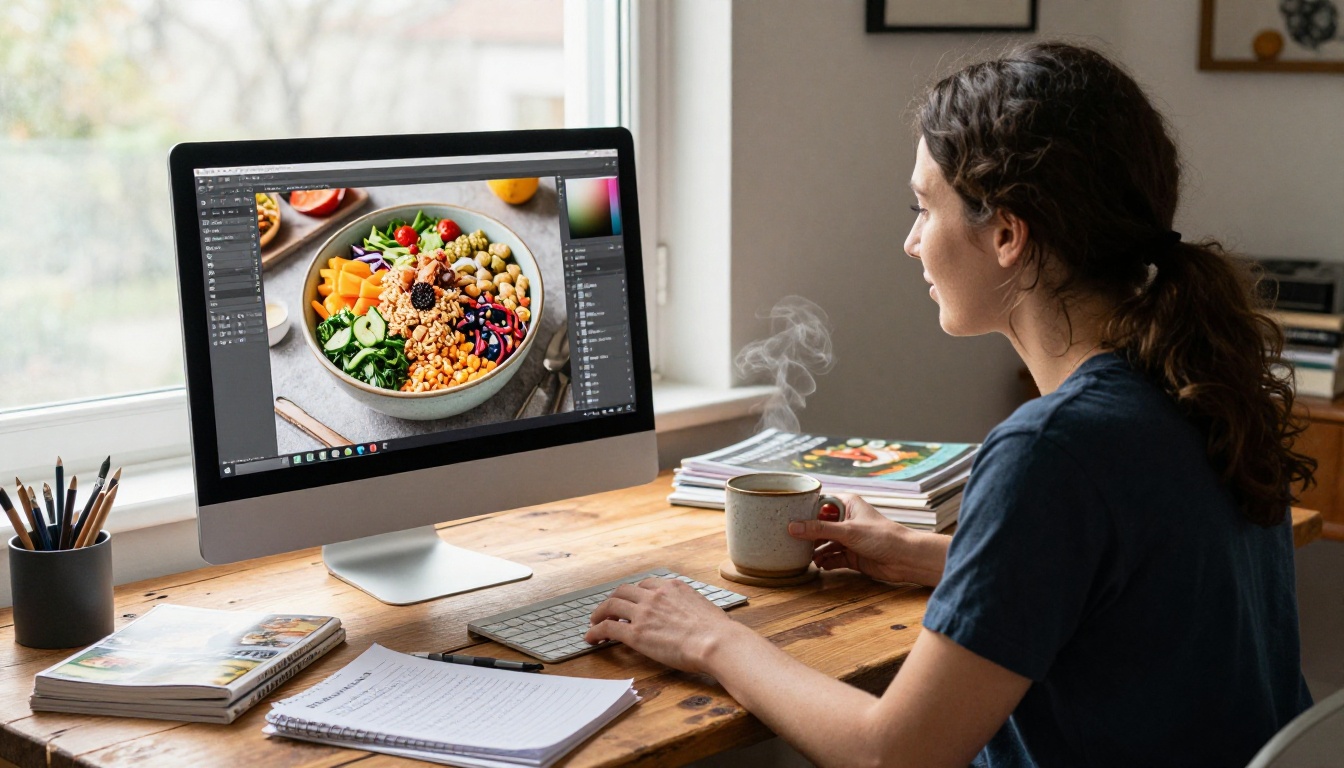
Shooting and editing with AI
For bloggers who do photograph real dishes, AI improves rather than replaces the photography workflow:
- Object removal: If you accidentally captured an unwanted utensil, AI inpainting fills it seamlessly
- Plate cleanup: Drips and smudges on the rim disappear with a single brush stroke
- Background extension: If your shot is too tight, outpainting extends the canvas with a believable environment
- Color correction: AI can match the color temperature of an artificial light photo to natural daylight in seconds
Publishing with AI assistance
The final steps, writing the meta title, crafting the SEO description, structuring the recipe card, adding alt text to images, are tedious but critical. AI handles all of them in bulk. Feed your recipe title and main ingredients, and it returns a full set of SEO metadata optimized for your target keyword.
The Cost Breakdown
Free vs paid AI tools
The honest reality is that most AI image generation tools with output quality high enough for professional food blogging require some level of paid access. The free tiers are useful for testing but cap out quickly.
| Tool Type | Free Tier | Paid Starting Point |
|---|
| AI image generation | 5-20 images/month | $10-20/month |
| AI writing assistants | 2,000-5,000 words/month | $15-30/month |
| Background removal | 5-10 removals/month | $8-15/month |
| SEO AI tools | Basic audits | $20-50/month |
PicassoIA's model collection lets you access a wide range of text-to-image models within a single platform, from SDXL Lightning for rapid iteration to Flux Dev for high-fidelity outputs, rather than paying for multiple subscriptions separately.
Where to spend and where to save
The highest-ROI investment for a food blogger going into AI:
- Image generation first: the visual quality gap between AI and amateur photography is substantial, and better images directly increase time-on-page and social sharing
- SEO writing tools second: organic traffic compounds over time and pays for itself in ad revenue or affiliate sales
- Social scheduling with AI captions: saves three to five hours per week with minimal investment
The Quality Bar Has Changed
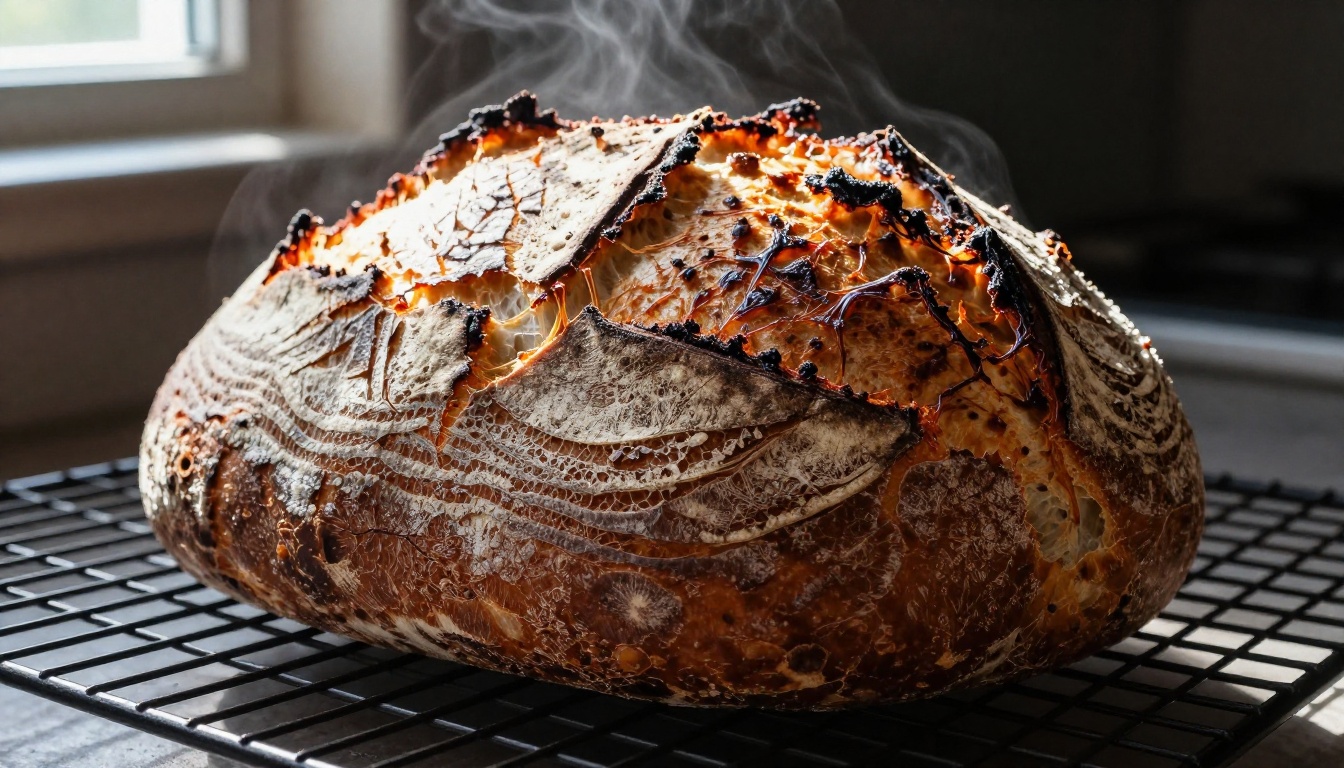
Three years ago, AI-generated food images were recognizable immediately. Misshapen pasta. Hands with six fingers. Sauces that defied gravity in unnatural ways. That era is over.
Flux 2 Pro, RealVisXL v3.0 Turbo, and models like Qwen Image 2 Pro now produce food photography that passes inspection from professional food stylists. The textures are accurate, the physics are believable, and the lighting follows real-world rules.
This does not mean every prompt will produce a perfect image on the first try. Good AI food photography still requires prompt engineering skill, an understanding of light direction, and a good eye for when something looks off. The difference is that the ceiling is now professional-grade rather than obviously artificial.
What AI Cannot Replace
Being direct about this matters. AI tools for food bloggers are powerful production tools, not creative replacements. The things readers actually connect with, your recipe story, your kitchen failures, your grandmother's technique, your specific palate, cannot be generated.
AI also cannot taste your food, which means it cannot tell you if a recipe works. The editorial judgment of a food blogger, knowing which ingredients pair well, recognizing when a dish photograph lies about the taste, remains entirely human.
The best food bloggers using AI in 2027 are using it to handle the mechanical production work while investing more time in the creative and personal elements that make their content irreplaceable.
Start Creating Your Own Food Images
The best way to see what these tools actually do is to generate an image of your signature dish today. Open Flux Dev on PicassoIA, write a prompt describing your dish with specific light direction and surface material, and see what it produces.
Most food bloggers who try this once spend the next hour generating variations because the quality is both surprising and genuinely useful. The images do not replace your photography workflow overnight, but they fill the gaps: the seasonal dish you cannot shoot until next year, the recipe you want to publish now but cannot stage, the Pinterest banner for a post with a mediocre hero photo.
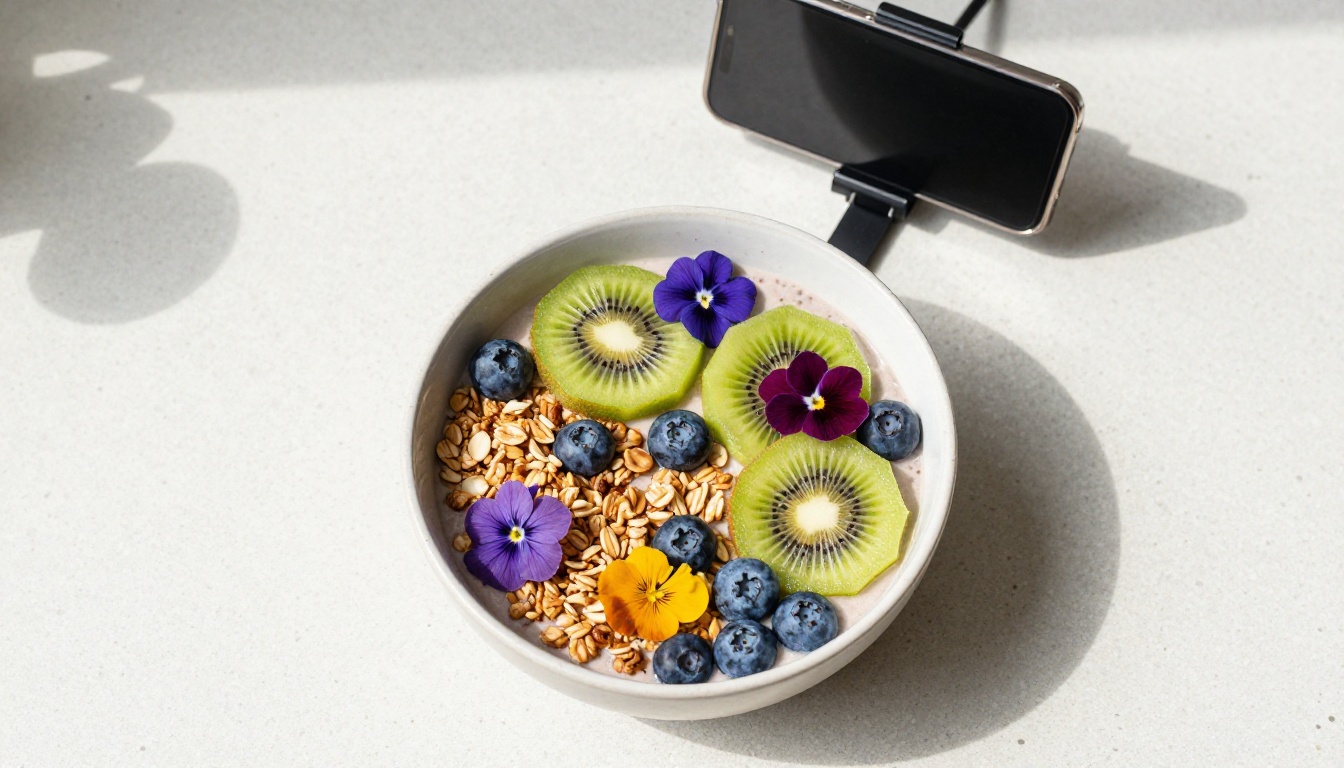
With Flux 2 Max for ultra-high resolution output and RealVisXL v3.0 Turbo for consistent photorealistic results, PicassoIA gives food bloggers access to the same generation quality that commercial food brands are using in their campaigns. Pick your dish, write the prompt, and see what happens.


