Walk into any professional workspace today and you'll see something interesting: AI tools aren't just theoretical concepts or weekend experiments anymore. They're on screens, in workflows, and part of daily operations. The conversation has shifted from "what can AI do?" to "which AI tools actually help us work better?" Here's what people are actually using in 2027.

Hands interacting with AI language model interface while typing—the reality of daily AI tool usage
Text-to-Image Generators That Actually Work
When people need images, they're not experimenting with every new model that launches. They're using tools that deliver consistent, reliable results. The tools that get used daily share three characteristics: predictable output, reasonable speed, and practical quality.
💡 The Reality Check: Professionals don't have time to generate 50 variations hoping one works. They need tools that understand what "professional headshot" or "product visualization" actually means in their context.
Flux models dominate professional workflows because they understand the difference between "photorealistic" as a style descriptor and "looks like a real photograph." The flux-2-max variant gets particular attention for handling complex compositions without collapsing into visual noise.
GPT Image 1.5 from OpenAI sees heavy use for scenarios requiring text comprehension within images. When you need a sign with specific wording or an interface mockup with readable labels, this model understands that "text" means actual readable text, not decorative squiggles.
Qwen Image 2512 has carved its niche in product visualization and technical documentation. Its strength lies in maintaining object consistency across multiple generations—a crucial requirement when creating series of related images.
P-Image from PrunaAI gets chosen for speed-critical applications. When a marketing team needs ten variations for A/B testing in thirty minutes, this model delivers without sacrificing coherence.
| Model | Primary Use Case | Why It Gets Chosen |
|---|
| flux-2-max | Professional illustrations, concept art | Consistent style, handles complexity |
| gpt-image-1.5 | Text-heavy images, interfaces | Actually renders readable text |
| qwen-image-2512 | Product visualization, documentation | Object consistency across generations |
| p-image | Rapid prototyping, A/B testing | Speed without quality collapse |
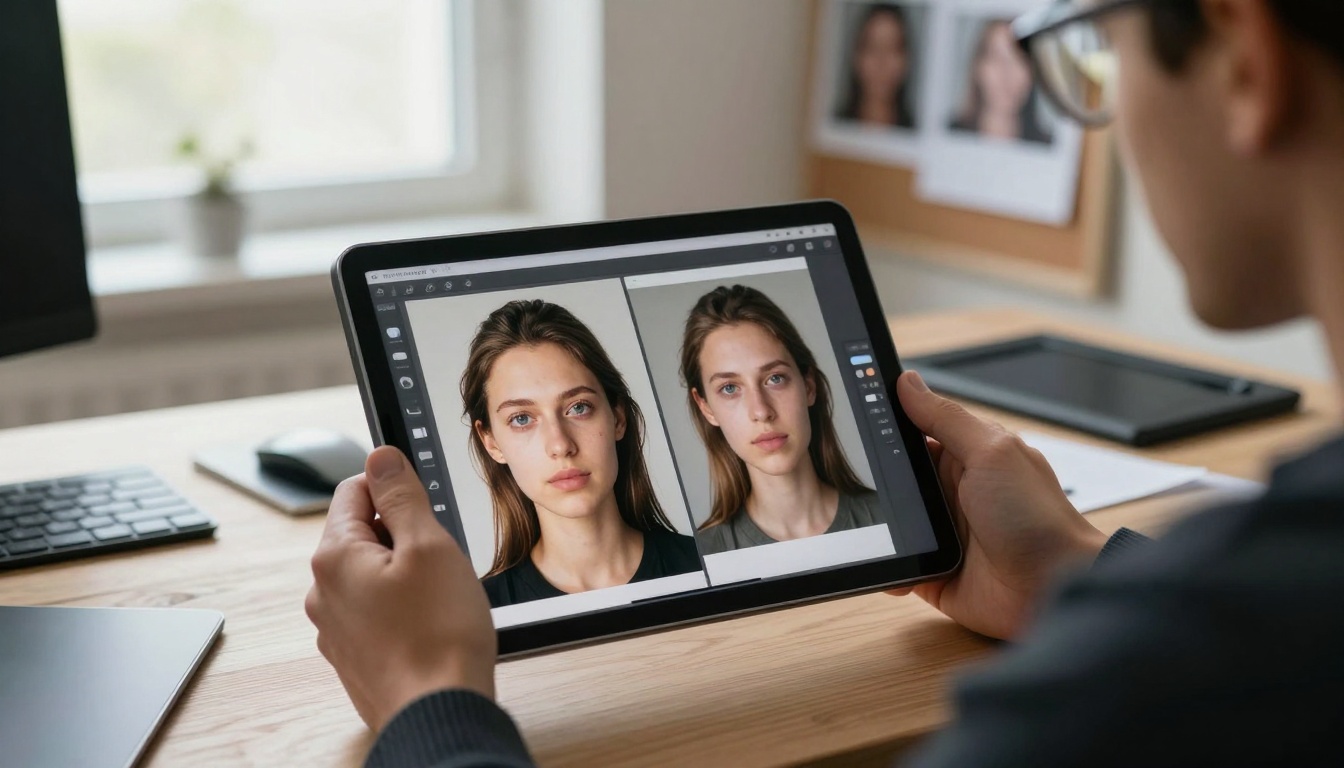
Designer evaluating AI-generated images—the critical assessment phase that determines which tools get used
The practical workflow looks like this: start with a broad model for initial concepts, switch to a specialized model for refinement, and use editing tools for final adjustments. Nobody relies on a single model for everything anymore.
Video generation moved from "impressive demo" to "production tool" around mid-2025. The models that survived this transition share one trait: they understand temporal consistency.
Sora 2 Pro from OpenAI handles narrative sequences better than anything else. When you need a character to perform actions across multiple shots, this model maintains facial features, clothing details, and environmental consistency. It's not perfect, but it's reliable enough for pre-visualization and storyboarding.
WAN-2.6 models have become the workhorse for commercial applications. The WAN-2.6-T2V variant particularly excels at product demonstrations and explanatory content. Its motion patterns feel natural rather than artificial, which matters when showing how a product functions or how a process works.
Google Veo 3.1 dominates educational content creation. Teachers, trainers, and instructional designers use it because it handles explanatory gestures and demonstration sequences with clarity. When you need to show "how to assemble this" or "how this mechanism works," this model delivers.
Kling V2.6 gets chosen for character animation and emotional sequences. Its strength lies in facial expression consistency across longer clips, making it valuable for short narrative pieces and character introductions.
💡 The Timeline Reality: Most professionals generate 15-30 second clips rather than full videos. These clips get edited together with traditional footage, creating hybrid content that leverages AI where it excels and traditional methods where they remain superior.
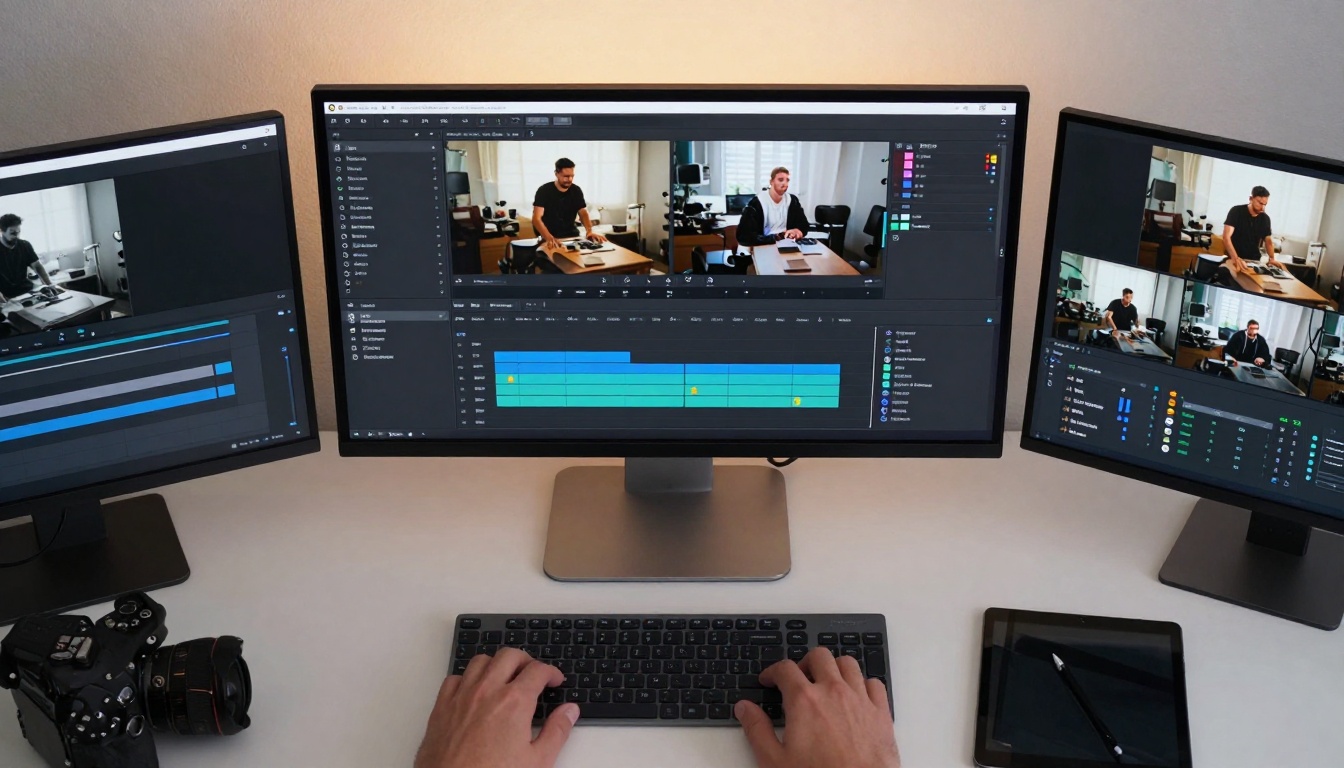
Video editor working with AI generation tools—the hybrid workflow that defines modern video production
Three practical approaches define video tool usage:
- Prompt refinement through iteration: Start with broad concepts, refine based on output, identify what the model does well, and lean into those strengths
- Hybrid editing: AI-generated segments combined with stock footage, screen recordings, and traditional shots
- Parameter understanding: Learning which sliders actually matter versus which are marketing features
Language Models That Get Used Daily
The language model landscape has settled into clear tiers based on task specificity. Nobody uses one model for everything—they match models to tasks.
GPT-5.2 handles complex reasoning and multi-step analysis. When a data scientist needs to understand correlation patterns or a researcher needs to synthesize findings from multiple papers, this model provides structured thinking that simpler models can't match.
Claude 4.5 Sonnet dominates writing assistance and content refinement. Its strength lies in maintaining voice consistency and understanding contextual nuance. Marketing teams, content creators, and communications professionals use it as their primary writing partner.
Gemini 2.5 Flash serves as the rapid response tool. When you need quick answers, basic summaries, or straightforward explanations, this model delivers speed without sacrificing accuracy. It's the "Google Search replacement" for internal knowledge bases.
Meta Llama 3.1 405B gets used for code generation and technical documentation. Its understanding of programming context and technical specificity makes it valuable for developers working across multiple languages and frameworks.
The practical pattern is model stacking: start with a fast model for initial exploration, switch to a capable model for refinement, and use a specialized model for final polish.
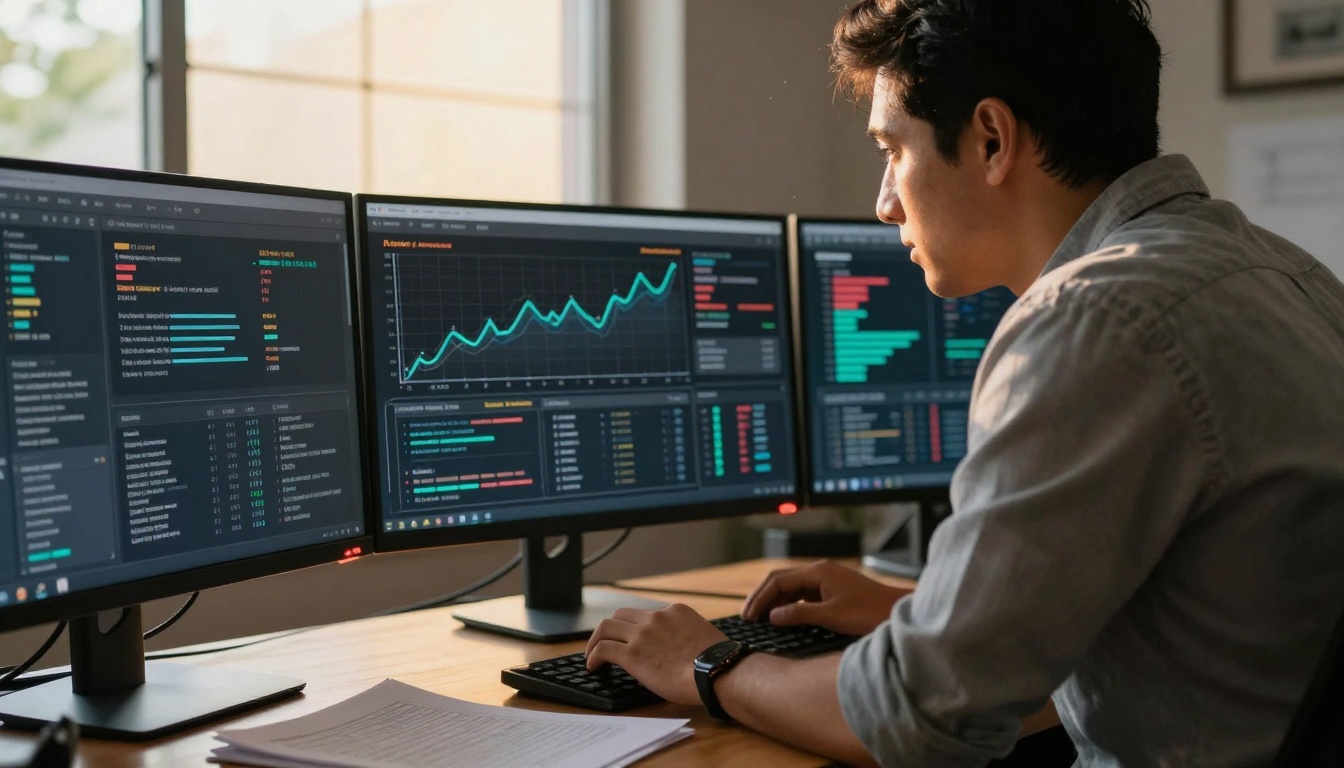
Data scientist working with AI-generated insights—the analytical applications that drive business decisions
AI Music and Audio Production
Music generation tools have moved from novelty to production pipeline components. The models that see actual use understand genre conventions and emotional context.
Google Lyria-2 handles background scoring and atmospheric music. Film editors, game developers, and content creators use it because it understands scene context—tense moments get tense music, joyful scenes get uplifting scores.
Minimax Music 1.5 excels at vocal generation and melodic composition. Its strength lies in creating memorable hooks and maintaining musical coherence across longer pieces. Podcast producers and advertising teams use it for signature sounds and brand audio elements.
Stable Audio 2.5 from Stability AI gets chosen for sound design and audio effects. Its ability to generate specific sound types—rain, footsteps, machinery—makes it valuable for game development and immersive experiences.
The workflow reality: Most professionals generate 30-60 second segments rather than complete tracks. These segments get layered, edited, and combined with traditional recordings to create final audio.
💡 The Parameter Insight: Successful music generation requires understanding tempo as emotion, instrumentation as texture, and key signature as mood. The tools that get used make these connections intuitively.
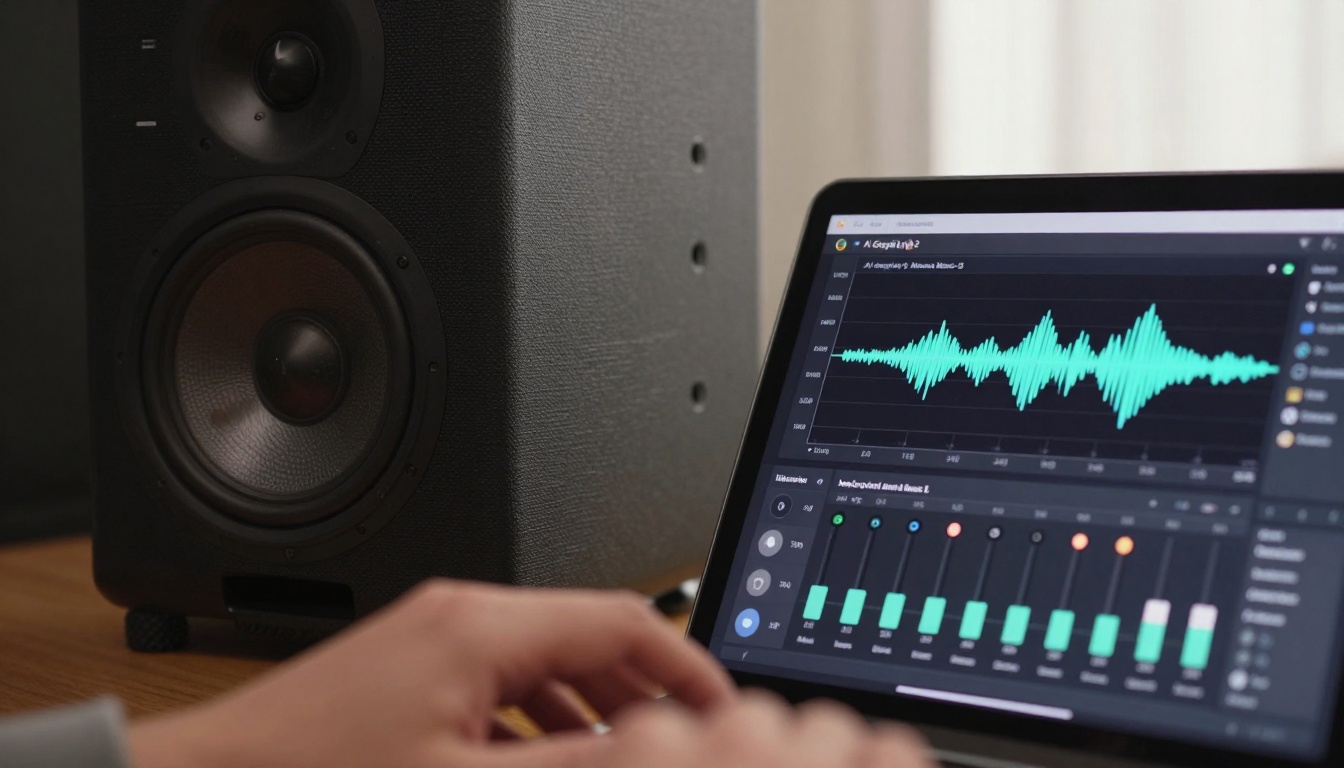
Audio professional adjusting AI music generation parameters—the detailed control required for production-quality output
Data Analysis and Research Assistance
AI tools for data work have evolved from "pretty charts" to actual analytical partners. The difference lies in interpretation capability rather than just visualization.
GPT-5.2 with data analysis extensions handles pattern recognition across disparate datasets. Its strength lies in connecting unrelated data points and suggesting causal relationships that human analysts might miss.
Claude 4.5 Sonnet serves as the research synthesis tool. When dealing with multiple papers, reports, or articles, this model extracts key themes, identifies methodological connections, and highlights contradictory findings.
Specialized data models like those from IBM Granite get used for domain-specific analysis. In healthcare, finance, and engineering, these models understand industry terminology and regulatory contexts.
Three practical applications define data tool usage:
- Anomaly detection: Identifying outliers that warrant investigation
- Trend prediction: Extrapolating patterns to forecast future states
- Relationship mapping: Understanding how different variables interact
The critical realization: AI doesn't replace data scientists—it augments their capabilities. The human provides context and interpretive frameworks, while the AI handles pattern recognition and computational analysis.
Image Enhancement and Editing
AI editing tools have become standard workflow components rather than optional extras. They're used for specific tasks where they demonstrably outperform traditional methods.
Topaz Labs Image Upscale handles resolution enhancement for older images and low-quality source material. Its strength lies in adding plausible detail rather than just increasing pixel count. Archivists, historians, and media restoration teams use it extensively.
Bria Increase Resolution gets chosen for product photography and e-commerce images. When you need consistent quality across hundreds of product shots, this model delivers uniform enhancement without introducing artifacts.
Google Upscaler serves as the general-purpose enhancement tool. Its balance of speed and quality makes it suitable for batch processing and workflow integration.
Real-ESRGAN from NightmareAI handles extreme enhancement scenarios. When dealing with severely degraded images or historical photographs, this model reconstructs plausible details based on contextual understanding.
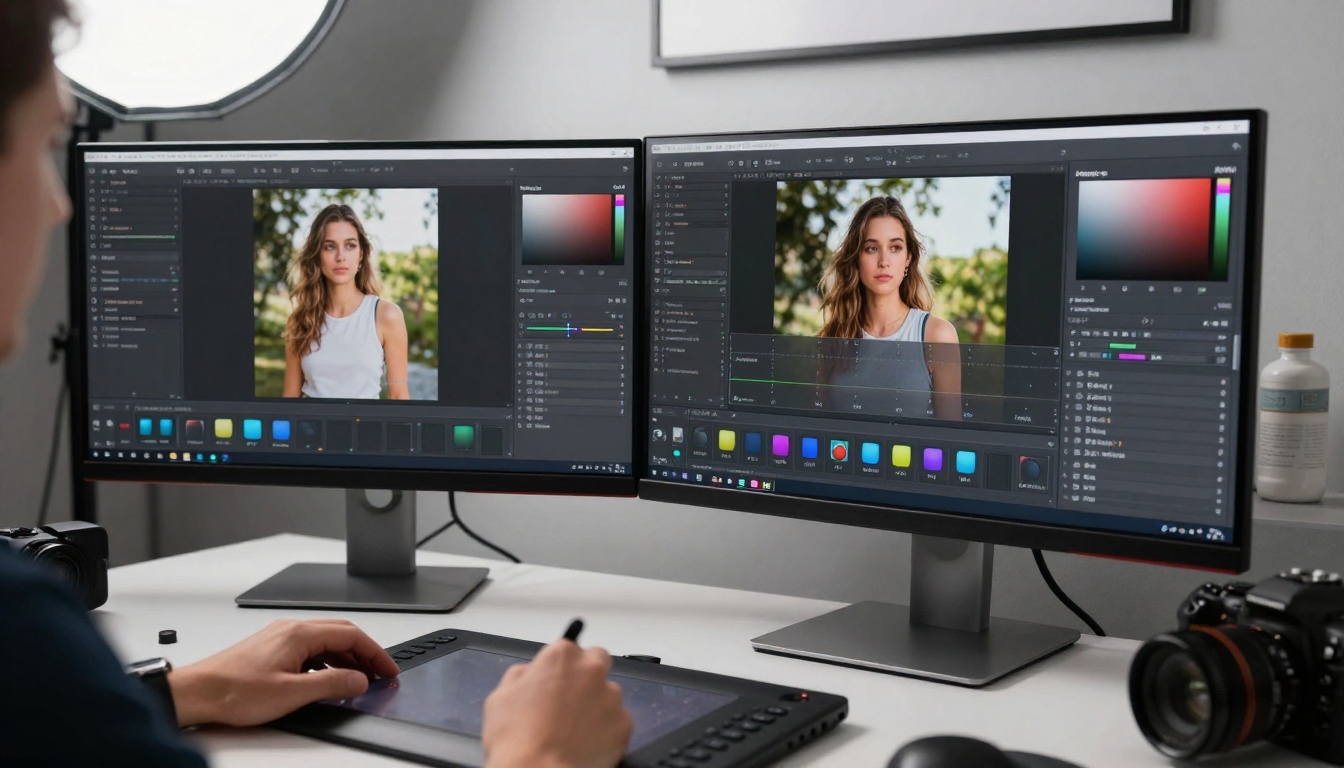
Photographer comparing original and AI-enhanced images—the before/after assessment that determines tool value
The editing workflow has standardized: crop and compose traditionally, enhance with AI, refine manually. This hybrid approach leverages AI where it excels while maintaining human control where it matters.
AI has transformed how teams communicate, particularly in multilingual and asynchronous contexts.
Google Gemini 3 Pro dominates real-time translation during meetings. Its ability to handle technical terminology and industry jargon makes it valuable for international collaboration and cross-border projects.
Meeting summarization tools built on Claude models get used for action item extraction and decision tracking. Their strength lies in distinguishing discussion from decision—a critical distinction in professional contexts.
Sentiment analysis tools help managers understand team dynamics and project morale. By analyzing communication patterns, these tools identify potential conflicts and collaboration opportunities.
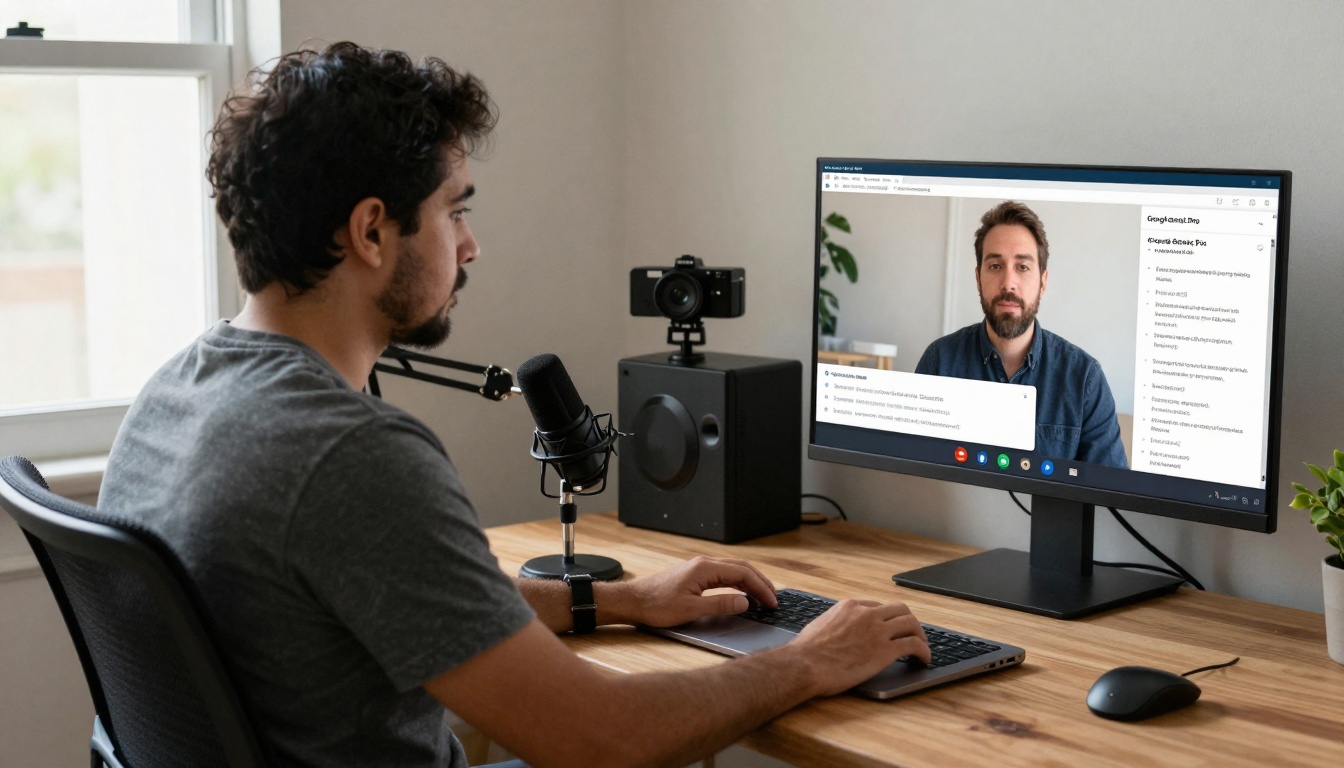
Professional using AI translation during video conference—the cross-language collaboration that defines global work
Three communication patterns have emerged:
- Translation as facilitation: Real-time language conversion enabling direct conversation
- Summarization as memory: Capturing discussions and decisions for reference
- Analysis as insight: Understanding communication patterns and team dynamics
💡 The Cultural Insight: The most successful teams use AI translation to enable direct conversation rather than to replace conversation. The goal is understanding, not automation.
Practical Integration Tips
After observing hundreds of teams integrate AI tools, clear patterns emerge about what works and what doesn't.
Start with one tool category. Don't implement image generation, video creation, language assistance, and data analysis simultaneously. Choose one area where improvement would matter most, implement thoroughly, then expand.
Match tools to actual tasks. Don't choose tools based on marketing claims. Analyze specific workflow pain points and select tools that address those points directly.
Establish quality standards. Define what "good enough" means for your context. Is it speed, accuracy, consistency, or creativity? Different tools excel at different qualities.
Train for tool literacy. Don't assume people know how to use these tools effectively. Provide specific training on prompt construction, parameter adjustment, and output evaluation.
Measure actual impact. Track time savings, quality improvements, or output increases. Without measurement, you can't know if tools are helping or just creating complexity.

Team collaborating with AI-generated concepts—the group dynamics that determine tool adoption success
The integration reality: Successful teams treat AI tools as specialized team members rather than magic solutions. They understand each tool's strengths, acknowledge its limitations, and deploy it strategically.
The landscape has settled enough that we can make informed choices rather than speculative experiments. The tools people actually use share common characteristics:
- They solve specific problems rather than promising universal solutions
- They integrate with existing workflows rather than requiring complete overhauls
- They deliver consistent results rather than occasional brilliance
- They balance capability with usability rather than prioritizing one over the other

Researcher combining AI analysis with traditional methods—the balanced approach that defines effective tool usage
The question has shifted from "which AI tools exist?" to "which AI tools help us work better?" The answer varies by team, by task, by context. But the pattern is clear: tools that get used solve actual problems rather than create impressive demos.
The most interesting development isn't the tools themselves, but how people use them. The experimentation phase has passed. We're now in the integration phase—figuring out how these tools fit into daily work, how they complement human skills, and how they create better outcomes.
What matters now isn't theoretical capability but practical utility. And that's precisely what the tools discussed here deliver: utility that gets used, value that gets recognized, and results that matter.


