The landscape of creative tools has undergone a seismic shift in recent years, with artificial intelligence becoming the default toolkit for today's teenagers. What began as simple photo filters has evolved into sophisticated platforms that generate entire visual worlds from text descriptions, animate still images into cinematic sequences, and transform casual smartphone footage into professional-grade content. This isn't just about technology adoption—it's about a fundamental change in how younger generations express themselves, communicate with peers, and engage with digital culture.

The appeal of AI-powered creative tools to teenagers isn't accidental—it's a perfect alignment between technology capabilities and developmental needs. During adolescence, identity exploration, social connection, and creative expression converge, creating fertile ground for tools that offer instant gratification with minimal technical barriers.
The Appeal of Instant Creativity
Traditional creative software presented steep learning curves that often discouraged casual experimentation. Adobe Photoshop required months of study to master basic techniques, video editing involved complex timeline manipulation, and 3D modeling demanded understanding of polygon topology. AI tools dismantle these barriers entirely.
💡 The psychology behind this: Teenagers operate in what psychologists call "the here-and-now" cognitive space, valuing immediate results over delayed gratification. AI tools deliver exactly this—type a sentence, get an image; upload a photo, receive multiple artistic interpretations; record a clip, watch it transform with automated effects.
The dopamine reward cycle is instant and repeatable. Each generation produces something visually compelling, each style transfer creates something unique, each automated edit produces shareable content. This immediate feedback loop keeps engagement high and frustration low—critical factors for maintaining teenage interest in any activity.
Social Media Integration
AI tools don't exist in isolation—they're deeply integrated into the social ecosystems where teens spend most of their digital lives. This integration happens at multiple levels:
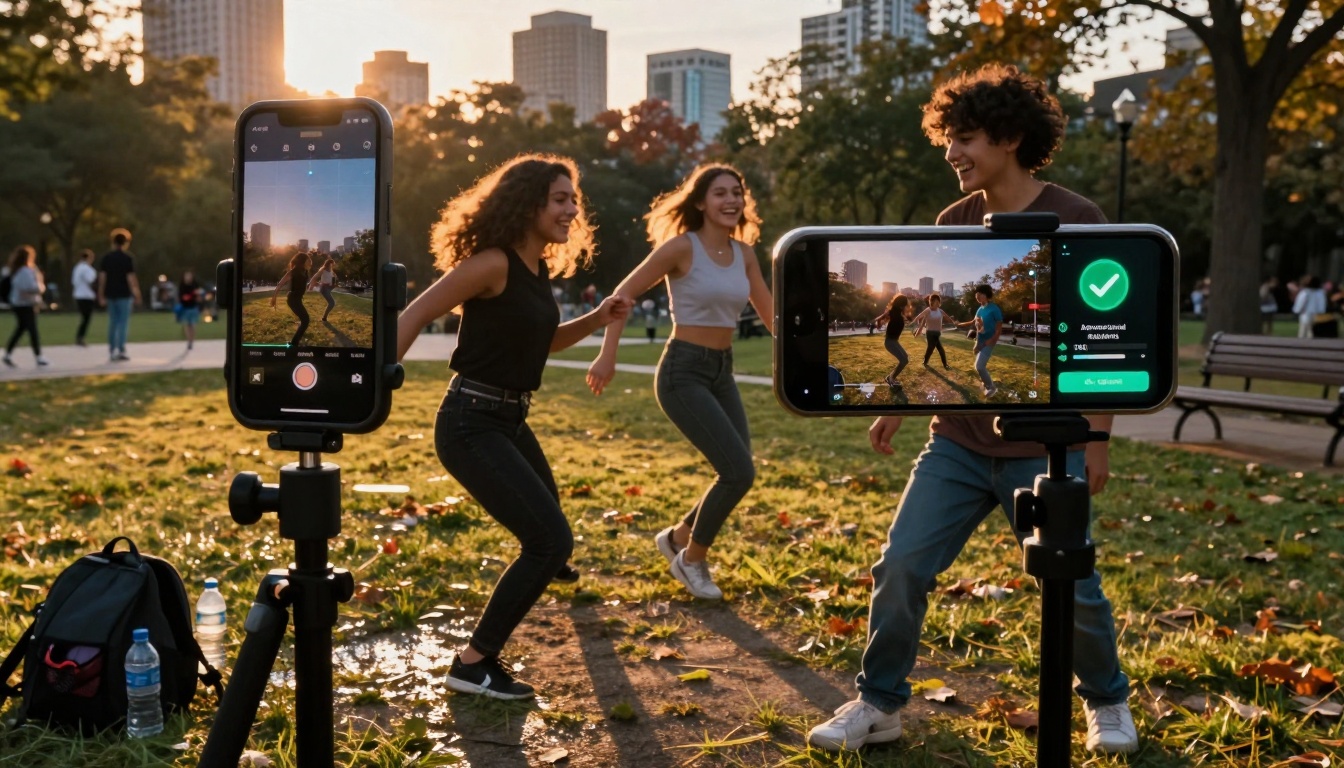
Platform-native AI: Social media apps build AI directly into their interfaces. Instagram's AI suggests optimal posting times, TikTok's algorithm recommends trending audio for your content, Snapchat's lenses use real-time facial tracking. These aren't separate tools teens need to seek out—they're baked into the platforms they already use daily.
Cross-platform compatibility: Most AI creative tools optimize output specifically for social media formats. Aspect ratios default to Instagram's 4:5 or TikTok's 9:16, file sizes compress for platform upload limits, and content templates mirror trending formats. The tools anticipate where content will ultimately live.
Community-driven development: Many AI tools popular with teens emerged from creator communities rather than corporate R&D departments. Features get added based on YouTube tutorial demand, Discord server requests, and TikTok trend analysis. The tools evolve alongside the communities using them.
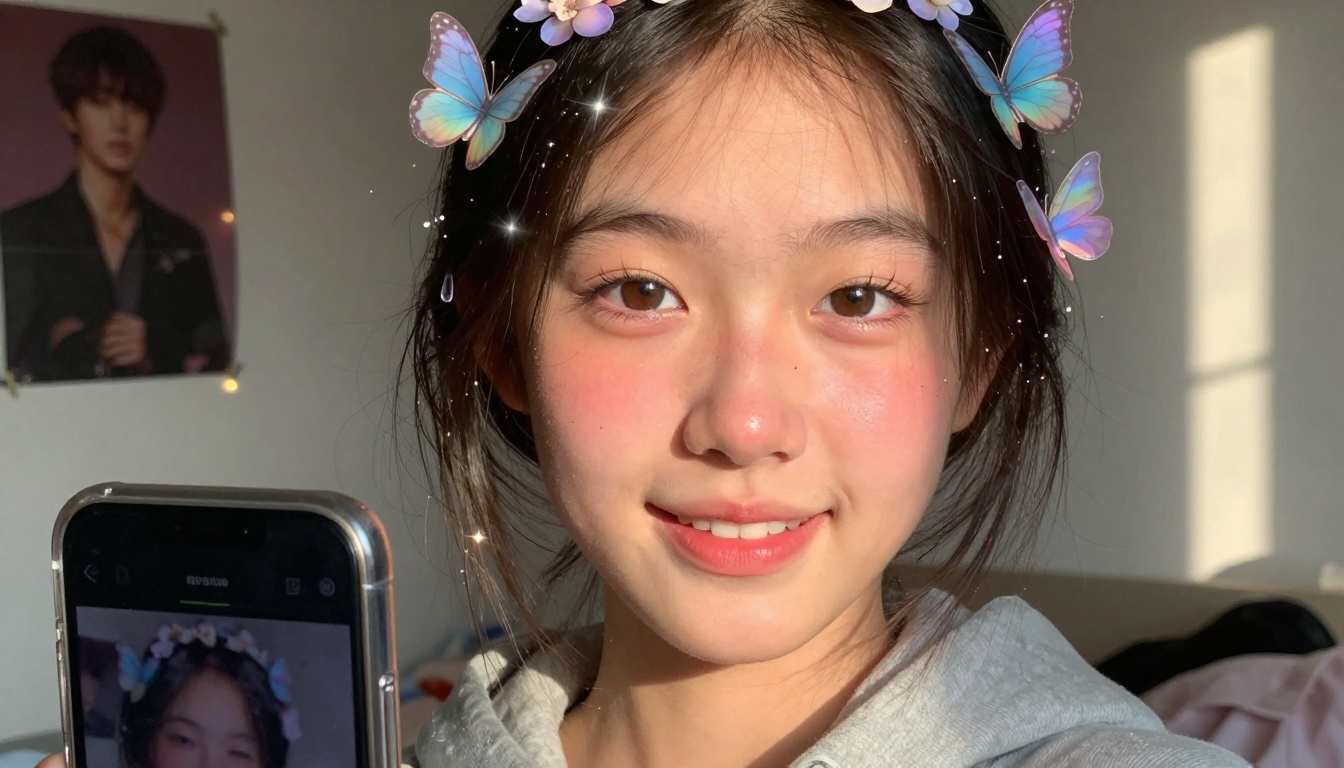
The image creation category has exploded with options catering to different teen use cases, from casual social media posts to serious artistic exploration. These tools vary significantly in complexity, cost, and creative freedom.
Photo Editing & Enhancement
Lightroom Mobile dominates the serious photography space despite its professional origins. Teens use its AI-powered features extensively:
- Selective edits: AI automatically identifies skies, subjects, backgrounds for targeted adjustments
- Preset matching: Upload any photo, AI suggests matching color grading presets
- Healing brush: AI-powered object removal that understands context (removes photobombers while preserving backgrounds)
- Portrait enhancement: Automatically adjusts skin tones, eye brightness, teeth whitening
VSCO maintains popularity for its curated aesthetic approach. Its AI features focus on mood and style rather than technical perfection:
- Film simulation: AI analyzes your photo and matches it to specific film stock characteristics
- Style transfer: Apply complete aesthetic packages (90s disposable camera, vintage polaroid, cinematic grading)
- Community trends: AI identifies trending editing styles within the VSCO community and suggests adaptations
PicsArt serves as the Swiss Army knife with overwhelming feature sets:
- Background removal: One-click subject isolation that handles complex edges (hair, transparent objects)
- AI art effects: Transform photos into specific artistic styles (watercolor, oil painting, sketch)
- Collage assistance: AI suggests optimal layouts based on your selected photos
- Text generation: AI writes captions based on image content analysis
AI Art Generators
This category represents the most dramatic shift—tools that create entirely new images from text descriptions. Each platform caters to different teen preferences:
Midjourney (accessed via Discord) dominates the high-quality fantasy and conceptual art space:
- Style consistency: Can maintain character designs across multiple generations
- Parameter control: Advanced users learn specific syntax for fine-tuned results
- Community aspect: Generation happens in public Discord channels, creating shared learning environment
DALL-E 3 (via ChatGPT) excels at literal interpretation and detail accuracy:
- Text understanding: Exceptional at rendering specific objects described in prompts
- Safety filters: Built-in content moderation makes it parent-friendly
- Iteration speed: Rapid variations help teens explore multiple concepts quickly
Stable Diffusion variants (through various interfaces) offer maximum control for technical teens:
- Model mixing: Advanced users combine different trained models for unique results
- Local operation: Some setups run entirely on personal computers, avoiding cloud costs
- Community models: Thousands of community-trained specialized models (anime, realism, fantasy)
Craiyon serves as the accessible entry point with simple web interface:
- No account required: Complete anonymity appeals to privacy-conscious teens
- Speed over quality: Generates multiple options quickly for idea exploration
- Educational focus: Popular for school projects requiring visual elements
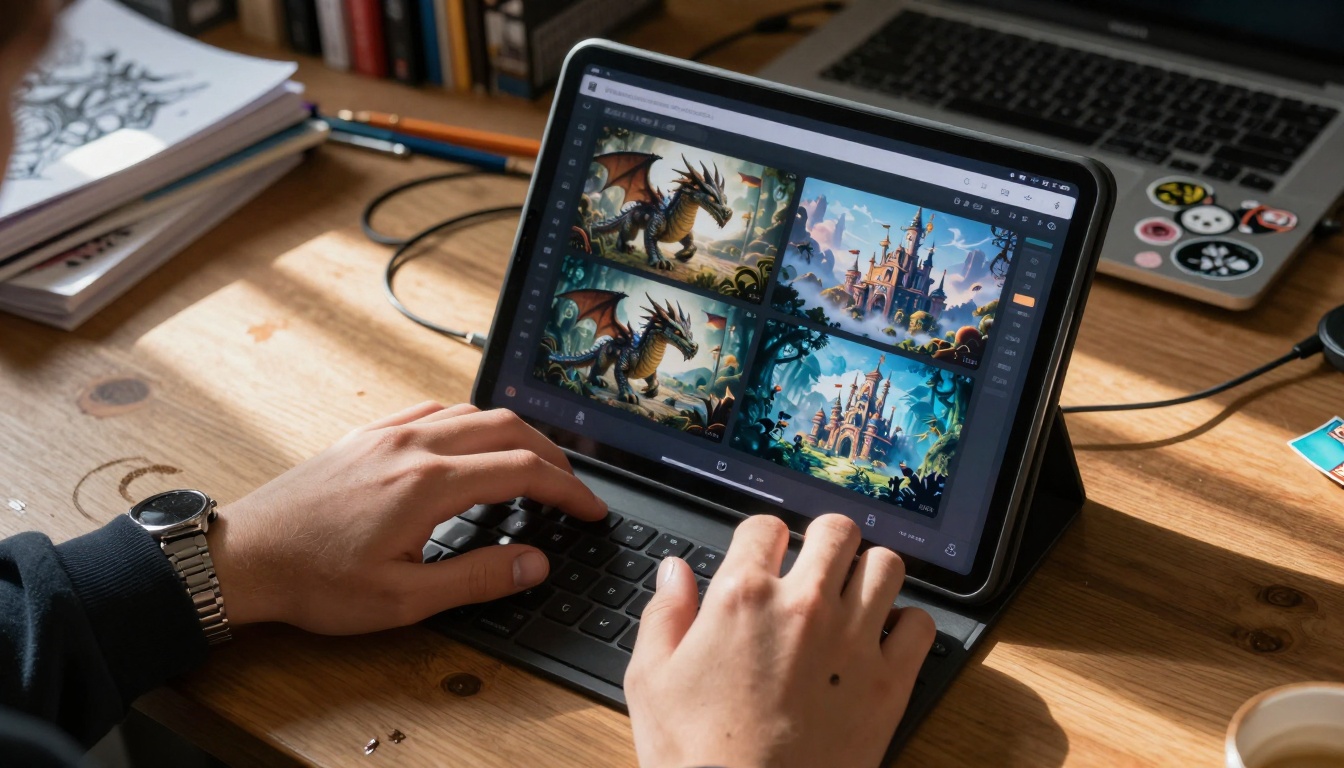
PicassoIA's text-to-image models like flux-2-klein-4b, gpt-image-1.5, and p-image offer specialized alternatives with different speed/quality trade-offs that teens experiment with based on their specific needs.
| Tool | Best For | Learning Curve | Cost | Output Quality |
|---|
| Midjourney | Fantasy art, consistent characters | Medium | $10-60/month | Excellent |
| DALL-E 3 | Literal interpretation, safety | Low | ChatGPT Plus | Very Good |
| Stable Diffusion | Technical control, customization | High | Free-$30/month | Variable |
| Craiyon | Quick ideas, school projects | None | Free | Basic |
| PicassoIA Models | Specialized styles, speed options | Medium | Pay-per-use | Professional |
Video Creation & Editing
Video represents the most complex creative medium, and AI tools have democratized access to techniques that previously required film school education or professional studio experience.
Social Media Video Tools
CapCut has become the de facto standard for TikTok and Instagram Reels creation, with AI features that automate previously manual processes:
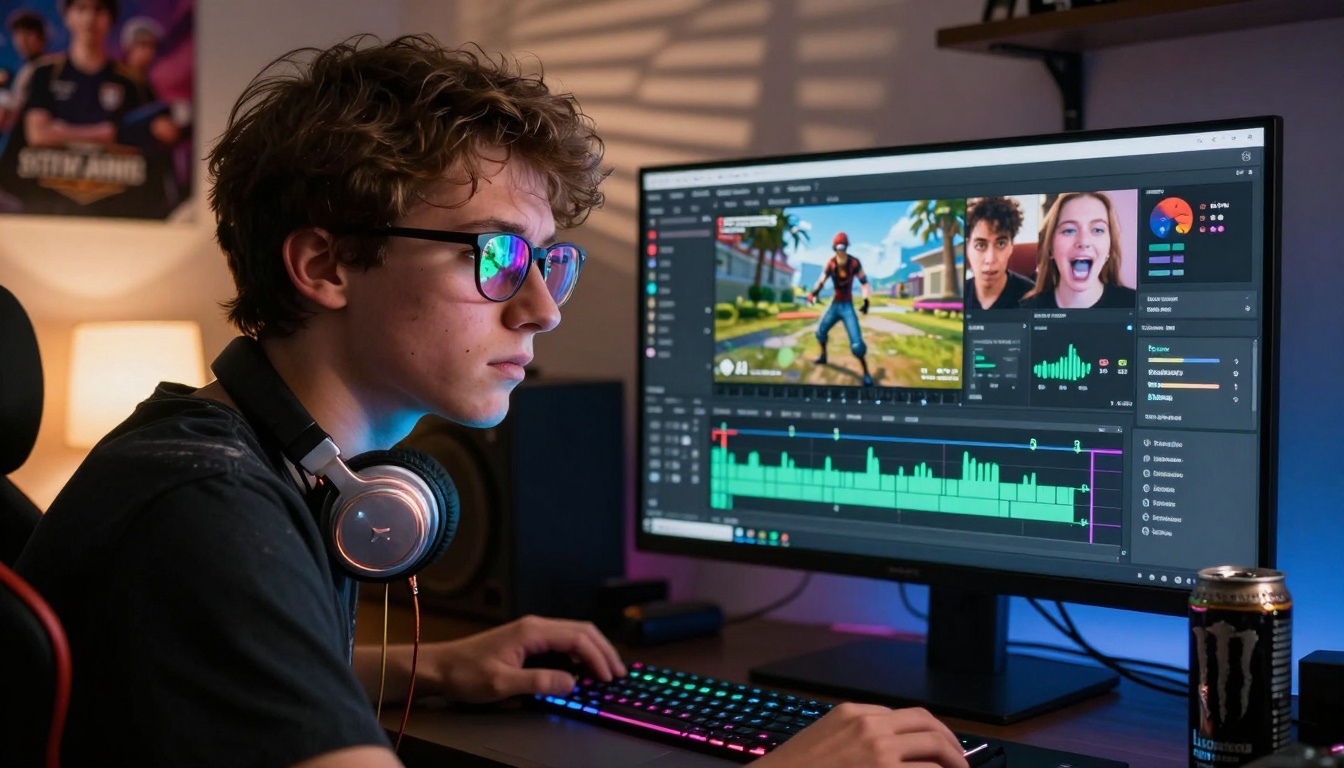
- Auto-captions: AI transcribes speech with near-perfect accuracy, adds animated text synchronized to audio
- Beat detection: Automatically identifies musical beats and suggests cut points
- Template matching: Upload any trending video, AI recreates its editing structure with your footage
- Background removal: Sophisticated subject isolation that handles motion and complex backgrounds
- Auto-zoom: AI detects faces and applies dynamic zoom to maintain framing during movement
InShot focuses on speed and simplicity with intelligent defaults:
- One-tap edits: AI suggests complete edit packages based on video content analysis
- Music matching: Analyzes video mood and suggests appropriate soundtrack options
- Aspect ratio optimization: Automatically crops and positions content for different platforms
- Color correction: AI analyzes lighting conditions and applies corrective adjustments
Quik by GoPro uses AI to transform raw footage into polished edits:
- Highlight detection: Identifies the most engaging moments in longer recordings
- Story assembly: Automatically sequences clips into coherent narratives
- Transition timing: Matches cut points to musical rhythms or action peaks
- Style application: Applies complete aesthetic packages (travel vlog, sports highlight, cinematic)
Advanced Video Editors
For teens pursuing more serious filmmaking or content creation, several tools bridge the gap between consumer simplicity and professional capability:
Runway ML represents the cutting edge of AI video generation and manipulation:
- Text-to-video: Generate short video clips from text descriptions
- Image animation: Transform still photos into moving sequences
- Style transfer: Apply complete motion aesthetics to existing footage
- Object removal: Erase moving objects from video while reconstructing background
Descript revolutionizes editing through text-based manipulation:
- Edit by transcript: Cut, rearrange, and delete video by editing text transcript
- Overdub: AI-generated voice replacement that matches original speaker
- Filler word removal: Automatically detects and removes "ums," "ahs," pauses
- Multi-speaker separation: Isolates individual voices in group recordings
Adobe Premiere Rush brings professional tools to mobile with AI assistance:
- Auto-reframe: Intelligently crops and follows subjects for different aspect ratios
- Color match: Analyzes reference footage and applies matching color grading
- Audio ducking: Automatically lowers background music during speech
- Motion graphics templates: AI suggests animated text based on video content
PicassoIA's video models like kling-v2.6, sora-2-pro, and wan-2.6-i2v offer specialized video generation capabilities that advanced teen creators explore for specific effects and styles.
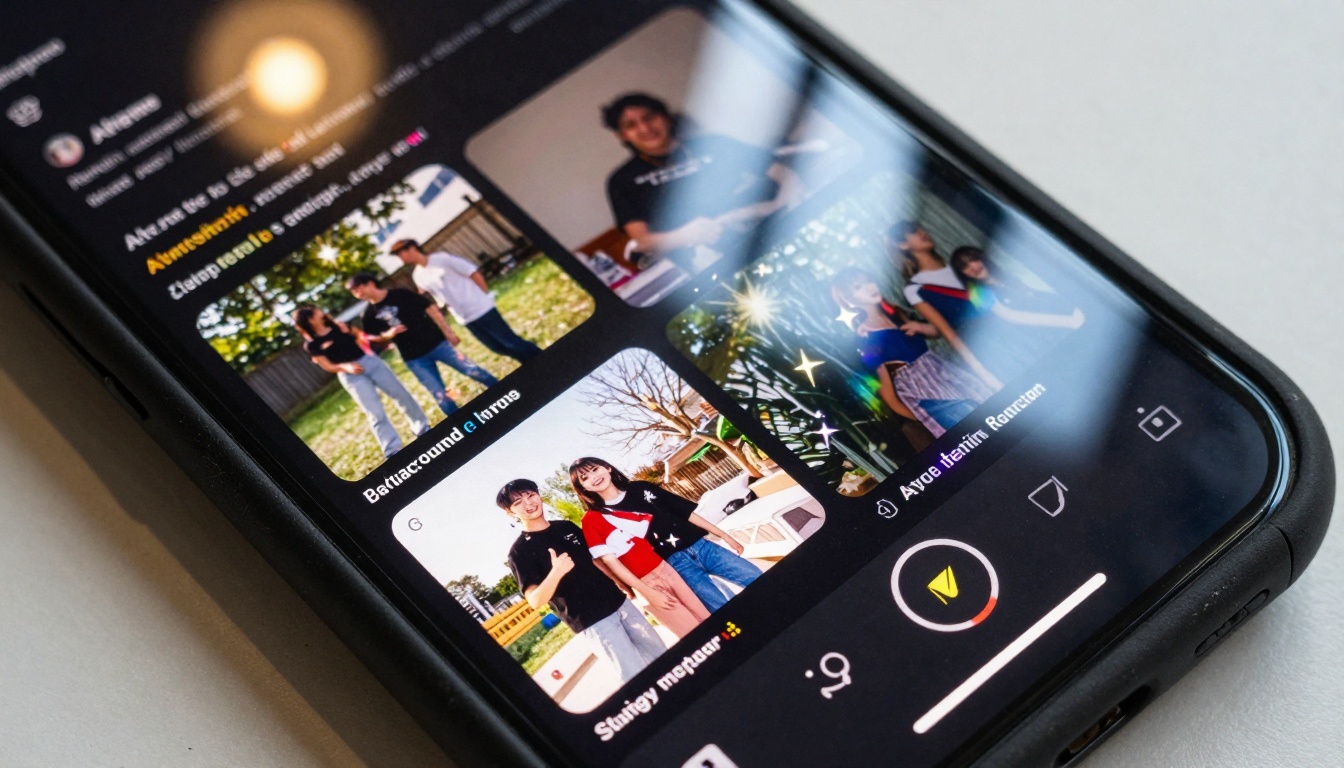
The most seamless AI experiences happen within platforms teens already use daily. These integrated features often outperform standalone tools through deeper platform integration and data access.
TikTok's AI Arsenal
TikTok has evolved beyond simple video sharing into a comprehensive creative suite with AI at every level:
Creative Assistant: The platform's built-in AI guide that suggests:
- Trending audio based on your video content analysis
- Optimal posting times based on follower activity patterns
- Hashtag strategies for maximum visibility
- Content ideas based on your past successful videos
Effect House: TikTok's AR effects platform where creators (including teens) build custom filters:
- Face tracking: Real-time facial feature detection for precise effect placement
- Hand tracking: Gesture recognition for interactive effects
- Environment understanding: Scene analysis for context-aware effects
- Template system: AI suggests effect structures based on trending categories
Auto-caption refinement: Beyond simple transcription, TikTok's captions:
- Add emphasis animations on key words
- Sync timing with musical beats
- Translate into multiple languages while maintaining timing
- Adjust text size based on speaking volume
Background music suggestions: AI analyzes your video and suggests:
- Audio that matches emotional tone
- Trending songs within your niche
- Original sounds from similar creators
- Copyright-safe alternatives to popular music
Instagram & Snapchat Integration
Instagram's AI focuses on aesthetic consistency and brand building:
Reels suggestions: AI analyzes your feed aesthetic and suggests:
- Filter packages that maintain visual consistency
- Transition styles that match your content type
- Text animation timing that suits your speaking pace
- Color palettes extracted from your most-liked posts
Stories enhancements: Real-time AI features for ephemeral content:
- Weather-aware filters: Effects that respond to local weather conditions
- Location-based overlays: AR elements tied to specific places
- Activity suggestions: AI prompts creative ideas based on time/location
- Friend tagging: AI recognizes faces and suggests tags
Snapchat maintains its AR dominance with increasingly sophisticated lenses:
Real-time translation: Text translation overlay that works through camera view
World lenses: AR effects that interact with physical environment (floor, walls, objects)
Bitmoji integration: AI-assisted avatar creation that mirrors expressions
Scan feature: Camera recognizes objects, songs, products, problems (math equations)
Creative Projects & School Use
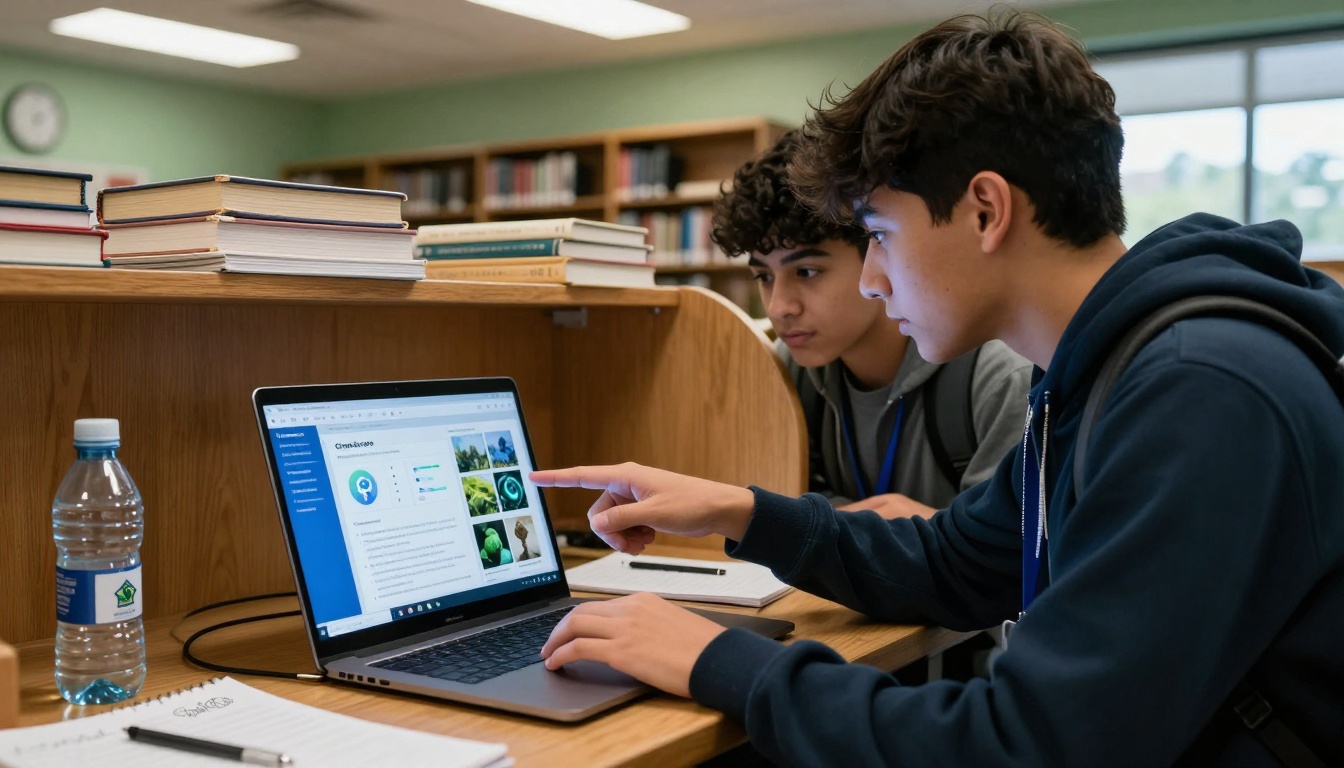
AI tools have moved beyond entertainment into legitimate educational and creative applications. Teachers increasingly incorporate these technologies into curriculum, while teens discover professional-grade capabilities previously inaccessible at their age.
Art Class Applications
Traditional art education has embraced AI as both subject and tool:
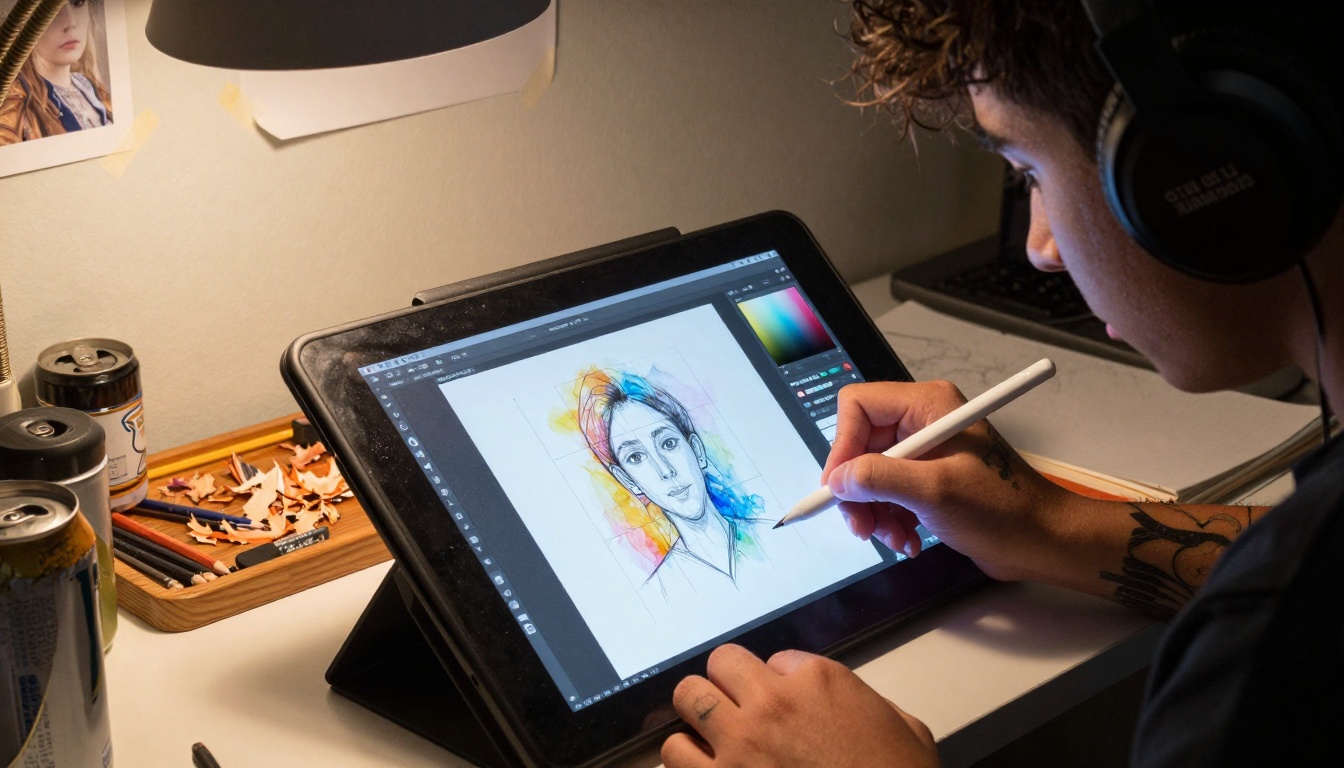
Digital art integration: Schools teach AI art generation alongside traditional media:
- Understanding prompt engineering as a creative skill
- Comparing AI styles to historical art movements
- Ethical discussions about originality and authorship
- Technical workflows combining AI generation with manual refinement
Portfolio development: Teens use AI tools to:
- Generate concept art for original characters and worlds
- Create consistent style guides for animation projects
- Produce background elements for comic panels
- Develop color palettes and mood boards
Animation assistance: AI accelerates previously labor-intensive processes:
- In-betweening: Generate intermediate frames between key drawings
- Lip sync: Automatically match mouth movements to audio
- Motion capture: Convert video reference into animation data
- Background generation: Create detailed environments from descriptions
Presentation & Project Tools
AI has transformed how teens approach academic work:
Research visualization: Tools like Canva's AI features help:
- Generate infographics from data sets
- Create timeline visualizations from event lists
- Produce comparison charts from research findings
- Design presentation templates matched to topic
Writing assistance: Beyond text generation, AI helps with:
- Citation formatting: Automatically format references in required styles
- Outline generation: Structure research into logical presentation flow
- Slide content: Distill complex topics into digestible bullet points
- Visual metaphor: Suggest imagery that represents abstract concepts
Collaboration tools: Group projects benefit from AI coordination:
- Version synchronization: AI merges contributions from multiple students
- Consistency checking: Ensures uniform formatting across sections
- Progress tracking: AI monitors completion status and suggests next steps
- Accessibility features: Auto-generates alt text, transcripts, simplified versions
Specialized subject tools: Different disciplines have specific AI applications:
- History: Generate historical scene recreations from descriptions
- Science: Visualize molecular structures, biological processes
- Literature: Create character visualizations, setting illustrations
- Foreign language: Generate culturally appropriate imagery for language learning
Safety & Parental Considerations
The power and accessibility of AI tools raise legitimate concerns that parents and educators must address proactively. These technologies present unique challenges distinct from previous digital generations.
Age Appropriateness
Not all AI tools are suitable for all ages, despite easy access:
Content moderation systems vary widely:
- Some platforms use aggressive filtering (DALL-E 3 blocks most questionable content)
- Others employ community reporting (Midjourney relies on user flagging)
- Many have minimal restrictions (certain Stable Diffusion interfaces)
Psychological development considerations:
- Body image issues: Face-altering filters can distort self-perception
- Reality distortion: Constant exposure to perfected AI imagery affects expectations
- Addiction patterns: The instant gratification cycle resembles gaming mechanics
- Social comparison: AI-enhanced content raises standards for "normal" sharing
Technical understanding gaps:
- Many teens don't comprehend how AI models work or their limitations
- "Black box" nature prevents understanding of why certain content gets generated
- Data privacy implications often misunderstood or ignored
- Copyright and ownership concepts frequently confused
Privacy Concerns
AI tools collect and utilize data in ways that merit scrutiny:
Training data implications: Most AI models were trained on:
- Billions of images scraped from the internet without explicit permission
- Personal photos from social media platforms
- Artistic works without creator consent or compensation
- Questionable content from obscure corners of the web
User data usage: Tools typically collect:
- All prompts entered (forming detailed interest profiles)
- Generated images (revealing creative preferences)
- Usage patterns (time spent, features used, sharing habits)
- Device information (camera specs, location data, contact lists)
Third-party sharing: Data often flows to:
- Parent companies for product improvement
- Advertising partners for targeted marketing
- Cloud providers for storage and processing
- Analytics services for usage tracking
Mitigation strategies for concerned parents:
- Use tools with clear privacy policies and data controls
- Prefer platforms with local processing options
- Educate teens about data literacy and digital footprints
- Monitor usage through shared accounts rather than restriction
- Discuss ethical implications of training data sources
The Technical Skills Teens Develop
Beyond creative expression, AI tool usage builds legitimate technical competencies:
Prompt engineering: Developing the specialized skill of communicating with AI systems:
- Understanding model-specific syntax and parameters
- Learning iterative refinement techniques
- Developing style vocabulary and reference knowledge
- Creating prompt libraries and templates
Workflow optimization: Teens learn to combine multiple tools:
- Generating base images in one tool, refining in another
- Creating elements separately, compositing together
- Establishing efficient pipelines for repetitive tasks
- Developing quality control checkpoints
Technical troubleshooting: AI tools frequently require:
- Understanding error messages and their solutions
- Managing system resources (VRAM, storage, processing power)
- Navigating version compatibility issues
- Researching community solutions for specific problems
Ethical framework development: Through use, teens encounter and must navigate:
- Copyright questions about AI-generated content
- Representation issues in training data biases
- Environmental impact of computational resources
- Economic implications for creative professions
Cost Considerations and Accessibility
The financial aspect of AI tools creates both barriers and opportunities:
Freemium models dominate: Most tools offer:
- Free tiers with limitations (watermarks, slower generation, lower quality)
- Subscription plans for serious users
- Enterprise pricing for educational institutions
- Credit systems for pay-per-use flexibility
Hardware requirements: Some tools demand specific equipment:
- Gaming-grade GPUs for local Stable Diffusion
- Modern smartphones for AR feature compatibility
- Sufficient storage for high-resolution outputs
- Reliable internet for cloud-based processing
Educational discounts: Many platforms offer:
- Student pricing with verification
- Classroom packages for schools
- Non-profit licensing for educational organizations
- Free resources for specific educational use cases
Alternative access points: Teens without personal resources use:
- School computer labs with pre-installed software
- Public library workstations with creative suites
- Community center digital literacy programs
- Shared family accounts on household devices
Future Trends in Teen AI Usage
Current adoption patterns suggest several emerging directions:
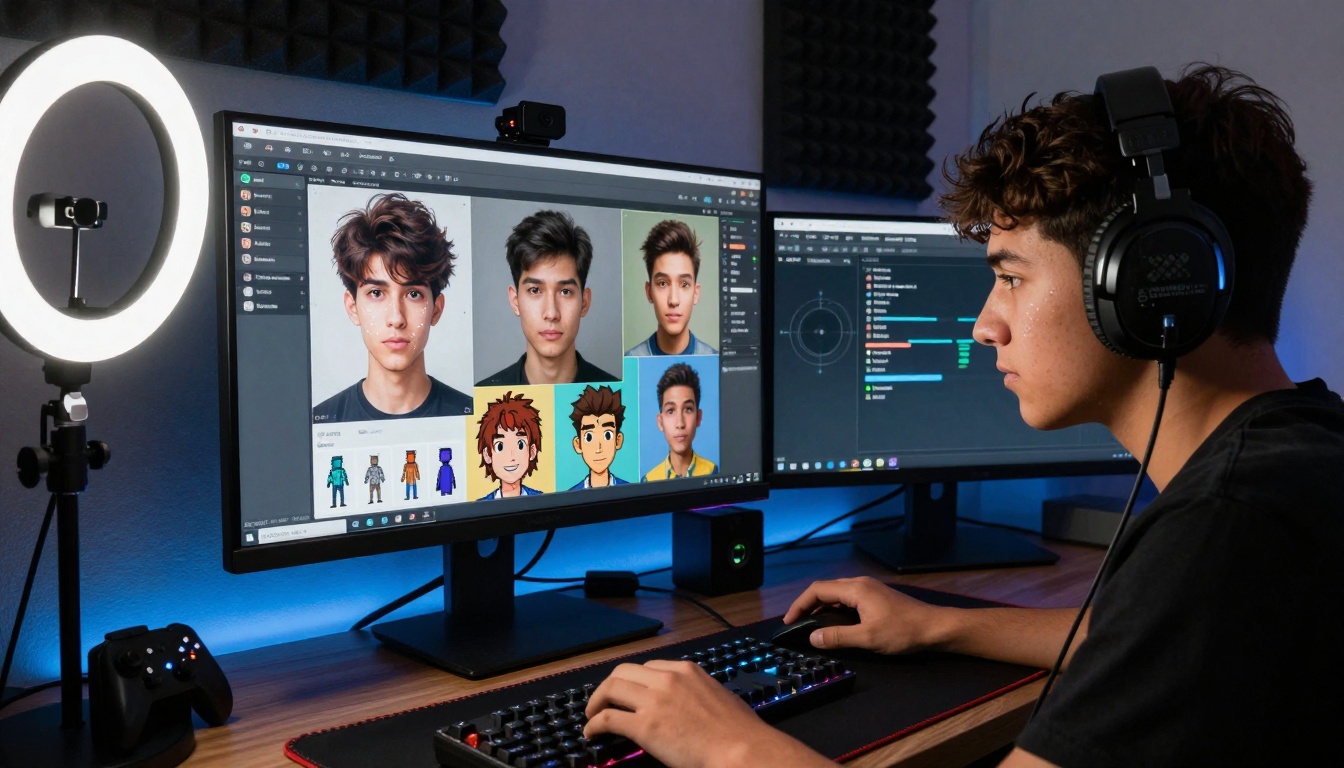
Mobile-first specialization: Tools increasingly optimize for smartphone capabilities:
- On-device processing to reduce cloud dependency
- Interface designs for thumb-based navigation
- Battery-efficient operation for all-day use
- Carrier network optimization for rural access
Social platform integration deepening: Expect more:
- Native AI features within social apps (no external tools needed)
- Cross-platform style transfer (apply TikTok filter to Instagram photo)
- Collaborative generation (friends co-create through shared prompts)
- Real-time multiplayer AI experiences
Educational formalization: Schools will increasingly:
- Develop AI literacy curriculum standards
- Create responsible use policies and guidelines
- Train teachers in pedagogical applications
- Establish computer lab resources specifically for AI tools
Professional skill development: Teens using these tools are building:
- Portfolio pieces demonstrating technical-creative hybrid skills
- Problem-solving approaches applicable to future workplaces
- Collaboration experience in distributed creative teams
- Adaptability to rapidly evolving tool landscapes
Ethical framework evolution: Ongoing discussions will shape:
- Industry standards for age-appropriate content
- Parental control feature development
- Educational resources about responsible use
- Policy development at institutional levels
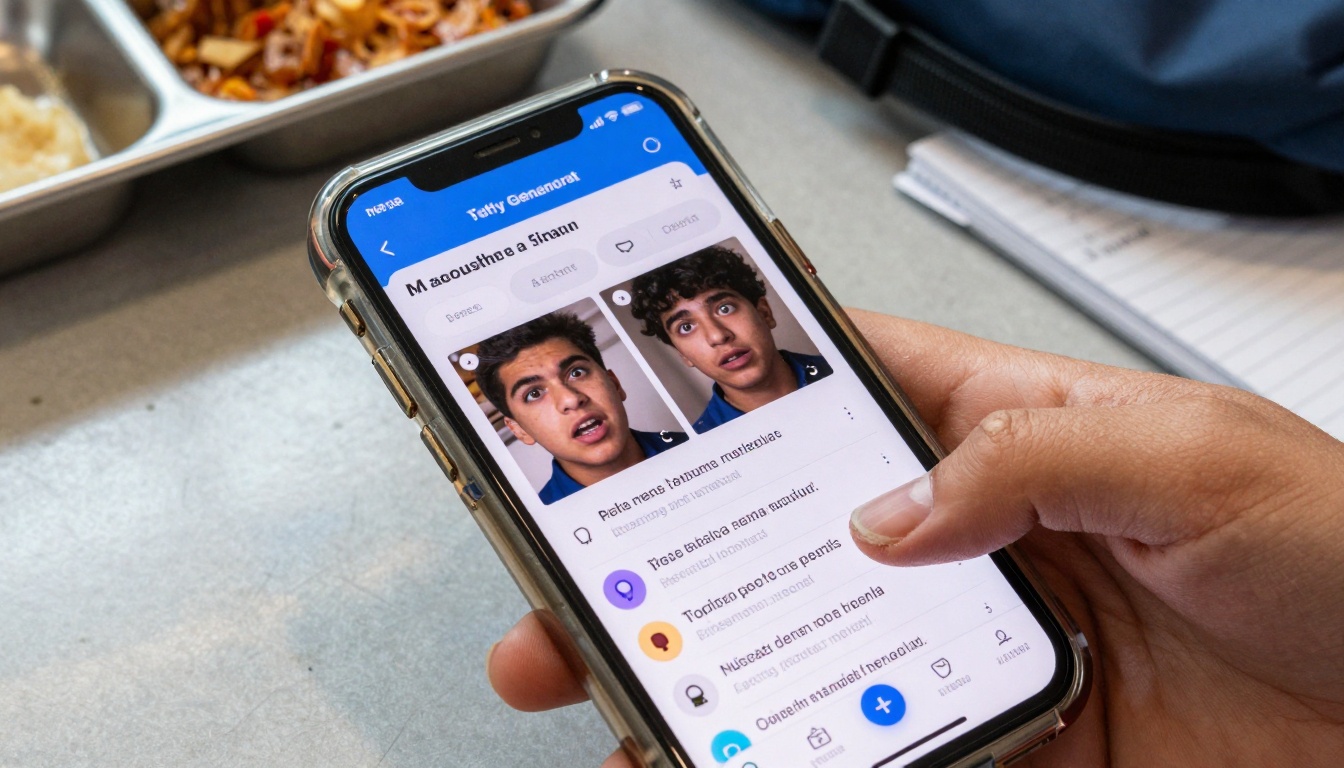
A crucial conversation centers on whether AI tools diminish or develop creative skills. The evidence suggests a more nuanced reality:
Skill transfer occurs: Teens who use AI art generators often:
- Develop stronger art direction sensibilities
- Learn composition principles through iterative generation
- Understand color theory by analyzing AI suggestions
- Study artistic styles by comparing model outputs
Traditional skills persist: Manual creation continues alongside AI:
- Drawing fundamentals still matter for refining AI outputs
- Photography knowledge enhances AI prompt effectiveness
- Writing skill improves AI text generation quality
- Design principles guide AI layout suggestions
Hybrid workflows emerge: Most serious teen creators develop:
- AI for ideation and concept development
- Manual skills for refinement and personalization
- Mixed media combining generated and original elements
- Iterative processes moving between AI and manual phases
The tool doesn't replace the vision: What separates compelling output from generic generation remains:
- Creative intention and conceptual depth
- Cultural awareness and contextual understanding
- Emotional intelligence and human connection
- Personal voice and unique perspective
Getting Started with Responsible AI Creation
For teens beginning their AI creative journey, several principles maximize benefit while minimizing risk:
Start with integrated tools: Begin with AI features inside familiar platforms before exploring standalone tools. Instagram's AI suggestions, TikTok's effect recommendations, and Snapchat's lens creations offer gentle introductions.
Focus on augmentation, not replacement: Use AI to enhance existing creative efforts rather than generate everything from scratch. Start with your own photos, apply AI filters. Begin with your drawings, use AI for color suggestions. Record your videos, apply AI stabilization.
Learn prompt craft incrementally: Don't attempt complex prompts immediately. Start with simple descriptions, observe results, gradually add parameters. Study community examples, analyze what makes effective prompts, develop personal prompt libraries.
Understand tool limitations: Every AI has blind spots and biases. Learn what your chosen tools do poorly as well as what they excel at. Work within their strengths rather than fighting their limitations.
Maintain creative ownership: Even when using AI generation, apply personal touch through:
- Manual refinement of generated elements
- Original composition of AI components
- Unique combinations of multiple generations
- Personal stylistic choices in final presentation
Document your process: Keep records of prompts, parameters, iterations. This develops understanding of cause-effect relationships in AI generation and creates reproducible workflows for consistent results.
Share responsibly: When posting AI-generated content, consider:
- Transparency about AI involvement (when appropriate)
- Respect for original artists whose work trained the models
- Awareness of audience expectations and perceptions
- Compliance with platform policies regarding AI content
Balance screen time: AI creation can become intensely absorbing. Maintain equilibrium with:
- Offline creative activities (traditional art, writing, photography)
- Physical movement and outdoor time
- Social interaction beyond digital collaboration
- Academic and family responsibilities
The landscape of AI tools for images and videos represents more than technological novelty—it's becoming the native creative environment for today's teenagers. These tools lower barriers to expression while raising questions about authenticity, skill development, and digital citizenship. As with any powerful technology, the most productive approach combines enthusiastic exploration with thoughtful consideration, technical skill with ethical awareness, creative freedom with responsible practice.
What distinguishes compelling AI-assisted creation isn't the tool itself but the human vision directing it. The same prompt yields vastly different results in different hands because creativity resides not in the algorithm but in the choices made around it—what to generate, how to refine, when to combine, why to share. The most skilled teen creators understand this distinction, using AI not as creative crutch but as collaborative partner, not as idea replacement but as imagination amplifier.
The evolution continues rapidly, with new tools emerging monthly and existing platforms adding features weekly. What remains constant is the teenage drive to create, connect, and express—now amplified by technologies that turn imagination into imagery at unprecedented speed and scale. The conversation about these tools will evolve alongside them, balancing excitement about possibilities with wisdom about implications, embracing innovation while preserving essential human elements of the creative process.


