Every week, someone asks the same question in every AI and design community: which AI image generator actually wins? Not in theory. Not in carefully selected example galleries. In real use, with real prompts, tested side by side.
So we did exactly that. We ran the same 20 prompts through every major AI image generation model available today, evaluated the outputs across five measurable criteria, and documented the results without sugarcoating anything.
Here is what we found.

Before getting into results, let us be transparent about the testing methodology. We ran identical prompts through each model without modifying them per-platform. That is the only fair way to measure prompt accuracy.
The Five Criteria
We scored each model on:
- Photorealism — how convincingly human and real the output looks
- Prompt adherence — does the model actually produce what you described
- Speed — time from submit to result
- Consistency — how reliable is the model across 20+ generations
- Detail quality — sharpness, texture, and micro-details at 1080p and above
No model scored highest on all five. That is precisely why this comparison matters.
The Models in This Test
The models we tested were:
- FLUX.1 Dev by Black Forest Labs
- FLUX.1 Schnell by Black Forest Labs (distilled, faster variant)
- SDXL by Stability AI
- Juggernaut XL by RunDiffusion
- Stable Diffusion 3.5 by Stability AI
Each of these is accessible directly on PicassoIA, which lets you test all of them through a single interface without managing separate API keys or GPU runtimes.
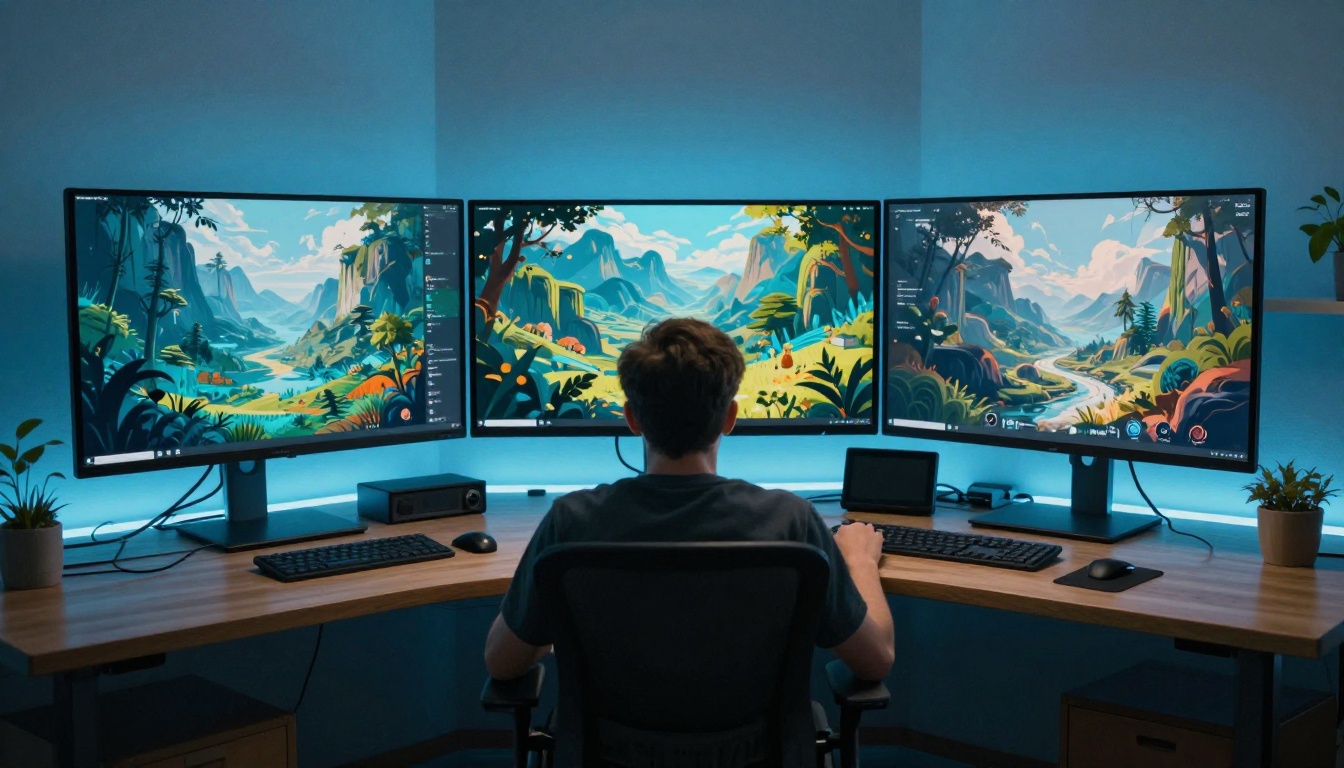
Image Quality: The Real Numbers
This is where most articles go vague. We will not.
Photorealism Scores
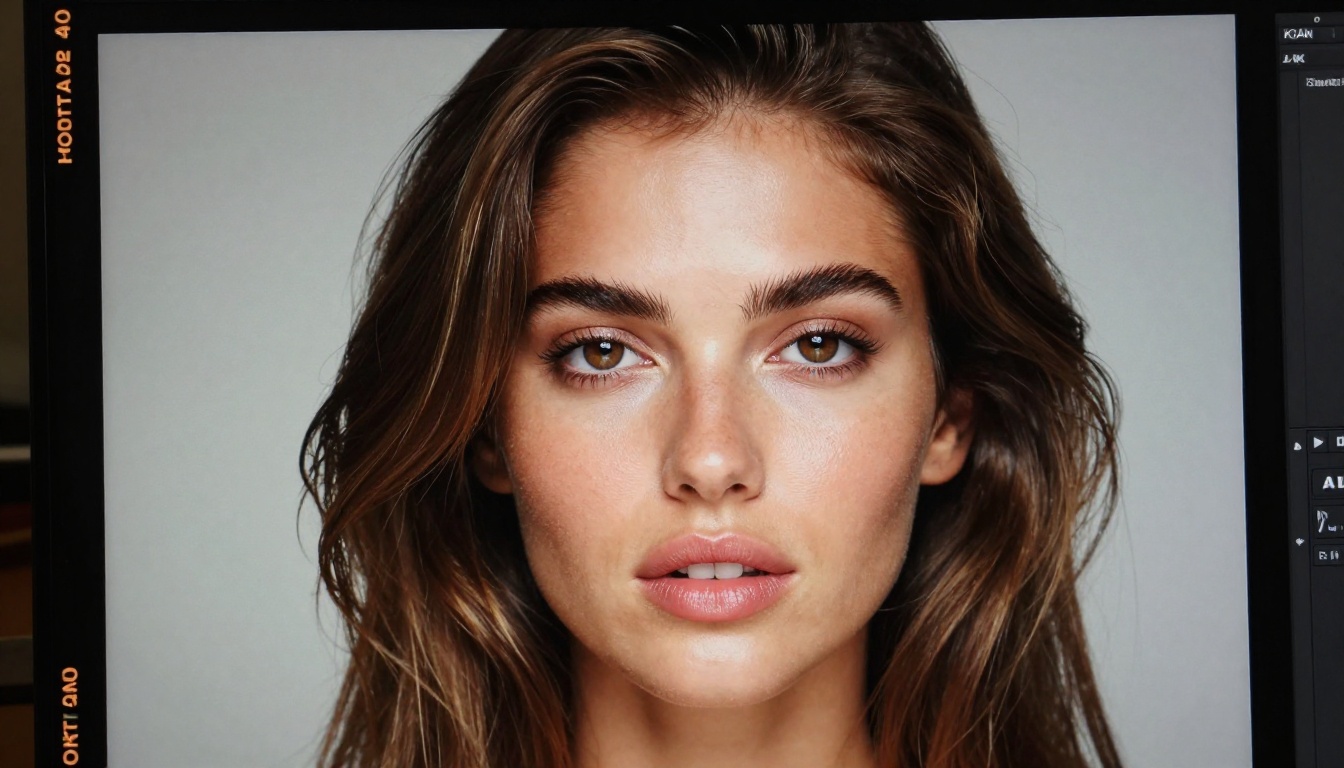
For portrait photography prompts — skin texture, natural lighting, realistic hair — here is how each model ranked:
| Model | Skin Detail | Lighting Accuracy | Hair Realism | Overall |
|---|
| FLUX.1 Dev | 9.2/10 | 9.0/10 | 8.8/10 | 9.0 |
| Juggernaut XL | 8.9/10 | 8.7/10 | 9.1/10 | 8.9 |
| Stable Diffusion 3.5 | 8.5/10 | 8.8/10 | 8.3/10 | 8.5 |
| SDXL | 8.0/10 | 8.3/10 | 8.1/10 | 8.1 |
| FLUX.1 Schnell | 7.8/10 | 8.0/10 | 7.6/10 | 7.8 |
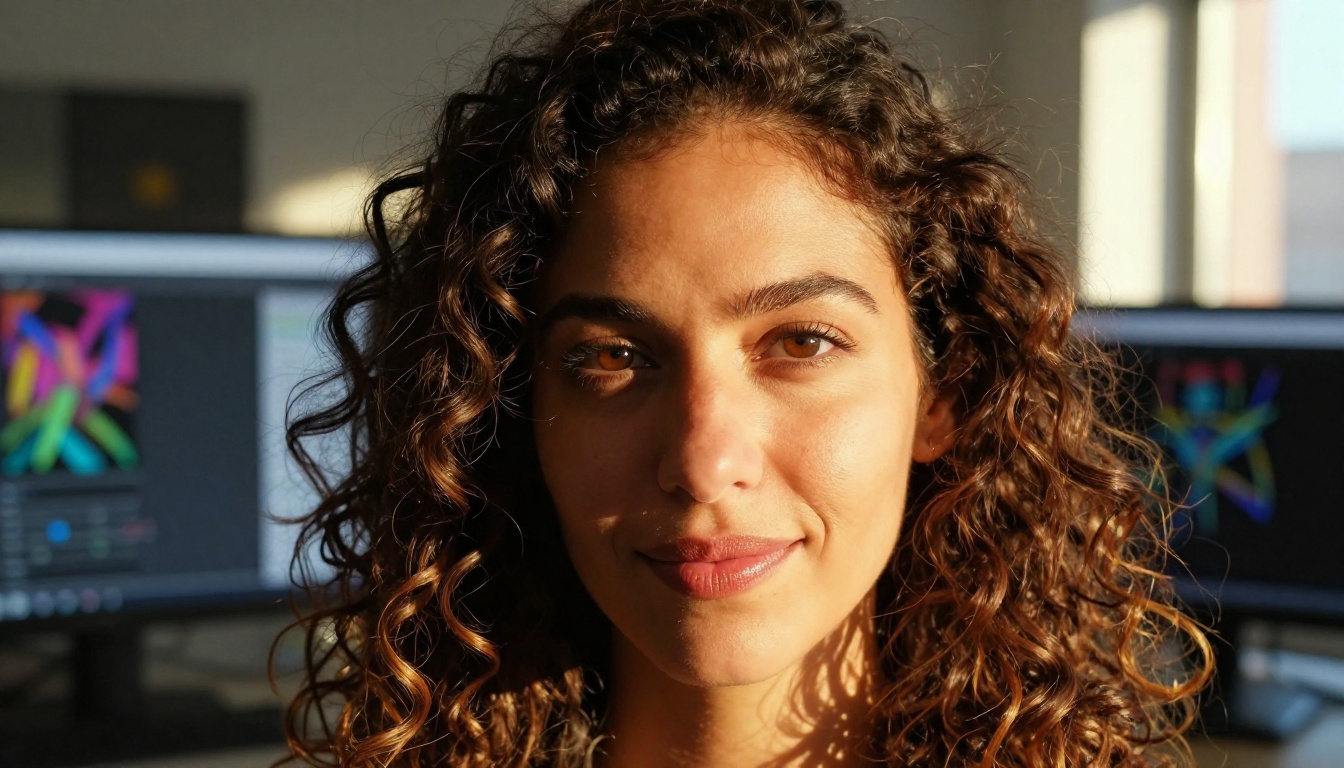
💡 FLUX.1 Dev produces the most photorealistic human portraits of any open-weight model currently available. The gap between it and the competition is real and visible without zooming in.
Landscape and Architectural Prompts
For environmental scenes — cities, nature, interiors — the rankings shifted.
SDXL became more competitive here. Its training data skews toward architectural and landscape photography, which means prompts like "misty mountain valley at dawn" or "modern apartment interior, morning light" genuinely benefit from it.
FLUX.1 Dev remained top-tier, but its advantage narrowed. For landscapes specifically, the quality difference between it and Juggernaut XL was minimal.
Text in Images
Every model struggles with text. This is a known limitation, though it has improved substantially in 2024 and 2025 model releases.
- FLUX.1 Dev: Best text rendering, can produce 4-5 word phrases reliably
- Stable Diffusion 3.5: Second best, handles short words and signs
- SDXL and Juggernaut XL: Inconsistent, requires multiple generations
- FLUX.1 Schnell: Weakest, text often garbled on first attempt
If your workflow requires legible text in generated images, FLUX.1 Dev is the only reliable option from this list.
Speed vs. Quality: An Honest Trade-off
The most common mistake people make when choosing an AI image generator is optimizing purely for speed. Speed matters for iteration. Quality matters for the final output. These are not always the same need.
Generation Times Compared
Tested on the same hardware baseline via PicassoIA:
| Model | Avg Generation Time | Images Per Minute |
|---|
| FLUX.1 Schnell | 4-8 seconds | 8-12 |
| SDXL | 12-20 seconds | 3-5 |
| Juggernaut XL | 15-25 seconds | 2-4 |
| Stable Diffusion 3.5 | 18-30 seconds | 2-3 |
| FLUX.1 Dev | 25-40 seconds | 1.5-2.5 |
FLUX.1 Schnell is the distilled, faster version of FLUX.1 Dev. It trades roughly 15% of quality for five times the speed. For rapid prototyping and exploring concepts, that trade-off is worth it. For final outputs intended for print, web publishing, or commercial use, it is not.
When to Use Each Speed Tier
Use Schnell-tier speed when:
- Brainstorming compositions and exploring visual directions
- Testing lighting and color palette combinations
- Generating multiple concept variations for client approvals
Use Dev-tier quality when:
- Creating hero images for articles or marketing campaigns
- Generating portfolio-quality pieces
- Producing images for print or high-resolution display
💡 A workflow that actually works: use FLUX.1 Schnell to find the right composition, then re-generate the winner with FLUX.1 Dev for the final version. You get speed for iteration and quality for delivery.

Prompt Sensitivity
This is where the models diverge most dramatically in day-to-day use.
How Well Each Model Follows Instructions
We tested three prompt complexity levels: short (under 10 words), medium (20-40 words), and detailed (60-100 words).
Short prompts ("a woman reading in a library"):
- Juggernaut XL handled these best, producing coherent scenes with minimal ambiguity
- FLUX.1 Dev also performed strongly
- SDXL sometimes added unwanted elements not described in the prompt
Medium prompts (scene plus lighting plus style description):
- FLUX.1 Dev showed a significant leap in accuracy here
- Most models performed reasonably well in this complexity range
Detailed prompts (full composition with camera angle, lighting direction, and texture):
- FLUX.1 Dev dominated. It is clearly trained to respond to technical photography language
- Juggernaut XL also handled detailed prompts well, especially for portrait and beauty work
- SDXL began losing elements from the prompt at high complexity levels
Short Prompts vs. Detailed Prompts
If you primarily use short prompts, Juggernaut XL is the most forgiving model. It makes smart interpretive choices when you leave details out.
If you write detailed, technical prompts that specify lens type, lighting direction, and texture details, FLUX.1 Dev rewards that investment with noticeably superior outputs.
The best prompts for any model follow this structure:
[Subject + pose] + [Environment] + [Lighting direction + type] + [Camera angle + lens] + [Texture/atmosphere] + [Style suffix]
This structure consistently outperforms vague descriptors like "cinematic" or "beautiful" used on their own.
Using These Models on PicassoIA
PicassoIA hosts all of the models tested above in one place. You do not need separate accounts for each platform or individual API tokens. You run everything from a single dashboard.
Accessing All Models in One Place
Here is how to start:
- Go to PicassoIA and create a free account
- Navigate to the Text to Image category in the model collection
- Select the model you want to test — for example, FLUX.1 Dev
- You will see the model interface with a prompt box and parameter controls
- Each model page includes example outputs and suggested parameters so you can calibrate expectations before spending credits
Step-by-Step: Your First Portrait with Juggernaut XL
For a photorealistic portrait using Juggernaut XL:
- Write a specific prompt: Include lighting direction, shot type, and texture details. Vague prompts produce vague results
- Set your aspect ratio: 16:9 for landscape orientation, 4:5 for portrait orientation
- Adjust inference steps: Higher steps (30-40) improve quality but increase generation time
- Set guidance scale: Between 7-8 for Juggernaut XL, and lower values (3.5-4.5) for FLUX.1 Dev
- Generate and iterate: Copy the seed from any successful generation to produce controlled variations
💡 For FLUX.1 Dev, keep your guidance scale between 3.0 and 4.5. Unlike SDXL-based models, FLUX.1 uses a different architecture where lower guidance values consistently produce more realistic, natural-looking results.
The Real Cost Breakdown
Pricing is where most comparisons fall apart because they only look at credit costs, not value per final usable image.
Cost vs. Quality Per Image
| Model | Typical Cost Per Image | Quality Tier |
|---|
| FLUX.1 Schnell | Very low | Good |
| SDXL | Low | Good |
| Juggernaut XL | Low-Medium | Very Good |
| Stable Diffusion 3.5 | Medium | Very Good |
| FLUX.1 Dev | Medium-High | Excellent |
The cost gap between FLUX.1 Schnell and FLUX.1 Dev is real. But when you factor in how many regenerations a lower-quality model requires to reach an acceptable output, the Dev version often becomes more cost-efficient for professional use.
Free Tiers and What They Give You
Most platforms offering these models include a free tier that allows 5-20 images before requiring a subscription or credit purchase. On PicassoIA, that is enough to genuinely evaluate whether a model fits your specific use case before spending anything.
Use your free generations strategically: test the same prompt across different models to directly compare quality, rather than testing different prompts on a single model. A controlled comparison gives you actionable information.

Once you settle on your preferred image generator, the workflow does not have to stop at a single image.
Enhancing and Extending Your Outputs
PicassoIA's platform includes capabilities that extend what a base image generator can produce:
- Super Resolution: Take a 512x512 output and upscale it to 2048x2048 without visible artifacts. This is especially useful with FLUX.1 Schnell outputs, which generate quickly but at lower resolution by default
- Background Removal: Extract the subject from an AI-generated scene for compositing workflows
- Outpainting: Extend the canvas of a generated image in any direction, adding more scene context around the original subject
- Inpainting: Fix or replace specific areas within a generated image without regenerating the entire scene
These tools perform best when your base image is already high quality. Lower-quality source images do not upscale as cleanly, and background removal struggles with images that have unclear or soft edge definition.
From Still to Moving Image
If you generate a compelling portrait or environmental scene with FLUX.1 Dev, PicassoIA's image-to-video capabilities let you add subtle motion to the still, creating a living photograph effect that performs strongly for social media content and website header sections.
The best approach is to generate your still image first, verify that it meets your quality standard, and then pass it to the video model. Starting with a high-quality static image produces dramatically better video results than starting with a mediocre one.
Which One Is Actually Best?
There is no single winner. There is a winner for each use case.
For maximum photorealism in portraits and human subjects: FLUX.1 Dev
For the fastest prototyping and ideation workflow: FLUX.1 Schnell
For consistent, high-quality results from short prompts: Juggernaut XL
For architectural and landscape photography prompts: SDXL
For a balance of prompt fidelity and overall quality: Stable Diffusion 3.5
The practical starting point: if you do not know which model to choose, start with FLUX.1 Dev. It is the most capable all-around model and will produce professional-quality results across the widest range of prompt types. Once you understand what it produces, you will have a much clearer sense of when to reach for the alternatives.
Make Your Own Comparison on PicassoIA
Reading about these models gives you context. Running your own prompts gives you answers.
PicassoIA gives you access to all of these models — FLUX.1 Dev, Juggernaut XL, SDXL, FLUX.1 Schnell, and Stable Diffusion 3.5 — through one interface. No separate accounts. No individual pricing pages to navigate.
Start with the free credits. Write the same prompt in each model. Look at the outputs side by side. You will know within 10 minutes which model fits your workflow, your aesthetic, and your budget.
That is the only comparison that truly matters: the one you run with your own work, for your own projects.


