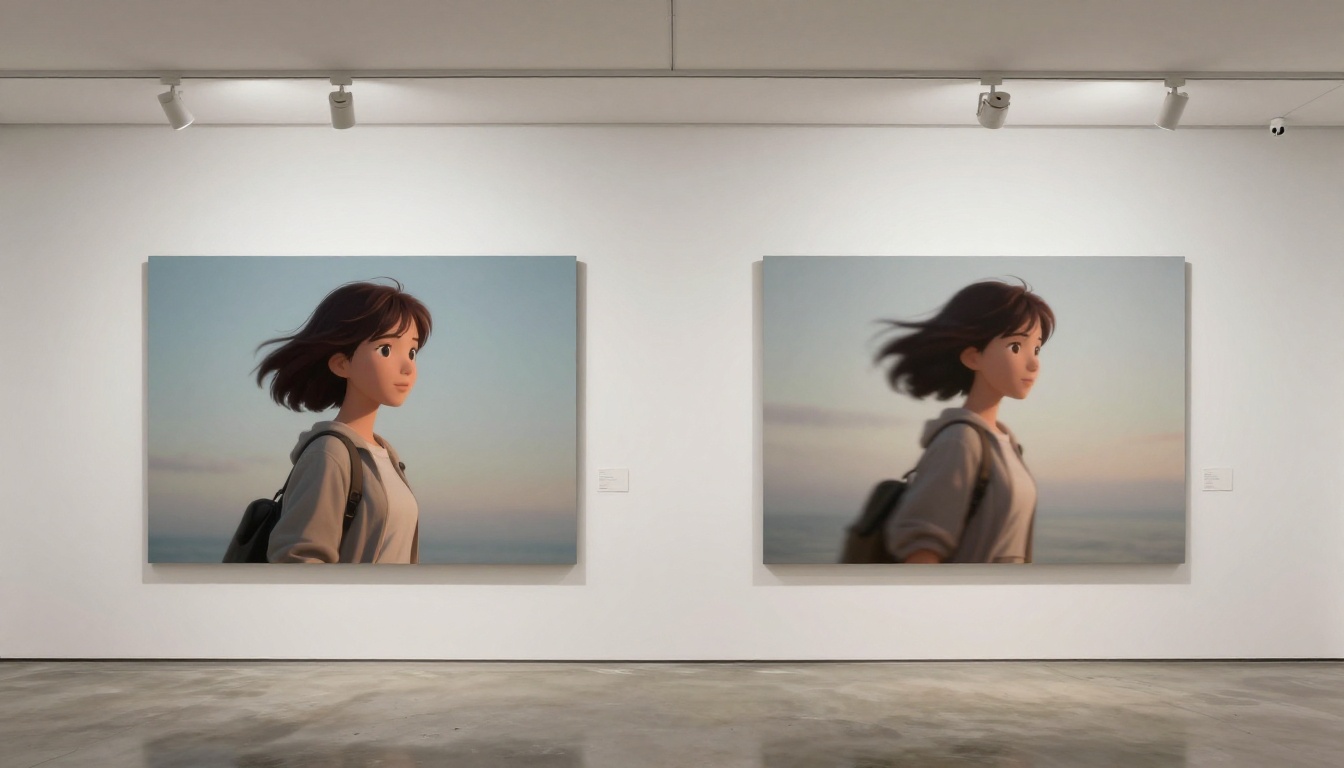
You drew your companion. You colored her, named her, spent weeks getting the expression exactly right. And now she just... sits there. A portrait. Static. That gap between the art you made and a character who actually breathes, blinks, and reacts is what AI animation tools are closing right now, and the results are good enough to make Live2D feel like the old way of doing things.
This article breaks down the specific AI tools that animate 2.5D companion art in 2027, how each one works, and which situations they actually shine in. Whether you have a VTuber model, a visual novel character, a game NPC portrait, or just personal character art you want to see move, these tools are worth your time.
What 2.5D Animation Actually Means
Flat Characters in Layered Worlds
2.5D refers to the hybrid visual style where characters drawn or rendered in a flat, illustrative manner are placed into environments that have depth. Think classic JRPGs, visual novels, or VTuber streams. The character itself is typically a front-facing portrait or sprite with limited z-axis presence, while the background has parallax layers suggesting three-dimensional space.
This creates a specific animation challenge. Standard 3D motion capture or rigging tools assume a mesh-based model with volume. A 2.5D illustration is just a flat image. Traditional animation solutions like Live2D solve this by manually rigging meshes inside the illustration, a time-consuming process that requires specialized skills.
AI changes this entirely by inferring plausible motion from a single image.
Why Companions Need to Move
A static companion portrait communicates presence, not personality. Motion is where emotional connection actually happens. A character who breathes subtly, whose hair shifts with a head turn, whose eyes close in a slow blink, reads as alive. For VTubers this is the whole point. For visual novel devs it is the difference between a character the player cares about and a drawing they scroll past.
💡 The single biggest upgrade you can give your companion art is not a higher resolution redraw. It is 5 seconds of well-executed motion.
ToonCrafter: Built for Illustration Motion
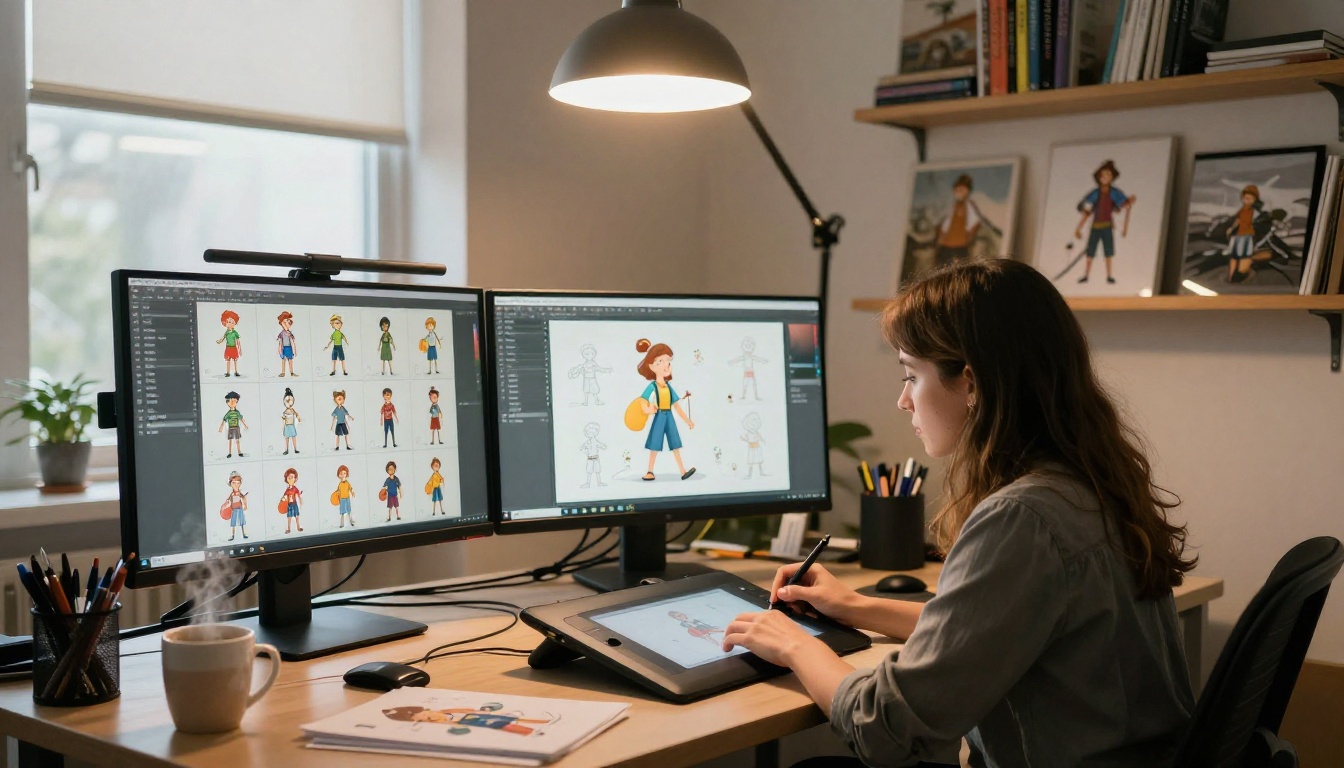
ToonCrafter is the most directly relevant tool on PicassoIA for 2.5D companion animation. It was trained specifically on illustration-style source material, which means it interprets the visual conventions of flat character art better than general image-to-video models. Hair flows naturally, fabric folds plausibly, and facial expressions transition smoothly without the uncanny distortion that plagues photorealism-focused models when applied to illustration.
ToonCrafter works best when the source illustration is clean with clear line separation between the character and background. Characters with complex overlapping layers or very detailed textures sometimes produce artifacts. Simple, clean companion portraits get the cleanest results.
How to Use ToonCrafter on PicassoIA
- Upload your companion illustration as the source image
- Write a motion prompt describing exactly what you want the character to do, for example: "character takes a slow breath, eyes close gently, hair sways softly in a light breeze, head tilts slightly to the right"
- Keep prompts action-specific rather than descriptive. Describe the movement, not the style
- Run at the default 5-second length for initial tests, then iterate on the prompt
What Works Best
- Idle breathing cycles: Chest rise, shoulder micro-movements, subtle hair drift
- Expression transitions: From neutral to smile, from curious to thoughtful
- Head bob and tilt: The motion that reads most immediately as "alive"
- Hair physics: Long hair responding to invisible wind or movement
What ToonCrafter is less suited for is large camera movement or full-body action sequences. For those use cases, other tools listed below work better.
AnimateDiff for Scene-Based Animation
AnimateDiff Prompt Travel takes a different approach. Rather than animating an existing image, it generates animated frames from text prompts while maintaining visual consistency across those frames. This makes it powerful for creating animated companion scenes where you want to show a character in a specific illustrated context.
Prompt Travel for Character Scenes
The "prompt travel" mechanism lets you define keyframe states in text. You describe the character at the start, then describe the character at the end, and AnimateDiff fills in the motion between them. For 2.5D companion art this is particularly useful for:
- Transitioning from one emotional state to another
- Simple gesture animations like a wave or a nod
- Background-integrated scenes where character and environment animate together
The output has that characteristic AnimateDiff texture: slightly soft, dreamy, with a painterly quality that actually flatters illustration-style source material. It will not look like rotoscoped photography, which is fine for most companion art contexts.
💡 For VTuber loop animations, AnimateDiff prompt travel produces excellent 2-4 second loops that can be seamlessly repeated.
P Video Animate for Portrait Life
P Video Animate is PicassoIA's in-house image-to-video tool built specifically for portrait animation. Feed it a character face and it produces natural subtle motion: breathing, micro-expressions, slight postural shifts. It is optimized for the single-character portrait case, which is exactly what most companion art is.
Breathing Life into Still Portraits
P Video Animate excels at the micro-motion layer that makes a portrait feel inhabited rather than frozen. The model produces:
- Sub-second blinks with natural eyelid physics
- Lip micro-movements that suggest the character is about to speak
- Shoulder and collarbone motion that implies breathing
- Subtle ambient light changes that suggest a dynamic world behind the character
The motion is intentionally restrained. This is the right call for companion art. You do not want your character flailing; you want them present. P Video Animate interprets that distinction well.
Wan 2.7 I2V and R2V for High-Fidelity Results
For companion art where image fidelity matters above all else, Wan 2.7 I2V and Wan 2.7 R2V produce the highest-quality output currently available on PicassoIA. The Wan family of models has consistently pushed the envelope on detail preservation during animation, which matters when your character has intricate costume details or precise facial proportions you cannot afford to drift.
I2V vs R2V for Companion Art
| Feature | Wan 2.7 I2V | Wan 2.7 R2V |
|---|
| Input type | Any image | Subject-focused crop |
| Best for | Full scene animation | Isolated character motion |
| Background handling | Animates entire frame | Focuses motion on subject |
| Detail preservation | Excellent | Outstanding |
| Prompt control | Strong | Very strong |
Wan 2.7 I2V takes your full illustration and animates the entire frame, including background elements. This works well when your companion has an integrated scene behind them and you want the whole environment to feel alive.
Wan 2.7 R2V focuses the motion model specifically on the subject in the frame. For a companion portrait where the character is the sole focus, R2V often produces cleaner results because it is not dividing its attention between character and background.
💡 If your companion art has a transparent or simple background, use Wan 2.7 R2V. If the background is detailed and part of the scene, use Wan 2.7 I2V.
Kling v3 Motion Control for Precision
Kling v3 Motion Control adds something the other tools lack: explicit directional motion guidance. Rather than writing a text prompt and hoping the model interprets it correctly, Motion Control lets you define trajectory vectors for different parts of the frame. For character animation this means you can specify that the head moves left while the hair trails right, or that the arm raises while the torso stays still.
Why Motion Control Changes Everything
Most AI image-to-video tools operate on the entire frame with a single motion prompt. This produces natural-looking results when the motion is simple, but falls apart when you need specific controlled motion for a complex companion design. A character with an elaborate hairstyle, multiple accessories, and layered clothing needs spatial control that text alone cannot precisely specify.
Kling v3 Motion Control bridges this gap. It is more setup work than dropping an image into ToonCrafter, but for character artists who have specific visions for how their companion should move, that setup work pays off in results that match the intent.
Use cases where Motion Control is worth the effort:
- Multi-element hairstyles where different parts need to move differently
- Characters with props or accessories that need independent motion
- Scene compositions where only part of the frame should animate
- Repeatable motion cycles for interactive media use
Dreamactor M2.0 shifts the category entirely. Where the tools above start from your image and add motion, Dreamactor starts from a performance. It takes a reference video of a person performing an action and transfers that performance onto your character illustration.
This is pose transfer, not motion generation. The distinction matters. If you record yourself or an actor performing a wave, a bow, or a specific expressive gesture, Dreamactor applies those exact motion parameters to your companion character while preserving their visual identity.
For 2.5D companion art specifically, Dreamactor is most powerful when:
- The source performance video closely matches your character's proportions
- The action is upper-body focused (the domain where 2.5D characters usually live)
- You need consistent repeatable performance that matches reference material
The limitation is that Dreamactor requires a performance reference. You need a video input, not just a text prompt. This makes the workflow slightly more complex but gives you a level of motion precision that generative approaches cannot match.
Speed vs Quality Tradeoffs
Free vs Paid Options on PicassoIA
PicassoIA runs a credit-based system where some models are available for free and others require credits. For testing your companion art animation workflow without spending anything:
For production work where you need the best possible output, Wan 2.7 R2V and Kling v3 Motion Control are worth the credits.
Tips That Actually Improve Your Results
These are the non-obvious adjustments that separate good companion animations from great ones:
1. Prepare your source image correctly
Remove the background or use a simple, low-detail background before uploading. Complex backgrounds compete with your character for the model's motion budget. A companion on a clean gradient or soft blurred environment gets better character motion.
2. Write motion prompts in present-tense active voice
Instead of "the character should look like she is breathing," write "character breathes deeply, shoulders rise slowly, chest expands, eyes close slightly." Present tense active voice aligns with how most motion models interpret prompt intent.
3. Use reference-matched illustrations
The cleaner and higher-resolution your source illustration, the better every model performs. Flat-color cel-shaded styles generally animate more cleanly than heavily rendered painterly styles because the model can more easily distinguish character elements from each other.
4. Iterate on the same tool before switching
Each of these models has its own interpretation tendencies. Spend 5-6 iterations on the same tool before declaring it unsuitable. A small prompt adjustment often produces dramatically different results.
5. Combine outputs in post
Generate idle breathing with P Video Animate, generate a specific gesture with Kling v3 Motion Control, and composite them for a final animation that uses each tool for what it does best. You are not locked into a single pipeline.
💡 The Wan 2.2 Animate Animation model on PicassoIA can copy motion patterns from reference videos onto your character images, which is a powerful option when you want stylized motion curves rather than natural motion physics.
Additional Models Worth Testing
Beyond the primary tools above, several other models on PicassoIA are worth adding to your companion animation toolkit:
PIA by Open-MMLAB was designed specifically to animate portraits from still images. It handles the companion portrait use case directly and produces clean, loopable output well-suited for use in game engines or streaming software.
Kling Avatar v2 specializes in face and head animation. For companion characters where the face is the primary communication surface, this model produces expressive facial motion with strong identity preservation.
Ray 3.2 from Luma brings HDR-quality color work to the animation output. If your companion art uses a vibrant color palette that you need preserved through the animation process, Ray 3.2's color fidelity is worth prioritizing.
Kling v2.6 Motion Control offers the same spatial motion control as v3 at slightly lower compute cost, which makes it a sensible option for batch testing motion directions before committing to the higher-quality v3 runs.
The full catalog of animation-capable models is always expanding. Browse all available options at picassoia.com/en/all-models to see what has been added since this article was written.
Start Creating on PicassoIA Right Now
The gap between a static companion portrait and one that actually moves is smaller than it has ever been. You do not need a rigging background, you do not need a 3D pipeline, and you do not need months of studying Live2D. You need a clean illustration and the right tool for what you want to achieve.
For first-time companion animation, start with ToonCrafter for illustration-native results, or P Video Animate for instant portrait life. Once you see what 5 seconds of AI-generated motion does to your character's perceived presence, you will want to go further.
For production pipelines, Wan 2.7 R2V and Kling v3 Motion Control give you the fidelity and directional precision to build animation assets you can actually ship. Dreamactor M2.0 adds performance capture capabilities that bridge the gap between AI generation and traditional animation workflows entirely.
Your companion has been waiting to move. PicassoIA has the tools to let her.


