Paying $10 to $35 a month for AI image generation tools made sense when there were no real alternatives. That era is over. Right now, there are AI image and video tools that produce results just as sharp, just as detailed, and just as professionally usable as Midjourney or Runway at a fraction of the cost. Some of them are free. This is not a list of "good enough" budget options. These are serious tools used by designers, marketers, and content creators who decided that paying premium prices for a brand name was no longer worth it.
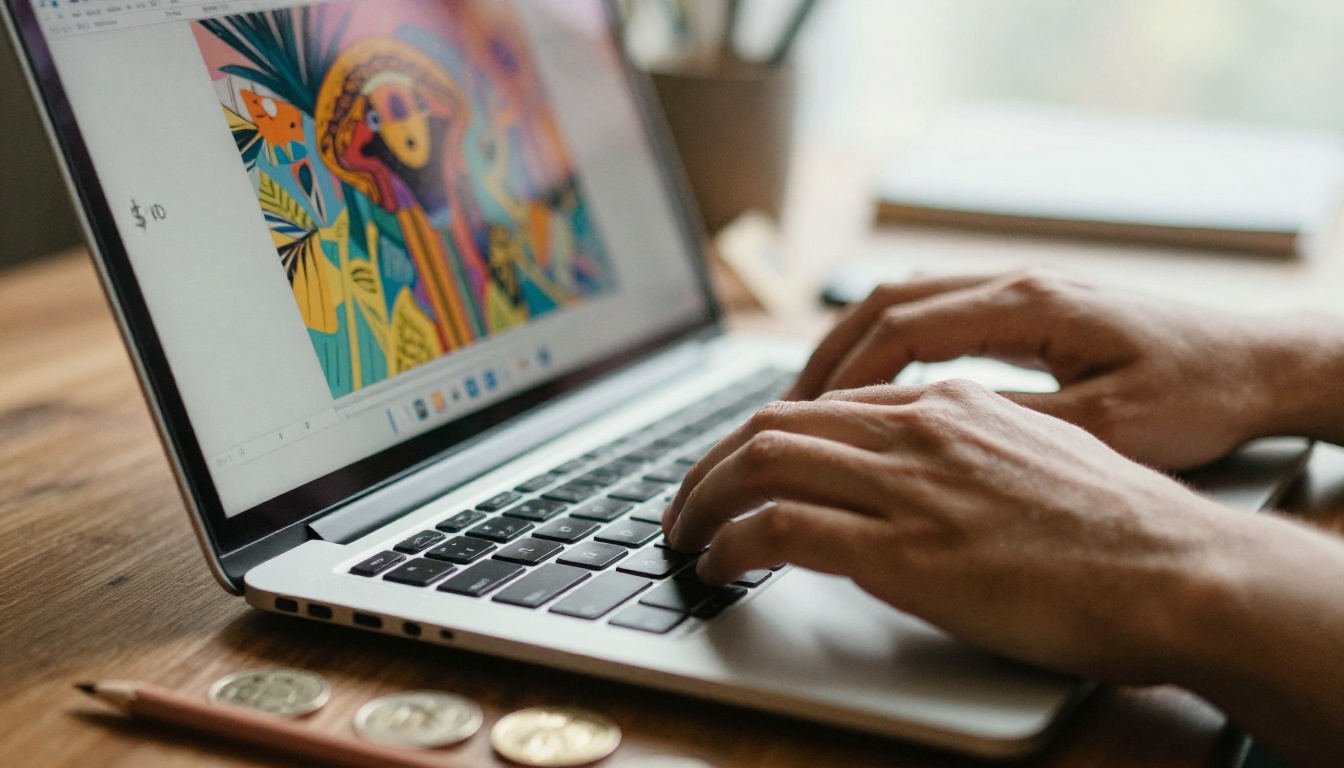
The Real Price of Midjourney and Runway
Before comparing alternatives, it helps to be honest about what you are actually paying for with the market leaders.
What Midjourney Actually Costs
Midjourney's pricing structure has shifted several times, and none of the tiers are cheap:
- Basic Plan: $10/month for approximately 200 image generations
- Standard Plan: $30/month with unlimited relaxed generations plus 15 fast hours
- Pro Plan: $60/month for stealth mode and 30 fast hours
- Mega Plan: $120/month for heavy commercial users
At $10/month, you get roughly 3 to 4 images per dollar. That math gets uncomfortable fast when you need volume. The quality is genuinely excellent, but you are also paying for a Discord-based interface, a brand name, and a waitlist that no longer exists but still drives pricing psychology.
Runway's Pricing Breakdown
Runway targets video creators, and its pricing reflects that ambition:
- Free Plan: 125 credits total (one-time, not monthly)
- Standard Plan: $15/month for 625 credits
- Pro Plan: $35/month for 2,250 credits
- Unlimited Plan: $95/month
A single 4-second video clip on Runway costs between 5 and 25 credits depending on quality settings. On the Standard plan at $15/month, that means roughly 25 to 125 video clips per month before you hit your limit. For professional video production, the Unlimited tier at $95/month becomes almost mandatory, which puts it firmly in enterprise pricing territory.
💡 The core issue: Both tools charge premium prices built on early-mover advantage. The underlying AI technology has democratized rapidly. You are increasingly paying for the interface and the brand, not the quality gap.
Two years ago, the quality gap between Midjourney and open-source alternatives was significant. Midjourney produced sharper details, better prompt adherence, and more aesthetically pleasing compositions by default.
That gap has closed dramatically for three reasons:
- Open-source model quality exploded: The FLUX family from Black Forest Labs, ByteDance's Seedream models, and Tencent's Hunyuan series all produce outputs that are technically competitive with Midjourney v6 across most use cases.
- Inference costs dropped: Running these models is now cheap enough that platforms can offer generous free tiers or low-cost subscriptions without losing money.
- Prompt adherence improved: Earlier open-source models struggled to follow complex prompts accurately. Modern models like Seedream 4.5 and Wan 2.7 Image Pro handle nuanced, multi-element prompts with precision that rivals or exceeds Midjourney in many scenarios.
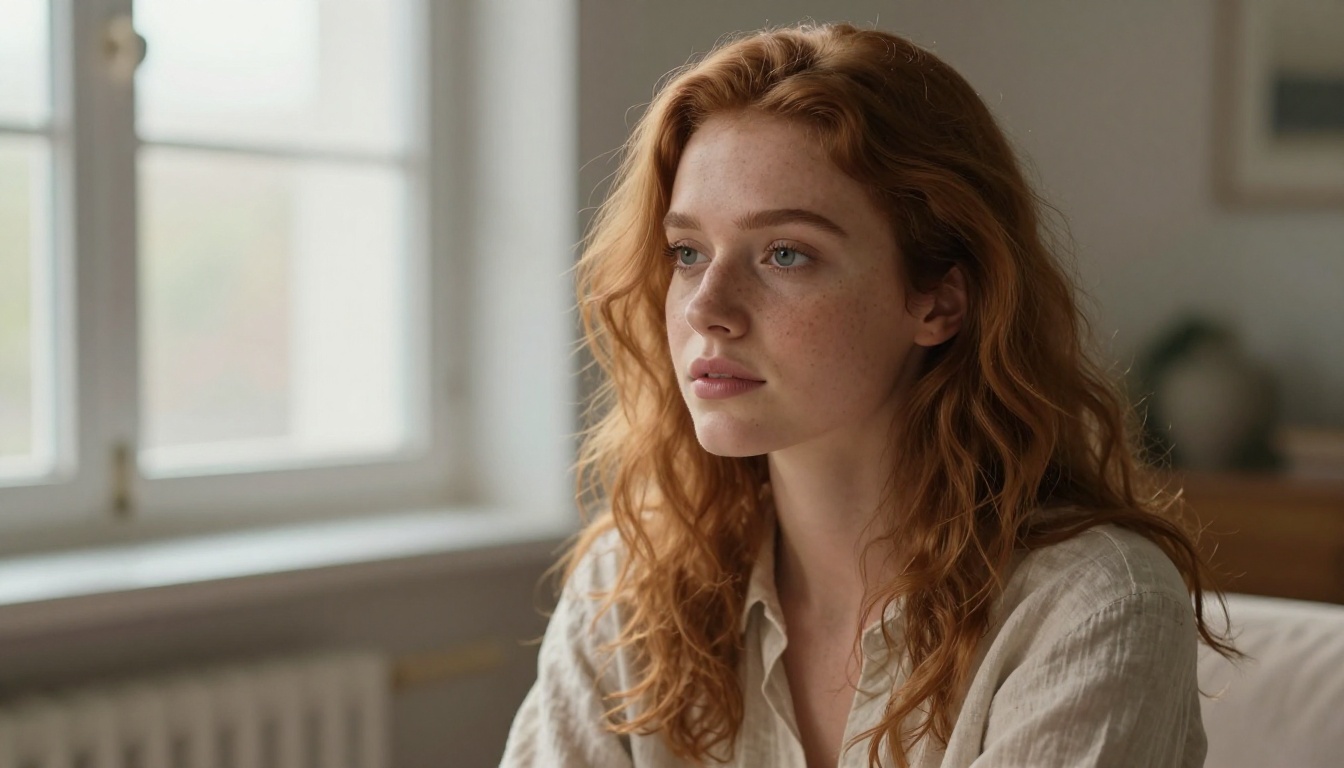
FLUX: The Open-Source Challenger
FLUX, developed by Black Forest Labs, became the most significant development in AI image generation since Stable Diffusion. The model family offers multiple variants optimized for different use cases, and the quality at the top end matches anything Midjourney produces.
What Makes FLUX Different
The architecture behind FLUX uses a rectified flow transformer approach rather than the diffusion-based systems that powered earlier open-source models. In practice, this means:
- Faster generation: FLUX produces high-quality images in fewer steps than comparable diffusion models
- Better text rendering: FLUX handles text in images more accurately than most competitors
- Higher prompt fidelity: Complex prompts with multiple subjects and precise spatial relationships are handled more reliably
- Photorealistic output: Skin textures, fabric details, and environmental lighting look genuinely photographic
FLUX Redux Dev on PicassoIA
Flux Redux Dev on PicassoIA allows you to create image variations from a reference image, a capability that typically requires either a Midjourney Pro subscription or expensive API calls. This model takes an existing image and generates stylistically consistent variations, which is particularly useful for:
- Building consistent visual identities across a content series
- Creating multiple versions of product photography
- Iterating on a composition without starting from scratch
The output quality is indistinguishable from paid Midjourney outputs in most real-world use cases. And you can access it on PicassoIA's free tier.
💡 Tip: When using FLUX Redux Dev, use a high-resolution reference image. The model's variation quality scales directly with the quality of the input.
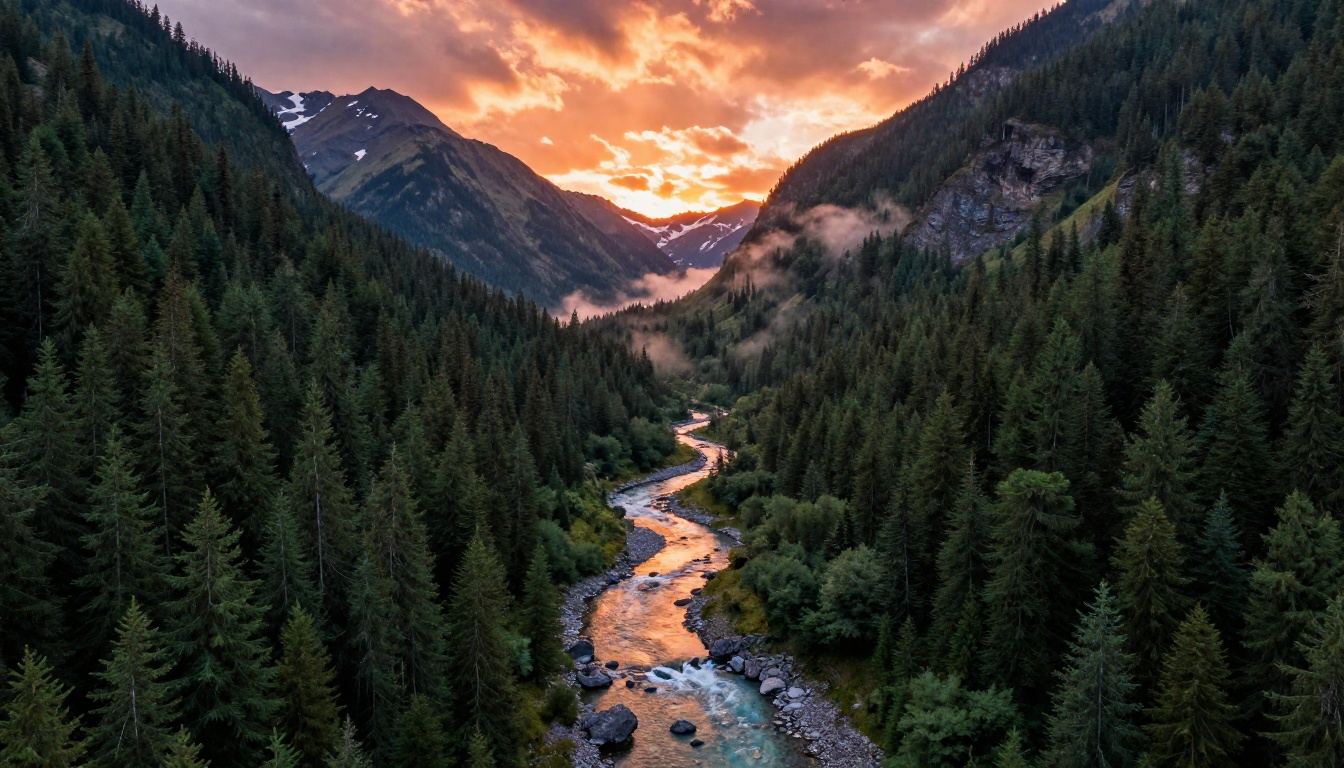
Seedream 4.5: 4K Without the Price Tag
ByteDance's Seedream 4.5 is arguably the most underrated model available today. While the Western AI community was busy comparing Midjourney updates, ByteDance quietly released a model capable of generating native 4K images with exceptional compositional accuracy.
Where Seedream 4.5 Excels
Portrait photography: Seedream 4.5 handles realistic human faces with a level of anatomical accuracy that most competitors still struggle with. The model avoids the uncanny valley artifacts that plagued earlier AI portrait generators.
Architectural visualization: Buildings, interiors, and urban environments generated by Seedream 4.5 have realistic depth, proper perspective, and believable material textures. This makes it particularly valuable for real estate marketing and product design visualization.
Nature and landscape: The aerial landscape capability is genuinely impressive. Complex environments with atmospheric depth, realistic vegetation, and accurate lighting physics are produced consistently.
Pricing Advantage
Seedream 4.5 is accessible on PicassoIA at rates that make Midjourney's $10/month Basic plan look expensive. For the volume of 4K outputs you can generate, the cost-per-image comparison is not even close.
| Feature | Midjourney Basic ($10/mo) | Seedream 4.5 via PicassoIA |
|---|
| Max resolution | ~2048px | 4K native |
| Generations/month | ~200 | Pay-as-you-go |
| Photorealistic portraits | Good | Excellent |
| Text in images | Poor | Good |
| Commercial license | Included | Included |
GPT Image 2: OpenAI's Affordable Option
GPT Image 2 brings OpenAI's image generation capabilities into a more accessible format. While DALL-E 3 through ChatGPT Plus costs $20/month for bundled access, using GPT Image 2 directly through PicassoIA gives you targeted image generation without paying for the full ChatGPT subscription.
Where GPT Image 2 Wins
GPT Image 2 has specific strengths that make it worth knowing:
- Instruction following: OpenAI trained this model on very precise text instructions. If you write a detailed, structured prompt, GPT Image 2 follows it more literally than most competitors.
- Consistent style across prompts: For creators building a coherent visual brand, GPT Image 2 produces stylistically consistent outputs across different subject matter.
- Safety and reliability: The model generates clean, usable outputs consistently without the occasional bizarre artifacts that affect other generators.
The weakness is that GPT Image 2 tends toward a slightly polished, "AI-looking" aesthetic in complex scenes, whereas FLUX and Seedream produce results that feel more photographically raw. For commercial illustration and graphic design, this is an advantage. For photorealistic photography replacement, FLUX or Seedream are stronger choices.

Wan 2.7 Image Pro: Video-Grade Quality in Stills
Wan 2.7 Image Pro comes from a model family originally optimized for video generation, which creates an interesting secondary effect: the still image outputs from Wan 2.7 have an unusual cinematic quality that is difficult to replicate with image-only models.
The reason is architectural. Video generation models must maintain visual consistency across frames, which forces them to develop a more precise internal representation of lighting, depth, and spatial relationships. That precision carries over into still image generation as a form of photographic realism that feels naturally lit rather than computationally constructed.
When to Choose Wan 2.7 Image Pro
This model is particularly strong for:
- Cinematic scene composition: Complex scenes with characters, environments, and specific lighting conditions
- Fashion and beauty photography: Fabric textures, skin tones, and product details rendered with commercial-grade realism
- Motion-implied stills: Images that suggest movement and energy without being literal action shots
For creators who previously used Runway for both video and still image output, Wan 2.7 Image paired with the full Wan video suite on PicassoIA represents a complete Runway replacement at significantly lower cost.
💡 Production tip: Wan 2.7 Image Pro outputs at 4K resolution. Always request maximum quality settings in your prompt parameters for commercial use cases.
Hunyuan Image 2.1: Tencent's Dark Horse
Hunyuan Image 2.1 does not get the Western press coverage it deserves. Tencent's AI research division built this model with a focus on stylistic versatility and prompt accuracy, and the results are genuinely competitive at 2K native resolution.
What Sets Hunyuan Apart
Hunyuan Image 2.1 has two standout characteristics that differentiate it from the rest of this list:
Cultural and stylistic range: The model was trained on a more geographically diverse dataset than most Western AI tools, which means it handles non-Western aesthetic styles, cultural settings, and ethnic diversity in portraits more accurately and respectfully than Midjourney or most alternatives.
Prompt adherence on complex compositions: Where many models start to lose accuracy when you layer four or five specific requirements into a single prompt, Hunyuan 2.1 maintains fidelity across complex multi-element instructions. A prompt specifying subject, environment, lighting, time of day, weather, and composition style will generally produce an image that hits all of those targets.
For international brands, content creators working with diverse subject matter, or anyone who finds that their prompts are not being followed accurately by other tools, Hunyuan Image 2.1 is worth trying immediately.

Full Pricing Comparison
Here is an honest, direct cost comparison across the tools covered in this article versus Midjourney and Runway:
| Tool | Monthly Cost | Image Limit | Max Resolution | Free Tier |
|---|
| Midjourney Basic | $10 | ~200 | ~2048px | No |
| Midjourney Standard | $30 | Unlimited (slow) | ~2048px | No |
| Runway Standard | $15 | ~625 credits | 1080p video | 125 credits total |
| Runway Pro | $35 | ~2,250 credits | 4K video | No |
| FLUX Redux Dev (PicassoIA) | Pay-per-use | Unlimited | Up to 4K | Yes |
| Seedream 4.5 (PicassoIA) | Pay-per-use | Unlimited | 4K native | Yes |
| GPT Image 2 (PicassoIA) | Pay-per-use | Unlimited | Up to 4K | Yes |
| Wan 2.7 Image Pro (PicassoIA) | Pay-per-use | Unlimited | 4K native | Yes |
| Hunyuan Image 2.1 (PicassoIA) | Pay-per-use | Unlimited | 2K native | Yes |
The pay-per-use model on PicassoIA means you only pay when you generate, which is dramatically cheaper for irregular users. A freelancer generating 50 images per month pays a fraction of what Midjourney's Basic plan costs for that volume.
How to Use These Models Free on PicassoIA
PicassoIA gives you access to all of the models in this article through a single platform, with a free tier that does not require a credit card to get started. Here is a step-by-step walkthrough using Seedream 4.5 as an example.
Generating Your First 4K Image with Seedream 4.5
Step 1: Open the model page
Go to the Seedream 4.5 model on PicassoIA. You do not need an account to view the model, but you will need to log in to generate.
Step 2: Write a detailed prompt
Seedream 4.5 responds well to layered prompts. Structure your prompt with subject first, then environment, then lighting, then camera details:
"Portrait of a woman in her 30s with dark curly hair, sitting in a sun-drenched Parisian cafe, warm afternoon light, 85mm lens, photorealistic, 8K"
Step 3: Set output parameters
Select 4K resolution if available in the interface, and choose the highest quality setting. Seedream 4.5 performs best at its native output resolution.
Step 4: Review and iterate
Your first generation takes about 15 to 30 seconds. Review the output and refine your prompt based on what worked and what did not. The pay-per-use model means experimentation is low risk.
Step 5: Download and use commercially
All outputs from PicassoIA models carry commercial usage rights. You can use the images in client work, marketing materials, and commercial publications without additional licensing fees.
Custom LoRA Training with P Image Trainer
One capability that sets PicassoIA apart from simply offering cheap alternatives is P Image Trainer. This tool lets you train a custom LoRA (Low-Rank Adaptation) on your own images, creating a personalized model variant that generates in a specific style, with a specific face, or with a consistent product appearance.
Training a custom LoRA on Midjourney is not possible at any price tier. On most external platforms, it costs $50 or more. On PicassoIA, it is part of the platform's standard offering.
For photographers building a consistent portfolio style, brands maintaining a specific visual identity, or e-commerce sellers creating consistent product imagery, this capability alone makes PicassoIA worth switching to.
Not every creator needs the same thing, so here is a practical breakdown by use case rather than a one-size-fits-all recommendation.
For Beginners and Casual Creators
Start with Seedream 4.5 or GPT Image 2. Both models have strong default aesthetics that produce impressive results even with basic prompts. The learning curve is shallow, the free tier is generous, and you can generate 20 to 30 images on PicassoIA's free credits before spending a cent.
Best for: Social media content, personal projects, learning AI generation fundamentals.
For Professional Designers and Photographers
FLUX Redux Dev and Wan 2.7 Image Pro are your primary tools. FLUX for variation and iteration from reference images, Wan 2.7 for cinematic stills that need that photographic realism quality.
Add P Image Trainer if you need consistent brand or style outputs across large volumes.
Best for: Commercial photography, marketing campaigns, editorial content, brand visual systems.
For Video Creators Leaving Runway
Wan 2.7 Image Pro covers your still image needs. PicassoIA's video generation models handle the actual video output. The combined cost is substantially below Runway Pro at $35/month, with no credit caps limiting your output volume.
Best for: YouTube creators, social media video producers, advertising agencies, short-form video content.
For International and Diverse Content
Hunyuan Image 2.1 is the clear choice. Its diverse training data and strong prompt adherence make it the most reliable option for content that spans different cultural contexts, ethnicities, and aesthetic traditions.
Best for: Global marketing campaigns, inclusive brand imagery, international editorial content.
💡 Bottom line: The only thing Midjourney and Runway still have over these alternatives is name recognition. For actual output quality per dollar spent, every tool on this list outperforms the premium options in at least one meaningful category.
Try It Yourself Right Now
The best way to see whether these tools actually replace Midjourney and Runway for your specific use case is to test them with your actual prompts. PicassoIA puts Seedream 4.5, FLUX Redux Dev, Wan 2.7 Image Pro, Hunyuan Image 2.1, and GPT Image 2 all in one place, accessible on a free tier, with no credit card required to get started.
Take a prompt you have used on Midjourney before. Run it through Seedream 4.5. Compare the output side by side. Most creators who do this come back with the same conclusion: the quality is there, the price advantage is real, and the subscription they have been paying for is no longer justified.
The AI image generation market has matured. You no longer need to pay for the pioneer. The tools that came after have caught up, and in many cases, surpassed the originals at a price point that makes building a real creative workflow genuinely affordable.


