Photography used to require years of practice, thousands in gear, and the right moment in the right place. Today, a well-written text prompt can produce a portrait that would make a studio photographer pause. The question is no longer whether AI can make photorealistic images. It can. The real question is which specific tools are closest to replacing what your camera does, shot type by shot type, and for which use cases the camera has already lost.
The Camera Is Not Dead... But It's Nervous
No one is seriously arguing that AI-generated imagery is identical to a photograph in every professional context. Photojournalism, live event coverage, sports photography, these remain firmly in camera territory. But the gap has closed so rapidly in the past two years that a real conversation is happening across commercial photography studios, brand teams, and creative agencies: for a growing number of planned content use cases, why would you pick up a camera at all?
Brand photography. Editorial portraits. Product shots for e-commerce. Landscape content for social media. Architecture references. These are real, commercial categories where AI tools are being used in production workflows today. The economics are not even close anymore.
How We Got Here So Fast
The shift came from three simultaneous developments. Model architecture got dramatically better with advances in diffusion and transformer-based generation. Training datasets became larger, more curated, and more specifically focused on photorealistic output. Inference speeds dropped to the point where generating a high-resolution image takes seconds rather than minutes.
The result is a new category that practitioners are calling synthetic photography: images that were never taken with a lens but are functionally indistinguishable from those that were. Not "AI art" in the painterly or illustrative sense. Not stylized renders. Actual photorealistic output that mimics the physical properties of light falling on a sensor through a specific lens at a specific aperture.
The Resolution Problem Is Solved
Early AI image tools struggled at anything larger than web sizes. Output was blurry, faces were distorted, text was garbled, and fine details broke down under any real scrutiny. That era is over. Current generation tools produce output with accurate fine detail at 8K-ready resolution: individual fabric threads, pore-level skin texture, realistic specular highlights on glass and metal surfaces, and correct lens aberration characteristics.
The ceiling has moved from "passable at small thumbnail sizes" to "publishable at billboard scale." This changes the entire practical calculus around when to use AI generation versus scheduling a physical shoot.
What "Camera Quality" Actually Means for AI
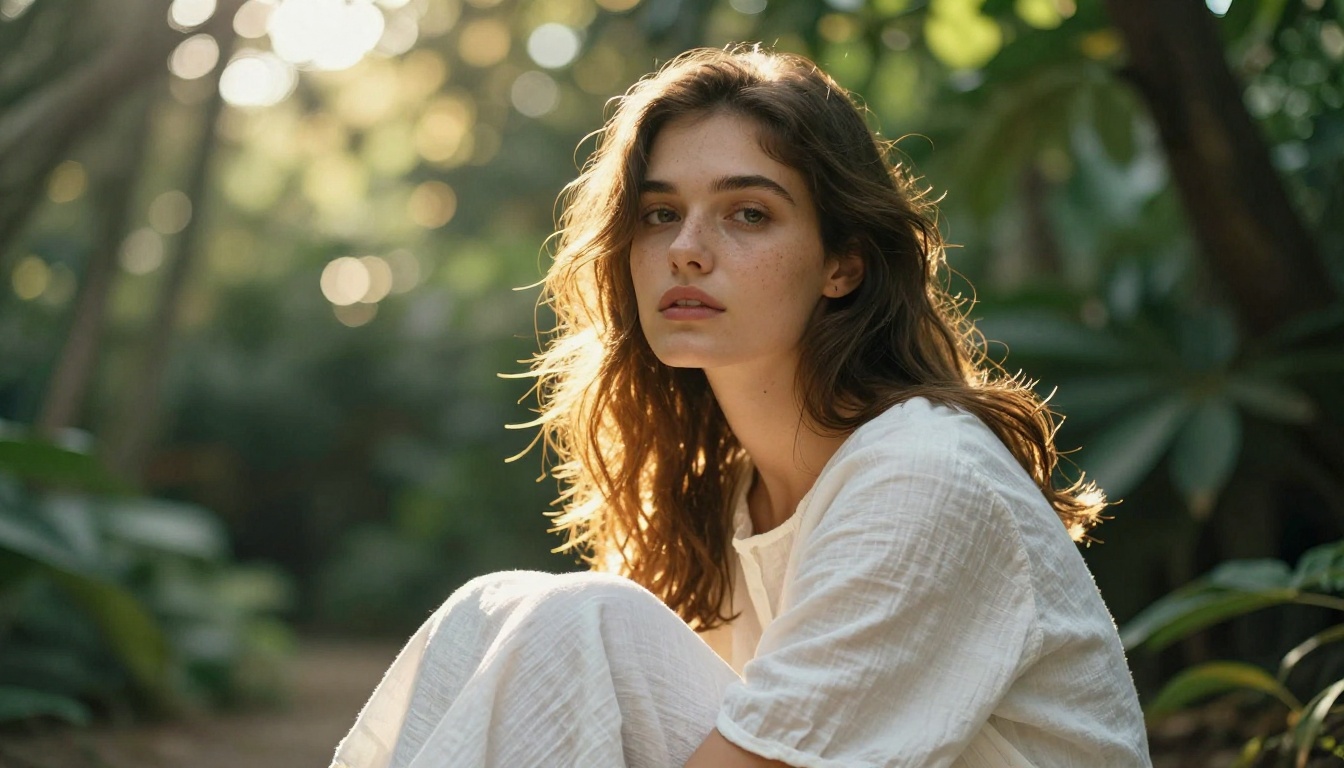
When photographers talk about image quality, they are rarely talking about resolution alone. Sharpness is table stakes. The real markers of professional photography are far more specific: how light falls across a surface and wraps around a subject, how depth of field separates the subject from the background with a specific quality of transition, how film grain gives an image tactile weight and authenticity, how color temperature shifts across a scene when multiple light sources mix.
These are exactly the properties that modern AI generators are now reproducing with notable accuracy.
Lighting, Depth, and Texture
The best AI models understand the physics of light at a practical level. Give a model a prompt specifying "volumetric morning light from the upper left, 85mm f/1.8 depth of field, Kodak Portra 400 grain, subjects at 10 feet distance" and it will produce an image where those parameters are visible in the output. Not described in a caption. Actually visible.
Bokeh circles form at a size consistent with the stated aperture. Shadows fall at an angle that corresponds to the implied light source position. Textures like rough stone, worn leather, wet cobblestone, and brushed metal catch highlights exactly where they would in a real scene under those lighting conditions. The model is not decorating a scene with light. It is simulating it.
What this means practically: you are directing a shoot with a world-class lighting team, without the team, the location, the equipment, or the permit.
The Grain That Makes It Real
Paradoxically, the most effective technique for making an AI-generated image read as authentic is adding imperfection. Pure digital clarity has a quality that trained eyes immediately recognize as artificial. Film grain, subtle chromatic aberration at the edges of the frame, a slight vignette, minor field curvature in the background: these details are what separate "photograph" from "render" in the perception of anyone who has spent time with real photography.
The top-tier models produce these artifacts naturally when prompted with analog film references. Kodak Portra 400, Fuji Superia 400, Kodak Tri-X 400, Ilford HP5 Plus: these are not just aesthetic style choices. They are shorthand instructions for a specific, complex set of tonal curves, grain structure patterns, shadow lift, and highlight rolloff properties that the model applies consistently across the image.
These are the models producing camera-competitive output right now. Each has a specific area where it excels over the others.
| Model | Best Use Case | Resolution | Strength |
|---|
| GPT Image 2 | Versatile, complex scenes | Up to 4K | Prompt accuracy |
| Flux Krea Dev | Avoiding the AI look | High | Maximum realism |
| Seedream 4.5 | Portraits and lifestyle | True 4K | Fine detail at scale |
| Wan 2.7 Image Pro | Commercial output | True 4K | Professional accuracy |
| Fibo by Bria | Controlled studio shots | High | Instruction precision |
| Recraft 20B | Multi-style flexibility | High | Consistent across types |
GPT Image 2
GPT Image 2 is OpenAI's flagship image model and one of the most prompt-responsive generators currently available. It handles complex compositional requests accurately, placing multiple subjects correctly in a scene, managing spatial relationships between foreground and background elements, and interpreting nuanced lighting instructions with fidelity.
Where it particularly excels is in mixed-subject photography: scenes that combine people, objects, and environmental context in a single coherent frame. It maintains visual consistency across all elements in a way that earlier models failed to do, where faces would be sharp but backgrounds fell apart, or the lighting logic between subject and environment was inconsistent.
Flux Krea Dev
The purpose of Flux Krea Dev is stated directly in its description: AI images without the AI look. The training approach used by Black Forest Labs here specifically targets the telltale qualities that flag synthetic imagery to a trained eye: skin that is too smooth, shadows that fall at a slightly wrong angle, background elements that have an eerie stillness, and the overall quality of light that feels "rendered" rather than "captured."
Output from Flux Krea Dev has a quality that practitioners describe as grounded. Images have physical weight. Objects cast credible shadows that interact with surface texture correctly. Faces have the micro-asymmetry that distinguishes a real person from an idealized rendering.
For portrait work specifically, this is the model that passes the squint test: would a non-specialist, shown this image on a screen, accept it as a photograph? With Flux Krea Dev, the answer is consistently yes.
Seedream 4.5
Seedream 4.5 from ByteDance delivers genuine 4K output with exceptional handling of fine detail at high resolution. Its particular strength is in lifestyle and portrait photography where skin, hair, and fabric texture need to hold up under close inspection and large-format display.
At 4K size, the output reveals what separates Seedream from mid-tier generators: the detail does not degrade under zoom. Individual hair strands remain separately rendered across the full image. Fabric weave texture stays consistent and coherent from corner to corner. Subtle color gradients in skin tone across the nose, cheek, and forehead hold their accuracy rather than averaging out into uniformity.
Wan 2.7 Image Pro
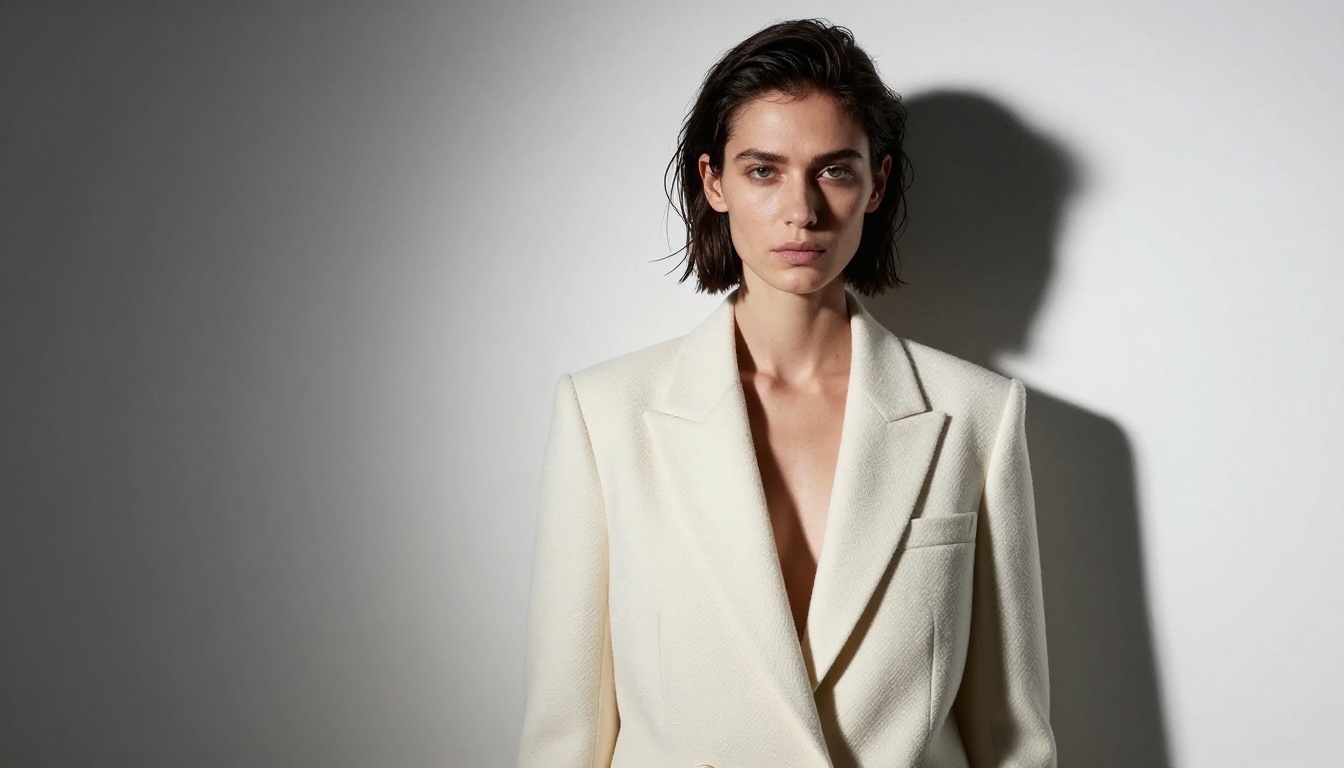
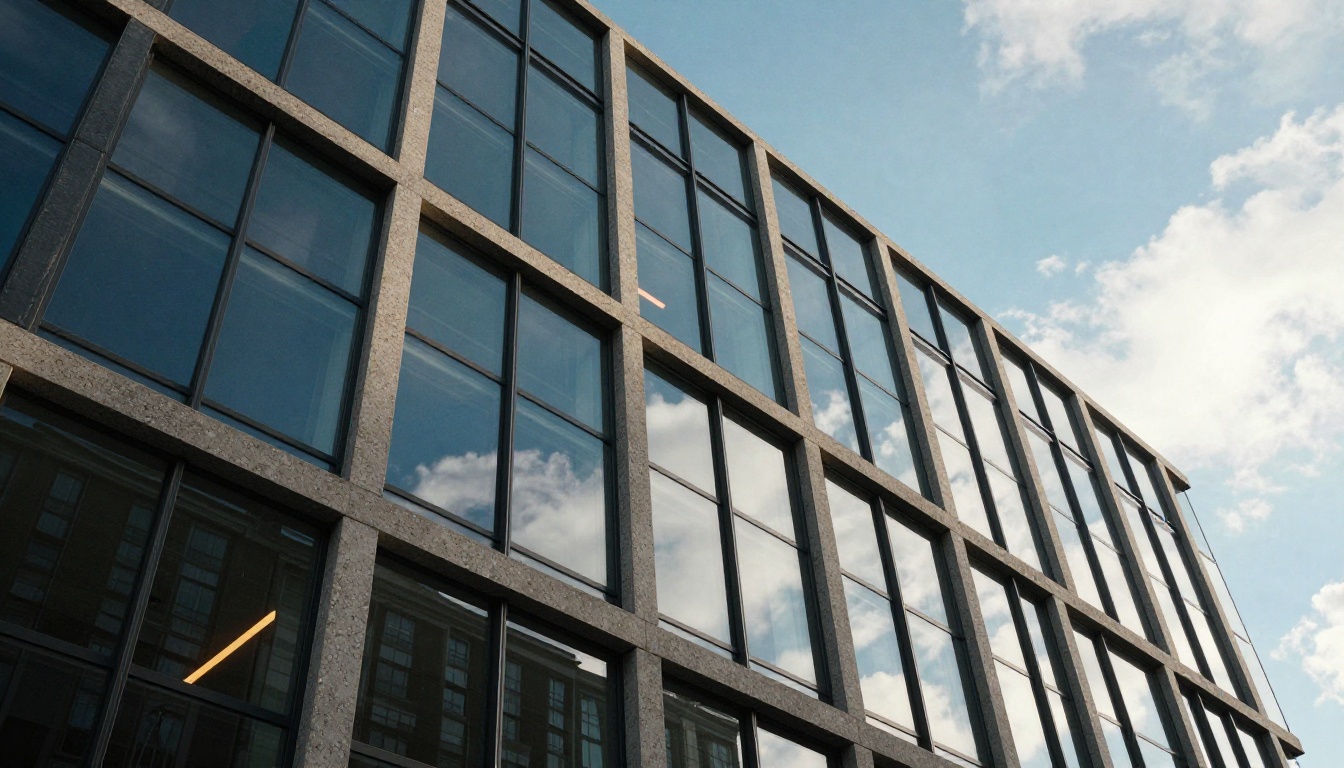
Wan 2.7 Image Pro targets professional commercial photography output at 4K resolution. It handles technical photography requirements well: product photography with controlled directional lighting, architectural images with correct perspective geometry, and food photography where surface texture and visible steam need to read as genuinely compelling to a consumer.
For brands needing visual content at scale without the overhead of scheduling commercial shoots, this model produces output that meets professional publication standards across multiple content categories.
Fibo by Bria
Fibo from Bria AI takes a different approach to image quality. Rather than maximizing stylistic expressiveness or pursuing the widest possible aesthetic range, it prioritizes accurate instruction following. Specify that the light source is at 45 degrees above-left, and Fibo places it there. Specify a subject wearing a particular textured material, and that material is rendered with the correct surface behavior.
For commercial work where specific visual requirements must be met precisely, this predictability is often more valuable than the occasional striking result from a less constrained model. When a client signs off on a visual direction and the output needs to match that direction reliably across multiple generations, Fibo delivers.
Recraft 20B
Recraft 20B stands out for its multi-style competency. Where many models optimize heavily for a single aesthetic lane and perform less well outside it, Recraft 20B handles documentary-style photorealism, clean commercial photography, and editorial portrait work all within a single model without needing different prompting approaches for each.
The practical benefit for content teams is workflow simplicity: a consistent generation process across varied visual content types, without switching tools or adapting prompting strategies based on the specific job.
Portrait Photography Without a Lens
Portraiture is the category where AI tools face the most skepticism, and produce the most impressive results. Human faces are processed by specialized neural circuitry that evolved specifically to detect anomalies in faces. We are extraordinarily sensitive to anything wrong in a face, from misaligned eyes to unnatural skin smoothness to lighting that does not match the claimed source. Yet modern generators are passing this scrutiny routinely.
What AI Gets Right About Faces
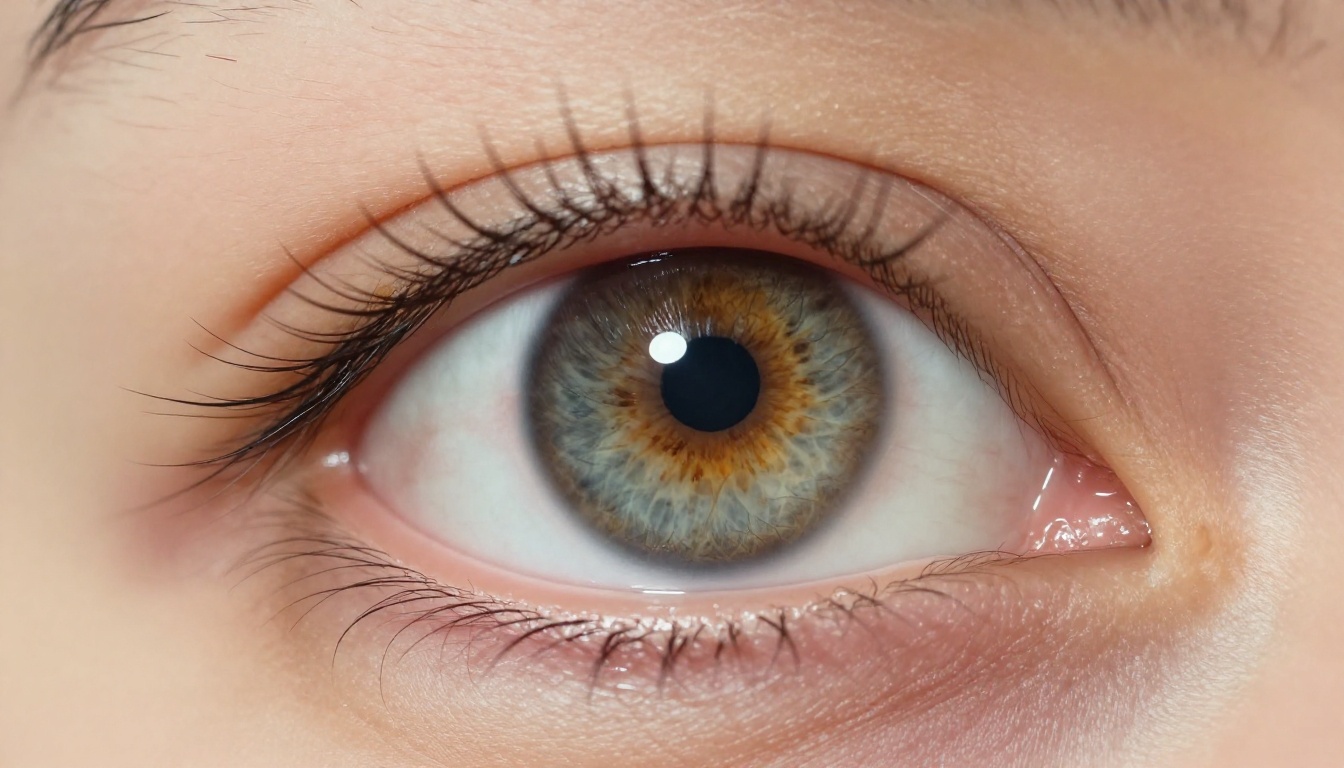
The breakthrough that changed portrait generation was an increased focus on microstructure. Pores. The slight asymmetry between left and right sides of a face. The way skin catches light differently across the nose bridge, high cheekbone, and forehead due to varying surface geometry. The slight moisture at the waterline of the eye. The way individual lashes clump slightly rather than fan perfectly.
Earlier models averaged these details away, producing faces that read as idealized to the point of unreality, what photographers call the "mannequin problem." Current models preserve and accurately reproduce these features, generating faces that carry the visual weight of a specific, individual person rather than an average.
The Skin Texture Problem (Fixed)
For years, "AI skin" was immediately identifiable by practitioners: too uniform in tone, too smooth in texture, with a subsurface rendering quality that no real light actually produces on human skin. This limitation is now largely resolved in top-tier models.
Current generators accurately reproduce subsurface scattering: the physical phenomenon where light penetrates the outer layer of skin slightly before bouncing back out, giving human skin its characteristic warmth, translucency, and the way it glows faintly when backlit. The result is portraits where the skin has tonal variation that corresponds to what is physically happening underneath, redness at the nose bridge from capillaries close to the surface, warmth at the cheeks, slight pallor at the temples.
Prompt tip: Specify skin condition explicitly. "Visible pores, natural skin texture, slight redness across nose bridge, individual freckles, Kodak Portra 400 skin tones, subsurface scattering" produces dramatically more realistic portrait results than a generic description.
Product Photography Disrupted First
Before portraits established the conversation, AI tools had already taken over significant territory in product photography. The economics were simply impossible to ignore: a commercial product shoot for a single SKU costs thousands of dollars in studio rental, lighting setup, photography fees, and post-production retouching. An AI-generated product image costs a fraction of a cent and takes seconds to produce.
Watch, Jewelry, and Apparel Shots
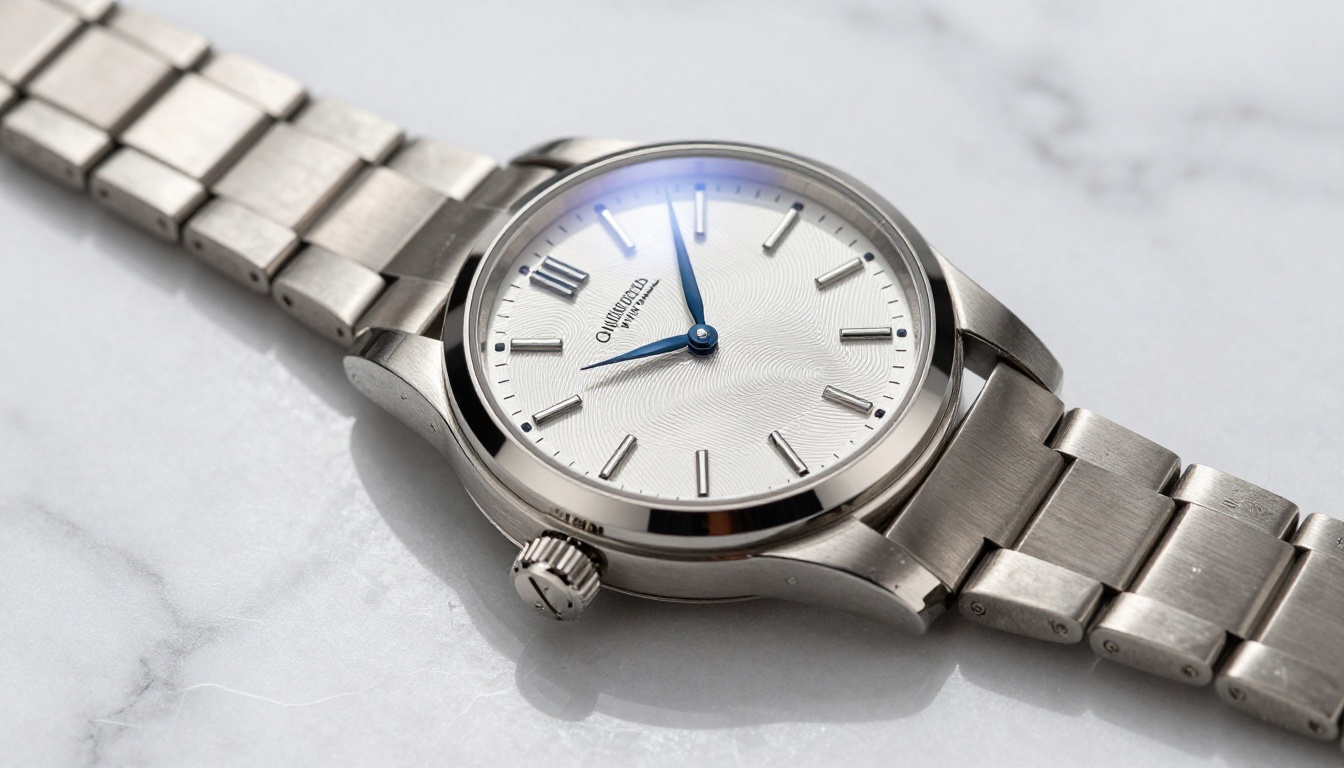
Reflective surfaces were historically the hardest problem in product photography. Watches, jewelry, polished metal hardware, and glass objects require carefully designed lighting setups with multiple controlled light sources and flags to prevent unwanted reflections while capturing the specular highlights that communicate premium quality to a buyer.
AI generators handle this with an accuracy that would require an experienced commercial photographer and a precisely controlled studio environment to replicate. The models understand the physical interaction between surface type and light direction: matte finishes scatter light broadly and evenly, brushed metal shows directional highlight streaks that follow the grain direction, polished metal produces hard, sharp specular hotspots that need to be positioned deliberately in the composition. Specify the surface properties in your prompt and the correct optical behavior follows.
No Studio Required
For e-commerce brands operating at volume, the workflow implications are profound. A product line launch requires 50 images across 8 colorways for web, social, and print. Traditionally: two days of studio rental, a photographer, a prop stylist, and a retoucher working through a post-production queue. With AI generation: 50 prompts, approximately two minutes of generation time, and a quality review pass to verify outputs meet brand standards.
This is not a future scenario. It is the operational reality for a growing number of direct-to-consumer brands right now.
How AI Handles the Hard Shots
Some photographic challenges exist because they require specialized equipment, extreme physical conditions, or a combination of both. AI sidesteps the equipment requirement entirely and has no relationship with physical conditions at all.
Low Light and Night Scenes
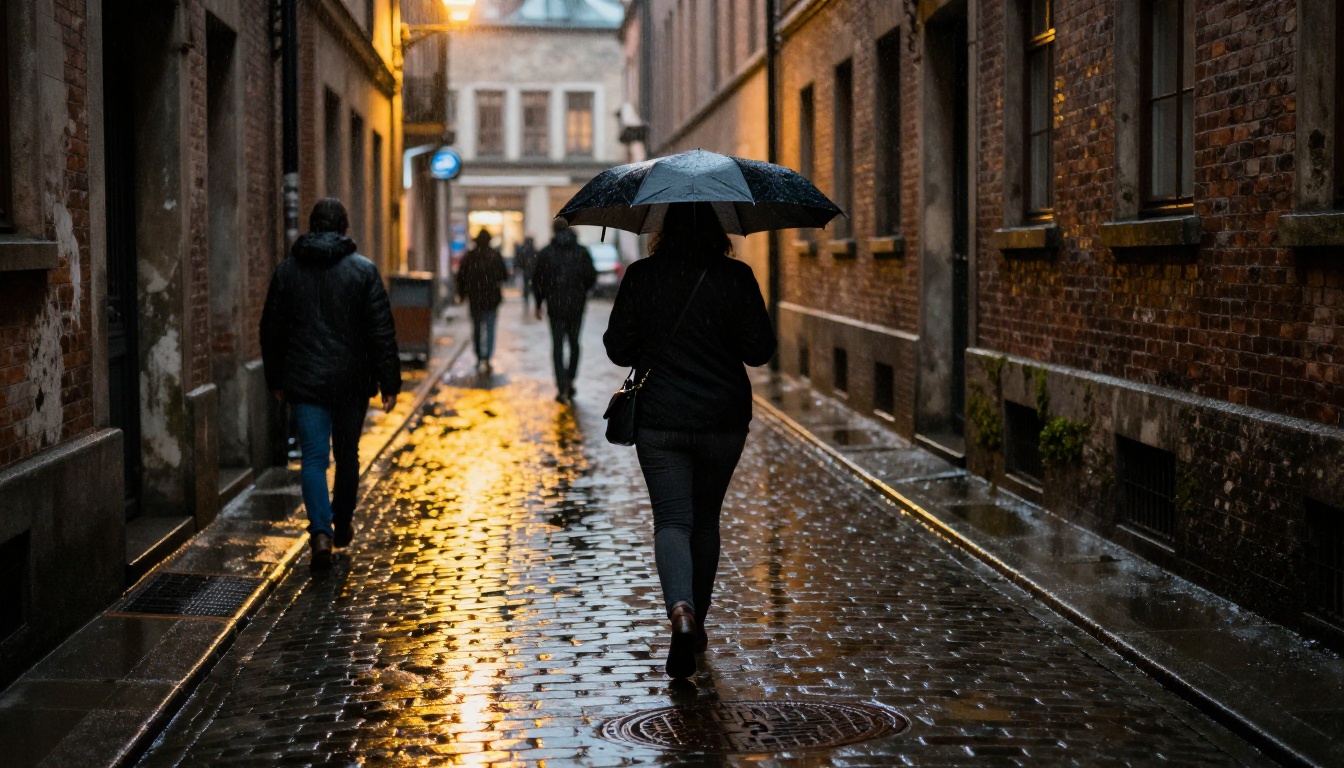
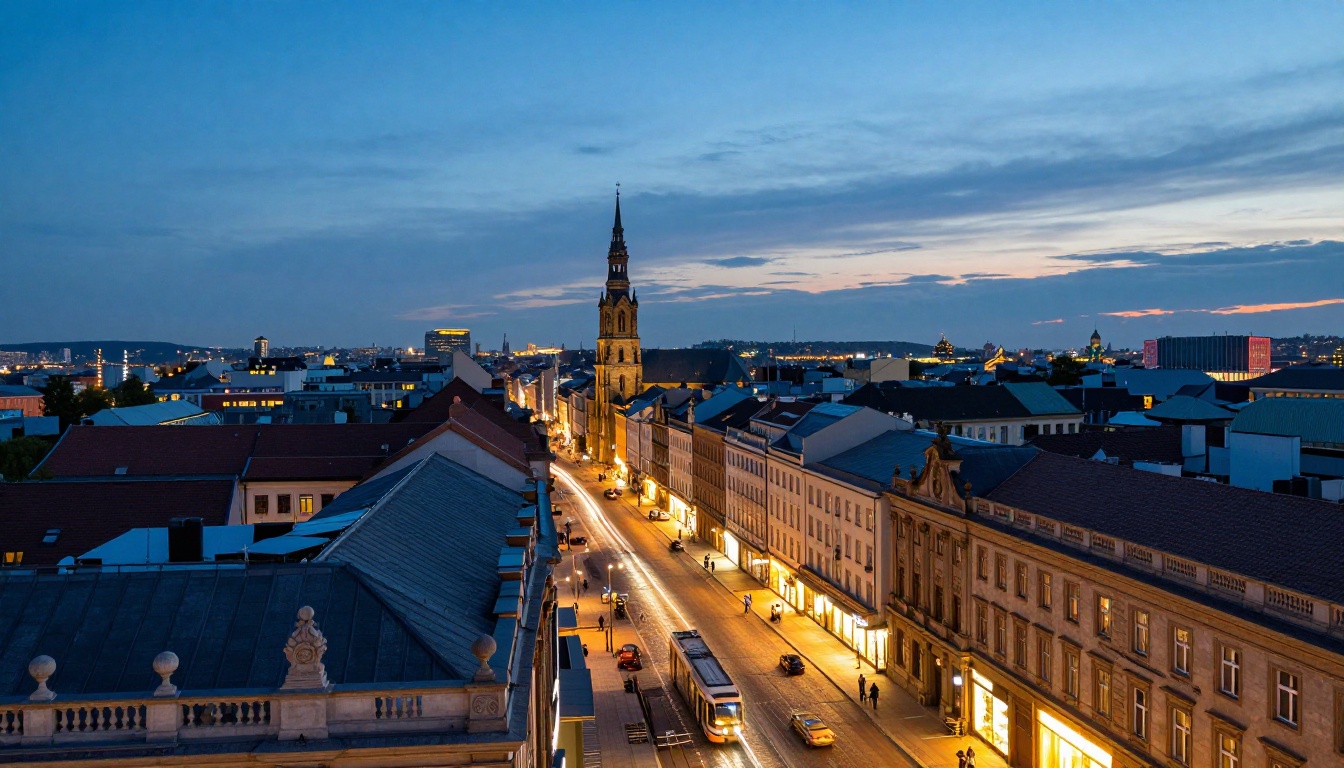
Low-light and night photography require expensive full-frame sensors with large photosites, fast lenses at wide apertures, and an intimate understanding of how to manage noise at high ISO settings while preserving shadow detail. For the AI equivalent: a prompt that specifies the scene. Night street scenes with wet cobblestone reflections. Candid documentary-style shots in dim interior light. Blue hour cityscapes with light trails from implied long exposures.
The model generates realistic high-ISO grain structure, accurate motion blur patterns consistent with the implied shutter speed, and the color temperature shifts that characterize mixed artificial light sources at night: the warm sodium yellow of street lamps mixing with the cool fluorescent blue spilling from shop windows.
Macro and Close-Up Detail
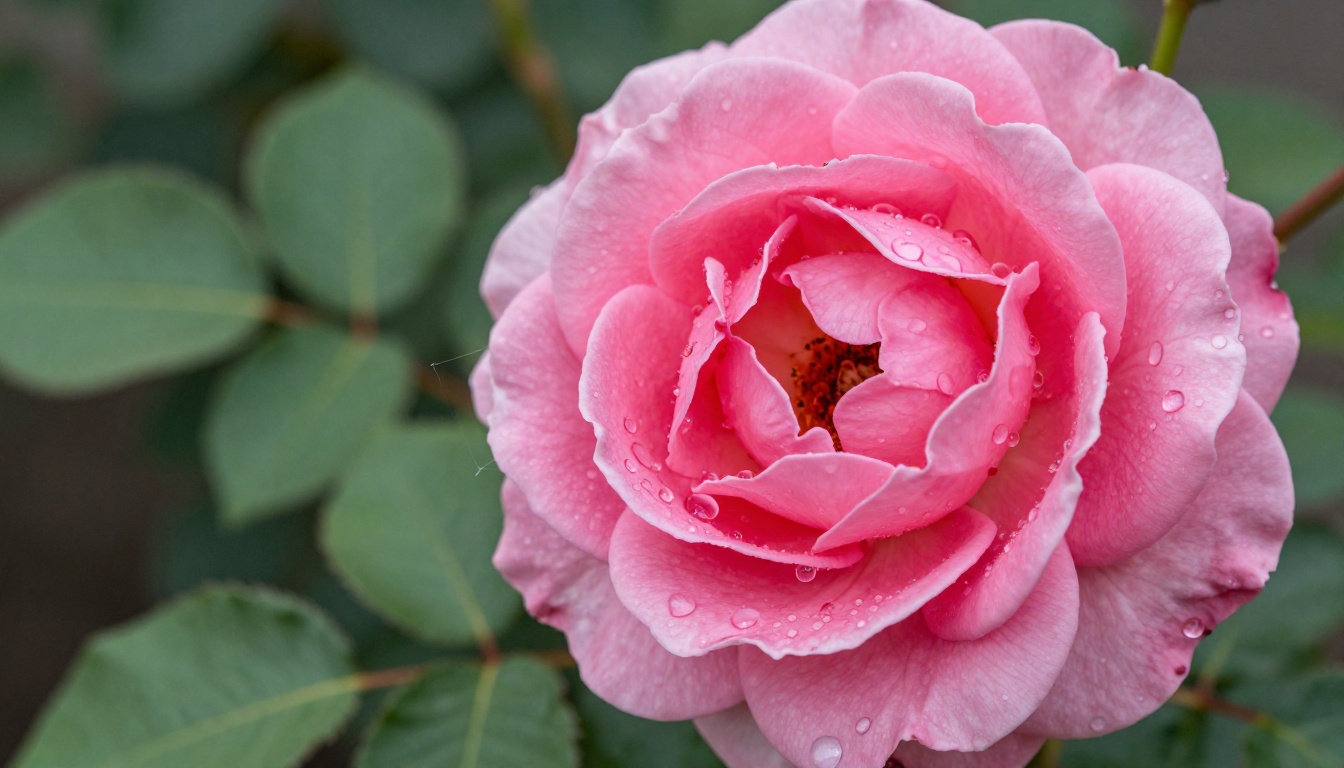
True macro photography requires dedicated macro lenses, ring flash or specialized macro lighting rigs, focus stacking to build adequate depth of field across a tiny subject plane, and a controlled environment to prevent camera shake during long exposures. At real macro scale, even the vibration from a camera's mirror can ruin a shot.
AI generators produce macro-level detail from a text description. Individual water droplets with accurate internal refraction and specular highlights. Pollen on a flower stamen. The micro-texture of a petal surface with its gradient from saturated color at the center to pale blush at the edges. For most visual communication purposes, the output is entirely sufficient.
Editing After Generation
Generation is half the workflow. Real photography involves significant post-processing, and AI tools have developed strong capabilities at this stage of the process as well.
Flux Fill Pro for Inpainting
Flux Fill Pro handles inpainting with coherence that makes genuinely seamless edits possible. Remove an unwanted element from a generated scene. Replace a background while preserving the subject's existing lighting and shadow. Fill in the edges of a composition that needs to be extended for a wider format or a different aspect ratio.
The model understands contextual consistency well enough that filled areas integrate naturally with the surrounding image content, matching existing lighting direction, grain structure, and color temperature without visible seams or tonal discontinuities. This is the equivalent of a professional retoucher's compositing work, at a fraction of the time investment.
Qwen Image Edit for Quick Fixes
Qwen Image Edit handles text-driven editing with strong instruction-following accuracy: change the color of a garment in a fashion image, adjust the apparent time of day in a landscape scene, swap the background environment while keeping the subject intact. It processes the full image holistically, meaning edits integrate with surrounding content rather than appearing as isolated overlays with visible edge artifacts.
For teams iterating rapidly on visual content based on client feedback, this editing capability collapses the revision cycle from hours to minutes.
Combined workflow: Generate with GPT Image 2 or Flux Krea Dev for the initial image, then refine with Flux Fill Pro for targeted inpainting edits. This two-stage approach gives you both output quality at generation and precise control in post.
Your Camera Is Still Sitting There. Try This Instead.
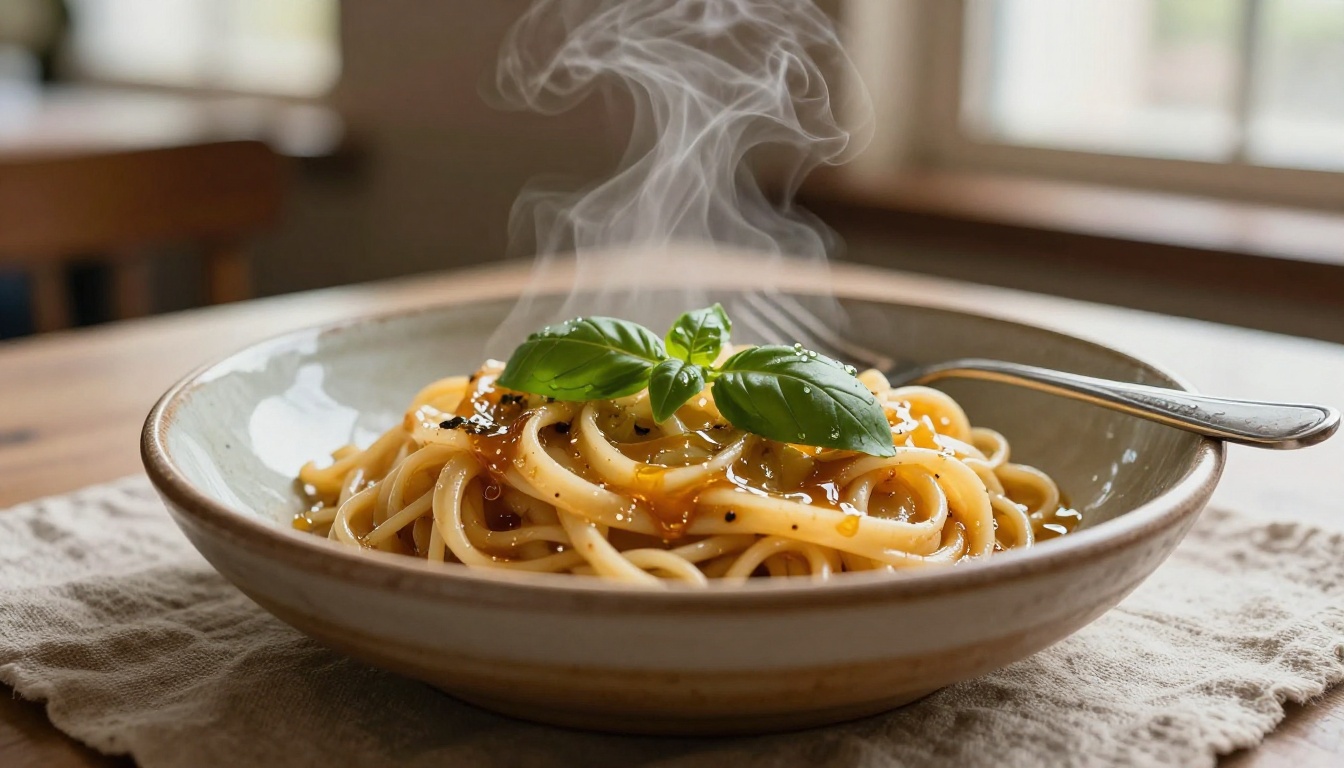
The argument here is not that cameras are worthless. Photojournalism, live events, sports, and personal documentary work remain categories where a physical camera and the unrepeatable real moment are irreplaceable. No AI tool generates a photograph of something that actually happened, because it is not capturing reality. It is constructing it.
But for planned, intentional visual content creation, the tools discussed above are ready. They are in production at brands, agencies, and content studios right now.
On PicassoIA, all of the models covered in this article are available in a single platform. No juggling multiple subscriptions or separate accounts for each generator. GPT Image 2, Seedream 4.5, Flux Krea Dev, Wan 2.7 Image Pro, Fibo, Recraft 20B, and the editing tools are all accessible from one place.
The most useful thing you can do right now is take a shot type you know well from traditional photography and write a prompt that mirrors the exact setup you would use for a real shoot: lighting position, lens focal length, aperture, film stock, subject distance, composition. Then generate it and compare the result to what you would expect from a physical shoot.
That comparison will tell you more about where this technology actually stands than any benchmark or marketing claim. The camera on your desk is not going anywhere today. But the next time you reach for it to create planned visual content, ask yourself honestly whether you actually need it.
Start generating on PicassoIA and see what these tools can do for your specific visual workflow.


