AI UGC Video Generator API: Build UGC Ads Automatically
A working blueprint for an AI UGC video generator API: how to turn a product brief into dozens of vertical, creator-style ads with scripts, persona images, video clips with native audio, queue limits, quality checks and clear AI disclosure, with request code in Python and Node.
Brands stopped trusting polished studio spots a while ago, and viewers stopped watching them even earlier. What makes a thumb pause is a woman in her kitchen explaining, in her own words, why a serum finally worked for her. That is UGC (user generated content) style advertising, and it is why performance teams now want an AI UGC video generator API instead of a spreadsheet full of creators waiting on product samples.
This article lays out a pipeline you can build this week. A product brief goes in, and a stack of vertical, creator-style ads comes out. You get working request code in Python and Node, the real limits of the PicassoIA developer API, a table of what each model does, and the checks that keep automated ads honest and on brand.
Why UGC Ads Need an API
The Creative Volume Problem
Every performance marketer knows the cycle. A creative lands, spend scales, and within weeks the audience has seen it too often and results sag. The fix is more creative, and not by a little. A serious test crosses hooks, personas, settings and lengths, so five hooks, four personas and three settings is already 60 variants before you touch the call to action.
Booking human creators for that matrix means briefs, shipping, rounds of feedback and a long wait. Asking an editor to cut sixty versions by hand means the work happens once a quarter instead of every week.
💡 Tip: Treat creative like inventory. If a new batch takes three weeks to arrive, you are always running yesterday's winners.
Here is how the two approaches compare in practice:
Manual creator workflow
API driven pipeline
Variants per test round
A handful, limited by bookings
Dozens, limited by your matrix
Turnaround
Days to weeks
Minutes per clip
Consistency across variants
Depends on each creator
Set by your template
Changing a product claim
Reshoot or recut
Edit one line and rerun
Review effort
Per video, long
Per batch, spot checks
What an API Replaces
It replaces clicking. A dashboard is fine for one clip, but nobody wants to paste sixty prompts into a form. With an API the brief lives in a spreadsheet, a product feed or a database row, and a script turns each row into a request.
The work is asynchronous: you create a prediction, poll it, then fetch the finished file. The developer docs describe no webhooks, so polling is the entire mechanism, which keeps the integration small.
Typical triggers for a batch run look like this:
A new product lands in your catalog and needs a launch set.
A winning ad shows fatigue and needs ten siblings.
A seasonal offer changes the hook on every active clip.
A new market needs localized versions of the same script.
An API replaces production, not judgment. Someone still decides which claims are true and which clips are good enough to run.
The Pipeline From Brief to Ad
Think in four stages, each with one input and one output. When a stage fails, you retry that stage only, never the whole chain.
Stage
Input
Output
Script
Product brief and hook type
10 to 15 seconds of spoken copy
Persona frame
Persona and setting prompt
One still image
Video
Still image plus motion prompt
A clip with audio
Review
Clip plus metadata
Approved or rejected
Step 1: Script Variants
Use any large language model to write the lines, because the video API does not care where the words come from. Give it a rigid shape: a hook in the first two seconds, one problem, one proof point, one call to action.
UGC feels real because it is short and specific. "I stopped buying three products and kept this one" beats "the best serum ever" every time. Ask for a dozen hooks per product, then keep the five that sound like a person speaking out loud.
💡 Tip: One claim per script. Every extra claim is another sentence you must verify before anything goes live.
Step 2: Persona and Scene Images
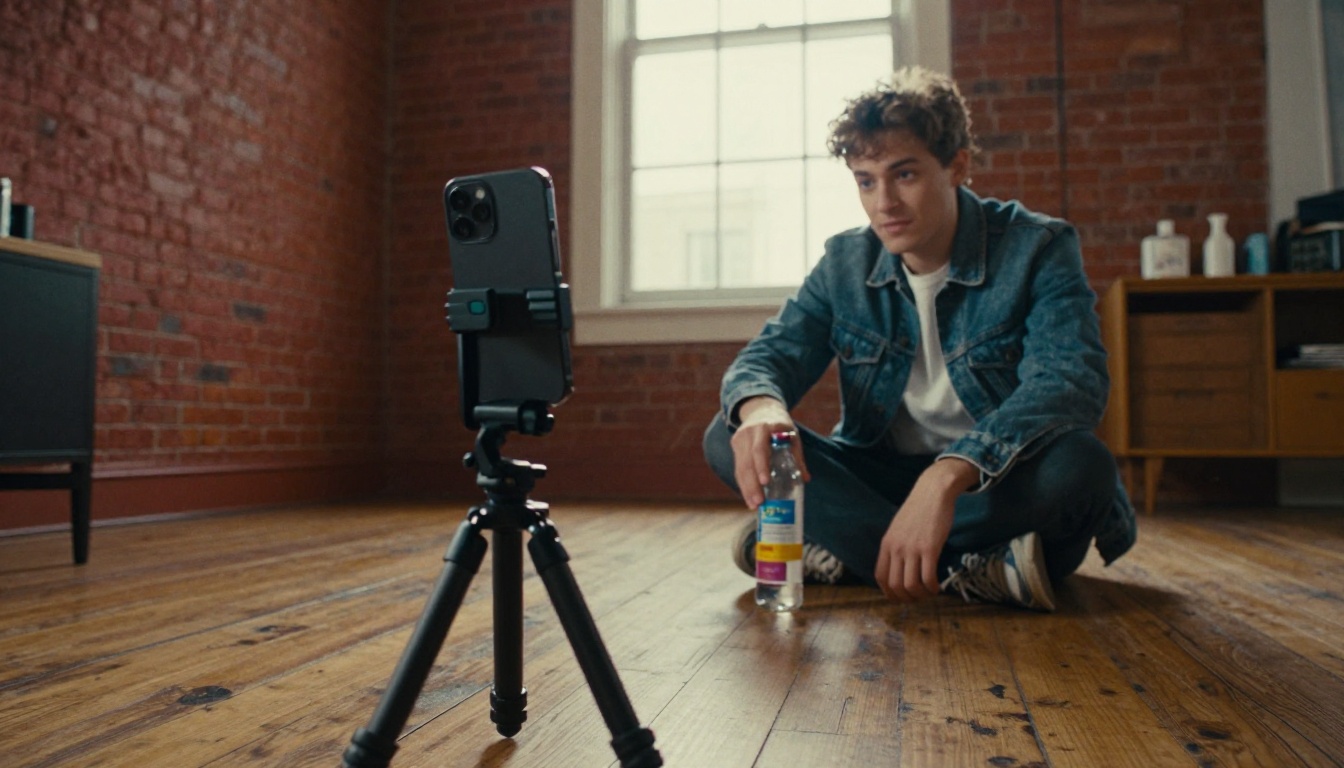
The first frame decides how the whole clip looks, because the video model animates outward from it. Use PicassoIA Image to generate the persona frame: a person in a lived-in room, window light, handheld framing, an unbranded product in hand.
When the real product must appear, bring in PicassoIA Image Editor Pro. It accepts one to four input images, so you can drop your actual packshot into the scene and keep the label accurate.
Write prompts like a photographer: lens, light direction, skin and fabric texture. Reject the glossy look. UGC wants imperfect rooms and natural light.
Step 3: Video With Native Audio
Feed the frame into Seedance 2.5 Lite with a motion prompt that says what the person does and says across the clip. The save_audio option is on by default, so speech and room sound arrive inside the file instead of becoming a separate pipeline step.
Describe the action in order: she lifts the bottle, glances at the lens, says the line, smiles. Size the script to the clip, too. A ten second video holds roughly 25 to 30 spoken words at a natural pace, so a longer line will either get rushed or cut off.
Keep camera movement minimal. A slight handheld drift is the UGC signature, and heavy cinematic moves break the illusion.
Step 4: Review and Ship
Download the clip, check it, and upload it to your ad platform with a name that encodes the variant, such as question_kitchen_10s. That naming is what makes results readable later, when you can finally say that the kitchen persona with the question hook beat everything else. Log the variant name, prompt, seed, model and prediction id in one row per clip, and your spreadsheet becomes the memory of the whole campaign.
Models You Can Call Today
API Models at a Glance
At the time of writing, the PicassoIA API exposes four models. The inputs below come from the public developer docs.
Two details matter for ads. On PicassoIA Video, the maximum duration depends on resolution: up to 20 seconds at 480p, up to 10 at 720p and up to 5 at 1080p. On Seedance 2.5 Lite, the optional last_frame_image lets you pin where the clip ends, which is handy when the final frame must show the product.
💡 Tip:aspect_ratio defaults to match_input_image when you pass an image. Your still decides whether the ad is vertical or square, so check the shape of the persona frame before you spend a video job on it.
Voices and Lip Sync in the App
The wider catalog lives in the web app rather than the API. That is where you find dedicated voices and talking-head tools for the cases where native audio is not enough.
Lipsync 2 Pro to match an existing clip's mouth movement to a new audio track.
A practical split: let the API produce the bulk of your clips with native audio, and move the five or ten best performers into the app for a voice and lip sync polish.
Your First Request in Python
Authentication and Base URL
Everything goes to https://api.picassoia.com/v1, and every request carries an Authorization: Bearer pia_sk_… header. Create the secret on the API page of your account. An account can hold two at a time, so rotate by creating the new one before deleting the old one.
Keep the secret in an environment variable on your server. Never ship it in a browser bundle or a mobile app.
💡 Check access first: the docs say predictions currently use no credits, but creating one answers 403 plan_required when your plan does not include API access. Send a single test request before you design anything around the API.
Create, Poll, Fetch
The endpoint for a new job is POST /v1/models/{owner}/{name}/predictions, with your fields wrapped in an input object. The response carries an id, a status (starting, processing, succeeded, failed or canceled), and an output that is either a URL or a list of URLs.
Polling uses GET /v1/predictions/{id}. The eta.next_poll_in_seconds field tells you when the next check is worth making, so you never hammer the endpoint.
import os, time, requests

API = "https://api.picassoia.com/v1"
HEADERS = {"Authorization": f"Bearer {os.environ['PICASSOIA_TOKEN']}"}

def run(model, payload):
    r = requests.post(f"{API}/models/{model}/predictions",
                      json={"input": payload}, headers=HEADERS)
    pred = r.json()
    if not r.ok:
        raise RuntimeError(f"{pred['code']}: {pred['detail']}")
    while pred["status"] not in ("succeeded", "failed", "canceled"):
        time.sleep((pred.get("eta") or {}).get("next_poll_in_seconds", 2))
        pred = requests.get(pred["urls"]["get"], headers=HEADERS).json()
    if pred["status"] != "succeeded":
        raise RuntimeError(pred["error"] or pred["status"])
    return pred["output"]

def first(output):
    return output[0] if isinstance(output, list) else output

def make_ad(brief):
    frame = first(run("picassoia/picassoia-image", {"prompt": brief["persona_prompt"]}))
    return first(run("picassoia/seedance-2.5-lite", {
        "prompt": brief["motion_prompt"],
        "image": frame,
        "duration": 10,
        "resolution": "720p",
    }))
Treat failed as data, not a surprise. Log the error string, retry a failed job once with the same input, then once more with a slightly shorter prompt, and park it for a human after that. Never retry plan_required or a malformed request, because the answer will not change. Copy finished files into your own storage as soon as they land, rather than assuming the output link lives forever.
The Same Flow in Node
The Node version is the same loop with fetch. Wrap your fields in input, poll urls.get, and respect eta.next_poll_in_seconds.
const API = 'https://api.picassoia.com/v1'
const headers = {
  Authorization: `Bearer ${process.env.PICASSOIA_TOKEN}`,
  'Content-Type': 'application/json',
}
const sleep = (s) => new Promise((r) => setTimeout(r, s * 1000))

async function run(model, input) {
  const res = await fetch(`${API}/models/${model}/predictions`, {
    method: 'POST', headers, body: JSON.stringify({ input }),
  })
  let pred = await res.json()
  if (!res.ok) throw new Error(`${pred.code}: ${pred.detail}`)
  while (!['succeeded', 'failed', 'canceled'].includes(pred.status)) {
    await sleep(pred.eta?.next_poll_in_seconds ?? 2)
    pred = await (await fetch(pred.urls.get, { headers })).json()
  }
  if (pred.status !== 'succeeded') throw new Error(pred.error ?? pred.status)
  return pred.output
}
Scaling to Many Ads Per Day
Working Inside the Five Job Limit
The account allows 5 predictions queued or running at once, and that budget is shared across every secret and every MCP connection. If a teammate is also generating from an MCP client, your script competes with them.
The rule for your code is simple: never run more than five workers, and ideally leave one slot spare. A thread pool does it in a few lines.
from multiprocessing.pool import ThreadPool

with ThreadPool(4) as pool:
    results = pool.map(make_ad, briefs)
Throughput is easy to estimate. Divide the seconds in an hour by the time one ad takes, then multiply by your worker count. If one image plus one video takes about four minutes, four workers finish roughly 60 ads an hour.
Other limits worth baking into your validation: request bodies up to 10 MB, data URL images up to 5 MB each, prompts up to 4,000 characters, and a three hour timeout per prediction. A job that runs past the timeout should be marked dead and retried, not waited on.
Prompt Templates That Vary Safely
Variation is the whole point, but random variation produces off-brand clips. Split your template into axes you change and axes you lock.
Axis
Vary it
Lock it
Persona
Age range, hair, clothing
Skin and fabric realism
Setting
Kitchen, car, garage gym, balcony
Natural window or daylight
Hook
Question, confession, demo
One claim per script
Length
5, 10 or 15 seconds
Vertical framing
Product
Never
Exact packshot and label
Store the final prompt and the seed next to every output. When a clip wins, you can recreate its siblings with one field changed instead of guessing what made it work.
How to Use Seedance 2.5 Lite
Before you write code, run a few clips by hand to see what your prompts actually produce. Seedance 2.5 Lite is the fastest way to do it.
Open the model page and sign in to your PicassoIA account.
Upload your persona frame. A sharp, well lit still with the product visible gives the best first frame.
Write the motion prompt. Name the action in order, include the spoken line in quotes, and keep the camera nearly still.
Pick resolution and duration. Start at 480p to test quickly, then move to 720p for the version you plan to publish.
Keep audio on.save_audio is true by default, which is what you want for a talking ad.
Optionally set a last frame. Upload last_frame_image when the clip must end on a clean product shot.
Fix a seed once a result looks right, then change one thing at a time.
Submit and download the clip, then watch it with sound before judging it.
💡 Tip: Judge the first two seconds only. That is all a scrolling viewer gives you, so a clip with a weak opening is a reject no matter how good the ending looks.
Quality Control and Disclosure
Automated Checks Before Publishing
Automate the boring rejections so a person only reviews clips that already passed:
The file loads. Request the URL, expect a 200 status and a video content type.
The duration matches what you asked for.
Audio exists when save_audio was on.
Prompt and seed are stored with the output for reproducibility.
A claim filter runs over the script text and blocks medical, income or guarantee language you cannot prove.
A human spot checks faces, hands and the product label on a sample of every batch.
Labeling and Consent
Treat disclosure as part of the pipeline, not an afterthought. Ad platforms and regulators increasingly expect AI generated content to be labeled, and the rules change often, so read each platform's current ad policy before you launch a batch.
Never present a synthetic persona as a real customer reporting real results. Do not recreate a real person's face or voice without their written consent. A fake testimonial is the fastest way to lose an ad account, and it deserves to be.
Build Your First Batch Today
You now have the whole loop: brief, script, persona frame, clip with audio, review. The cheapest way to find out whether it fits your product is to run three variants this afternoon.
Open Seedance 2.5 Lite on Picasso IA, upload one persona frame from PicassoIA Image, and write three different hooks for the same product. Compare the openings side by side. When one of them clearly pulls ahead, you have your template, and the Python above turns it into fifty more.
Start small, keep the clips honest, and let the data pick the winners. Generate your first persona image on Picasso IA today, animate it into a UGC style ad, and see how far one good template can go. The only experiment that fails is the one you never run.