If you're new to video creation, 2027 presents an entirely different landscape than just a few years ago. The barrier to entry has dropped dramatically, while the quality ceiling has risen exponentially. Beginners aren't just consuming content anymore—they're creating it at a professional level, often without any formal training in videography or editing. The shift happened when AI video apps transformed from niche tools for tech enthusiasts into intuitive platforms anyone can use.
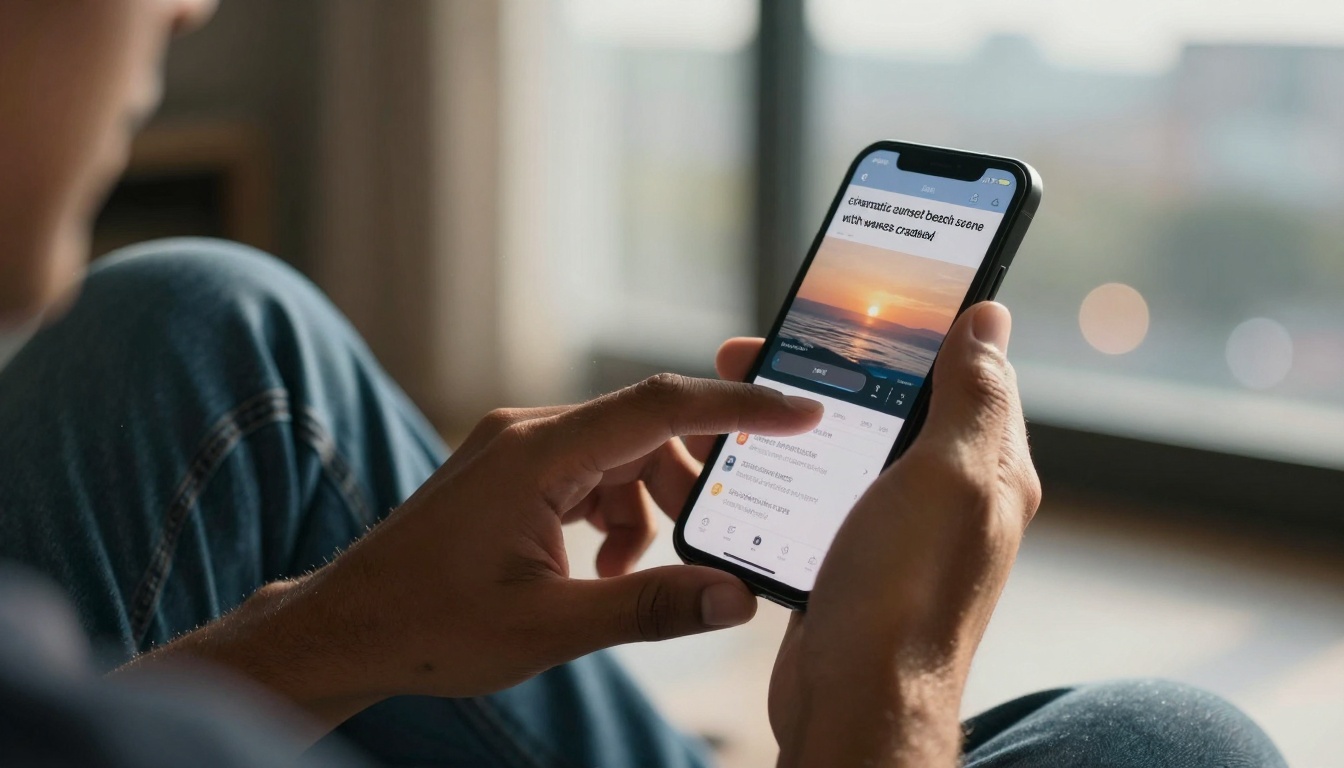
Typing descriptions that become videos feels like magic—until you realize it's just intelligent software.
Why Video Creation Changed in 2026
Three factors converged to make this possible: hardware ubiquity, algorithm maturity, and interface simplification. Every smartphone now has processing power that rivaled professional workstations five years ago. AI models like Sora, Kling, and WAN have reached a point where they understand natural language prompts with remarkable accuracy. Most importantly, developers focused relentlessly on removing complexity rather than adding features.
💡 Key Insight: The best AI video apps for beginners don't teach you video editing—they eliminate the need for traditional editing altogether.
Text-to-Video: Type Your Vision
This category represents the biggest leap for beginners. Instead of learning timeline editing, color grading, or transition effects, you simply describe what you want to see.
Popular Platforms:
| App | Best For | Learning Curve | Free Tier |
|---|
| Pika | Social media clips | Very low | 40 credits/month |
| Runway | Narrative scenes | Medium | 125 seconds |
| Luma | Realistic environments | Low | 5 generations/day |
| Fliki | Text-to-speech videos | Very low | 5 minutes/month |
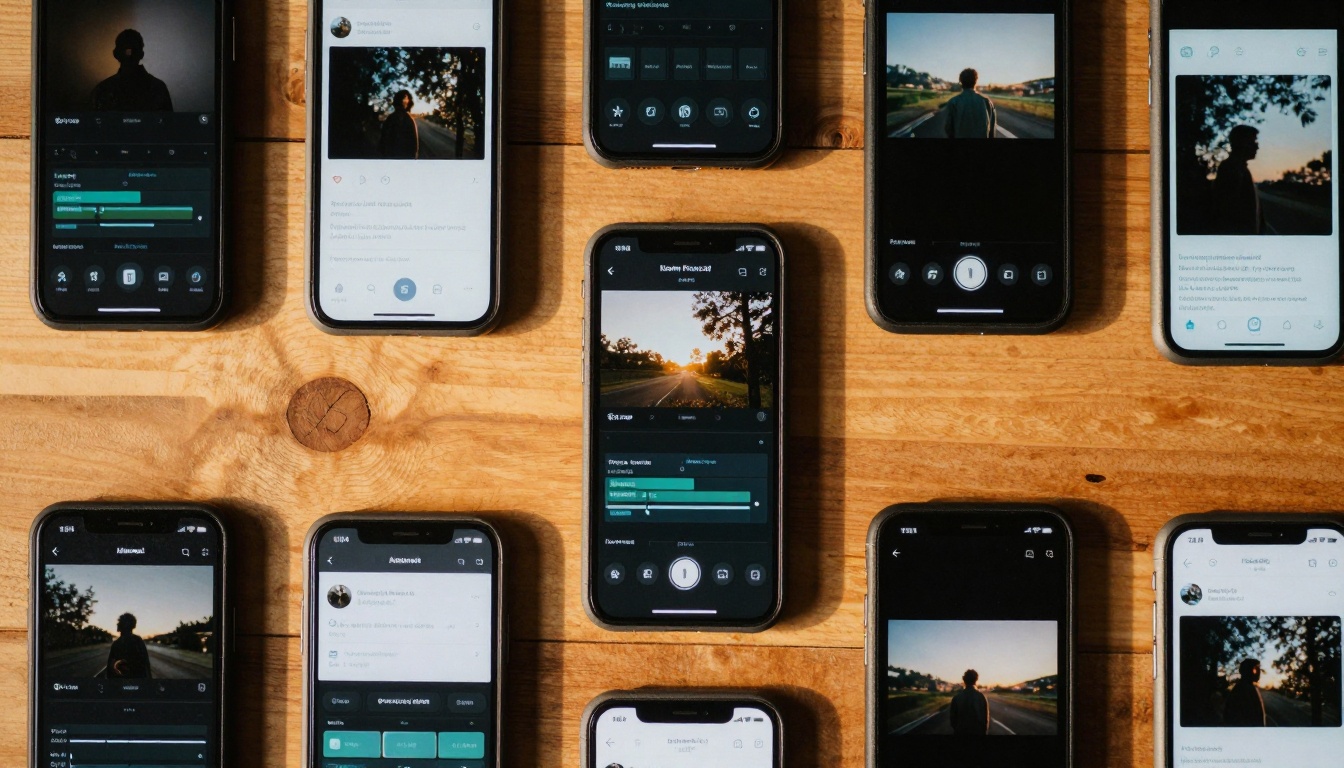
Multiple approaches exist—some work better for specific types of content than others.
Prompt Quality Matters: Beginners often type "make a video about mountains." Professionals write: "Cinematic aerial drone shot flying over snow-capped alpine peaks at golden hour, volumetric clouds catching sunset light, smooth camera movement revealing valley below, 8K resolution, realistic natural lighting." The difference in output quality is staggering.
Mobile-First AI Video Editors
These apps assume you're creating content directly on your smartphone—because that's where most beginners start.
CapCut remains dominant, but its 2026 AI features transformed it from a simple editor into a creative studio:
- AI Script Writer: Generates video outlines from topic keywords
- Auto-Captioning: Accurate transcription with timing sync
- Scene Detection: Automatically cuts clips at natural breaks
- Style Transfer: Apply cinematic looks with one tap
InShot and VivaVideo added similar capabilities, but Kinemaster took a different approach with its AI Assistant that suggests edits based on content analysis.
Platform-specific apps understand that TikTok, Instagram Reels, and YouTube Shorts have different requirements.
TikTok's Creator Studio now includes:
- Trend Prediction: Suggests topics gaining traction
- Audio Analysis: Recommends trending sounds for your content
- Format Optimization: Automatically adjusts for vertical viewing
- Engagement Forecasting: Estimates potential performance

Analytics show what works—AI helps you create more of what engages your audience.
Instagram's Reels Assistant focuses on aesthetic consistency, suggesting color palettes and transition styles that match your existing content.
For beginners who want professional results without design skills, template platforms provide structure.
Canva Video leads with:
- Smart Templates: AI suggests templates based on your content type
- Auto-Resizing: Creates multiple aspect ratios from one design
- Brand Kit Integration: Maintains consistency across videos
- Timeline Simplification: Visual editing without technical complexity
Adobe Express (formerly Spark) offers similar functionality with tighter integration into the Adobe ecosystem for those who might graduate to Premiere Pro later.
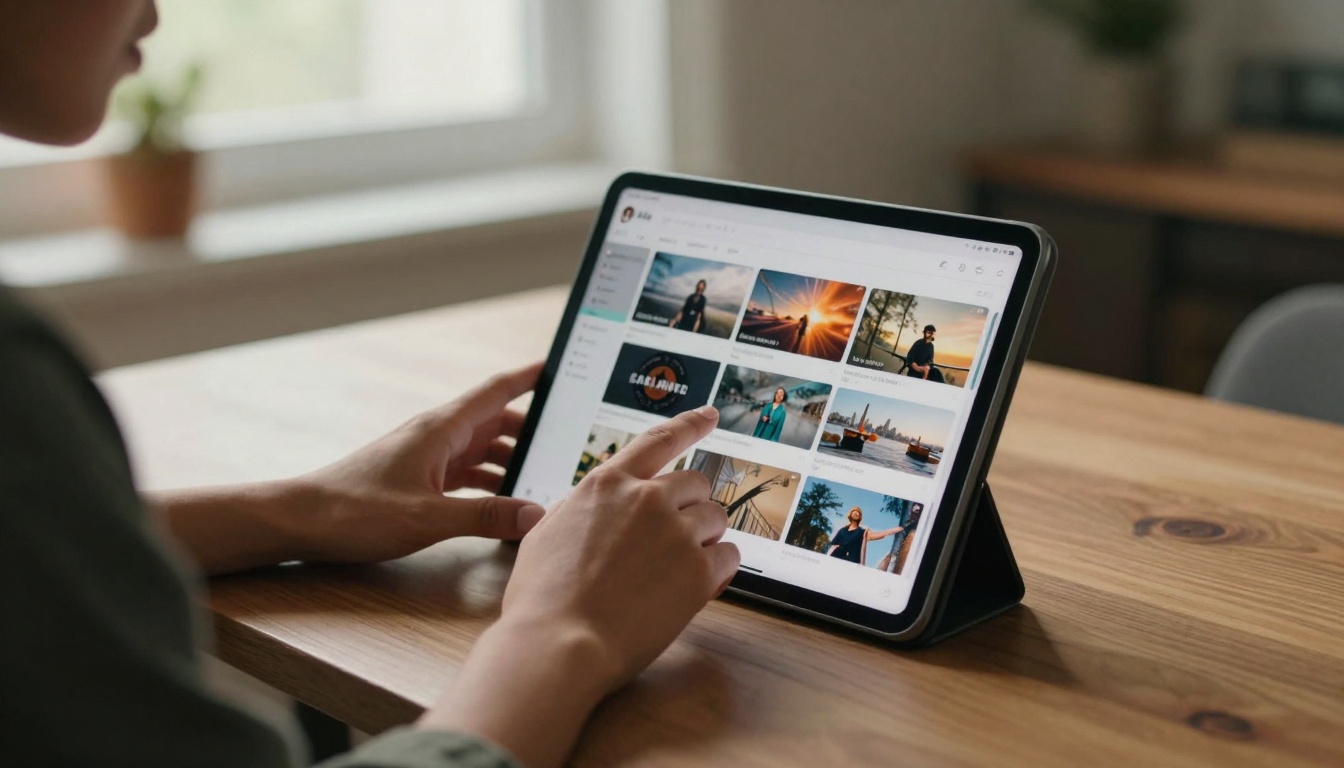
Templates provide guardrails—beginners stay creative without getting lost in technical details.
The Real Cost Breakdown
Free tiers exist, but understanding the actual costs prevents surprise expenses later.
Common Pricing Models:
- Credit-Based: Pay for generation time (seconds/minutes)
- Subscription: Monthly access with generation limits
- Pay-Per-Use: Only pay for what you create
- Freemium: Basic features free, advanced requires payment
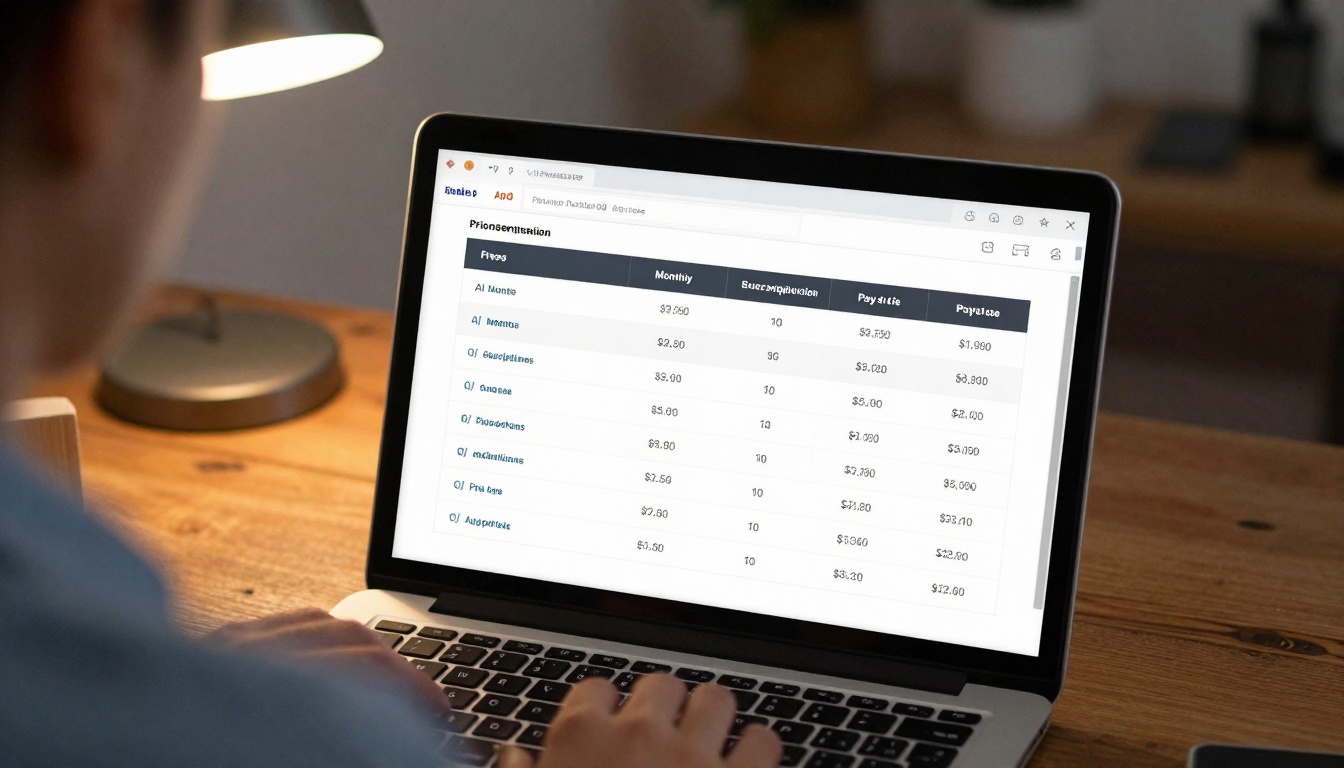
Actual costs vary dramatically—what seems affordable monthly can add up quickly.
Hidden Costs Beginners Miss:
- Watermarks: Many free tiers add branding to exports
- Resolution Limits: 720p vs 4K can affect platform distribution
- Export Formats: Some limit to MP4 only
- Commercial Rights: Check if you can use content for business
Common Beginner Mistakes
Everyone makes these errors—recognizing them early saves time and frustration.
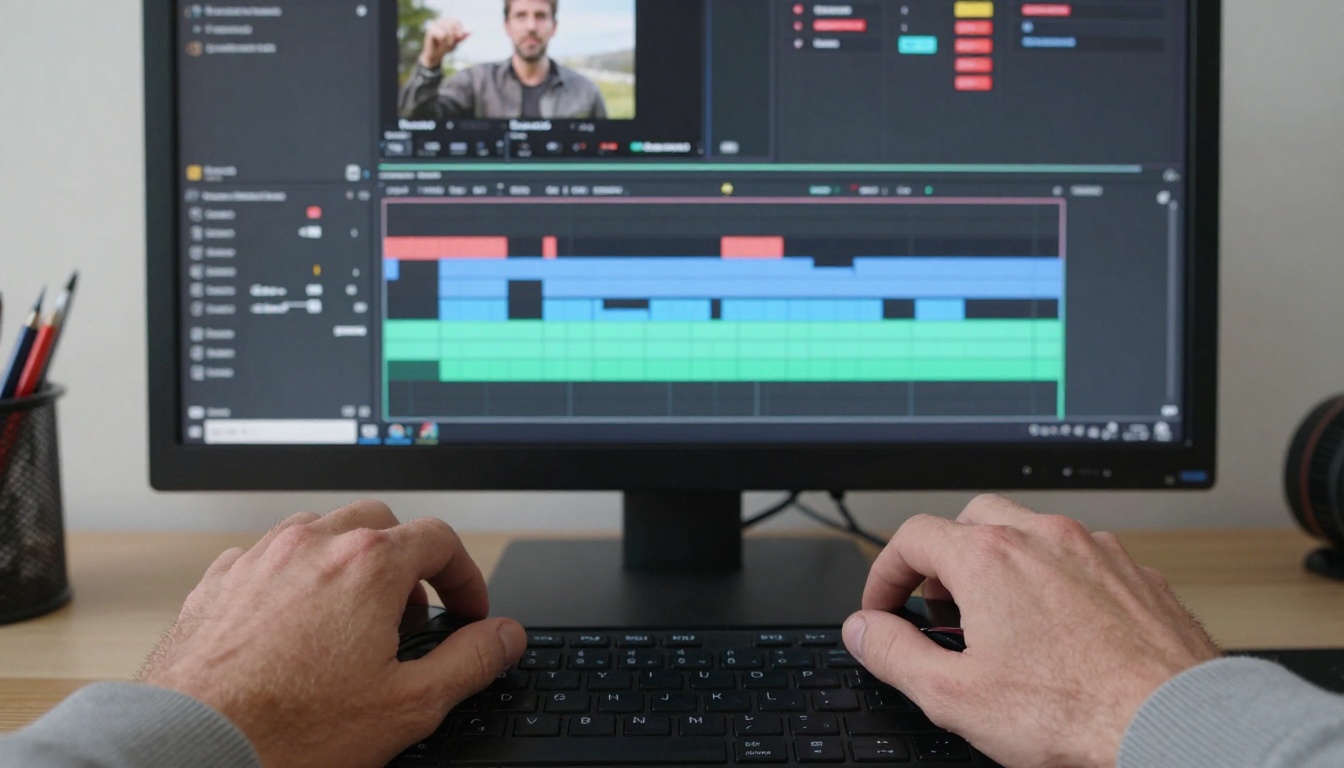
Mistakes become learning opportunities when you know what to look for.
Technical Errors:
- Aspect Ratio Confusion: 9:16 for Reels, 16:9 for YouTube
- Audio Overload: Multiple tracks causing clipping
- Export Settings: Wrong format for target platform
- Resolution Mismatch: Uploading 4K to platforms that compress heavily
Creative Missteps:
- Overediting: Adding too many effects because you can
- Consistency Issues: Different styles across videos
- Length Problems: Videos too long/short for platform algorithms
- Branding Neglect: Forgetting to add logos/watermarks
For those ready to move beyond consumer apps, platforms like PicassoIA offer direct access to cutting-edge models. This represents the next step for beginners who want more control.
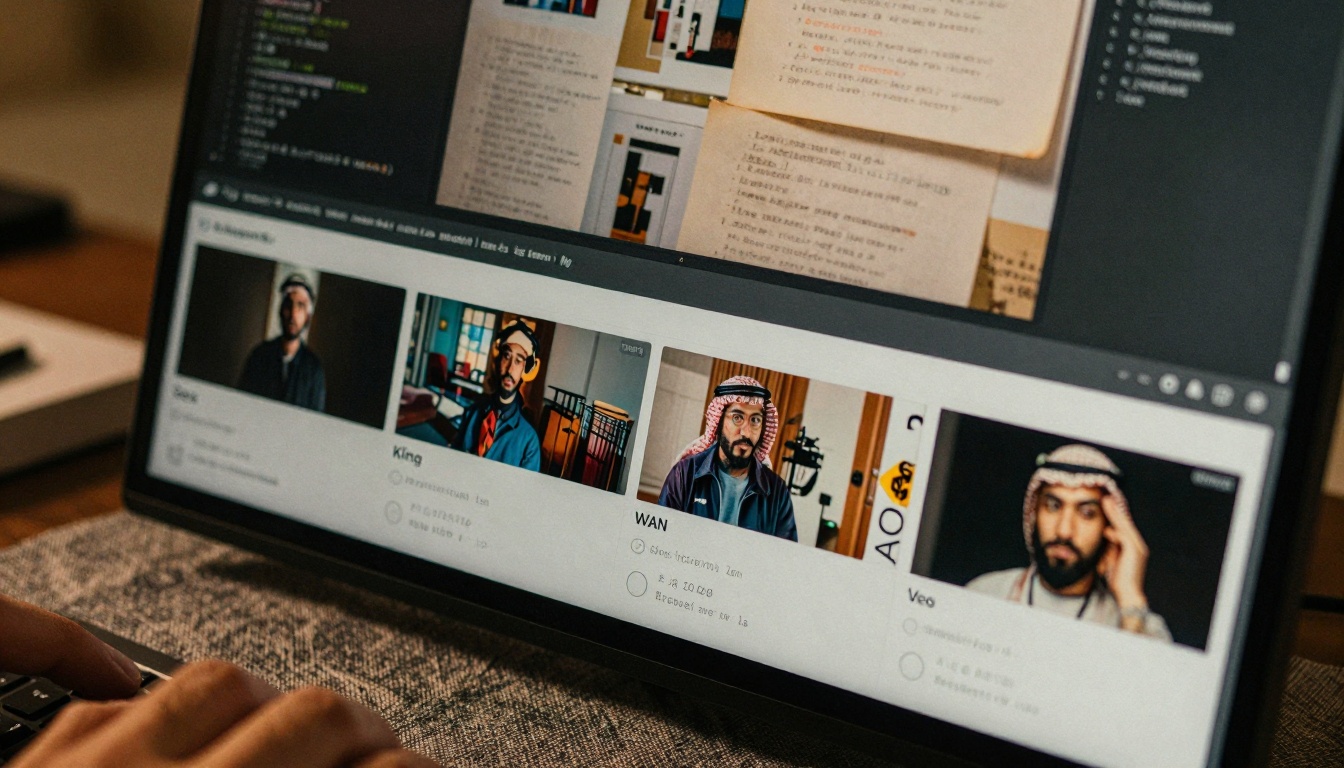
Direct model access provides transparency—you know exactly what's generating your content.
Top Models for Beginners:
1. Google Veo 3.1 Fast
- Best for: Quick iterations, testing ideas
- Output: 1080p video, 10-30 seconds
- Learning: Minimal prompt engineering needed
- Cost: Lower compute requirements
2. WAN 2.6 T2V
- Best for: Realistic environments, nature scenes
- Output: Highly consistent motion
- Learning: Responds well to detailed descriptions
- Cost: Mid-range, good value
3. Kling v2.6
- Best for: Character animation, human subjects
- Output: Natural movement, facial expressions
- Learning: Requires specific pose descriptions
- Cost: Higher, but exceptional quality
4. Sora 2 Pro
- Best for: Cinematic scenes, complex narratives
- Output: 4K capable, longer durations
- Learning: Steeper curve, but powerful
- Cost: Premium pricing
How to Get Started with PicassoIA:
- Create Account: Free tier includes limited generations
- Browse Models: Filter by category (text-to-video)
- Test Prompts: Start with simple descriptions
- Analyze Results: Note what works with each model
- Iterate: Refine based on output quality
💡 Pro Tip: Save successful prompts in a document—build your personal prompt library over time.
Next Steps After Your First Video
Creating your first AI-generated video feels like an accomplishment—and it is. But what separates beginners from consistent creators is what happens next.
The first successful export marks a beginning, not an end.
Immediate Actions:
- Share It: Post on your chosen platform
- Track Metrics: Watch engagement patterns
- Gather Feedback: Ask specific questions ("Was the pacing right?")
- Document Process: Note what you learned
Medium-Term Strategy:
- Consistency Schedule: Set realistic creation frequency
- Skill Stacking: Add one new technique per video
- Platform Expansion: Try different distribution channels
- Community Building: Connect with other creators
Long-Term Evolution:
As your skills grow, your tools will naturally evolve too. What starts as simple text-to-video generation can expand into multi-model workflows, custom fine-tuning, and eventually building your own specialized pipelines.
Your workspace reflects your journey—it evolves as your skills and needs change.
The most important realization for beginners in 2026: you don't need to master everything at once. Start with one app that feels intuitive. Create three simple videos. Analyze what worked. Adjust your approach. Repeat.
The AI video ecosystem exists to serve your creativity, not replace it. These tools handle technical complexity so you can focus on ideas, storytelling, and connecting with your audience. Every professional creator was once a beginner—the difference today is that beginners have better tools than professionals did just a few years ago.
Try creating something today. Use whatever app feels most accessible. Share it somewhere, even if just with friends. The act of creation matters more than perfect execution, especially at the beginning. Each video teaches you something new, and those lessons compound over time into genuine expertise.
Now it's time to stop reading about AI video apps and start using them. Pick one platform from this list, create an account, and make something. The only wrong approach is not starting.


