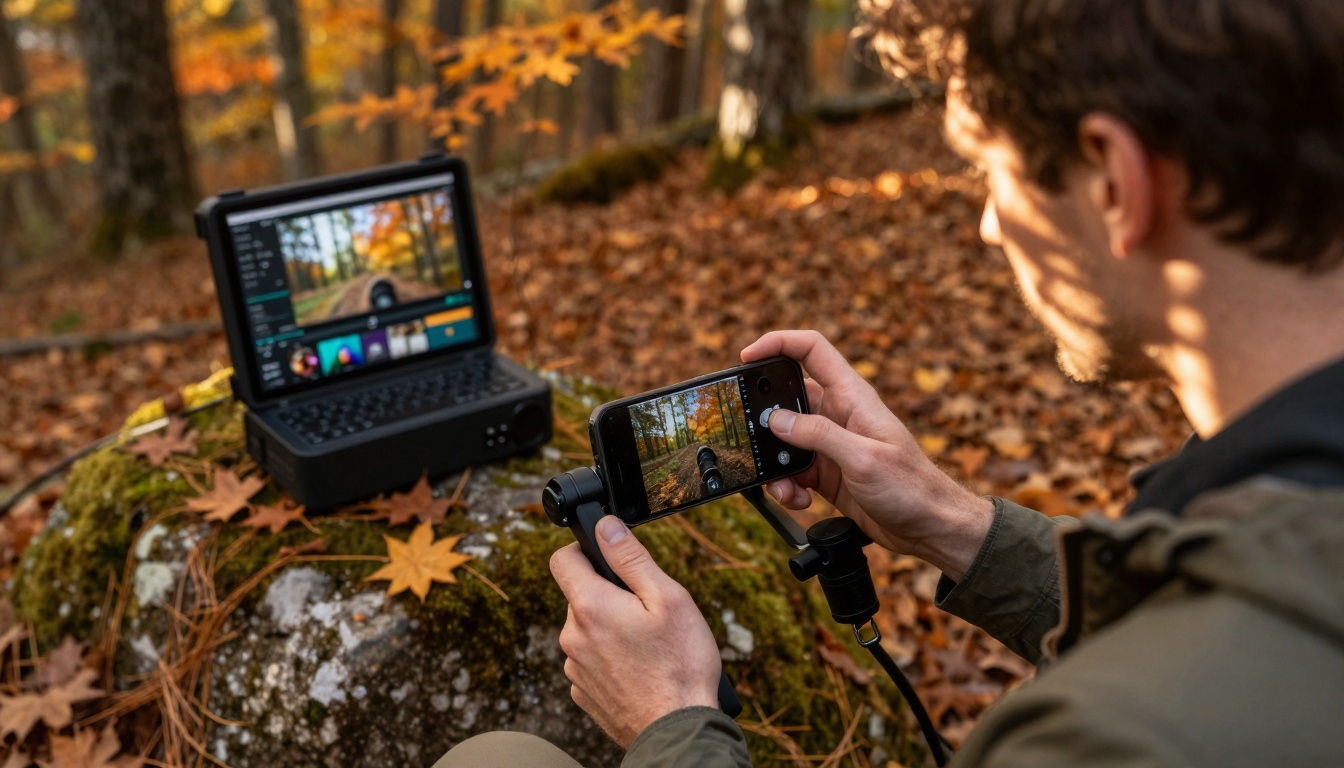
The landscape of video creation has shifted dramatically in the past two years. What used to require expensive equipment, technical expertise, and hours of tedious editing now happens with tools that fit in your pocket or run on your laptop. Content creators aren't just experimenting with AI video apps—they're building entire workflows around them because these tools actually work.
Why These Apps Work When Others Failed
Previous generations of video editing software promised simplicity but delivered complexity. The current wave of AI video apps succeeds because they solve specific problems creators actually face:
- Stabilization that works - Not just slight smoothing, but professional-grade stabilization that turns shaky smartphone footage into smooth cinematic motion
- Real-time editing - See effects applied immediately without rendering delays
- Automatic optimization - Apps that analyze your content and apply the right settings for your platform
- Consistent results - Tools that deliver the same quality every time, not random outcomes
💡 The difference: These apps focus on the 20% of features that handle 80% of creator needs. They eliminate the technical barriers without removing creative control.
Mobile Creation: Filming Anywhere, Editing Everywhere
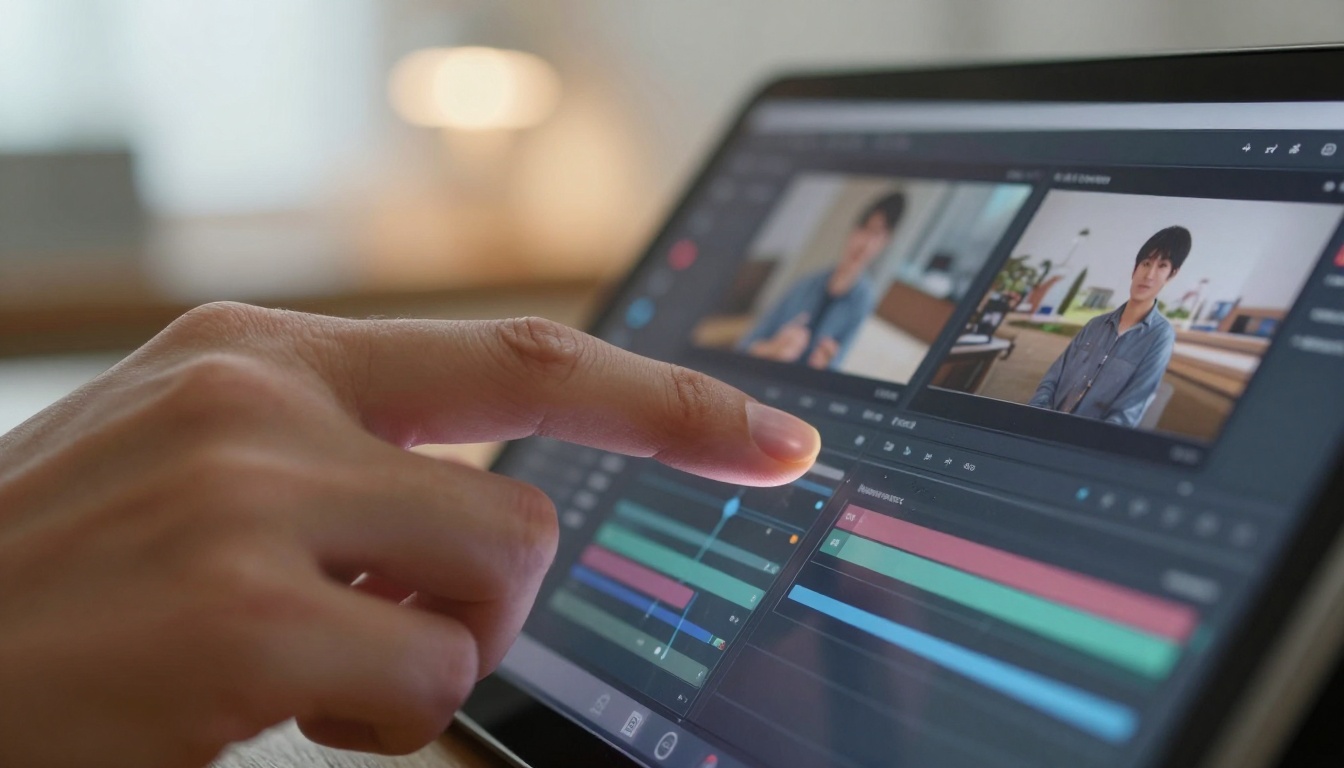
The most significant shift has been in mobile video creation. Creators no longer need to return to a studio or even a laptop to produce professional content. AI video apps on smartphones now handle:
- On-device stabilization - Processing happens directly on your phone during filming
- Background removal - Clean professional backgrounds added in real-time
- Auto-captioning - Accurate transcription that syncs perfectly with your speech
- Multi-track editing - Professional editing interfaces optimized for touch
The practical advantage: You can film content during golden hour, edit during your commute, and publish before sunset. The entire workflow happens in one device.
Home Studio Production: Professional Results Without the Studio
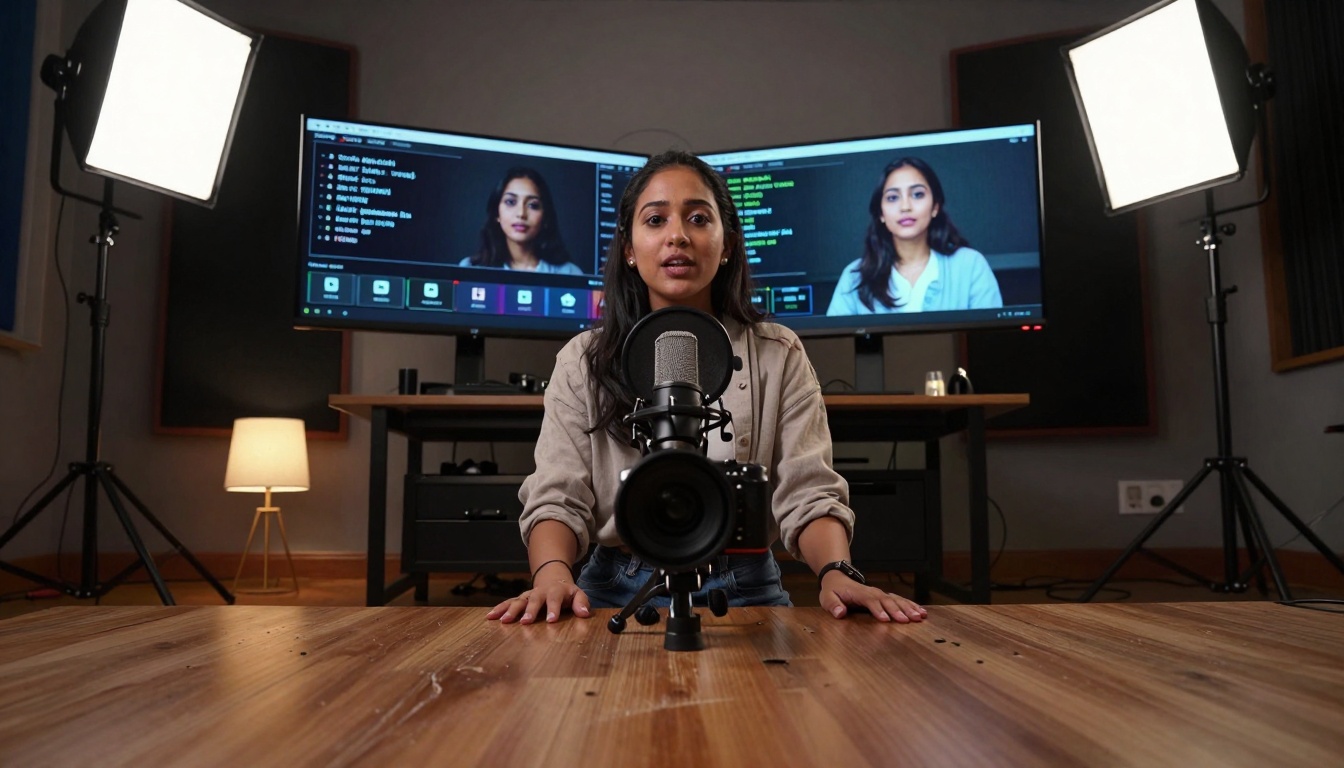
Home studios have become production powerhouses thanks to AI video apps that handle the technical heavy lifting:
| Traditional Challenge | AI Solution |
|---|
| Lighting consistency | Auto-exposure and color correction |
| Audio quality | Noise reduction and voice enhancement |
| Camera operation | Auto-framing and focus tracking |
| Editing time | Automated clip selection and sequencing |
The workflow transformation: What used to take 3-4 hours of editing now happens in 30-45 minutes with comparable or better results. The AI handles technical consistency while you focus on content quality.
Multi-Platform Content: One Creation, Multiple Formats
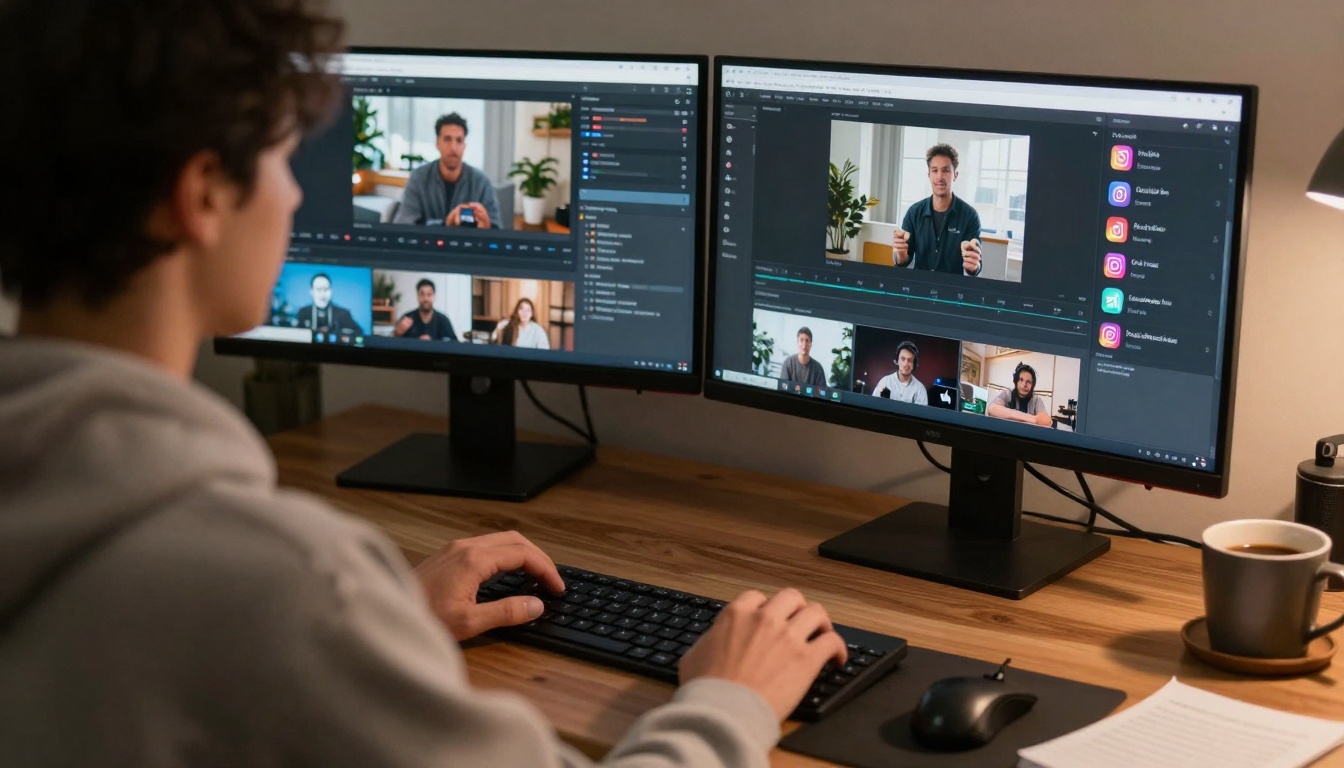
Content creators managing multiple platforms face the challenge of reformatting content for each channel's requirements. AI video apps now automate this process:
- Automatic aspect ratio adjustment - Convert horizontal videos to vertical, square, or other formats
- Platform-specific optimization - Apply the right compression, frame rate, and resolution for each platform
- Content repurposing - Extract highlights, create teasers, and generate alternative versions automatically
- Scheduling and publishing - Manage cross-platform distribution from one interface
The efficiency gain: Create once, publish everywhere with consistent quality. The AI understands platform requirements and handles the technical conversions.
Documentary and Educational Content: Maintaining Authenticity
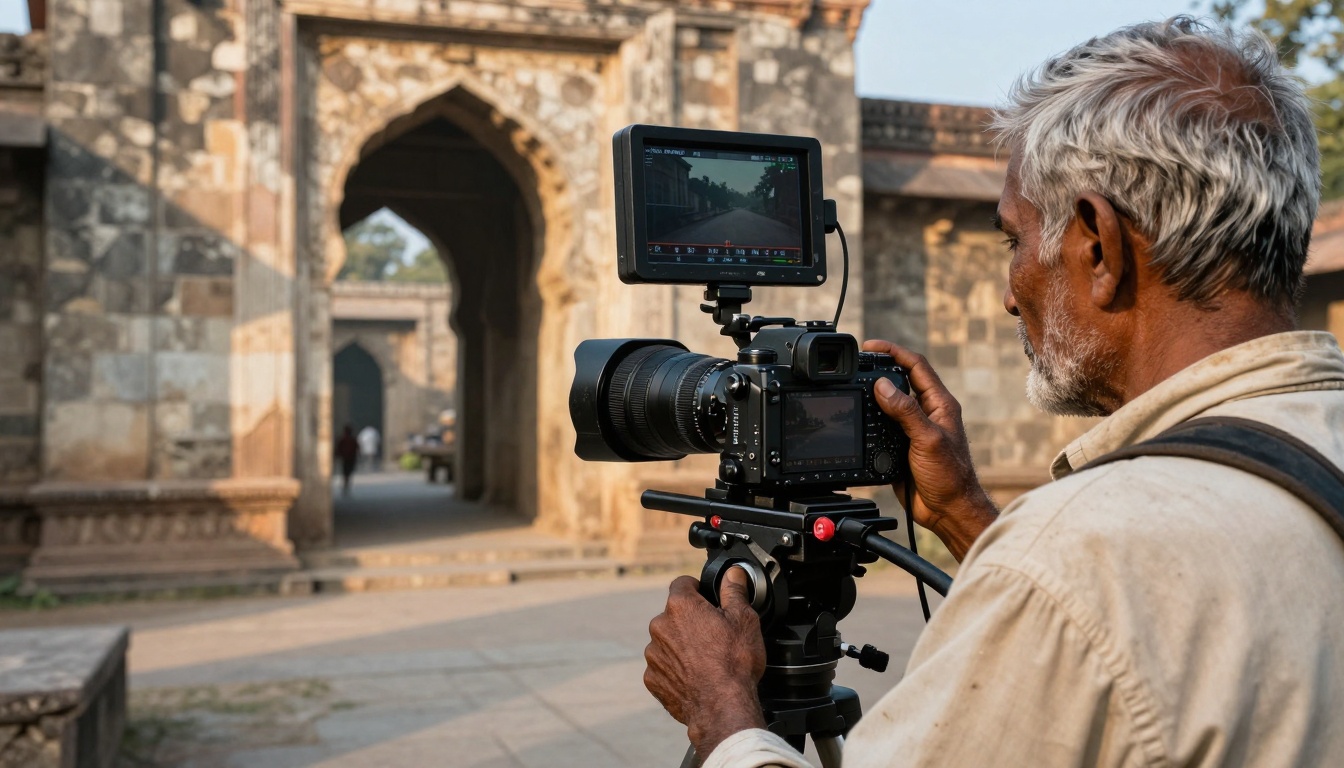
For documentary filmmakers and educational content creators, AI video apps provide tools that enhance storytelling without compromising authenticity:
- Historical footage restoration - Colorize, stabilize, and enhance archival material
- Interview optimization - Auto-edit interviews to maintain narrative flow while removing pauses and repetitions
- Location audio enhancement - Clean up field recordings while preserving environmental authenticity
- Educational pacing - Analyze content density and suggest optimal editing points for learning retention
The balance: These tools handle technical improvements while preserving the human elements that make documentary and educational content compelling.
Agency and Team Workflows: Collaboration at Scale

Creative agencies and production teams have adopted AI video apps for client work because they deliver consistent results across projects:
- Style consistency - Maintain brand visual identity across multiple videos and creators
- Client review cycles - Generate quick previews and revisions without full re-renders
- Asset management - Automatic tagging and organization of video assets
- Quality control - Consistency checks for technical specifications and brand guidelines
The agency advantage: Faster turnarounds, predictable quality, and the ability to scale production without proportional increases in team size or equipment costs.
Solo Creator Efficiency: Doing More with Less

For solo creators and entrepreneurs, AI video apps transform what's possible with limited resources:
- Automated editing - The AI handles basic edits while you focus on content quality
- Multi-role assistance - One app performs tasks that previously required multiple tools
- Learning curve reduction - Intuitive interfaces that work immediately, not after weeks of training
- Cost efficiency - Professional results without professional equipment budgets
The solo creator reality: You can compete with larger production teams because the AI handles the technical expertise gap. Your unique content and perspective become the differentiators.
Live and Event Coverage: Real-Time Production
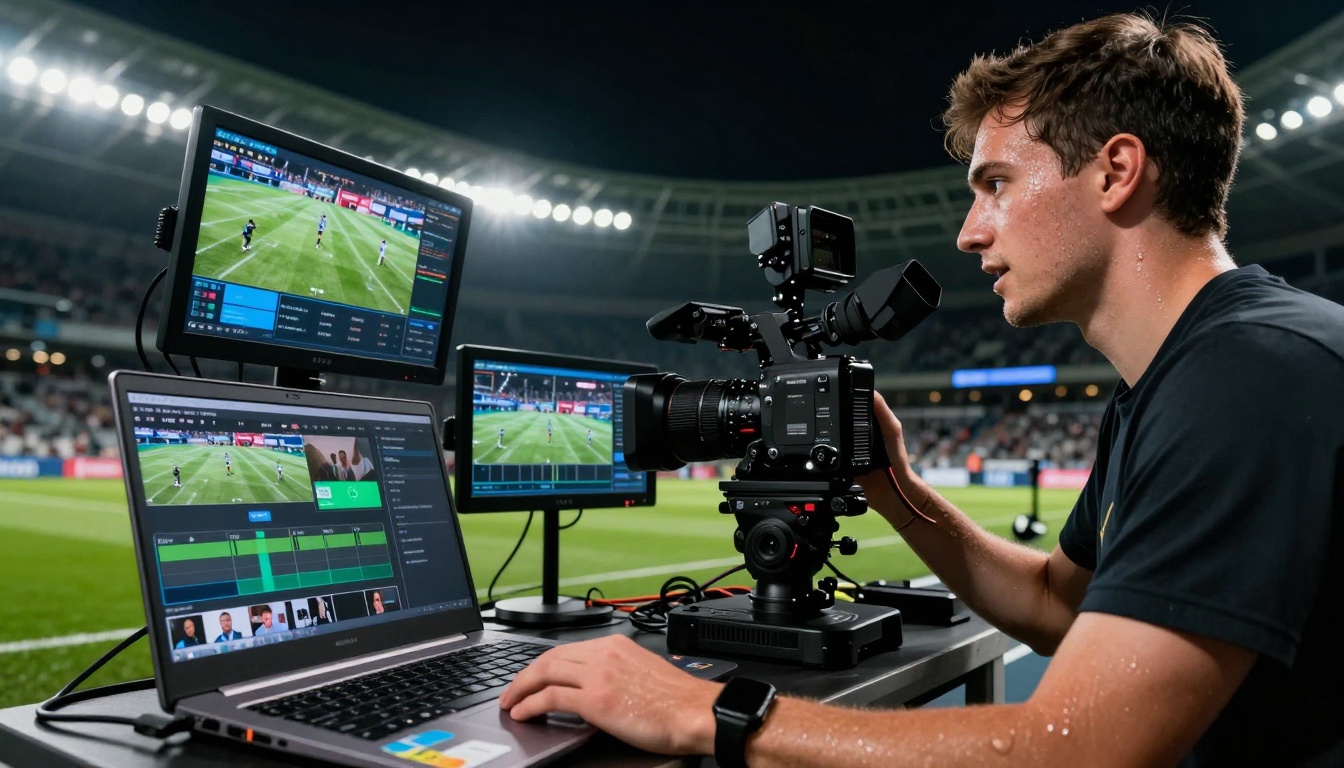
Live event coverage has seen the most dramatic transformation. AI video apps enable:
- Real-time highlight detection - Automatic identification of key moments during live events
- Instant clip creation - Generate shareable clips within seconds of the action
- Multi-camera automation - Switch between angles based on content analysis
- Social media integration - Direct publishing to platforms with optimized formatting
The live advantage: Content reaches audiences while the event is still happening, maximizing engagement and relevance.
Travel and Remote Creation: Professional Editing Anywhere

Travel creators and remote filmmakers benefit from AI video apps that work without studio infrastructure:
- Offline editing - Professional editing capabilities without continuous internet connection
- Battery optimization - Efficient processing that doesn't drain device batteries during fieldwork
- Environmental adaptation - Tools that work in various lighting and audio conditions
- Minimal equipment - Professional results with compact, travel-friendly gear
The remote workflow: Create and publish professional content from anywhere in the world with the same quality as studio production.
Based on creator feedback and adoption patterns, the AI video apps that have gained traction share common characteristics:
They solve real problems: Not theoretical enhancements, but practical issues creators face daily.
They maintain creative control: AI assists rather than replaces creative decisions.
They deliver consistent results: Predictable outcomes rather than random "AI magic."
They integrate with existing workflows: Tools that complement rather than replace current practices.
They respect creator time: Fast processing and intuitive interfaces that don't require technical expertise.
What Makes These Apps Different
The current generation of AI video apps succeeds where previous attempts failed because of their focus on creator needs rather than technical possibilities:
- Purpose-built interfaces - Designed for the specific tasks creators perform regularly
- Incremental improvement - Each update adds practical value rather than theoretical features
- Creator feedback integration - Development driven by actual user needs and pain points
- Performance prioritization - Speed and reliability over feature quantity
The Future of AI Video Creation
The trajectory is clear: AI video apps will continue moving from experimental tools to essential components of professional workflows. The next developments will likely focus on:
- Even more specialized tools - Apps designed for specific creator types and content formats
- Deeper platform integration - Tighter connections with social media and distribution platforms
- Advanced collaboration features - Better tools for team-based content creation
- Quality standardization - Consistent professional results accessible to all creators
The most effective approach to adopting AI video apps starts with identifying your specific pain points:
- Analyze your current workflow - What takes the most time? What causes frustration?
- Test one tool at a time - Don't overhaul everything simultaneously
- Measure actual time savings - Track how much faster you complete specific tasks
- Evaluate quality impact - Does the AI maintain or improve your content quality?
- Integrate gradually - Add tools to your workflow as they prove their value
The opportunity: You can produce more content, with higher quality, in less time. The AI handles the technical complexity while you focus on what matters—creating engaging content that connects with your audience.
The tools exist. They work. The question isn't whether to use AI video apps, but which ones will transform your specific workflow. Start with one problem, find the tool that solves it, and build from there. Your content—and your audience—will notice the difference.


