The moment you film a TikTok, the clock starts ticking. Between concept, filming, editing, and posting, creators face relentless pressure to produce engaging content faster than the algorithm refreshes. This is where AI video editors transform the game—not by replacing creativity, but by automating the technical grind that slows down viral potential.
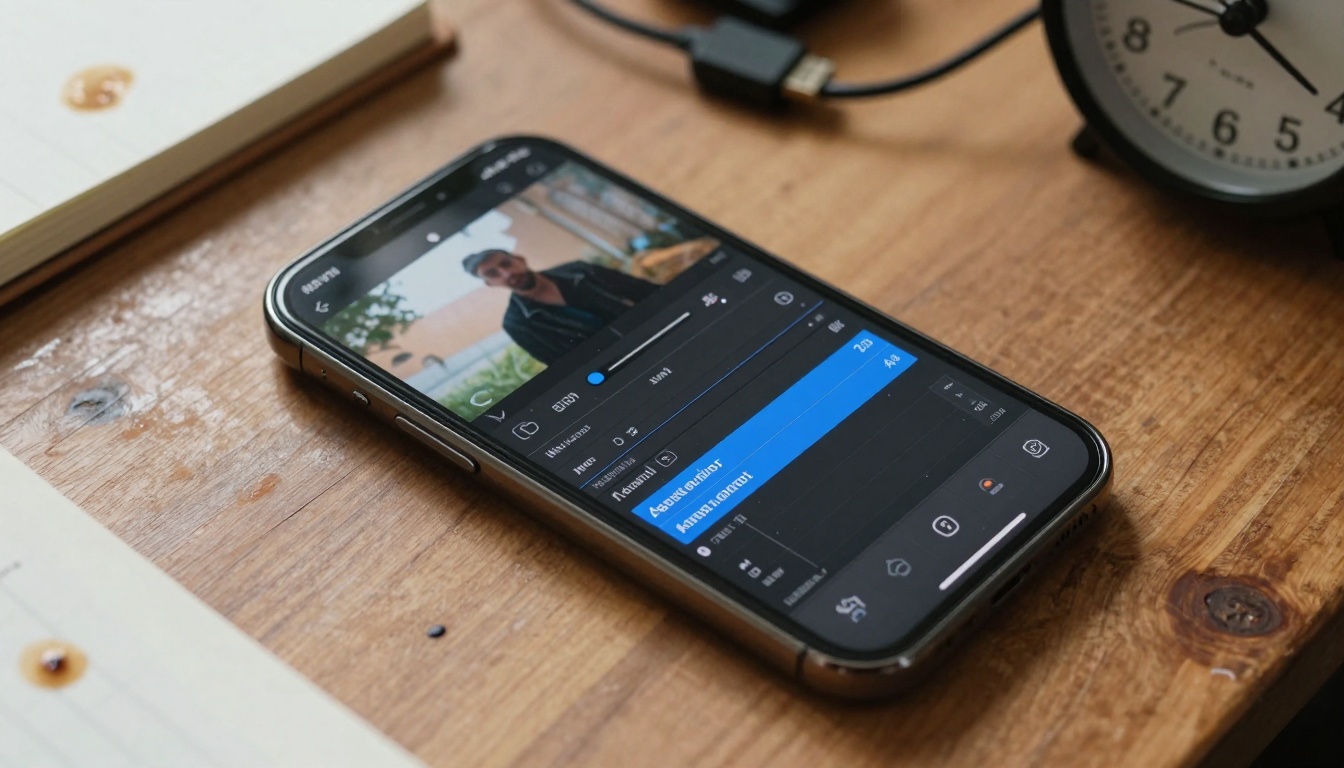
Close-up view of AI-powered editing software showing timeline visualization and transition suggestions
Why TikTok Creators Need AI Editors Now
TikTok's algorithm favors consistency, quality, and engagement velocity. Posting daily with professional-grade edits isn't optional—it's survival. Traditional editing requires hours per video: stabilization, color correction, audio balancing, caption timing, transition placement. AI collapses this process into minutes.
💡 The 70% Rule: Successful TikTok creators report AI tools reduce editing time by 60-80%, allowing 3-5x more content output without quality sacrifice.
The platform's vertical format, short duration, and audio-centric nature create unique demands. AI editors specifically optimized for TikTok understand these constraints: they auto-crop to 9:16, sync cuts to music beats, generate captions that match platform readability standards, and even predict which edits will perform best based on historical data.
1. Automatic Beat-Sync Editing
AI analyzes audio waveforms and places cuts precisely on beat drops, creating professional rhythm without manual timeline scrubbing. This single feature saves 15-20 minutes per video.
2. Smart Stabilization & Framing
Using computer vision, AI detects shaky footage and applies cinematic stabilization while maintaining optimal framing for vertical video. It can even track subjects and auto-zoom during key moments.
3. AI-Powered Color Grading
Instead of manually adjusting sliders, AI analyzes your footage's color profile and applies platform-optimized grades. TikTok-specific presets account for mobile screen viewing and compression.
4. Automated Caption Generation
AI transcribes speech, times captions to dialogue, and applies TikTok's preferred text styling—bold, centered, with optimal duration for readability during rapid scrolling.
5. Viral Potential Prediction
Advanced editors analyze your edit against successful TikTok patterns, suggesting adjustments to increase watch time, shareability, and algorithm favor.
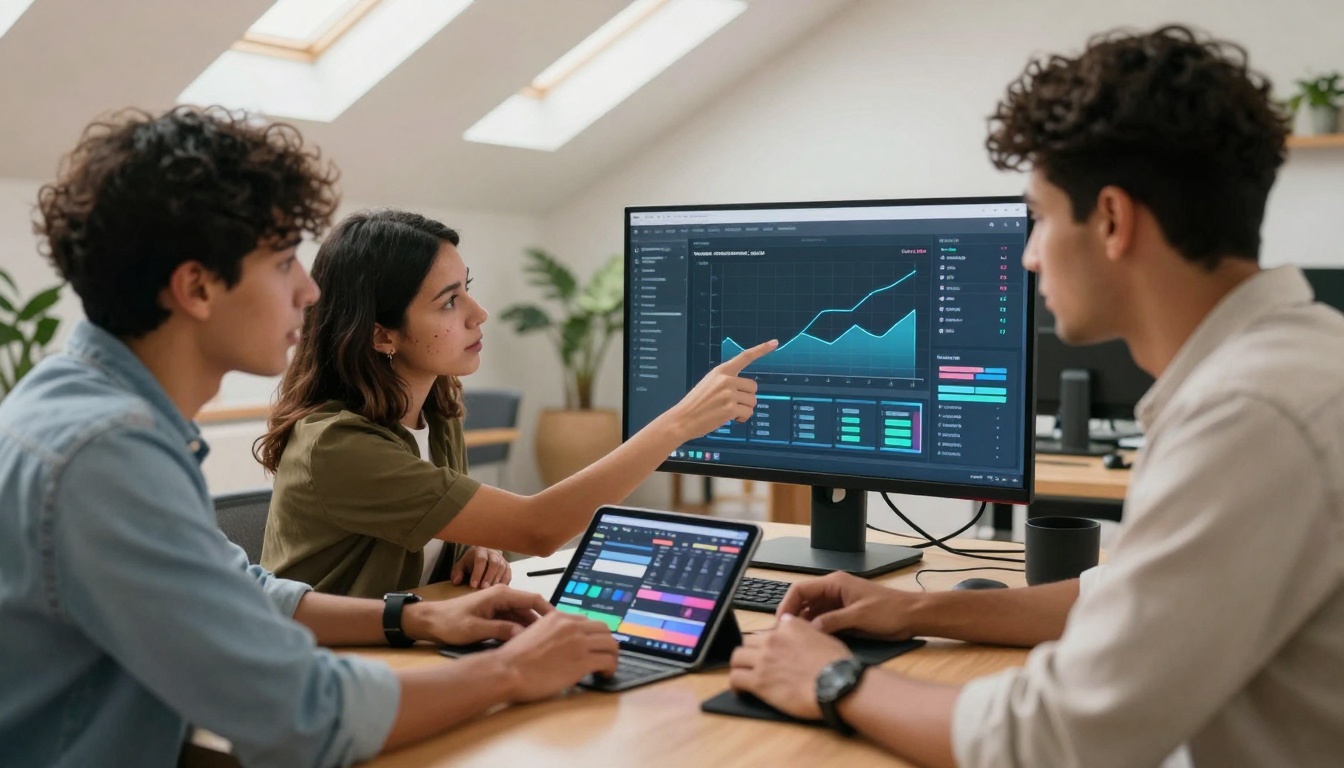
Creators analyzing AI-generated performance predictions during collaborative editing
Mobile-First vs Desktop Power: Where to Edit
Mobile Editors (CapCut, InShot AI, VN Video Editor):
- Immediate editing after filming
- Cloud sync across devices
- TikTok-native export settings
- Limited processing power for complex effects
Desktop Solutions (DaVinci Resolve AI, Adobe Premiere Pro with Sensei):
- Raw footage processing
- Batch editing for multiple videos
- Advanced color science
- Higher quality exports
Hybrid Approach: Many creators film and do rough cuts on mobile, then finalize on desktop for maximum quality. AI syncs projects across platforms seamlessly.
Real Creator Workflows: From Raw to Viral
@TravelTikTok (2.4M followers)
"Before AI: 3 hours per 60-second travel montage. After implementing automated transition tools: 45 minutes. The AI suggests transition styles that match my aesthetic, and the beat-sync feature alone cut my editing time in half."
@DanceChallenge (1.8M followers)
"We produce 5-7 dance videos daily. AI's automatic stabilization and frame-by-frame synchronization let us focus on choreography instead of technical alignment. The auto-captioning ensures hearing-impaired accessibility without extra work."
@CookingHacks (3.1M followers)
"Food videos demand consistent lighting and color. AI's color grading presets maintain brand consistency across all content. The smart cropping feature automatically centers the food regardless of camera movement."
Extreme close-up of creator using AI-enhanced editing tools with real-time processing visible
| Tool Type | Monthly Cost | Best For | Limitations |
|---|
| Free Mobile Apps | $0 | Beginners, testing AI features | Watermarks, limited exports, basic features only |
| Freemium Models | $0-$20 | Growing creators | Export limits, premium features locked |
| Pro Subscriptions | $20-$50 | Full-time creators | Steeper learning curve, overkill for simple needs |
| Enterprise | $100+ | Agencies, teams | Requires technical setup, highest quality output |
Value Calculation: If AI saves 2 hours daily at a creator's hourly rate of $25, that's $1,500 monthly value. Even a $50/month tool returns 30x investment.
Technical Deep Dive: How AI Editors Actually Work
AI video editors utilize several machine learning models working in concert:
- Computer Vision Models analyze frame composition, subject detection, and movement patterns
- Audio Processing AI identifies beats, speech patterns, and noise profiles
- Natural Language Processing transcribes and times captions
- Predictive Analytics compares your edit against viral content databases
- Style Transfer Networks apply consistent visual aesthetics across clips
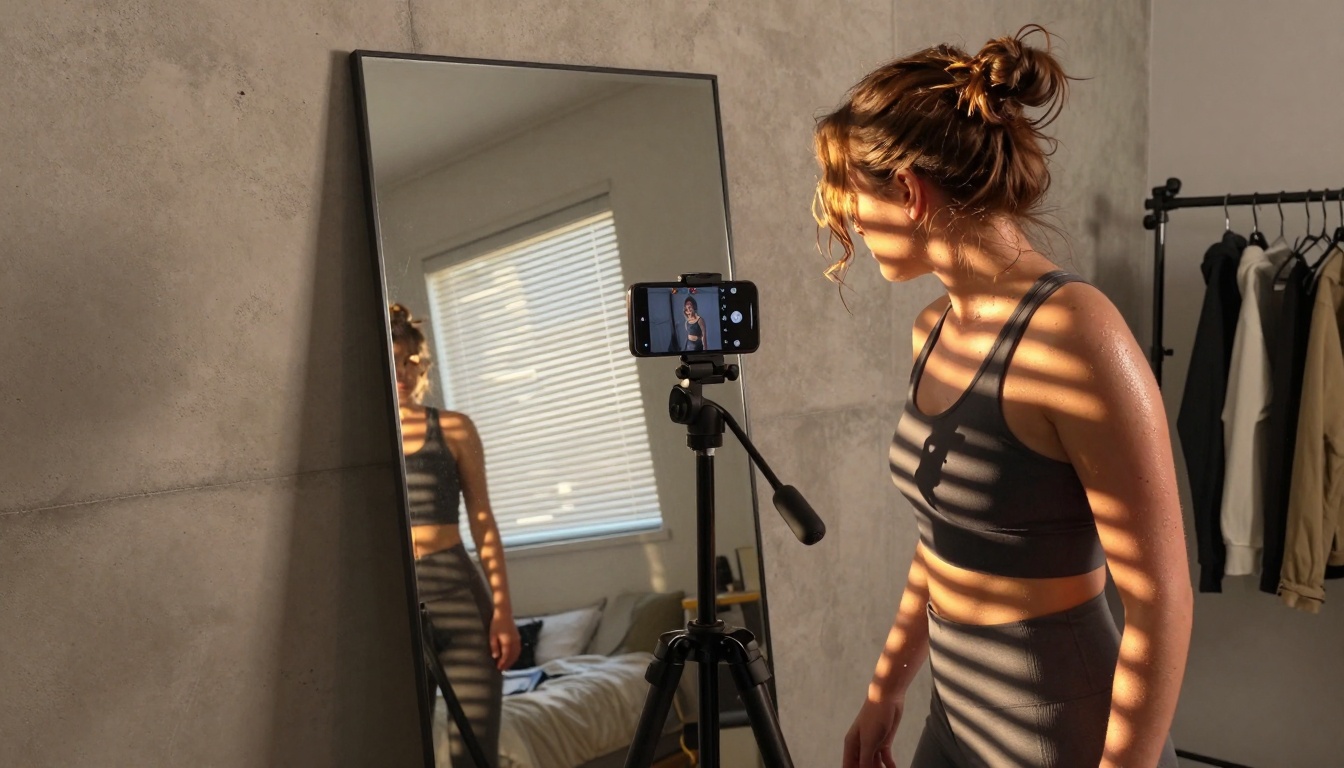
Creator using AI stabilization and auto-framing during smartphone filming session
These systems train on millions of TikTok videos to understand what works: optimal cut frequency (every 2-3 seconds for retention), text duration (1.5 seconds for readability), and color saturation levels that survive platform compression.
The Future: AI Editors in 2025-2026
Current AI handles technical tasks. Next-generation systems will assist creatively:
- Concept Generation: AI suggests video ideas based on trending sounds and your niche
- Script Writing: Natural language models draft engaging hooks and calls-to-action
- Performance Simulation: Preview how your edit might perform before posting
- Cross-Platform Optimization: Single edit auto-adapts for TikTok, Instagram Reels, YouTube Shorts
- Real-Time Collaboration: AI mediates team editing with version control and suggestion merging
Platforms like PicassoIA are already integrating video generation models that can create supplemental B-roll footage based on your main content.
Getting Started: Your First AI-Edited TikTok
Week 1: Foundation
- Choose one AI feature to master (start with auto-captions or beat-sync)
- Apply to 5 existing videos
- Compare performance metrics against manually edited versions
Week 2-3: Integration
- Add a second AI feature (color grading or stabilization)
- Develop a consistent workflow
- Track time savings per video
Month 2: Optimization
- Analyze which AI features give biggest engagement boost
- Refine presets for your specific content style
- Experiment with advanced features like viral prediction
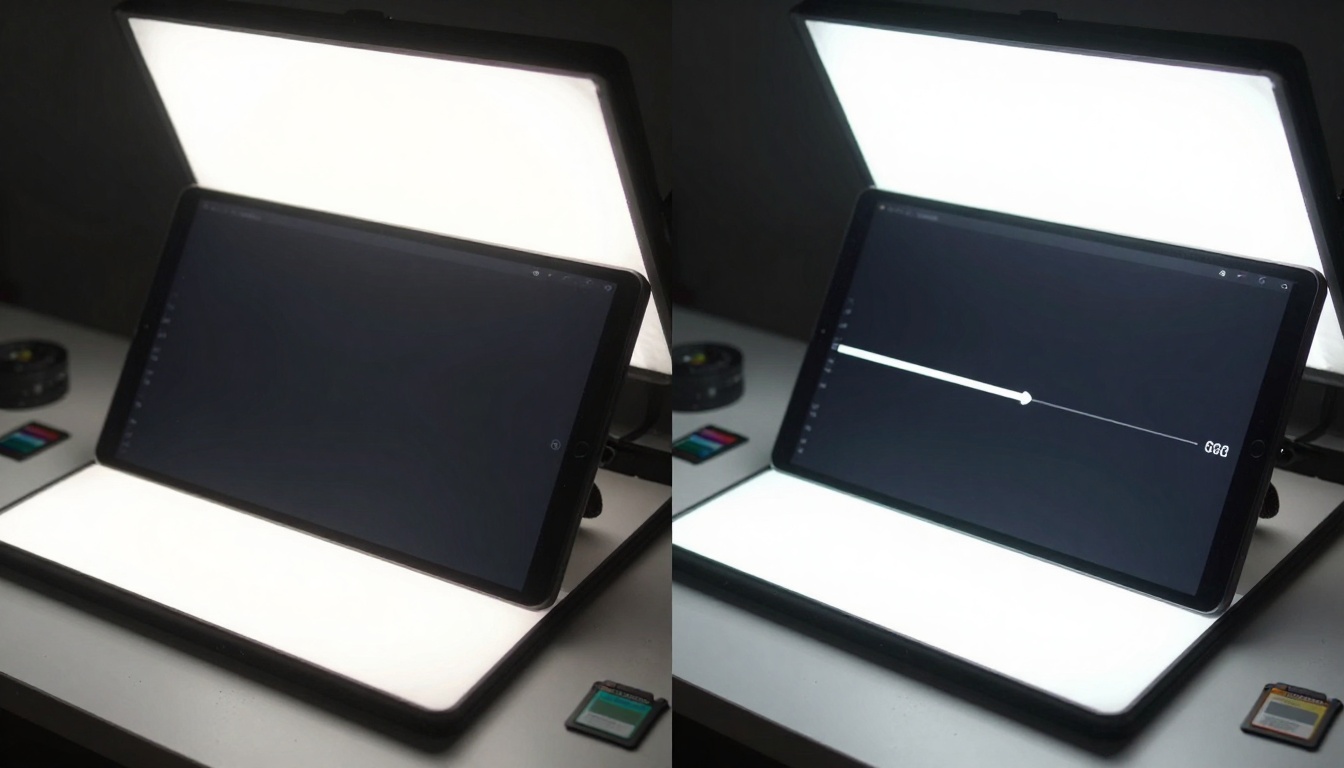
Split-screen showing raw footage vs AI-enhanced version with stabilization and color correction
Common Mistakes When Adopting AI Editors
- Over-Automation: Letting AI make all creative decisions instead of using it as assistant
- Inconsistent Application: Using AI randomly rather than establishing repeatable workflows
- Quality Ignorance: Not checking AI's work for errors in captions or awkward cuts
- Platform Mismatch: Using YouTube-optimized AI tools for TikTok's unique requirements
- Data Privacy Neglect: Not reviewing what footage data AI services collect and store
💡 Pro Tip: Always review AI's auto-captions for accuracy. While 95% correct is common, the 5% errors can create embarrassing or confusing moments.
Beauty & Fashion: AI color grading tools maintain consistent skin tones and product colors across changing lighting conditions.
Education & Tutorials: Automatic caption timing ensures information appears at optimal learning pace with keyword highlighting.
Gaming & Streaming: Real-time stabilization handles rapid camera movements while maintaining focus on gameplay action.
Comedy & Skits: Beat-sync editing times punchlines perfectly with musical cues for maximum comedic effect.
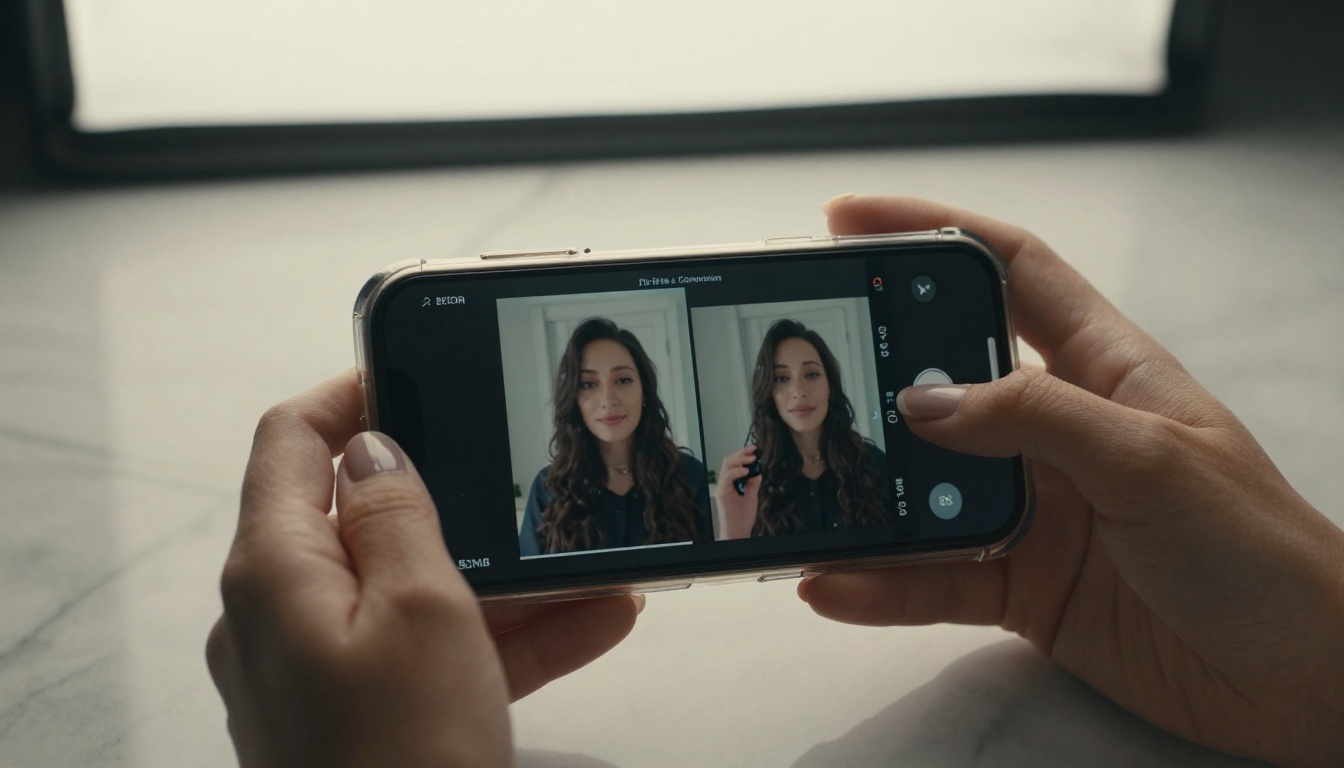
Detailed view of mobile content creation station with AI audio enhancement in progress
The Human-AI Collaboration Balance
The most successful TikTok creators don't replace themselves with AI—they amplify their unique creativity with AI's technical proficiency. Your creative vision, personality, and niche understanding remain irreplaceable. AI simply removes the friction between concept and published video.
This collaboration model looks like:
- Human: Concept, scripting, performance, final creative approval
- AI: Technical editing, optimization, consistency maintenance, data analysis
- Together: Viral-ready content produced at sustainable pace
Start Creating with AI Today
The barrier to entry has never been lower. Most AI video editors offer free trials or freemium models. Begin with one feature that addresses your biggest pain point—whether that's captioning time, stabilization quality, or color consistency.
Record your current editing time for 5 videos, implement one AI tool, then measure the difference. The data will speak for itself. From there, gradually incorporate additional AI features as your comfort and needs grow.
Content creator reviewing completed AI-edited video with analytics predicting viral potential
The evolution continues daily. New AI capabilities emerge monthly, each promising to further reduce technical barriers while elevating creative potential. The creators who adapt these tools early gain competitive advantage in attention economics—where seconds saved in editing translate to minutes gained in audience growth.
Your next viral TikTok might be one AI edit away.


