The landscape of AI video generation has evolved from experimental novelty to essential production tool. What began as pixelated curiosities now produces broadcast-quality footage that challenges traditional filming methods. The shift happened quietly—while most people debated whether AI could replace human creativity, actual creators were integrating these tools into their daily workflows.

Actual filmmakers now use AI video generators for storyboarding, concept visualization, and even final production elements. The tools that survive in professional environments share specific characteristics: consistent output quality, reasonable generation times, and intuitive interfaces that don't require advanced technical knowledge.
Creative professionals aren't searching for the most technically advanced AI—they need tools that solve specific problems reliably. The difference between tools that gather dust and those that become workflow staples comes down to practical considerations.
Consistency matters more than occasional brilliance. A tool that produces one masterpiece followed by nine failures gets abandoned. Tools that deliver predictable, usable results every time become trusted partners. This reliability translates to time savings—creators can plan with confidence rather than crossing their fingers with each generation.
Generation speed impacts creative flow. Waiting thirty minutes for a video means losing creative momentum. Tools that generate in minutes or seconds allow for iterative experimentation—trying variations, adjusting parameters, and refining concepts in real time. This immediate feedback loop transforms AI from a novelty into a genuine creative collaborator.
Output quality must match professional standards. Early AI video often suffered from flickering artifacts, unnatural motion, or resolution limitations. Today's leading tools produce stable, high-resolution footage that integrates seamlessly with traditionally filmed content. The gap has narrowed to the point where discerning the difference requires careful inspection.
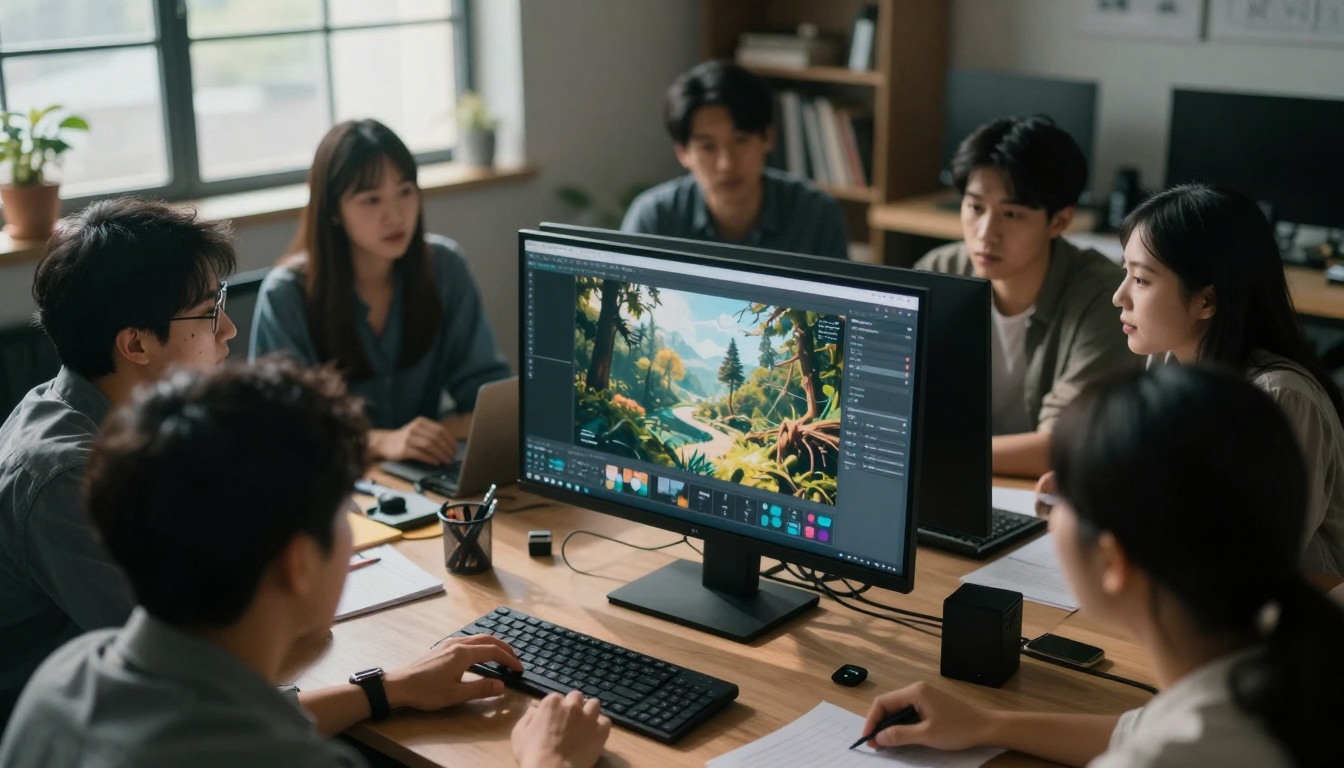
Text-to-Video Models Creators Actually Use
Google Veo: The Professional's Choice
Google's Veo 3.1 has become the go-to solution for filmmakers needing cinematic quality. Unlike earlier models that prioritized speed over fidelity, Veo delivers Hollywood-grade motion and lighting that feels intentionally directed rather than randomly generated.
What makes Veo different: The model understands cinematic language—camera movements follow logical paths, lighting maintains consistency across frames, and subjects move with natural physics. For documentary filmmakers and commercial directors, this translates to usable B-roll and establishing shots that previously required location scouting and filming crews.
💡 Practical tip: Veo excels at environmental scenes—cityscapes, natural landscapes, atmospheric interiors. For character-focused scenes, combine with traditional filming for close-ups where emotional nuance matters most.
OpenAI Sora 2 Pro: The Narrative Specialist
OpenAI's Sora 2 Pro handles complex narratives better than any current model. The tool understands temporal continuity—characters maintain consistent appearances across shots, objects follow logical trajectories, and scenes evolve with story coherence.
Where Sora 2 Pro shines: Short narrative sequences, concept visualization for longer projects, and educational content requiring clear progression. Advertising agencies use it for storyboard animations that communicate campaign concepts more effectively than static images or written descriptions.
Kling v2.6: The Speed Demon
Kling v2.6 prioritizes generation speed without sacrificing quality. For content creators operating on tight deadlines—social media managers, news producers, rapid-response marketing teams—this balance proves invaluable.
The Kling advantage: Three-minute generation times for 10-second clips mean teams can produce multiple variations during a single brainstorming session. The model particularly excels at product visualization and abstract concept representation, making it popular among tech companies and design agencies.

WAN 2.6 Series: The Versatile Workhorse
The WAN 2.6 T2V and WAN 2.6 I2V models serve as reliable all-purpose tools. They don't specialize in any single area but deliver consistent results across diverse applications, making them ideal for studios handling varied client needs.
Why teams keep WAN models: Predictable output quality across different prompt types, reasonable generation costs, and straightforward parameter controls. Production houses appreciate having one tool that handles everything from architectural visualization to fashion concept videos without requiring specialized training for each project type.
The ability to animate existing images represents one of AI video's most practical applications. Rather than generating entirely new content, these tools breathe life into photographs, illustrations, and design concepts.
Pixverse v5: The Animation Specialist
Pixverse v5 excels at transforming static images into subtle, cinematic motion. The tool understands depth relationships within images, creating parallax effects that feel organic rather than artificial. Photographers use it to add gentle movement to landscape shots, while graphic designers animate logo concepts and brand elements.
Pixverse's unique approach: The model preserves original image quality while adding motion, maintaining color accuracy and detail resolution throughout the animation process. This makes it ideal for projects where visual fidelity matters as much as movement.
Seedance 1.5 Pro: The Character Animator
Seedance 1.5 Pro handles character animation with surprising sophistication. While still limited compared to traditional animation techniques, it provides quick previews of character movements for game development, animated series planning, and interactive media projects.
Where Seedance fits: Early-stage concept development, animatic creation, and educational content requiring character movement. The tool reduces the time between initial character design and seeing that character in motion from weeks to minutes.
Beyond general-purpose video generation, specialized models address niche requirements that mainstream tools overlook.
Video Editing AI: The Post-Production Assistant
Tools like featured-vid and trim-video handle editing tasks that traditionally consumed disproportionate post-production time. These aren't creative tools—they're efficiency tools that automate technical processes.
Real workflow impact: Automatic scene detection, smart trimming based on content analysis, and format optimization for different platforms. Editors report reclaiming 20-30% of their time previously spent on mechanical editing tasks.
Lip Sync Technology: The Dialogue Solution
Kling Lip Sync and Sync Lipsync 2 Pro have transformed voiceover production. The ability to generate realistic mouth movements from audio files eliminates the need for expensive motion capture or manual animation for talking characters.
Current limitations and applications: While not yet perfect for emotional performances, these tools handle explanatory content, educational narration, and commercial voiceovers with convincing results. E-learning platforms and corporate training departments have adopted them widely.
Beyond technical specifications, certain characteristics determine whether a tool gets adopted versus merely discussed.
Intuitive Parameter Controls
The most-used tools feature parameter systems that make sense to creatives rather than engineers. Sliders for "motion intensity" and "style consistency" prove more useful than technical parameters about latent space manipulation or diffusion steps.
Example: Flux 2 Klein 4B, while primarily an image generator, illustrates this principle—its control system focuses on artistic outcomes rather than technical processes.
Predictable Pricing Structure
Tools with clear, per-generation pricing get used more than those with complex subscription models or unpredictable costs. Creators need to budget projects accurately, and surprise expenses derail adoption.
The successful model: Flat rate per second of generated video, with bulk discounts available. This transparency enables proper project planning and cost control.
Integration with Existing Workflows
Tools that export standard video formats (MP4, MOV) with common codecs (H.264, ProRes) get integrated into pipelines. Those requiring proprietary players or unusual formats create friction that outweighs their technical advantages.
"The Most Advanced Model Is Always Best"
Technical superiority doesn't guarantee practical usefulness. Some cutting-edge models require extensive parameter tuning that only AI researchers can manage, while slightly less advanced models with better interfaces see daily use.
Reality check: The GPT Image 1.5 model demonstrates this—while not the most technically advanced image generator, its prompt understanding and reliable output make it a workflow staple.
"AI Will Replace Traditional Filming"
Current AI video excels at specific applications but struggles with others. Human performances, complex interactions, and emotionally nuanced scenes still require traditional methods. The most effective approach combines AI-generated elements with filmed content.
Practical perspective: AI handles establishing shots, B-roll, and conceptual visualization. Traditional filming handles performances, dialogue, and emotionally critical scenes. The blend creates productions that would be impossible with either approach alone.
"Quality Depends Entirely on the Prompt"
While prompting matters, the tool's inherent capabilities determine the ceiling. No prompt will make a basic model produce cinema-grade footage, just as poor prompting can undermine an advanced model's potential.
The balanced view: Skillful prompting maximizes a tool's capabilities, but cannot exceed them. Learning each model's strengths informs both prompt construction and tool selection.
The Hybrid Production Pipeline
Forward-thinking studios have developed workflows that leverage AI where it excels while preserving traditional methods where they remain superior.
Typical integration: AI generates concept visuals during pre-production, creates establishing shots and B-roll during production, and assists with effects during post-production. Human creativity guides each stage, with AI executing specific tasks.
Quality Control Protocols
Successful teams implement validation steps to ensure AI-generated content meets project standards. This includes resolution checks, motion stability analysis, and consistency verification across generated sequences.
Standard practice: Generate multiple variations, select the strongest, and apply minor corrections in traditional editing software. This combines AI's generative power with human quality judgment.
Cost-Benefit Analysis
Teams track time savings against generation costs to determine which tools provide genuine value. This data-driven approach prevents emotional attachment to flashy but impractical tools.
Measurement metrics: Time saved versus traditional methods, client satisfaction with results, and integration smoothness into existing pipelines. Tools that score well across all three metrics become permanent fixtures.
The Future Trajectory
Current adoption patterns suggest where AI video tools are heading. The most successful future tools will likely emphasize:
Specialization over generalization: Tools designed for specific applications (product visualization, educational content, architectural fly-throughs) will outperform jack-of-all-trade models.
Seamless hybrid workflows: Tools that integrate transparently with traditional editing software will see wider adoption than those requiring standalone ecosystems.
Predictable improvement cycles: Models that release consistent, incremental improvements will build user loyalty better than those promising revolutionary leaps that rarely materialize.

For newcomers to AI video generation, starting with the appropriate tool prevents frustration and wasted resources.
Assessment Before Investment
Evaluate your specific needs before selecting tools. Consider:
- Primary application: Concept visualization, final footage, educational content, marketing materials
- Quality requirements: Broadcast standards, social media quality, internal review quality
- Integration needs: Compatibility with existing software, export formats, workflow disruption tolerance
Starting Small and Scaling
Begin with single-purpose tools rather than attempting to master comprehensive suites. P-image for still image generation provides a gentle introduction to AI creative tools before advancing to video generation.
Progressive approach: Master image generation, then simple animations, then full video generation. Each step builds understanding that informs the next.
Community Learning
The most effective learning happens within communities of practitioners. Professional forums, specialized Discord servers, and industry workshops provide insights that official documentation often misses.
Resource recommendation: PicassoIA's model collections offer starting points with tested parameters and example outputs. The WAN 2.2 I2V Fast page, for instance, shows practical applications rather than theoretical possibilities.
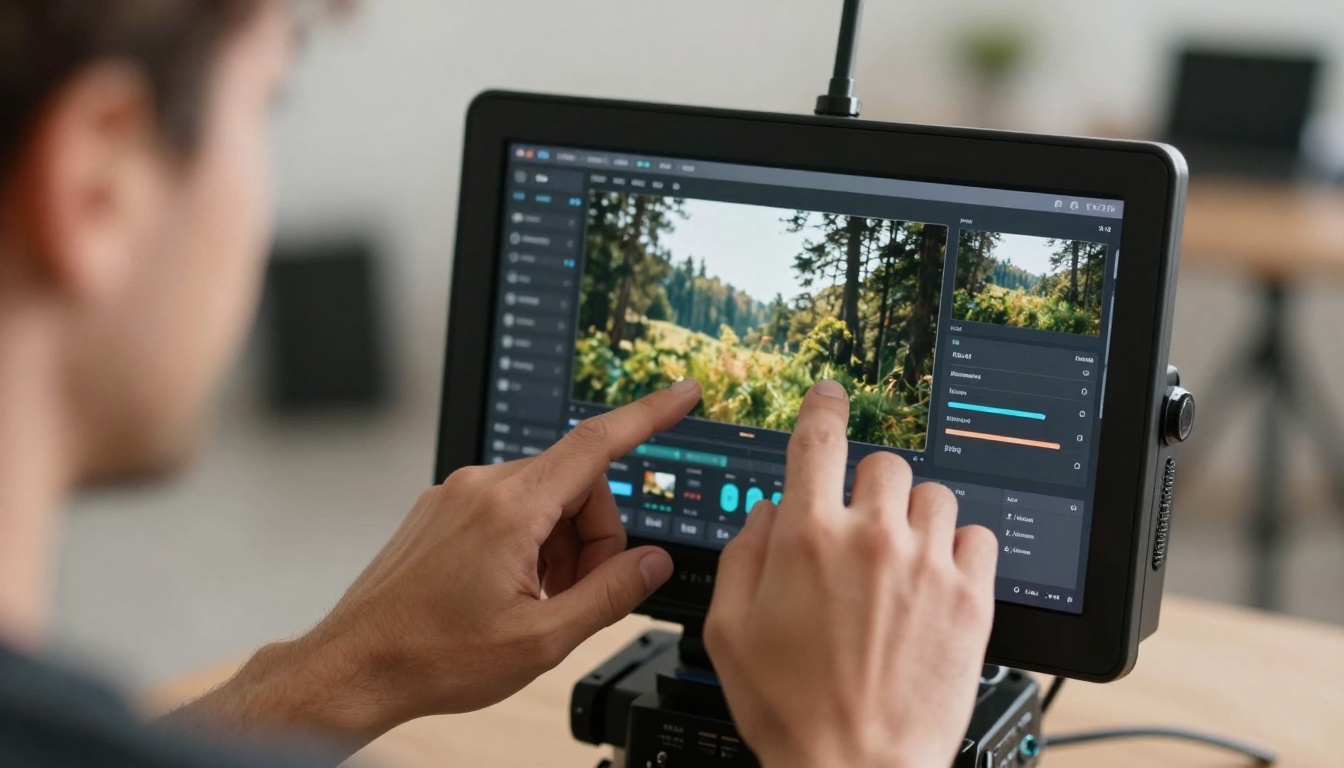
Based on current adoption rates and development trajectories, certain tools appear positioned for significant growth.
Real-Time Generation Tools
Models that generate video in seconds rather than minutes will transform live production and interactive media. While current real-time tools sacrifice quality, this trade-off will diminish through 2025.
Watchlist: Tools building on Ray 2 540p foundations but with improved resolution and stability.
Specialized Industry Tools
Vertical-specific tools for architecture, medicine, engineering, and education will emerge. These won't be general video generators but purpose-built solutions for domain-specific visualization needs.
Development pattern: Starting with general models like Qwen Image 2512 and specializing through training on industry-specific datasets.
Collaborative Generation Platforms
Tools that enable multiple creators to collaborate on AI video generation—similar to how teams currently work on documents or design files—will emerge. This addresses the current solitary nature of AI generation.
Evolution pathway: Building on collaborative features already present in platforms hosting models like Gemini 2.5 Flash.
Practical Next Steps
For creators ready to integrate AI video tools into their workflows, specific actions yield better results than general exploration.
Test with Real Projects
Rather than experimenting with abstract prompts, apply tools to actual project needs. The pressure of real requirements reveals strengths and limitations more clearly than casual testing.
Effective approach: Take one aspect of a current project—background replacement, establishing shot creation, concept visualization—and test AI tools against traditional methods.
Track Time and Quality Metrics
Document how long tasks take with AI versus traditional methods, and assess output quality through both technical measures and client feedback. This data informs tool selection and workflow design.
Measurement framework: Time saved, quality achieved, cost incurred, and integration effort required. Tools that perform well across all dimensions warrant further investment.
Build Internal Expertise
Designate team members to specialize in different AI tools rather than expecting everyone to master everything. This division of labor matches the specialization of the tools themselves.
Specialization model: One person masters Veo 3.1 for cinematic scenes, another masters Kling v2.6 for rapid generation, another masters lip sync tools for dialogue scenes.
The tools that succeed aren't necessarily the most technically advanced—they're the ones that fit naturally into creative workflows, solve specific problems reliably, and respect the time constraints of professional production. As the technology continues evolving, this pattern will likely persist: practical utility determining adoption more than theoretical capability.
For those beginning their AI video journey, starting with specialized tools for specific tasks yields faster progress than attempting comprehensive mastery. The landscape offers enough diversity that every creative need likely has a tool designed to address it—the challenge lies in matching needs with solutions rather than seeking universal answers.


