The speed at which AI video generation has matured in 2026 is nothing short of staggering. Twelve months ago, most platforms produced shaky, artifact-ridden clips you would be embarrassed to share publicly. Today, those same text prompts return cinematic-grade footage that passes a casual audience test on any social feed. Seven platforms have risen above the noise and are genuinely worth your time and budget. Here is exactly how they stack up, what each one does exceptionally well, and which platform belongs in your creative workflow right now.
Why AI Video Changed Everything in 2026
The shift from novelty to production-ready tool happened faster than anyone predicted. Three forces drove it simultaneously: better diffusion transformer architectures, massive proprietary training datasets built from licensed footage, and native audio generation baked directly into the generation pipeline. The result is that text-to-video AI no longer means "animate a static concept." It means generating footage you can cut into a real timeline and deliver to a client.
From slow demos to real production tools
The earliest public models took 20 to 40 minutes to produce a 4-second clip with obvious temporal flickering and impossible physics. Today, the fastest platforms deliver 1080p results in under 90 seconds. That speed difference changes everything about how creators work. You can iterate, reject, and regenerate within a single creative session instead of queuing renders overnight and returning to disappointment.
What separates good from great
Resolution and frame rate are table stakes in 2027. Every serious platform delivers at least 720p at 24fps. What actually separates the top AI video generators now is motion coherence, prompt fidelity, and audio synchronization. A model that hallucinates impossible physics or ignores half your descriptive prompt is a model you stop using after the first week, regardless of how impressive the marketing screenshots look.
The difference between a model with 80% prompt fidelity and one with 95% fidelity sounds small until you are on a deadline and regenerating the same shot for the sixth time.
This ranking weighs five criteria in descending order of importance:
| Criterion | Weight | Why It Matters |
|---|
| Output quality | 35% | Resolution, motion coherence, realism |
| Prompt fidelity | 25% | Does it actually generate what you described? |
| Speed | 15% | Time from prompt to final render |
| Audio capabilities | 15% | Native audio, lip sync, music synchronization |
| Price and access | 10% | Cost per second of generated video |
Every platform was tested with identical prompts across multiple content categories: landscape cinematography, human subjects in motion, architectural interiors, and abstract motion sequences. The same 15 prompts were run on each platform at maximum quality settings under equivalent conditions.
#1 Google Veo 3
Veo 3 sits at the top of this ranking for one reason that compounds across every use case: it generates native audio alongside the video without requiring a separate pipeline or any post-production audio work. Wind noise on an ocean cliff, crowd ambiance in a stadium, the rhythmic creak of a wooden floor in a silent hallway. These sounds arrive automatically, temporally locked to the visual content, with a coherence that competitors have not yet matched.
What Veo 3 does best
- Native audio generation: No separate TTS or foley step required at any point in the workflow
- 1080p output: Consistent resolution across all prompt types, including difficult ones with complex subject motion
- Photorealistic human subjects: Faces, hands, and body movement without the uncanny artifacts that undermine cheaper models
- Long-clip coherence: Maintains visual scene consistency over 8-second clips without temporal drift or flickering
Where Veo 3 falls short
API access is still gated through Google's developer program and partner integrations. For independent creators without API credentials, Veo 3 Fast offers a more accessible entry point with only a modest quality reduction on complex scenes. There is also Veo 3.1 for the most demanding 1080p production work.
💡 Pro tip: Veo 3 responds exceptionally well to camera movement descriptors placed at the beginning of your prompt. Phrases like "slow dolly forward," "handheld medium shot," and "aerial orbit right" produce dramatically different and more controlled results than generic prompts with no camera direction.
#2 Kling v3
Kling v3 Video from Kwaivgi earns the second position for raw cinematic motion quality. The model was rebuilt from the ground up compared to its predecessors, and the difference is immediately visible in how objects and people move through physical space. Cloth ripples realistically when caught by wind. Camera motion feels physically grounded rather than floating. Lighting shifts behave the way actual film footage does when a cloud passes over a sun-lit scene.
Cinematic motion that stands out
Kling v3 introduced a motion control system that allows frame-level camera path specification. This is not a marketing claim with a footnote. You can specify dolly direction, tilt angle, and approximate speed, and the output respects those parameters with accuracy that was unthinkable in v1.5. For creators who need controlled shots for narrative video work, Kling v3 Motion Control takes this even further with explicit trajectory inputs and reference frame anchoring.
The Kling v3 Omni Video variant adds text-to-1080p generation with the same motion quality, making it the flagship tier for demanding production work.
Best use cases for Kling
- Brand videos requiring controlled, consistent camera movement
- Fashion and product cinematography with precise framing
- Short-form narrative content where shot composition is non-negotiable
- Any project where the client is reviewing individual frames, not just the overall impression
#3 Runway Gen 4.5
Gen 4.5 from Runway is the filmmaker's platform in this ranking. Where Veo 3 wins on audio integration and Kling wins on motion control, Runway wins on the depth and sophistication of its surrounding professional toolset. Gen 4.5 is not simply a generation model: it sits inside a broader video editing environment that lets you extend clips, inpaint specific regions of a frame, and apply style transfers without leaving the platform or switching tools.
The filmmaker's pick
Gen 4.5's temporal consistency is its standout technical achievement in this generation. Characters maintain coherent appearance across cuts and across regenerated sections, which is the single most painful failure point for anyone using AI video for narrative projects. A character in frame one looks like the same character in frame thirty, even after extension and inpainting operations.
Speed vs. quality tradeoff
At maximum quality settings, Gen 4.5 generates at roughly the same speed as Kling v3. Drop to standard quality and it becomes one of the fastest options in the entire lineup. For iterative concepting sessions, this flexibility makes it practically superior to slower platforms regardless of their peak quality ceiling.
💡 Best workflow: Use Gen 4.5 at standard quality for concepting and prompt refinement, then switch to maximum quality only for final delivery renders. This approach cuts total iteration time by roughly 60% compared to running maximum quality on every attempt.
#4 Sora 2
Sora 2 from OpenAI has undergone a complete overhaul since its initial release. The second generation directly addresses the original model's most visible weakness: camera physics. Early Sora outputs suffered from floating, disconnected camera movement that felt like footage recorded in a zero-gravity environment rather than in physical space. Sora 2 grounds the virtual camera convincingly, and the improvement is noticeable on the very first generation.
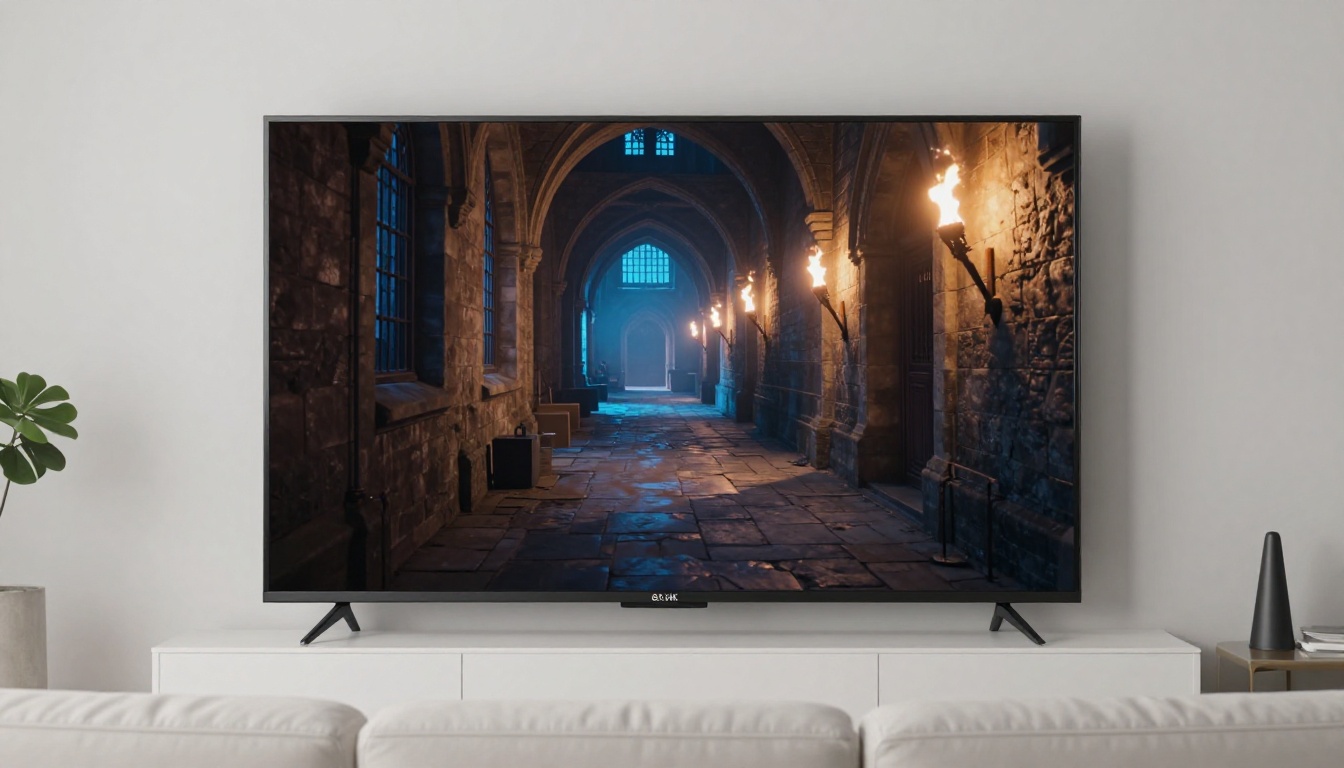
OpenAI's video play in 2027
Sora 2 comes in two distinct tiers. The standard model handles most creative prompts well. Sora 2 Pro adds higher resolution output, extended clip duration beyond the standard 10 seconds, and priority rendering queues. At the Pro tier, Sora genuinely competes with Veo 3 at the top of the quality spectrum for complex multi-subject compositions.
Strengths and limitations
Where Sora 2 excels:
- Complex scene compositions with multiple subjects interacting simultaneously
- Abstract and surreal visual concepts that other models interpret too literally
- Wide establishing shots and landscape footage with excellent depth rendering
Where it still lags:
- Audio is not native: a separate audio pipeline is required for any sound work
- Human close-ups occasionally show subtle artifacts around the eye region on difficult lighting prompts
- Pricing is structured for individual subscribers rather than high-volume API users, which creates friction for agency workflows
#5 Hailuo 02
Hailuo 02 from Minimax is the speed champion of this entire ranking by a significant margin. If your workflow demands rapid iteration and you produce content primarily for social platforms where 1080p at 24fps represents the ceiling of what your audience actually notices, Hailuo 02 is a serious contender for your primary daily tool.
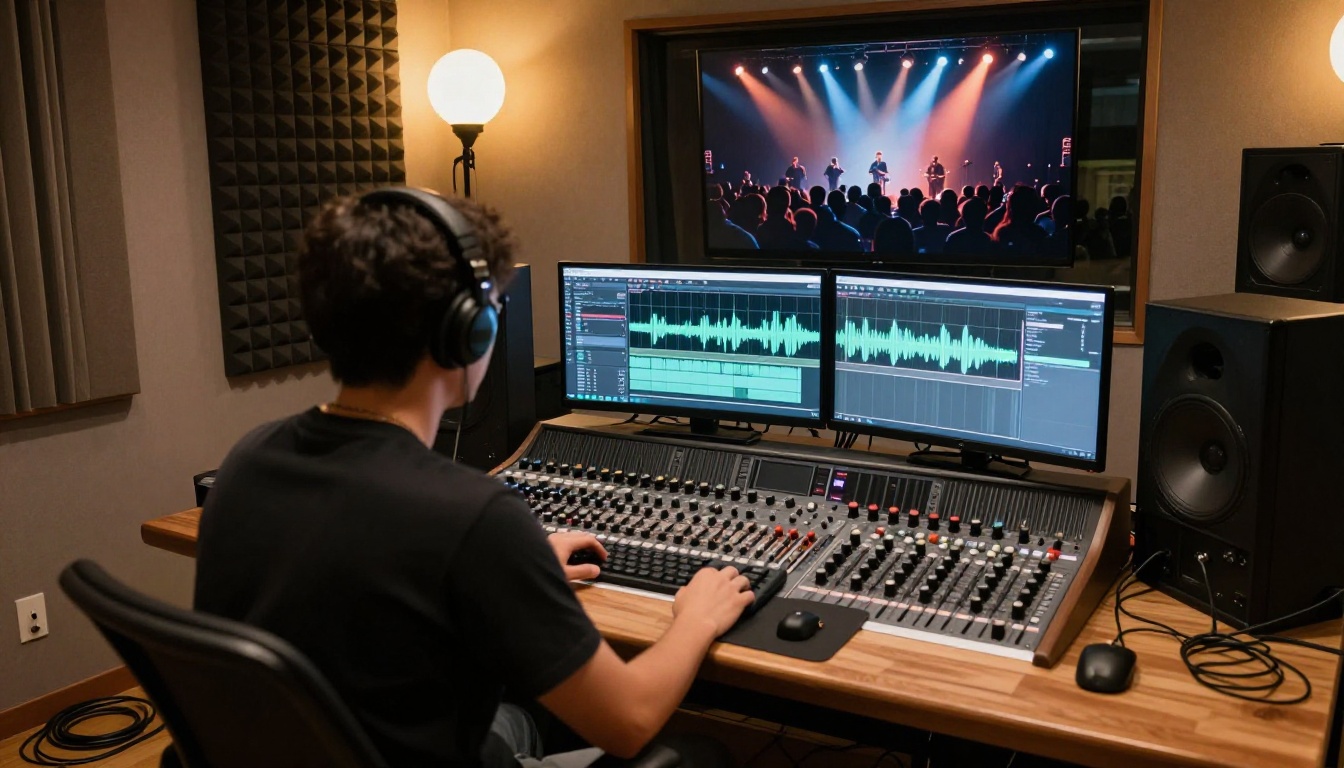
Speed champion for quick iterations
Hailuo 02 Fast delivers 512p results in under 60 seconds, which is extraordinary for a model with this level of motion quality. The full 1080p variant takes longer but still outpaces most competitors at equivalent quality settings. For teams running high-volume content pipelines, this speed translates directly to significantly lower per-clip costs.
Best for social content
- Short-form clips for Instagram Reels, TikTok, and YouTube Shorts where compression will reduce visible quality anyway
- Rapid concept visualization when speed matters more than final output quality
- High-volume content pipelines where 50 to 100 clips per week is the operational norm
💡 Creator tip: Hailuo 02 responds particularly well to descriptive motion cues placed in the very first line of your prompt. Lead with camera behavior before subject description and you will notice noticeably more controlled, intentional results on every generation.
#6 LTX 2 Pro
LTX 2 Pro from Lightricks is the 4K option for creators who need print-quality output for broadcast delivery, high-end commercial work, or large-format display installations. In a field where most platforms are still optimizing at 1080p, LTX 2 Pro's 4K output capability is a genuine differentiator that opens client categories unavailable to every other platform in this ranking.
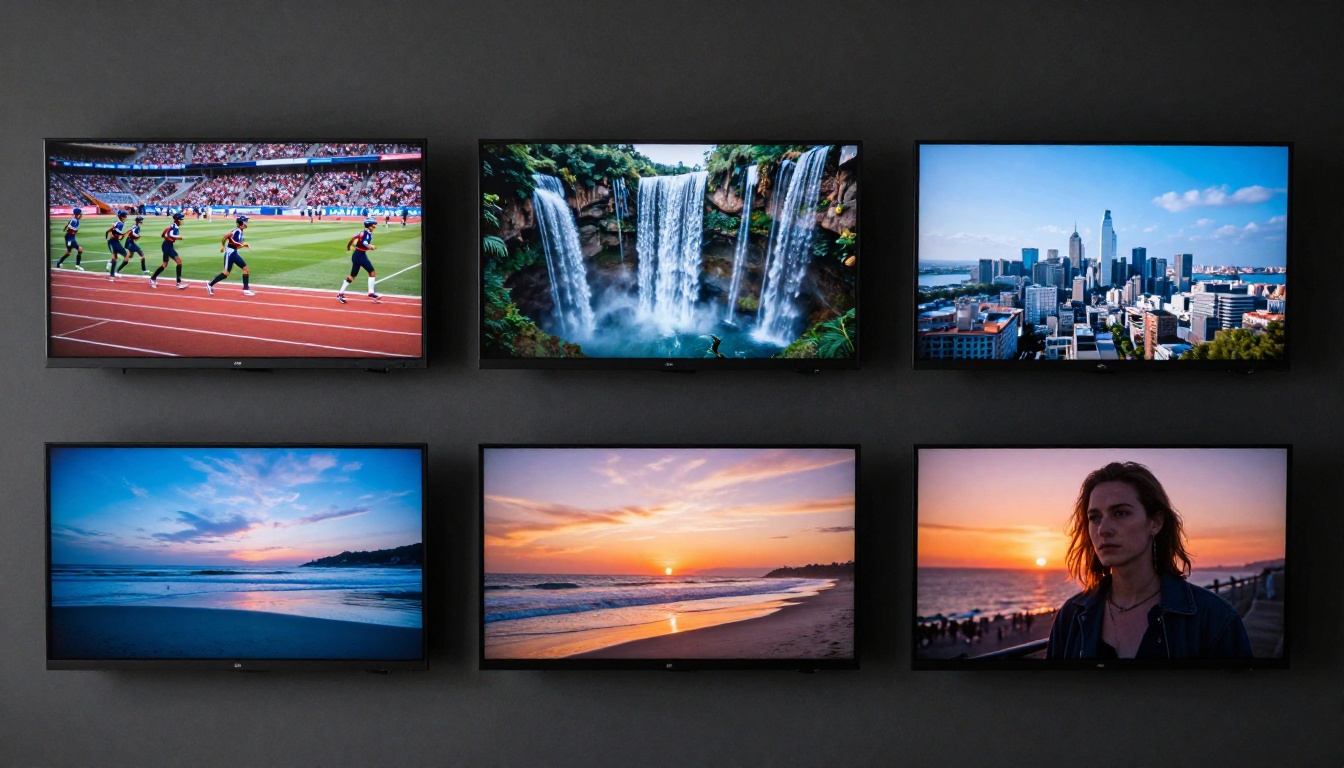
4K at a fraction of the cost
The production quality-to-cost ratio on LTX 2 Pro is the best in this ranking for high-resolution deliverables. Comparable 4K footage from a traditional production crew would cost orders of magnitude more, even before accounting for location fees, crew rates, and equipment rental. LTX 2 Fast provides a lower-cost option for situations where 4K is unnecessary, and LTX 2.3 Pro pushes the ceiling even higher on the latest architecture.
Who should use LTX
- Commercial advertising agencies delivering to broadcast specs
- Streaming and VOD production companies
- Architectural visualization and real estate marketing studios
- Luxury brand content teams where perceived production value is a primary metric
LTX 2 Pro is not the right choice if you are generating high volumes of short social clips under time pressure. The processing overhead of 4K generation makes it slow for rapid iteration workflows, and the quality advantage is invisible at social compression levels anyway.
#7 Seedance 2.0
Seedance 2.0 from ByteDance rounds out this ranking with a compelling and distinctive proposition: built-in audio generation that is more tightly integrated with the video output than almost any competitor. ByteDance's audio training advantages, accumulated from its music and entertainment platform properties over years of development, show clearly in Seedance 2.0's output quality.
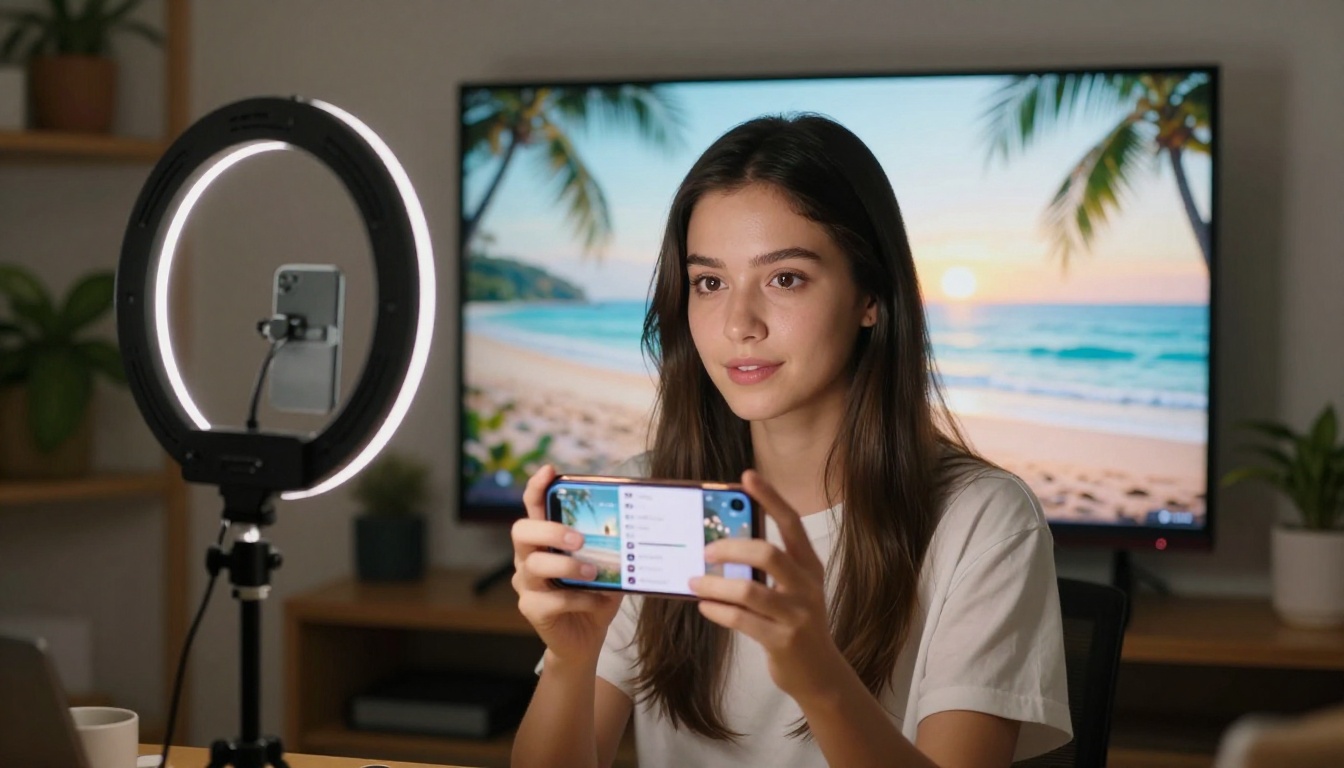
Audio-first video generation
Seedance 2.0 does not treat audio as an afterthought appended after video rendering completes. The model generates ambient sound, dialogue-ready audio beds, and music-adjacent soundscapes that are temporally locked to the video without any manual alignment step. For music video content, social clips where audio-visual sync directly affects viewer retention, and any project where sound drives the emotional response, this integration is a meaningful advantage over platforms that require a separate audio pipeline.
ByteDance's full video lineup
- Seedance 1.5 Pro: Previous generation with fast 1080p output, still competitive for volume work
- Seedance 1 Pro: The cost-efficient option for teams needing large quantities at lower per-clip cost
- Seedance 2.0 Fast: Reduced generation time for the same audio-integrated architecture
All Seedance variants share the same underlying audio generation architecture, so even budget tiers benefit from the same audio quality that makes Seedance 2.0 distinctive.
| Platform | Max Resolution | Native Audio | Avg. Speed | Best For |
|---|
| Google Veo 3 | 1080p | Yes | Medium | Professional broadcast, full-service production |
| Kling v3 | 1080p | No | Medium | Cinematic brand video, narrative shorts |
| Runway Gen 4.5 | 1080p | No | Adjustable | Narrative filmmaking, iterative workflows |
| Sora 2 Pro | 1080p+ | No | Medium | Complex multi-subject compositions |
| Hailuo 02 | 1080p | No | Very Fast | Social content, high-volume pipelines |
| LTX 2 Pro | 4K | No | Slow | Broadcast, commercial, large-format display |
| Seedance 2.0 | 1080p | Yes | Fast | Music, audio-driven content, social video |
How to Use Seedance 2.0 on PicassoIA
Seedance 2.0 is available directly through the PicassoIA platform, giving you immediate access without API setup or separate accounts. Here is the exact workflow to get your first result in under five minutes, structured to take full advantage of Seedance's audio integration from the first generation.

Step 1: Write a structured prompt
Seedance 2.0 responds best to prompts organized in three distinct parts: camera behavior first, subject description second, and environment last. A well-structured example:
"Slow dolly forward, medium shot. A woman in a red dress walks along a rain-wet cobblestone street at night. Warm amber streetlamps cast pools of light on the glistening stones, soft bokeh in the background, natural ambient rain sound."
That final note about audio tells the model explicitly what ambient soundscape to generate alongside the footage.
Step 2: Set your parameters
On the PicassoIA interface for Seedance 2.0, configure these three settings before generating:
- Duration: 5 seconds for social clips, 10 seconds for longer narrative moments
- Audio: Leave enabled. The integrated audio is one of Seedance's primary differentiators and disabling it removes that advantage entirely
- Aspect ratio: 16:9 for standard video, 9:16 for vertical social formats optimized for Reels and Shorts
Step 3: Iterate deliberately
Generate a first result at standard settings before adjusting anything. If the motion or scene composition needs adjustment, modify only one element of your prompt at a time. Changing multiple variables simultaneously makes it impossible to attribute what caused any improvement or regression in the next result.
Step 4: Use the generated audio as your foundation
Do not discard the generated audio even if it is not exactly right for your final deliverable. The temporally aligned audio that Seedance 2.0 produces functions as a strong reference track for your audio editor. The timing information embedded in how the ambient sounds respond to on-screen motion is valuable for syncing custom or licensed audio in post-production.
Start Creating Your Own AI Videos
Every platform in this ranking represents a fundamentally different philosophy about what AI video generation should do. Veo 3 wants to be the complete, self-contained solution with no external dependencies. Kling wants to be the cinematographer's tool of choice for controlled, precise motion. Runway wants to be the editor's creative partner across the entire post-production workflow. Seedance wants audio to drive the creative process from the first frame.
The most effective approach is not to pick one platform and commit permanently before you have tested the others. Run identical prompts through at least three of these platforms and compare the outputs side by side. The differences will clarify immediately which visual language and output style fits your projects, your clients, and your personal aesthetic.
PicassoIA gives you access to Seedance 2.0, Kling v3 Video, Veo 3, Runway Gen 4.5, and the complete lineup of top-ranked models in one platform without juggling multiple accounts. Start with a scene you have been wanting to visualize, generate three or four variations across different models, and notice which result surprises you most. That first genuinely unexpected output is almost always where a productive AI video workflow begins.


