Video production has undergone a radical transformation with AI video generators removing technical barriers and democratizing visual storytelling. These tools convert simple text descriptions into professional-quality video content, eliminating the need for cameras, lighting equipment, and editing expertise. The article examines current leading models including Sora 2 Pro, Veo 3.1, Kling v2.6, and WAN systems, providing practical workflow strategies for creators. Detailed analysis covers prompt engineering techniques, parameter optimization, cost structures, and integration with traditional production methods. Real-world applications span marketing, education, social media, and personal projects, demonstrating how AI video generation expands creative possibilities while maintaining quality standards. The psychological impact on creators reveals reduced creative friction and increased confidence, with emerging roles like prompt engineers and AI video directors shaping the future of visual media production.
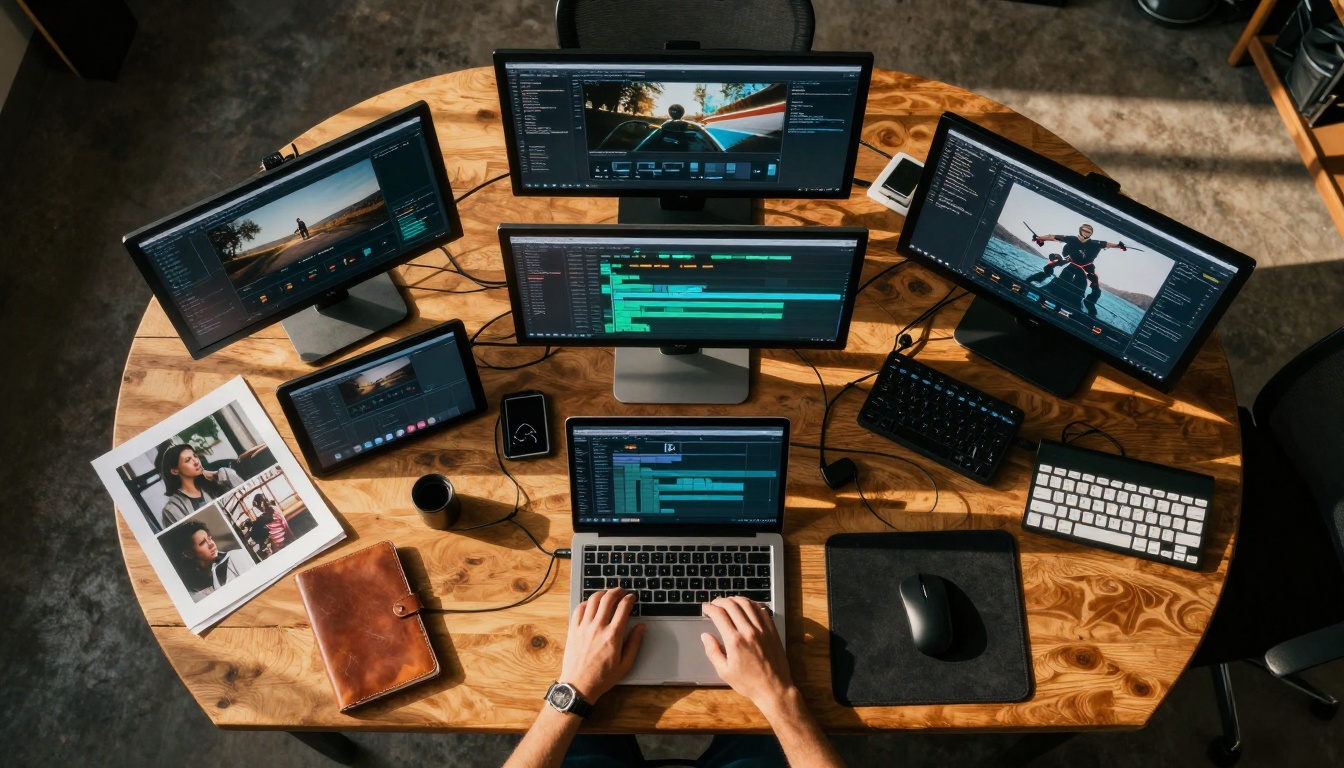
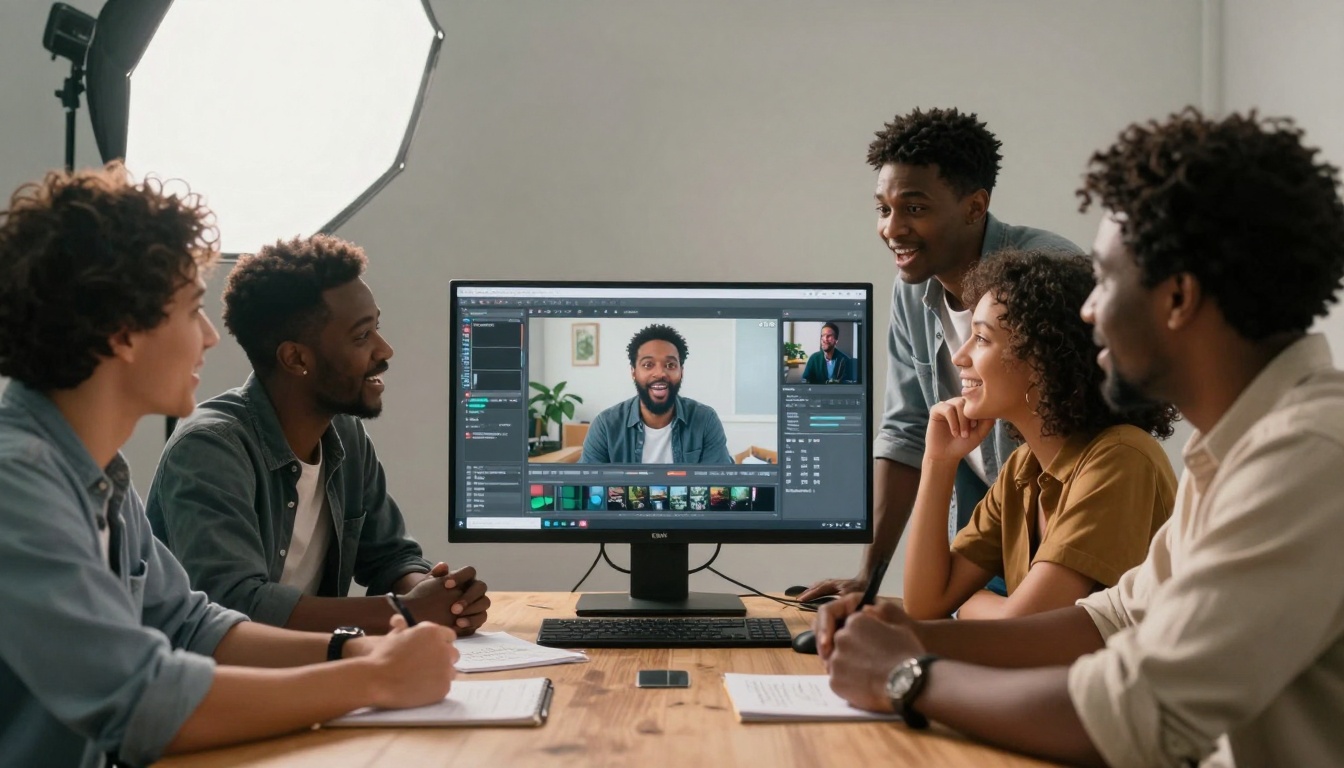
The landscape of video production has fundamentally shifted. Where once you needed cameras, lighting crews, and editing suites, now you can create professional-quality videos with nothing more than descriptive text. AI video generators have democratized visual storytelling, removing the technical barriers that kept many creators from producing video content.
This isn't about replacing traditional filmmaking—it's about expanding who can participate. Small businesses, educators, marketers, and individual creators now have access to tools that were previously reserved for studios with six-figure budgets. The simplicity is deceptive: while the interface appears straightforward, the underlying technology represents some of the most sophisticated AI systems ever developed.
Why Video Creation Changed Forever
Traditional video production followed a linear, resource-intensive process: pre-production planning, location scouting, filming days, post-production editing, and final rendering. Each step required specialized skills and equipment. AI video generators collapse this timeline from weeks to minutes.
The psychological shift matters as much as the technological one. Creators no longer face the intimidation of technical complexity. You don't need to understand aperture settings, three-point lighting, or non-linear editing software. The mental barrier that prevented many from even attempting video creation has been removed.
💡 The accessibility paradox: The simpler the interface appears, the more sophisticated the underlying technology. AI video generators handle complex rendering, motion physics, lighting simulation, and temporal coherence—all behind a text input field.
How AI Video Generators Actually Work
These systems operate on a fundamentally different principle than traditional video creation. Instead of capturing light through lenses, they generate pixels through mathematical prediction. The process involves several interconnected AI models working in concert:
Visual generation: Diffusion models create individual frames with remarkable consistency. Systems like Flux models generate high-quality images that serve as keyframes.
Temporal coherence: This is where video generation becomes truly complex. The AI must maintain consistency across frames—objects should move naturally, lighting should remain consistent, and physics should behave predictably.
The Current Generation of Video AI Models
Several platforms have emerged as leaders in the space, each with distinct strengths and specializations. Understanding which tool fits your specific needs can dramatically improve your results.
Text-to-Video Leaders
OpenAI Sora 2 Pro: Currently represents the state-of-the-art in text-to-video generation. Excels at cinematic quality, complex scene understanding, and maintaining temporal coherence across longer sequences. The model understands subtle narrative elements and can generate emotionally resonant content.
Google Veo 3.1: Google's answer to video generation offers exceptional integration with their ecosystem. Particularly strong at realistic human motion and natural environments. The "fast" variant provides quicker generation times for iterative work.
Kling v2.6: Chinese-developed model that has gained recognition for its artistic quality and stylistic range. The motion control variant allows precise camera movement specification, giving creators directorial control.
WAN 2.6 T2V: Specializes in consistency and detail preservation across longer video sequences. The image-to-video variant allows starting from existing imagery and animating it.
Seedance 1.5 Pro: Bytedance's offering focuses on social media-optimized content. Generates videos with built-in trends and formats suitable for platforms like TikTok and Instagram Reels.
Image-to-Video Specialists
Sometimes you start with a great image and want to bring it to life. Image-to-video models excel at this transition:
WAN 2.6 I2V: Takes static images and adds natural motion. Particularly effective with portrait photography, adding subtle life-like movements to subjects.
I2VGen-XL: Specializes in transforming product photography and architectural images into dynamic presentations. Excellent for marketing materials and portfolio showcases.
Crafting Effective Video Prompts
The quality of your output depends heavily on prompt construction. Unlike image generation where you describe a single moment, video prompts need to communicate movement, timing, and narrative progression.
Example breakdown: "A serene mountain lake at sunrise, with gentle waves lapping against rocky shores, camera slowly pans left to right, cinematic lighting with golden hour warmth, 4K resolution, 24fps, 10-second duration"
Advanced Prompt Techniques
Temporal markers: Use time-based language to control pacing. "Gradually reveals," "slowly zooms," "quick cut to" all influence the generated motion.
Emotional cues: "Melancholic atmosphere," "energetic pacing," "contemplative mood" help the AI understand the emotional tone you're aiming for.
Technical specifications: While most platforms handle this automatically, you can specify "24fps cinematic," "slow motion 60fps," or "time-lapse effect."
Reference styles: "In the style of Wes Anderson color palette," "documentary realism," "80s synthwave aesthetic" give the AI stylistic direction.
Practical Workflow Strategies
Successful AI video creation isn't about single perfect prompts—it's about iterative refinement and strategic combination of multiple generations.
The Layered Approach
Instead of trying to generate a perfect 30-second video in one attempt, break it down:
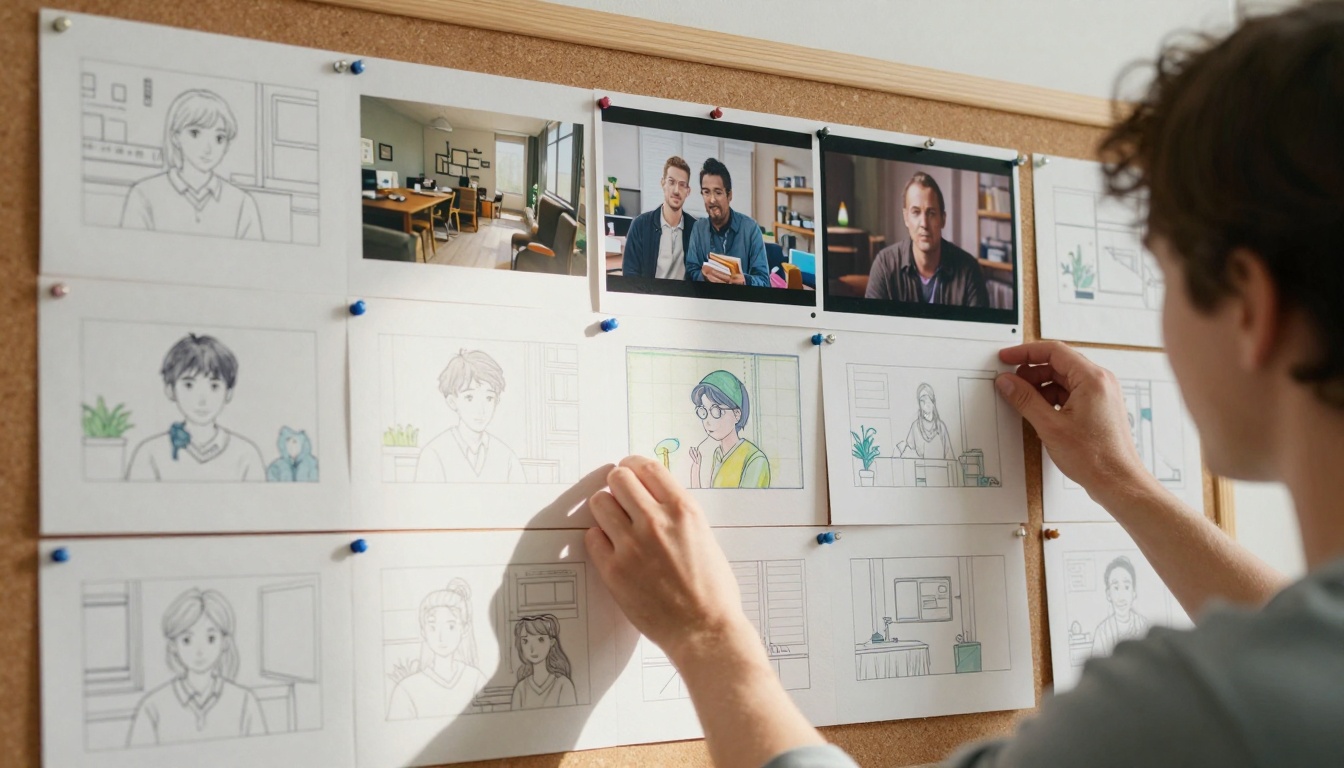
Generate keyframes: Create 3-5 representative still images using models like Flux 2 Pro or GPT Image 1.5.
Animate selected frames: Use image-to-video models to bring your best keyframes to life.
Combine sequences: Edit the short clips together, adding transitions and pacing.
Parameter Optimization
Most AI video platforms offer adjustment parameters that dramatically affect output:
Parameter
Effect
When to Adjust
Motion intensity
Controls how much movement occurs
Higher for action scenes, lower for subtle moments
Style adherence
How closely the AI follows your prompt
Increase for precise requirements, decrease for creative interpretation
Consistency
Maintains object identity across frames
Crucial for character-based narratives
Frame rate
Temporal smoothness
24fps for cinematic, 30fps for standard, 60fps for smooth motion
Common Use Cases and Applications
Marketing and Advertising
Small businesses generate product demonstration videos without photography studios. Real estate agents create virtual tours from floor plans. Restaurant owners showcase ambiance and dishes.
Education and Training
Educators produce animated explanations of complex concepts. Corporate trainers create consistent onboarding materials. Language teachers generate conversational practice scenarios.
Social Media Content
Influencers maintain consistent posting schedules without filming days. Brands create platform-specific content optimized for each channel's format and audience expectations.
Personal Projects
Hobbyists visualize stories they've written. Travelers recreate memories from descriptive journal entries. Artists explore visual concepts before traditional production.
Technical Considerations and Limitations
While the technology has advanced dramatically, understanding current limitations helps set realistic expectations and work within the system's capabilities.
Current Constraints
Duration limits: Most platforms max out at 30-60 seconds per generation. Longer content requires stitching multiple generations together.
Resolution boundaries: While 4K is increasingly available, extremely high resolutions still challenge consistency across frames.
Complex motion physics: Rapid camera movements or highly dynamic scenes sometimes exhibit artifacts or inconsistency.
Character consistency: Maintaining the same character across different scenes or angles remains challenging without specialized techniques.
Quality Optimization Strategies
Start with higher quality: Generate at the highest available resolution, then downscale if needed. Quality loss from upscaling is more noticeable than downscaling.
Batch generation: Create multiple variations of the same prompt, then select the best elements from each.
Post-processing: Traditional editing software still plays a role. Color grading, sound design, and subtle effects can elevate AI-generated content.
Integration with Traditional Workflows
AI video generators don't exist in isolation—they integrate with and enhance traditional production methods.
Hybrid Production Models
Pre-visualization: Generate concept videos before physical production begins. Directors can experiment with camera angles and pacing without crew costs.
B-roll supplementation: Create specific establishing shots or transitional elements that would be expensive to film practically.
Effects prototyping: Test visual effects concepts before committing to complex CGI production.
Practical Integration Points
Asset libraries: Build libraries of AI-generated establishing shots, transitions, and background elements for reuse across projects.
Style consistency: Use AI to generate reference materials that establish visual consistency across a team or project series.
Rapid iteration: Present multiple visual directions to clients or stakeholders without extensive production time.
Cost and Accessibility Analysis
The financial dynamics of video production have shifted dramatically. Where traditional video required significant upfront investment, AI video generation operates on different economic principles.
Comparative Cost Structures
Production Type
Typical Cost Range
Time Investment
Equipment Required
Traditional professional
$5,000 - $50,000+
Weeks to months
Camera, lighting, crew, editing suite
AI-generated professional
$50 - $500
Hours to days
Computer with internet access
AI-generated basic
$10 - $100
Minutes to hours
Smartphone or computer
Platform Pricing Models
Most services operate on credit-based systems or subscription tiers:
Pay-per-generation: Credits consumed based on video length and resolution
Subscription tiers: Monthly access with generation limits
Enterprise plans: Custom pricing for high-volume usage
Hidden Cost Considerations
Iteration expenses: The true cost often comes from generating multiple variations to find the perfect output.
Post-processing: While the AI generates the video, you may still need editing software for final polish.
Learning curve: Time investment in mastering prompt engineering and platform specifics.
The Psychological Impact on Creators
Beyond the technical capabilities, AI video generation has profound effects on creative psychology and workflow dynamics.
Reduced Creative Friction
The immediate feedback loop—type a prompt, see a result within minutes—creates a addictive creative flow state. Unlike traditional production where days might pass between conception and realization, AI generation provides instant visual feedback.
Expanded Creative Confidence
Creators who previously avoided video due to technical intimidation now experiment freely. The low stakes (minimal time and financial investment per attempt) encourage bold experimentation.
New Creative Roles Emerging
Prompt engineers specialize in crafting text that produces specific visual results. AI video directors understand how to guide generation systems toward coherent narratives. Hybrid editors blend AI-generated content with traditional footage seamlessly.
Future Developments and Trajectory
The current state represents just the beginning of this technology's evolution. Several trends indicate where the field is heading.
Short-term Developments (12-18 months)
Longer duration coherence: Systems maintaining character and environmental consistency across multi-minute narratives.
Interactive generation: Real-time adjustment of videos based on viewer feedback or environmental inputs.
Medium-term Evolution (2-3 years)
Personalized generation: Systems learning individual creator styles and preferences for consistent brand voice.
Cross-modal understanding: Videos generated from audio descriptions, written stories, or even conceptual diagrams.
Real-time generation: Live video creation responding to current events or streaming inputs.
Getting Started with Practical Steps
If you're new to AI video generation, these concrete steps will help you begin producing immediately.
First Project Recommendations
Social media clip: 15-second promotional video for a product or service you're familiar with.
Educational snippet: 30-second explanation of a concept you understand well.
Personal memory: Recreation of a travel experience or meaningful moment from descriptive notes.
Initial Platform Selection
Start with user-friendly interfaces that offer:
Free tiers or trial credits
Clear documentation and examples
Active community support
Multiple model options
Skill Development Path
Week 1: Master basic prompt structure across 3 different video types.
Week 2: Learn parameter adjustment and how each affects output.
Week 3: Experiment with hybrid approaches combining AI and traditional elements.
Month 2: Develop consistent style and workflow preferences.
Month 3: Begin integrating AI video into regular production pipelines.
Final Thoughts on Creative Adaptation
The simplicity of AI video generators masks their transformative potential. What appears as a straightforward text box represents access to computational creativity previously unimaginable. The barrier isn't technical expertise anymore—it's creative vision and descriptive precision.
The tools have eliminated the excuses. If you have an idea, you can visualize it. If you have a story, you can animate it. If you have a concept, you can demonstrate it. The remaining challenge isn't learning camera operation or editing software—it's developing the ability to translate imagination into descriptive language that the AI can interpret.
This represents a fundamental democratization of visual storytelling. The cinematic language once reserved for film school graduates and studio professionals now responds to anyone who can describe what they see in their mind's eye. The technology handles the technical complexity, freeing creators to focus on narrative, emotion, and communication.
The next chapter of visual media won't be defined by who has the best equipment, but by who has the clearest vision and the most compelling stories to tell. The tools have become simple enough that they disappear, leaving only the creative intent and its realization.