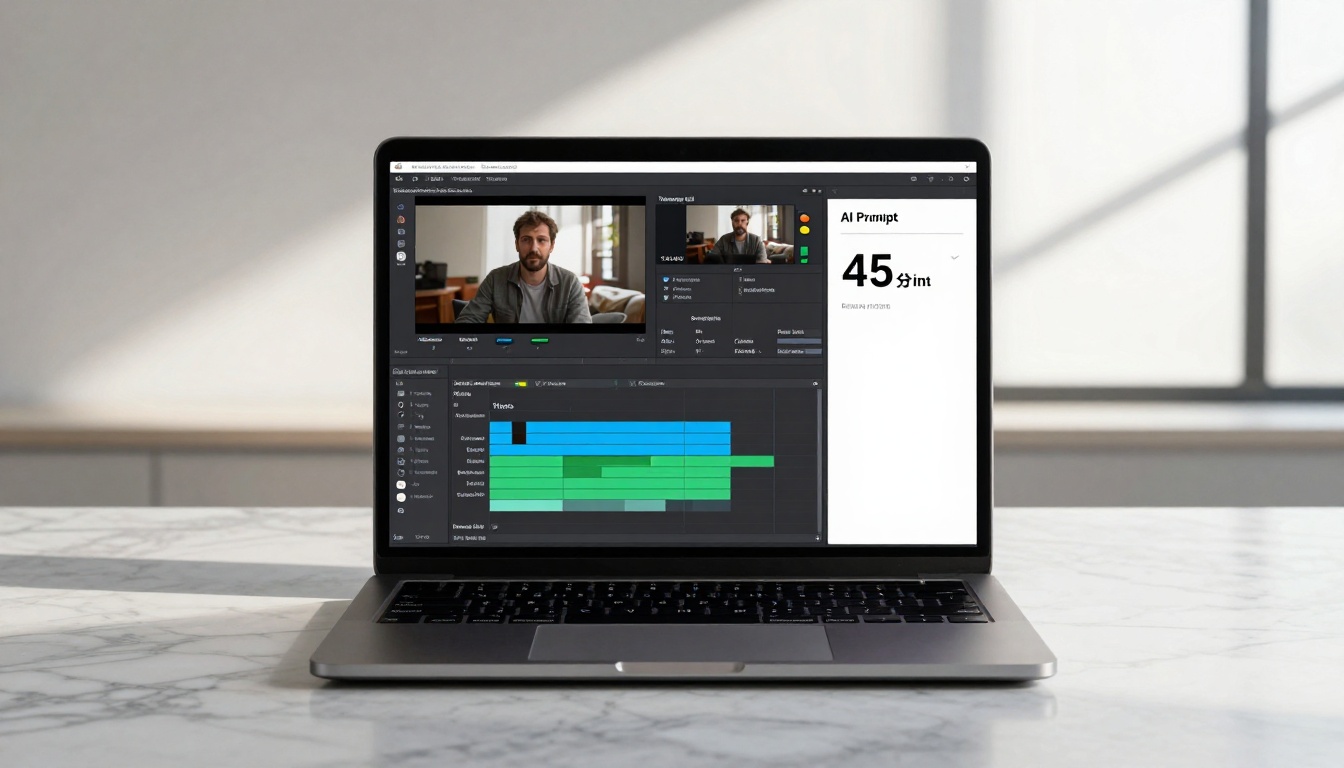
This comprehensive guide explores AI video tools specifically designed for rapid video creation. We examine the fastest text-to-video and image-to-video models available, analyze their speed benchmarks, discuss practical workflows for creating social media content, product demos, and marketing videos in minutes, and provide comparisons of output quality versus generation time. The focus is on tools that deliver professional results without the traditional production timeline.
The landscape of video creation has transformed dramatically in the last two years. What used to require hours of filming, editing, and rendering can now be accomplished in under 60 seconds with AI video tools. This shift isn't just about convenience—it's changing how businesses market products, how creators engage audiences, and how individuals communicate ideas.
When seconds matter in social media algorithms and audience attention spans, speed becomes the most valuable currency. AI video tools that generate professional-quality content in minutes rather than hours are rewriting the rules of content creation. From product demos to social media clips, the ability to create videos quickly has moved from luxury to necessity.
Why Speed Matters in AI Video Generation
In today's digital ecosystem, timing is everything. A viral trend can emerge and disappear within hours. Product launches need immediate promotional content. Social media algorithms favor consistent, rapid posting. Traditional video production timelines simply can't keep up.
💡 The 60-Second Rule: Most social media platforms favor content that can be consumed in under 60 seconds. AI video tools that deliver within this timeframe align perfectly with platform preferences and user behavior.
Three critical factors drive the need for speed:
Algorithmic Advantage: Social platforms reward frequent posting
Competitive Edge: First-mover advantage in trending topics
Resource Efficiency: Reduced production costs and time investment
The difference between traditional and AI video workflows isn't marginal—it's exponential. Where traditional editing might take 4-8 hours for a 60-second clip, AI tools can deliver similar quality in 45-90 seconds.
The Psychology of Instant Gratification
Modern audiences have been conditioned by instant everything: instant messaging, instant streaming, instant downloads. Video creation was the last frontier of delayed gratification in digital content. AI video tools remove this final barrier, creating what psychologists call "completion satisfaction"—the dopamine hit from seeing a finished product materialize from a simple text prompt.
Fast Text-to-Video Models Compared
The market for fast text-to-video models has exploded, with several standout performers on platforms like PicassoIA. Each model offers different strengths in the speed-quality tradeoff.
Google Veo 3.1 Fast
Average Generation Time: 45-60 seconds
Best For: Cinematic scenes, natural environments
Output Quality: High cinematic quality with natural motion
Veo 3.1 Fast represents Google's answer to rapid video generation, optimized for speed without sacrificing the cinematic quality the Veo line is known for. The model excels at creating coherent narratives with smooth camera movements.
WAN 2.2 T2V Fast
Average Generation Time: 30-45 seconds
Best For: Abstract concepts, artistic interpretations
Output Quality: Highly stylized with unique visual signatures
The WAN series has built a reputation for speed, with the 2.2 T2V Fast variant pushing generation times below 45 seconds for most prompts. Its strength lies in interpreting abstract concepts into visually striking sequences.
Kling V2.5 Turbo Pro
Average Generation Time: 40-55 seconds
Best For: Character animation, expressive subjects
Output Quality: Excellent facial expressions and character emotion
Kling's Turbo Pro variant sacrifices some resolution for significant speed gains, making it ideal for rapid prototyping of character-driven content where emotional expression matters more than pixel-perfect detail.
Seedance 1 Pro Fast
Average Generation Time: 35-50 seconds
Best For: Technical explanations, product demonstrations
Output Quality: Clear, instructional style with good object coherence
Bytedance's offering focuses on clarity and instructional value, making it particularly useful for creating quick explainer videos and product demos where information transmission is priority.
Model
Avg. Time
Strength
Best Use Case
Veo 3.1 Fast
45-60s
Cinematic quality
Marketing videos
WAN 2.2 T2V Fast
30-45s
Artistic style
Creative projects
Kling V2.5 Turbo Pro
40-55s
Character emotion
Storytelling
Seedance 1 Pro Fast
35-50s
Clarity
Tutorials
Rapid Image-to-Video Tools
For creators starting with existing images, image-to-video tools offer even faster workflows. These models take a static image and animate it according to text prompts, creating dynamic content from still assets.
WAN 2.2 I2V Fast
Average Generation Time: 25-40 seconds
Best For: Product photography animation, logo reveals
Key Feature: Preserves original image composition while adding motion
This model shines for e-commerce and marketing teams who have existing product photography but want to create animated versions for social media or advertisements. The speed comes from working with established compositions rather than generating from scratch.
WAN 2.5 I2V Fast
Average Generation Time: 30-45 seconds
Best For: Portrait animation, character bringing to life
Key Feature: Excellent facial feature preservation during animation
The 2.5 iteration improves on facial animation quality while maintaining rapid generation times. This makes it ideal for animating team photos, spokesperson images, or character portraits for quick promotional content.
Workflow Advantages of Image-to-Video:
Consistent Branding: Start with approved brand imagery
Faster Iteration: Multiple animations from single image source
Asset Reuse: Maximize value from existing photography
💡 Pro Tip: For fastest results, use high-contrast images with clear subjects when working with image-to-video tools. The AI has less interpretation work, resulting in quicker generation times.
Workflow Optimization for Quick Videos
Speed isn't just about generation time—it's about the entire workflow from idea to published content. Optimizing each step creates compound time savings.
Prompt Engineering for Speed
Certain prompt structures generate faster than others:
Fast-Generating Prompt Structure:
[Clear subject] + [Simple action] + [Basic environment] + [Camera movement]
Example: "A coffee cup steaming on a wooden table, slow zoom in"
Slower-Generating Prompt Structure:
[Complex subject] + [Multiple actions] + [Detailed environment] + [Multiple camera moves] + [Specific lighting] + [Style references]
Example: "A barista crafting latte art in a rustic café with morning light through windows, tracking shot following hand movements, cinematic style"
Speed Optimization Checklist:
✅ Use simple, concrete nouns
✅ Specify one clear action
✅ Limit environment details to 1-2 elements
✅ Choose basic camera movements (zoom, pan, static)
❌ Avoid multiple character interactions
❌ Avoid complex scene transitions
❌ Avoid highly specific lighting requirements
Batch Processing Strategy
When creating multiple videos:
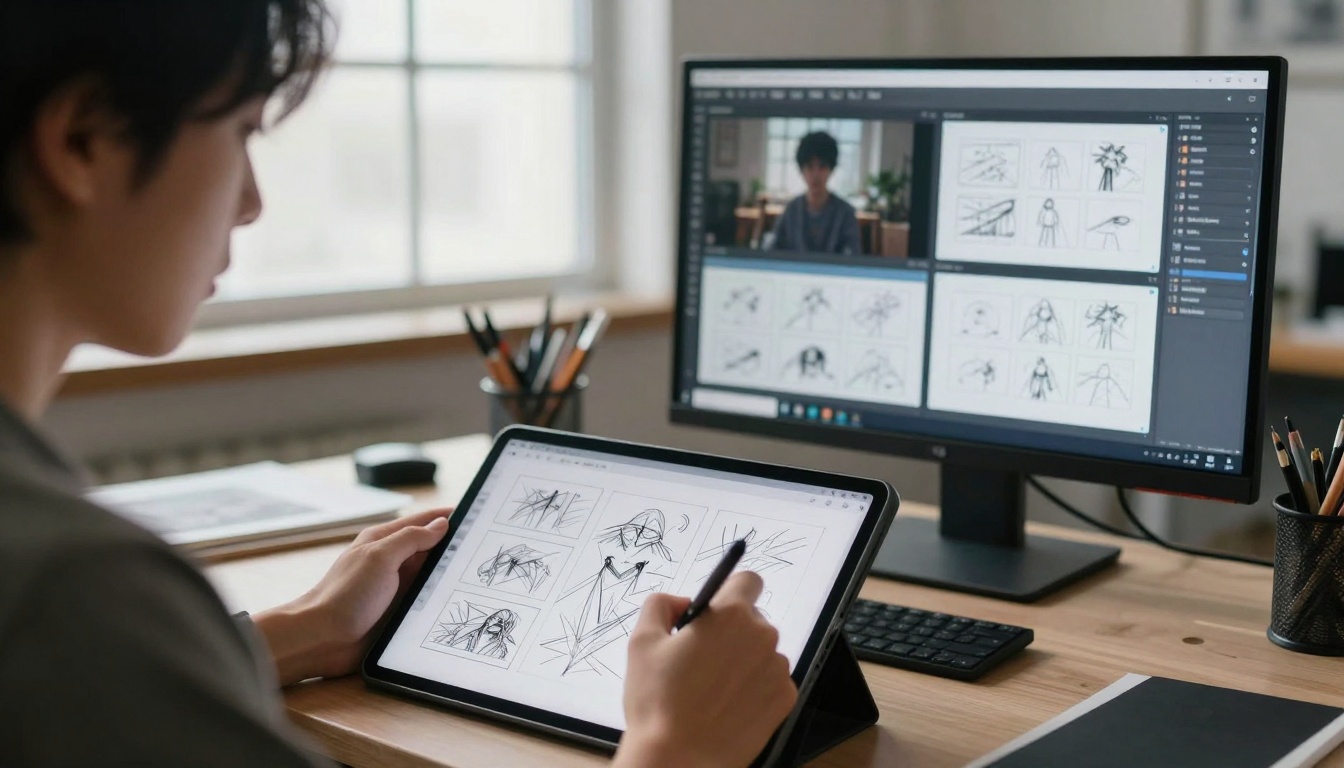
Prepare all prompts in advance in a text document
Queue generation during off-peak hours if platform allows
Use template prompts with variable placeholders
Generate variations rather than completely new concepts
The 5-Minute Video Workflow
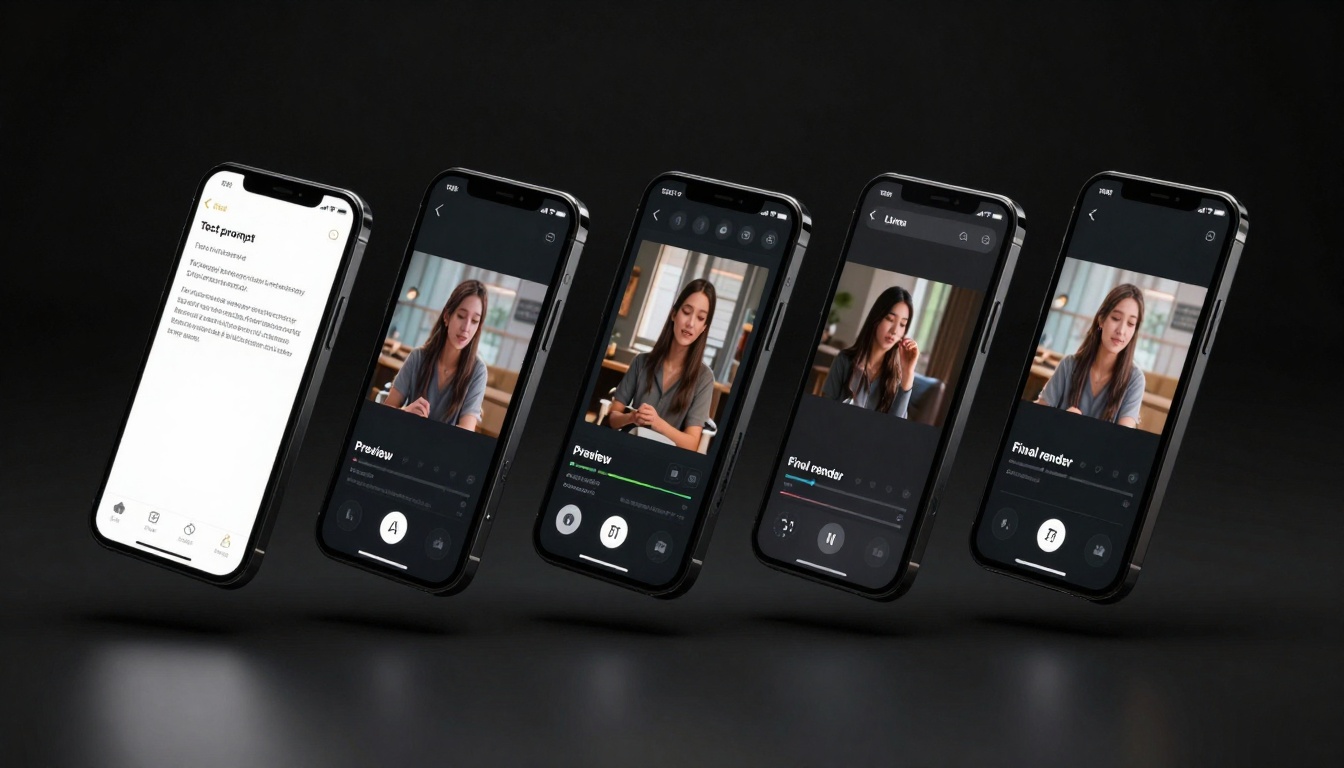
Here's a realistic workflow for creating a social media video in under 5 minutes:
Minute 1: Concept & Prompt
Identify core message (15 seconds)
Draft simple prompt (45 seconds)
Minute 2: Generation
Submit to AI tool (15 seconds)
Generation processing (45 seconds)
Minute 3: Review & Selection
Watch generated video (30 seconds)
Decide if acceptable (30 seconds)
Minute 4: Basic Editing
Trim start/end (30 seconds)
Add text overlay (30 seconds)
Minute 5: Export & Publish
Final export (30 seconds)
Platform upload (30 seconds)
This workflow assumes using tools like WAN 2.2 T2V Fast for generation and simple mobile editing apps for finishing touches.
Social Media Content Creation in Minutes
Social media platforms have created a content arms race where quantity and frequency often trump production quality. AI video tools level this playing field for small creators and businesses.
Prompt Strategy: Industry insights, quick tutorials, professional storytelling
Content Calendar Acceleration
Traditional content calendars assume days or weeks for video production. With AI tools, the timeline compresses to hours:
Traditional Monthly Workflow:
Week 1: Planning & scripting
Week 2: Filming
Week 3: Editing
Week 4: Publishing
AI-Accelerated Monthly Workflow:
Day 1: Plan week's content (2 hours)
Day 1: Generate all videos (1 hour)
Day 1: Basic edits & scheduling (1 hour)
Daily: Monitor and engage (30 minutes/day)
This represents a 90% reduction in production time for similar output volume.
Trend Riding vs. Trend Setting
AI video tools enable two distinct social media strategies:
Trend Riding: Creating content around existing viral trends within hours of emergence
Required Speed: Under 2 hours from trend identification to published video
AI Advantage: Quick interpretation and visualization of trend concepts
Trend Setting: Creating original content that could become trends
Required Volume: Multiple variations to test what resonates
AI Advantage: Rapid iteration and A/B testing of concepts
💡 The Viral Formula: Combine trending audio with AI-generated visual concepts that complement rather than compete with the audio. The AI handles visual creativity while trending audio provides built-in audience familiarity.
Product Demo Videos Made Easy
For businesses, product demonstration videos represent one of the highest-return applications of AI video tools. Traditional product videos require product availability, filming setup, talent, and post-production.
Generate personalized variations for different audience segments
Produce tutorial content at scale
Post-launch Phase:
Rapid response to customer questions with visual explanations
Create comparison videos against competitors
Generate seasonal or promotional variations
Cost Comparison: Traditional vs. AI Production
Expense Category
Traditional Video
AI Video
Savings
Equipment Rental
$500-2000/day
$0
100%
Filming Location
$300-1000/day
$0
100%
Talent/Actors
$500-3000/day
$0
100%
Crew
$1000-5000/day
$0
100%
Editing
$1000-3000/video
$0
100%
Total per video
$3300-14000
$2-10
99.9%
Note: AI video costs based on platform pricing for generation credits
The financial implications are staggering. A small business spending $5,000 monthly on traditional video production could generate 500-1000 AI videos for the same budget.
Cost vs. Speed Analysis
Understanding the tradeoffs between generation speed and cost requires looking at both direct and indirect expenses.
Direct Cost Structures
Different AI video platforms use various pricing models:
Pay-per-generation (Most common on PicassoIA models):
Average cost: $0.02-$0.10 per 30-second video
Best for: Occasional users, testing phases
Speed consideration: No penalty for faster generation
Subscription plans:
Average cost: $20-$100/month for unlimited generations
Best for: High-volume creators, businesses
Speed consideration: Faster generation = more videos per month = better value
Credit packages:
Average cost: $10-$100 for credit bundles
Best for: Predictable monthly usage
Speed consideration: Credits consumed faster with quick generations
The Hidden Cost of Time
While direct monetary costs are low, the real value proposition lies in time savings:
Opportunity Cost Calculation:
Traditional 60-second video: 8 hours of skilled labor
AI 60-second video: 5 minutes of prompt engineering
Time saved: 7 hours 55 minutes
Value of saved time (at $50/hour): $397.50
Compound Time Benefits:
Faster iteration: Test 10 concepts in time previously needed for 1
Rapid adaptation: Pivot content strategy based on real-time feedback
Scalable production: Maintain quality while increasing output 10x
Quality Threshold Analysis
Not all quick videos are created equal. Different use cases have different quality requirements:
Recommended tools: Standard (non-fast) versions of premium models
💡 Budget Allocation Strategy: Allocate 70% of budget to fast tools for volume content, 30% to higher-quality tools for key promotional pieces. This maximizes both reach and impact.
Future of Rapid AI Video Generation
The trajectory of AI video tools points toward even faster, higher-quality generation in the near future. Current limitations will likely become historical footnotes within 12-18 months.
Technical Developments on the Horizon
Generation Speed Projections:
Current: 30-60 seconds for quality output
6 months: 15-30 seconds with current quality
12 months: 5-15 seconds with improved quality
18 months: 1-5 seconds with cinematic quality
Quality Improvements Expected:
Coherence: Longer sequences without logical breaks
Future tools won't exist in isolation but will integrate into complete creative pipelines:
Seamless Editing Integration:
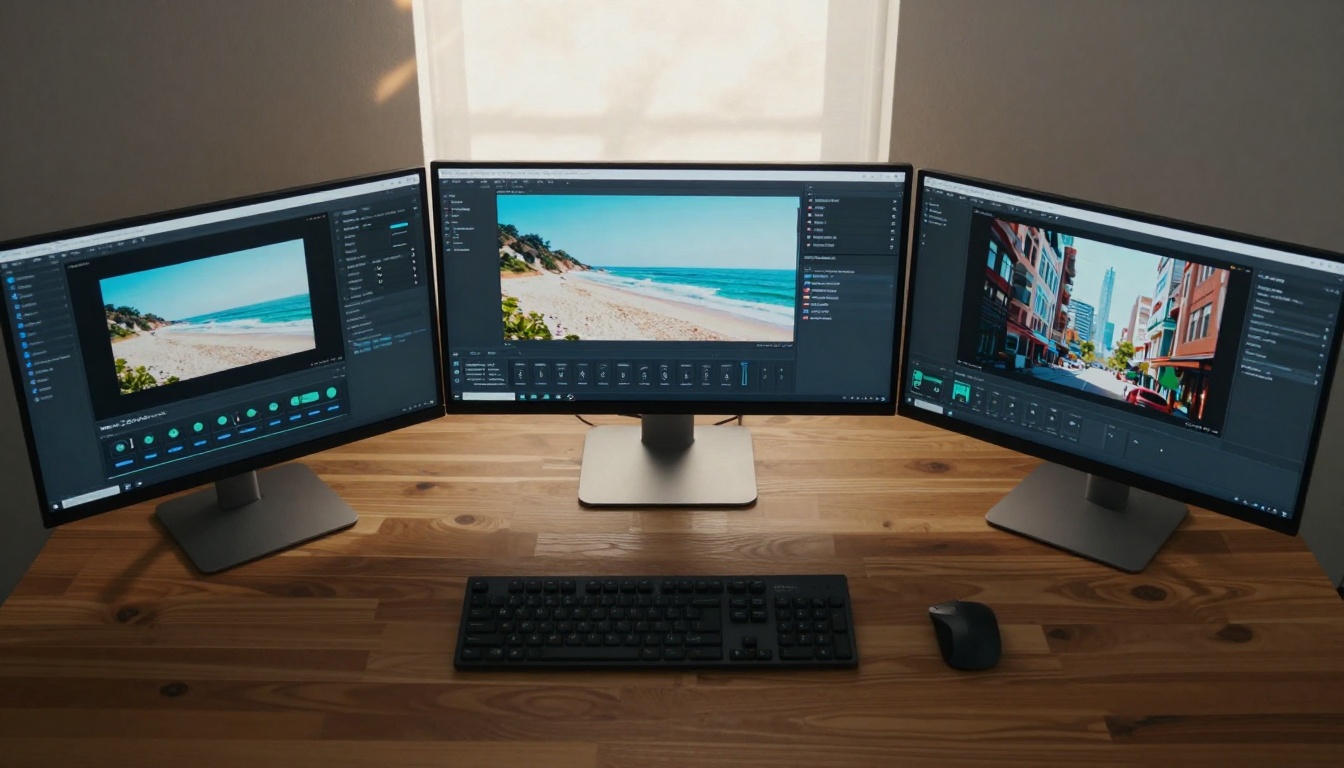
AI generation directly into editing timelines
Style transfer between generated and filmed content
Automated color grading and sound mixing
Collaborative Features:
Real-time collaborative prompt development
Version control for AI-generated sequences
Team-based quality voting systems
Asset Management:
AI-generated video libraries with searchable metadata
Style consistency across multiple generations
Brand guideline enforcement in generation parameters
The Democratization of Video Production
The most significant impact will be accessibility:
Small Business Empowerment:
Professional video marketing at micro-budget scale
Rapid response to market opportunities
Competitive content production against larger companies
Individual Creator Scale:
Solo creators producing at agency volume
Niche content at sustainable economics
Global distribution without geographical limitations
Educational Access:
Visual explanations for complex topics
Personalized learning content generation
Language-agnostic instructional materials
The tools available today on platforms like PicassoIA represent just the beginning. WAN 2.2 I2V Fast, Veo 3.1 Fast, and their counterparts are the v1.0 of a technology that will fundamentally reshape visual communication.
The invitation stands: Experiment with these tools. Start with simple prompts using the fast models mentioned throughout this article. Create a 30-second video about your product, service, or idea. Experience the transformation from concept to visual reality in under a minute. The barrier has been removed—the only remaining question is what you'll create with this new capability.