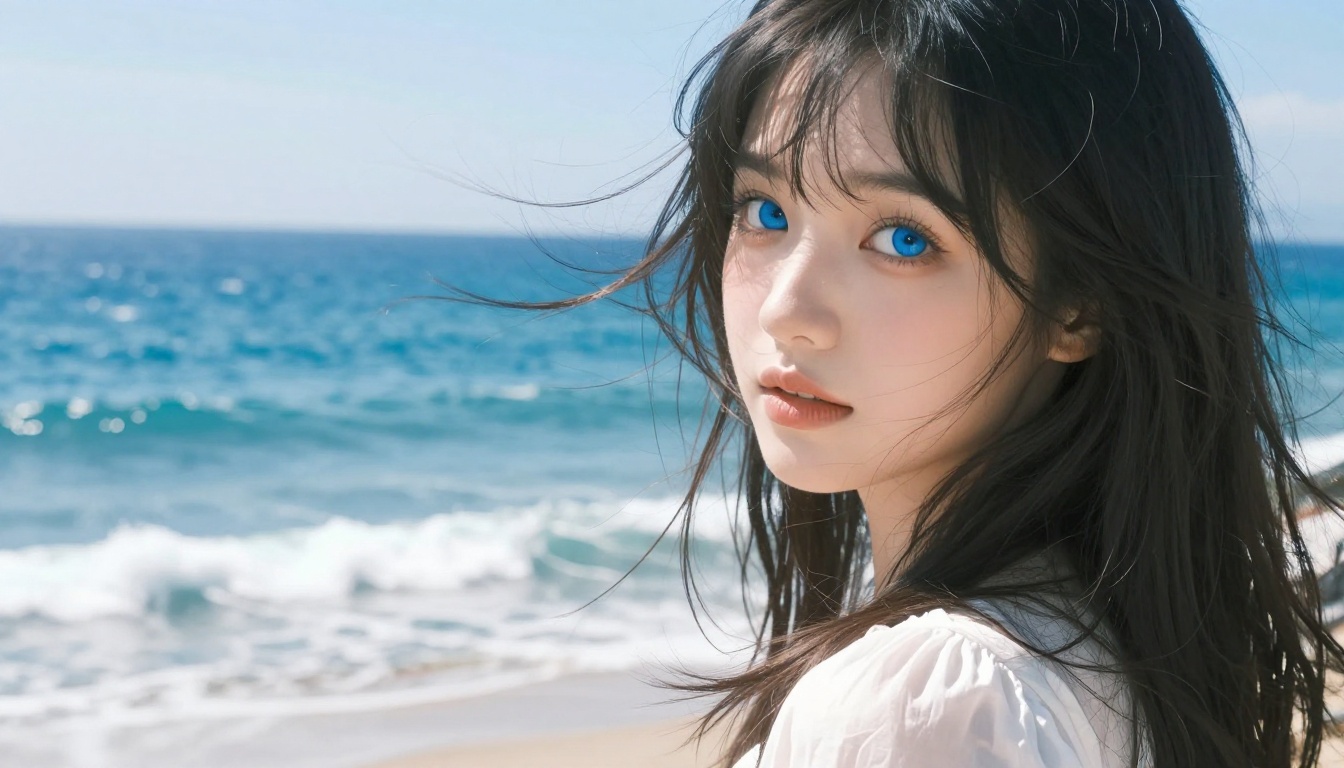
If you've spent hours creating the perfect waifu character only to watch her sit perfectly still in a JPEG, you already know what's missing. AI video tools have crossed a threshold in 2027 where bringing a waifu to life isn't a technical challenge anymore, it's a creative one. The models available right now on PicassoIA can take a single still image and turn it into a fluid, believable animated clip in under a minute.
This article breaks down everything: which video models actually deliver on their promises for waifu animation, how to generate the right source images, and a practical workflow that goes from a text description to a moving character in just a few steps.
What Actually Makes a Waifu Video Worth Watching
Not all AI animations are equal. Most early waifu animation tools produced jittery motion, warped facial features, and characters that looked completely different from frame to frame. The newer generation of models has addressed most of these problems, but knowing what to look for still matters.
Motion That Feels Natural
The single biggest quality indicator is how the model handles subtle motion. Hair moving in a breeze, eyes blinking at a natural pace, fabric responding to movement — these micro-details separate a good waifu animation from a creepy one. Models trained on large volumes of real video footage tend to handle this better than those trained primarily on synthetic data.
When you write motion prompts, specificity matters enormously. "She moves" produces worse results than "her hair drifts slowly to the left as she turns her head, eyes catching the light." The models respond to described physics, not vague intentions.
Character Consistency Frame to Frame
The other make-or-break factor is identity consistency. Your character should look the same in frame 1 and frame 150. Some models struggle with this badly, especially at longer durations. Eye color might drift, hair style might subtly change, or facial proportions might warp mid-motion.
Image-to-video models generally handle this better than pure text-to-video for waifu animation, because the first frame anchors the character's appearance. Starting from a high-quality source image is the most reliable way to maintain consistency throughout the clip.
The Best AI Video Models for Waifu Animation
Seedance 2.5 and 2.5 Lite: The Unlimited Option
Seedance 2.5 from ByteDance is one of the most capable models available right now for character animation. It handles expressive motion well, maintains character consistency across the clip, and supports up to 30 seconds of video, far longer than most competing models.
For creators who want to experiment without worrying about credits, Seedance 2.5 Lite offers free, unlimited generation on PicassoIA. The output quality is slightly reduced compared to the full model, but for drafting motion concepts and iterating on prompts, it's an invaluable tool.
💡 Tip: Use Seedance 2.5 Lite to test your motion prompt at no cost, then switch to Seedance 2.5 for the final render when you're satisfied with the motion.
Wan 3 and Wan 2.7 I2V: Cinematic Quality
Wan 3 from Alibaba represents one of the most significant leaps in text-to-video quality in recent memory. Its handling of lighting, depth of field, and fine details like hair and fabric texture makes it a natural fit for waifu animation where those details matter most.
Wan 2.7 I2V, the image-to-video version of this model family, takes a high-resolution waifu portrait and animates it with impressive consistency. The model preserves facial features at a level of accuracy that makes it reliable for character-focused work where identity must not drift.
Kling v3 and Kling v2.6: Motion Control at Its Best
Kling v3 Video and Kling v2.6 from Kwaivgi are the go-to options when you want precise control over how your character moves. Kling v3 Motion Control takes this even further, letting you guide movement with camera and subject motion presets.
The Kling family produces cinematic 1080p output and handles complex motions, including character interactions with environmental elements like wind, water, and cloth physics. If you're creating waifu content that needs to feel like a real production rather than a test render, Kling v3 is worth the extra processing time.
Pixverse v5.6: Speed Without Compromise
Pixverse v5.6 stands out for one specific reason: it's fast. Most comparable 1080p models take 2 to 4 minutes per generation. Pixverse v5.6 often delivers results significantly faster, which matters when you're iterating on creative concepts or working through a batch of waifu character animations.
Output quality is competitive with the top models, particularly for standard character animations like walking, turning, and emotional expressions. For high-volume waifu animation work, Pixverse v5.6 is the most efficient option on PicassoIA.
P Video Animate and P Video: Full Creative Control
P Video Animate is specifically built to animate existing photos and portraits. Drop in any image and it handles the motion conversion without requiring a detailed prompt. For waifu creators who want a simple "make this move" solution, it's the most accessible starting point.
P Video goes further, accepting text, image, or audio as input and generating video up to 1080p at 24 or 48fps. It runs with the safety filter disabled by default, making it one of the more flexible models for adult waifu content creation. Seven aspect ratios are supported, and the draft mode gives you an instant low-resolution preview before committing to a full render.
How to Generate Waifu Images First
Before you can animate a waifu character, you need a high-quality source image. The quality of your input directly determines the quality of your animated output. Blurry, low-resolution, or inconsistently lit source images produce worse animations regardless of which video model you use.
Seedream 4.5: The Top Choice for Waifu Art
Seedream 4.5 is the top recommendation for generating waifu source images on PicassoIA. It accepts NSFW prompts, generates ultra-realistic results, supports image editing for refinement, and completes generations in under 3 seconds. The combination of speed and quality makes it the most practical choice for creators who generate many character variations before settling on one to animate.
It also supports image editing, so if the generated portrait is close but needs refinement, such as a different eye color, a changed expression, or an adjusted pose, you can iterate directly without starting over from a blank prompt.
💡 Tip: For image-to-video animation, generate your source image at 16:9 aspect ratio. This avoids letterboxing or cropping when the video model processes it.
PicassoIA Image Editor Pro: Unlimited Iterations
PicassoIA Image Editor Pro operates as an img2img model with a critical advantage: unlimited generations included in Elite and Infinite plans. If you need 100 variations of your waifu character before finding the right one to animate, that's 100 images at no extra cost. This makes it the most economical choice for high-volume character development work.
Results arrive in under a second, and the model accepts NSFW content without restrictions. A free trial of 3 generations is available with no credit card required, making it easy to test before committing.
More Models Worth Trying
If Seedream 4.5 and Image Editor Pro don't produce exactly what you're looking for, these models are solid alternatives:
- Qwen Image 2 — Open-source model that creates or edits images with detailed realism in seconds
- Grok Imagine Image — Excellent for converting reference photos into specific aesthetics, including bikini styles, with high realism
- Recraft V4 — High-quality text-to-image with very realistic results
- P-Image — NSFW-capable text-to-image generation in under 1 second
The Image-to-Video Workflow on PicassoIA
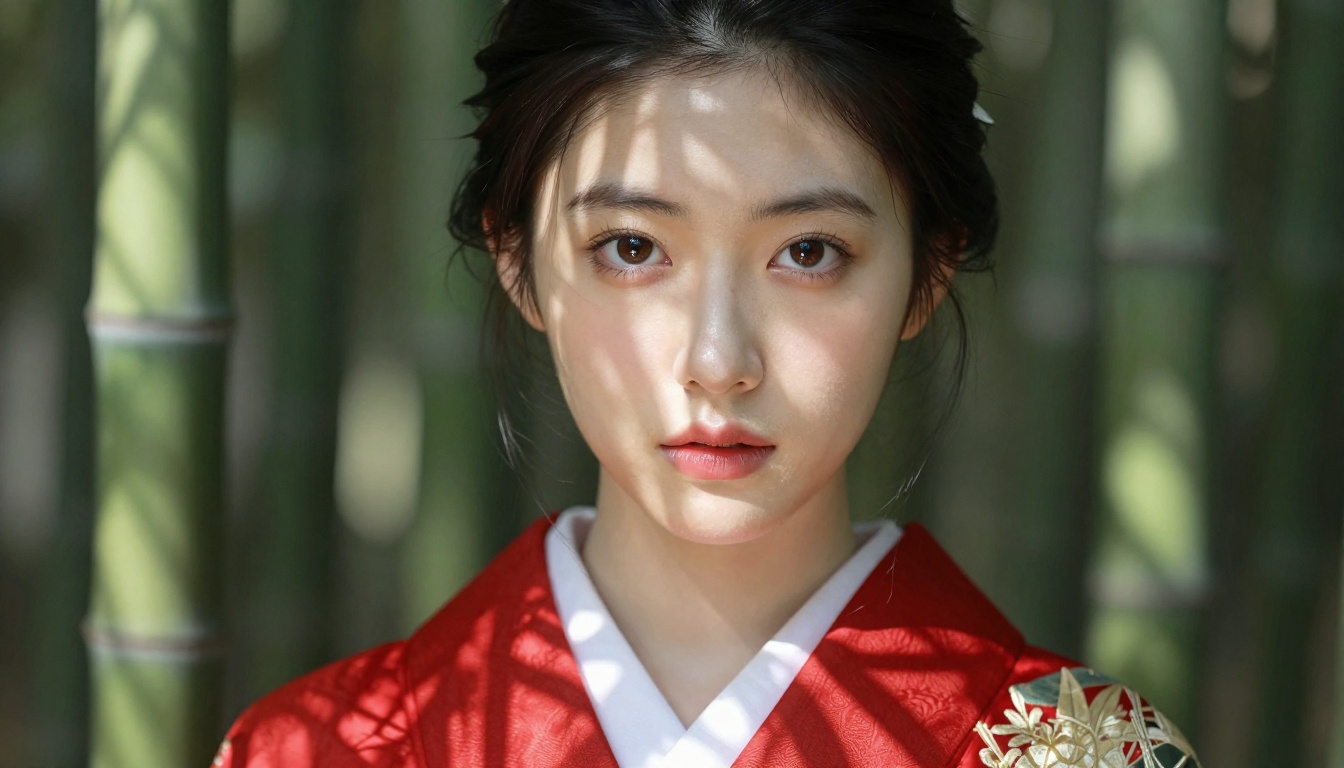
The most reliable workflow for waifu animation combines a strong source image with a focused motion prompt. Here's how to run through it efficiently.
Step 1: Generate Your Waifu Image
Use Seedream 4.5 or PicassoIA Image Editor Pro to create a high-resolution character portrait. Focus your prompt on physical details: eye color, hair length and color, expression, clothing, lighting direction, and background. The more specific the input, the more consistent the animation will be.
Generate at 16:9 ratio to match the video output format and eliminate any cropping.
Step 2: Pick Your Video Model
For most waifu animations:
Step 3: Write the Motion Prompt
A good motion prompt describes what moves and how, not just that something is moving. Be specific about the type and direction of movement.
Weak: "The girl moves and her hair blows"
Strong: "The woman slowly turns her head from left to right, her dark hair sweeping across her face in a single fluid motion, the breeze from the right causing individual strands to catch the light as they pass over her eye. Her expression shifts from neutral to a soft smile over the duration of the clip. Gentle camera dolly-in toward her face."
Step 4: Download and Share
PicassoIA hosts the resulting video with a permanent public URL. Download it directly or share the link. Most outputs are in MP4 format at the resolution you specified.
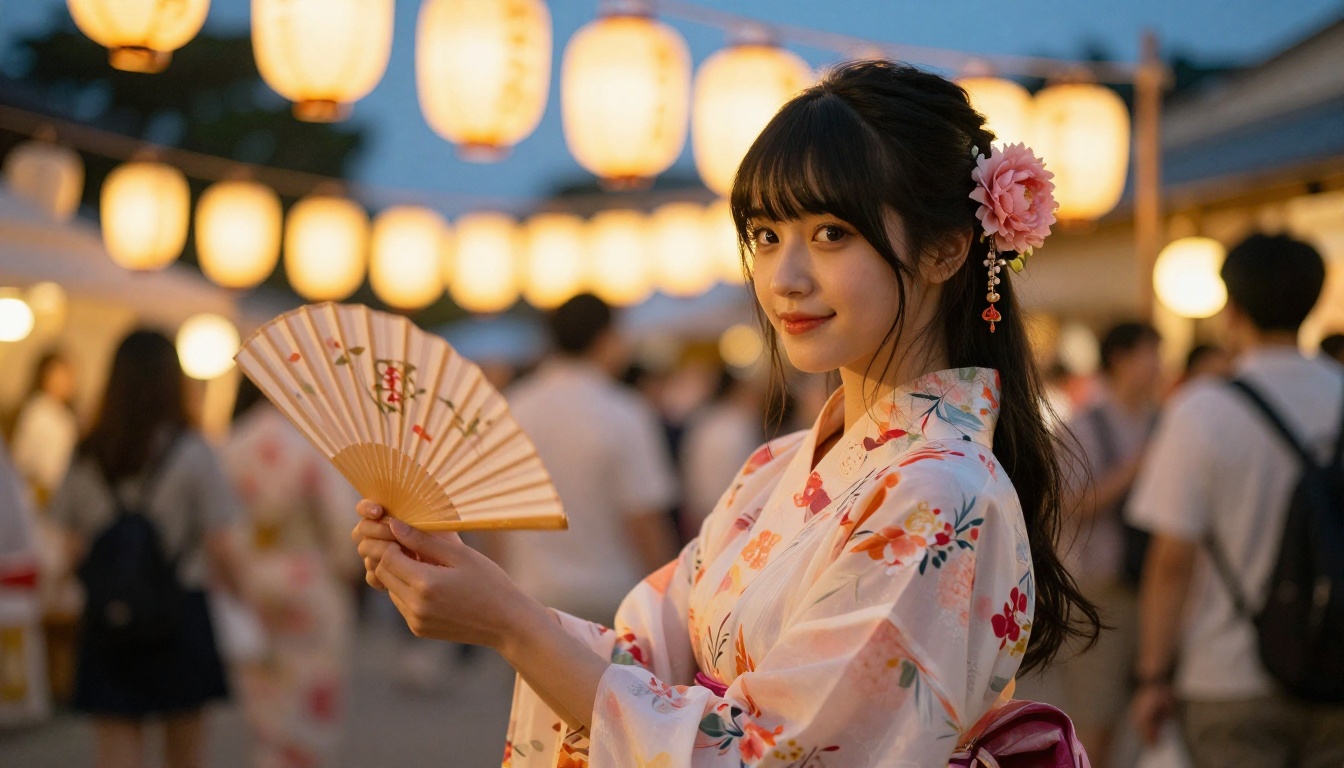
Best Models for Waifu NSFW Content
For creators working with adult waifu content, PicassoIA offers several models that accept NSFW prompts without restrictions. These are ranked by performance and flexibility:
- Seedream 4.5 ⭐ — The best all-around NSFW model. Accepts adult content, supports image editing, and generates ultra-realistic results in under 3 seconds. Its successor, Seedream 5 Lite, does not allow NSFW content.
- PicassoIA Image Editor Pro — Img2img with unlimited generations. Need 1,000 character variations? They're included in your Elite or Infinite plan. That same volume would cost approximately $100 on other models. Accepts NSFW content, returns results in under a second, and includes a 3-generation free trial with no credit card required.
- Qwen Image 2 — Open-source model that edits or creates any image in seconds with very detailed realism.
- Grok Imagine Image — Realistically converts any image to a bikini format.
- Recraft V4 — Very realistic text-to-image results.
- P-Image — NSFW text-to-image in under 1 second.
- PicassoIA Video — Unlimited video generation from text prompts at up to 720p and 5 seconds per clip.
- P-Video — Text, image, or audio to video at up to 1080p, with the safety filter off by default and draft mode for instant previews.
- Grok Imagine Video — Clips up to 15 seconds from text, an image, or an existing video. No watermarks.
- LTX 2.3 Pro — Highest fidelity at up to 4K/50fps, with retake and extend editing for precise control.
Unlike most mainstream AI platforms, PicassoIA provides full creative freedom with uncensored, high-performance models.
👉 See the full catalog at picassoia.com/en/all-models.
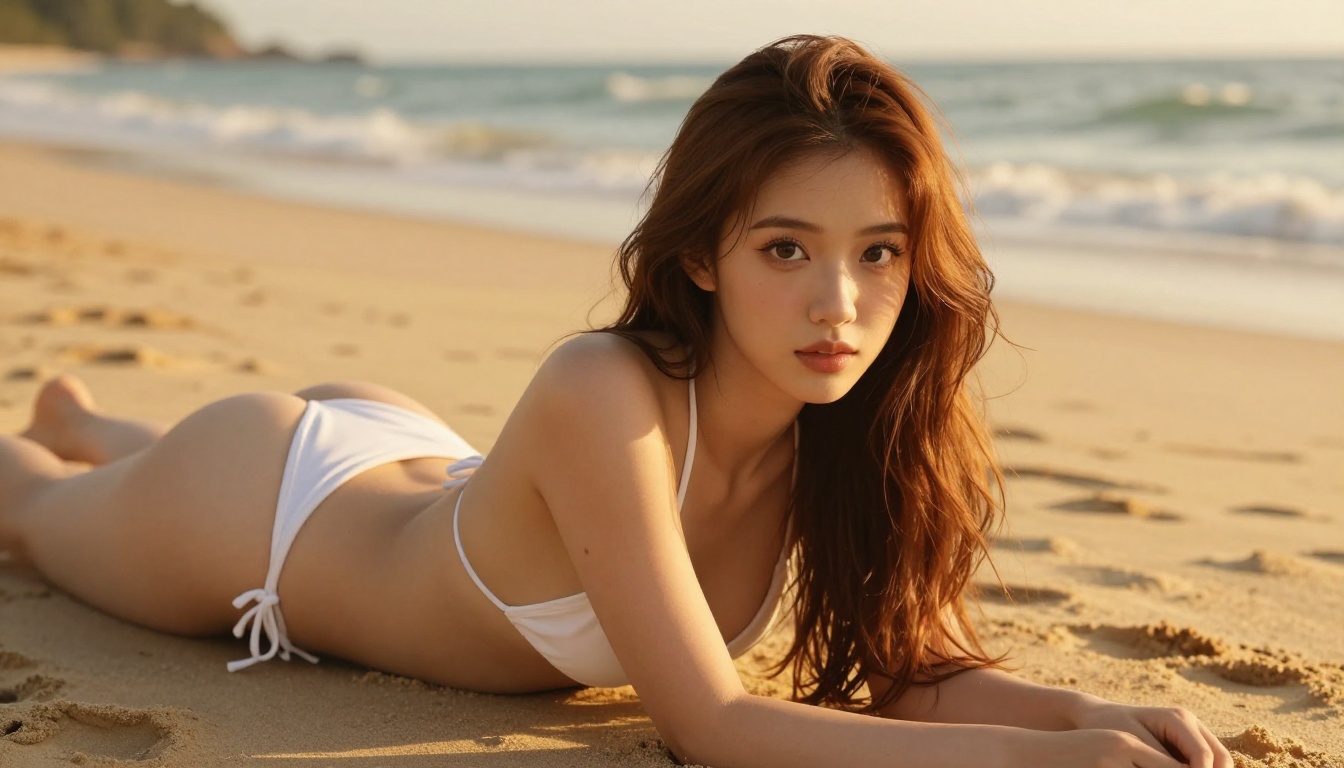
Comparing Top Waifu Animation Models
Tips for Better Waifu Animations
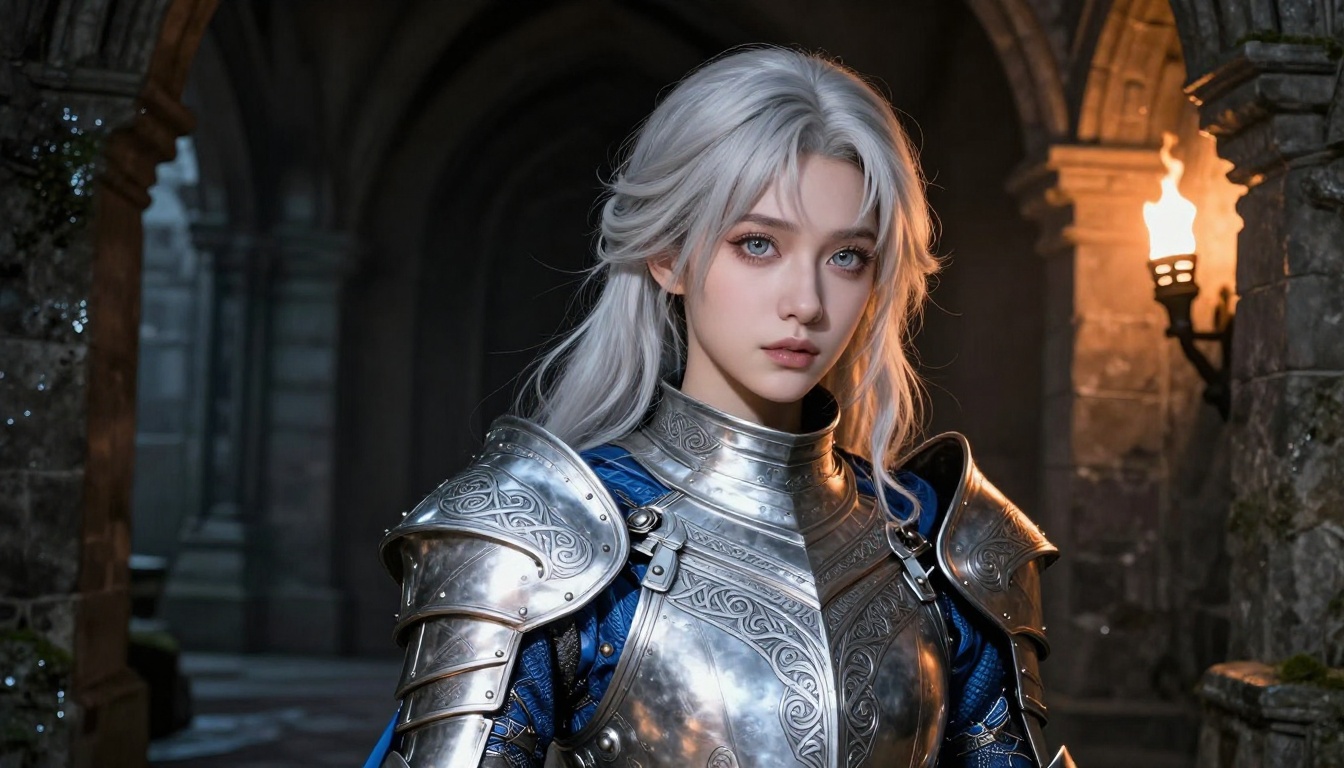
These specific practices consistently produce better results across all the models listed above:
Start with a clean source image. Avoid source images with motion blur, harsh shadows across the face, or complex backgrounds. The video model needs a clear anchor frame to maintain character consistency.
Describe camera motion separately from character motion. "She turns her head, slow dolly-in toward her face" is much easier for the model to interpret than "she turns while the camera moves in." Treat them as two separate instructions in your prompt.
Use shorter durations first. A 5-second clip is easier for the model to hold together than a 15-second one. If you need a longer clip, generate in segments and concatenate them in post.
Match prompt style to the model. Wan 3 and Seedance respond well to cinematic language ("rack focus," "wide establishing shot"). Kling v3 Motion Control responds better to directional language ("subject moves from left to right frame," "camera tilts down 15 degrees").
Avoid text in source images. Most video models handle text poorly and it often becomes distorted or disappears during animation. If your waifu has text on her clothing or accessories, consider removing it before animating.
💡 Consistency hack: If you're creating multiple clips of the same character, save the exact prompt and seed used for the source image. Re-generating from the same seed gives you a consistent character you can reuse across all your clips.
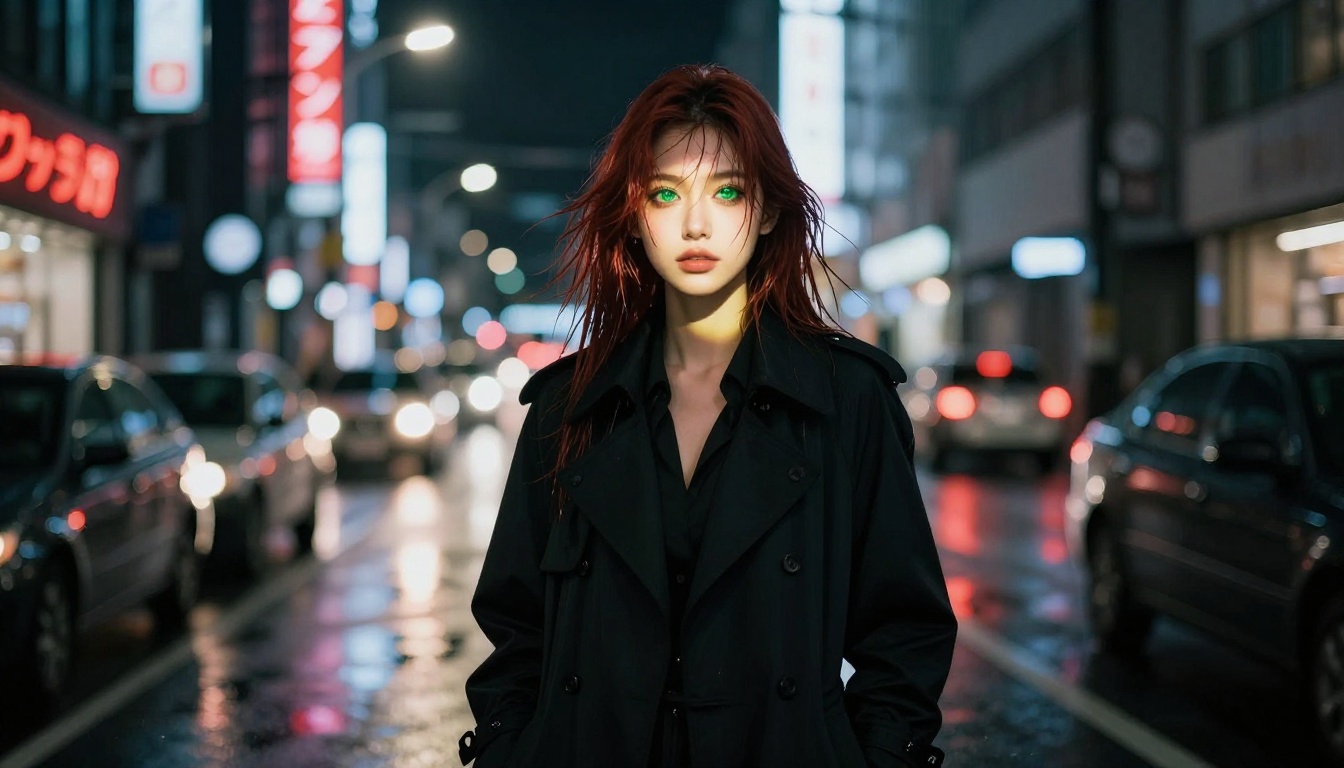
Dreamactor M2.0 and Ray 3.2: Two Models Worth Noting
Two models deserve a specific mention for creators focused on expressive waifu animation.
Dreamactor M2.0 from ByteDance is built specifically for character animation. It excels at driving character expressions and body motion from text descriptions, making it particularly useful for animating emotional moments: a character laughing, reacting with surprise, or turning with a slow, deliberate expression shift.
Ray 3.2 from Luma AI approaches the problem differently, with HDR-quality output and a focus on photorealistic rendering. For waifu animations that need to look indistinguishable from real footage, Ray 3.2 produces some of the most convincing results available on the platform.
Both pair well with source images generated by Seedream 4.5 and work best with detailed motion prompts that specify exactly what the character does over the duration of the clip.
Start Creating Your Own Waifu Animations
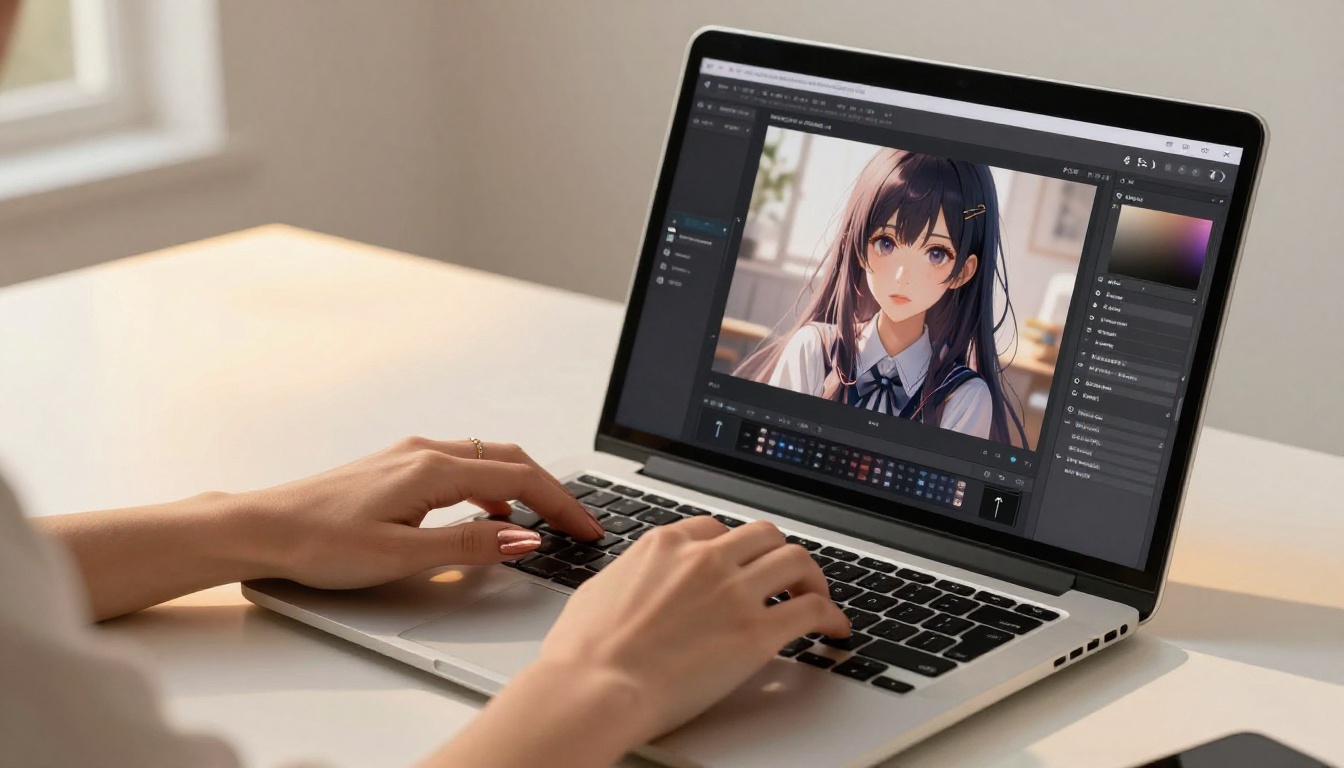
The tools covered in this article are all available on PicassoIA right now, with no installation or setup required. The fastest path to your first waifu animation:
- Open Seedream 4.5 and generate your character portrait at 16:9 ratio
- Take that image into Seedance 2.5 Lite for a free draft animation
- Refine your motion prompt based on the result
- Generate your final version with Seedance 2.5 or Wan 3 for full quality
The entire process takes less than 10 minutes and costs nothing for the initial draft. Browse all available models, including many not mentioned in this article, at picassoia.com/en/all-models and find the one that fits your creative vision.


