The scroll never stops. On TikTok's For You Page in 2027, something has quietly shifted, and most people watching don't even realize it. The clip of a woman walking down a sunlit cobblestone street in Rome? AI. The cinematic ocean sunset with flawless camera motion? AI. The avatar dancing to the latest trending audio with perfect lipsync? Very much AI.
AI-generated short-form video has officially arrived on TikTok, and it is moving faster than any content trend the platform has seen in years. What started as obviously synthetic novelty clips has evolved into footage so polished and visually stunning that it stops thumbs dead mid-scroll.
This article breaks down what is actually happening, which models are powering the viral clips you keep seeing, and exactly how to start making your own.
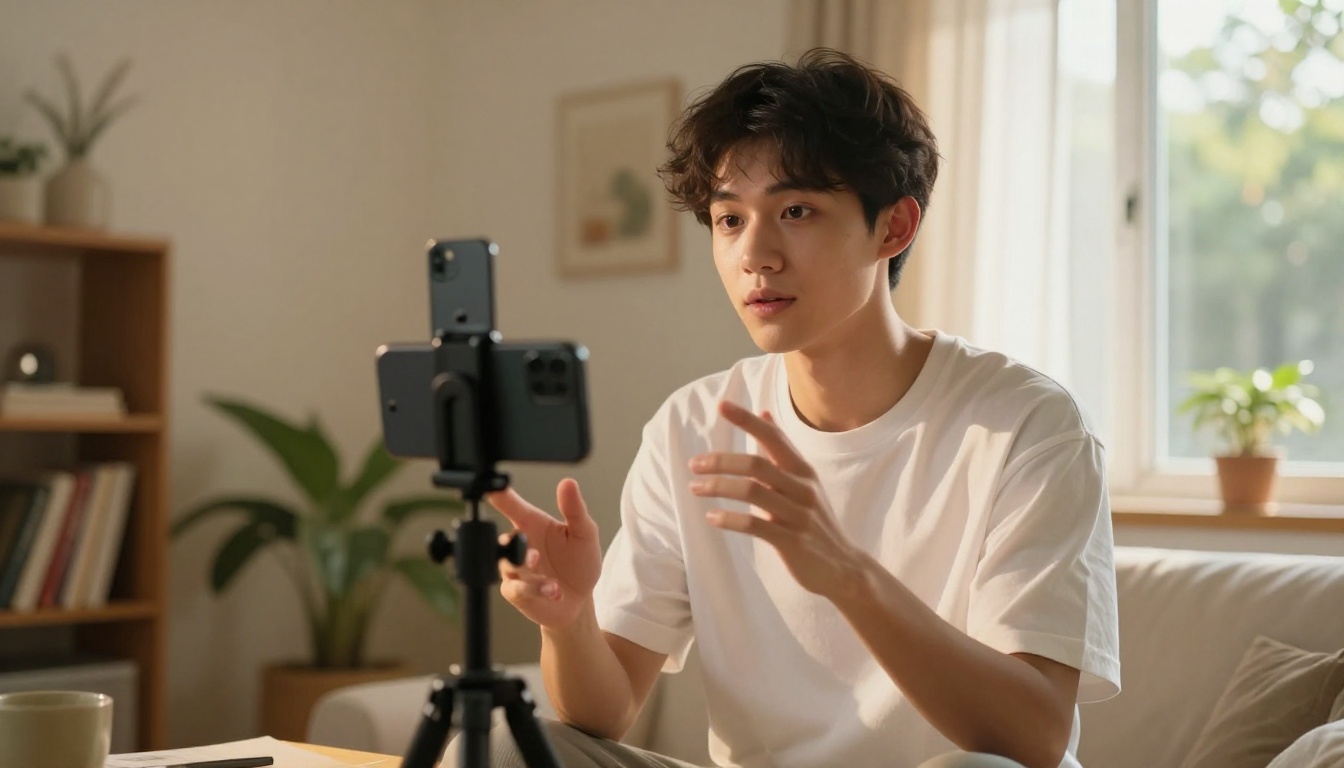
What's Actually Happening on TikTok Right Now
The numbers are hard to argue with. AI video content on TikTok has exploded in search volume, creator adoption, and pure watch time over the past six months. What changed? Two things happened almost simultaneously: the output quality of AI video models jumped dramatically, and the barrier to creating that content dropped to essentially zero.
You no longer need a filming crew, travel budget, or even a camera to produce content that looks like it belongs in a premium ad campaign. A typed prompt and about 30 seconds of generation time is all it takes.
The numbers don't lie
In early 2026, several AI video formats began dominating the platform's trending page consistently. Creators posting AI-generated clips were seeing 3x to 8x higher reach on first posts compared to standard talking-head videos. The algorithm rewards novelty and visual quality, and right now, well-made AI video delivers both in abundance.
💡 Watch time is everything. TikTok's algorithm weighs watch-through rate heavily. Visually arresting AI footage tends to hold attention longer, which signals quality to the platform and pushes the video to more feeds automatically.
Why this moment is different
The early wave of AI video on social media was easy to spot. Warped fingers, morphing backgrounds, uncanny faces. That era is over. Today's top models produce footage with stable motion, coherent physics, natural skin texture, and cinematic lighting that rivals professional production. The only real tell left is that the scenarios are often too perfect, too golden-hour, too immaculate.
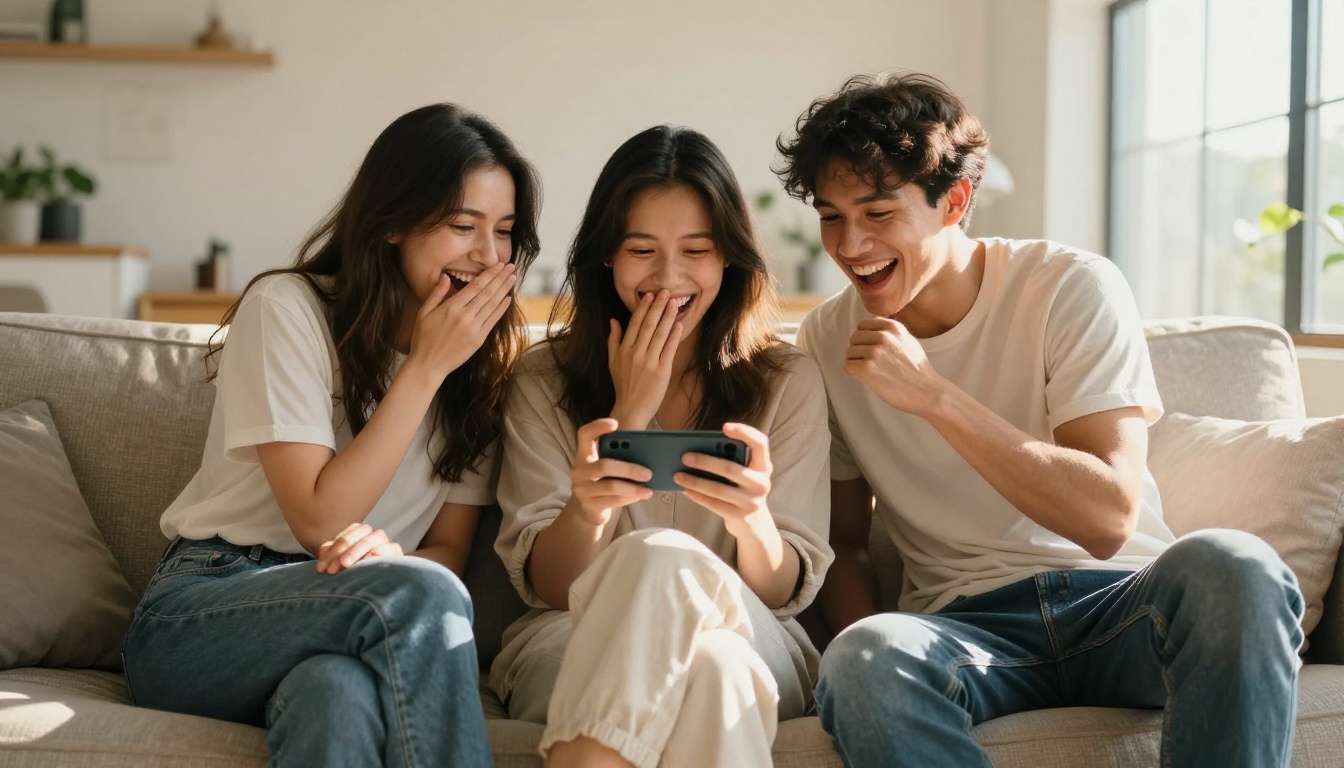
The AI Video Styles Going Viral
Not all AI video content performs equally. There are several distinct formats that are consistently racking up millions of views right now.
Hyperrealistic scenes nobody filmed
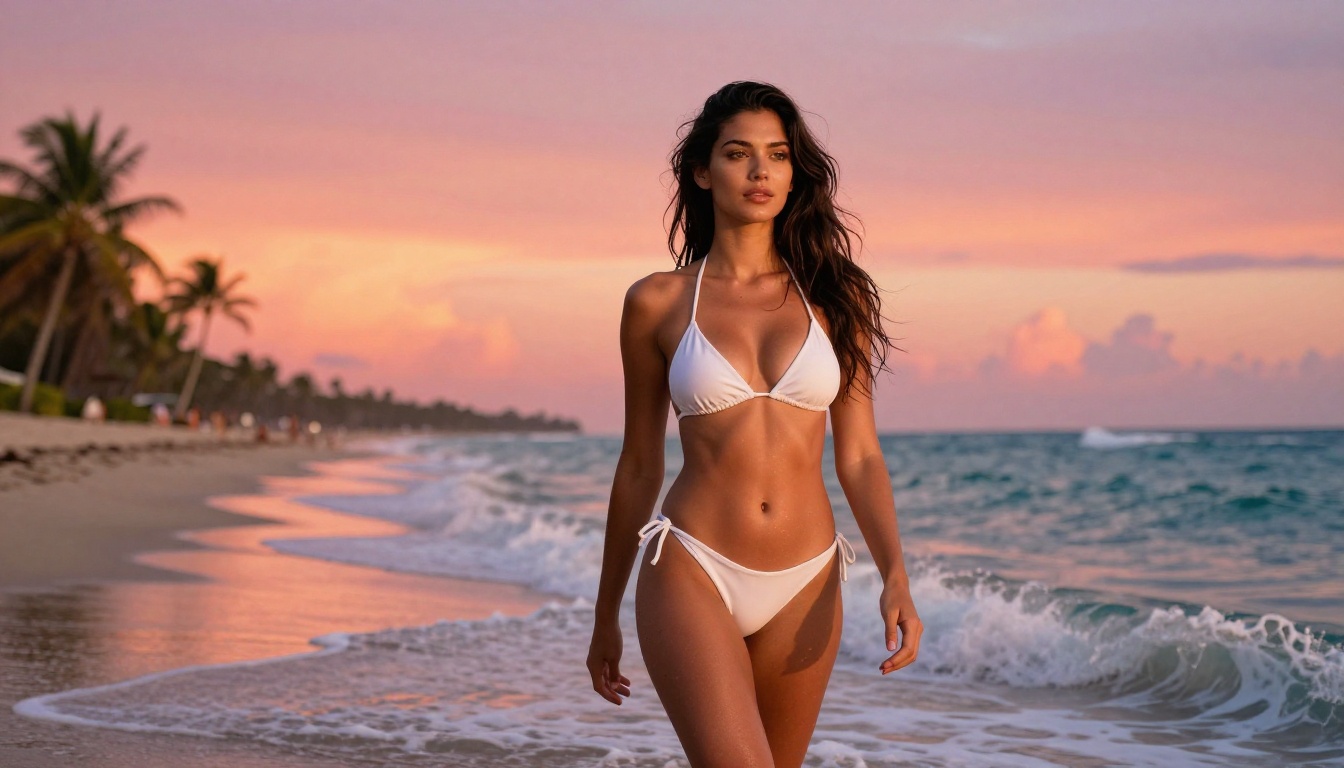
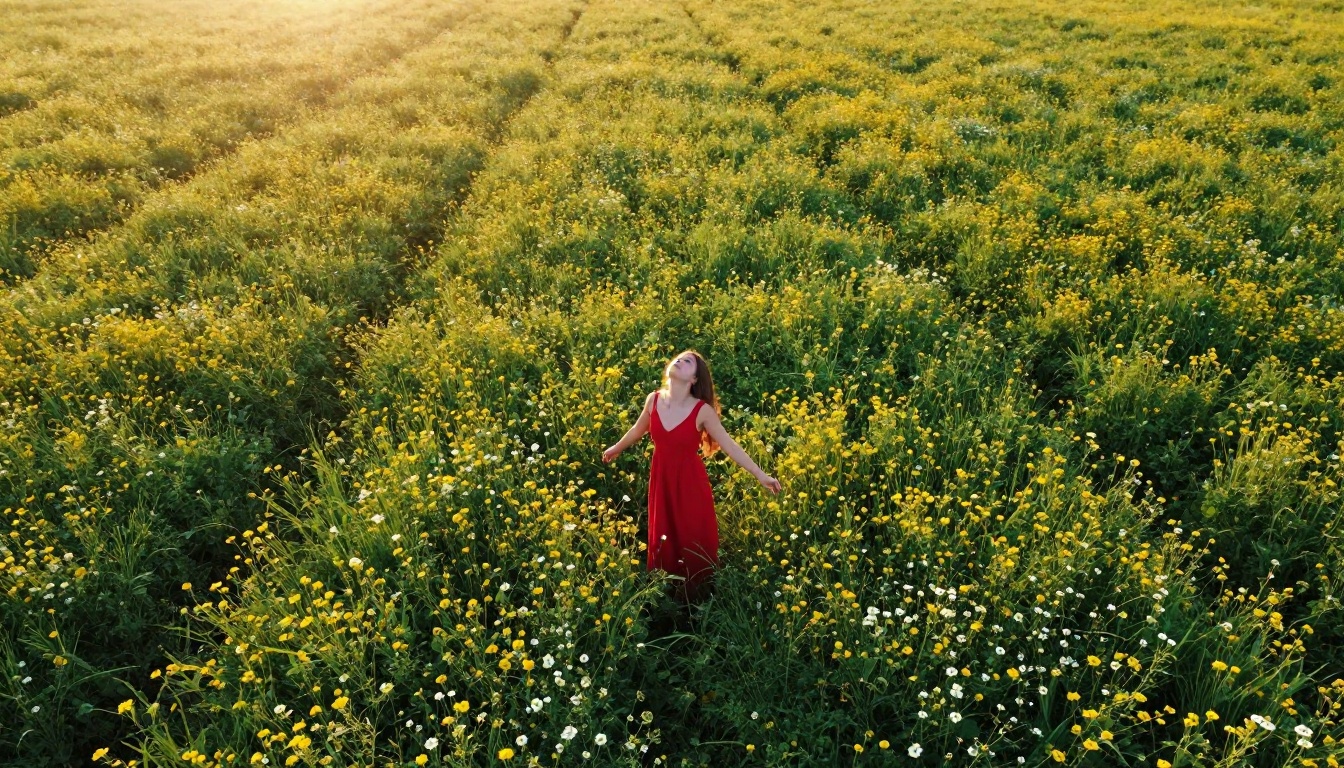
This is the dominant trend. Creators generate photorealistic clips of places, situations, and scenarios that would be impossible or extremely expensive to film in real life. Think: a solo creator "walking" through 1920s Paris, or a tranquil aerial shot of a turquoise lagoon with zero film crew in sight. The visual quality is the entire point, and audiences are genuinely captivated.
The comment sections on these videos tell the story: "wait, is this real?", "how did they film this?", "this can't be AI." That reaction is the goal, and the best AI video models are consistently hitting it.
AI avatar and face animation
Animated talking avatars and AI-driven character videos are a growing segment. Models that take a single photo and animate it into a speaking, reacting character have opened up content creation to people who have never been comfortable on camera. You write the script, the avatar delivers it with natural facial movement and synchronized speech. For faceless creators and educators, this format is a breakthrough.
Text-to-video cinematic loops
Pure text-to-video is the broadest category. Creators write a descriptive prompt, the model generates a 5-10 second cinematic clip, and that clip becomes the TikTok. Often paired with a trending sound or voiceover narration, this style works especially well for travel, fashion, food, and lifestyle niches where visual beauty carries the content entirely.
💡 Short loops win big. A 4-6 second AI video that loops seamlessly can accumulate enormous play counts because TikTok counts every loop as a view. Build your clips to loop naturally and watch your metrics climb.
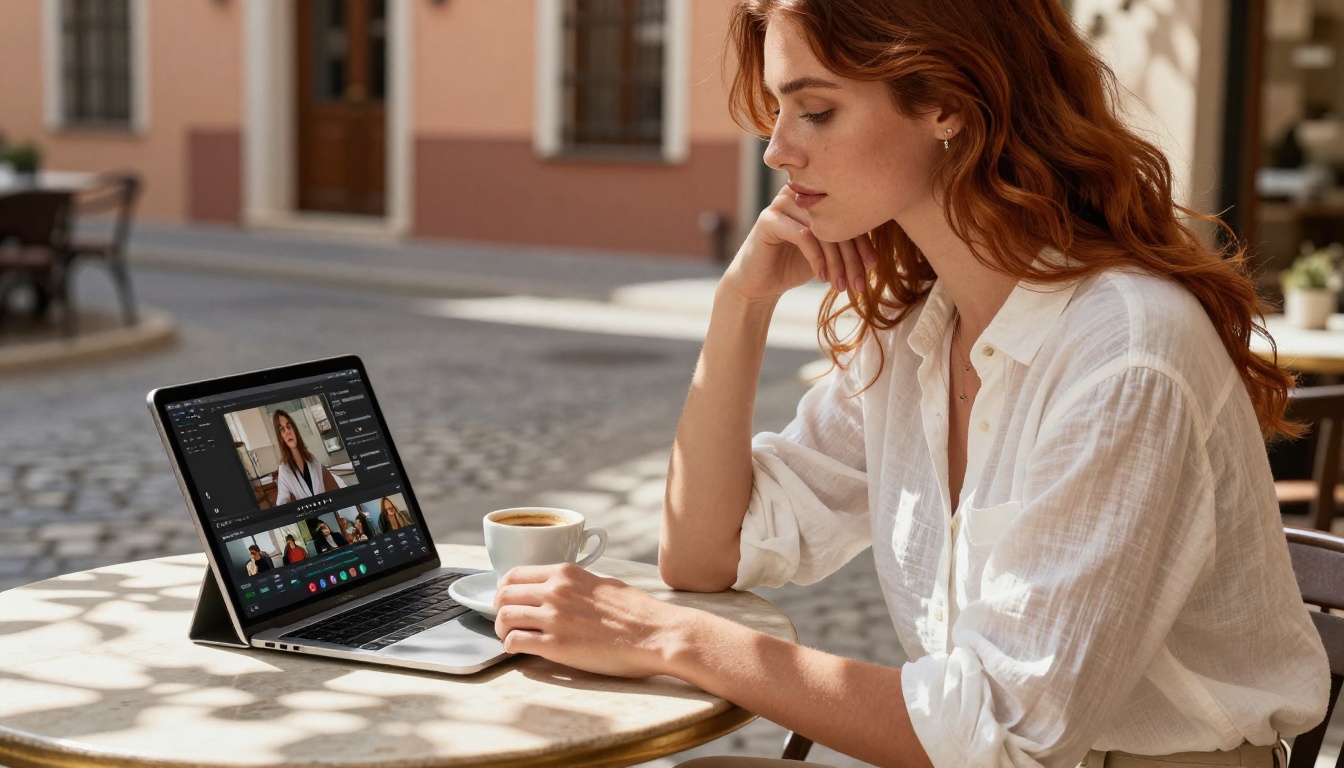
The Models Behind the Viral Clips
Here is what is actually being used. These are the AI video models that professional creators and viral accounts are relying on right now to produce content that performs.
Kling v3 Video: the cinematic workhorse
Kling v3 Video from Kwaivgi is the model most frequently credited in viral AI TikTok threads. Its motion coherence is exceptional, meaning subjects move in ways that feel natural rather than floaty or stuttered. The lighting physics are particularly strong for outdoor and golden hour scenes, which happen to be the most shareable aesthetic on the platform right now.
For creators who want consistent 1080p output with professional motion quality, Kling v3 has become the default first choice. Its cinematic framing and color rendering feel closer to a camera operator's work than a machine's output.
Pixverse v5.6: speed with quality
Pixverse v5.6 sits in the sweet spot between generation speed and output quality. For high-volume creators who post daily, the ability to produce a polished clip quickly is often worth more than marginal quality improvements. Pixverse's style leans slightly saturated and vibrant, which actually works in its favor on a platform that rewards visually bold content.
Veo 3 and Seedance 2.0: audio-native video
Veo 3 from Google and Seedance 2.0 from ByteDance both generate video with native, synchronized audio. Instead of adding a soundtrack in post, the model generates ambient sound, dialogue, and atmosphere as part of the video itself. For TikTok, where audio is half the experience, this capability is genuinely significant.
Veo 3 Fast is the quicker variant for creators who want the native audio capability without the longer wait time. The quality tradeoff is minimal for short-form TikTok content.
💡 Native audio clips tend to hold attention longer even when viewers watch with sound off, because the algorithm classifies them as higher-quality content and extends their distribution reach.
Wan 2.7 T2V: maximum HD detail
Wan 2.7 T2V from Wan Video produces some of the most detailed 1080p footage available. For creators who want shots with rich texture, fine environmental detail, and strong spatial depth, Wan 2.7 delivers in a way that holds up even at full-screen playback. It pairs especially well with travel and nature content where texture and environmental fidelity are what make the viewer stop scrolling.
How to Use Kling v3 Video on PicassoIA
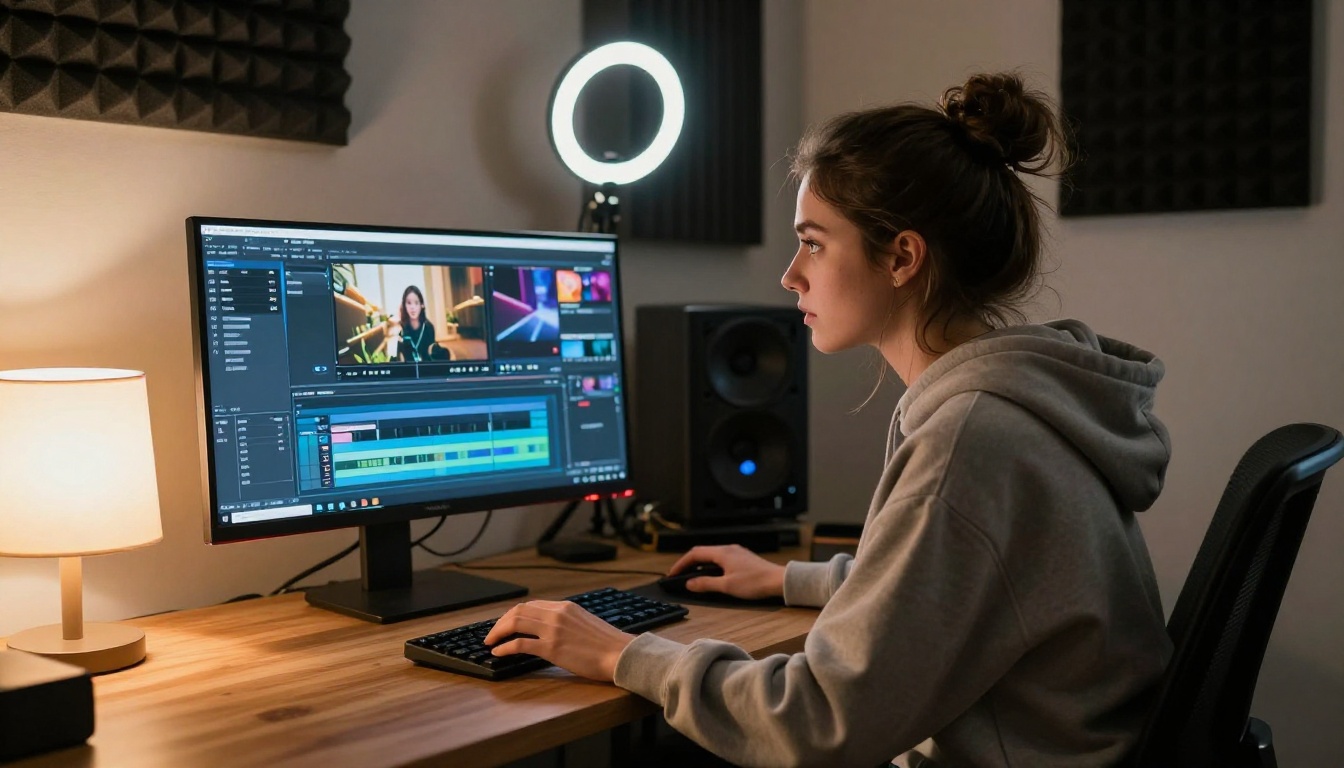
Since Kling v3 Video is the most consistent performer for TikTok-style cinematic content, here is a step-by-step walkthrough for generating your first clip directly on PicassoIA.
Step 1: Write a cinematic prompt
Specificity is everything. Vague prompts produce vague results. Instead of "a woman walking on a beach," write: "a young woman with long dark hair in a flowing white dress walks slowly along a deserted beach at golden hour, camera tracking from behind at knee height, warm backlight creating a soft halo effect in her hair, gentle waves, photorealistic, 8K."
Structure every prompt as: subject + action + environment + lighting + camera angle + style keywords.
Step 2: Set your aspect ratio to 9:16
For TikTok, the standard is vertical 9:16. Most AI video tools default to landscape, so changing this before generating is essential. Kling v3 supports 9:16 natively, and vertical output requires no cropping or reformatting before posting.
Step 3: Control motion intensity
Kling v3 allows you to adjust motion strength. For loopable ambient clips and slow scenic scenes, keep motion at a medium or lower setting. High motion works well for action sequences but can introduce artifacts on fast subject movement. For your first clips, medium motion delivers the most consistent and professional results.
Step 4: Generate and review
Run the generation. Kling v3 typically takes 45-90 seconds for a 5-second 1080p clip. Review for three things: motion stability, subject coherence, and lighting consistency. If any are off, regenerate with a slightly adjusted prompt before proceeding. Small prompt changes, like specifying "slow camera movement" or "static camera," can produce dramatically different results.
Step 5: Add audio and post
Download the clip, bring it into CapCut or your phone's editor, layer a trending audio track or record your own voiceover, add captions, and post. For maximum initial reach, post within 30 minutes of a trending sound hitting its peak volume on TikTok's trending audio chart.
What Makes an AI Video Go Viral
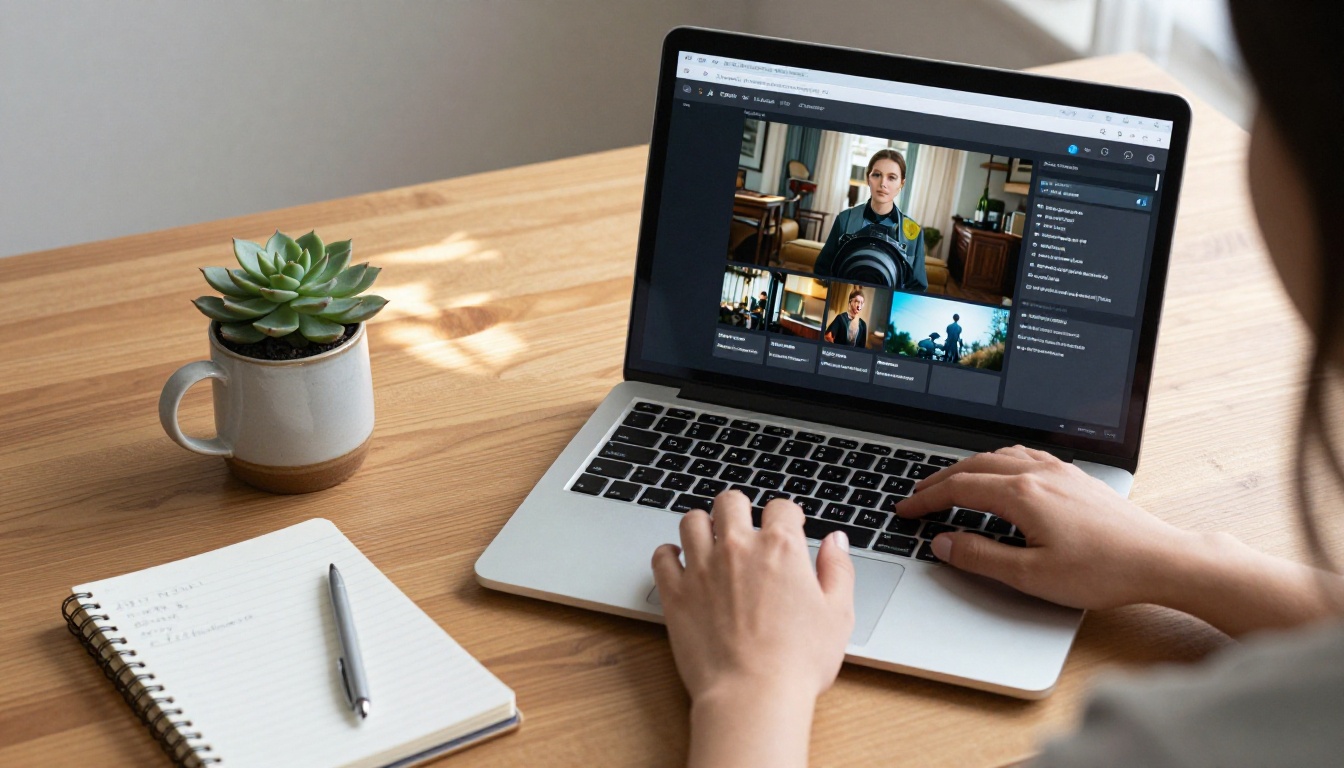
Generating a technically good clip is the starting point, not the finish line. The same rules that apply to all TikTok content apply here, and sometimes more aggressively.
The 3-second hook rule
TikTok's algorithm measures drop-off at the 3-second mark. If viewers swipe away immediately, the video dies in distribution. Your AI clip needs to be visually stunning from frame one. Put the most arresting visual moment right at the start. No slow zooms, no fade-ins, no atmospheric buildup. Start mid-scene, at the peak of the visual moment.
Audio still matters
Even with native audio models like Veo 3 and Seedance 2.0 available, most viral AI video creators still layer trending TikTok sounds over their clips. The reason is straightforward: trending audio has built-in discovery momentum. The algorithm surfaces content using trending sounds more aggressively than content with original audio, particularly in the first 24 hours after posting.
Caption strategy
Short, curiosity-driven captions dramatically outperform descriptive ones. Instead of "AI-generated beach video made with Kling," try "nobody filmed this." The mystery drives comments, shares, and saves, all of which TikTok weighs as strong quality signals that extend a video's distribution window.
💡 Saves are the highest-value action. If your video gets saved by viewers, TikTok's algorithm treats it as high-value content and extends its reach significantly. Create clips visually beautiful enough that people want to keep them for reference or inspiration.
3 Mistakes Killing Your AI Video Views
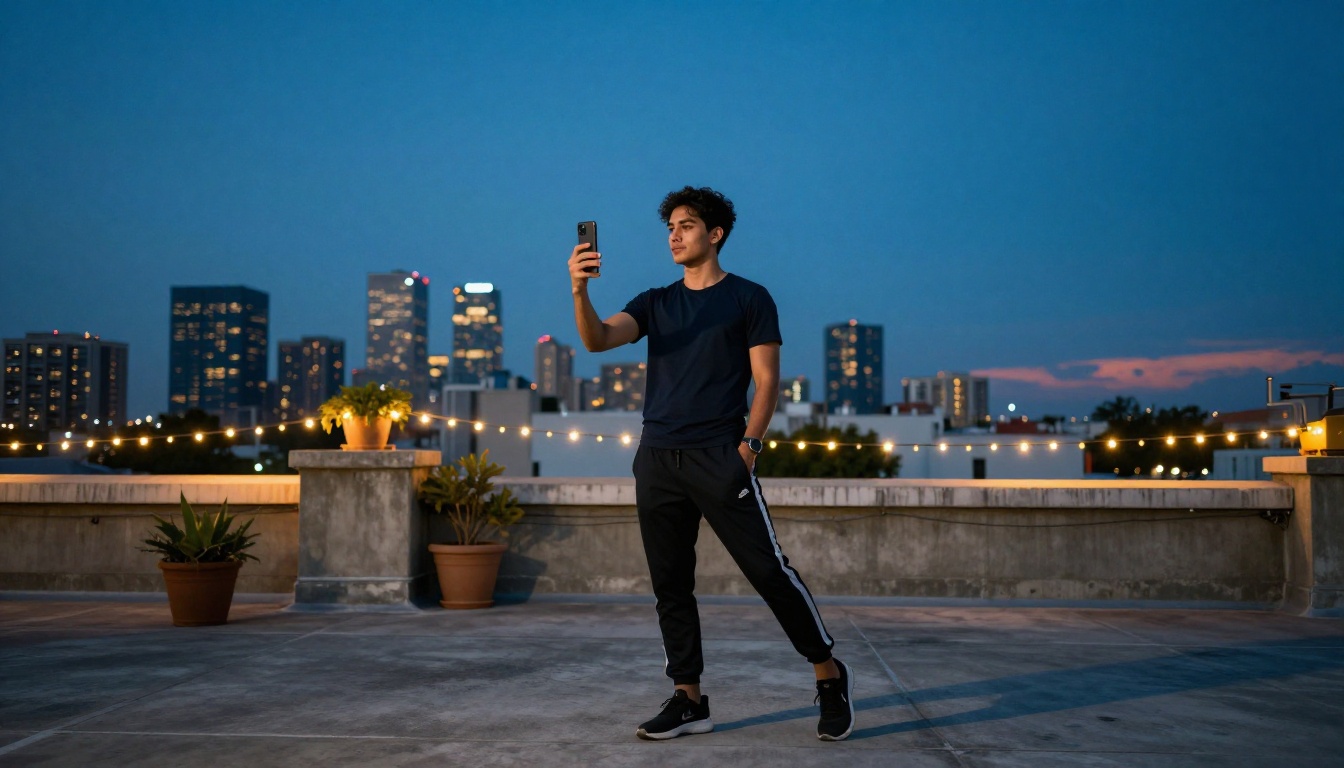
Most creators who try AI video on TikTok and get poor results are making the same three errors repeatedly.
1. Generic prompts producing generic output
The single biggest predictor of a forgettable clip is a forgettable prompt. If your prompt could describe a stock photo, your video will feel like stock footage. Inject specificity: unusual locations, unusual times of day, unusual camera angles, specific lighting conditions. The algorithm rewards content people haven't seen before, and it starts with the prompt.
2. Wrong aspect ratio
Posting a landscape 16:9 clip on TikTok is one of the fastest ways to sink a video before it gets momentum. The platform deprioritizes non-vertical content in the For You feed. Always generate 9:16 for TikTok, 1:1 for secondary Instagram reposts.
3. Skipping the seamless loop
A clip that ends abruptly gets one play per viewer. A clip that loops naturally gets replays, and replays inflate your view count and watch time metrics simultaneously. Most AI video generators allow you to specify looping behavior in the prompt itself. Phrases like "seamless loop," "circular motion returning to start," or "continuous flow" encourage loop-friendly output.
The Bigger Picture: AI Video Is Not Slowing Down
The rate of improvement in AI video models over the past 12 months has been steep, and there is no sign of that slowing. Sora 2 from OpenAI pushed the benchmark for temporal coherence and narrative-driven video. LTX 2.3 Pro from Lightricks broke into 4K territory in an accessible web tool for the first time. Kling v2.6 Motion Control introduced the ability to choreograph specific camera movements by reference image.
Each of these improvements directly translates to better TikTok content. What is achievable today with a typed prompt and 30 seconds of generation simply was not possible 12 months ago.
For creators who are not yet using AI video tools, the window to stand out as an early adopter is closing. The accounts building audiences around this content type right now are staking out territory that will be significantly more competitive in six months.
Your First AI Video Is 30 Seconds Away
The clips flooding TikTok right now are not being made by large studios or technical specialists. They are being made by solo creators who learned a handful of prompting principles, found the right tools, and started posting consistently.
All of the models covered in this article, including Kling v3 Video, Pixverse v5.6, Veo 3, Seedance 2.0, Wan 2.7 T2V, and Hailuo 02, are available in one place on PicassoIA. No juggling subscriptions across five different platforms. No downloads, no local setup, no GPU required.
Type a prompt, choose a model, and generate. The only thing between you and a TikTok-worthy AI video is the next 30 seconds.
What would you make first? Open PicassoIA, pick Kling v3 Video or Pixverse v5.6, and write the most specific, visually interesting prompt you can think of. The results will surprise you.


