The debate has been going on for years, but 2027 finally offers real answers grounded in actual capability rather than speculation. Photoshop and AI image tools are no longer fighting for the same audience. They are splitting it.
If you are a professional retoucher charging by the hour, Photoshop still pays your rent. If you need 50 unique product visuals for a campaign launching Thursday morning with zero design experience, AI is your only realistic option. Both of these realities can coexist, and recognizing that puts productive creators ahead of people who spend their time arguing about which tool is better.
The conversation has shifted dramatically in the past 18 months. AI image generation went from producing warped hands and incoherent backgrounds to outputs that are genuinely difficult to distinguish from professional photography. Photoshop responded with Generative Fill, AI-powered selection, and neural filters. Both sides are moving fast. Any take from two years ago is already obsolete.
What follows is a breakdown focused on what each tool actually does in practice. Specific workflows. Real cost comparisons. Honest assessments of where each one falls short.
What Photoshop Still Does Best
Precision Nobody Else Offers
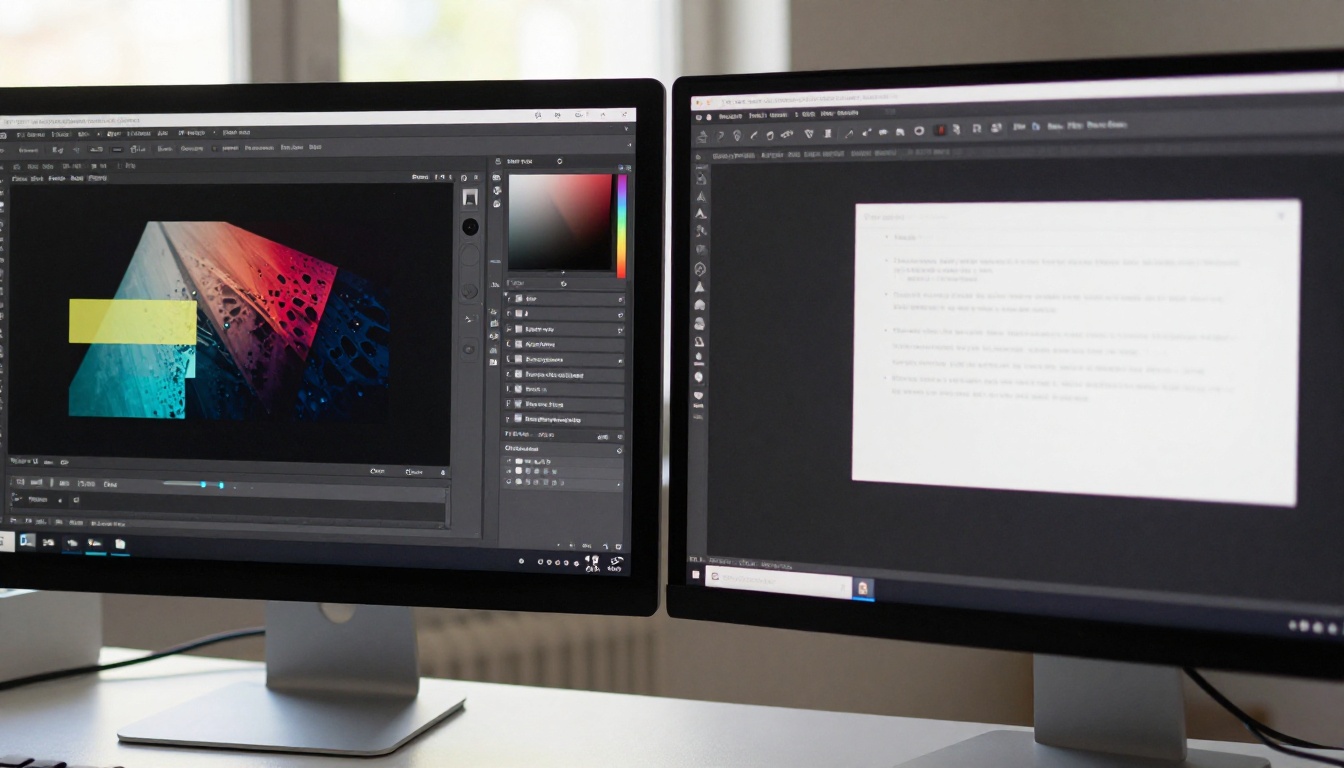
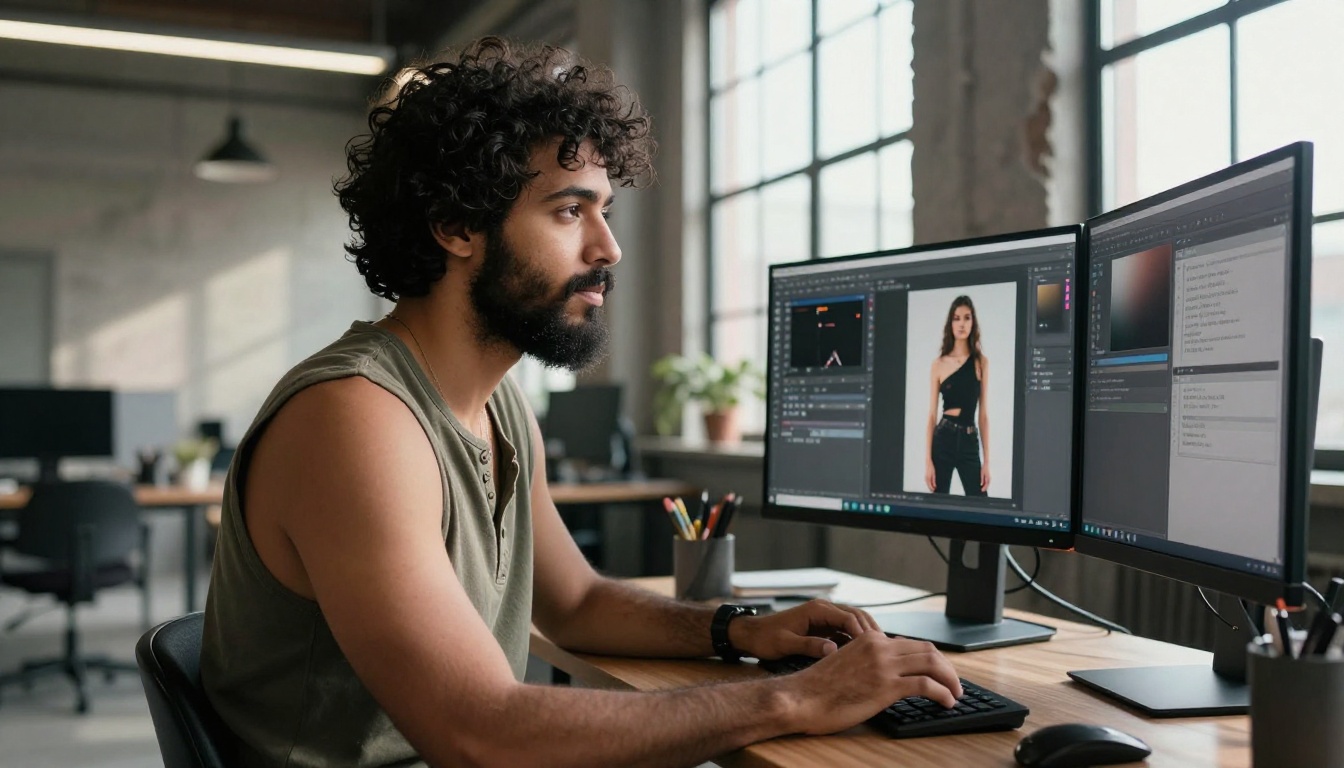
Photoshop's clearest advantage is precision. When a fashion retoucher needs to fix a fabric wrinkle at 400% zoom, adjusting 12 specific pixels along a seam line, no AI tool on the market can do that job. It requires a human eye, a graphics tablet, and direct control over individual pixels.
The same logic applies to complex compositing. Cutting a product shot into a scene and making the shadows fall correctly based on an actual light source direction requires the kind of control that Photoshop provides. AI can approximate this, often convincingly, but it is still an approximation.
This matters enormously in commercial work. Advertising campaigns, product photography for large e-commerce operations, and print materials destined for billboards all demand that level of control. A "close enough" result from AI is not acceptable when you are producing imagery for a global brand.
Non-Destructive Layers Still Unmatched
Adobe's layer system is 30 years old and still unmatched for professional flexibility. Stack adjustment layers, masks, blend modes, and smart objects in a single file, then undo any specific change six months later without touching anything else. That kind of revision capability is essential in agency workflows where clients routinely change direction after final approval.
AI tools currently produce outputs, not editable files. You get a result. If that result is 80% correct, you still need Photoshop to fix the remaining 20%. These tools are not competitors here so much as they are sequential steps in the same production pipeline.
Photoshop's Own AI Features
Something worth acknowledging: Photoshop has integrated AI extensively in recent versions. Generative Fill lets you paint over any region of an image and generate new content that matches surrounding light and texture. Select Subject and Remove Background now run on neural networks and perform significantly better than earlier methods.
This blurs the line considerably. The question is no longer purely "Photoshop vs. AI" since Photoshop is increasingly powered by AI internally. The more accurate frame is: dedicated AI image platforms versus traditional software with AI features integrated.
For most creative workflows, dedicated AI platforms still offer faster iteration and more model variety. But Photoshop's AI integrations are no longer trivial, and Adobe is investing heavily in this direction.
Color Science for Professional Output
Photoshop's CMYK workflows, ICC color profiles, and print-ready export capabilities remain unchallenged in professional contexts. Preparing files for offset printing, packaging design, or billboard output requires Photoshop paired with a calibrated monitor. AI image platforms output sRGB JPEGs and PNGs. That is not a print production pipeline, and it will not be one anytime soon.
Where AI Wins Right Now
Speed That Rewrites the Economics
Speed is where AI completely changes what is possible. A social media manager who needs 20 unique visuals for a campaign launching tomorrow has two realistic options: spend $150 per hour on a designer, or spend 40 minutes on an AI platform.
AI wins that comparison decisively. Not because the output is always superior, but because the time-to-result ratio is so fundamentally different that the economics do not work any other way. For high-volume, fast-turnaround digital content, there is no version of this where Photoshop keeps pace.
This also changes who can produce professional-looking content. A solopreneur running an online store no longer needs to hire a designer for every product image. A journalist can generate compelling visuals for an article without a photography budget. The democratization of image creation is real, and it is accelerating.
Text-to-Image: Creating From Nothing
This is a capability Photoshop cannot replicate. Describe a scene in plain language and receive a photorealistic image in seconds. That did not exist in any mainstream commercial tool five years ago. Now it is available to anyone with an internet connection.
Modern AI models produce results with accurate lighting, realistic proportions, and coherent scene detail that would take a skilled Photoshop compositor hours to build manually. The bottleneck is no longer the AI. It is the quality of the description the user provides.
For marketing teams, e-commerce operators, and content creators who need original visuals at scale, this represents a genuine shift in what is possible without a dedicated photography or design budget.
Background Removal in Seconds
Background removal used to be a slow, skill-dependent process in Photoshop. The magic wand tool was never actually magic. The pen tool required real precision and patience. Even the newer Select Subject option needed manual cleanup on complex edges including hair, transparent materials, and fur.
AI-powered background removal, such as the Remove Background model by BRIA, handles this in seconds with clean edges on the most difficult subjects. What used to take a competent Photoshop user 20 to 30 minutes now produces comparable results in under 10 seconds.
For product photography teams running hundreds of items through post-production, that time difference is the difference between meeting a deadline and missing it.
Upscaling Without Adding Blur
Enlarging a low-resolution image in Photoshop produces blur. This is a hard technical limitation. You are stretching pixels that do not contain the information to fill the enlarged space. Photoshop averages surrounding pixels to fill the gaps, which produces softness.
AI super-resolution models work differently. They are trained to reconstruct missing detail in statistically plausible ways, based on patterns from millions of images. The result is genuine detail addition rather than pixel averaging.
Tools like Real ESRGAN, Google Upscaler, and Topaz Labs Image Upscale can take a blurry 512-pixel image and output a sharp 2048-pixel version with plausible, detailed texture. The Crystal Upscaler is especially effective on portrait photography, restoring realistic skin texture, pore definition, and individual hair strands. Recraft Crisp Upscale focuses on clarity and edge sharpness, while BRIA's Increase Resolution delivers reliable results on product shots and architectural images.
These capabilities are simply not achievable in Photoshop using native tools.
The Honest Cost Breakdown
Cost frequently drives the final decision more than capability. Here is what both actually cost in practice:
| Tool | Monthly Price | What Is Included |
|---|
| Photoshop only (Adobe) | $22.99 | Photoshop, Lightroom |
| Adobe Creative Cloud | $54.99 | Full Adobe suite |
| AI Image Platform | $10 to $20 | Unlimited generations |
| Professional retoucher | $50 to $150/hour | Single edited deliverable |
💡 Many small businesses switching to AI tools cite cost as the deciding factor, not quality. At one-fifth the price of the full Adobe suite, an AI platform can cover 80% of what most non-professional creators actually need day to day.
The hidden cost that surprises people is the time investment required to get productive in Photoshop. Getting skilled enough to do professional retouching takes months of consistent practice. Most people who purchase an Adobe subscription never progress beyond basic adjustments. They are paying for software they barely use.
AI tools have a different onboarding curve. Most users are producing usable results within a few hours of starting. That gap in time-to-productivity has a real dollar value attached to it, especially for freelancers and small teams where time spent on setup is time not spent producing work.
The Scale Problem for Teams
For agencies managing dozens of projects simultaneously, per-seat licensing costs for Photoshop add up significantly. AI platforms typically offer team plans covering multiple users at a fraction of the equivalent Adobe spend. For teams whose primary output is digital content rather than print, this cost difference becomes increasingly difficult to justify over time.
Workflow Comparisons That Actually Matter
Portrait Retouching: Honest Numbers
Photoshop workflow: Open RAW file, apply global corrections, export for frequency separation skin work, dodge and burn for shaping, subtle liquify adjustments, final color grading, export. Total time for a professional result: 45 to 90 minutes per image.
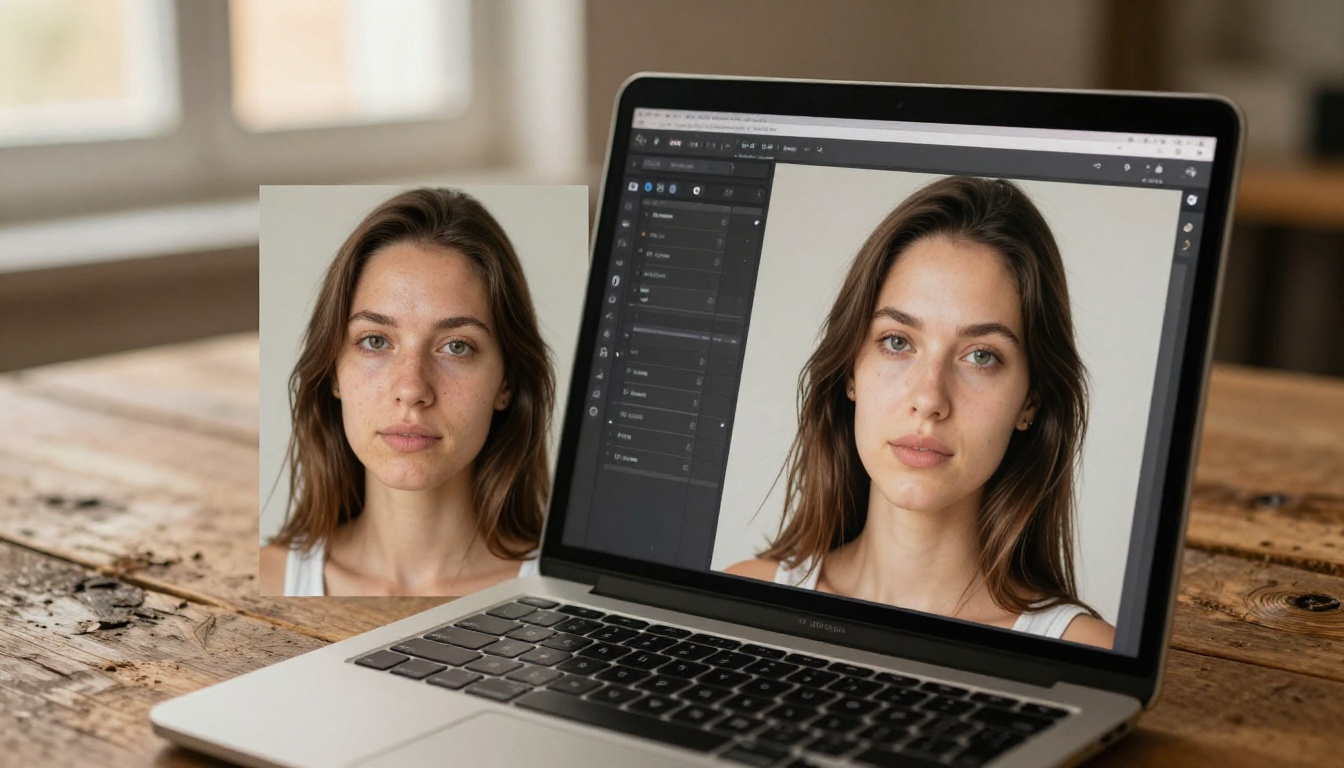
AI workflow: Upload portrait, apply AI skin smoothing, run a face-aware AI correction pass. Total time: 2 to 5 minutes. Output quality: 70 to 85% of what a skilled retoucher produces manually. Acceptable for social media and editorial content. Potentially not acceptable for a high-end beauty campaign or luxury brand.
The winner here depends entirely on what the image is for and who will see it at what size.
Background Removal: No Real Contest
For this specific task, AI wins with no meaningful argument. The Remove Background model by BRIA produces cleaner edges than most intermediate Photoshop users achieve manually, in a fraction of the time. Even Adobe's own "Remove Background" button in Photoshop now runs on AI, which is a clear admission that the older manual selection methods cannot compete at speed or volume.
Upscaling Old or Low-Resolution Photos
Photoshop loses this task badly against AI. Its interpolation algorithms produce blurry results when enlarging images significantly. Recraft Creative Upscale adds genuine depth and new detail that was not present in the original image. A scanned family photograph from 1975 comes out sharper and more detailed than the original print. That result is not possible with Photoshop alone.
AI Limitations That Don't Get Discussed Enough
Consistency Across Multiple Images
AI image generation produces different results on every run, even with the same prompt. For brand campaigns that require consistent product appearances across 30 images, this inherent randomness is a serious operational problem. Photoshop, working from source photography, maintains visual consistency because the source material does not change.
This is one of the most underreported limitations of AI in commercial photography workflows. Creative directors who need 40 images of the same product in different scenes will find AI frustrating without significant additional tooling.
Accuracy on Specific Subjects
AI models fill in details based on statistical probability rather than your actual intent. A storefront generated by AI might have a sign with scrambled or incorrect letters. A crowd scene might include people with subtly wrong proportions in the background. For general marketing imagery, this is manageable. For anything requiring factual accuracy, like a medical illustration or architectural rendering that will be used in a legal document, it is a genuine problem.
The IP Question Is Still Unsettled
The legal status of AI-generated imagery remains actively contested in multiple jurisdictions. For large brands with legal departments, this introduces risk that simply does not exist with Photoshop-edited photography that is properly licensed. Until this area of law is settled, some professional contexts will require caution.
Who Should Use Which
This does not have to be a binary choice. Both tools have earned specific places in modern creative production.
Photoshop is the right tool when:
- Your work requires precise pixel-level control or complex compositing
- You are operating in a professional retouching pipeline with demanding quality standards
- The output is print-ready and requires CMYK color management
- Your client expects multiple revision rounds on specific elements
- Visual consistency across a large number of images is a hard requirement
AI image tools are the right choice when:
- You are creating visuals from scratch without source photography
- You need fast results for digital channels at significant volume
- Background removal or photo upscaling is a major part of your regular workflow
- You have no professional design background but need usable output today
- Cost efficiency is a primary business consideration
Both tools work together when:
- You use AI to generate a base image, then refine specific elements in Photoshop
- You create AI reference images before organizing an actual photo shoot
- You batch-process upscaling with an AI model, then apply color grading in Photoshop
- You use AI to generate multiple variations quickly, then composite the best elements
Where Things Actually Stand
In 2027, AI wins on speed, accessibility, and specific tasks including background removal and photo upscaling. Photoshop wins on precision, professional workflow compatibility, print production, and visual consistency across large projects. Neither tool is obsolete.
The realistic picture for most working creatives is that these tools serve different parts of the same production pipeline. AI handles the heavy lifting on repetitive tasks and high-volume work. Photoshop handles the fine detail that requires human judgment and surgical control.
💡 The most effective workflows right now do not pick a side. They use AI to produce 80% of the result fast, then use Photoshop to close the remaining 20% where precision matters most.
Professionals positioned well right now are those who stopped treating this as a competition and started using both tools where each one genuinely performs better. The argument about which is better overall is the wrong question. The right question is: which one is better for this specific task, today?
Start Creating with AI Images Today
If you have not tested what current AI image generation actually produces, the most direct way to see it is to try it without committing hours to setup or configuration.
Picasso IA puts the most capable AI generation models alongside professional-grade tools for background removal, portrait correction, and photo upscaling, all in one place, without installation. The Real ESRGAN model, Google Upscaler, and Topaz Labs Image Upscale are available immediately.
Generate your first image from a plain text description in under a minute. Take that output into Photoshop if you need to refine specific elements further. That is the workflow the most productive creators are running right now.
The tools are available. The only thing left is to actually use them.