The rise of AI image generation has transformed creative industries, but when it comes to NSFW content, most mainstream platforms impose strict restrictions. AI waifu generators represent a specialized category of AI tools designed without these limitations, allowing creators to generate adult anime-style characters freely. If you're looking for a platform that truly supports uncensored creative expression, PicassoIA offers open-source models perfect for this purpose.

Understanding AI Waifu Generators
An AI waifu generator is a specialized AI model trained to create anime-style female characters based on text descriptions. Unlike general-purpose image generation tools that apply safety filters to restrict adult content, waifu generators are built specifically for this market, allowing creators to describe exactly what they want without compromising their vision.
The term "waifu" originates from anime culture and refers to fictional female characters. Modern generators combine:
- Advanced neural networks trained on anime artwork
- Flexible parameter controls for customization
- Unrestricted generation capabilities for adult content
- Quick processing times for rapid iteration
These tools serve various communities, from digital artists exploring new creative techniques to game developers building character assets, and individual creators seeking personalized entertainment experiences.
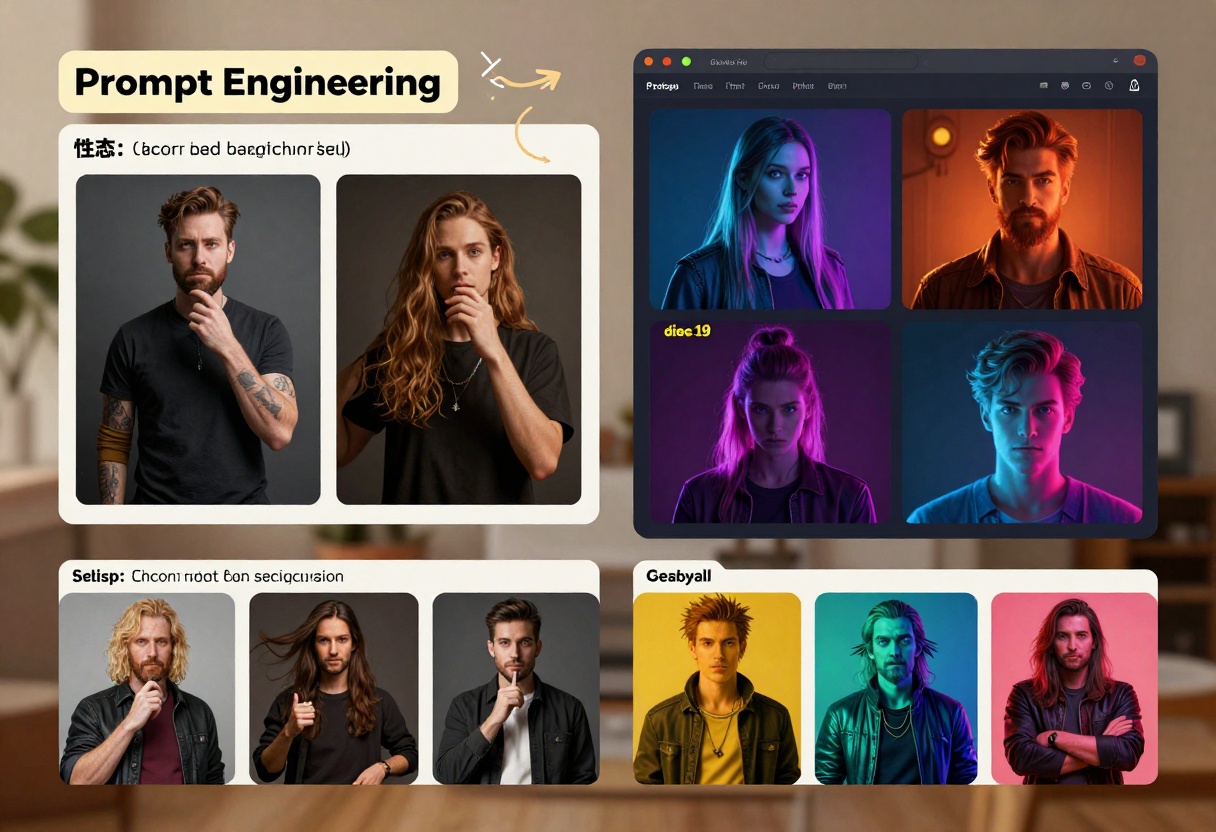
Traditional AI image generators like DALL-E and Midjourney impose strict content policies that automatically reject prompts for adult material. This creates a significant limitation for creators interested in:
- Adult entertainment content creation - Game developers and artists creating explicit material
- Artistic exploration - Creators pushing boundaries of digital art without restrictions
- Personalized character design - Building fantasy characters exactly as envisioned, without censorship
- Community-driven creation - Sharing and collaborating on adult-oriented projects
PicassoIA's advantage lies in its use of open-source models that don't enforce restrictive safety filters. This philosophy respects user autonomy and creative freedom while maintaining responsible use practices. The platform trusts creators to use these tools ethically and responsibly.
Essential Features for Waifu Generation
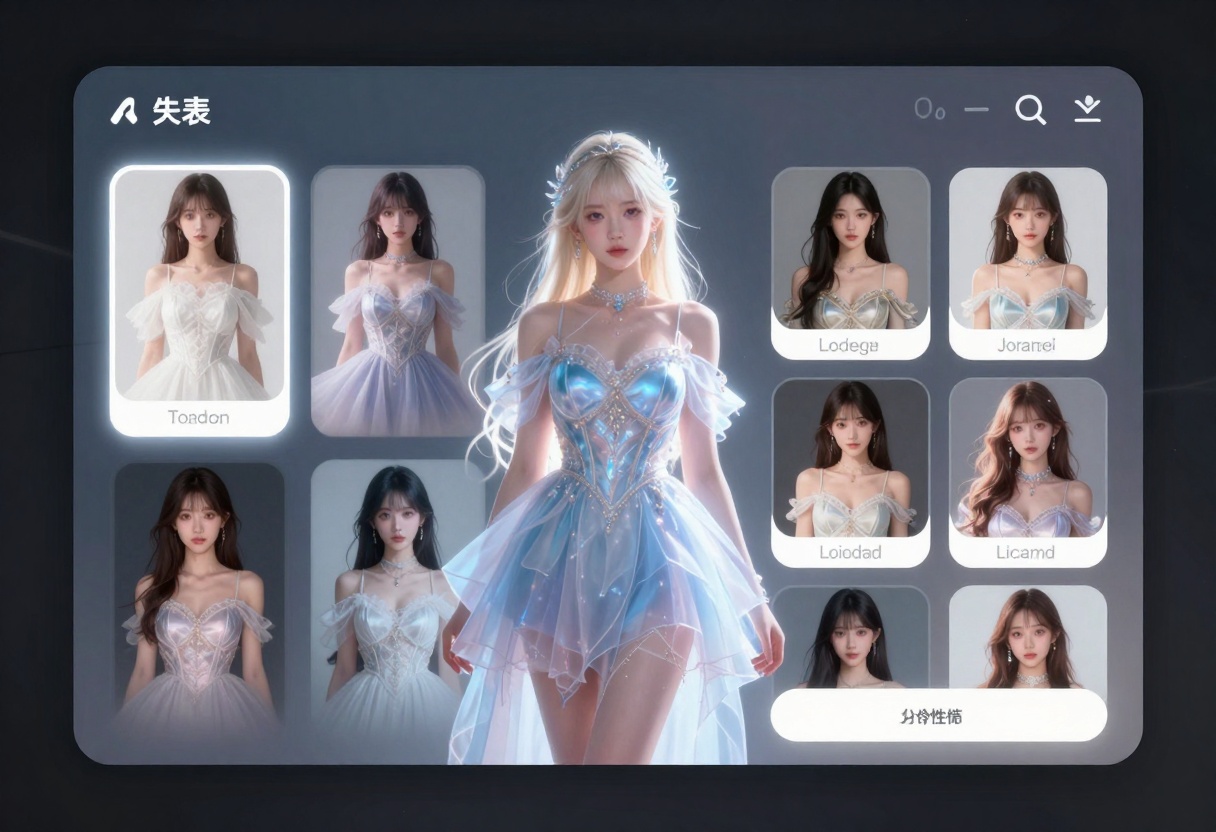
When selecting an AI waifu generator, prioritize these capabilities:
Character Customization
- Detailed physical attributes - Control over body type, hair style, eye color, skin tone
- Clothing and accessories - Design specific outfits and visual elements
- Personality expression - Convey emotional states and expressions through prompts
- Style selection - Choose between different anime aesthetic styles
Technical Capabilities
The best platforms offer more than just basic generation. You need:
- Multiple model options - Different algorithms for varied styles and quality levels
- Batch generation - Create multiple variations quickly
- Editing tools - Refine and modify generated images
- Resolution control - Generate high-quality images suitable for different uses
- Aspect ratio flexibility - Create portrait, landscape, or custom dimensions
Unrestricted Generation
This distinguishes NSFW generators from mainstream platforms:
- No content filtering - Generate any description without rejection
- No account restrictions - No age verification or approval processes
- Privacy options - Keep your creations private if desired
- Unlimited generation - Create as much as needed within rate limits
Prompting Techniques for Character Generation
Creating compelling characters requires strategic prompt engineering. The quality of your generated images depends heavily on how you describe your vision.
Effective Prompt Structure
Start with specific physical descriptions rather than vague requests:
- ❌ Weak: "a cute girl"
- ✅ Strong: "anime girl with long silver hair, pale skin, blue eyes, wearing a white sundress, gentle smile, soft lighting, delicate features"
The more detail you provide, the closer the AI comes to your vision. Include information about:
- Hair - Color, style, length, texture (straight, curly, wavy)
- Eyes - Color, shape, expression
- Body type - Description of physical proportions
- Clothing - Specific outfits with textures and colors
- Expression - Emotional state and mood
- Setting context - Where the character exists
- Art style - Anime style preference (realistic, chibi, SD style, etc.)
Advanced Prompt Optimization
For professional results, incorporate these elements:
| Prompt Element | Example | Impact |
|---|
| Quality modifiers | "masterpiece, high quality, detailed" | Improves overall image fidelity |
| Art style | "anime illustration style, digital painting" | Controls aesthetic direction |
| Lighting | "soft warm lighting, cinematic composition" | Enhances atmosphere and mood |
| Technical specs | "8k resolution, sharp focus, HDR" | Increases detail and clarity |
| Negative elements | "avoiding distorted features" | Prevents unwanted characteristics |
Example of an optimized prompt:
"A beautiful anime girl with long burgundy hair, emerald green eyes, fair complexion, delicate facial features, wearing an elegant black dress with gold accents, sitting gracefully on a velvet chair, soft warm golden hour lighting, professional digital illustration, masterpiece quality, detailed painting style, cinematic composition, high resolution, sharp focus"
Content Style Options
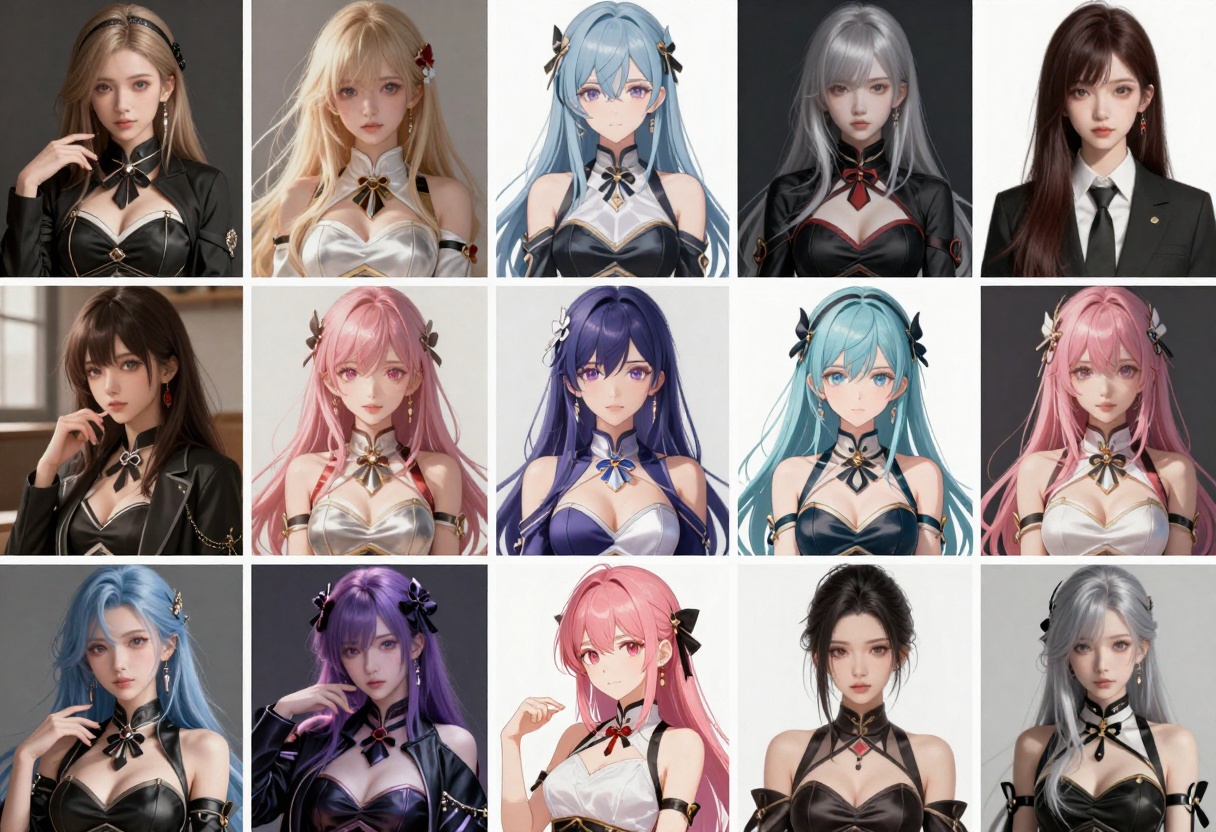
Different anime styles produce distinct results. Understanding these variations helps you craft better prompts:
Popular Anime Aesthetics
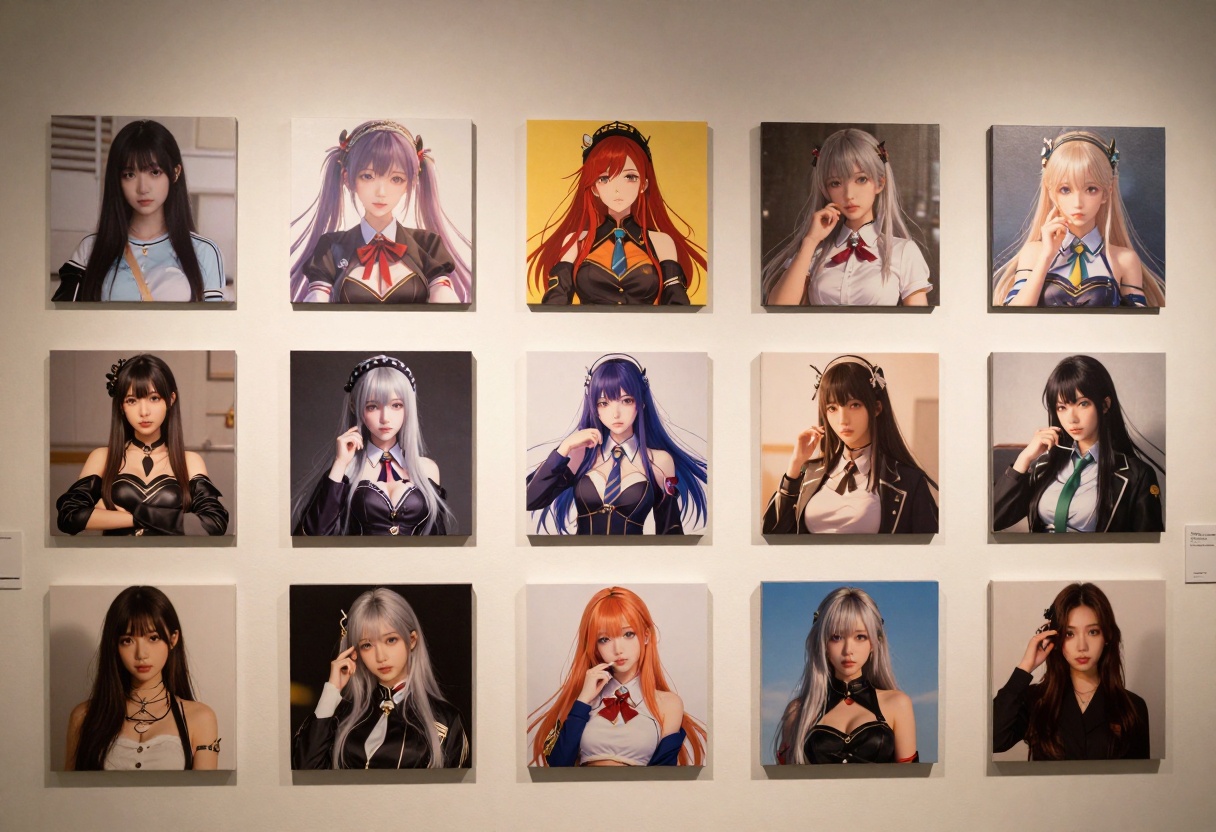
Realistic Anime Style - Prioritizes photorealism while maintaining anime characteristics. Useful for cinematic character designs.
Chibi Style - Super-deformed proportions with exaggerated features. Perfect for cute, whimsical characters.
Semi-realistic Style - Balances realistic proportions with anime styling. Great for serious character designs.
Digital Painting Style - Mimics hand-drawn artwork with visible brushstrokes and artistic flourishes.
Pixel Art - Retro video game aesthetic, lower resolution, clean geometric shapes.
Getting Started with PicassoIA
PicassoIA's open-source models make it an excellent choice for unrestricted character generation. Here's how to begin creating your AI waifus on the platform.
Step 1: Access the Model Page
Visit Flux 2 Max on PicassoIA, which offers advanced text-to-image capabilities perfect for character design.
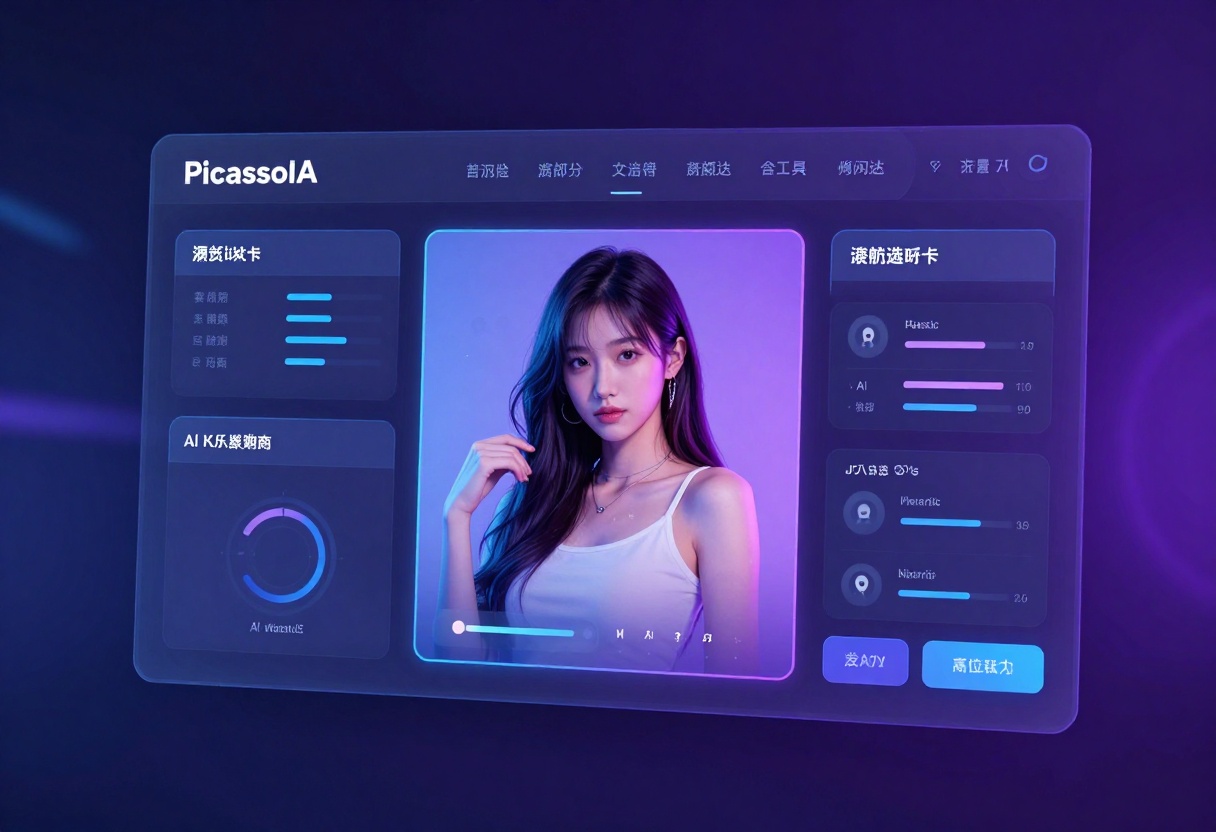
Step 2: Understand Key Parameters
Before generating, familiarize yourself with these essential settings:
- Prompt (required) - Your detailed character description
- Resolution - Image size (0.5MP to 4MP recommended, defaults to 1MP)
- Aspect ratio - Portrait (3:4), landscape (16:9), or square (1:1)
- Safety tolerance - Ranges from 1 (strict) to 5 (permissive) - for NSFW content, use higher values
- Output quality - 0-100 scale for compression quality (80+ recommended)
Step 3: Write Your Character Prompt
Compose a detailed prompt incorporating the techniques discussed above. Include specific physical attributes, clothing, style preferences, and atmospheric elements.
Step 4: Configure Generation Settings
- Select your preferred aspect ratio (typically 3:4 or 1:1 for character portraits)
- Choose resolution (1-2 MP works well for character headshots)
- Set safety_tolerance to 4-5 for unrestricted generation
- Set output_quality to 85-100 for best results
Step 5: Generate and Iterate
Click the generate button and wait for processing. PicassoIA typically completes generations quickly. If the result doesn't match your vision, refine your prompt and try again. Consider:
- Adding more specific details if the result feels generic
- Adjusting style keywords if the aesthetic doesn't match
- Breaking down complex descriptions if results seem confused
- Increasing safety tolerance if the model seems to apply unwanted filters
Advanced Generation Features
Beyond basic text-to-image generation, modern platforms offer sophisticated tools for creators.
Batch Generation
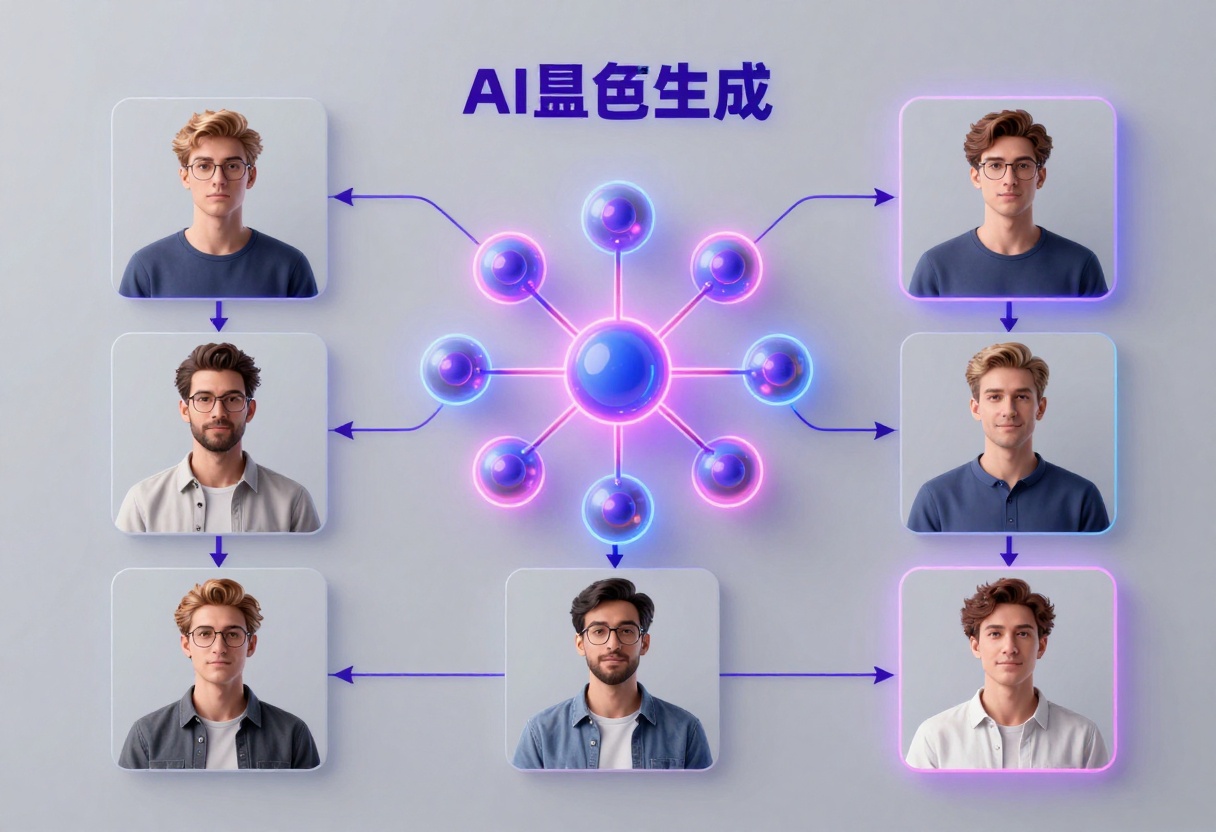
Generate multiple character variations simultaneously by submitting similar prompts with slight modifications. This approach helps you:
- Create character lineups for comparison
- Test different style variations
- Build character galleries rapidly
- Optimize prompts through iteration
Image Editing and Refinement
Edit mode allows non-destructive modifications to generated images. You can:
- Change specific elements (hair color, clothing, background)
- Adjust composition and framing
- Enhance details in particular areas
- Combine features from multiple images
Aspect Ratio Control
Character generation benefits from specific aspect ratios:
- 3:4 (Portrait) - Traditional character sheet format, ideal for full-body designs
- 1:1 (Square) - Icon or avatar-sized, good for profile pictures
- 2:3 (Tall) - Dramatic portrait orientation, great for promotional art
- Custom - Define exact dimensions for specific project requirements
Practical Applications and Use Cases
AI waifu generators serve diverse communities with legitimate creative purposes:
Game Development
Indie game developers use these tools to rapidly prototype character designs, create NPC sprites, and design protagonist characters without expensive hiring of concept artists.
Digital Art and Content Creation
Artists explore new techniques, generate inspiration, and create artwork at scales previously requiring large teams. Many artists use AI-generated characters as bases for further artistic refinement.
Character Design Services
Professional designers offer custom character creation services, using AI generators as foundational tools to accelerate workflow and explore design variations.
Entertainment Content
Content creators develop stories, narratives, and interactive fiction featuring AI-generated characters, building engaged communities around their creations.
Streaming and Community Building
Streamers and content creators develop virtual personas and character-centric content that resonates with audiences interested in anime and digital culture.
Responsible Use and Best Practices
While NSFW content generation is unrestricted on platforms like PicassoIA, responsible use matters:
Content Responsibility
- Ensure generated content remains private if explicit
- Respect copyright and not use AI characters for commercial purposes without proper licensing
- Be mindful of cultural sensitivity when creating character designs
Privacy and Security
- Use PicassoIA's private generation features if creating sensitive content
- Understand platform's data retention and privacy policies
- Protect your API keys and authentication credentials if using programmatic access
Creative Ethics
- Credit AI tools in any public artwork
- Don't misrepresent AI-generated images as human-created
- Respect community guidelines even on unrestricted platforms
- Consider the impact of mass-generated content on artist communities
Troubleshooting Common Issues
Results Don't Match Your Vision
- Increase prompt detail - Add more specific descriptors
- Use reference styles - Specify exact anime aesthetics
- Simplify descriptions - Sometimes less is more; overly complex prompts confuse the model
- Refine iteratively - Use generated images to inform next attempt
Images Look Distorted or Low Quality
- Increase resolution - Use higher MP settings
- Improve output quality setting - Set to 90-100
- Use better prompts - Quality prompts produce quality results
- Check aspect ratio - Ensure it matches your intent
Generation Seems Censored
- Adjust safety tolerance - Increase to 4 or 5
- Verify platform policy - PicassoIA permits NSFW content
- Refine prompt language - Some phrasing may trigger filters
- Contact support - Report issues with filtering
Advanced Animation and Rigging
Once you've generated static character images, some creators take next steps toward animation and interactive use.
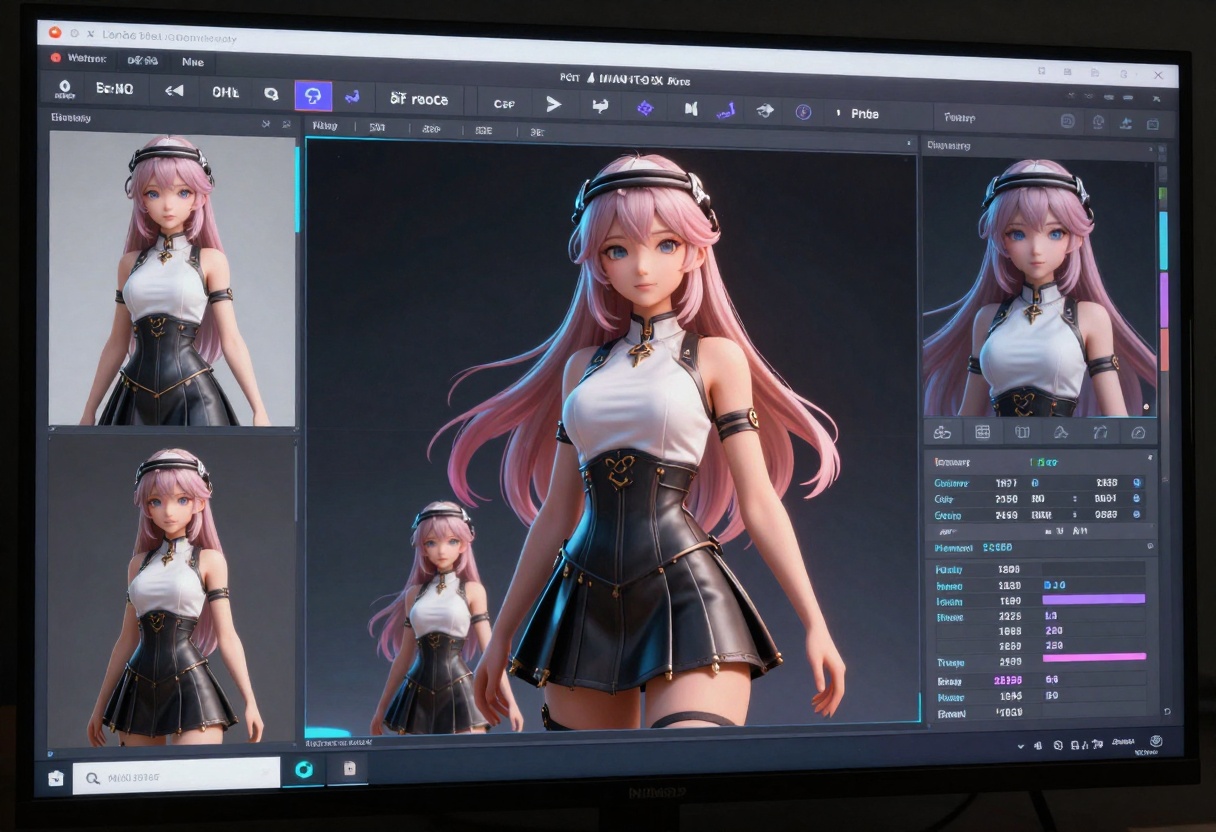
3D Rigging and Animation
Advanced creators use AI-generated images as reference material for:
- 3D model creation in Blender or similar tools
- Character rigging for game engines
- Motion capture reference
- Animation asset development
Video Generation
Platforms offer image-to-video capabilities, transforming static character images into animated sequences with:
- Natural motion and fluid movements
- Lip-sync capabilities for dialogue
- Background animation integration
- Virtual camera movements
Interactive Applications
Developers incorporate AI-generated characters into:
- Visual novels and interactive fiction
- Game character systems
- Virtual assistant applications
- Streaming overlays and avatar systems
How to Use Flux 2 Max on PicassoIA
For creators serious about professional-quality character generation, Flux 2 Max represents the cutting edge of unrestricted AI image synthesis.
Accessing Flux 2 Max
Navigate directly to the Flux 2 Max model page on PicassoIA. This advanced model excels at character design with exceptional detail and stylistic control.
Key Features of Flux 2 Max
Text-to-Image Generation - Describe your character concept, and Flux 2 Max creates high-quality renderings from pure text descriptions.
Image-to-Image Enhancement - Use up to 8 reference images to guide the generation, perfect for iterative refinement and style consistency.
Customizable Resolution - Generate from 0.5MP to 4MP, allowing both quick previews and print-quality final artwork.
Flexible Aspect Ratios - Choose from preset ratios (1:1, 16:9, 3:2, 4:3) or define custom dimensions for specific project needs.
Advanced Control Options:
- Seed parameter - Set a specific seed for reproducible results, useful when you want to generate similar characters with slight variations
- Output formats - Choose between WebP, JPG, and PNG based on your workflow needs
- Quality settings - Adjust compression quality from 0-100 (aim for 80+ for character work)
- Safety tolerance - Set to 4-5 for unrestricted NSFW generation
Step-by-Step Tutorial for Character Creation
Step 1: Navigate to Flux 2 Max
Visit https://picassoia.com/en/collection/text-to-image/black-forest-labs-flux-2-max and log into your PicassoIA account.
Step 2: Prepare Your Prompt
Write a detailed character description incorporating all the prompting techniques discussed earlier. Aim for 100-200 words of specific detail.
Example prompt structure:
"An anime character with [specific hair description], [eye color and shape], [body type], wearing [detailed clothing], [expression and pose], [lighting style], high quality illustration, professional anime art, masterpiece, 8k resolution"
Step 3: Configure the Parameters
- Prompt field - Paste your detailed character description
- Aspect ratio - Select 3:4 for character portraits
- Resolution - Choose 1-2 MP for character work
- Output quality - Set to 85-100
- Safety tolerance - Set to 5 for unrestricted generation
- Output format - Select WebP for web use, PNG for preservation
Step 4: Generate the Character
Click the generate button. Flux 2 Max typically processes in under a minute. The platform will display progress and notify completion.
Step 5: Review and Iterate
Examine the generated character against your vision:
- Does the character match your physical attribute descriptions?
- Is the clothing rendered as intended?
- Does the style align with your preference?
- Is the quality sufficient for your use case?
If adjustments needed, modify your prompt and regenerate. Consider:
- Removing ambiguous descriptors that confused the model
- Adding style keywords if the aesthetic doesn't match
- Increasing detail if the character feels generic
- Changing aspect ratio if composition needs adjustment
Step 6: Download and Use
Once satisfied, download the image in your preferred format. PicassoIA provides direct download links in high resolution suitable for further editing, printing, or integration into projects.
Advanced Techniques with Flux 2 Max
Multi-Image Reference Generation
Upload 1-8 reference images alongside your prompt to guide generation. This technique helps maintain consistency across character variations or blend aesthetic preferences from multiple sources.
Reproducible Results with Seeds
Note the seed number from successful generations. Using the same seed with tweaked prompts produces related characters, perfect for creating character families or exploring variations of a base design.
Batch Processing Multiple Characters
Generate an entire character roster by creating similar prompts with different names and characteristics, processing multiple characters through iteration.
The Future of AI Character Generation
The field continues evolving rapidly:
Emerging Capabilities
- Real-time generation - Faster processing for interactive applications
- Personality-driven generation - AI that creates character designs matching defined personalities
- Voice integration - Combining character generation with voice synthesis for complete character packages
- Community models - Fine-tuned models trained on specific artistic styles
Platform Evolution
Platforms like PicassoIA will likely expand with:
- Integrated rigging tools - Automatic 3D model generation from 2D characters
- Animation synthesis - Direct character animation from descriptions
- Marketplace integration - Monetization options for character creators
- Collaborative features - Team-based character development workflows
Conclusion
AI waifu generators represent a mature technology category that empowers creators with unprecedented freedom in character design. PicassoIA's commitment to open-source models without restrictive filtering makes it an exceptional choice for creators seeking unrestricted AI generation capabilities.
The combination of advanced AI models, flexible customization options, and privacy-respecting policies creates an environment where creative vision supersedes corporate content policies. Whether you're a game developer, digital artist, or content creator, these tools transform concept-to-reality timelines from weeks to minutes.
Start with solid prompting fundamentals, experiment with Flux 2 Max's extensive parameters, and join the growing community of creators leveraging AI technology to bring their character visions to life. The technology supports your creative ambitions without compromise.
Ready to create your own AI characters? Explore the full capabilities of PicassoIA's unrestricted models today and discover what's possible when creative freedom meets advanced AI technology.


