Weddings are expensive, and the photography line in the budget is usually the one that hurts most. So it is no surprise that couples are typing "AI wedding photos app" into their phones late at night, hoping a free download can deliver dreamy portraits without a four-figure invoice. The honest answer is: sometimes yes, often partly, and almost never for free forever. This article breaks down what these apps actually do, what they cost once the free trial glow wears off, and how to take better wedding pictures with the phone already in your pocket.
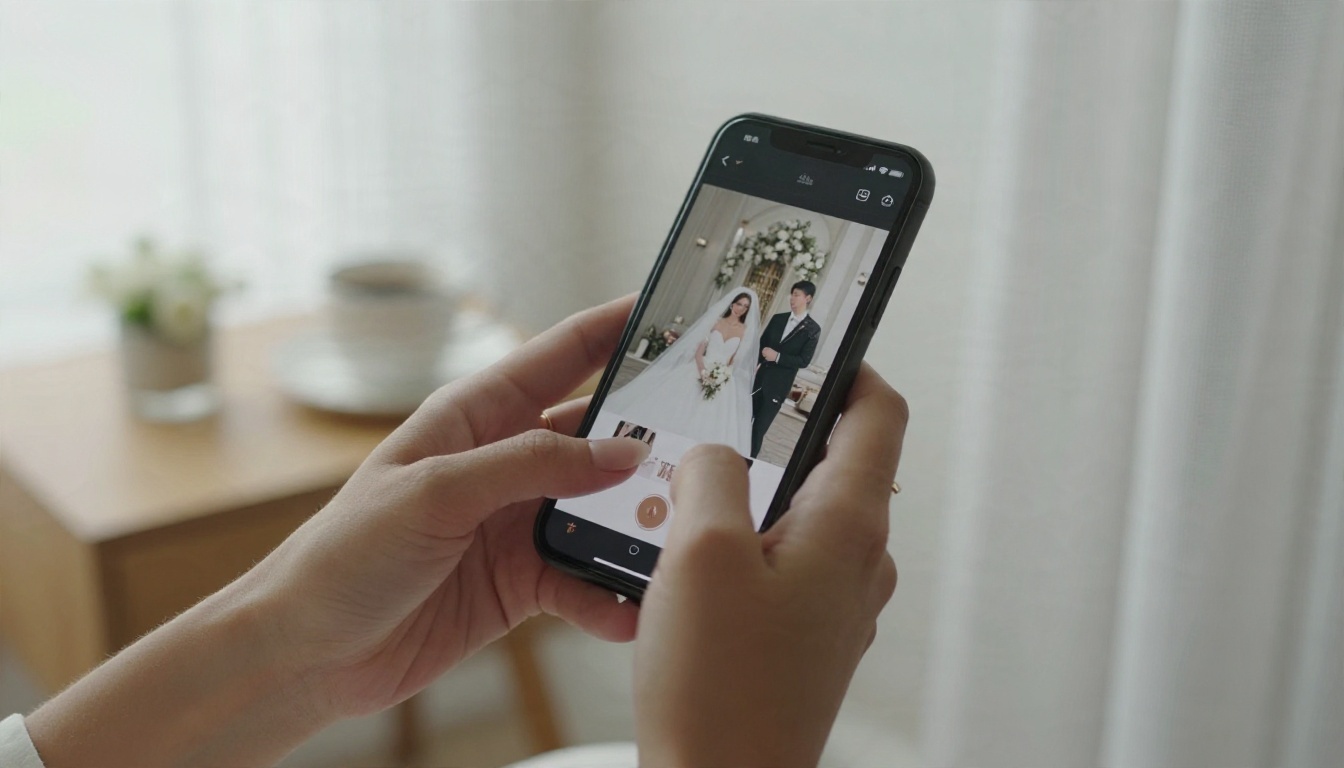
What an AI Wedding Photos App Does
The phrase covers three very different kinds of product, and mixing them up is the fastest way to waste money. Before you download anything, decide which problem you are trying to solve.
Portrait generators
These apps ask you to upload one or two selfies, then produce wedding-style pictures of you in a gown, a suit or a scenic venue you never visited. Apps such as WePian and Weddingify sit in this group. They are usually free to download, then ask for in-app purchases once you want more styles, higher resolution or no watermark.
Guest photo sharing tools
Here the AI part is face matching. Guests upload pictures from the day, and the system sorts them so each person can find the shots they appear in. FotoOwl, Fotify and GuestCam live in this territory. They do not invent new images. They organize real ones.
Editing and culling software
Professional tools such as Imagen speed up color correction and picking the best frames for photographers. If you hired a pro, they might use one. As a couple, you probably will not.
💡 Quick test: If the app asks for a selfie and returns a picture of a wedding that never happened, it is a generator. If it asks for an event code, it is a sharing tool.
Text to image platforms
A fourth option sits beside the dedicated apps: general image platforms where you write a description and get a photorealistic result. These give more control than a template-driven phone app, and they are the route I lean on in the tutorial below.
Free Options That Really Work
"Free" in this market has levels. Some apps are free to install and free to use at low quality. Others are free only until the first export. Knowing the difference saves frustration.
What free usually includes
- A handful of generated portraits per day or per week
- Lower resolution exports that look fine on a phone but soft when printed
- Visible watermarks or a banner on shared images
- A limited number of styles, often the most generic ones
- Ads between generation steps
What free usually excludes
- High resolution downloads suitable for a 5x7 or larger print
- Multiple face references for accurate likeness of both partners
- Commercial or invitation use
- Priority queues, so you might wait several minutes for each image
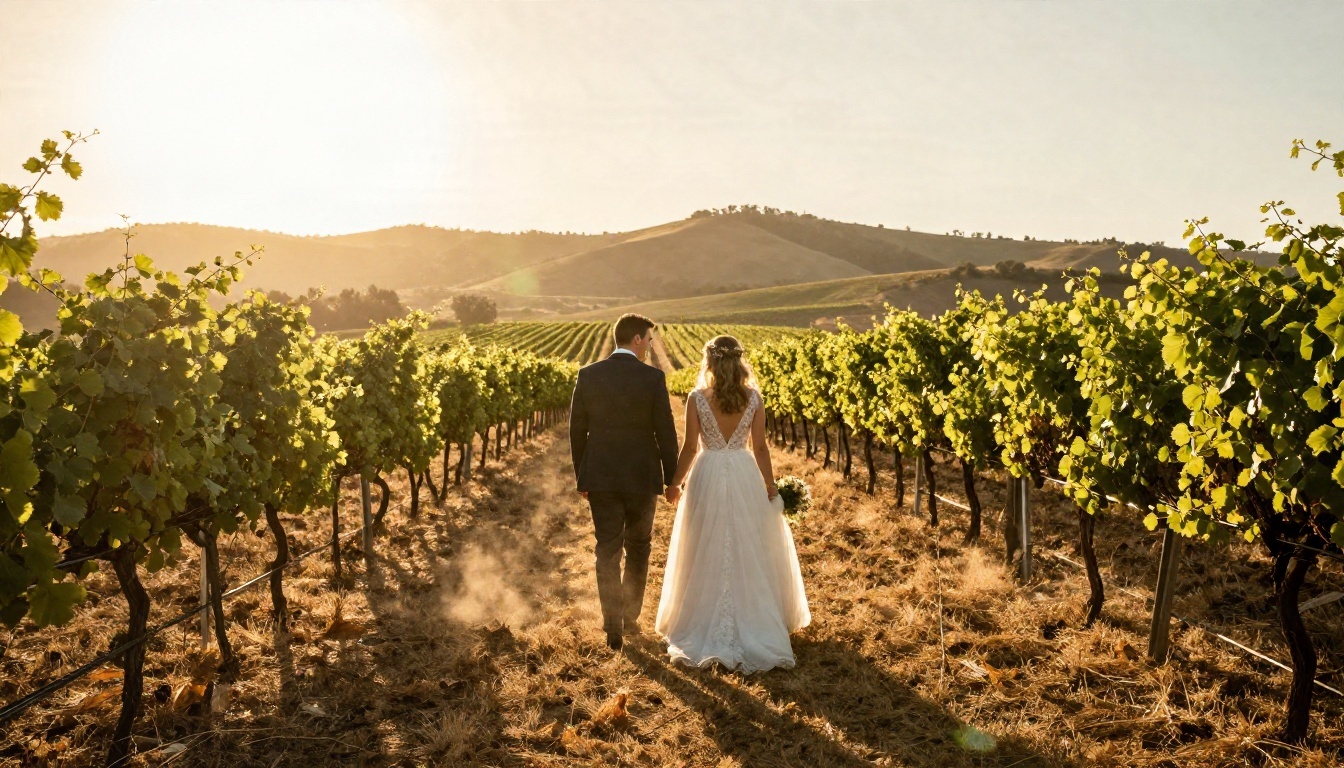
Free tiers on text to image platforms
If you are comfortable typing a short description, a text to image platform can offer more generous free generation than a template app. On PicassoIA, models like Nano Banana Pro and Nano Banana are suited to quick edits and fresh scenes, while Flux 2 Klein 4B Base is a lighter option when you want fast drafts. Free allowances change, so check the current plan before you build a project around them.
The Real Cost of Pricing
Here is where the headline "free" meets the receipt. The table below summarizes the typical pricing patterns reported across this market in 2026. Exact numbers change often, so confirm them inside each store listing before you pay.
| Tool type | Download cost | Typical charge | Best for |
|---|
| Portrait generator apps (WePian, Weddingify, WedGlow) | Free | In-app purchases for packs, resolution and watermark removal | Fun engagement or save-the-date mockups |
| Guest photo sharing (Fotify) | Free tier | Roughly $29.99 to $49.99 per event for bigger plans | Collecting guest photos |
| Guest photo sharing (GuestCam) | Paid | From about $55 per event, selfie matching as a $45 add-on | Larger weddings that need face sorting |
| Photographer editing (Imagen) | Free trial of around 250 photos | From about $0.22 per photo afterward | Professionals, not couples |
| Text to image platforms | Free tier or credits | Subscription or credit packs | Custom scenes with more control |
Hidden costs to watch
Three charges catch couples off guard:
- Subscription auto-renewal. A weekly trial that converts to a paid plan after three days is common. Set a calendar reminder the moment you start.
- Per-pack pricing. Ten wedding styles for one price sounds fine until you realize each pack is sold separately.
- Print upgrades. The free version might be 1024 pixels wide. A framed 8x10 needs far more detail.
Is it cheaper than a photographer?
For a full wedding day, no. A photographer delivers real moments, real families and real emotion. AI apps shine in the margins: save-the-date cards, a pre-wedding mood board, or a fun set of "what if" portraits for your wedding website. Treat them as an addition to your photo budget, not a replacement.
💡 Budget tip: Spend your photography money on the ceremony and family portraits. Use AI tools for the extras that would otherwise cost an extra hour of a photographer's time.
Privacy Before You Upload
Wedding apps ask for your face. That deserves a pause.
Read the data policy
Reports on this category note that some tools delete uploads after 24 hours, while others may use your photos to improve their models. Look for a clear sentence about deletion, and avoid apps that hide it. If an app does not mention how it stores your images, that is your answer.
Keep guests in mind
Uploading a photo of your cousin or grandmother to a free tool means sending their face to a third party. Ask first, especially for children. Keep your uploads to you and your partner.
Check the output rights
Some free tiers limit use to personal sharing. If you plan to print invitations or sell anything, read the license. A quick scan of the terms takes two minutes and prevents awkward surprises later.
Phone Tips for Better Wedding Photos
An AI tool can only polish what you give it. A sharp, well-lit original photo makes every app look better. These simple habits matter more than any filter.
Light comes first
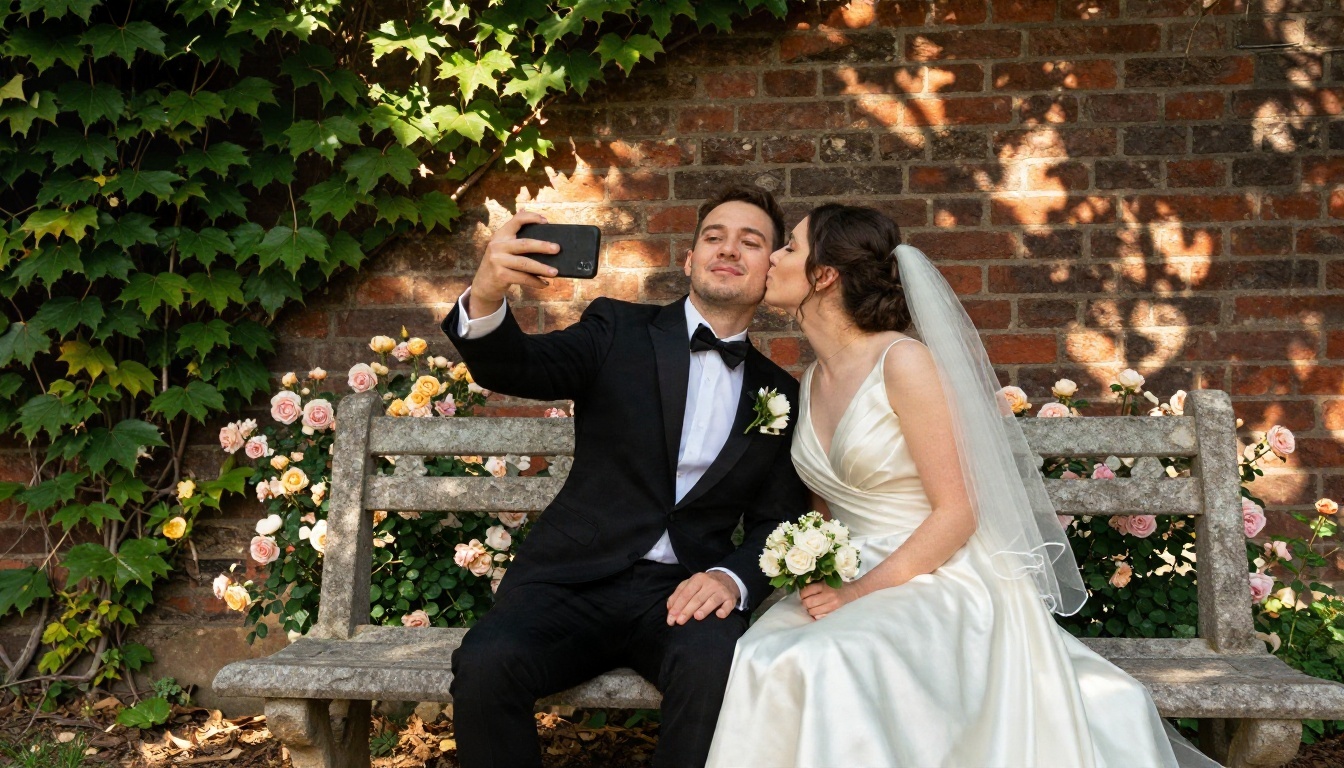
- Shoot in soft light. Early morning, late afternoon and open shade flatter skin. Harsh noon sun creates squinting and deep eye shadows.
- Face the window. For indoor getting-ready portraits, turn the subject toward a window rather than away from it.
- Avoid the overhead flash. Built-in flash flattens faces and bleaches fabric. Add light from the side or move to a brighter spot.
Camera settings that help
- Clean the lens. A fingerprint smear causes a hazy, glowing look that no app can truly repair.
- Tap to focus, then slide exposure down a touch. White gowns lose texture when overexposed.
- Use the main lens, not digital zoom. Walk closer instead. Zooming digitally lowers detail.
- Turn on the grid. Place faces on the intersections for balanced frames.
- Hold steady. Brace your elbows against your ribs or lean on a wall.
Pose without stiffness
Give the couple something to do. Walk slowly toward the camera, laugh at a whispered joke, or rest foreheads together. Movement produces natural expressions, and natural expressions produce photos that look real after AI editing too.
Take more than you need
Shoot bursts during the first kiss, the exit and the first dance. A single blinking frame is easy to skip when you have six alternatives.
Make Guest Photos Count
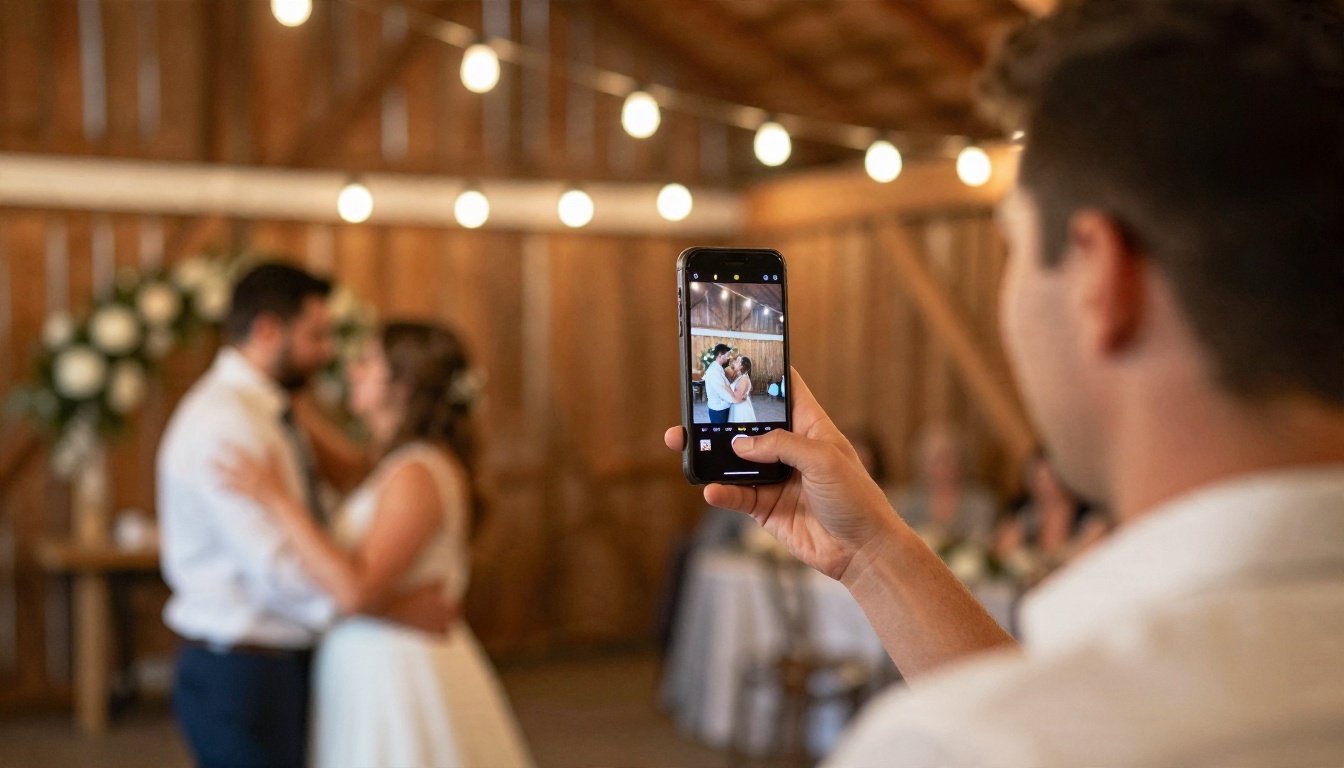
Guests will photograph almost every minute of your reception, and many of those pictures are lovely. The trick is collecting them.
Pick one collection point
Put a short QR code on table cards that leads to a shared album. Scattered texts and group chats lose images. A single link keeps everything together.
Ask for originals
Tell guests to upload the full-size file, not a screenshot or a chat-compressed copy. Compressed files lose the detail AI upscalers need.
Use face sorting wisely
Face matching helps older guests find their own pictures without scrolling through hundreds of frames. It is worth paying for only when your guest list is large. For a 40 person wedding, a simple shared folder does the job.
How to Use Seedream 4.5 on PicassoIA
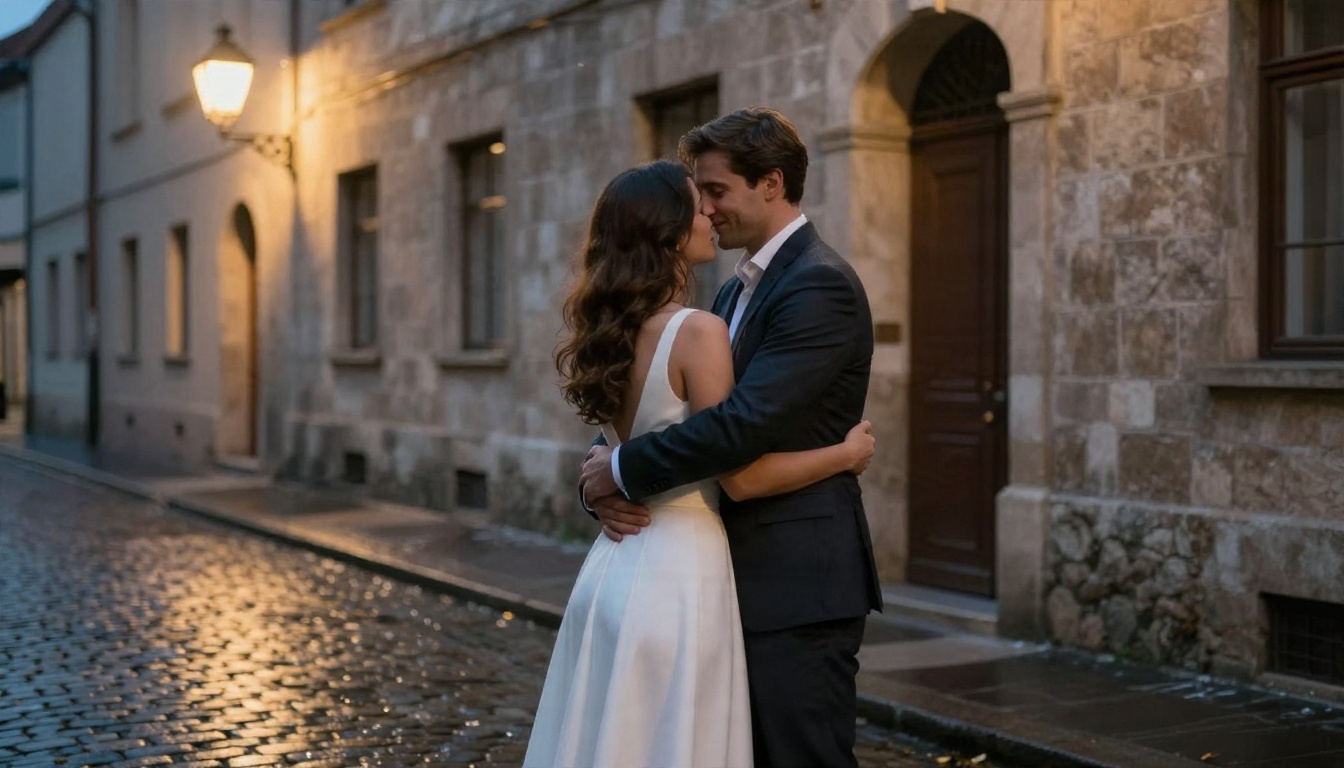
If you want original wedding style images without a template, a text to image model gives you the most control. Seedream 4.5 is a strong choice for photorealistic portraits and scenic backdrops, and it handles skin texture, fabric and natural light well.
Step by step
- Open the model page. Go to the Seedream 4.5 page on PicassoIA.
- Write the subject first. Example: "a bride in an ivory lace gown and a groom in a navy suit, laughing, foreheads touching."
- Add the place and the light. For instance: "on a coastal path at golden hour, warm backlight from the left."
- Name the camera feel. Phrases like "85mm lens, shallow depth of field, film grain" push the result toward real photography.
- Choose a wide ratio. Pick 16:9 for website banners and 3:2 for prints.
- Generate, then refine. Change one detail at a time, such as the venue or the dress length, so you see what each edit does.
- Upscale for print. Run your favorite result through Real ESRGAN to get a sharper file for printing.
Prompt tips that work
| Goal | Add to your prompt |
|---|
| Natural skin | "visible skin pores, no retouching, soft window light" |
| Romantic mood | "golden hour, gentle haze, warm backlight" |
| Documentary feel | "candid, mid-laugh, slightly off-center framing" |
| Print quality | "sharp focus, fine fabric detail, 8K photograph" |
| Clean background | "blurred garden, shallow depth of field, creamy bokeh" |
Other models worth testing
💡 Reality check: Generated couples are best for invitations, mood boards and wedding websites. Keep your real photographs for the albums that will sit on a shelf for decades.
Picking the right tool depends on what you need most. Use this quick comparison when deciding.
Go with a portrait app when
- You want a fun result in under a minute
- You have a selfie and no patience for prompts
- A watermark on a social post does not bother you
Go with a text to image platform when
- You want a specific venue, outfit or color palette
- You need a larger file for printing
- You plan to build a full set of matching visuals for a website, invitations and signage
Go with a sharing tool when
- Your guest list is large and the photos are scattered
- You want guests to find themselves without help
A simple budget plan
- Hire a real photographer for the ceremony and family portraits.
- Set up one shared album for guests.
- Use a free portrait app or a text to image platform for save-the-dates and the wedding website.
- Upscale and print only the best five or six images.
Mistakes Couples Make
A few errors show up again and again.
- Paying before testing. Try the free version with a throwaway selfie first.
- Ignoring the watermark. A visible mark on an invitation looks careless.
- Over-smoothing faces. Heavy filters erase freckles, laugh lines and the details that make you look like you.
- Skipping backups. Save originals on two devices before you edit anything.
- Forgetting the print size. A pretty phone image can look blurry on a canvas. Check resolution early.
Try It for Your Own Wedding
The best AI wedding photos app is the one that fits your budget, protects your privacy and gives you a result you would genuinely hang on a wall. Free tools are a good place to experiment, paid plans are worth it only when you hit a clear limit, and a steady hand with good light will always beat a filter.
If you would like to see what is possible without a template, open Seedream 4.5 on PicassoIA, type a short description of your dream venue, and watch it appear. Try a few variations, upscale your favorite, and build a set of images for your save-the-dates or wedding website. You can also browse every available tool at picassoia.com/en/all-models and pick the one that suits your style. Start with a single scene and see how far a few well-chosen words can take you.


