If you've spent more than five minutes searching for a free NSFW AI chat app, you've probably landed on either Ani or Kupid AI. Both promise uncensored conversations, attractive virtual companions, and some form of image generation. But they are not the same product, and the differences matter, especially when you are trying to do more than just chat.
This breakdown puts both apps under a real lens. No marketing fluff, just what you actually get on the free tier, where each one falls short, and which app wins the specific thing you care most about.
What Makes a Good NSFW Chat App
The 3 things that actually matter
Not all NSFW chat apps deliver equally. The promise is usually the same: AI companions, roleplay, adult content. But how well they follow through varies widely. Here is what separates a solid app from a frustrating one:
- Chat quality — Does the AI actually maintain character across a conversation? Does it remember context? Does it sound like a person or a FAQ bot?
- Image generation — Can it create images of the companion? Are they photorealistic or clearly riddled with AI artifacts? Is there a hard paywall after two images?
- Free tier honesty — How much do you actually get without paying? Some apps advertise "free" but restrict everything useful behind a subscription after 10 messages.
💡 The real test: Open the app, spend 20 minutes without adding a payment method. What you get in that window is the actual free tier.
Why "free" matters in 2027
Most people checking out NSFW chat apps are not immediately ready to pay $20 per month for a subscription. They want to try the product first. Apps that give you nothing meaningful for free are not being tested, they are being sampled. That is a fundamentally different experience, and it tells you a lot about how the company values users who have not yet converted.
The free tier is the product's first impression. If it feels like a teaser trailer rather than a real feature set, that is a deliberate design decision to create friction. Worth knowing before you spend time with it.
Ani AI: What You're Actually Getting
Ani's chat quality
Ani positions itself as a companion AI with strong roleplay capabilities. The default characters are well-designed, with defined personalities and backstories, and the chat interface is clean. On the free tier, conversations flow reasonably well for the first few exchanges. The AI holds context better than many competitors in this space, which is the most important factor for any extended roleplay.
Where Ani struggles is consistency over longer conversations. Past a certain point, the AI tends to reset its understanding of the scenario or lose track of details established earlier. For short sessions this is not a problem. For users building out a long-running roleplay, it gets frustrating quickly.
The writing style leans heavily toward anime and fantasy aesthetics. If that is your preference, Ani is genuinely well-executed for that niche. If you prefer more realistic, grounded characters, the aesthetic feels limiting.
Ani's image generation
Ani's image generation on the free plan is restricted to a small number of requests before hitting a paywall. Quality is inconsistent. Some outputs look impressive. Others carry the classic AI generation artifacts: distorted hands, mismatched proportions, muddy backgrounds. There is no real prompt control on the free tier. You get what the system decides to give you.
For users who want to generate custom images beyond the companion's default appearance, the free tier falls short. Subscribing is required for any meaningful creative input.
Ani's free tier ceiling
Ani's free tier gives you enough to understand the product but not enough to rely on it. Message limits kick in, image generation is scarce, and the premium characters (often the most interesting ones) are gated behind a paywall. It is a good demo, not a real free experience.
Kupid AI: How It Works
Kupid's conversation style
Kupid AI takes a different approach. It leans more toward the "dating sim" format: you interact with specific characters who have defined roles, and the conversations feel more structured as a result. The upside is that responses feel intentional. The downside is that the AI can feel less flexible for open-ended roleplay or custom scenarios.
Kupid's free tier is more generous on message count compared to Ani. You can have a longer session before hitting a wall. The characters are photorealistic by default, which a broad segment of users prefers over the anime aesthetic of Ani.
For straightforward companion chat and casual NSFW conversation, Kupid performs well on the free plan. It does not try to do too much, and within its scope it is reliable.
Kupid's image features
Kupid offers image generation tied to its characters, and the outputs are generally more consistent than Ani's free tier. The models produce more realistic results with fewer artifacts. Customization, however, remains limited. You work within the platform's characters, not building scenarios from scratch.
The number of free images is finite. Once you hit the limit, you are either paying or waiting for a reset.
Kupid's free plan breakdown
Kupid gives more value on the free tier than Ani, particularly in conversation volume. But image generation limits are similar across both platforms, and advanced features like voice messages and custom character creation require a paid plan. Neither app is generous with images at the free level.
Side-by-Side: Ani vs Kupid AI
Features compared
| Feature | Ani AI | Kupid AI |
|---|
| Art Style | Anime / Fantasy | Photorealistic |
| Free Messages | Limited (hits wall fast) | More generous |
| Free Images | Very limited | Limited |
| Chat Memory | Moderate | Moderate |
| Custom Characters | Premium only | Premium only |
| Voice Messages | Premium only | Premium only |
| Image Prompt Control | Minimal | Minimal |
| NSFW Level (free) | Moderate | Moderate |
| NSFW Level (paid) | Explicit | Explicit |
| Photorealistic Characters | No (anime style) | Yes |
Pricing reality
Both apps use a subscription model with a credit-based free tier. Here is the honest breakdown:
- Ani AI: Free tier is essentially a demo. Premium plans start around $9.99 per month for extended messaging and image access.
- Kupid AI: Free tier is slightly more usable. Premium plans begin at a similar price point with tiered access to image generation and premium characters.
Neither app offers truly unlimited NSFW image generation even on paid plans without eventually hitting credit ceilings. This is where both platforms fall short for users who want serious creative output.
💡 Worth noting: Both apps restrict what you can generate by tying content creation to pre-built characters and their built-in generators. For full prompt control and custom images from scratch, a dedicated image generation platform is the better option.
The Real Free Tier Winner
Credit systems and limits
Both apps gate their best content behind credits. Ani gives you a fixed number of messages and images, after which the app becomes noticeably less functional. Kupid's credit system is slightly more forgiving for chat but similarly restrictive for image generation.
For pure chat volume on the free plan, Kupid wins. For anime-style character depth, Ani wins. Neither wins on image generation for free users because both are too restricted to make it a meaningful feature without paying.
Content restrictions
Both platforms moderate content on the free tier more tightly than on paid tiers. On the free plan, explicit content is either blocked or softened compared to what paid subscribers access. This is standard for platforms in this space, but worth noting if your primary interest is explicit image generation or conversation.
On paid plans, both platforms open up considerably. However, the content is still tied to their existing character roster. You can push the content further, but you are still working within the characters and scenarios the platform has built.
Where both apps fail
The shared weakness is straightforward: neither gives you real creative control. You interact with their characters, using their prompts, within their content guidelines. For many users that works perfectly. For users who want to:
- Generate images of completely custom scenarios
- Use specific photography styles (cinematic, editorial, photorealistic)
- Push adult content beyond what chatbot companion apps allow
- Generate content without hitting credit ceilings
Both apps reach their limit quickly.

A Better Option for NSFW Image Creation
Why dedicated AI image models win
If generating high-quality NSFW images is the goal rather than companion chat, dedicated AI image generation platforms give you far more value. You control the prompt, the style, the composition, and the content level. There are no artificial character restrictions limiting what you can create.
PicassoIA offers a full catalog of AI models that support NSFW content generation, including several that produce results significantly better than what you would get from Ani or Kupid AI's built-in generators.
Best NSFW models on PicassoIA
Here is the ranked list for adult AI image generation:
-
Seedream 4.5 ⭐ The top recommendation. Fully accepts adult content, supports image editing, and generates ultra-realistic results in under 3 seconds. Its successor, Seedream 5 Lite, does not support NSFW content, so this version is the one to use for adult image creation.
-
PicassoIA Image Editor Pro An img2img model with unlimited generations on Elite and Infinite plans. Generate 1,000 images and they are included at no extra cost. Compare that to models like Nano Banana 2, where 1,000 images costs around $100. Results come back in under 1 second with a 3-generation free trial requiring no credit card.
-
Qwen Image 2 Open-source model that creates or edits any image in seconds with highly detailed realism and no content filters.
-
Grok Imagine Image Converts any reference image to a more revealing format with strong photorealism.
-
Recraft V4 Text-to-image with very realistic adult content output.
-
P-Image Fast NSFW text-to-image generation in under 1 second.
-
P-Video For converting static images into video clips, P-Video supports NSFW content with the safety filter off by default, up to 1080p.
-
PicassoIA Video Unlimited video generation from text prompts at up to 720p and 5 seconds per clip.
-
Grok Imagine Video Clips up to 15 seconds from text, an image, or an existing video with no watermarks.
-
LTX 2.3 Pro Highest fidelity output at up to 4K and 50fps, with retake and extend editing for precise control.
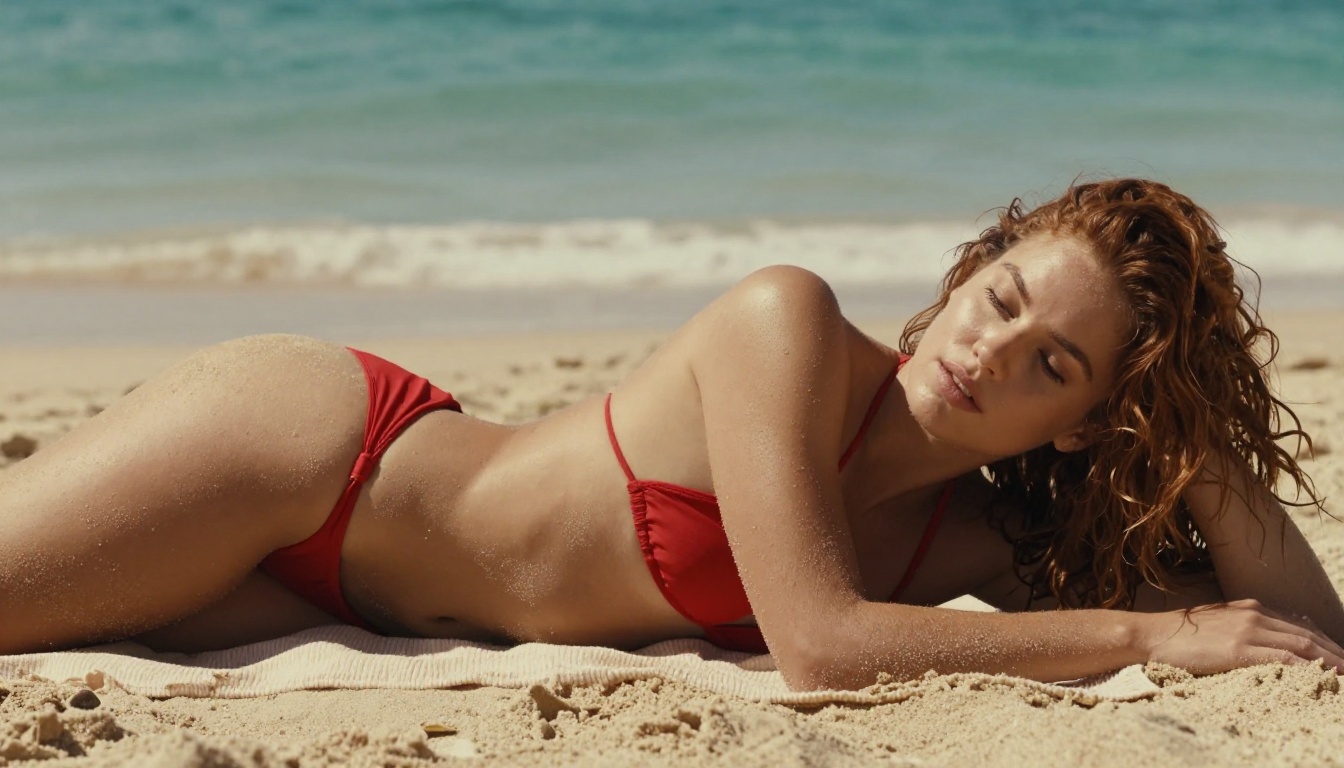
💡 Unlike companion apps, PicassoIA gives you full creative freedom with uncensored, high-performance models and no character restrictions.
What PicassoIA Offers for Chat
Top LLMs for roleplay and conversation
Beyond image generation, PicassoIA's Large Language Models collection includes some of the most capable AI chat models available right now. If you want companion-style conversation without the character restrictions of Ani or Kupid AI, these models offer far more flexibility:
- GPT 5 by OpenAI: The most capable general-purpose language model available for complex, nuanced conversations and roleplay scenarios.
- Claude 4 Sonnet by Anthropic: Precise, nuanced responses with strong context retention across extended conversations.
- Gemini 3.5 Flash by Google: Fast responses with multimodal capabilities, handling both text and image context in a single conversation.
- Deepseek R1 by Deepseek: Step-by-step reasoning that produces coherent, detailed narrative outputs for creative scenarios.
- Llama 4 Maverick Instruct by Meta: Free, open-source LLM for high-quality conversation without paywalls.
Combining a strong LLM with Seedream 4.5 for image generation gives you an experience that companion apps like Ani and Kupid AI simply cannot replicate.
How to Use Seedream 4.5 on PicassoIA
Step-by-step setup
Getting started with Seedream 4.5 for NSFW image generation takes under a minute:
- Go to picassoia.com/en/collection/text-to-image/bytedance-seedream-45
- Write your prompt — Be specific about subject, pose, lighting, and environment. The more detail you provide, the more precise the output.
- Set your parameters — Seedream 4.5 accepts standard aspect ratios. For portraits, 3:4 works well. For scenes, 16:9 gives more context.
- Generate — Results return in under 3 seconds.
- Refine with Image Editor Pro — Take the output into PicassoIA Image Editor Pro for adjustments. With unlimited generation on paid plans, you can iterate as many times as you need without worrying about credit costs.
Prompt tips for better results
- Be specific about lighting: "Golden hour light from the left" produces a dramatically different result than "good lighting."
- Describe composition: Include the camera angle and distance in your prompt. "Low-angle shot, 85mm lens" immediately tells the model the frame you want.
- Replace vague adjectives: Instead of "beautiful" or "sexy," describe what you actually see. Concrete visual descriptors produce more consistent results.
- Add texture details: Mention skin texture, fabric material, or surface properties. "Silk dress" generates differently from "cotton shirt" and the photorealism benefits from specificity.

Start Creating Your Own
Ani and Kupid AI both serve a specific use case: quick, accessible NSFW chat with pre-built companions. Kupid edges out Ani on the free tier for most users, with more generous messaging and more realistic visuals by default. Ani is the better pick for users who prefer anime aesthetics and deeper character backstories.
But for anyone who wants to actually create content rather than just consume it, dedicated AI image generation models offer a completely different level of control and output quality. Seedream 4.5 handles NSFW content with precision and speed that no companion app can replicate. PicassoIA Image Editor Pro removes the credit ceiling entirely on Elite and Infinite plans, making unlimited high-quality image creation genuinely possible without the per-generation cost anxiety.
If you are ready to move beyond pre-made characters and generate exactly what you are imagining, the full catalog is waiting at picassoia.com/en/all-models.