There's a specific quality to how anime husbando characters speak that fans recognize instantly. It's measured. It's low. It carries weight behind it, whether the character is cold and distant or warm and fiercely protective. That sound is no longer locked inside anime productions. AI voice generation has caught up, and the models available right now can produce voices that hit remarkably close to those tonal qualities, with the right prompting and the right tools.
If you've been curious about which voice models can actually replicate or approximate that sound, this is the breakdown you need. We'll cover the archetypes, the models that match each one, the platform workflow, and how to pair generated voices with AI-created visuals and dialogue for a complete character experience.
What Makes a Husbando Voice Actually Work
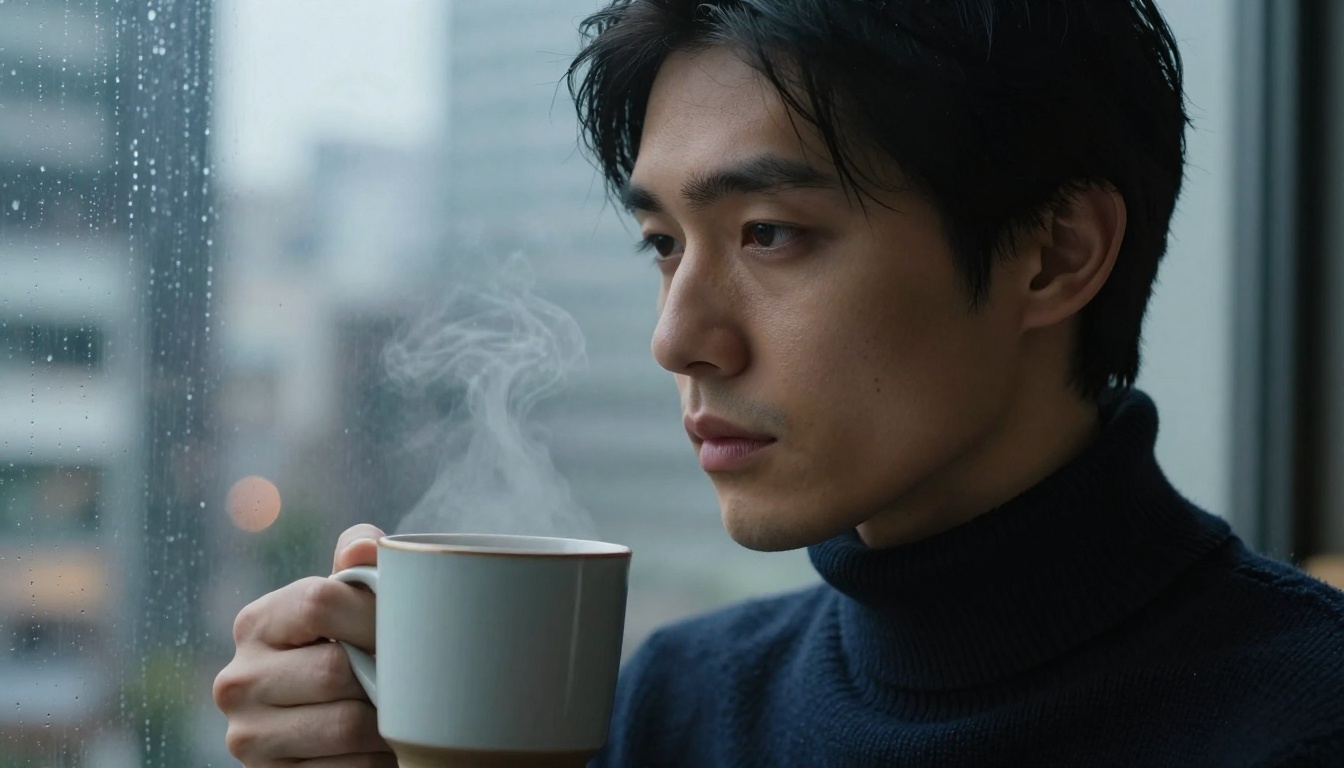
Before picking a model, it helps to understand what defines the archetype sonically. Anime husbando voices are not just "deep male voices." There's a specific set of characteristics that separates them from standard male speech output. Getting those characteristics right is what makes the difference between a generated voice that sounds generic and one that actually sounds like a character worth caring about.
Pitch, Resonance, and Breath
The vocal signature sits in the baritone to low-tenor range. Not a bass voice, not a voice actor trying to sound imposing. It's conversational depth with controlled resonance. The breath is audible but restrained. There's a slight pause before emotionally loaded words, which AI models can sometimes replicate through careful phrasing in your input script.
The resonance quality is distinct from sheer pitch. A voice can be low in pitch but thin in resonance and sound nothing like the archetype. What you're looking for is warmth in the lower midrange, the kind of frequency range that sounds like it comes from a chest cavity rather than a throat.
The Pacing That Signals Confidence
Husbando voices rarely rush. The cadence is deliberate. Short sentences carry more weight than long monologues. When you generate speech through an AI model, shorter script segments with natural punctuation tend to produce better pacing than a block of text fed in all at once.
Silence, or near-silence, is also part of the vocal identity. The pause before a meaningful word. The beat at the end of a short declarative sentence. These micro-moments of space are what separate a character voice from a narrator voice.
💡 Tip: Break your script into 2-3 sentence segments per generation call. This gives the model room to breathe naturally between thoughts and produces a more emotionally authentic result than running long paragraphs through at once.
Emotional Range Without Melodrama
The best husbando voices communicate intensity without going over the top. The cold archetype conveys emotion through what is not said. The warm archetype uses a slight softening in tone at specific words. Neither screams. Neither over-explains. Getting this from AI requires choosing models with strong emotional expressiveness controls, not just basic voice quality metrics.
This is also where script writing intersects with model selection. A model with strong emotional control still needs well-written input to express. The two variables work together, and optimizing only one of them produces half a result.
The Best AI Voice Models for That Sound

Several models on PicassoIA are genuinely worth testing for anime-style male voice generation. Each one has a different strength, and picking the right one depends on the archetype you're working with.
ElevenLabs V3
ElevenLabs V3 is currently one of the strongest options for emotional nuance in male voices. It supports a wide range of pre-built voices and allows fine-tuning through style parameters. For the kuudere archetype, selecting a lower-register preset and reducing the style intensity produces that flat-affect delivery fans associate with the serious male lead.
V3 also handles multilingual output well, which matters if you want the voice to carry Japanese phrasing patterns even in English output. The natural intonation shifts when processing certain loanwords and names mirror how many dubbed anime voices land on those specific sounds.
Best for: Cold archetype, dramatic monologues, character reveal moments
MiniMax Speech 2.8 HD
MiniMax Speech 2.8 HD produces some of the most studio-quality male voice output in the current lineup. The HD tier captures subtle vocal warmth in a way the turbo variants don't. For the gentle giant archetype, this model's natural resonance in the mid-register is noticeably more convincing than competitors at the same tier.
The turbo version, MiniMax Speech 2.8 Turbo, trades some of that warmth for speed, which is useful when you're iterating through multiple script variants quickly before committing to the final voice direction.
Best for: Warm archetype, intimate dialogue, confessional monologues
Qwen3 TTS
Qwen3 TTS is the most flexible option for voice design from scratch. It allows custom voice cloning and construction, meaning you can build a reference voice profile and have the model generate consistent output across multiple generations. For users who want a single persistent husbando voice character across a long project, this is the model that makes that possible without re-prompting style parameters every time.
The ability to describe and clone vocal characteristics makes Qwen3 TTS particularly powerful for roleplay content, visual novel projects, and ASMR-style audio where consistency across many lines is non-negotiable.
Best for: Custom character voice consistency, long-form projects, voice cloning workflows
Resemble AI Chatterbox
Resemble AI Chatterbox stands out for its emotion control capabilities. It's built around the idea that emotional tone is a parameter you dial, not just an output you hope for. For anime voice work, this matters enormously. The difference between a character who sounds mildly annoyed and one who sounds deeply hurt but refuses to show it is an emotion control feature, not a script feature.
The Chatterbox Pro version adds enhanced voice fidelity for production-quality output. Chatterbox Turbo gives you the generation speed needed for rapid iteration when testing multiple emotional registers on the same line.
Best for: Emotionally complex scenes, tsundere arc moments, dramatic character turning points
PlayHT Play Dialog
PlayHT Play Dialog is specifically optimized for multi-character dialogue scenes. If you're building a scene with two characters in conversation, this is the model designed for that use case. It maintains tonal consistency and clear speaker separation across turns in a way that single-voice models cannot replicate.
For dynamic scenes between a husbando character and a second character, or for otome-style back-and-forth exchanges, Play Dialog handles the tonal distinction naturally without blurring the voices together.
Best for: Multi-character scenes, otome-style dialogue, interactive fiction audio
How to Generate a Husbando Voice on PicassoIA
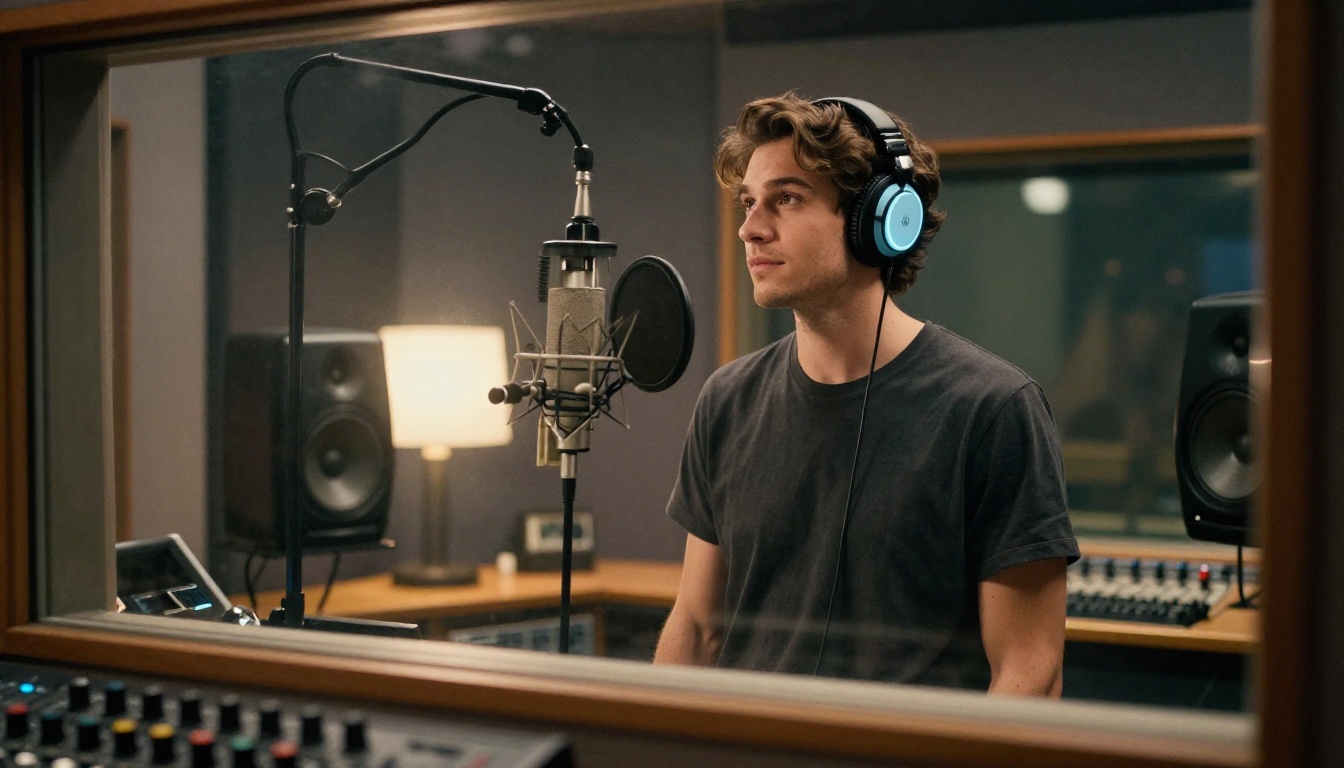
The workflow on PicassoIA is straightforward, but there are specific details that consistently produce better results than the default approach.
Step 1: Pick the Model for Your Archetype
Before you write a single word of script, decide which archetype you're working with. The model choice should follow from that decision, not the other way around.
- Cold / Kuudere: Start with ElevenLabs V3. Set style intensity low, pick a baritone preset.
- Warm / Gentle: Start with MiniMax Speech 2.8 HD. Mid-range voice preset, warmth dial moderate.
- Teasing / Playful: Start with Resemble AI Chatterbox. Increase emotion dial toward amused or playful.
- Consistent Character: Use Qwen3 TTS for voice cloning from a reference sample or custom voice design.
Step 2: Write for the Voice, Not the Page
Text written for reading performs very differently in TTS than text written for speaking. For husbando-style output, a few specific principles apply:
- Use sentence fragments where natural. "Fine. Do what you want." reads cold on the page and sounds cold out loud.
- Avoid overly complex sentence structure. Long subordinate clauses flatten emotional texture in output.
- Punctuate for pause, not grammar. A period after a short phrase creates a beat. A comma lets the voice flow through. Use these intentionally rather than mechanically.
- Name specific emotions in stage directions. Some models accept parenthetical direction in the script. "(said quietly, with controlled anger)" can shift the output more than parameter changes alone.
Step 3: Iterate with Small Changes
One generation is rarely the final version. The difference between an output that sounds generic and one that sounds like a specific character type is usually two or three targeted parameter adjustments. Change one thing per iteration so you can identify what moved the needle.
💡 Pro tip: Save every generation that has something right about it, even if the whole thing isn't there yet. You can describe specific moments from those outputs to direct your next attempt: "That pause before the last word, more of that."
Voice Archetypes Worth Trying

The anime husbando voice space covers a wide range of character types. Here are the four archetypes most requested by fans and creators, with specific model and parameter direction for each.
The Kuudere: Cold and Composed
The kuudere speaks in flat affect. Not robotic, but controlled. Every word is chosen carefully and there are no wasted syllables. Getting this from AI means:
- Low pitch preset (around 70-75% down the range, not the absolute lowest)
- Style intensity set to minimum or near-minimum
- Scripts written in short, declarative sentences with deliberate full stops
- ElevenLabs V3 or Google Gemini 3.1 Flash TTS work well here
The kuudere voice should feel like the character is doing you a favor by speaking at all. Restraint is the signal.
The Gentle Giant: Warm Without Weakness
This archetype carries warmth but not softness. It's protective. It sounds like someone who would say exactly the right thing at exactly the right moment without needing to raise his voice. The voice is fuller, warmer in timbre, and slightly slower in its natural delivery.
- Mid-pitch baritone register, warmer tone preset
- Warmth dial up, but not at maximum (that reads as gentle rather than warm-but-strong)
- Scripts with longer sentences that have natural emotional closure
- MiniMax Speech 2.8 HD is the primary recommendation
The Tease: Sharp and Self-Aware
The playful husbando voice has a slight lilt. There's a smile in the sound, even when the words are technically neutral. Slight upticks at the end of questions, a fractional increase in pace leading into the punchline of a teasing remark. It sounds like the character finds everything a little bit funny.
- Mid-range pitch, slightly above the baritone zone
- Higher emotional expressiveness setting
- Scripts with rhetorical questions, sarcastic observations, and callback remarks
- Resemble AI Chatterbox with emotion dial toward amused or playful
The Brooding Romantic
This is the voice that says very little but means a great deal. Long pauses. Low resonance. Lines that sound like confessions being held back. Getting this right requires the most careful script writing of any archetype because the model has very little to work with per line.
- Lowest comfortable pitch without sounding artificial or processed
- Minimal style modulation, let the script carry the emotional weight
- Lines that are emotionally loaded but syntactically plain: "I was looking for you."
- ElevenLabs Flash v2.5 for speed-testing different lines, ElevenLabs V3 for final output quality
Pairing Voices with AI-Generated Characters

Voice generation becomes significantly more powerful when paired with a visual component. A generated voice for a character with no face is less compelling than one paired with a consistent visual identity. The two reinforce each other in ways that neither accomplishes alone.
Generate the Face to Match the Voice
PicassoIA's image generation capabilities cover over 91 text-to-image models. You can describe the specific character type you've built your voice around, the visual archetype, the mood, the specific physical details, and generate a consistent image for that character. The visual and audio then reinforce each other, building a more complete character identity.
For consistency across multiple images (important for character coherence in longer projects), ControlNet-style pose and structure control helps lock the character's visual identity across different scenes and compositions. The same face, different moments.
Let an LLM Write His Dialogue
Once you have a voice profile and a character visual, many users take the next step: generating actual dialogue. The large language models on PicassoIA are well-suited for this. GPT-5 and Claude Sonnet 5 handle character-voice writing well when given a clear archetype brief and a few example lines to calibrate against.
Gemini 3.5 Flash is a strong choice for faster iteration at lower cost, and it handles Japanese cultural context in dialogue particularly well given that these character types are rooted in that narrative tradition.
Claude 4 Sonnet and Deepseek R1 are both excellent for longer-form scenarios: visual novel branches, emotionally complex dialogue trees, or situations where the character needs to stay tonally consistent across hundreds of lines across a full project.
💡 Workflow: Use an LLM to generate 20-30 lines in your character's voice. Run 5-6 of the best through your chosen TTS model. Use those outputs to refine both the LLM's character brief and the TTS parameters together, alternating between the two until both are calibrated.
Free vs. Paid: What You Actually Get
| Feature | Free Tier Models | Premium Models |
|---|
| Voice presets | Limited selection | Full library access |
| Emotional control | Basic | Fine-grained dial control |
| Custom voice cloning | Not available | Available (Qwen3 TTS, Chatterbox) |
| Output quality | Good for testing | Studio-quality HD output |
| Multi-character scenes | Single voice only | Dialog models available |
| Language support | English-focused | 30-90 language support |
| Generation speed | Standard | Turbo variants available |
| Commercial use | Check model terms | Full commercial licensing |
The free tier is genuinely useful for testing whether a specific archetype direction is working before committing to a full character build. The premium models, particularly MiniMax Speech 2.8 HD and Resemble AI Chatterbox Pro, produce the kind of output quality that holds up in a finished project rather than just a prototype.
More Models Worth Knowing

A few models not yet mentioned are worth keeping on your radar as you build out your voice generation workflow.
ElevenLabs v2 Multilingual covers over 30 languages and handles cross-lingual character voice well. This is useful if your project includes Japanese or other Asian language lines alongside English, where the intonation patterns in the original language should still be present in the translation.
Inworld Realtime TTS 2 is built for low-latency applications. If you're working on an interactive experience where the voice needs to respond in near real-time, this is the model for it. The sub-200ms latency is genuinely impressive for the quality level it maintains, making it the right choice for game integrations or live interactive character systems.
MiniMax Voice Cloning allows you to create an entirely custom AI voice from a reference sample. If you have existing audio, even a short clip from a reference performance you like, this model builds a reusable voice identity from it. That's the most direct path to a truly unique husbando voice that belongs only to your specific character and doesn't sound like anyone else's.
ElevenLabs Turbo v2.5 covers 32 languages at high speed, and Google Gemini 3.1 Flash TTS offers 30 voices across 70 languages, which gives significant range when building characters that need to feel authentic in specific regional contexts.
What a Complete Character Build Looks Like
Starting from nothing and arriving at a complete character with consistent voice, visual identity, and generated dialogue is more achievable than it sounds. The workflow breaks down to roughly five steps:
- Pick your archetype. Kuudere, gentle giant, tease, brooding romantic, or a hybrid.
- Select your voice model. Match the model to the archetype using the recommendations above.
- Generate a visual identity. Use PicassoIA's image tools to create the face and look.
- Write dialogue with an LLM. Use GPT-5, Claude Sonnet 5, or Gemini 3.5 Flash to generate lines in character.
- Run the lines through your TTS model. Iterate, refine, build up a library of character audio.
The result is a character who has a face, a voice, and words. That's a functional creative asset, whether you're building a visual novel, a fan project, a personal audio experience, or something else entirely.
Start Building Your Version
The tools to create a compelling, distinct anime husbando voice exist right now, and they're more accessible than most people expect. No studio setup needed. No professional voice actor required. No audio engineering background necessary.
What you do need is a clear idea of the archetype you're working with, the right model matched to that archetype, and the patience to iterate through the first few generations until the voice starts to feel like a character rather than a text reader.
PicassoIA brings voice generation, image generation, and language model capabilities together in one place. Every model referenced in this article is available at picassoia.com/en/all-models.
Pick a model. Write three lines. Hit generate. That's where every great character voice starts.


