If you want to create adult AI images and the last thing you want is an account, a verification email, or a data trail, this is the article for you. The best +18 AI image generators that require no sign up exist right now, and they produce results that look convincingly real. The only question is which one fits your needs.
We tested the top models available today, specifically those you can access without creating an account or handing over an email address. Here's what actually works.
Why No Registration Actually Matters
Most people skip over this, but it's worth saying plainly: registration is not just an inconvenience. When you create an account on any platform, you're trading privacy for access. That's the deal.
Your Privacy Has Real Value
Every time you sign up for a service, you create a data point that can be sold, leaked, subpoenaed, or used to build a profile on you. For +18 content, that risk carries more weight. Your browsing habits, generation history, and even the prompts you submit can become part of your permanent digital identity on any platform that requires login.
No-registration tools skip all of that. There is no account to hack. No email to phish. No history to store.
Zero Account = Zero Paper Trail
With anonymous AI image generation, what you create stays private by default. You don't have to trust that a company's privacy policy is airtight. You don't have to hope they don't sell your data to ad networks. The protection comes from the absence of data collection, not from a promise.
This matters especially for anyone in a conservative country, a professional environment, or simply anyone who values personal autonomy over convenience.
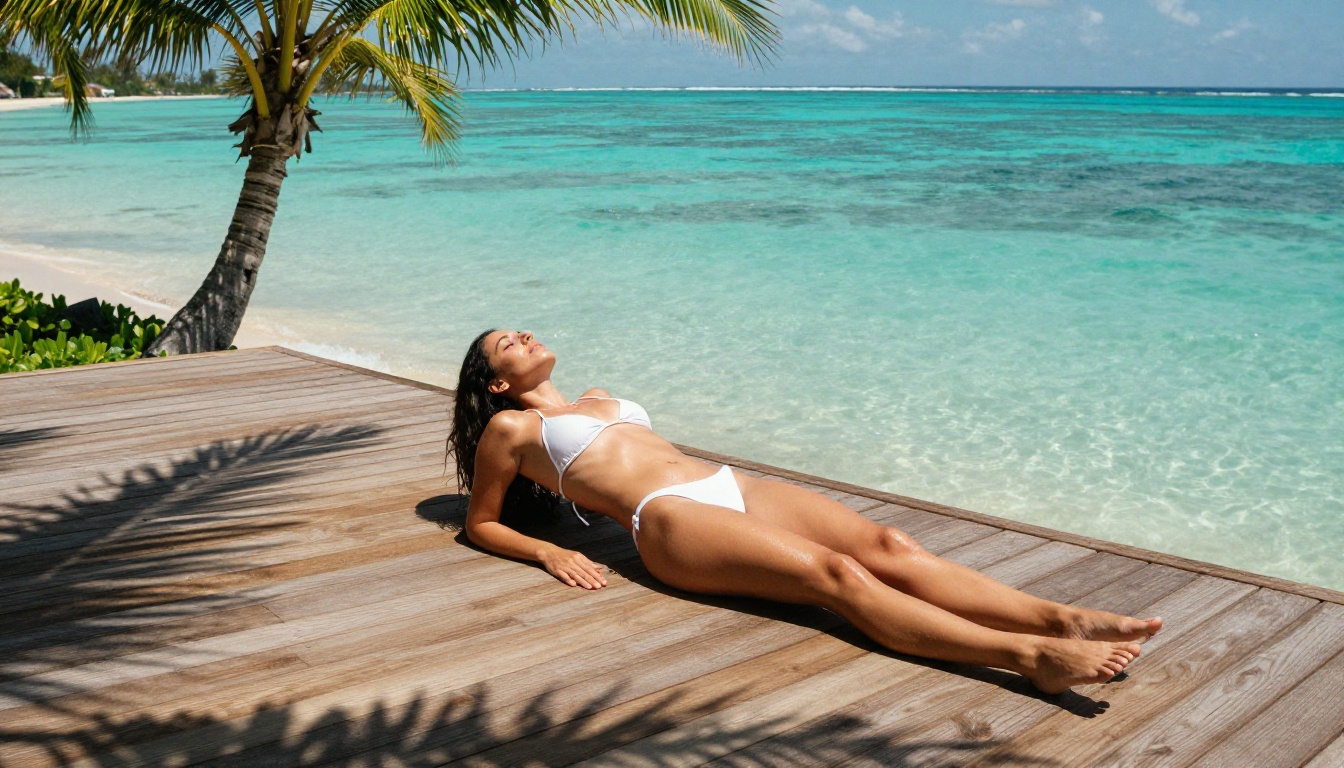
The 7 Best +18 AI Image Generators, No Sign Up
These models are accessible today without account creation. Quality, style, and censorship tolerance vary significantly between them.
1. Flux 1.1 Pro Ultra
Flux 1.1 Pro Ultra is currently one of the best photorealistic image generators available to the public. It handles complex prompts with high fidelity, renders skin texture convincingly, and performs well on suggestive and glamour-style subjects.
What sets it apart is the ultra setting, which pushes resolution and detail into a range that most other models can't match. Hair strands, fabric texture, and facial features all hold up at high zoom. For +18 glamour and boudoir imagery, it's the first model worth trying.
Strengths:
- Exceptional realism at high resolution
- Strong anatomical consistency
- Handles lighting and shadow extremely well
- No account required on PicassoIA
2. Flux Dev
Flux Dev is the open-weight version of the Flux family and strikes a balance between quality and flexibility. It follows prompts closely, which makes it useful when you need specific compositions, angles, or settings.
It's slightly more permissive in what it will generate compared to closed commercial models, which is part of why it's popular for adult content. The trade-off is that generation takes a bit longer than the turbo variants.
Strengths:
- High prompt adherence
- More flexible content generation
- Open-weight means fewer arbitrary content blocks
- Consistent face and body rendering
3. Realistic Vision v5.1
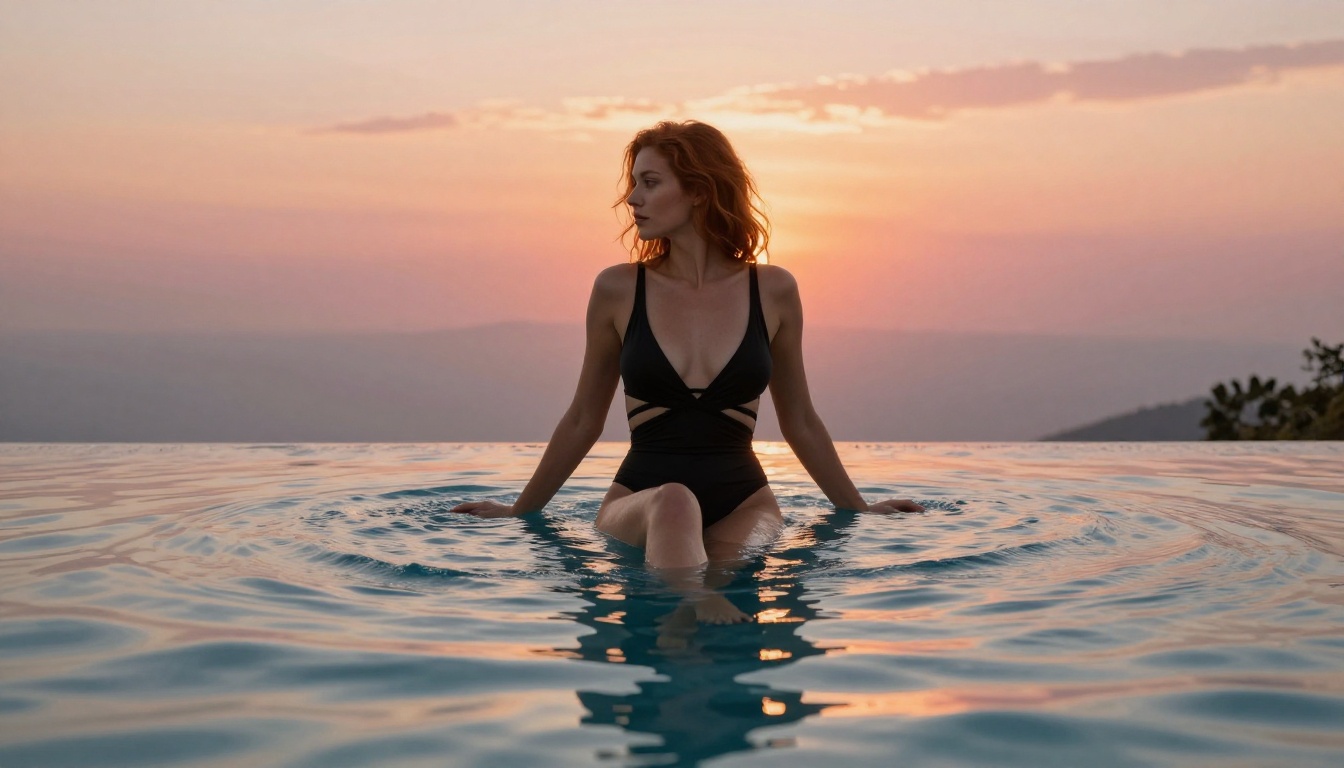
Realistic Vision v5.1 was built specifically for photorealistic human subjects. It's a fine-tuned SDXL variant that excels at portraits, glamour shots, and close-up detail work.
If your priority is natural-looking skin, believable facial expressions, and a photography-grade aesthetic, this model delivers consistently. It's been a community favorite for realistic adult imagery for good reason.
Strengths:
- Dedicated to photorealistic human generation
- Outstanding portrait quality
- Natural skin tones and textures
- Photography-style compositions
4. RealVisXL v3.0 Turbo
RealVisXL v3.0 Turbo combines the realism of the RealVis lineage with faster generation speeds. The turbo suffix here isn't just marketing, it noticeably cuts wait times while maintaining the quality the model family is known for.
It handles full-body shots better than many competitors, which makes it worth trying for anything that involves more than just a head-and-shoulders composition.
Strengths:
- Fast generation without major quality loss
- Reliable full-body rendering
- Handles dynamic poses well
- Good consistency across multiple generations
5. Stable Diffusion 3.5 Large
Stable Diffusion 3.5 Large represents the current flagship from Stability AI. The large variant has significantly more parameters than its predecessors, which translates into better prompt understanding and more coherent compositions.
It handles complex multi-element scenes better than most models in its class, making it a strong choice when you want a specific environment, setting, or scenario alongside the subject.
Strengths:
- Complex scene understanding
- Strong multi-element compositions
- High detail on backgrounds and environments
- Versatile across many visual styles
6. DreamShaper XL Turbo
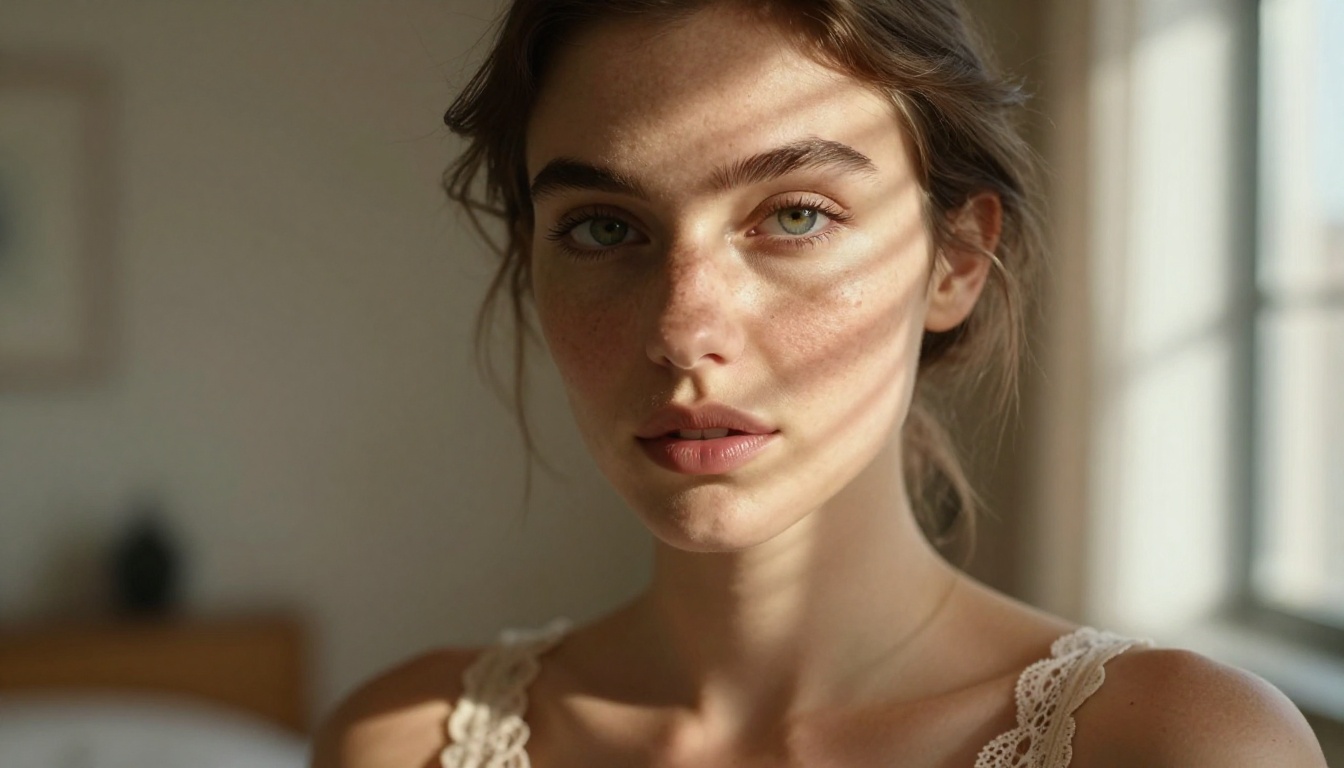
DreamShaper XL Turbo leans more stylized than the pure photorealism models but produces stunning results for glamour and fashion-oriented content. Its color rendering is particularly strong, with rich, saturated tones that make images feel cinematic.
For those who want imagery that reads more like a fashion editorial than a candid photograph, this model hits the mark.
Strengths:
- Rich cinematic color grading
- Fashion and editorial aesthetic
- Good with dramatic lighting scenarios
- Fast generation speed
7. Flux Schnell
Flux Schnell is the fastest member of the Flux family. When speed matters more than maximum detail, this is the model to reach for. Generation times are significantly shorter, making it practical for rapid iteration when you're refining a prompt.
Quality is still solid, though it doesn't match the ultra-resolution capabilities of Flux 1.1 Pro Ultra. For quick previews and fast creative cycles, it's excellent.
Strengths:
- Fastest generation in the Flux family
- Good for rapid prompt iteration
- Solid quality for quick outputs
- No registration required
Head-to-Head Comparison
How to Use Flux Dev on PicassoIA
PicassoIA hosts Flux Dev without requiring an account. Here's exactly how to get results.
Step 1: Open the Model
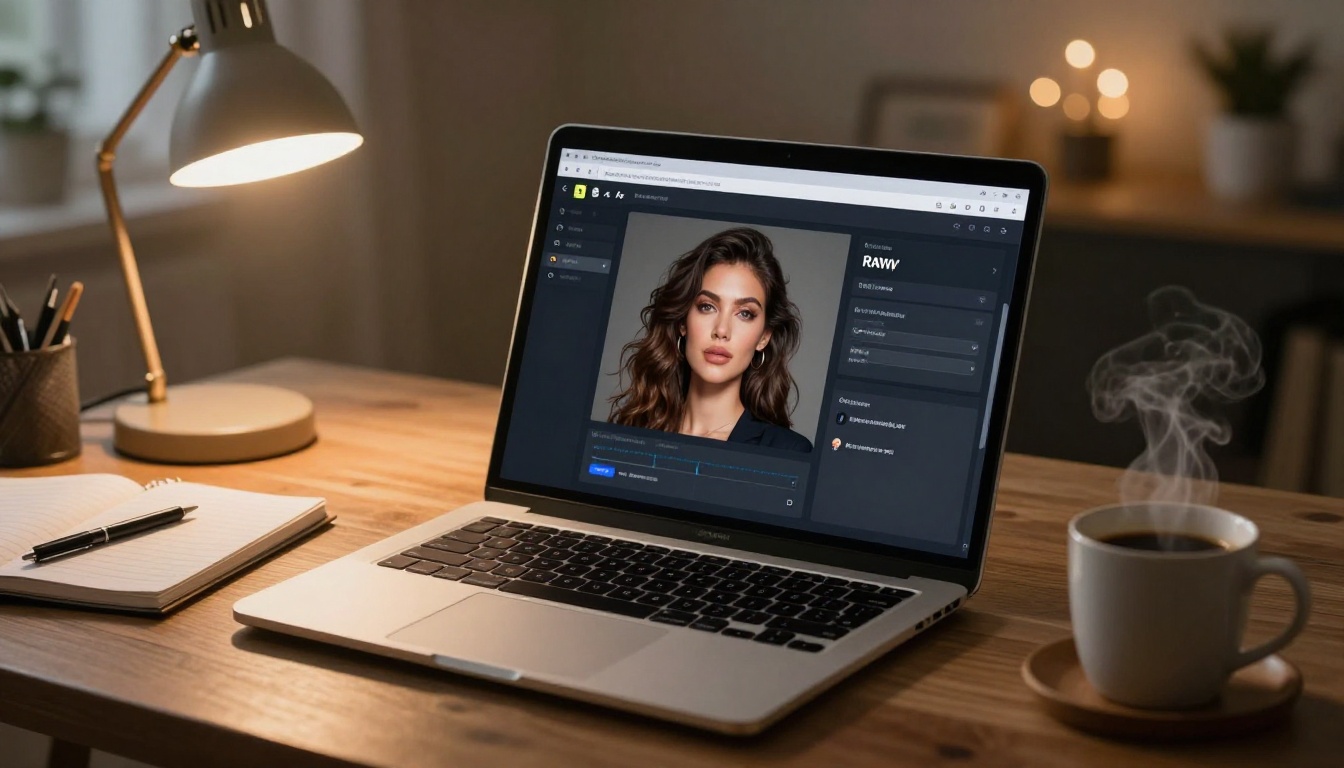
Go directly to the Flux Dev page on PicassoIA. No login prompt will stop you. The interface loads immediately with the prompt field and generation controls visible.
Step 2: Write Your Prompt
This is where most people shortchange themselves. A weak prompt produces weak results regardless of the model.
Structure your prompt in this order:
- Subject description (who, wearing what, doing what)
- Environment (location, time of day, setting details)
- Lighting (direction, quality, color temperature)
- Camera (angle, lens focal length, depth of field)
- Style modifiers (film stock, grain, realism descriptors)
Example prompt:
"A woman with dark hair in a black satin slip dress sitting at the edge of a hotel bed, warm amber bedside lamp light from the right, shot with 85mm f/1.8, shallow depth of field, Kodak Portra 400 film grain, photorealistic RAW 8K"
Step 3: Adjust the Settings
Flux Dev on PicassoIA gives you control over:
- Aspect ratio: Use 16:9 for landscape or 9:16 for portrait orientation
- Steps: Higher steps (30-50) produce more refined results. Lower steps (10-20) are faster but rougher
- CFG Scale: Values between 6-9 follow your prompt closely. Going above 12 can cause distortion
Step 4: Generate and Refine
Click generate and evaluate the result. Don't stop at one iteration. The real skill in AI image generation is iterative prompting: adjust what didn't work, keep what did, and regenerate until the image matches your vision.
Small changes to lighting descriptors or camera angle can produce dramatically different results.
Prompts That Actually Work for +18 Content
Writing prompts for adult AI imagery is a skill. Most people start too vague and get results that feel generic and clinical.
The Anatomy of a Strong NSFW Prompt
The difference between a mediocre result and an outstanding one comes down to specificity. Vague prompts produce vague images.
Weak prompt:
"Sexy woman in lingerie"
Strong prompt:
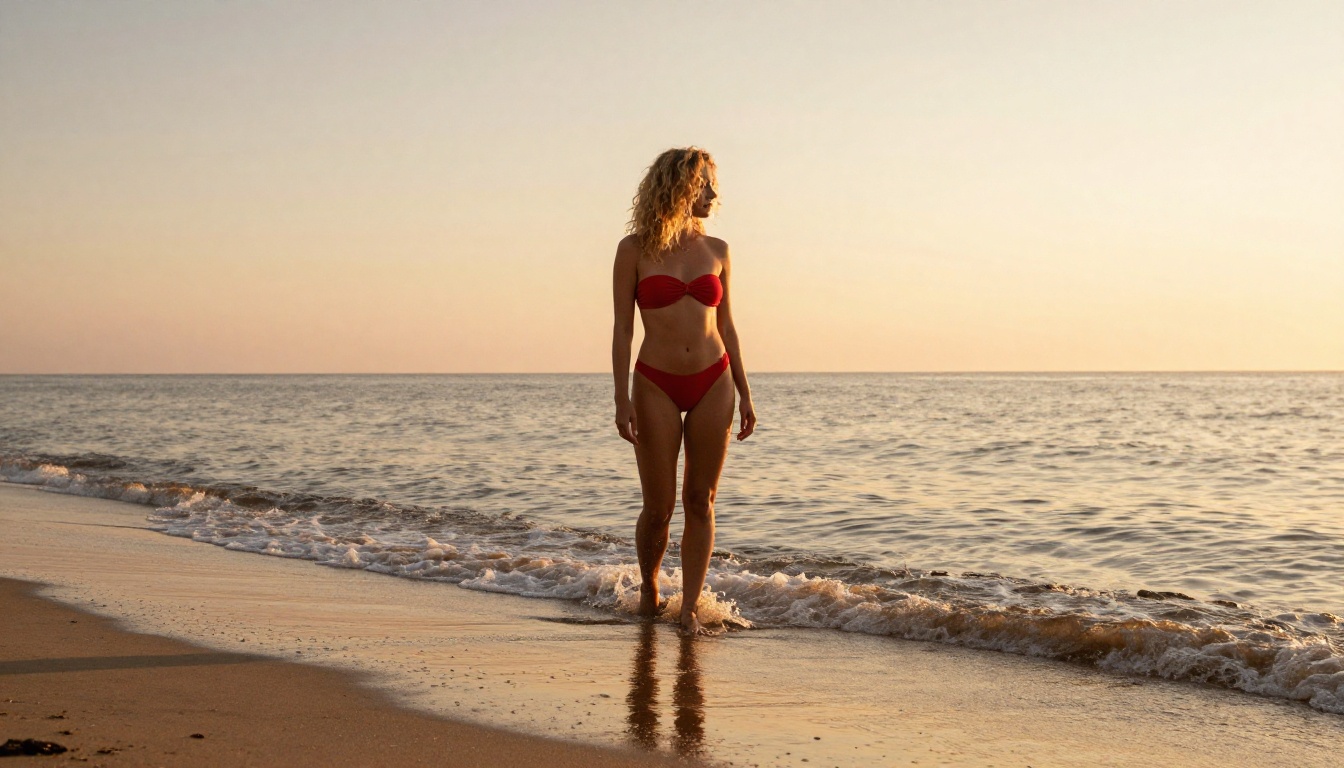
"A 25-year-old woman with wavy brunette hair, wearing a cream lace bralette and high-waisted silk shorts, sitting cross-legged on a white linen bed. Morning light streams from the left through sheer curtains, casting soft diffused shadows. Shot from a medium angle with a 50mm lens, f/2.0 depth of field. Natural skin texture, relaxed expression, Kodak Portra 400 film grain, photorealistic 8K"
The second prompt gives the model everything it needs: subject description, clothing, setting, lighting, camera, and style. Every element in the prompt reduces ambiguity and steers the output toward what you actually want.
💡 Tip: Add negative prompts when available. Common exclusions: cartoon, illustration, CGI, 3D render, watermark, text, blurry, low quality
Settings That Change Everything
Beyond the prompt, these settings have the biggest impact on output quality:
Sampler choice matters on models like SDXL. DPM++ 2M Karras and Euler A are popular for photorealistic work. Avoid samplers optimized for speed at the expense of detail.
Seed control lets you lock in a composition you like and make small prompt adjustments without losing the base image structure. Once you find a seed that produces good anatomy and composition, save it and iterate.
LoRA weights are available on models like p-image-lora and can dramatically shift style, body type, or lighting approach based on the LoRA selected.
What Separates Good from Great Results
There are two dimensions worth understanding before you invest serious time in any model: realism vs. stylized output, and how each model handles content filtering.
Realism vs. Stylized Output
The models in this list fall into two broad camps:
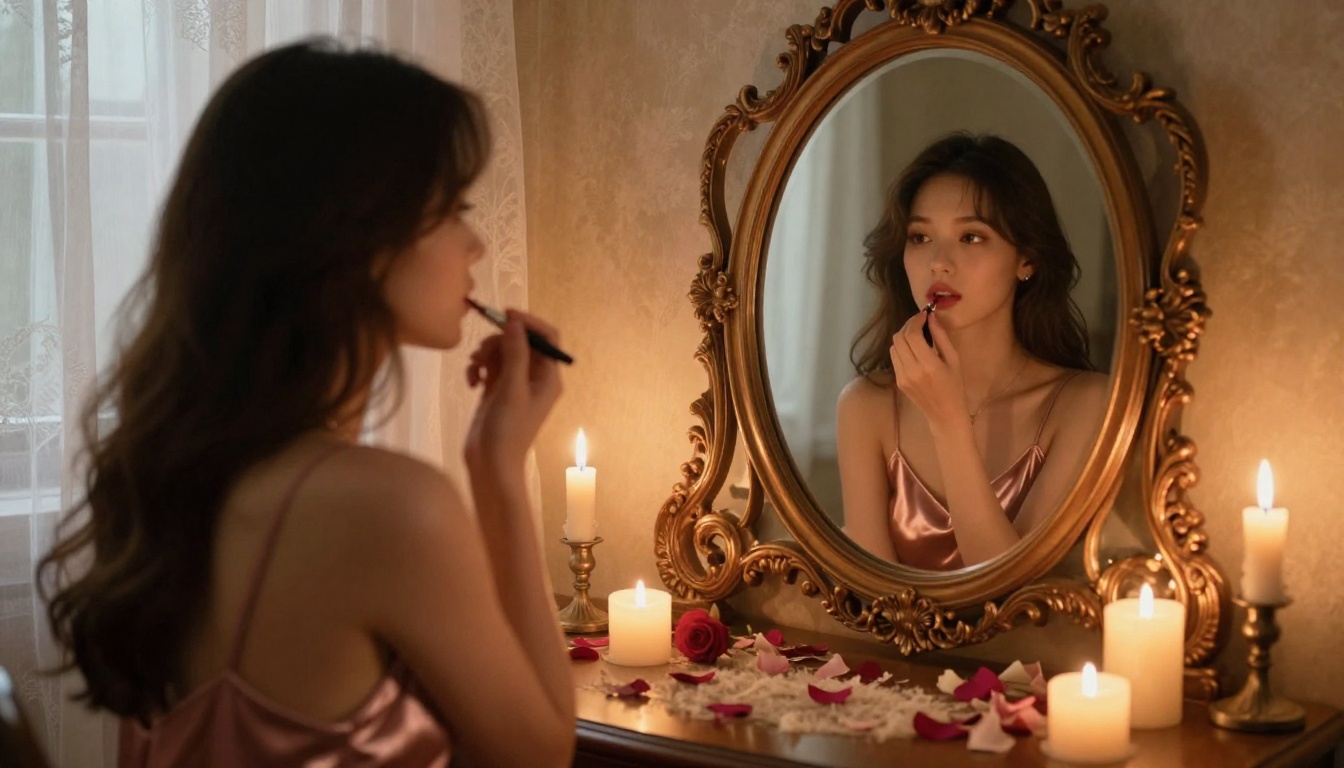
Photorealism-first models like Flux 1.1 Pro Ultra, Realistic Vision v5.1, and RealVisXL v3.0 Turbo aim to produce images indistinguishable from photography. Skin looks like skin. Fabric has weight and texture. Lighting behaves like real light. These are the models to use when your goal is realism.
Stylized or cinematic models like DreamShaper XL Turbo and Flux 2 Pro produce images that lean more editorial or fashion-forward. Colors are more saturated, shadows more dramatic, skin more smoothed. These are better when you want images that feel produced and polished rather than documentary-style.
Neither is wrong. It depends on the aesthetic you're after.
Censorship and Content Filters
This is where significant differences emerge between models. Here's the reality:
- Fully closed commercial APIs have strict content filters regardless of how they're accessed. Explicit content is blocked at the API level.
- Open-weight models like Flux Dev and the Stable Diffusion family give platform operators more control over what filters to apply. PicassoIA's approach with these models allows for significantly more creative freedom.
- Fine-tuned community models like Realistic Vision v5.1 and RealVisXL v3.0 Turbo were often trained specifically to work well for adult imagery and handle these prompts most naturally.
Knowing which camp a model falls into saves significant time and frustration.
Model Availability Without an Account
One thing worth noting about PicassoIA specifically: it hosts all of the above models in a single interface, accessible without registration. You don't have to jump between platforms, set up API keys, or install anything locally.
The practical advantage is consolidation. Instead of maintaining accounts on five different platforms, you can test all seven models in this article from one place, in the same session, with the same interface.
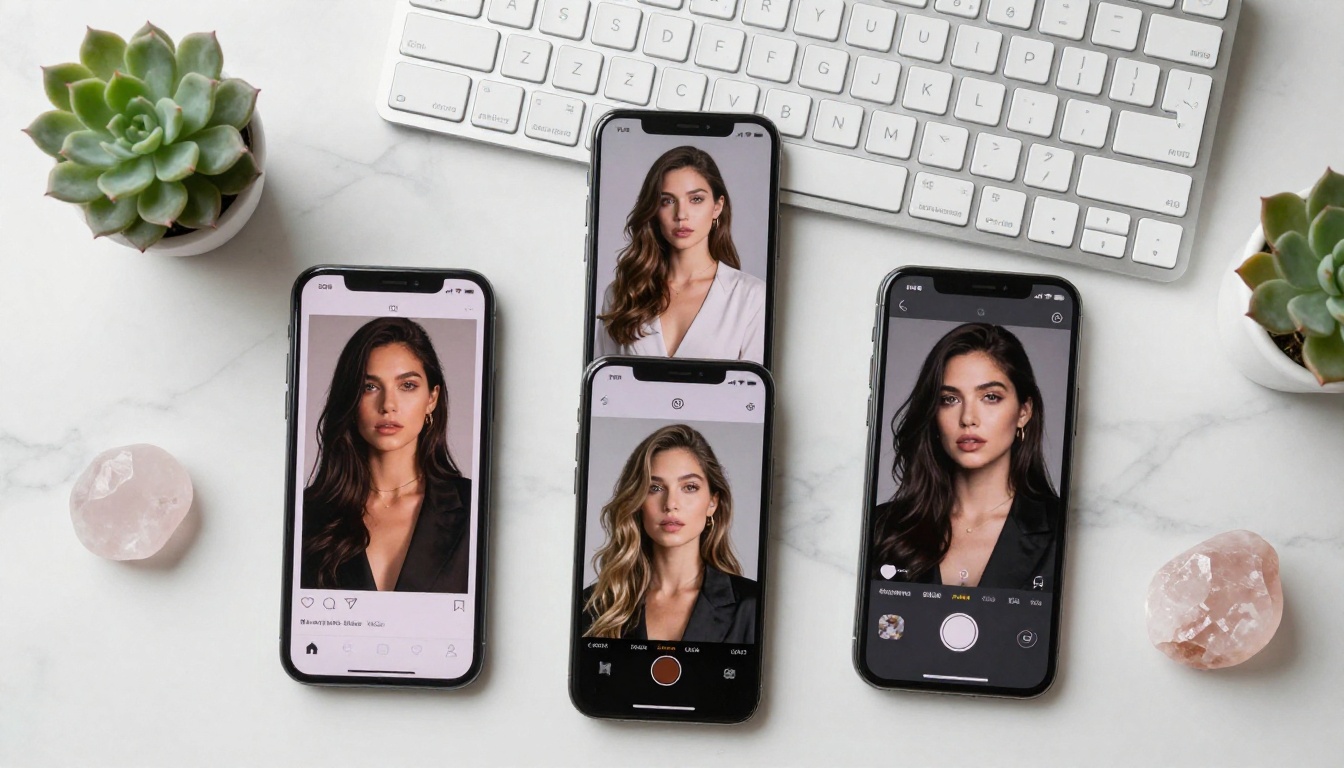
Comparing Flux Dev against Realistic Vision v5.1 with the same prompt takes seconds when they're both one click away. Finding the right model for your specific creative vision is a process of comparison, and having everything in one place makes that dramatically faster.
Beyond text-to-image, PicassoIA also offers tools for post-processing. Super Resolution models can upscale generated images 2x to 4x. AI image restoration tools fix noise, blur, and fine detail after generation. And if you want to tweak specific elements within a generated image, inpainting and outpainting are both available without leaving the platform.
Different goals call for different models:
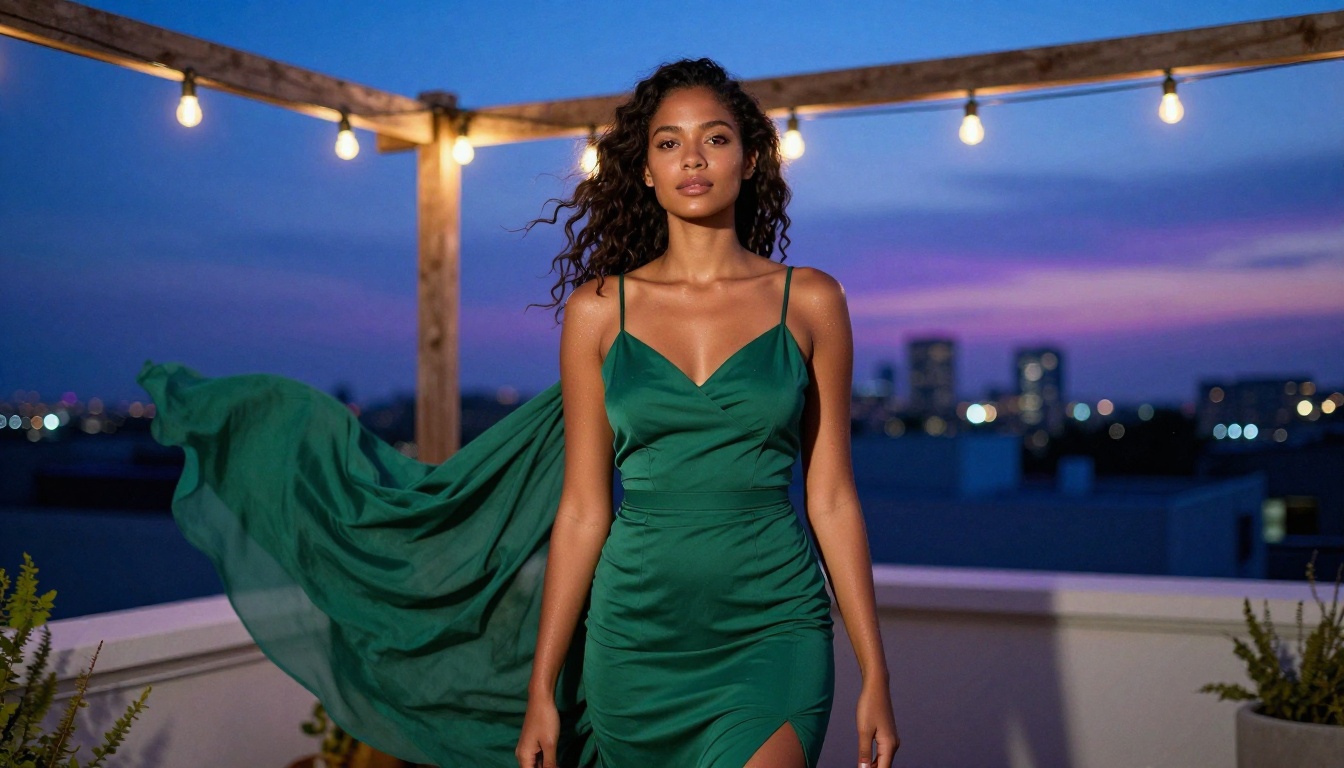
Start Creating Right Now
All the models covered in this article are live on PicassoIA today, and none of them ask you for an email address or account. Pick the model that matches what you're trying to create, write a detailed prompt using the structure outlined here, and generate.
The barrier to entry is genuinely zero. No download, no setup, no account creation, no wait for verification. Open the page and start working. If the first result doesn't satisfy you, iterate. Change one variable at a time: lighting, angle, clothing, environment. Most people are two or three prompt revisions away from the image they actually wanted.
Flux 1.1 Pro Ultra is the best place to start for photorealism. Flux Schnell is the right call if you want fast feedback on prompt ideas. And if you want the most flexible content generation available, Flux Dev is waiting.
There's nothing stopping you from creating right now.


