Short-form video is the most competitive space on the internet right now. Every day, creators on Instagram, TikTok, and YouTube Shorts post millions of reels, and the ones that break through are not always the most expensive productions. They are the ones with the sharpest visuals, the most fluid motion, and the tightest pacing. AI has made all three of those things dramatically cheaper and faster to produce. The right tool can take a single text prompt or a still photo and turn it into a polished, cinematic clip in under two minutes.
This article breaks down the best AI apps for making reels in 2027, organized by use case and output quality. Whether you need text-to-video, image animation, or visual effects, there is a model here that fits your workflow.
What AI Reel Makers Actually Do
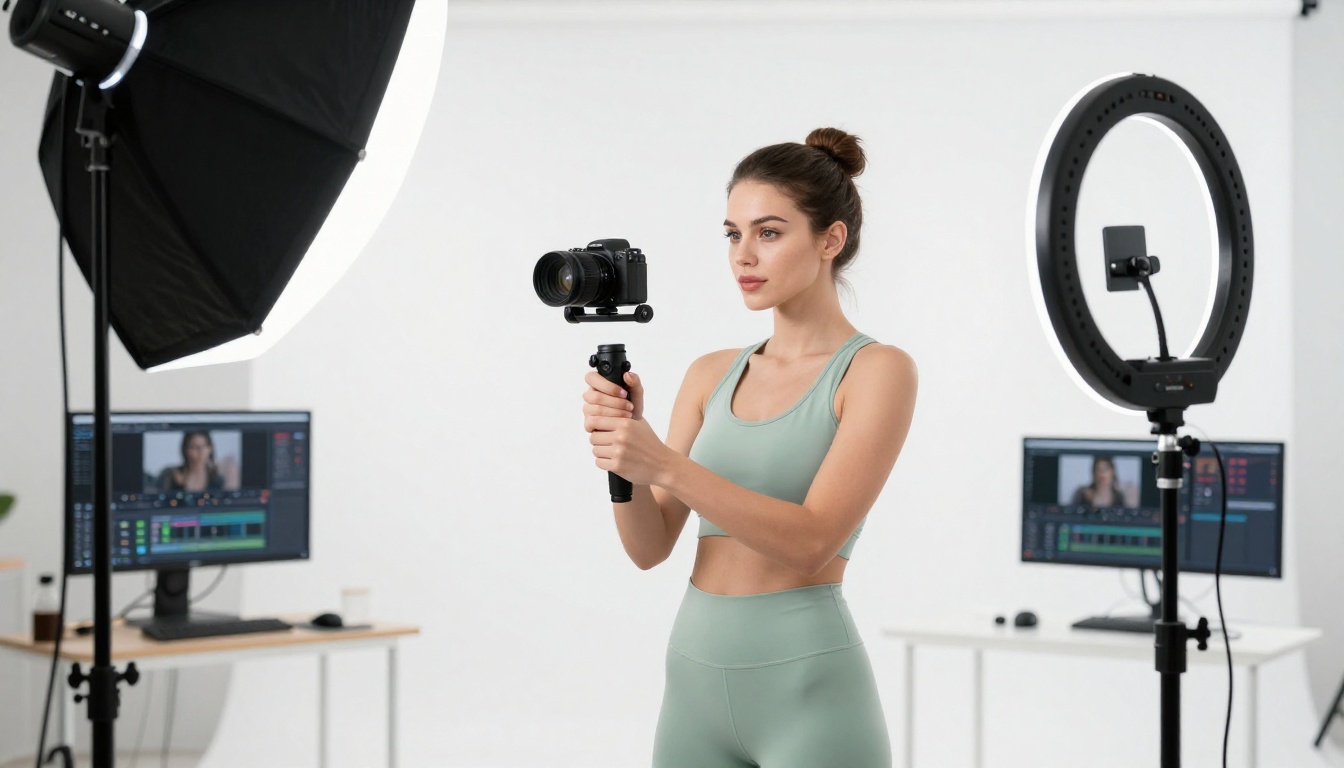
Not every AI "video tool" is built the same way. Some generate footage from scratch using a text prompt. Others animate a still image you feed them. A third category takes existing video and stylizes, upscales, or remixes it. Knowing which type you need saves hours of trial and error.
The three core use cases for AI reel apps are:
- Text-to-video: Type a prompt, get a clip. Best for creators who need original footage without a camera.
- Image-to-video: Feed a photo or AI-generated still and animate it. Best for product shots, portraits, and travel content.
- Video enhancement: Take raw footage and add effects, stabilize, upscale, or restyle it. Best for creators who already shoot but want a polished finish.
💡 Pro tip: The most efficient reel workflow combines all three. Generate a background or establishing shot with text-to-video, animate a product photo with image-to-video, and apply a visual effect on the final cut.
Why Short-Form Demands More from AI
Reels are unforgiving. Viewers scroll past anything that looks cheap in the first second. This means AI-generated clips need to hit a higher visual bar than a presentation video or a tutorial recording. Motion consistency, realistic lighting, and proper aspect ratio all matter more in a vertical or widescreen short than in a long-form production.
The best AI apps for making reels in 2027 have caught up to that standard. Models like Seedance 2.0 from ByteDance generate footage with built-in synchronized audio, while tools like Veo 3.1 Fast from Google hit 1080p with native sound. The bar has risen sharply, and so has the accessibility.
From Static Posts to Motion Content
The shift from static posts to short-form video is not just a trend. It is a platform-level structural change. Instagram, TikTok, and YouTube Shorts all algorithmically favor video over images, and within video, they favor reels with high completion rates and shares. AI tools that produce high-quality motion content at speed are now a practical competitive advantage for creators, not just a novelty.
Best Text-to-Video Models for Reels

Text-to-video is the most direct path from idea to reel. You describe what you want, and the model generates it. The quality gap between the top models and the rest is significant, so choosing the right one matters.
Seedance 2.0 by ByteDance
Seedance 2.0 is one of the strongest all-around text-to-video models available right now. ByteDance built it with native audio generation baked in, which means the ambient sound, music beds, and even dialogue-adjacent noise are synthesized alongside the footage. For reels, this removes one editing step entirely.
What sets it apart is the motion fidelity. Seedance 2.0 handles fast cuts and camera pans without the jittery artifacts that plagued earlier AI video models. Colors are saturated in a way that works well for social content without tipping into artificial territory.
Best for: Lifestyle content, travel reels, product showcases
Kling v3 Omni Video by Kwaivgi
Kling v3 Omni Video generates cinematic 1080p clips with a level of subject consistency that makes it genuinely useful for recurring characters or brand mascots. The model handles complex motion prompts well, including scenarios like "camera orbits slowly around a figure while golden light shifts from front to side."
It is one of the few models where the output feels directed rather than random. If your reel style leans cinematic and intentional, this is the one to test.
Best for: Cinematic brand reels, storytelling clips, directed motion
Veo 3.1 Fast by Google
Veo 3.1 Fast is Google's speed-optimized version of their Veo 3.1 model, hitting 1080p output with native audio at faster render times. For creators who need volume, the speed advantage compounds quickly. Running 10 clip variants in a session that used to take hours now takes under 30 minutes.
The audio quality from Veo 3.1 Fast is particularly strong for ambient scenes: rain on a window, crowd noise at a festival, leaves in wind. These details make a reel feel expensive without adding any production cost.
Best for: High-volume content creation, ambient-heavy reels, travel and nature content
Pixverse v5.6
Pixverse v5.6 hits a sweet spot between speed and output quality that makes it popular with creators running high-output schedules. It handles stylized content well, including scenarios that lean into strong color palettes or dramatic lighting setups. The 1080p output is crisp and social-ready from the moment it renders.
💡 Pixverse v5.6 is particularly strong for fashion and beauty reels where color accuracy and skin tone rendering matter most.
Best for: Fashion reels, beauty content, high-output social schedules
Best Image-to-Video Apps for Reels
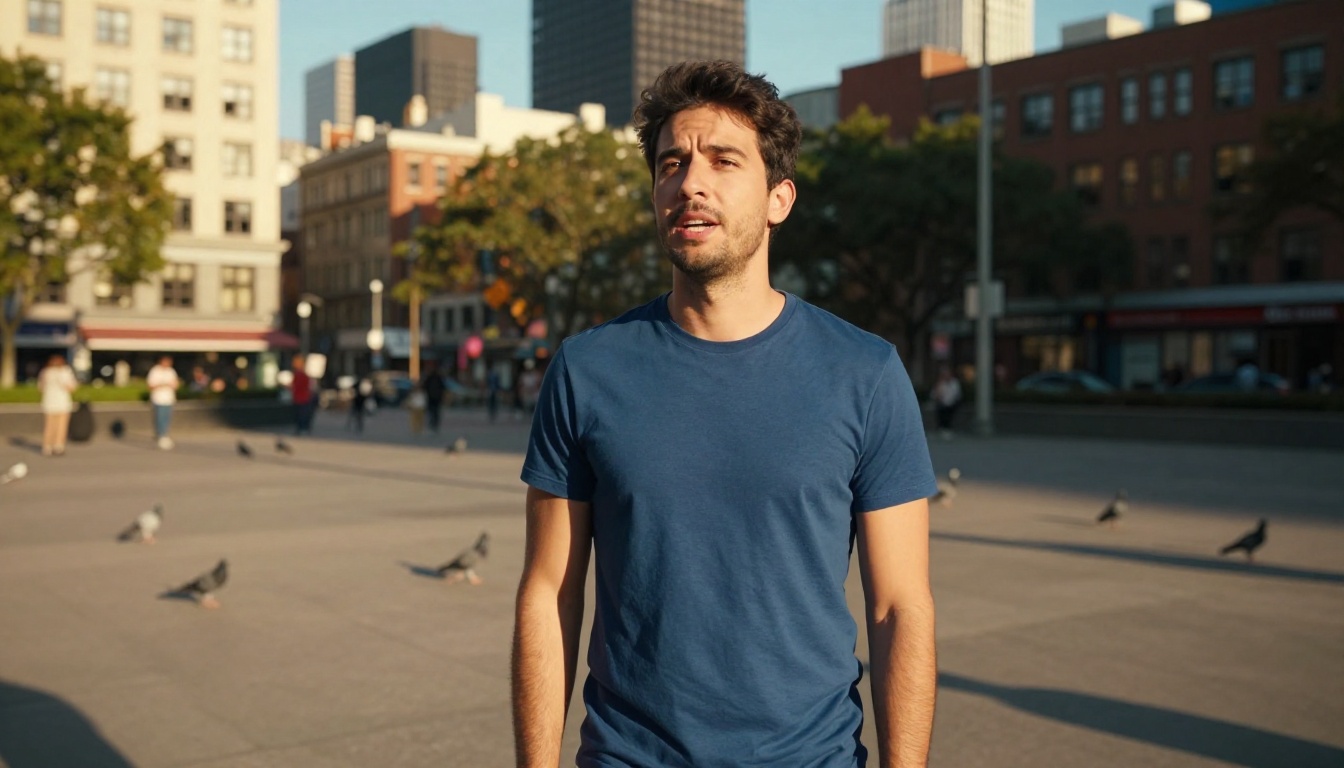
If you have a great still image, whether it came from a photoshoot, a product render, or an AI image generator, animating it into a reel clip is often faster and more cost-effective than generating from scratch. Image-to-video models use the photo as their first frame and build motion outward from it.
Wan 2.7 I2V
Wan 2.7 I2V animates any image into a high-definition video with impressive spatial consistency. It respects the original composition while adding natural motion: a model's hair moves in wind, a candle flame flickers, a background crowd shifts in place. The result feels like a filmed scene rather than an animated photograph.
The resolution ceiling is high enough for reel use, and the motion style can be guided with a text prompt alongside the image input.
Best for: Portrait animation, product demos, lifestyle still-to-motion
LTX 2.3 Fast by Lightricks
LTX 2.3 Fast is Lightricks' speed-first model in their LTX lineup, pushing output to 4K while keeping generation times short. For creators who shoot or generate high-resolution stills and want to preserve that quality through the animation step, LTX 2.3 Fast does not degrade the source frame.
The motion is smooth and the transition between static and animated frames is seamless, which matters a lot for the first half-second of a reel when viewers are deciding whether to keep watching.
Best for: 4K reel production, photography animation, premium brand content
Hailuo 02 by Minimax
Hailuo 02 generates 1080p video from images with built-in cinematic tendencies. The model naturally applies subtle lens effects, depth-of-field shifts, and lighting changes over time, which gives even a simple portrait animation a polished, broadcast-quality feel.
For creators who want their image-to-video clips to look like they were shot with professional gear, Hailuo 02 adds that production value automatically.
Best for: Portrait reels, cinematic short films, influencer content
How to Make Reels on PicassoIA

PicassoIA aggregates all of the models above in one platform, which means you do not need separate accounts for ByteDance tools, Lightricks tools, and Google tools. The workflow is consistent regardless of which model you pick.
Step 1: Pick Your Model
Go to picassoia.com/en/all-models and filter by the text-to-video or image-to-video category. Each model page shows example outputs so you can judge the visual style before spending any credits.
For text-to-video reels, start with Seedance 2.0 or Kling v3 Omni Video. For image animation, start with Wan 2.7 I2V or LTX 2.3 Fast.
Step 2: Write Your Prompt
The prompt is where most creators lose time. Vague prompts produce generic clips. Specific, directional prompts produce usable reels. A few prompt structures that consistently work:
[Subject] + [action] + [camera movement] + [lighting condition] + [mood]- Example: "A barista pours latte art into a ceramic cup, slow dolly-in, warm amber light from above, calm morning atmosphere"
For image-to-video, the image carries most of the visual information. The prompt should describe the motion specifically: what moves, how fast, in which direction, and what the camera does.
Step 3: Set Resolution and Export
For Instagram and TikTok reels, 1080p is the minimum for a sharp display. YouTube Shorts can use the same. Most models on PicassoIA default to 9:16 or allow you to specify the aspect ratio. Once your clip is generated, download it and drop it directly into your editing app.
💡 Batch your generations. Run 3 to 5 prompt variants for each scene before committing to a clip. The variation across outputs often surfaces a version better than your original concept.
Speed vs. Quality vs. Price Compared

Choosing a model is not just about raw quality. For most creators, the balance between output quality, generation speed, and credit cost determines the practical pick.
The pattern is clear: if native audio matters for your reel, Seedance 2.0 and Veo 3.1 Fast are the top picks. If resolution is the priority, LTX 2.3 Fast at 4K stands in its own tier. For image animation specifically, Wan 2.7 I2V and Hailuo 02 are the strongest performers.
Combining Models for Better Reels
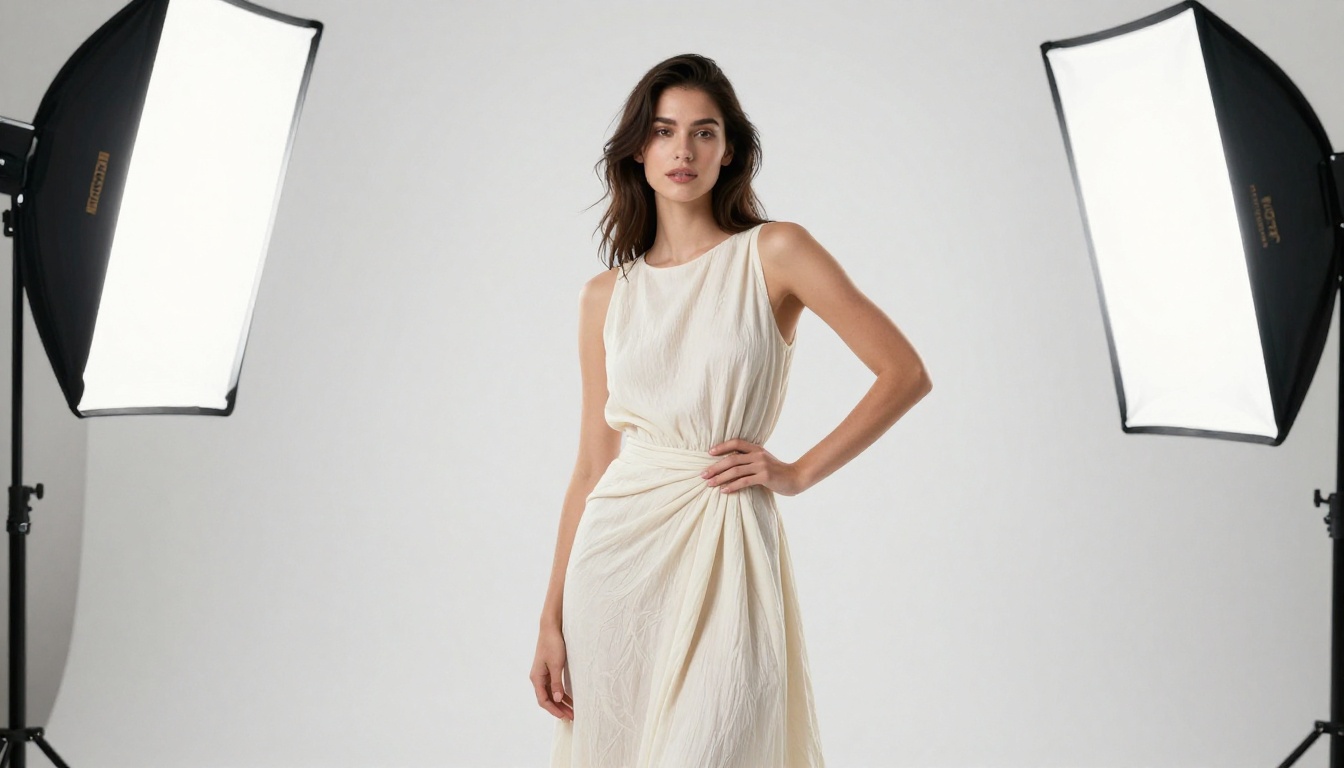
The most effective AI-powered reels are not single-model outputs. They combine clips from multiple models, stitched together in a standard editing app.
A typical multi-model reel workflow looks like this:
- Opening establishing shot: Generated with Wan 2.7 T2V for cinematic wide angles
- Product close-up: Animated from a still image using LTX 2.3 Fast
- Talking head or character: Generated with Kling v3 Omni Video for subject consistency
- Ambient B-roll: Generated with Seedance 2.0 for natural audio fill
- Closing brand frame: Styled with Pixverse v5.6 for a strong color signature
This workflow cuts production time compared to a single-model approach because you are routing each shot to the model it performs best with rather than compromising across the board.
The Audio Question
Audio is the part of the reel equation that most AI video apps still handle inconsistently. Native audio generation, where the sound is created in sync with the footage rather than added afterward, is still limited to a handful of models. Seedance 2.0 and Veo 3.1 Fast do it well. For everything else, you will want to use a separate audio layer in your editing app.
PicassoIA also offers text-to-speech and AI music generation tools, which pair cleanly with the silent video outputs from models like Pixverse and LTX. You can generate a voiceover and a custom music track, then mix them over your AI video clips in any standard editor.
Making Reels at Scale

For creators running brand accounts or managing content calendars that need 20 to 50 clips per week, the economics of AI reel generation change significantly. At that volume, speed and consistency matter as much as peak quality.
The practical setup for high-volume reel production on PicassoIA:
- Use Seedance 2.0 Fast for quick drafts and concept validation
- Promote the strongest concepts to Kling v3 Omni Video for the final high-quality render
- Use Ray 2 720p by Luma for cost-effective mid-tier clips that still look clean at 720p
- Keep a consistent prompt template per content vertical so outputs stay on-brand
💡 The draft-to-final ratio for AI reels is usually 3:1 or 4:1 at first. As you refine your prompt templates for each model, that ratio improves. Save your best-performing prompts and reuse them with small variations.
Tracking What Works
AI reel tools accelerate production, but the distribution side is still human. Tracking which visual styles, subjects, and motion types perform best on your specific account is the only way to close the loop. Check reel performance by clip type and model. If LTX 2.3 Fast outputs consistently outperform others for your audience, that is a prompt routing decision, not just a stylistic preference.
Why the Model Library Matters

No single AI model is best for every reel type. This is the core argument for using a platform like PicassoIA rather than a single-model app. When your content strategy shifts, from lifestyle to fashion or from travel to tech, you need different model characteristics without re-learning a new interface.
PicassoIA currently offers over 87 text-to-video models, covering everything from the fast and free, like Ray Flash 2 720p, to the premium and cinematic, like Sora 2 Pro. The range means you can match the model to the job rather than compromising on output quality because your tool has only one visual style.
The platform also includes image-to-video, video effects, super-resolution for upscaling clips, and lipsync tools for talking-head reels. It is a full production environment for short-form content without needing to switch between multiple platforms.
Some of the most-used models for reel production on PicassoIA right now include:
- PicassoIA Video: The platform's own free unlimited video generator, strong for high-volume experimentation
- Kling v2.1: Solid image-to-video with consistent subject rendering across frames
- P Video by PrunaAI: Fast and reliable for mid-tier production needs
Start Creating Your Own Reels
The tools described in this article are available right now on PicassoIA, and most have free tiers or low-cost entry points that let you test outputs before committing credits.
The fastest way to get started is to pick one model, write three prompt variants for a reel you have been meaning to make, and compare the outputs. You will get more from 15 minutes of hands-on generation than from any amount of reading about it.
Go to picassoia.com/en/all-models, filter by text-to-video or image-to-video, and pick a model that matches the visual style you are after. The first clip is the hardest. After that, the workflow becomes second nature.
The creators winning on short-form right now are the ones who treat AI models as a production team, not a magic button. They iterate, compare outputs, and build prompt libraries that improve over time. That habit, more than any single model choice, is what separates a creator with 1,000 followers from one with 1,000,000.
Try Seedance 2.0 for your first text-to-video reel. Animate your best photo with Wan 2.7 I2V. Produce a cinematic cut with Kling v3 Omni Video. Your next reel is one prompt away.


