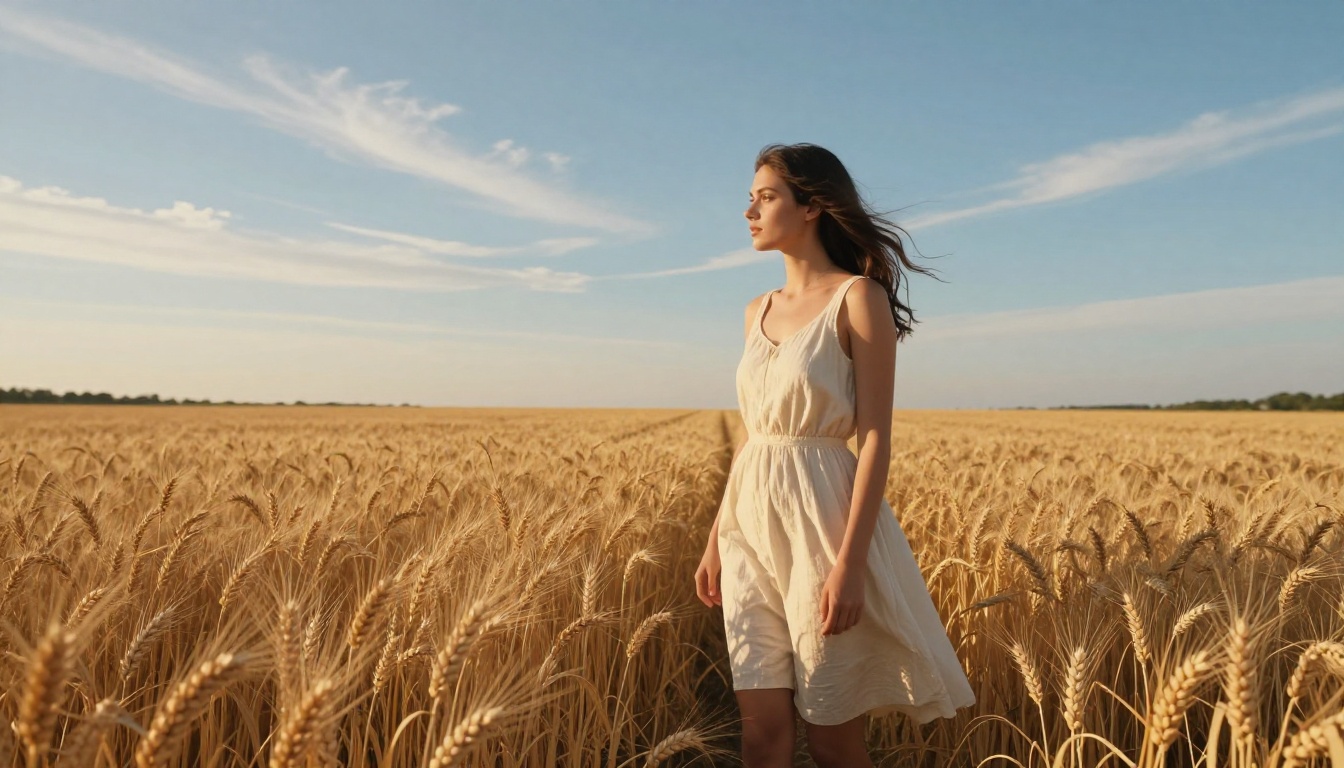
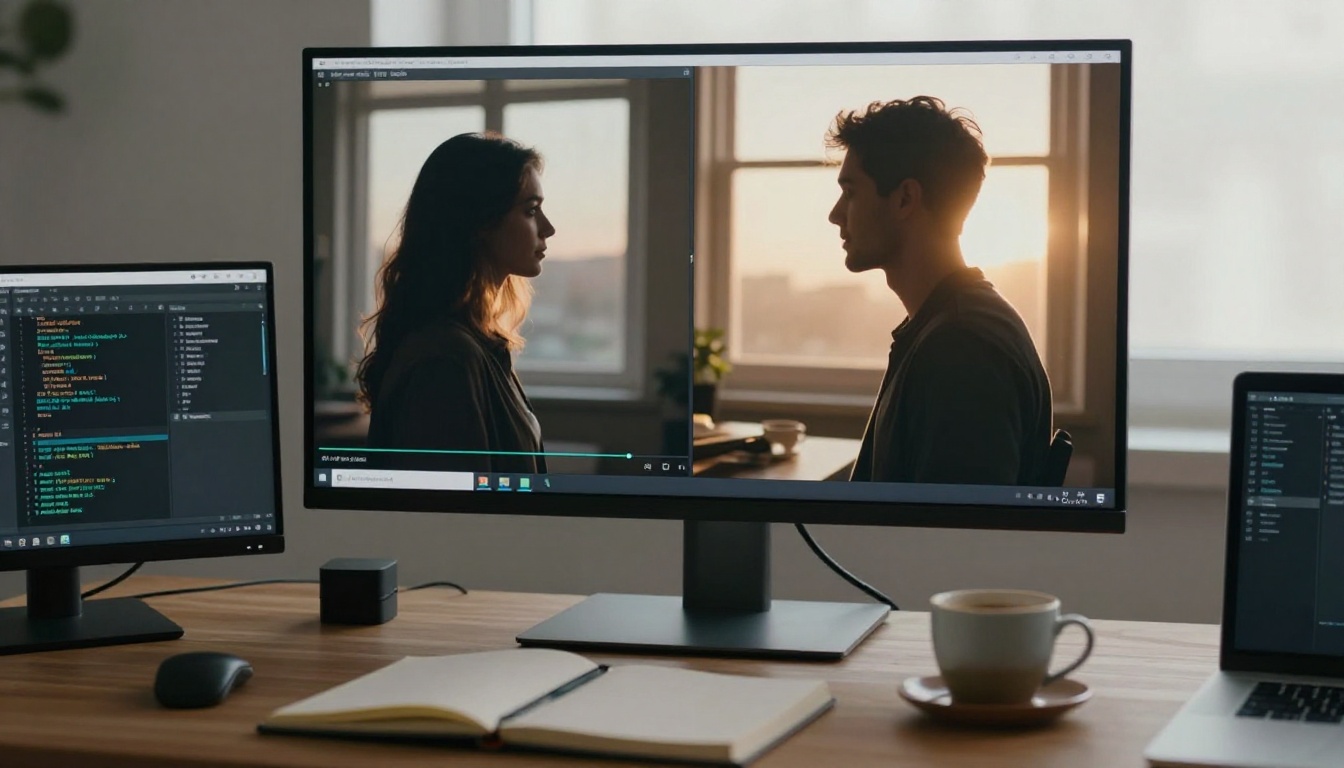
The moment you need a photorealistic person to walk, turn, talk, or react in a video, the gap between "impressive" and "convincing" becomes brutally obvious. Most AI video tools produce fluid motion for landscapes and objects. Generating a companion figure with authentic biomechanical movement, natural skin behavior, and believable facial micro-expressions demands a different class of model entirely.
This article ranks the best AI companion video generators available right now for realistic motion, organized by what each does best: raw motion fidelity, character consistency, audio sync, speed, and control. Whether you are building social content, interactive experiences, or production-level video, the right model is the difference between a clip that reads as "AI" and one that reads as "real."
What Makes Motion "Realistic"
Before comparing tools, it helps to know what to actually evaluate. Realistic motion in AI video breaks down into four components:
- Biomechanics: Does the figure move like a real body? Weight shifts, joint constraints, and natural foot placement all contribute.
- Secondary motion: Does hair, fabric, and skin react plausibly to movement? A shirt that doesn't ripple on a running figure is an immediate tell.
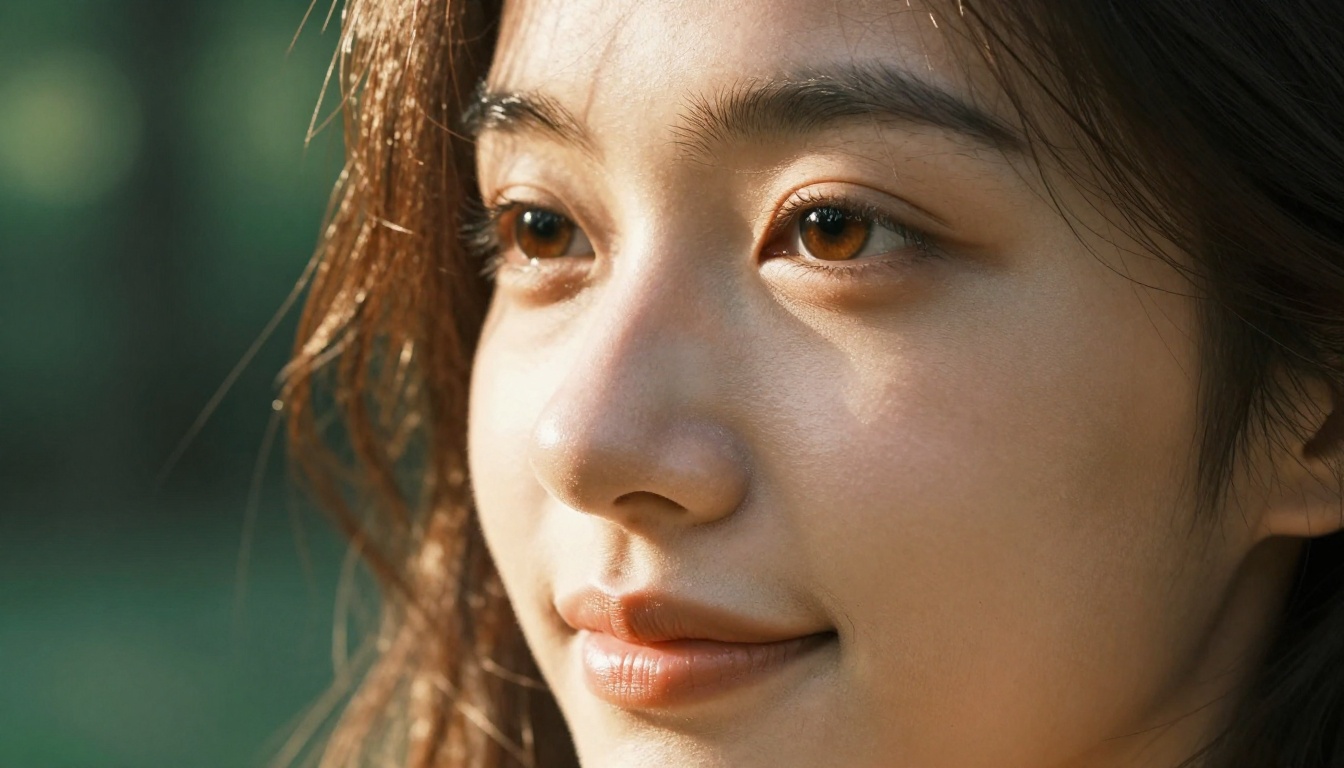
- Facial fidelity: Do micro-expressions read as human? Are the eyes tracking correctly between frames?
- Temporal consistency: Does the figure maintain its appearance frame to frame without morphing, flickering, or shifting identity?
Most tools handle one or two of these well. The standout generators handle all four simultaneously. Knowing which component matters most for your project is the fastest way to select the right model before you spend credits on generation.
The Top Tier: Motion Fidelity Leaders
Seedance 2.5 Does the Heavy Lifting
Seedance 2.5 by ByteDance sits at the top of the stack right now for companion motion quality. It generates up to 30-second videos at 1080p with built-in synchronized audio, meaning character dialogue, footsteps, and ambient sound render natively without any post-production patching.
What separates Seedance 2.5 from earlier models is its handling of secondary motion. Hair moves independently of the head. Fabric drapes and creases during movement rather than sliding as a flat texture. These are the details that make a scene feel shot rather than rendered, and they are notoriously difficult to produce reliably.
The companion Seedance 2.5 Lite is a free unlimited variant capped at 10 seconds but running the same motion physics engine. For shorter clips or rapid iteration, it removes the cost barrier entirely without sacrificing the biomechanical realism that makes the full model compelling.
Kling v3 Owns the Motion Control Space
Kling v3 Motion Control by Kwaivgi lets you specify exactly how a character moves, not just describe it in text. You can define trajectory paths, constrain limb behavior, and anchor motion to spatial reference points in the frame.
For companion video specifically, this means you can produce consistent, repeatable motion: a figure walking to a precise camera mark, turning at a specific frame, maintaining a consistent gait cycle across multiple takes. The standard Kling v3 Video without motion control still produces some of the most cinematically polished 1080p output available, with HDR color grading applied automatically.
💡 Use Kling v3 Motion Control when you need the figure to hit a specific mark or follow a defined path. Use standard Kling v3 Video when cinematic quality matters more than precise movement choreography.
Veo 3.1 for Prompt-Driven Photorealism
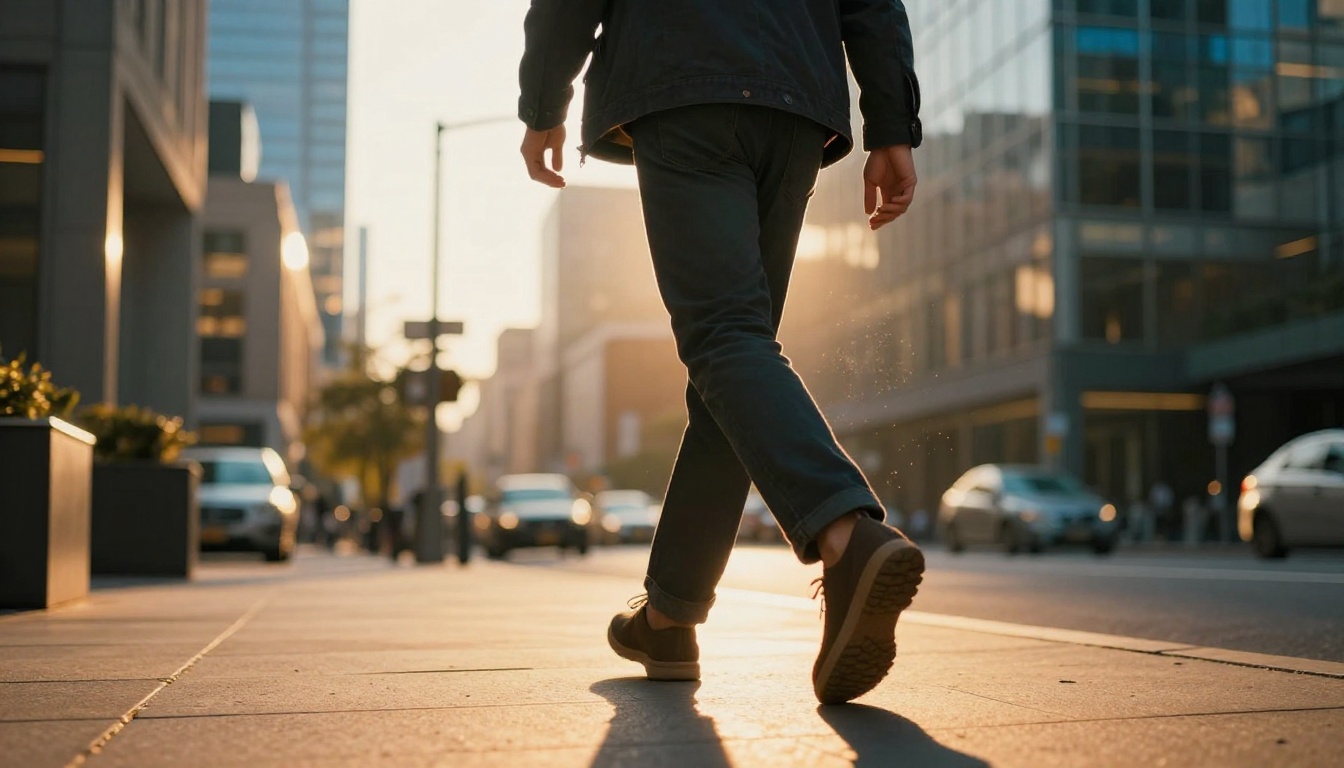
Google's Veo 3.1 generates 1080p video from text with native synchronized audio. Its companion motion output handles natural idle behaviors particularly well: weight shifting, subtle breathing, eye blinks, and small postural adjustments that make a standing figure read as alive rather than frozen mid-pause.
The faster Veo 3.1 Fast variant cuts render time significantly with a modest reduction in fine detail. For drafts and concept validation, it runs at near-production speed. Veo 3.1 Lite provides a lower-cost entry point with the same audio-native pipeline.
The earlier Veo 3 and Veo 3 Fast round out the Veo family, each optimized differently across cost, speed, and fidelity trade-offs so you can match generation budget to output requirements.
Character-Specific Generators
Dreamactor M2.0 for Full-Body Performance
Dreamactor M2.0 by ByteDance is built specifically for animating characters. You provide a reference image of a character and a motion description, and it synthesizes a full-body performance including gestures, facial expressions, and posture changes. It preserves identity across the clip more reliably than general-purpose text-to-video models, because it uses the reference image as a continuous identity anchor.
This is the right tool when you have a specific companion character and need them to perform: walking into frame, sitting down, gesturing while speaking, or reacting to something off-camera. The output handles the transition between postures naturally, which is where many models lose believability.
Kling Avatar v2 for Talking Head Companions
When the primary requirement is a realistic talking or reacting face rather than full-body motion, Kling Avatar v2 produces the most convincing results. It takes any facial photo and generates a video of that person speaking, emoting, or reacting with authentic lip movement and micro-expression timing that holds up at close inspection.
The output maintains high identity consistency: the character looks the same throughout the clip, lighting behaves naturally on the skin as the head moves, and eye movement follows believable saccade patterns rather than the locked, glassy stare that characterizes weaker models.
Ovi I2V from Character.AI
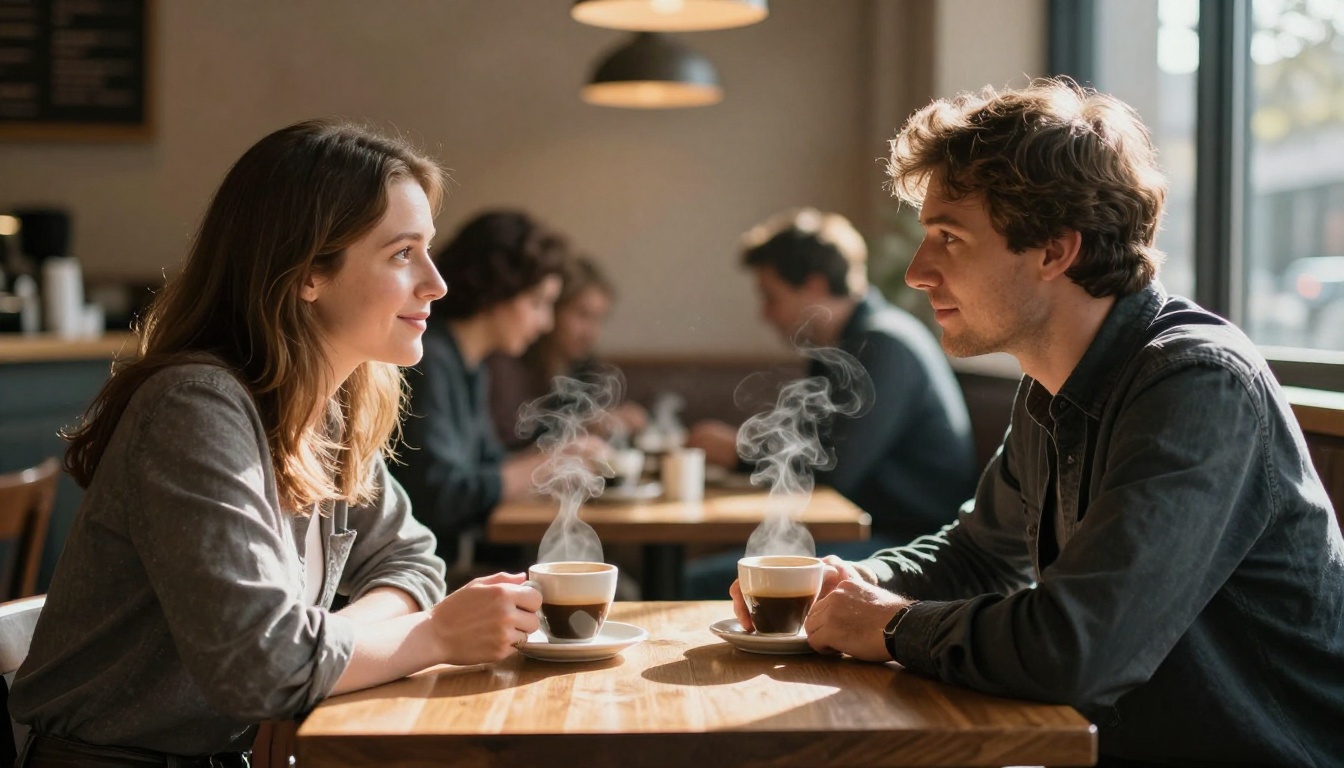
Ovi I2V by Character.AI generates videos with audio directly from a reference photo. It was designed with companion character animation in mind and handles the subtleties of interpersonal motion well: eye contact, reactive head tilts, and the small involuntary movements that make a person feel present rather than frozen.
Speed and Scale: When Volume Matters
LTX 2.5 Fast for Rapid Iteration
LTX 2.5 Fast by Lightricks generates 4K videos in seconds. For companion video production at scale, where you need to test twenty motion variations before selecting one, this changes the production workflow entirely. The motion quality is strong, particularly for walking, gesture, and upper-body movement at all tested resolutions.
The LTX 2.3 Fast and LTX 2.3 Pro variants offer the same speed profile at different quality and cost trade-offs. LTX 2 Pro sits at the premium end for production-grade 4K output when you need the final frame to be clean at full screen.
Wan 3 for Cinematic Output
Wan 3 by Alibaba produces cinematic video with strong motion handling at 1080p. Its image-to-video companion Wan 2.7 I2V is particularly effective for animating still companion images into motion sequences while preserving the source character's visual identity across the full clip duration.
Wan 3 Prime extends this to full 1080p with higher frame fidelity for final production output. Wan 2.7 T2V provides the same cinematic quality from text alone when you don't have a reference image.
Model-by-Model Comparison
How to Use Seedance 2.5 on PicassoIA
PicassoIA hosts Seedance 2.5 directly, making it one of the most accessible high-fidelity motion generators available without a separate API account or technical setup.
Step 1: Open Seedance 2.5 on PicassoIA.
Step 2: Write your motion prompt. Be specific about the character, their action, and the scene. For example: "A young woman with dark hair and a beige jacket walks across a sunlit plaza, natural stride, slight wind in hair, golden afternoon light from the left."
Step 3: Set the duration (up to 30 seconds) and resolution. Use 1080p for final output and 720p when testing motion variations.
Step 4: Submit and wait for generation. Seedance 2.5 renders with native audio, so the output includes ambient sound and movement noise automatically without a separate pass.
Step 5: If the motion reads as stiff or mechanical, add secondary motion descriptors to your prompt: "natural weight shift, slight fabric movement, hair responding to motion, breath visible."
💡 The most common mistake is over-describing the character's appearance and under-describing the motion itself. Allocate at least 40% of your prompt to describing how the figure moves, not what they look like.
The Motion Quality Gap
Even the best models have consistent failure modes. Knowing them before you start saves credits and time.
Hand and finger articulation remains the hardest motion problem. Most models handle gross body movement well but produce finger positions that shift unnaturally between frames. If hands are prominent in the scene, use composition choices to obscure them or zoom out to reduce their prominence in frame.
Long-duration consistency degrades past 10-15 seconds in most models. The figure may subtly morph in facial structure or shift clothing appearance across the clip. For longer sequences, generate multiple shorter clips at natural cut points and edit between them rather than attempting a single long take.
Complex interaction between two characters, bodies touching, objects being handed between figures, remains unreliable across all current models. Single-character scenes produce cleaner results consistently. If two characters must interact, cut between separate single-character shots rather than generating them together.
Walking toward camera is harder than walking across frame. Approaching motion amplifies any instability in the foot-to-ground relationship and exposes temporal inconsistency in facial scale as the figure grows in frame. Side-angle or three-quarter angle walks produce the most stable output.
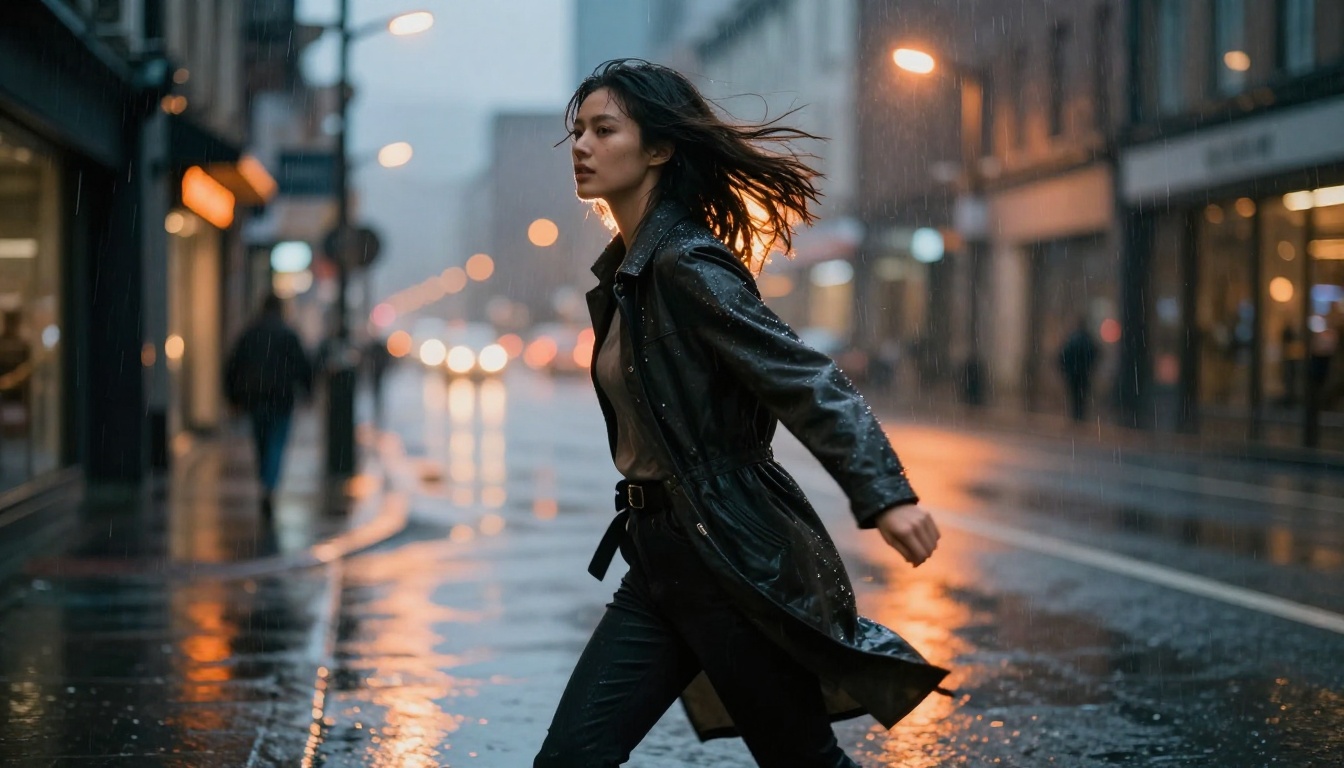
Image-to-Video and Motion Transfer
Character Fidelity Across Multiple Clips
If you need a specific person or character to appear consistently across multiple clips, image-to-video is more reliable than text-to-video alone. You generate or photograph the character once, then use that image as the first-frame anchor for each subsequent clip. The model treats the reference as a constraint and generates motion that preserves the character's visual identity throughout.
Wan 2.7 I2V and Wan 2.6 I2V both handle this well at production resolution. P Video Animate specializes in animating a static portrait into a natural idle or reaction clip, which is useful for taking a companion character image and making it feel alive with minimal setup.
Motion Transfer and Character Replacement
Wan 2.7 R2V takes a reference motion pattern and applies it to a new character, which is the closest approximation of motion transfer without a dedicated capture pipeline. This lets you reuse a motion performance across multiple different companion characters.
Wan 2.2 Animate Replace swaps a companion figure into existing video footage, preserving the motion from the original while replacing the visual character identity entirely. For audio-driven animation, Wan 2.2 S2V synchronizes video motion to an audio input, creating naturally audio-responsive character behavior without a separate lipsync pass.
Prompting for Realistic Motion
After testing across these models, several prompt patterns produce consistently better motion fidelity:
Specify the motion phase: "mid-stride," "as they sit down," "in the moment after turning" gives the model a temporal anchor rather than a static description. This forces interpolation around a defined moment rather than guessing which phase of the action to synthesize.
Reference real-world physics: "natural weight shift onto the left foot," "momentum carrying the hair forward," "slight overshoot in the hand gesture" primes the model for biomechanically plausible output by naming the physical cause rather than just the visual result.
Add environmental interaction: "shoes pressing into soft grass," "jacket rustling against the seat back," "breath visible in cold air" forces the model to compute secondary motion, which improves the realism of primary motion as a side effect. The two systems interact in the model's internal representation.
Name the camera behavior: "slow push-in," "gentle handheld stability," "slight rack focus during movement" instructs on temporal camera behavior, which influences how motion artifacts are distributed and handled frame to frame.
Picking the Right Resolution
Resolution selection is not just a quality decision. It affects generation time, cost, and motion stability in ways that are not always obvious.
💡 Higher resolution doesn't always mean better motion. Some models produce more stable motion at 720p than at 1080p because the increased spatial complexity adds temporal variability. Test at 720p first, then scale up once the motion is locked and the performance is right.
The generators above handle creation, but a full companion video workflow often requires additional post-generation capabilities.
Super Resolution can upscale a 720p output to 1080p or 4K after generation, which sometimes produces more stable motion results than generating at high resolution from the start. If a model produces clean motion at 720p but artifact-heavy motion at 1080p, generate at 720p and upscale.
Lipsync tools on PicassoIA post-process any generated video to synchronize mouth movement to a separate audio track, giving you independent control over performance and dialogue. This separates the motion generation problem from the audio performance problem, which are best solved independently.
Video Editing models let you modify the motion or style of an existing clip without regenerating from scratch. ControlVideo restyles any video using a text prompt, which is useful for adjusting lighting, clothing, or environment after the motion is locked. This preserves the temporal consistency of a good take while modifying the visual surface.
Effects models add visual elements on top of generated motion, allowing post-processing without disturbing the motion data underneath.
All of these tools are available at picassoia.com/en/all-models, organized by category for fast access.
Try It Yourself
The fastest way to calibrate your instincts for motion quality is to run the same prompt through three different models and compare directly. Start with Seedance 2.5 for the motion baseline, Kling v3 Video for cinematic framing, and Veo 3.1 for prompt responsiveness. Three generations, one prompt, and you will immediately see which model's motion physics match what your project actually requires.
PicassoIA hosts over 120 video generation models across every resolution, duration, and style tier. The collection includes everything from free unlimited generators for draft work to professional-grade models for final production output, all accessible without switching platforms or managing separate API accounts.
Pick a character, write a motion prompt, and run it. The motion quality of AI video has crossed a threshold where photorealistic companion video is achievable by anyone with the right model, the right prompt structure, and a clear sense of what biomechanically believable motion actually looks like in practice.