Adult content creation is a serious business, and in 2027, the creators winning are the ones who figured out AI before everyone else. Not because AI is some magic trick, but because it removes the single biggest bottleneck in this industry: production cost and time. This article breaks down which AI tools are actually worth using, what each one does well, and how to get professional-grade results from day one. No fluff, no theory. Just what works.
Why Creators Are Moving to AI
The adult content market is brutally competitive. Subscribers expect frequent, high-quality visuals. Traditional photography is expensive, time-consuming, and logistically complicated. A single professional shoot can run anywhere from $500 to $5,000. For independent creators, that math simply does not work month after month.
AI changes the equation entirely.
The Content Volume Problem
Most platforms reward consistency. Creators who post daily or multiple times per week see significantly better algorithmic performance and subscriber retention. But maintaining that volume with traditional production is nearly impossible for a solo creator or small team.
With AI image generators, a creator can produce 20, 50, or even 100 unique, high-quality images in a single afternoon. Each one tailored to a specific theme, style, or audience preference. The creative ceiling lifts significantly when production time drops from days to minutes.
What Professional Photography Actually Costs
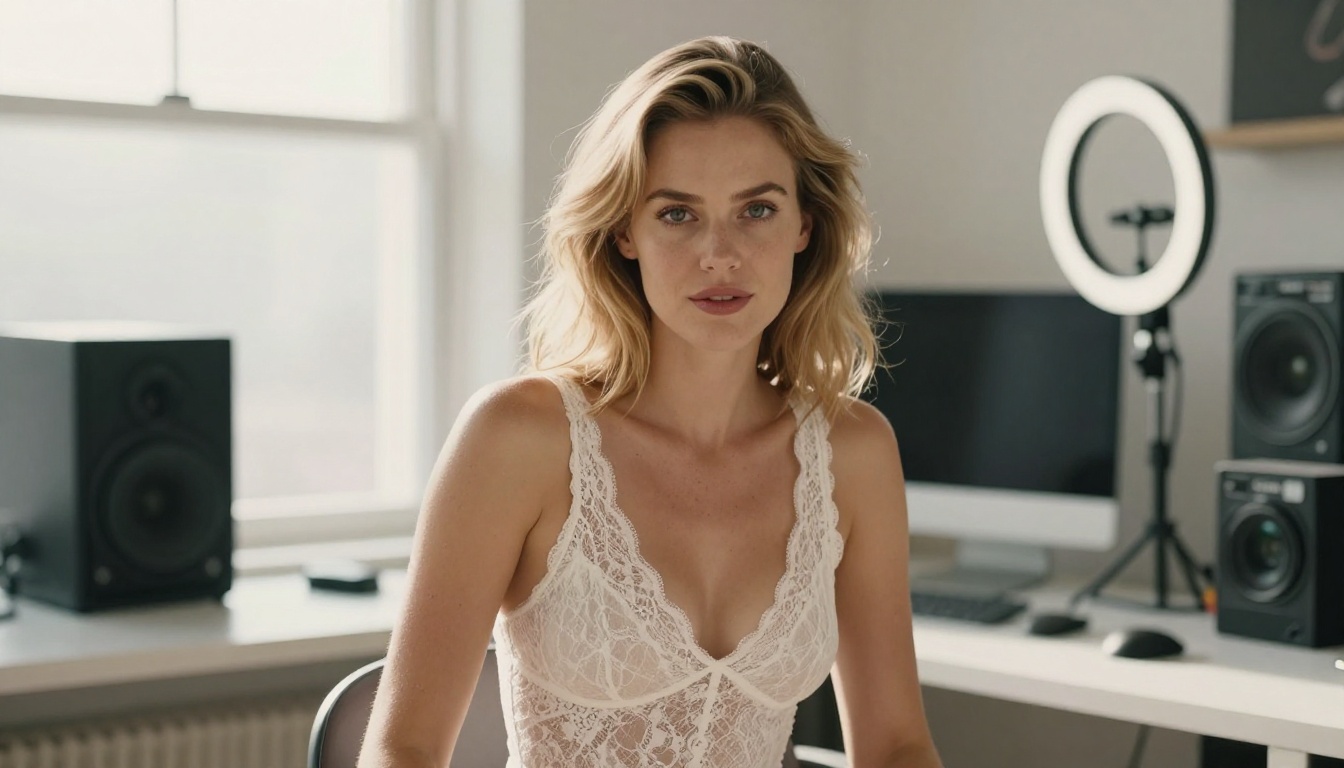
Beyond the shoot itself, traditional photography involves location fees, wardrobe, editing time, retouching, and licensing. A realistic monthly budget for consistent professional content often exceeds $3,000 for established creators.
AI does not replace the authenticity of real photography for everything. But for supplemental content, themed series, and experimental visuals, it removes the cost barrier completely. Many creators now run hybrid workflows: real photography for signature content, AI for high-volume supplemental material.
The math is simple: if AI can produce 70% of your content at 5% of the traditional cost, your margin improvement is immediate and substantial.
What Separates Good AI from Bad AI
Not all AI image generators are equal. For adult content creation specifically, the gap between good and mediocre tools is immediately visible in the output. Here is what actually matters when choosing the best AI for adult content creators.
Realism Is Non-Negotiable
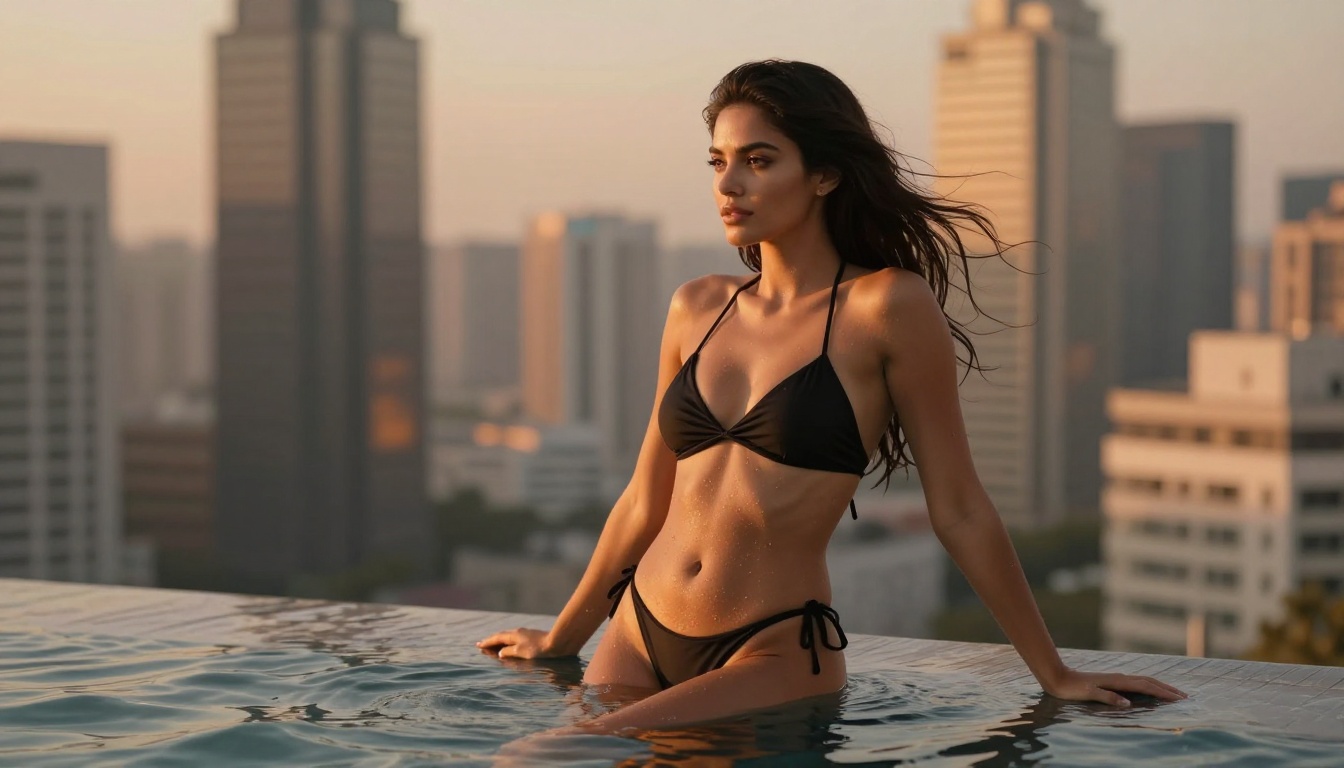
Subscribers can tell the difference between a convincing AI image and a generic one. The best AI models for adult content create photorealistic skin texture, accurate anatomy, natural lighting behavior, and authentic clothing physics. Models designed for fantasy illustration or anime-style output simply do not cut it here.
Photorealism requires models trained on real photography datasets, with fine-tuning specifically for portrait work and human anatomy. This is where dedicated NSFW-optimized models significantly outperform general-purpose generators.
What to look for: Natural skin pores, realistic shadow fall-off, anatomically correct proportions, and fabric that drapes like real fabric. If it looks like a video game render, it will not convert.
Prompt Control and Consistency
For any creator building a brand around a consistent aesthetic, the ability to control outputs precisely is essential. You need to specify lighting direction, camera angle, mood, setting, and subject characteristics without getting random results.
The best models respond predictably to detailed prompts. They let you iterate: change one variable while keeping everything else stable. This is how creators build recognizable visual identities across their content catalogs.
Output Resolution and Export Quality
For premium content, resolution matters. Images need to hold up at large display sizes without pixelation or softness. Models that output at 8K-equivalent quality, or that support super-resolution upscaling afterward, are significantly more valuable for professional use.
The Best AI Models for Adult Content Creators
These are the models delivering consistently strong results for photorealistic adult content creation right now.
Flux Pro Finetuned
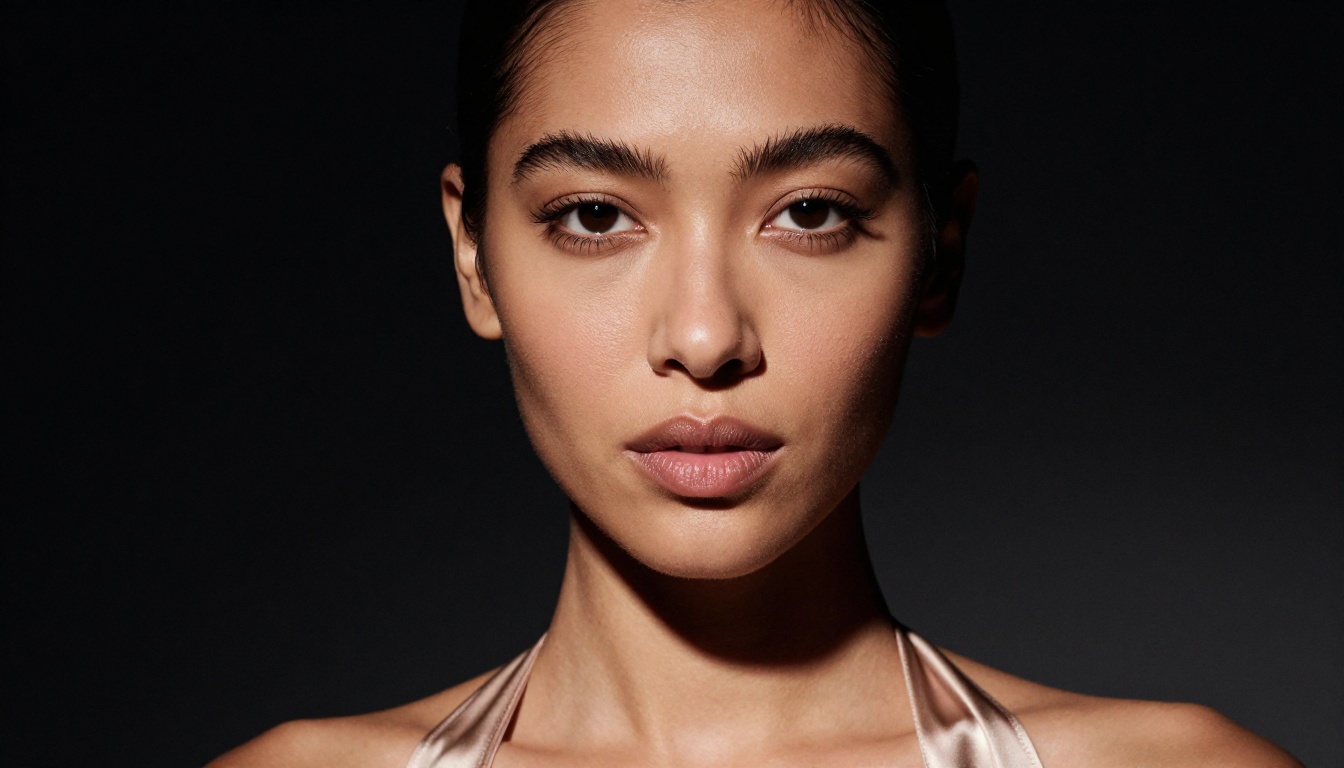
Flux Pro Finetuned is currently the strongest general-purpose model for photorealistic portrait work. Built on Black Forest Labs' Flux architecture, the finetuned version produces exceptionally detailed skin rendering, natural lighting response, and accurate anatomy that holds up to close inspection.
What makes it particularly valuable for adult content creators is the level of control it offers. You can specify lens type, focal length, lighting setup, and mood with reliable, repeatable results. The model does not randomly introduce artifacts or ignore key prompt elements the way older diffusion models sometimes did.
Best for: Editorial-quality portraits, glamour photography, consistent character looks across multiple images.
Strengths:
- Exceptional skin texture and realistic pores
- Responds accurately to specific lighting direction prompts
- High output resolution, suitable for large format display
- Consistent character features across multiple generations
Realistic Vision v5.1
Realistic Vision v5.1 has been a favorite in the NSFW AI community for a simple reason: it was specifically fine-tuned for photorealistic human subjects, with particular strength in portrait work and full-body compositions.
This model tends to produce warmer skin tones and softer, more flattering lighting by default compared to some of the harder-edged Flux outputs. For creators aiming for a classic glamour or boudoir aesthetic, Realistic Vision v5.1 hits that mark reliably and consistently.
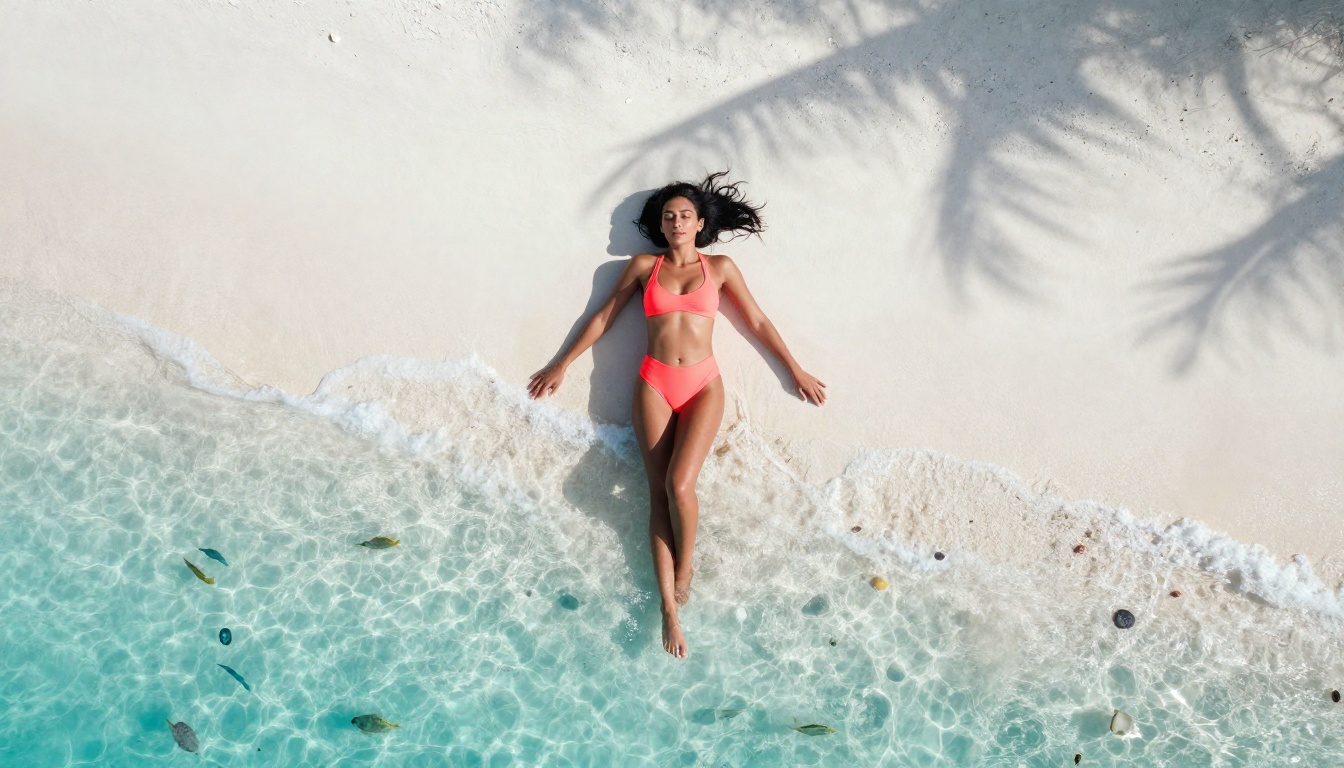
Best for: Boudoir photography, intimate portraiture, softer glamour aesthetics.
Strengths:
- Naturally flattering and warm skin tones
- Strong performance on close-up portrait work
- Excellent hair detail and strand rendering
- Lower tendency for anatomical errors in portraits
SDXL Lightning 4Step
SDXL Lightning 4Step trades some quality ceiling for speed, generating high-quality images in just four diffusion steps. For creators who need rapid iteration, testing multiple concepts quickly, or batch producing content for publishing schedules, this model is a workflow essential.
The quality is genuinely impressive for the speed. While it will not quite match Flux Pro Finetuned on extreme close-up detail work, for medium-distance shots, lifestyle content, and environmental portraits, it produces publishable results in seconds.
Best for: High-volume content production, rapid concept testing, social media content libraries.
Strengths:
- Dramatically faster generation times than standard models
- Consistent quality across a wide range of subject types
- Good environmental and setting rendering
- Handles complex scene descriptions reliably
Flux Kontext Fast
Flux Kontext Fast is the model of choice when you need to edit or refine existing images rather than generate from scratch. It excels at inpainting, outpainting, and image modification tasks where precision matters.
For adult content creators, this opens a specific workflow: generate a base image with another model, then use Flux Kontext Fast to adjust specific details, change backgrounds, modify wardrobe elements, or extend the frame. This iterative approach produces results that are very difficult to achieve with a single generation pass.
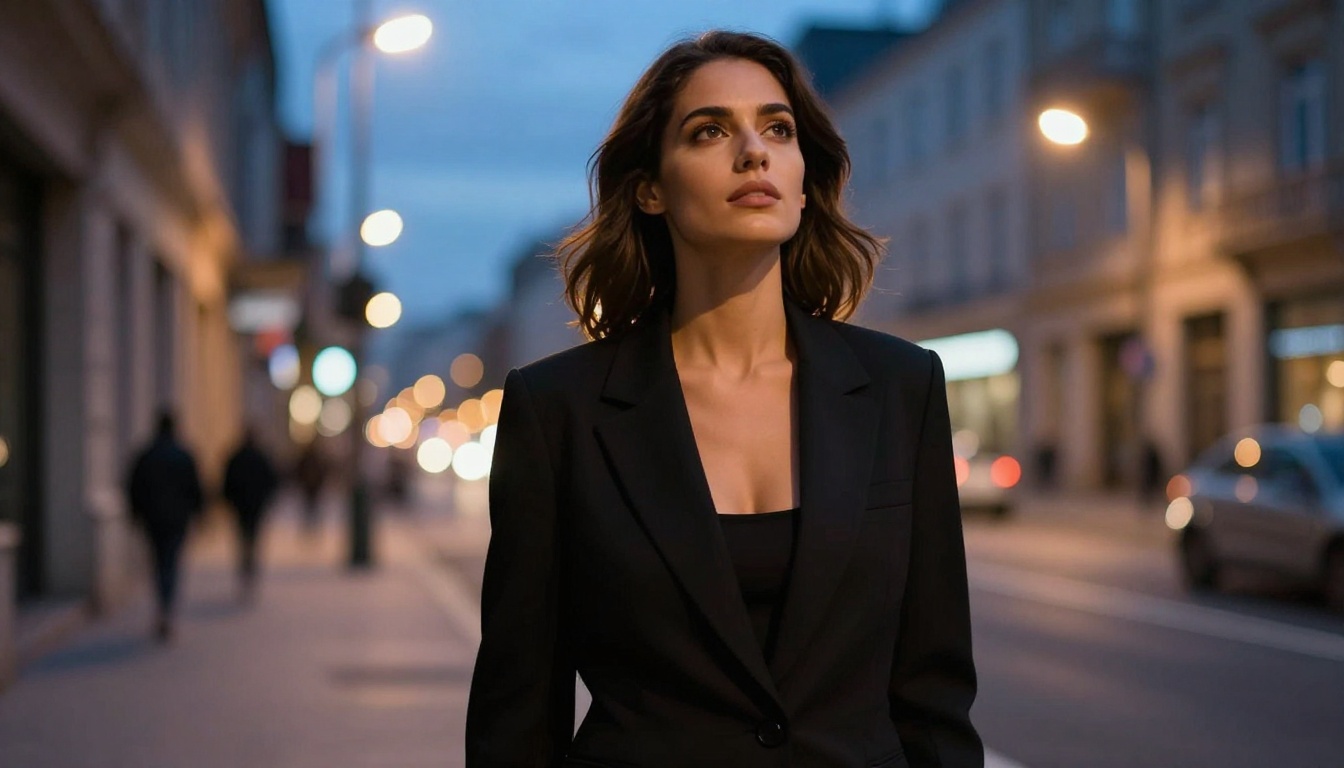
Best for: Image editing workflows, background swaps, outfit modifications, extending compositions.
Strengths:
- Precise inpainting without visible seams or blending artifacts
- Maintains subject consistency during edits
- Fast processing for iterative refinement sessions
- Strong outpainting for composition extension
SDXL
The original SDXL remains valuable as a versatile baseline model with a massive ecosystem of community fine-tunes and LoRA adapters. Its strength is flexibility: through the LoRA system, you can push it toward highly specific aesthetic styles, character types, or photography genres that more specialized models may not cover.
For creators who want deep customization and are willing to invest time in the LoRA ecosystem, SDXL is still one of the most powerful platforms available. The base model's broader training data means it handles unusual subject combinations and complex scene compositions more reliably than hyper-specialized models.
Best for: Custom style workflows, LoRA-enhanced generations, experimental aesthetics.
How to Use These Models on PicassoIA
PicassoIA gives creators access to all of these models through a single platform, with no local hardware requirements. Here is how to get professional results from your first session.
Step 1: Choose the Right Model for the Job
Start with Flux Pro Finetuned for portrait and glamour work. Use SDXL Lightning 4Step when you need volume and speed. Switch to Flux Kontext Fast when you need to refine or edit an existing image.
Matching model to task is the single biggest factor in output quality. Using a speed-optimized model for a hero image that needs maximum detail will always produce disappointing results, and vice versa.
Step 2: Write Prompts That Actually Work
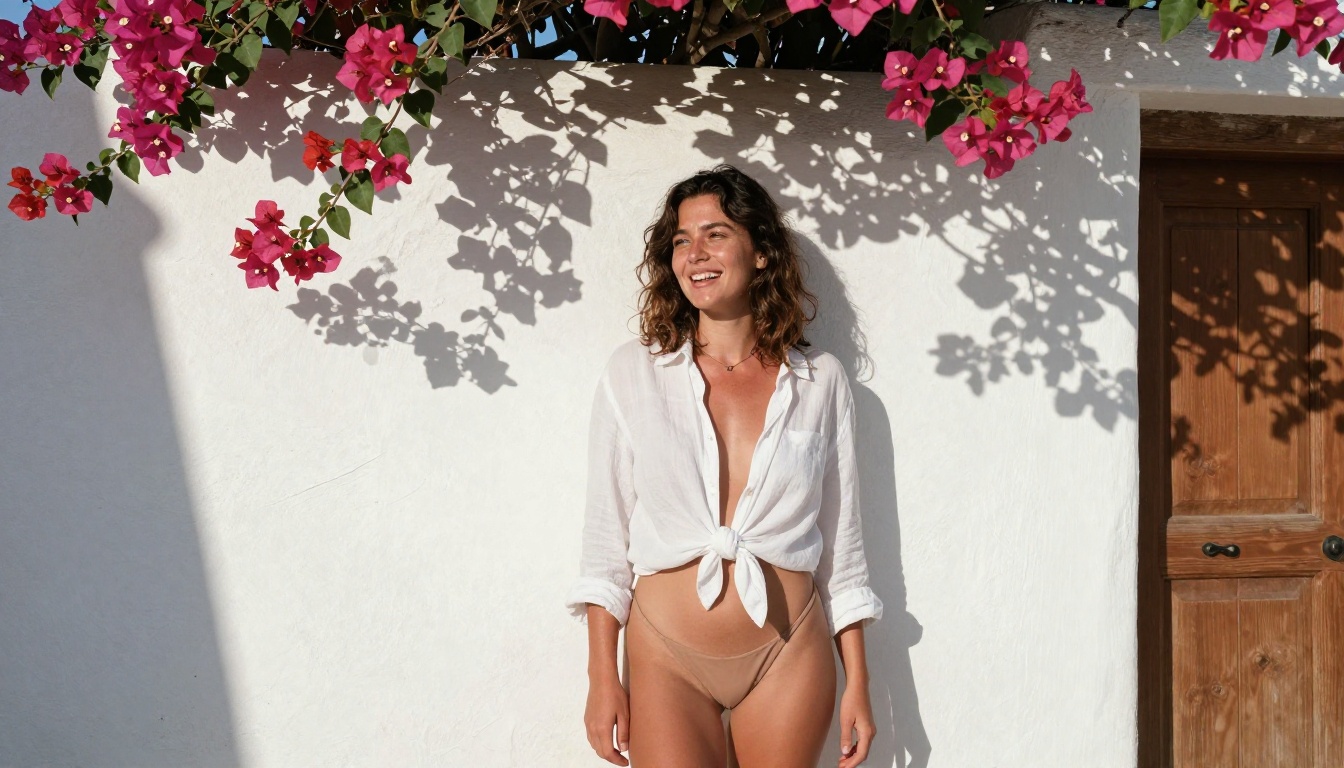
Weak prompts produce weak images. The difference between a mediocre AI image and a professional one almost always comes down to prompt quality. Here is what a strong prompt includes:
- Subject description: Age appearance, hair color and length, skin tone, facial expression, pose
- Wardrobe: Specific fabric type, color, fit, and how it sits on the body
- Setting: Interior or exterior, time of day, specific location type
- Lighting: Direction, quality (hard or soft), color temperature, visible practical light sources
- Camera specs: Lens focal length, aperture, shooting distance from subject
- Film or color profile: Kodak Portra 400, Fujifilm Velvia, Ilford HP5 in color conversion
Prompt comparison: "beautiful woman in lingerie" produces generic results. "A confident woman in her late 20s in a fitted champagne silk slip dress, warm afternoon light from the left window, Canon 85mm f/1.4, Kodak Portra 400 color grade, photorealistic, RAW 8K" produces something publishable. Specificity is everything.
Step 3: Iterate and Refine
Rarely does the first generation hit 100%. Use PicassoIA's image editing capabilities to refine your outputs. If a background is not right, use Flux Kontext Fast to swap it. If the lighting is slightly off, adjust your prompt with more specific directional cues and regenerate.
Professional creators typically run 3 to 5 iterations on important images before publishing. The speed of AI generation makes this entirely practical within a normal workflow session.
Model Comparison: Which One Fits Your Workflow
The Real Business Case
The financial argument for AI-assisted adult content creation is straightforward, but worth laying out with real numbers.
What AI Saves Per Month
Consider a creator who previously spent $2,000 per month on photography: shoots, editing, location fees. With AI handling 70% of content production, that same creator might spend $150 to $300 per month on platform access and still produce significantly more total content.
The math compounds quickly. Savings on production mean more budget for marketing, platform promotion, or simply higher profit margins. For creators just starting out, AI removes the upfront capital requirement that historically made professional content production inaccessible.
| Content Type | Traditional Cost | AI-Assisted Cost | Time Saved |
|---|
| 20-image photoset | $800 to $1,200 | $10 to $50 | 2 to 3 days |
| Themed series (5 looks) | $3,000 to $5,000 | $50 to $200 | 1 to 2 weeks |
| Background or wardrobe swap | $200 to $500 | $5 to $20 | 1 to 2 days |
| 100-image content library | $10,000 or more | $200 to $500 | Several months |

Monetizing AI-Generated Content
The adult content platforms that have embraced AI-generated visuals are seeing strong performance from creators who use it strategically. Subscribers respond to consistency and variety, both of which AI enables at scale.
The most successful creators using AI treat it as a production tool, not a replacement for their personal brand. They use AI-generated content as supplemental material, themed fantasy series, or exclusive album content while maintaining personal, authentic content for their core subscribers.
Smart workflow: Use AI for themed content series where variety and volume matter. Keep personal, authentic content for your most loyal subscribers. The combination of both performs better than either approach alone.
Common Mistakes That Kill Quality
Most creators who are disappointed with AI results are making one of a small number of consistent mistakes.
Vague Prompts Are the Real Problem
The biggest quality killer is insufficient prompt detail. AI models do not fill in blanks with what you are imagining. They fill in blanks with statistical averages from their training data, which produces generic, forgettable images that look like every other AI-generated image on the internet.
Specificity in every dimension of your prompt (subject, lighting, camera, location, mood, film stock) is what separates professional-looking AI output from the obvious low-effort images that audiences scroll past without engaging.
Wrong Model for the Job
Using SDXL Lightning 4Step when you need maximum realism for a hero image, or using Flux Pro Finetuned when you need 50 concept variations quickly, produces suboptimal results in both cases. Model selection is a skill, and it dramatically affects output quality for the same time investment.
Build a workflow that uses each model for what it does best. Let quality models do quality work. Let speed models do volume work.
Skipping the Iteration Step
One generation is rarely enough for premium content. The creators producing the most compelling AI images run multiple iterations, use editing tools like Flux Kontext Fast to refine specific elements, and treat the process like editing a photograph rather than pressing a button and accepting whatever comes out.
Start Creating Right Now
The fastest way to see what AI can actually do for your content is to try it yourself. PicassoIA gives you access to all the models covered in this article, from Flux Pro Finetuned to Realistic Vision v5.1 and SDXL Lightning 4Step, without needing local hardware, complex setup, or per-image pricing that adds up fast.
Start with a detailed prompt based on your existing content aesthetic. Run a few generations. Refine the best results with Flux Kontext Fast. Within a single session, you will have a clear picture of how AI fits into your production workflow and which model feels right for your specific style.
Adult content creation at scale has a new playbook. The creators reading this are already ahead of most of the field simply by knowing which tools matter and why they work.


