The AI Coding Revolution Is Here
The way developers write code has changed forever. AI coding assistants now handle everything from simple autocomplete to generating entire microservices architectures. In 2027, the question isn't whether to use AI for coding—it's which tool gives you the best results.
After extensive testing and feedback from the developer community, several AI models have emerged as clear favorites. These tools don't just suggest code snippets; they understand context, write production-ready functions, catch security vulnerabilities, and even explain complex algorithms in plain English.

Not all AI coding assistants are created equal. The best ones share several traits that make them indispensable for professional development:
Code quality matters more than speed. The fastest tool is useless if it generates buggy code that requires hours of debugging. Top-tier AI models produce clean, maintainable code that follows best practices.
Context awareness separates good from great. The best AI understands your entire codebase, not just the current file. It knows your project structure, dependencies, and coding patterns.
Security scanning should be built-in. Modern AI tools actively scan for vulnerabilities, catching potential security issues before they make it to production.
Top AI Models for Code Generation
Claude 4.5 Sonnet: The Developer Favorite
Claude 4.5 Sonnet has become the go-to choice for developers who need sophisticated code generation. It excels at understanding complex requirements and translating them into clean, efficient code.
What sets Claude apart is its ability to handle multimodal inputs. You can show it a screenshot of a UI and ask it to generate the corresponding code, or feed it a diagram and have it create the implementation. This flexibility makes it incredibly versatile for different development workflows.
The model supports up to 8,192 tokens, which means it can generate substantial code blocks while maintaining coherence. Whether you're building a REST API, implementing a data processing pipeline, or creating UI components, Claude delivers consistent results.

DeepSeek R1: The Reasoning Powerhouse
DeepSeek R1 stands out for its exceptional reasoning capabilities. Trained with reinforcement learning, it excels at breaking down complex problems and explaining its thought process as it codes.
This model shines when dealing with algorithmic challenges or optimizing existing code. It can analyze your function, identify inefficiencies, and suggest improvements with detailed explanations. The reasoning transparency helps developers learn while getting work done.
With support for up to 2,048 tokens and fine-tuned control over sampling parameters, DeepSeek R1 adapts to various coding styles and requirements. It's particularly strong with Python, JavaScript, and systems programming languages.
Real-World Coding Scenarios
Debugging Complex Issues
Modern AI tools have transformed debugging from a frustrating hunt into a guided investigation. When you encounter an error, AI can analyze the stack trace, examine the surrounding code, and suggest specific fixes.
The best part? AI debugging tools don't just fix the immediate problem. They explain why the error occurred and how to prevent similar issues in the future. This educational aspect accelerates skill development while solving immediate problems.
Code Review and Quality Assurance
AI-powered code review has become a standard practice in professional teams. These tools analyze pull requests, checking for:
- Security vulnerabilities and potential exploits
- Performance bottlenecks and optimization opportunities
- Style inconsistencies and best practice violations
- Logic errors that might slip past human reviewers
The thoroughness of AI code review catches issues that would otherwise make it to production. Many teams report significant reductions in post-deployment bugs after implementing AI review processes.
Generating Complete Applications
Perhaps the most impressive capability of modern AI coding tools is their ability to generate entire applications from natural language descriptions. You can describe what you want to build, and AI will create the project structure, implement the features, and even write tests.
This doesn't mean developers are obsolete. Rather, AI handles the boilerplate and repetitive work while developers focus on architecture decisions, business logic, and creative problem-solving. The result is dramatically faster development cycles without sacrificing quality.
Testing and Documentation Automation
Automated Test Generation
Writing comprehensive tests is crucial but time-consuming. AI tools now generate unit tests, integration tests, and even end-to-end test scenarios automatically.
These AI-generated tests cover edge cases that developers might miss and achieve higher code coverage with less manual effort. The tests are readable, well-structured, and follow testing best practices.
Documentation That Stays Updated
Documentation often becomes outdated as code evolves. AI documentation generators solve this by automatically creating and updating docs as you code.
The generated documentation includes function signatures, parameter descriptions, usage examples, and even architectural diagrams. Some tools can analyze your codebase and generate comprehensive API documentation in minutes.
Code Refactoring and Optimization
Improving Code Quality
AI excels at identifying code that needs improvement. It can detect:
- Duplicated logic that should be extracted into functions
- Overly complex methods that need simplification
- Performance issues like inefficient loops or unnecessary database queries
- Opportunities to use more modern language features
The AI doesn't just point out problems—it provides refactored code that's cleaner and more maintainable. You can review the suggestions, accept what makes sense, and iterate until the code meets your standards.
Performance Optimization
When performance matters, AI can analyze your code and suggest optimizations. It identifies bottlenecks, suggests better algorithms, and recommends caching strategies.
This is especially valuable when working with unfamiliar technologies or optimization techniques. The AI brings expert-level knowledge to every optimization challenge.
Natural Language Programming
From Ideas to Working Code
One of the most powerful features of modern AI coding tools is their ability to understand natural language descriptions and generate working code.
You can describe what you want in plain English: "Create a function that fetches user data from an API, caches it in Redis, and returns it with error handling." The AI generates the complete implementation, including proper error handling, type definitions, and even comments.
This capability is transformative for prototyping, learning new frameworks, and quickly implementing standard patterns. The code quality is consistently high, and the implementations follow current best practices.
Security and Vulnerability Detection
Built-in Security Scanning
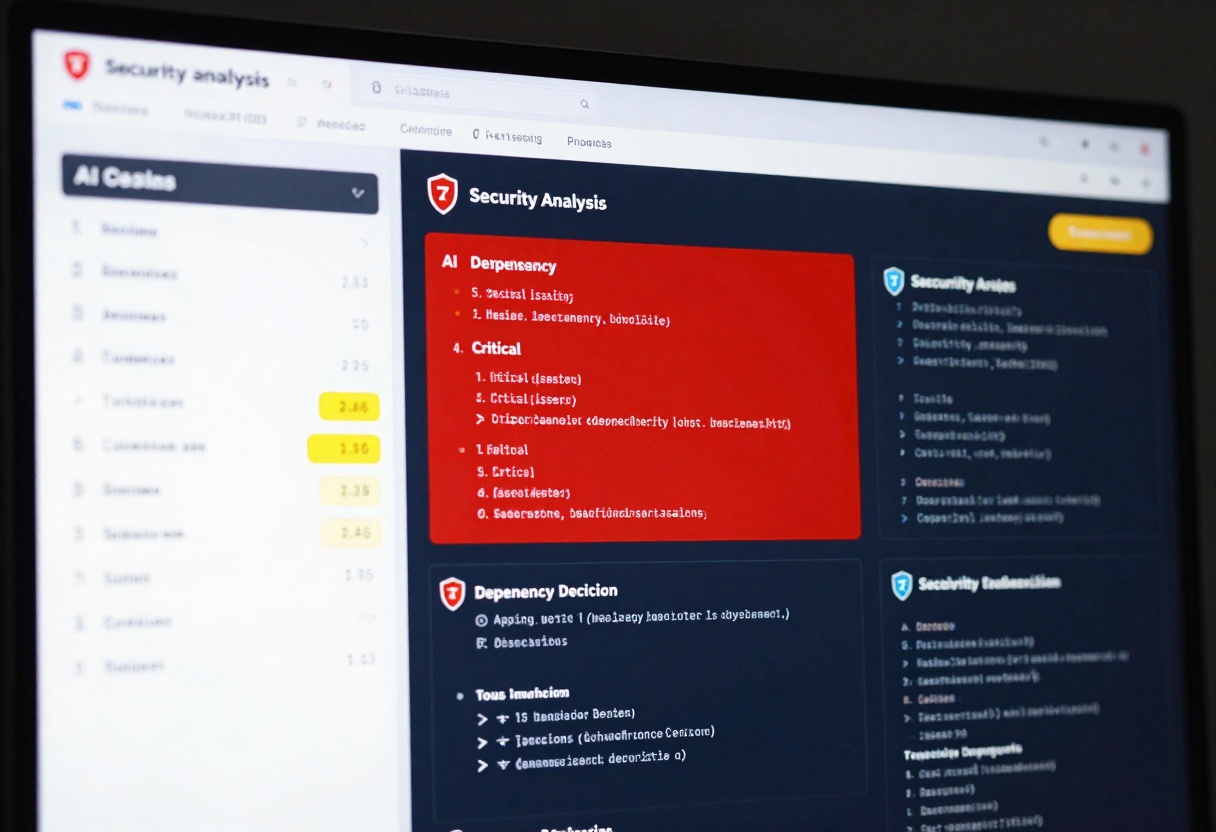
Security vulnerabilities cost companies millions. AI coding tools now include sophisticated security analysis that catches issues during development.
These tools scan for:
- SQL injection vulnerabilities
- Cross-site scripting (XSS) risks
- Insecure authentication implementations
- Hardcoded credentials and API keys
- Dependency vulnerabilities
- Access control issues
The AI explains each vulnerability, rates its severity, and provides secure alternatives. This proactive approach prevents security issues rather than fixing them after discovery.
How to Use Claude 4.5 Sonnet on PicassoIA
Ready to experience the power of AI-assisted coding? Here's how to get started with Claude 4.5 Sonnet, one of the most capable coding models available:
Step 1: Access the Model
Visit the Claude 4.5 Sonnet page on PicassoIA. The interface is clean and straightforward, designed for developers who want results without complexity.
Step 2: Enter Your Coding Prompt
In the prompt field, describe what you want to create. Be specific about:
- The programming language you're using
- The functionality you need
- Any specific requirements or constraints
- The coding style or patterns to follow
Example prompt: "Create a Python function that processes CSV files, validates the data against a schema, and outputs any errors to a log file. Include proper error handling and type hints."
Step 3: Configure Optional Settings (If Needed)
Claude 4.5 Sonnet offers several optional parameters for fine-tuning:
Max Tokens: Set the maximum length of the generated code. The default of 8,192 tokens is sufficient for most functions and classes. Increase it for generating larger code blocks or complete files.
System Prompt: Provide additional context about your project, coding standards, or specific requirements. This helps Claude generate code that matches your team's conventions.
Image Input: Upload screenshots of UIs, diagrams, or wireframes. Claude can analyze these images and generate corresponding code implementations.
Max Image Resolution: Adjust the image processing resolution. Higher values provide more detail but take longer to process.
Step 4: Generate Your Code
Click the generate button and watch as Claude produces your code. The generation typically takes a few seconds, depending on complexity.
Step 5: Review and Implement
Claude generates clean, well-commented code that follows best practices. Review the output, make any necessary adjustments, and integrate it into your project.
The code includes:
- Proper error handling
- Type annotations where applicable
- Clear variable names
- Helpful comments explaining complex logic
- Security-conscious implementations
Advanced Tips
Iterative refinement works well. Start with a basic prompt, review the output, and then ask Claude to modify specific aspects. This iterative approach often produces better results than trying to specify everything upfront.
Include context about your codebase. The more Claude knows about your project structure, dependencies, and coding conventions, the better the generated code will fit your needs.
Use multimodal inputs strategically. Screenshots of error messages, UI mockups, or architectural diagrams help Claude understand exactly what you need.
Choosing the Right AI for Your Workflow
Different developers have different needs. Here's how to pick the best AI coding tool:
For complex reasoning and algorithmic work: DeepSeek R1 excels at breaking down difficult problems and explaining solutions.
For multimodal projects: Claude 4.5 Sonnet handles images, diagrams, and text inputs seamlessly.
For large code generation: Models with higher token limits like Claude can generate substantial implementations in a single pass.
For learning and education: Choose AI that explains its reasoning and provides detailed comments.
The Future of AI-Assisted Development
AI coding tools continue evolving rapidly. Current trends point toward:
Better context understanding as models can process entire repositories at once, understanding project architecture and dependencies more deeply.
Real-time collaboration where AI acts as a true pair programming partner, suggesting improvements as you type.
Specialized models trained on specific frameworks or domains, offering expert-level assistance for niche technologies.
Integration everywhere as AI capabilities become standard features in IDEs, version control systems, and deployment platforms.
Making AI Work for You
The key to success with AI coding tools is treating them as powerful assistants, not replacement developers. The best results come from:
- Clearly communicating what you want
- Reviewing and understanding generated code
- Using AI to handle repetitive tasks while you focus on creative problem-solving
- Continuously refining your prompts based on results
With the right approach, AI coding tools can dramatically increase productivity while maintaining or improving code quality. The developers finding the most success are those who embrace these tools while keeping their critical thinking and expertise at the center of the development process.
Ready to accelerate your development workflow? Try Claude 4.5 Sonnet on PicassoIA and experience AI-assisted coding at its finest.


