Content creation in 2027 looks nothing like it did just a few years ago. AI has become an essential part of every creator's toolkit, whether you're producing images for social media, videos for YouTube, or marketing materials for brands. The technology has matured to the point where it's no longer about whether you should use AI, but rather which tools fit your specific needs.
The landscape is crowded with options, each promising to revolutionize your workflow. Some excel at photorealistic images, others at video generation, and many offer specialized features for specific industries. This guide cuts through the noise to help you find the right AI tools for your content creation needs.

Why AI Matters for Content Creators
The creative industry moves fast. Clients want quick turnarounds, social media algorithms demand consistent posting, and audiences expect high-quality content. Traditional methods alone can't keep up with these demands.
AI tools bridge that gap. They don't replace creativity, but they accelerate the technical execution. A task that once took hours now takes minutes. Ideas that seemed impossible due to budget constraints become achievable. The result is more time for the creative thinking that makes your work unique.
Professional creators are using AI for:
- Generating concept sketches and mood boards
- Producing multiple variations of designs quickly
- Creating social media content at scale
- Enhancing and upscaling existing images
- Generating video content from text descriptions
- Automating repetitive editing tasks
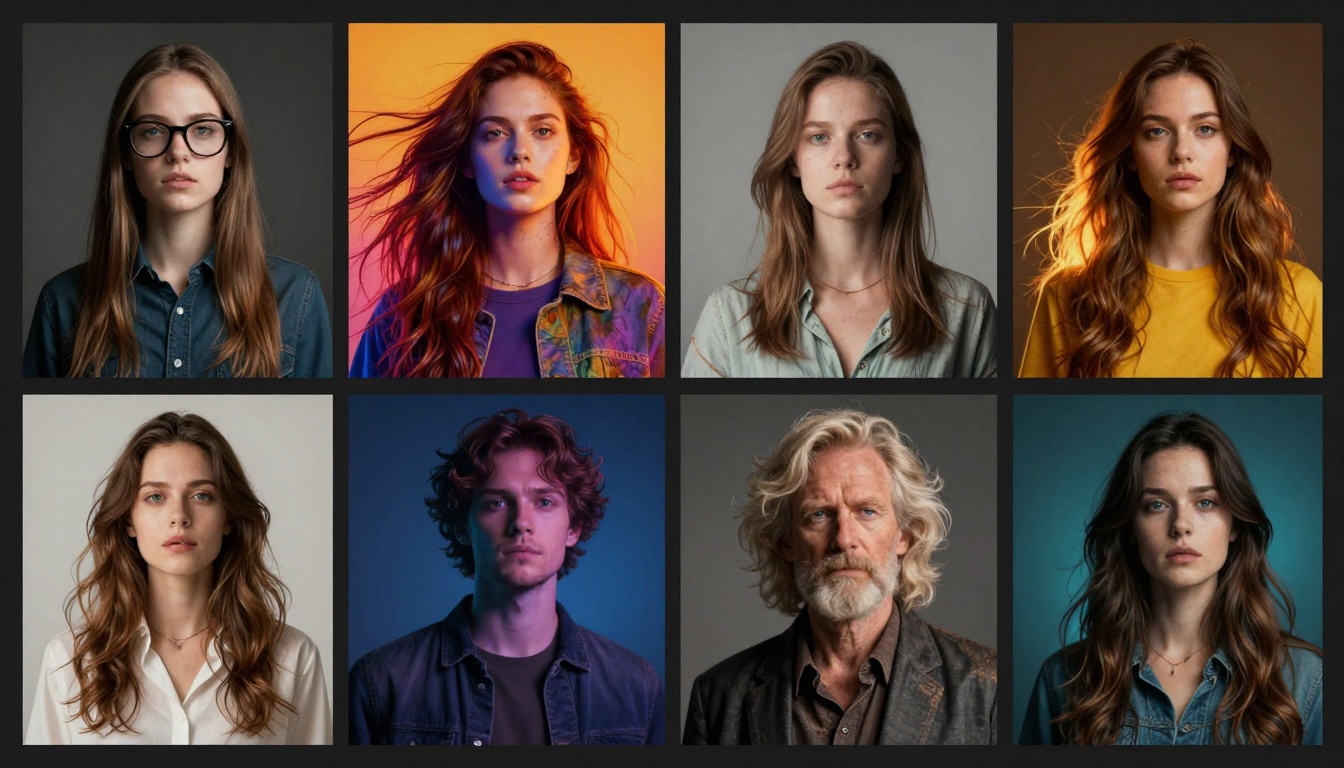
Text-to-image AI has reached impressive quality levels. Modern models can generate everything from photorealistic portraits to stylized illustrations, all from simple text descriptions.
What Makes a Good Image Generator
Not all image generators are created equal. The best ones offer consistent quality, understand complex prompts, and provide control over the output. They should handle different artistic styles and produce images that work in professional contexts without extensive post-processing.
Key features to look for:
- High-resolution output (at least 2K)
- Multiple aspect ratios for different platforms
- Style consistency across generations
- Fast generation times
- Commercial usage rights
- Prompt understanding and execution

Top Models for Different Needs
Different projects call for different tools. Photorealistic work demands one type of model, while stylized content needs another. Here's what works best for common scenarios:
For photorealistic content: Models trained on photography datasets excel at generating realistic scenes, portraits, and product shots. They understand lighting, composition, and physical materials better than general-purpose models.
For illustration and art: Artistic models offer more creative freedom. They can mimic traditional art styles, from watercolor to oil painting, and often produce more visually interesting results for creative projects.
For speed: Some models sacrifice a bit of quality for dramatically faster generation. These work well for concept iteration, social media content, or when you need many variations quickly.
Video Generation Capabilities
AI video generation has progressed from short, experimental clips to production-quality footage. Modern tools can create smooth, coherent videos from text prompts or turn static images into dynamic scenes.
Current Video AI Capabilities
Today's video AI can generate clips ranging from a few seconds to over a minute. They understand motion, maintain consistency between frames, and can even add appropriate audio. The technology isn't perfect, but it's reached the point where creators use it in real projects.
What works well:
- Short promotional clips (5-10 seconds)
- Product demonstrations
- Abstract or artistic animations
- Image-to-video conversions
- Background footage and b-roll
Current limitations:
- Longer clips may show inconsistencies
- Complex movements can appear unnatural
- Text within videos isn't always clear
- Human faces require careful prompting
Practical Applications
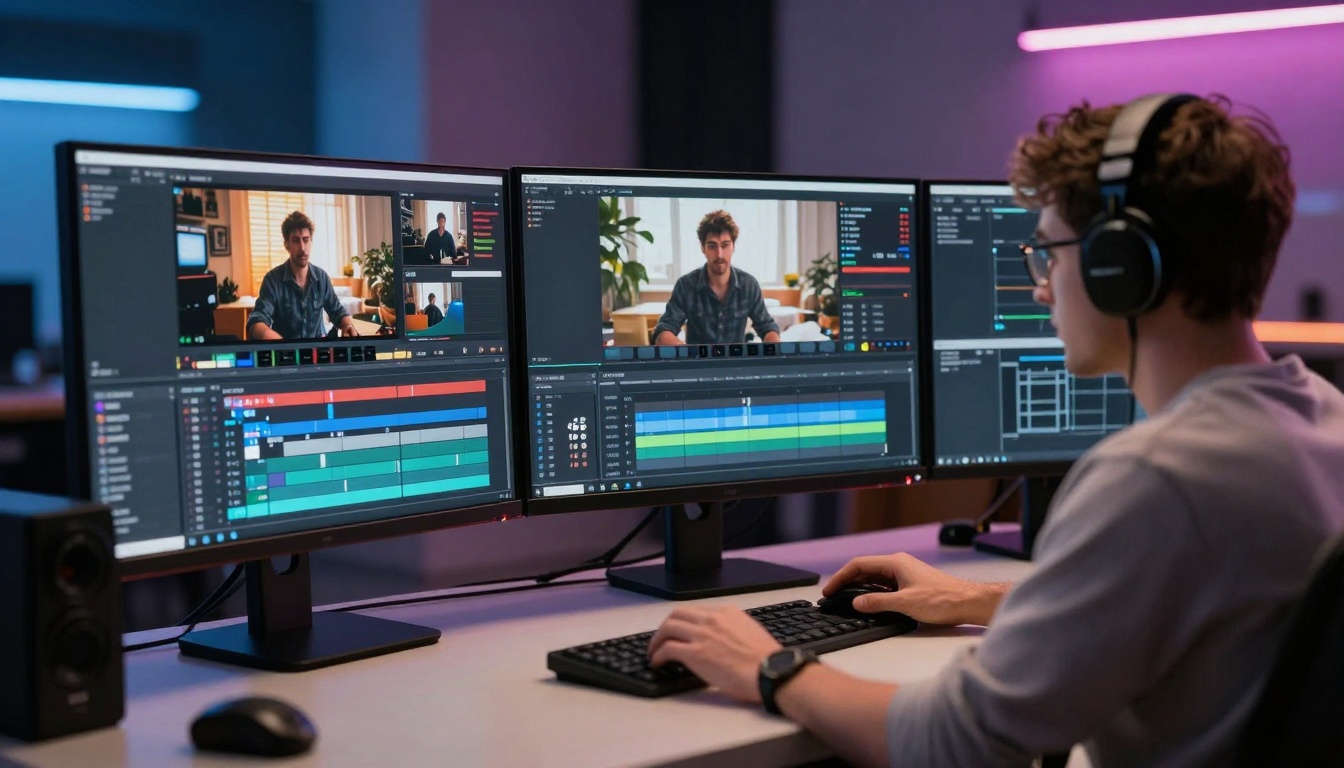
Video AI shines in specific use cases where traditional filming would be expensive or time-consuming. Social media creators use it for eye-catching intros. Marketing teams generate product demos without photoshoots. Educators create explainer animations without learning complex animation software.
The key is matching the tool to the job. Some situations still call for traditional video production, but many scenarios benefit from AI's speed and flexibility.
Workflow Integration
The real power of AI tools comes from how you integrate them into your workflow. They work best as part of a larger creative process, not as standalone solutions.
Building an Efficient Pipeline
Start by identifying bottlenecks in your current process. Where do you spend the most time? Where do you get stuck waiting for feedback or approvals? These are the areas where AI can have the biggest impact.
Common workflow improvements:
- Using AI for initial concept generation
- Creating multiple variations for client review
- Automating background removal and cleanup
- Upscaling images for different platforms
- Generating placeholder content for mockups
- Creating thumbnail variations for A/B testing
Tools That Work Together
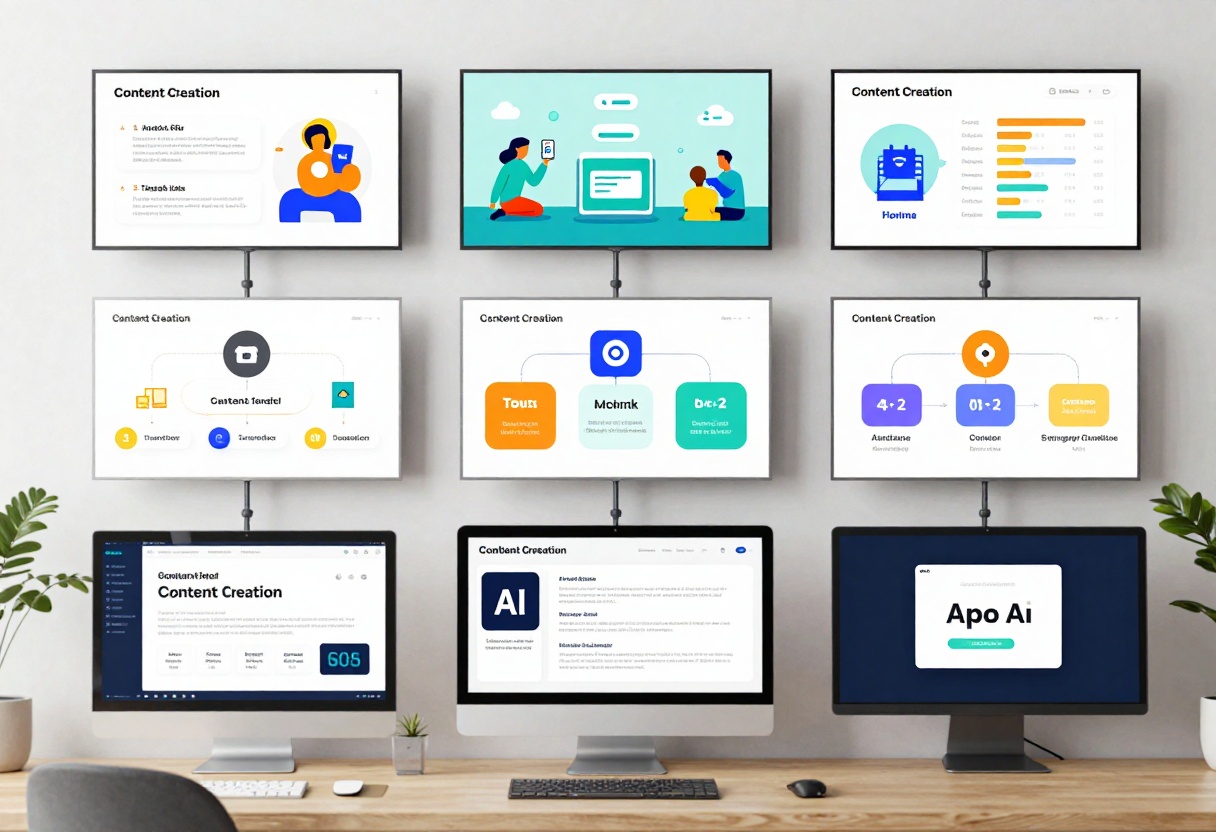
The best workflows combine multiple AI tools. Generate an image with one model, upscale it with another, remove the background with a third, and add effects with traditional editing software. Each tool does what it's best at, and the combination produces better results than any single tool alone.
PicassoIA provides access to multiple models in one place, making it easier to switch between different tools without managing multiple subscriptions or interfaces.
Social Media Content Creation
Social media demands constant, consistent content. AI helps creators maintain quality while meeting posting schedules that would be impossible otherwise.
Platform-Specific Strategies
Each platform has its own requirements. Instagram favors square and vertical formats, YouTube thumbnails need bold, clear imagery, and Twitter performs best with horizontal images. AI tools with multiple aspect ratio options make it easy to create platform-optimized content.
Instagram: Focus on cohesive aesthetics. Use AI to generate images that match your existing style and color palette.
YouTube: Thumbnails need to grab attention quickly. AI can generate multiple options, letting you test which performs best.
TikTok and Reels: Short-form video AI helps create attention-grabbing intros and transitions.
LinkedIn: Professional-looking graphics and infographics. AI tools can maintain a polished, business-appropriate style.

Maintaining Authenticity
AI-generated content can feel generic if you're not careful. The solution is to use AI as a starting point, then add your unique perspective. Edit outputs, combine them with your own photos, or use them as backgrounds for text overlays. The goal is to speed up production while maintaining your distinctive voice.
Prompt Engineering for Better Results
Getting good results from AI tools requires clear communication. The quality of your output directly relates to the quality of your prompts.
Writing Effective Prompts
Think of prompts as instructions for a highly skilled but literal artist. They'll do exactly what you ask, but only what you ask. The more specific you are about what you want, the better the results.
Strong prompts include:
- Subject and action (what's happening)
- Setting and environment (where it's happening)
- Lighting and mood (the atmosphere)
- Style references (artistic approach)
- Technical details (camera angle, focus, etc.)
Example of improvement:
❌ "A cat"
✅ "An orange tabby cat sitting by a sunny window, warm morning light streaming in, photorealistic style, shallow depth of field, professional photography"
The second prompt gives the AI much more information to work with, resulting in a more polished, specific image.

Learning from Results
Pay attention to which prompts work well and which don't. If an output isn't quite right, analyze why. Is the composition off? The colors wrong? The style not matching? Then adjust your prompt to address those specific issues.
Keep a collection of successful prompts. They become templates you can modify for future projects, saving time and ensuring consistent quality.
Commercial and Professional Use
Using AI in professional contexts raises questions about licensing, quality standards, and client expectations.
Licensing Considerations
Most modern AI platforms offer commercial licenses, but the terms vary. Some grant full commercial rights, others restrict certain uses. Always check the specific terms for your use case, especially if you're creating content for clients or selling products.
PicassoIA provides clear licensing for all generated content, making it straightforward to use outputs commercially.
Quality Standards
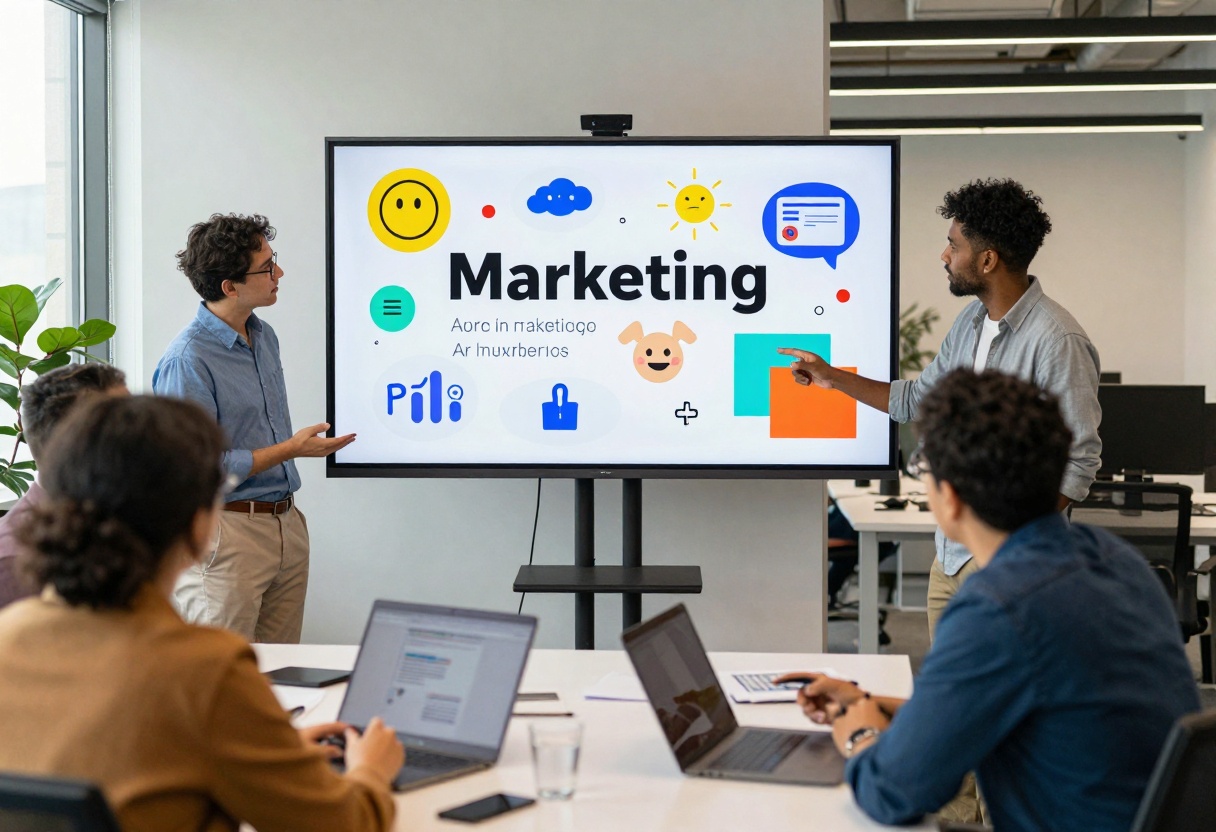
Clients expect professional quality, regardless of how you create the work. AI-generated content should meet the same standards as traditionally created content. This often means post-processing, combining AI outputs with other elements, or using AI as one tool among many in your creative process.
Professional workflows often include:
- AI generation for concepts and drafts
- Manual refinement and editing
- Combining AI with traditional assets
- Quality checking for consistency
- Client review and iteration
Quality vs Speed Tradeoffs
Different situations call for different balances between quality and speed. Understanding when to prioritize each helps you work more efficiently.
When Speed Matters
Some projects benefit more from quick iteration than perfect quality. Social media posts, internal presentations, and concept pitches often fall into this category. Using faster AI models lets you generate more options quickly, then refine the winners.
Fast generation works well for:
- Social media content
- Concept exploration
- A/B testing thumbnails
- Placeholder content
- Internal mockups
When Quality is Critical
Client deliverables, portfolio pieces, and marketing materials need the highest quality you can achieve. For these projects, take time to use premium models, write detailed prompts, and do thorough post-processing.
High-quality generation matters for:
- Client presentations
- Print materials
- Hero images and key visuals
- Portfolio work
- Brand identity materials
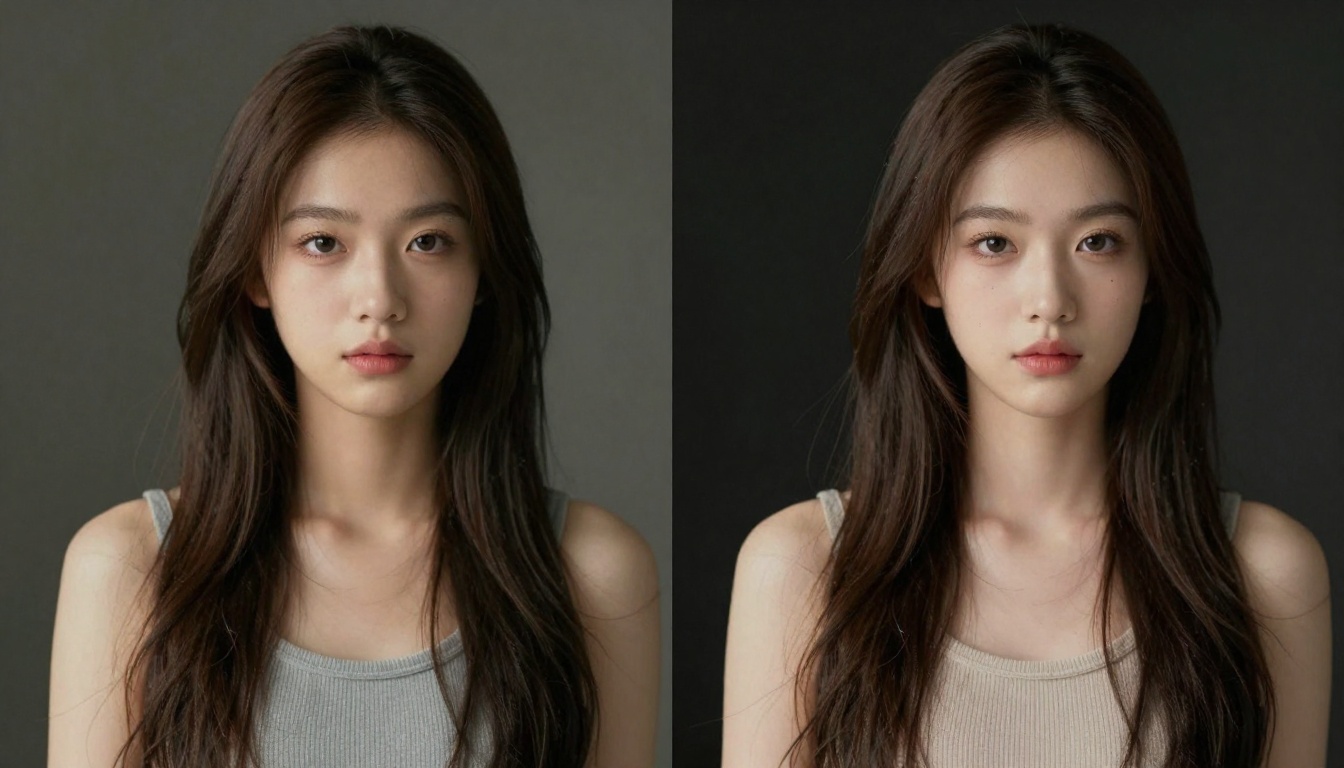
Beyond basic image and video generation, specialized AI tools address specific creative needs.
Background Removal and Object Isolation
AI-powered background removal has become remarkably accurate. These tools identify subjects cleanly, handling fine details like hair and transparent objects better than traditional selection methods.
Common uses:
- Product photography for e-commerce
- Creating transparent PNGs for design work
- Isolating subjects for compositing
- Preparing images for different backgrounds
Image Upscaling and Enhancement
AI upscaling recovers detail in low-resolution images, making them usable at larger sizes. This technology uses machine learning to intelligently add detail rather than simply enlarging pixels.
When to use upscaling:
- Preparing social media images for print
- Recovering detail from old photos
- Increasing resolution of AI-generated images
- Enhancing smartphone photos for professional use
Style Transfer and Effects
Some AI tools specialize in applying artistic styles or specific effects. These can transform photos into paintings, apply cinematic color grading, or create consistent visual styles across multiple images.
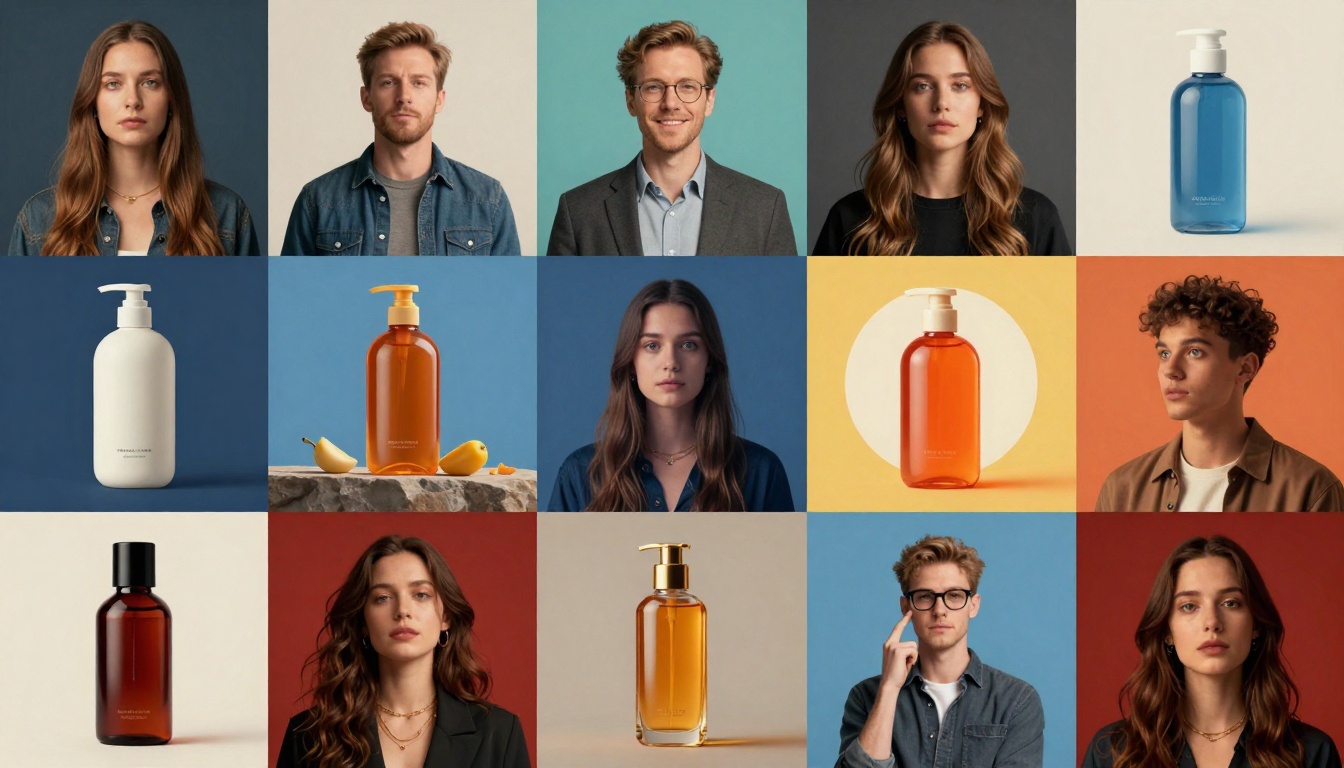
Getting Started with PicassoIA
PicassoIA offers access to multiple AI models through a single platform, simplifying the process of trying different tools and finding what works for your needs.
Platform Overview
The platform provides access to leading image and video generation models. You can switch between different tools depending on your project requirements without managing multiple accounts or learning different interfaces.
Key advantages:
- Multiple models in one place
- Consistent interface across tools
- Clear commercial licensing
- No model training required
- Regular updates with new capabilities
Choosing the Right Model
Different models excel at different tasks. Image generation models vary in their strengths, from photorealism to artistic styles. Video models differ in their handling of motion and consistency.
Start by trying several models with the same prompt. You'll quickly see which produces results closest to your vision. Save your favorites for quick access in future projects.
Step-by-Step: Creating Images with Nano Banana Pro
Let's walk through using one of PicassoIA's most versatile image generation models. Nano Banana Pro excels at creating high-quality images across various styles, making it a solid choice for most content creation needs.
Step 1: Access the Model
Navigate to the nano-banana-pro page on PicassoIA. The interface presents all available parameters clearly, letting you understand exactly what the model can do.
Step 2: Write Your Prompt
The prompt field is where you describe what you want to generate. Be specific about the subject, setting, lighting, and style. The more detail you provide, the more precisely the model can match your vision.
Example prompt: "Professional food photography of a chocolate cake on a marble table, warm afternoon light from window, shallow depth of field, high-end restaurant style, rich colors, 8k detail"
Step 3: Configure Image Settings
Aspect ratio: Choose based on where you'll use the image. Select 16:9 for YouTube thumbnails, 1:1 for Instagram posts, or 9:16 for stories and reels.
Resolution: Higher resolution (2K or 4K) produces more detail and allows for cropping or printing. Use 1K for faster generation when you only need web-sized images.
Output format: JPG offers smaller file sizes, while PNG provides lossless quality and transparency support when needed.
Step 4: Optional Reference Images
If you want the generated image to match specific elements from existing photos, upload up to 14 reference images. The model will incorporate visual elements, colors, or compositions from these references while following your text prompt.
This feature works well when you need to maintain brand consistency or match a particular style established in earlier work.
Step 5: Adjust Safety Settings
The safety filter level determines how restrictive content moderation will be. For most professional content, the default setting works well. Adjust if you're working on edgier creative projects or need stricter filtering for family-friendly content.
Step 6: Generate and Review
Click generate and wait for processing. Generation typically completes in under a minute. Review the result and decide if it meets your needs or if you want to adjust your prompt and try again.
Most creators generate several variations by slightly modifying the prompt, then select the best one or combine elements from multiple outputs.
Tips for Better Results
Be specific about lighting: Mentioning natural light, studio lighting, or specific times of day helps the model understand the mood you want.
Include style references: Terms like "professional photography," "cinematic," "vintage," or "minimalist" guide the artistic direction.
Specify detail level: Phrases like "high detail," "8k," or "sharp focus" encourage the model to produce cleaner, more refined outputs.
Iterate intelligently: If a result is close but not quite right, identify exactly what needs to change and update your prompt accordingly rather than starting over completely.
Looking Ahead
AI tools continue evolving rapidly. What's cutting-edge today will be standard tomorrow, and new capabilities emerge regularly. Staying current means periodically exploring new models and features, but the fundamentals remain consistent: clear communication through prompts, understanding each tool's strengths, and using AI as part of a larger creative process.
The creators seeing the most success with AI aren't the ones using it to replace their skills, but those leveraging it to work faster and explore ideas they couldn't pursue before. As the technology improves, the creative possibilities expand, but the need for human creativity, judgment, and taste remains as important as ever.
Key takeaways:
- AI accelerates technical execution but doesn't replace creative thinking
- Different tools excel at different tasks
- Quality prompts lead to quality results
- Professional workflows combine AI with traditional techniques
- Platform choice matters for consistency and licensing
- Regular experimentation helps you stay current with capabilities
Whether you're just starting with AI tools or looking to refine your approach, the key is to experiment, learn from results, and find the workflow that fits your specific creative process. The tools are powerful, but your creative vision is what makes the final work valuable.


