Photo animation used to require a motion graphics studio, a team of artists, and a budget most people don't have. Today, you upload a single JPEG and get a five-second cinematic clip back in under a minute. The technology behind this has moved fast, and picking the right tool for turning your photos into videos is now a real question worth answering carefully.
This article covers the best AI models available for photo-to-video animation, how they differ, which one fits your workflow, and how to actually get results worth sharing.
What Photo-to-Video AI Actually Does
From Still Frame to Moving Scene
Image-to-video AI models take your static photo as the first frame and predict what the next frames should look like. They analyze pose, depth, lighting, and subject movement to generate a plausible motion sequence. The result is a short video clip where the subject in your photo appears to move naturally.
Modern models do this at impressive fidelity. A portrait photo becomes a person subtly breathing and blinking. A landscape becomes wind moving through grass. A product shot gains a slow cinematic dolly movement. The motion comes from the model's training on millions of real video sequences paired with still images.
How the Models Read Your Image
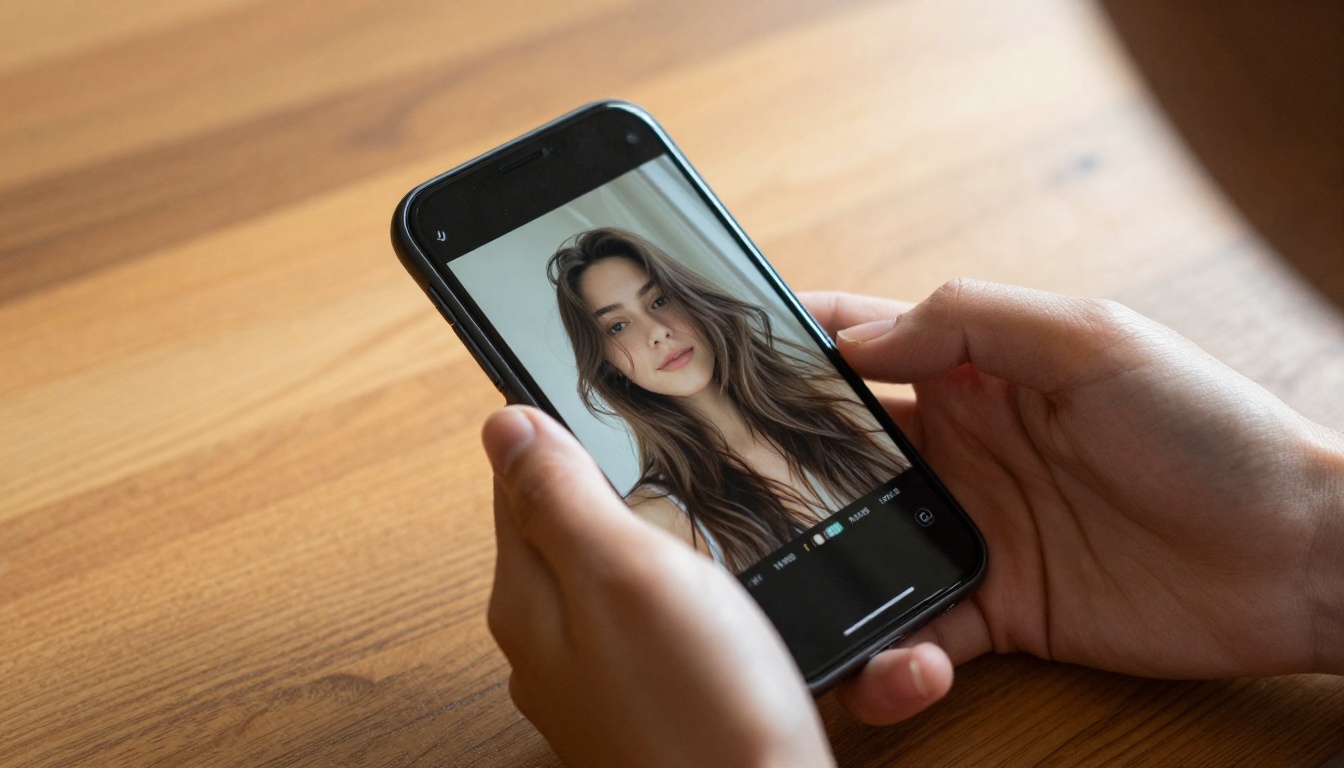
The better the input image, the better the output video. These models are reading your photo for depth cues, subject edges, and lighting direction. A sharp, well-lit photo gives the model accurate spatial information to animate from. A blurry or low-resolution image gives it almost nothing to work with, and the resulting video will show it.
Most models accept 16:9, 1:1, and portrait aspect ratios. Some will automatically resize your image to fit their output resolution. Others expect you to match the input dimensions to your desired output. Knowing this ahead of time saves you failed generations.
💡 Tip: Crop your photo to match your desired video output ratio before uploading. It gives the model cleaner input and produces sharper motion.
Top Models for Animating Photos on PicassoIA
PicassoIA hosts over 100 video generation models across categories. For photo-to-video specifically, several stand out by quality, speed, and reliability.
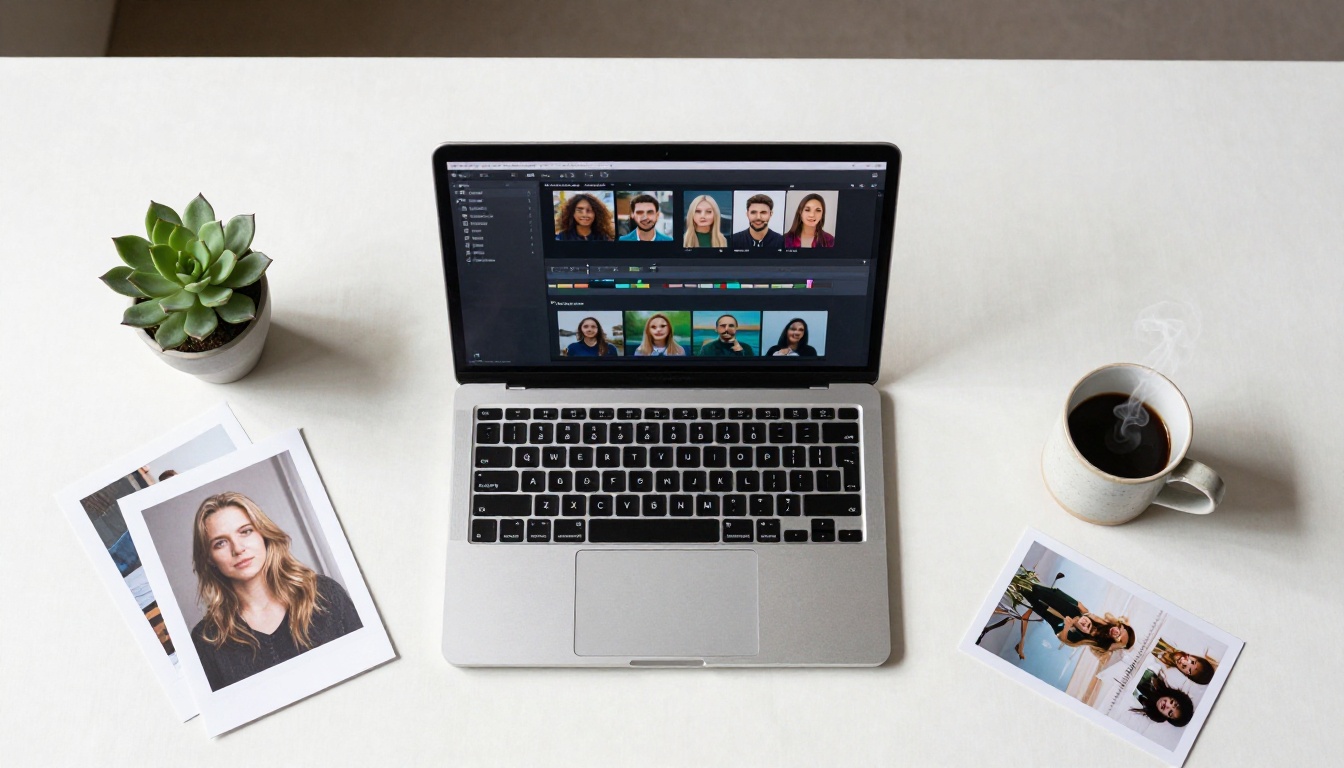
Wan 2.7 I2V: The Precision Animator
Wan 2.7 I2V is the current benchmark for image-to-video quality on PicassoIA. It takes any photo and produces highly coherent motion with strong subject preservation. The model is particularly good at portrait animation, keeping facial identity stable throughout the clip while generating realistic micro-motion like breathing, hair sway, and eye blinks.
What separates Wan 2.7 I2V from older versions is the motion coherence across the full clip. Earlier models would often drift in the middle frames or produce flickering. This version holds the subject steady while adding motion that feels intentional.
Best for: Portrait animation, product shots, travel photography.
Kling v3 Video: Cinematic Results
Kling v3 Video by Kwaivgi is the choice when you want cinematic-grade output. It handles complex scenes with multiple subjects, generates believable environmental motion like water and foliage, and supports camera movement prompts like slow pans and dollies.
The model is slower than flash options, but the quality gap is noticeable. If you're creating marketing content or anything that will appear on a large screen, Kling v3 Video is worth the generation time.
Best for: Marketing materials, cinematic content, multi-subject scenes.
Ovi I2V: Audio Right Out of the Box
Ovi I2V by Character AI is the only major image-to-video model that generates synchronized audio alongside the motion. You upload a photo, write a motion prompt, and receive a video clip with ambient sound that matches the scene. A photo of a beach produces waves. A portrait produces ambient room tone.
This makes Ovi I2V immediately useful for social media content where silent videos perform worse. You get complete output ready for posting without a separate audio production step.
Best for: Social media clips, content that needs ambient audio, fast final delivery.
Hailuo 2.3 Fast: Speed Without Sacrifice
Hailuo 2.3 Fast by MiniMax sits at the intersection of generation speed and output quality. It is one of the fastest photo-to-video pipelines on the platform and still produces crisp, smooth motion at competitive fidelity.
When you're working through a batch of images, testing prompts, or need a quick turnaround for a client preview, Hailuo 2.3 Fast cuts generation time significantly compared to full-quality models while keeping motion smooth enough to review properly.
Best for: Rapid iteration, client previews, batch processing.
Gen4 Turbo: Instant Image Animation
Gen4 Turbo by Runway is specifically built to turn images into videos fast. It prioritizes processing speed above all else, making it the model to reach for when time is the constraint. The output is clean and consistent enough for most use cases, with reliable subject preservation and smooth transitions.
Best for: Quick content creation, short-form social clips, speed-critical workflows.
How to Use Wan 2.7 I2V on PicassoIA
Upload and Configure
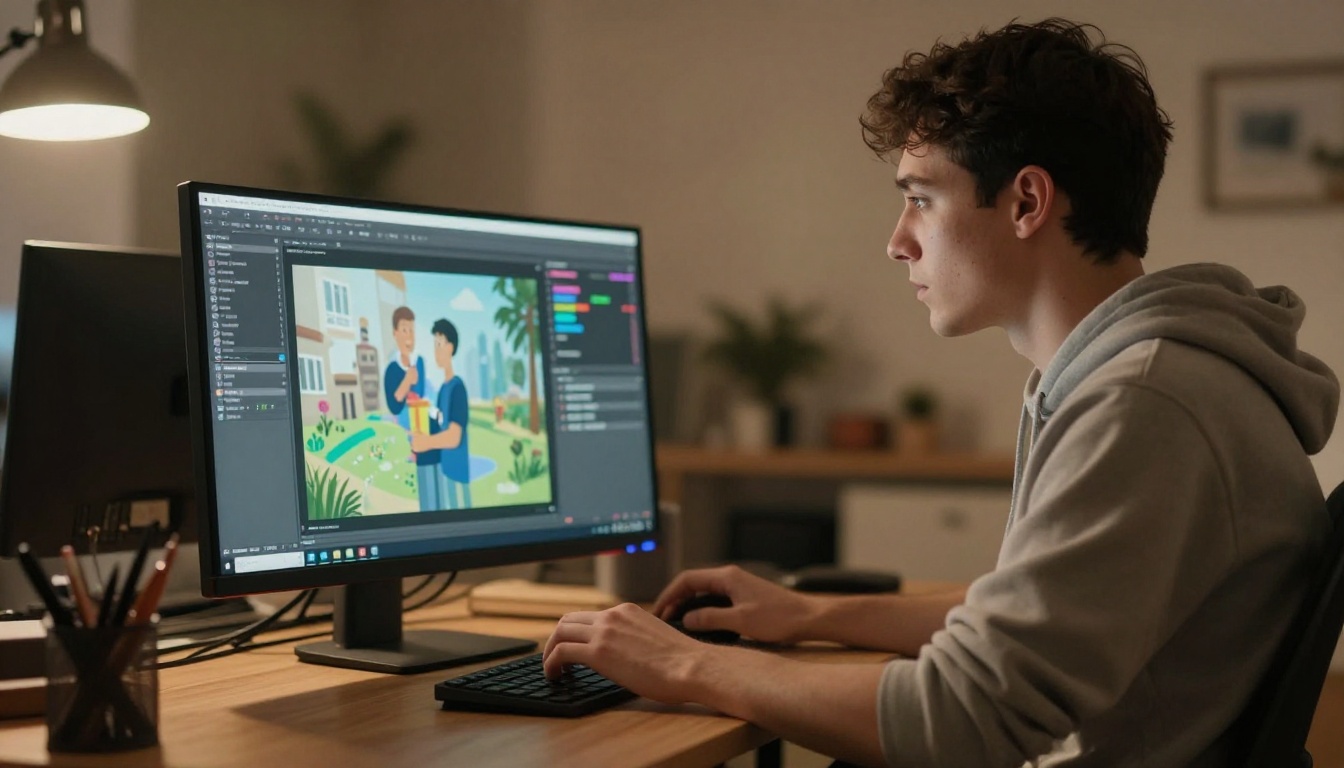
Navigating to Wan 2.7 I2V on PicassoIA brings you to the model's generation page. The interface has two main inputs: your image and your motion prompt. Upload your photo directly using the file picker or paste a URL if your image is already hosted online.
The model accepts images up to 2048px. For best results, use a minimum of 1024px on the shortest side. Lower-resolution inputs will produce softer video output because the model has less spatial detail to work from.
Writing the Right Prompt
The motion prompt for Wan 2.7 I2V should describe what moves and how, not what the scene looks like. The model already knows what the scene looks like because it's reading your photo. Your prompt adds directional instructions for motion.
Effective prompt patterns:
- "Slow camera dolly-in toward the subject, gentle head movement, soft hair sway in a light breeze"
- "Subject turns slightly to the right, eyes blink naturally, ambient wind moves fabric"
- "Slow pan from left to right across the landscape, clouds move, water ripples gently"
Prompts to avoid:
- Describing the appearance of the subject (the model ignores this since it has the image)
- Long paragraphs with excessive detail (keep it under 60 words)
- Extreme motion requests like "subject runs toward camera" (the model will distort the image trying to fulfill this)
💡 Tip: The best prompts for image-to-video are shorter than you think. Three to four descriptive phrases covering subject motion, camera movement, and atmosphere consistently outperform long detailed descriptions.
Resolution and Duration Tips
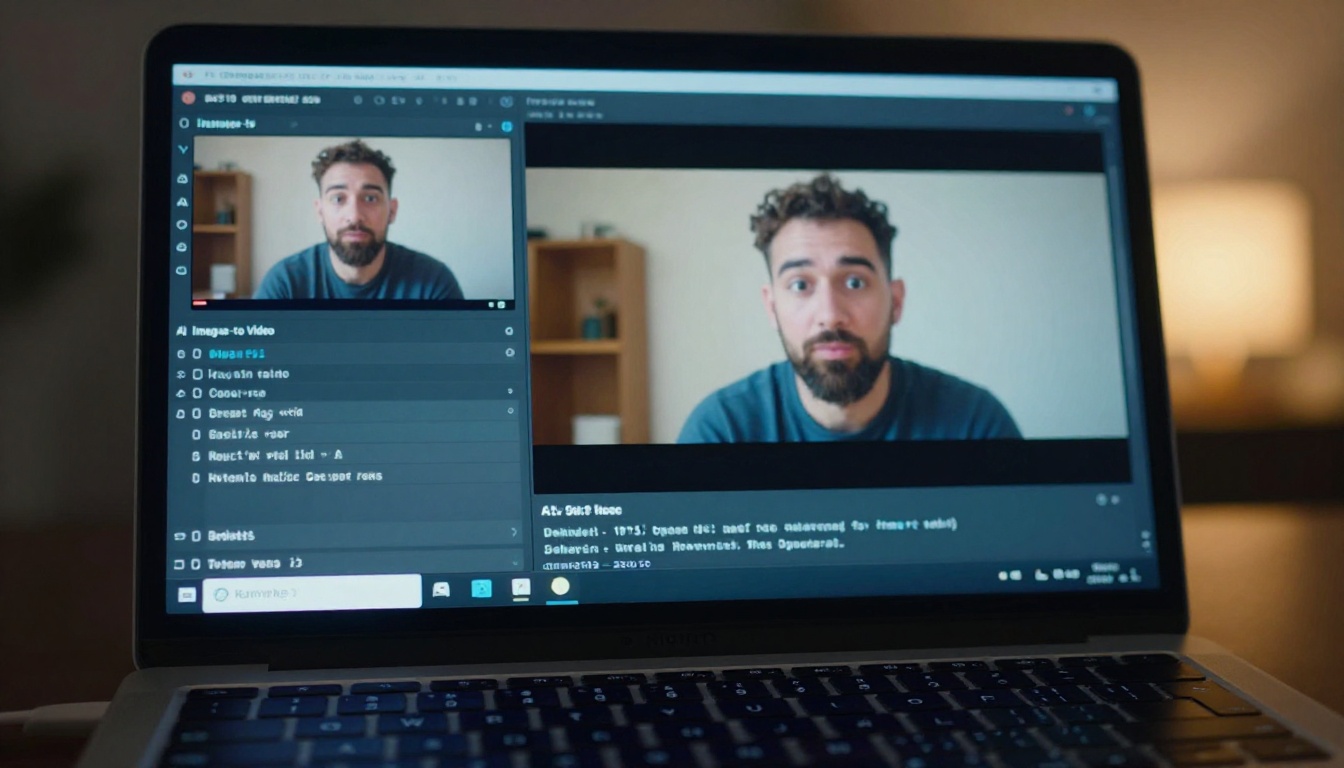
Wan 2.7 I2V supports output at 480p and 720p. For social media posting and previewing, 480p generates faster and the file size stays manageable. For final deliverables or large-screen display, 720p is worth the additional generation time. The visual difference is most apparent in hair, fine fabric detail, and background sharpness.
Output duration on most image-to-video models on PicassoIA is fixed at five seconds at 24fps. This is sufficient for Instagram Reels loops, short social clips, and preview content. For longer sequences, generate multiple five-second clips from the same source image with slightly different prompt variations and cut them together in post.
Your Source Photo Makes All the Difference
Resolution Requirements

Photo-to-video AI is only as good as the photo you give it. The model cannot add detail that isn't there. A 600px JPEG shot in dim lighting will produce soft, artifact-heavy video regardless of which model you use. A sharp 2000px photo taken in good light will animate cleanly and hold detail through the full clip.
The minimum working resolution most models expect is around 512px per side. Below that, output quality degrades noticeably. The practical sweet spot for most workflows is 1024 to 1920px. Going above that adds marginal improvement while increasing processing time.
Composition Tips
The composition of your source photo directly shapes the motion the model can produce. Images with clear subject-background separation animate better because the model can distinguish what should move from what should stay still. Busy, cluttered backgrounds with no clear depth separation often produce confused motion where the entire frame shifts as one flat plane.
Photo compositions that animate well:
- Single clear subject against a distinct background
- Shallow depth of field photos where the subject pops from the background
- Photos with natural motion cues (flowing hair, fabric, water nearby)
- Portraits with visible facial features and clear lighting direction
Photo compositions that animate poorly:
- Flat overhead shots with no depth cues
- Heavy filters that flatten shadow and highlight detail
- Multiple subjects at equal scale with no foreground or background separation
- Heavy noise or compression artifacts
Speed vs. Quality: Which Model Fits Your Workflow
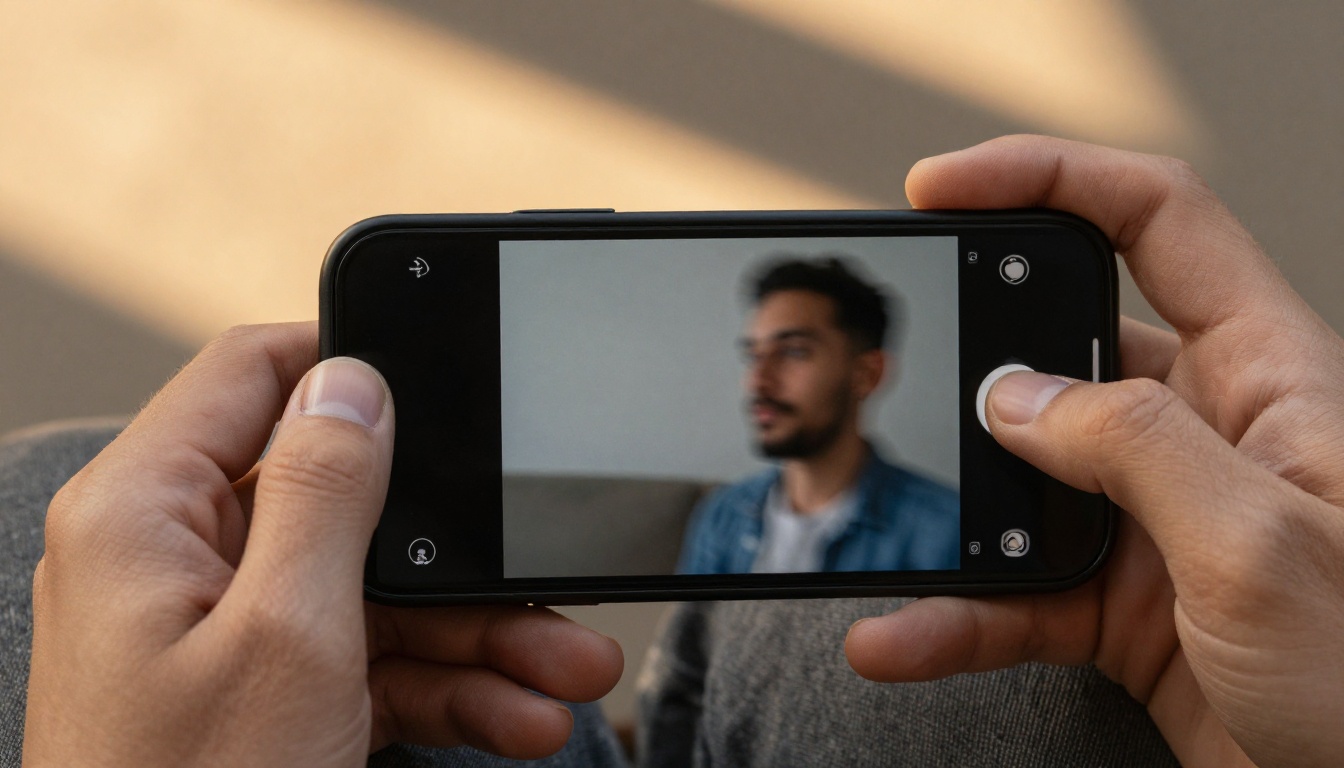
Choosing the right model is mostly a workflow decision. Here's how the top options compare across the criteria that matter:
💡 For most people: Start with Hailuo 2.3 Fast for testing and iteration, then switch to Wan 2.7 I2V or Kling v3 Video for your final output.
3 Mistakes That Ruin Photo Animations
Low-Resolution Inputs
The most common mistake is uploading a small image and expecting the model to compensate. It can't. Every pixel in the output video was extrapolated from the pixels in your input photo. If the input lacks detail, the model invents it, and that invented detail rarely looks natural. Always use the highest-resolution version of your photo.
Prompts That Fight the Image
Writing a motion prompt that contradicts the physics of your source image creates distortion. If your photo shows a person sitting still at a desk and your prompt asks them to stand up and walk toward the camera, the model will try to fulfill this by warping the image in ways that look unnatural. Match your motion prompts to what the scene could plausibly do in five seconds from its starting position.
Ignoring Audio Output
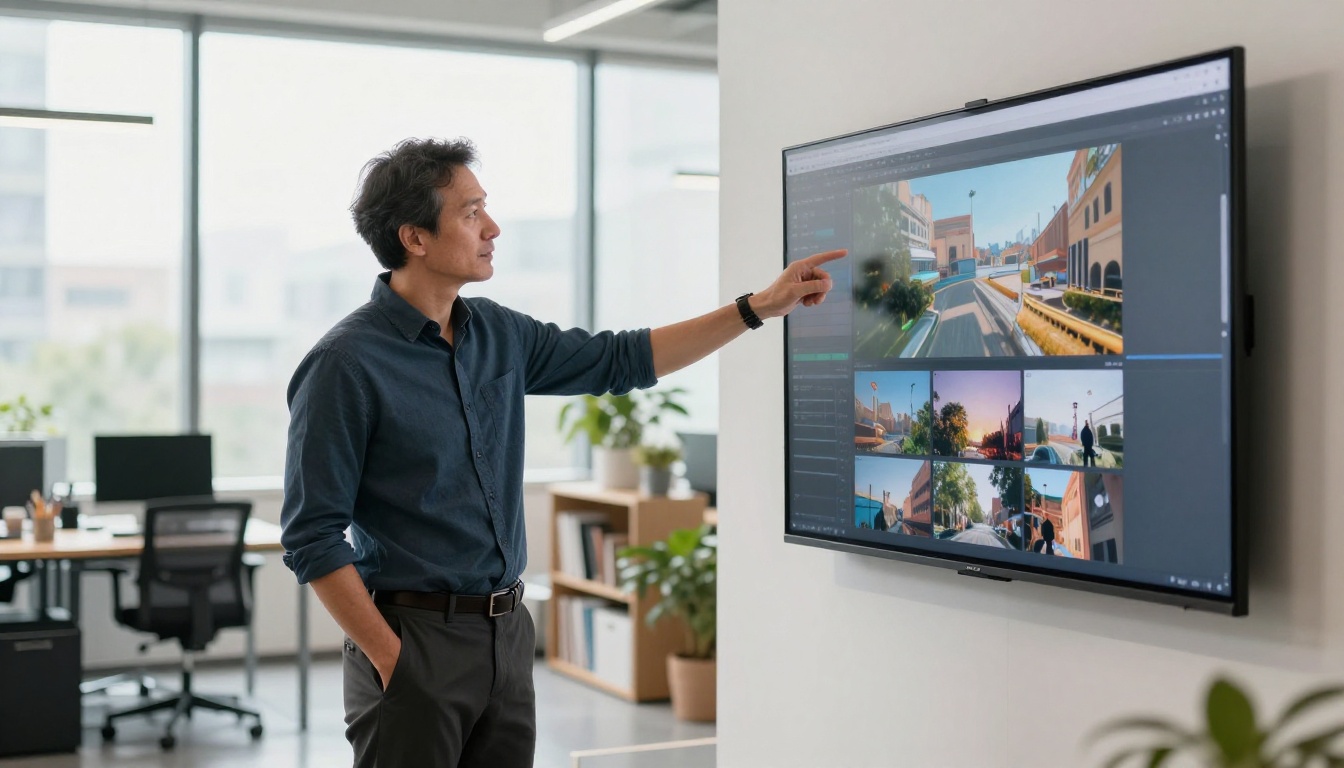
Many creators output their photo animation, post it, and later realize the video plays with no audio on platforms that auto-play with sound on. If you're using a model that doesn't generate audio, like Wan 2.7 I2V or Kling v3 Video, add ambient sound in post before publishing. Alternatively, switch to Ovi I2V for content where audio matters from the start.
What You Can Build with Photo-to-Video AI
Social Content That Actually Performs
Short animated clips from photos perform significantly better on social platforms than static images. The motion triggers auto-play, increases dwell time, and drives higher engagement rates across Instagram, TikTok, and LinkedIn. A single portrait photo animated with subtle motion can become a week's worth of short-form content with slight prompt variations on each generation.
The workflow is simple: photograph your subject once, animate it multiple times with different motion prompts (slow pan, subtle breathing, gentle hair movement), and schedule across the week. Each clip looks fresh because the motion is different even though it came from the same source image.
Personal Memories That Move
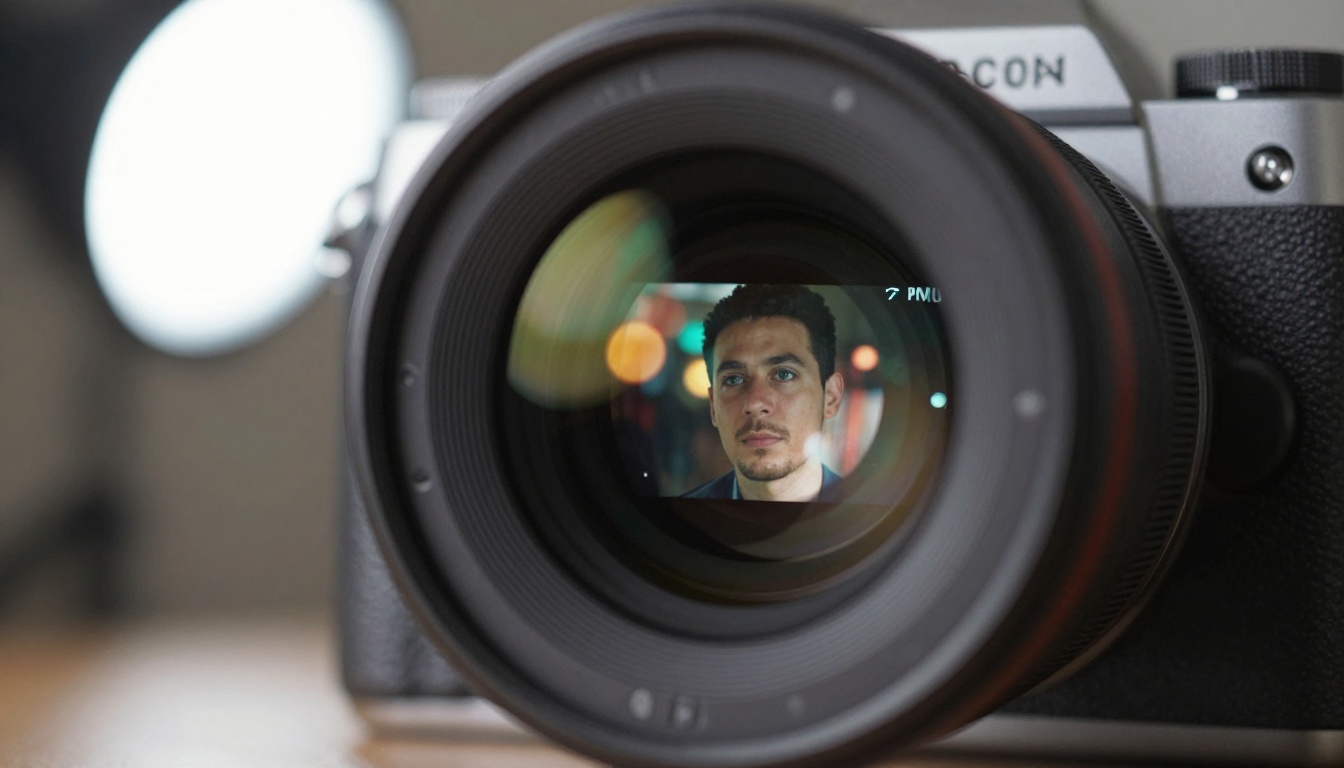
One of the most emotionally impactful applications is animating old photographs. A 1960s black-and-white family portrait becomes a short video where the subjects appear to breathe and shift slightly. Old travel photos become animated scenes. The Kling v2.1 model handles older or lower-quality photographs reasonably well because it's less dependent on extreme input sharpness than some faster models.
Wan 2.7 I2V and Wan 2.6 I2V both perform well with portrait subjects and can restore a sense of life to old photographs that text descriptions alone never could.
Marketing and Product Demos
Product photography animated with subtle motion creates more compelling ads than static images. A shoe rotates slowly on a white background. A watch bezel catches light as the camera tilts. A perfume bottle sits in soft morning light with a gentle depth-of-field pull.
Kling v3 Video and Seedance 2.0 are strong options for product content because both handle controlled camera movements and clean background environments well. The output integrates easily into paid social ads where motion consistently outperforms static creative.
For brands that need high volume, Hailuo 2.3 Fast and Gen4 Turbo keep the production pipeline moving without sacrificing enough quality to matter at typical social media display sizes.
💡 For e-commerce: A single product photo, animated with a slow rotation and cinematic camera pull, can replace expensive video shoots for most ad placements. Generate variations with different motion styles and A/B test which motion type performs best for your product category.
Also Worth Using on PicassoIA
Beyond the core image-to-video models, PicassoIA offers related capabilities that pair well with photo animation workflows:
- LTX 2.3 Fast for text-to-video when you want to generate a fresh scene rather than animate an existing photo.
- Kling v3 Motion Control when you need precise control over camera trajectory and character movement.
- Crystal Video Upscaler to upscale your generated videos to 4K after animation.
- Video Upscale by Topaz Labs for sharper footage at higher frame rates.
- PicassoIA Video for a free, unlimited-generation option to experiment before committing to a specific model.

Start Animating Your Photos Today
The fastest way to see what photo-to-video AI can do for your specific content is to test it with a photo you already have. Upload it to Wan 2.7 I2V on PicassoIA with a simple three-line motion prompt and see what comes back. The generation takes a minute. The result will either be exactly what you needed or it will immediately show you which parameter to adjust next.
PicassoIA gives you access to all the major image-to-video models in one place, so you can switch between Kling v3 Video, Ovi I2V, Hailuo 2.3 Fast, and Gen4 Turbo without leaving the platform or managing separate accounts. Start at picassoia.com/en/all-models and pick the model that fits your first project.


