Writing a script used to mean hours of staring at a blank document, rewriting openings, restructuring arguments, and then spending another session recording takes in a hot booth. Today, the best AI for writing scripts and video narration compresses that entire process into minutes. Whether you are a solo YouTuber, a podcast producer, or a brand running a video marketing operation, the tools in this article will change how you think about content production.
What AI Script Writers Actually Do
AI does not just autocomplete sentences. The best large language models approach script writing the way a seasoned copywriter would: they consider tone, pacing, intended audience, and the structural beats that keep viewers watching.
From blank page to broadcast-ready copy
Give a capable LLM a topic, a target audience, and a desired length. It returns a structured script complete with an attention-grabbing opening, clearly segmented talking points, natural transitions, and a call to action. The output is not a rough draft. With the right model and a focused prompt, it is something you can read directly into a microphone.
The difference between a mediocre AI script and a great one comes down to the prompt. Specify:
- Tone: casual and conversational vs. authoritative and journalistic
- Duration: "write a 3-minute script" gives the model a word-count target to work toward
- Structure: intro, three main points, and a strong close
- Audience: first-time investors, professional designers, teenage gamers
These instructions are not optional extras. They are the variables that determine whether the output sounds like it was written by a person who actually knows the topic, or like a generic article summary read aloud.
Why context length is the secret weapon
Short-context models forget what they said three paragraphs ago. That produces scripts with repeated points, inconsistent terminology, and weak conclusions that fail to connect back to the opening hook.
The best models today handle 100,000 to 200,000 tokens of context. That means they can hold your entire brief, a reference document, and previous conversation history in memory while they write. The result is a script with internal logic: points built early in the piece pay off later, and the language stays consistent from the first sentence to the last.
💡 Tip: Before asking an AI to write your script, paste in a reference article, a competitor video transcript, or a product specification sheet. The model uses that context to write with authority, not generic filler.
The Best LLMs for Writing Scripts
Not all language models perform equally for script writing. The categories that matter: structured output quality, tone control, long-form coherence, and instruction-following precision.
GPT 5 and GPT 5 Pro: the heavy lifters
GPT 5 is OpenAI's flagship general-purpose model and one of the strongest options for script writing available today. It handles complex briefs, follows multi-part instructions reliably, and produces output that sounds like a real person wrote it. The pacing is natural, the vocabulary stays within reach of a general audience without dumbing things down, and it rarely drifts off-topic mid-script.
GPT 5 Pro adds built-in chain-of-thought reasoning. That matters for scripts that require the model to work through a logical argument rather than simply present information. Tutorial scripts, explainer videos, and documentary-style narration benefit most from this capability. When the script needs to actually make a case rather than list facts, GPT 5 Pro is the model to reach for.
For faster iteration without sacrificing too much quality, GPT 4.1 is a solid workhorse. It responds quickly and handles high volumes of scripts without the latency of the larger reasoning models. Teams producing daily content find it particularly efficient for short-form and mid-length formats.
Claude models: long-form and structured
Anthropic's Claude family has a well-earned reputation for following complex formatting instructions. That makes these models particularly strong for scripts that need to hit specific structural beats.
Claude 4 Sonnet is precise and reliable. Give it a detailed prompt and it delivers a structured script with clearly delineated sections, consistent voice, and minimal hallucination. It is the model you reach for when the script needs to be technically accurate, such as a how-to video for a software product or a medical information piece.
Claude Opus 4.7 is the top of the Anthropic range. It handles very long scripts and complex narrative structures, making it a strong choice for long-form documentary scripts or multi-part series where consistency across episodes matters more than generation speed.
Claude Sonnet 5 balances speed with high-quality long-form writing that suits YouTube tutorials and educational content well. It maintains a conversational tone without becoming too casual or losing authority, which is a difficult balance that many models fail.
Claude 4.5 Sonnet is the right call when you need fast iterations on script drafts without the overhead of the largest models. It writes cleanly and follows revision instructions with precision.
Other strong contenders worth trying
Gemini 3.1 Pro from Google is worth considering when your script requires web-grounded facts. Its multimodal capabilities also mean you can pass in images of products and have it write narration based on visual context, which is genuinely useful for product demonstration and unboxing scripts.
Grok 4 handles complex reasoning tasks and is particularly sharp for scripts that need to argue a position or build a case rather than simply explain a topic. Opinion-style video essays benefit from its logical structure and willingness to take a clear stance.
DeepSeek v3.1 is a compelling option with output quality that competes with paid models. For high-volume script production on a limited budget, it performs well above its cost tier and rarely produces the kind of structural repetition that cheaper models suffer from.
Llama 4 Maverick Instruct from Meta is a strong open-weight model for creators who want more control over their production stack, including the ability to run locally or on custom infrastructure.
AI Narration That Sounds Human
Once the script is ready, turning it into audio is the next step. The text-to-speech landscape has changed fundamentally in the past two years. Modern TTS models do not just read words. They interpret punctuation, adjust pacing based on sentence length, add natural breathing patterns, and modulate emotion based on context.
ElevenLabs V3 and the voice cloning era
ElevenLabs V3 is currently the benchmark for natural-sounding AI narration. It produces output that is difficult to distinguish from a professional voice-over recording, with proper sentence stress, natural pausing at commas and periods, and consistent vocal character throughout a long piece. It does not tire, it does not drift in tone, and it does not mispronounce product names when you prime it correctly.
Voice cloning through MiniMax Voice Cloning takes this further. Upload 30 seconds of your own voice and the model generates a synthetic version that captures your vocal character. Your AI-narrated video sounds like you recorded it personally, even when you were not in the studio.
For multilingual content, ElevenLabs v2 Multilingual handles 30+ languages with the same natural prosody as its English output. Pair it with ElevenLabs Dubbing to translate and re-voice an entire video into 90+ languages automatically, preserving the speaker's original vocal character across each dub.
MiniMax Speech 2.8 HD for studio quality
MiniMax Speech 2.8 HD sits at the high end of audio quality. The model produces rich, warm audio that holds up at broadcast fidelity and handles long-form narration without the robotic cadence that older TTS systems added at paragraph boundaries. For documentaries, corporate videos, and any content where audio quality directly reflects on brand credibility, this is the model to use.
For faster output when turnaround matters more than ultimate fidelity, MiniMax Speech 2.8 Turbo generates audio quickly without a dramatic quality drop. Both models cover a wide voice roster with multiple emotional registers.
Real-time and fast options for modern workflows
Inworld Realtime TTS 2 generates audio with sub-200ms latency. That makes it practical for streaming applications and live demonstrations where you want AI narration without buffering delay, and for interactive content where the narrator responds to user actions.
ElevenLabs Flash v2.5 sits at a similar speed tier while maintaining impressive voice quality for async content like short-form video and social media clips. When you need fast turnaround across many short scripts, Flash v2.5 is significantly more efficient than HD models.
Chatterbox Pro from Resemble AI adds fine-grained emotion control. You can dial in vocal affect from calm instructional to energetic marketing to warm storytelling, making it particularly useful when the narration tone needs to match the mood of the visuals closely.
Qwen3 TTS offers voice cloning and custom voice design, allowing you to build a completely original AI voice without needing reference audio. It is a strong option for creators who want a proprietary sound.
Play Dialog from PlayHT specializes in realistic two-person dialogue audio, making it an unusual but effective choice for scripted interview or conversation formats where a single-voice narrator would feel flat.
How to Use PicassoIA for Scripts and Narration
PicassoIA gives direct access to every model discussed in this article inside a single platform. There is no need to manage separate API keys, accounts, or integrations.
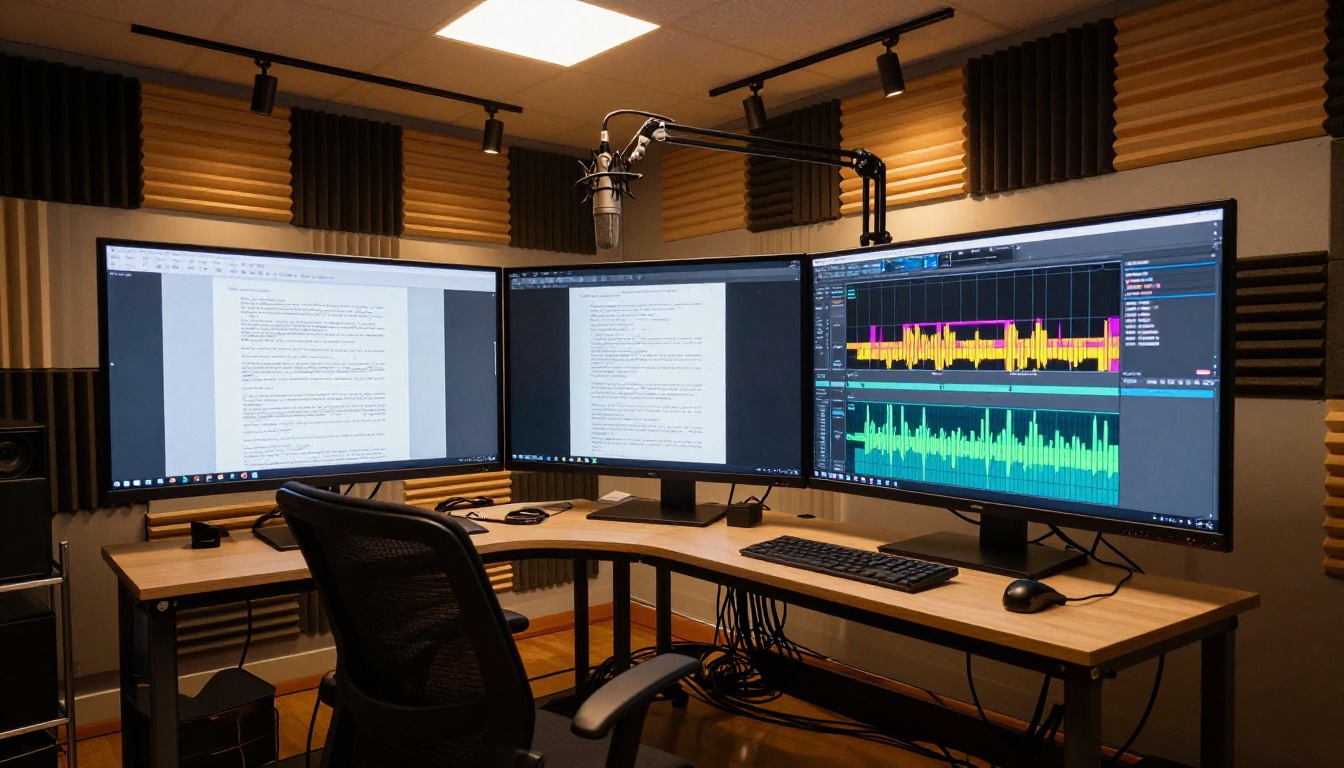
Writing scripts with LLMs on PicassoIA
- Go to picassoia.com/en/all-models and filter by Large Language Models
- Select the model that fits your task: GPT 5 Pro for complex briefs, Claude 4 Sonnet for structured accuracy, Gemini 3.1 Pro for research-heavy topics
- Open the chat interface and paste your brief: topic, audience, tone, duration, and any reference material
- Iterate on the draft. Ask for a more casual opening, a tighter third section, or a different close
- Export the final script text or pass it directly to a TTS model on the platform
💡 Tip: When writing a YouTube script, ask the LLM to include section markers with approximate timestamps. This makes it easier to match narration segments to video edit points later, saving time in post-production.
Converting scripts to professional voiceovers
- Navigate to the Text-to-Speech category on PicassoIA
- Select your voice model. ElevenLabs V3 for highest quality. MiniMax Speech 2.8 Turbo for speed. Chatterbox Pro for emotion control.
- Paste your completed script into the input field
- Adjust voice settings: speaking speed, voice character, and emotional tone where available
- Generate and download the audio file
- Sync the audio to your video in your editing software
The full process, from blank brief to downloadable narration file, takes under 20 minutes for a well-structured script.
3 Workflows That Save Real Hours
The tools are only useful if they fit into a real production process. Here are three workflows that work at different scales.
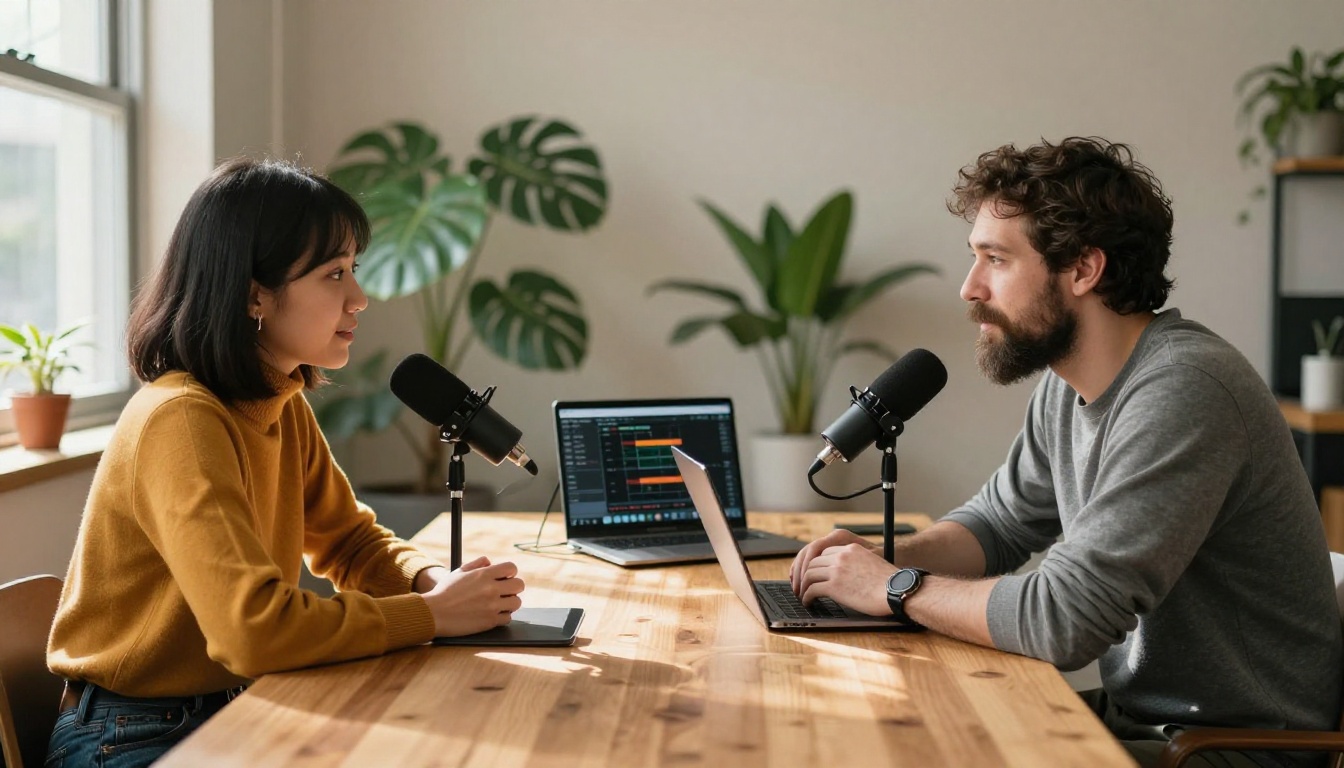
YouTube video production from scratch
The traditional YouTube production cycle looks like this: research (2 hours), scripting (3 hours), recording (1-2 hours), editing. With AI handling the script and narration, the timeline changes:
- Research: Feed GPT 5 Pro or Gemini 3.1 Pro a topic and a list of source URLs. It synthesizes the research into a structured brief in under 5 minutes.
- Scripting: Use Claude Sonnet 5 to write a structured 8 to 12 minute script from the brief. Total time: 10 minutes with iteration.
- Narration: Pass the script to ElevenLabs V3 with your cloned voice. Total time: 5 minutes.
- Editing: Import the AI audio as your base track and cut your video around it.
Total saving: 4 to 5 hours per video, every video.
Podcast scripting in minutes
Podcast scripts differ from video scripts because the listener cannot see visual cues. Good podcast scripts front-load context, use verbal signposts like "in the next section" and "coming back to the point," and vary sentence length deliberately to control pacing and prevent monotony.

Claude 4 Sonnet handles this format particularly well because of its instruction-following precision. Prompt it with the podcast format (solo host, two-host banter, interview-style), the episode topic, and a target word count. It writes with verbal markers built in and structures the argument so it holds together when heard rather than read.
For two-host podcast formats, Play Dialog can narrate both roles in distinct voices, producing a complete rough audio track for the episode without any recording session. Use this for content review and pacing checks before the real recording.
Social media narration at scale
Short-form platforms need scripts between 30 and 90 seconds. AI produces these in seconds, but the real challenge is volume: a consistent social media presence may require 20 to 30 short scripts per week.
The solution is batch scripting. Prompt GPT 5 or Claude 4 Sonnet with a list of 10 topics and ask for one 60-second script per topic in the same response. You get all 10 in a single generation. Feed the batch to ElevenLabs Flash v2.5 or MiniMax Speech 2.8 Turbo for fast audio generation across the entire set.
💡 Tip: For social content, ask the LLM to write the first sentence as a direct question. Questions in the opening frame perform better for retention because they create an information gap the viewer wants to close.

Choosing the Right Voice for Your Content
Not every voice model suits every content type. A few practical rules:
- Educational content: Choose a calm, authoritative voice with deliberate pacing. MiniMax Speech 2.8 HD or ElevenLabs V3 with an instructional voice preset both work well.
- Marketing and product videos: Use an energetic, warm voice. Chatterbox Pro with higher emotional intensity settings is well-suited here.
- Multi-language content: ElevenLabs v2 Multilingual or Gemini 3.1 Flash TTS are the strongest options for non-English narration with natural prosody across 30 to 70 languages.
- Live and interactive applications: Inworld Realtime TTS 2 is built for this. Its sub-200ms latency means narration keeps pace with dynamic content without any perceptible delay.
- Custom brand voice: MiniMax Voice Cloning or Qwen3 TTS let you build and own a voice that is distinctly yours, not a preset shared across thousands of other creators.
The wrong voice at the right quality is still the wrong choice. Spend 10 minutes testing different models on a short paragraph from your actual script before committing to a voice for a full production.
Build Your Own Script-to-Voice Pipeline
The combination of a strong LLM and a high-quality TTS model is not a futuristic workflow. It is available right now, through a single platform, without any coding required.

PicassoIA brings every model discussed in this article into one place. You can write a script with GPT 5, refine it with Claude Opus 4.7, and narrate it with ElevenLabs V3 or MiniMax Speech 2.8 HD without switching tabs or managing separate accounts.
If you want to experiment with voice styles, Chatterbox Pro and Qwen3 TTS both offer voice customization that does not require reference audio. If you want to clone your own voice, MiniMax Voice Cloning handles it in seconds.
The full model catalog, including every tool in this article, is at picassoia.com/en/all-models. Pick one topic, write your first AI script today, and narrate it before the hour is up. The results will show you exactly what hours of manual work used to produce.


