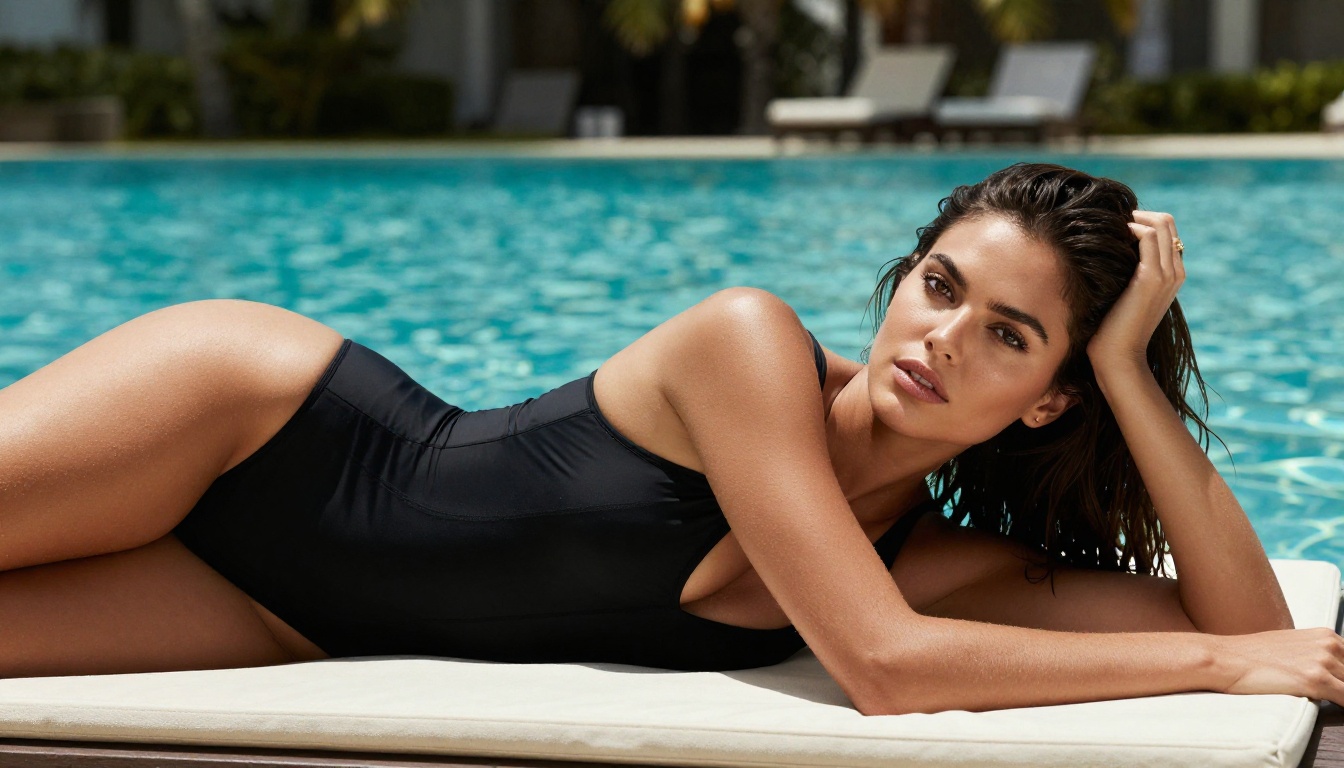
Most AI girlfriend apps promise unrestricted conversation, then surprise you with blocked responses the moment things get interesting. The filter usually kicks in right when you need it not to. So which apps actually deliver on the "uncensored" promise, and what do you do when they don't?
This breakdown covers the top AI girlfriend apps with uncensored chat, explains how the filter systems work, and shows you exactly how to generate photorealistic AI companion images on PicassoIA with no content restrictions.
What "Uncensored" Really Means in AI Chat
The Three Filter Levels
Not all AI chat apps filter content the same way. There are generally three tiers:
- Hard filter (blocked at model level): The base language model refuses to generate certain content regardless of the interface. You cannot bypass this without a fine-tuned alternative.
- Soft filter (blocked at API level): The model can produce the content, but the app wraps it in a content moderation layer before it reaches you. These filters are inconsistent and often get tripped by non-explicit roleplay.
- No filter (unrestricted models): The underlying model has no NSFW restrictions, and the platform does not apply secondary filters. This is what you are actually looking for.
💡 Most apps that advertise "uncensored" are using soft filters. They block inconsistently, often mid-conversation, and their behavior changes after you upgrade to a paid plan.
Why Most Apps Still Block Content
The short answer: liability and payment processors. Platforms that process payments through Stripe or PayPal must comply with their acceptable use policies, which restrict adult content. This creates a situation where many apps install filters not because their technology requires it, but because their payment rails demand it.
Platforms that process payments through crypto or alternative processors have more freedom, but they are also less stable. The most reliable solution is using a platform that separates the image or text generation capability from the payment processing concern, which is exactly what PicassoIA does by offering these tools within a broader creative suite.

Top AI Girlfriend Apps Ranked
Best for Deep Roleplay
Character.AI remains the most polished companion app in terms of personality depth, memory, and long-form conversation. The downside: its filter is model-level. Even with "plus" mode, explicit content is blocked. It works well for emotional companionship and deep backstory roleplay, but if you need uncensored output, you will hit a wall.
Replika has a similar profile. The paid version removes some restrictions on flirtatious dialogue, but it is not truly uncensored. Previous versions were more permissive before a 2023 rollback.
Candy.AI and DreamGF.ai sit closer to the unrestricted end. Both allow explicit conversations and image generation within their interfaces. Candy.AI charges per message at scale, which becomes expensive quickly. DreamGF.ai bundles a fixed number of messages per month at a flat rate.
Best for Image Generation
If the goal is generating photorealistic images of an AI companion, no standalone app competes with using a dedicated AI image model directly. The apps bundle image generation as a feature, but they use restricted models with conservative prompts applied invisibly.
On PicassoIA, you work directly with the image models, meaning full prompt control, no invisible prompt sanitization, and multiple models designed specifically for realistic results including adult content.
Best Free Option
For free uncensored text roleplay, Crushon.AI and SpicyChat.AI both offer no-filter conversations on their free tiers, though with message caps. SpicyChat uses community-contributed character cards and allows explicit content by default.
For free image generation without filters, P-Image on PicassoIA generates results in under one second, supports NSFW content, and does not require a credit card to try.
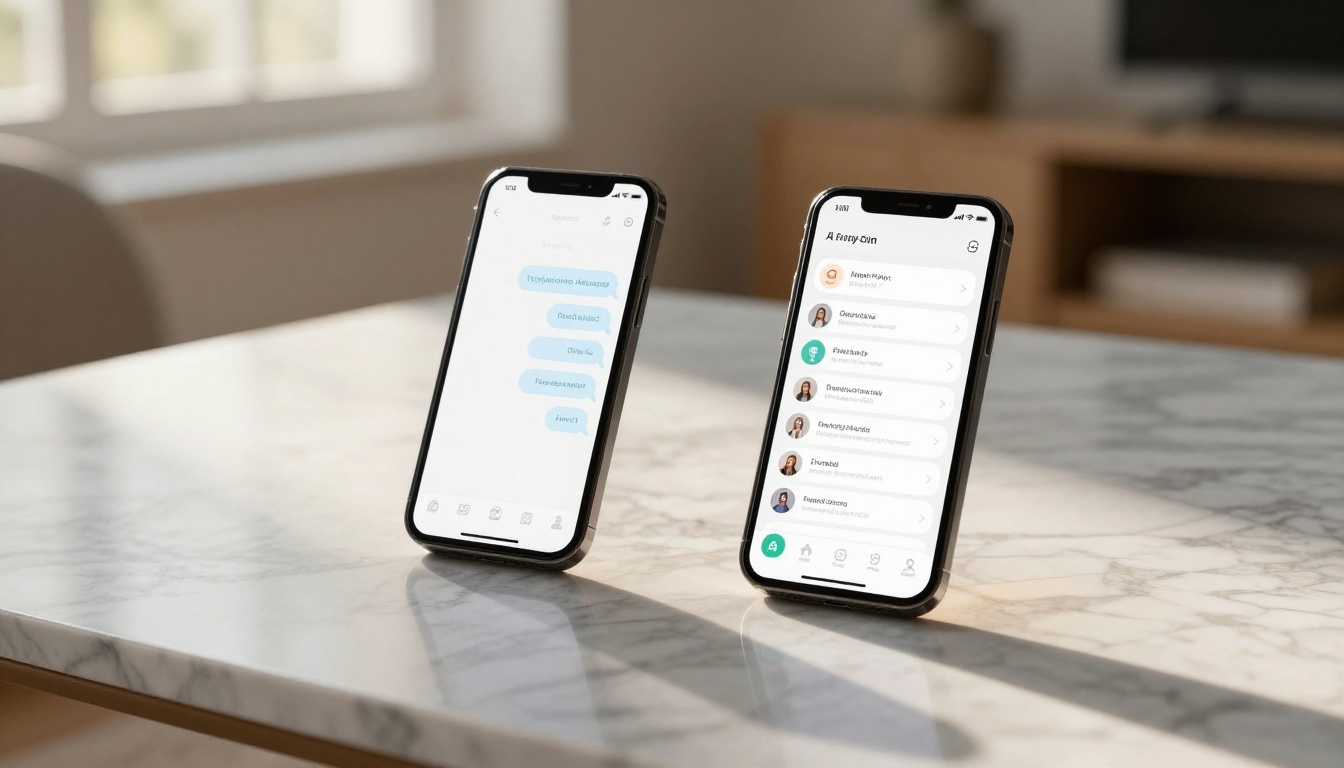
The Real Problem With Most Apps
Hidden Filters After Login
Every app on this list advertises "uncensored" or "no limits." The actual experience is often different. Here is what to watch for:
| Warning Sign | What It Signals |
|---|
| "Our AI may occasionally decline requests" | Soft filter in place, no prediction of when it triggers |
| Responses shorten suddenly mid-session | The model is rate-limiting or reverting to filtered mode |
| Explicit content blocked only on mobile | Mobile app store policies applied on top of web policies |
| Upgraded plan still refuses content | Model-level restriction, not a tier restriction |
Pricing Traps to Avoid
Most companion apps charge per token (message) at scale. A "starter" plan might include 500 messages and sound reasonable, but deep roleplay sessions consume dozens of messages quickly. Compare:
- Per-message pricing: Costs compound fast in long sessions
- Time-based subscriptions: Better for daily use but often restrict the best models to top tiers
- Unlimited generation plans: The best value if you use the platform heavily
PicassoIA's Elite and Infinite plans include unlimited image generation with PicassoIA Image Editor Pro, meaning generating 1,000 images costs the same as generating 10. On per-credit platforms like Nano Banana 2, that same volume runs around $100. The math changes completely when your plan includes unlimited usage.
Generate AI Girlfriend Images Without Limits
This is where the real differentiation lies. Text chat apps can be replaced. Photorealistic image generation of a specific companion persona, with full prompt control and no content restrictions, is much harder to find in one place.
Seedream 4.5 on PicassoIA
Seedream 4.5 is the top recommendation for NSFW AI image generation. It accepts adult content prompts, produces ultra-realistic results, and generates each image in under 3 seconds. It also supports image editing, meaning you can take an existing image and modify clothing, background, or expression without rebuilding the scene from scratch.
Important: Seedream 5 Lite does not support NSFW content. If you see that model name, it is the wrong version. Stick with Seedream 4.5 specifically.
How to use Seedream 4.5 on PicassoIA:
- Go to picassoia.com/en/collection/text-to-image/bytedance-seedream-45
- Write a detailed prompt describing your subject, setting, lighting, and camera perspective
- Set your aspect ratio (16:9 for widescreen, 9:16 for portrait)
- Click generate and receive results in under 3 seconds
- Use the editing function to refine specific areas without regenerating the full image
💡 The more specific your prompt, the better the result. Include lighting direction (e.g., "soft window light from the left"), camera lens (e.g., "85mm f/1.8"), and texture details (e.g., "natural skin, light freckles, photorealistic RAW 8K").
PicassoIA Image Editor Pro
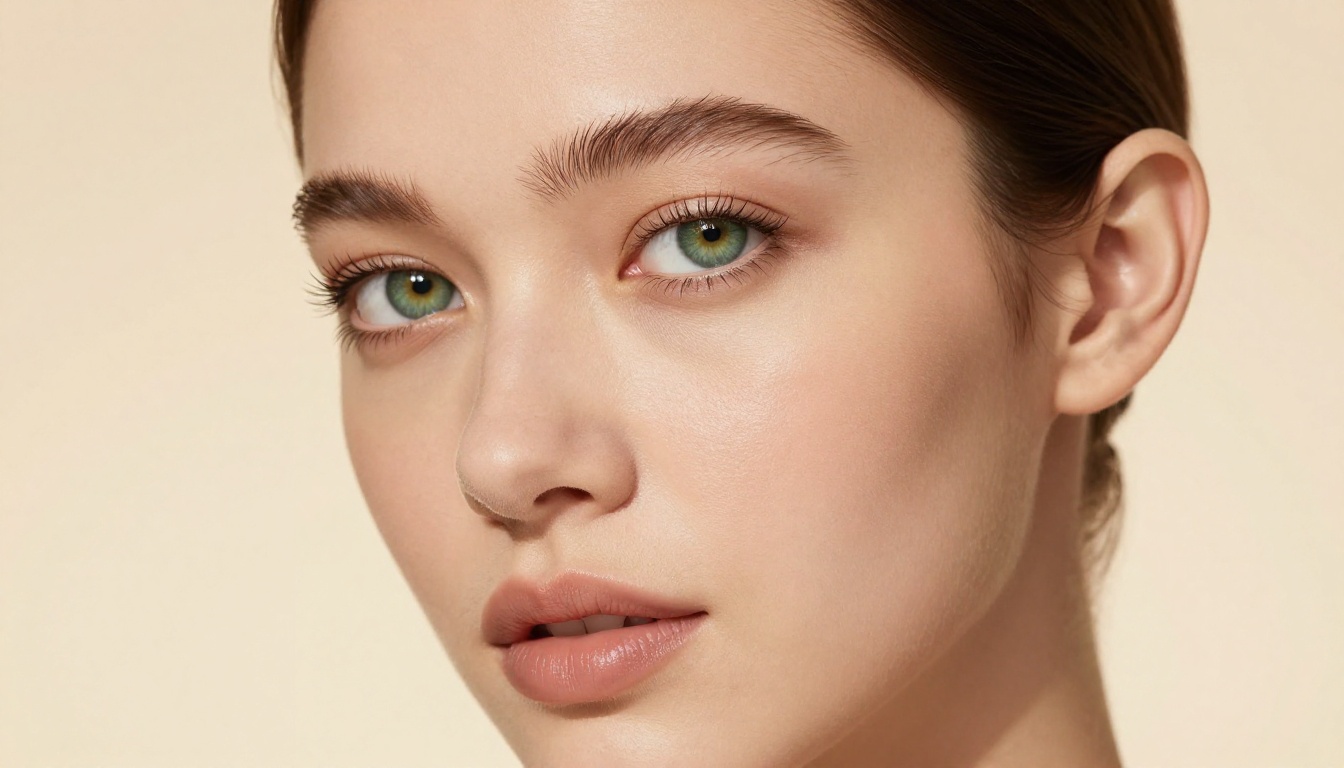
PicassoIA Image Editor Pro is an image-to-image model and the best choice for iterative generation. Upload a reference image and use text prompts to specify changes. Because it is an img2img workflow, the subject's face, proportions, and style remain consistent across generations, which is critical for building a coherent AI companion persona.
The unlimited generation advantage is significant. If you are building a consistent character and testing 20 prompt variations, there is no per-generation cost on Elite or Infinite plans. The model returns results in under one second, and you can try three generations free with no credit card required.
5 More Models Worth Using
Beyond the top two, PicassoIA offers several other models for unrestricted realistic content:
- Qwen Image 2 - Open-source with no content filters; edit or generate from text with very detailed realism
- Grok Imagine Image - Converts any photo to bikini format with realistic results; works as a quick transformation tool
- Recraft V4 - Text-to-image only, but delivers exceptionally realistic output
- P-Image - Sub-one-second generation, NSFW-capable, good for rapid iteration
- Wan 2.2 Image - Highly realistic text-to-image without content restrictions

AI Chat Models That Actually Role-Play
Standalone AI girlfriend apps wrap a language model in a persona layer. If you want the same capability with more model control and no per-message fees, using the language models on PicassoIA directly gives you access to the same underlying technology.
GPT-5 for Immersive Dialogue
GPT-5 handles long-form roleplay conversations better than most models due to its large context window and strong instruction following. It maintains persona consistency across extended sessions and adapts tone smoothly. It does apply content guidelines at the model level, so fully explicit output requires a different choice, but for romantic roleplay, emotional depth, and girlfriend simulation, the performance is excellent.
Deepseek R1 for Creative Writing
Deepseek R1 is a reasoning model that excels at creative writing tasks. For AI companion roleplay with detailed narrative structure, backstory, and scene-setting, it produces richer output than conversation-optimized models. Use it when you want your AI companion to feel like a character in a story rather than a chatbot responding to prompts.
Llama 4 Maverick for Free Sessions
Llama 4 Maverick Instruct is available for free on PicassoIA and performs well for casual companion roleplay. It does not match GPT-5 in depth, but for daily conversation use with no cost, it is the most practical starting point. It also handles multi-turn conversations without losing context as quickly as smaller models.

Give Your AI Companion a Voice
Pairing text chat with a voice layer adds a dimension that text alone cannot replicate. PicassoIA's text-to-speech models convert any AI chat output into audio with natural prosody and emotional range.
ElevenLabs V3
ElevenLabs V3 sets the standard for natural-sounding voice synthesis. The model reads emotional tone from the text and adjusts pacing, emphasis, and pitch accordingly. For an AI companion persona, this means responses that sound genuinely engaged rather than flat and robotic. Voice cloning is also available, letting you define a specific voice character and use it consistently across every session.
MiniMax Speech 2.8 HD
MiniMax Speech 2.8 HD delivers studio-quality audio output across multiple languages. At approximately $0.10 per 1,000 input tokens, it is cost-effective for regular use. The HD designation reflects a higher-quality rendering pipeline compared to the Turbo variant, producing noticeably richer audio on longer paragraphs and expressive dialogue. It processes synchronously, so results return in about 2 seconds without polling.
💡 For a complete AI companion setup: generate a portrait with Seedream 4.5, write the character's dialogue through GPT-5, then run the output through ElevenLabs V3 to hear it in a consistent voice. The three tools work independently on PicassoIA and can be combined in any workflow.
Other solid text-to-speech options on the platform include Chatterbox Pro for voice cloning with emotion control and Gemini 3.1 Flash TTS which offers 30 distinct voices across 70+ languages.
Privacy and What Data These Apps Collect
What Gets Stored
This is an area most users ignore. Before sharing personal details with any AI companion app, it helps to know the default data practices:
- Character.AI: Conversations are stored and used to improve models. No opt-out for existing data.
- Replika: Chat logs stored; the company has acknowledged using anonymized data for training.
- Candy.AI / DreamGF.ai: Privacy policies are less transparent. Assume conversation data is retained.
- PicassoIA: Image generation prompts and outputs are tied to your account but the platform does not use generation data for training third-party models.
Safer Browsing Practices
If privacy is a concern with AI companion apps, these steps reduce exposure:
- Use a separate email address specifically for AI companion accounts, not tied to your primary identity
- Do not share identifying information in roleplay scenarios, even when it feels contextually natural
- Check the privacy policy before upgrading to a paid plan, as payment data is handled separately from conversation data
- Use a VPN if you are in a jurisdiction with restrictive content laws
💡 For image generation specifically, PicassoIA does not require you to submit a persona description or personal details. You generate images from prompts, and the tool does not infer or store information about your identity from those prompts.

Build Your Own AI Companion on PicassoIA
The apps covered above are convenient but constrained. Building your own AI companion workflow on PicassoIA removes those constraints while giving you better tools at each stage of the process.
Here is what a full stack looks like:
| Component | Tool | What You Get |
|---|
| Portrait generation | Seedream 4.5 | Photorealistic, NSFW-capable, 3-second output |
| Image editing | Image Editor Pro | Unlimited iterations, under 1 second |
| Conversation | GPT-5 | Deep roleplay, long context, persona consistency |
| Voice | ElevenLabs V3 | Natural speech with emotional tone adaptation |
This approach costs less than most premium companion app subscriptions for the same or better output quality. There are no per-message fees at the text level, unlimited image generation on appropriate plans, and no invisible filters applied between your prompt and the result.
The full catalog of NSFW-capable and unrestricted models is at picassoia.com/en/all-models. Start with Seedream 4.5 for images, GPT-5 for conversation, and ElevenLabs V3 for voice. All three are available to try without a credit card.
What you build is yours, it looks exactly how you want it to look, and nothing is filtered without your knowing.