Best AI Girlfriend Generators for Realistic Photos in 2027
From photorealistic portraits to glamour shots and bikini images, AI girlfriend generators now produce stunning results nearly indistinguishable from real photos. This article rates the top tools by realism, speed, freedom from content filters, and value for creators building virtual companion photo collections.
Most AI platforms designed to create realistic girlfriend photos fail in the same way: the images look like polished digital art rather than actual photographs. Skin textures are too smooth, lighting is too theatrical, and expressions carry that uncanny stiffness that signals AI generation immediately. The gap between "impressive AI art" and "photos that look real" is significant, and only a handful of models have actually closed it.
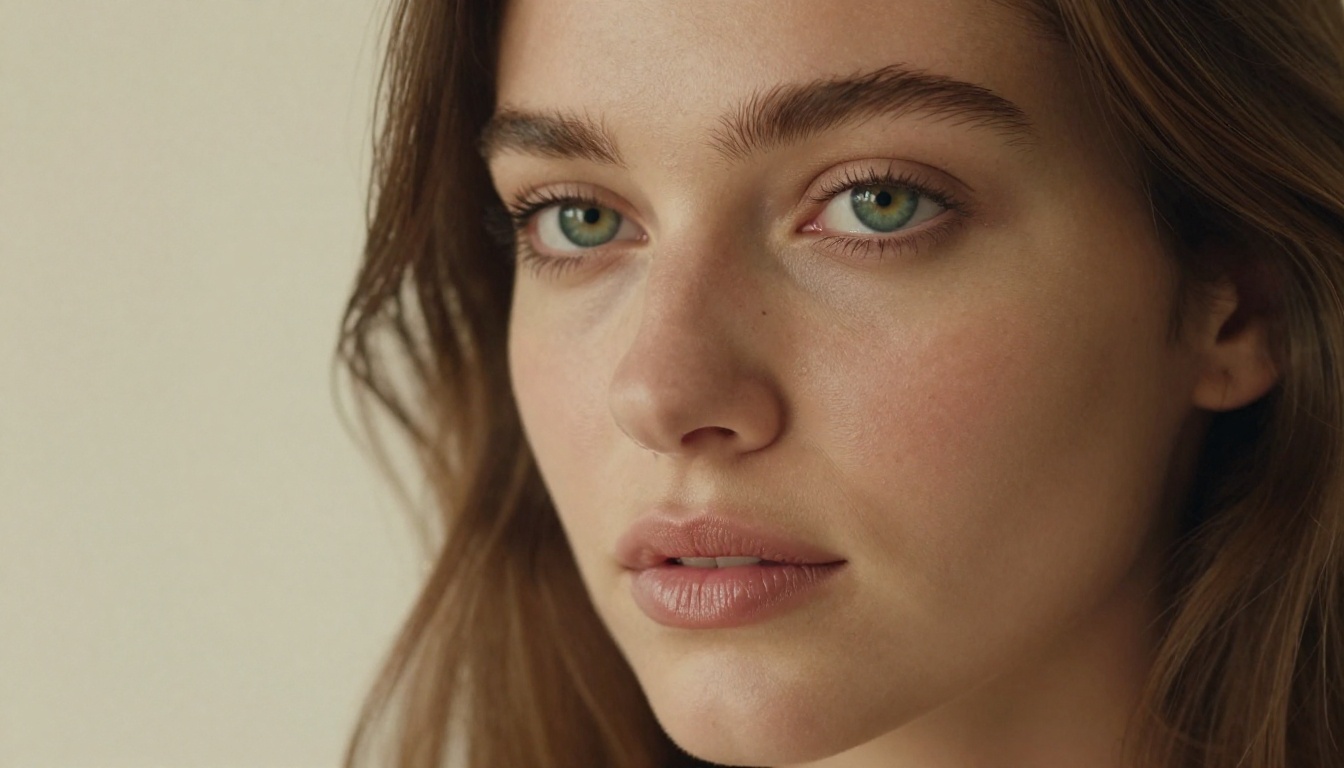
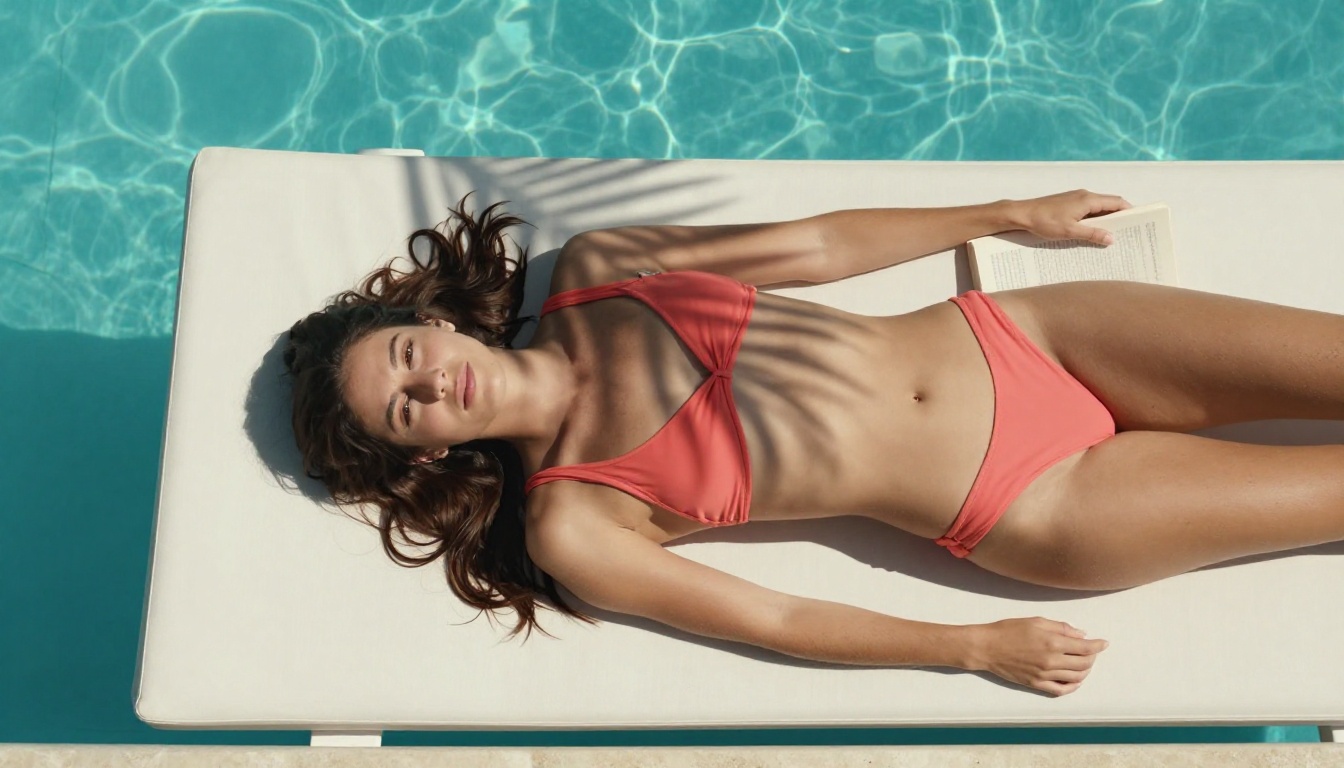
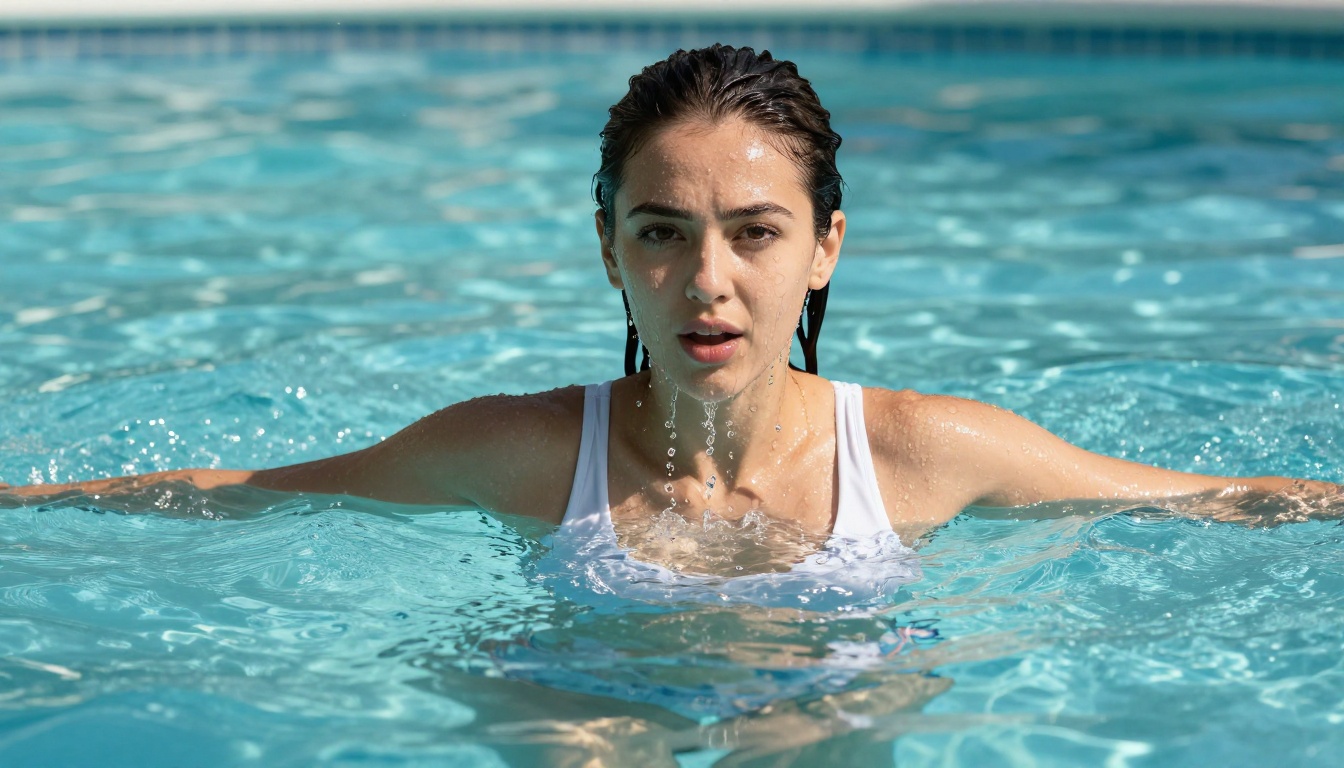
The platforms on this list have solved that problem. They produce images with genuine skin pores, natural lighting physics, authentic facial micro-expressions, and the kind of subtle imperfections that make a photo feel like it came from a real camera. Whether you want a casual portrait, a beach shot, a glamour image, or something more adult in nature, these models produce results that rival professional photography, and most of them generate the image in under 3 seconds.
The demand for realistic AI girlfriend photos spans a wide range of use cases: digital artists building character reference libraries, writers visualizing fictional characters, photographers previewing lighting concepts, and adults looking for private, artistic images without restrictive content filters. Whatever the purpose, the quality available today would have been impossible to achieve just 18 months ago.
Why Realism Is Harder Than It Looks
The Skin Texture Problem
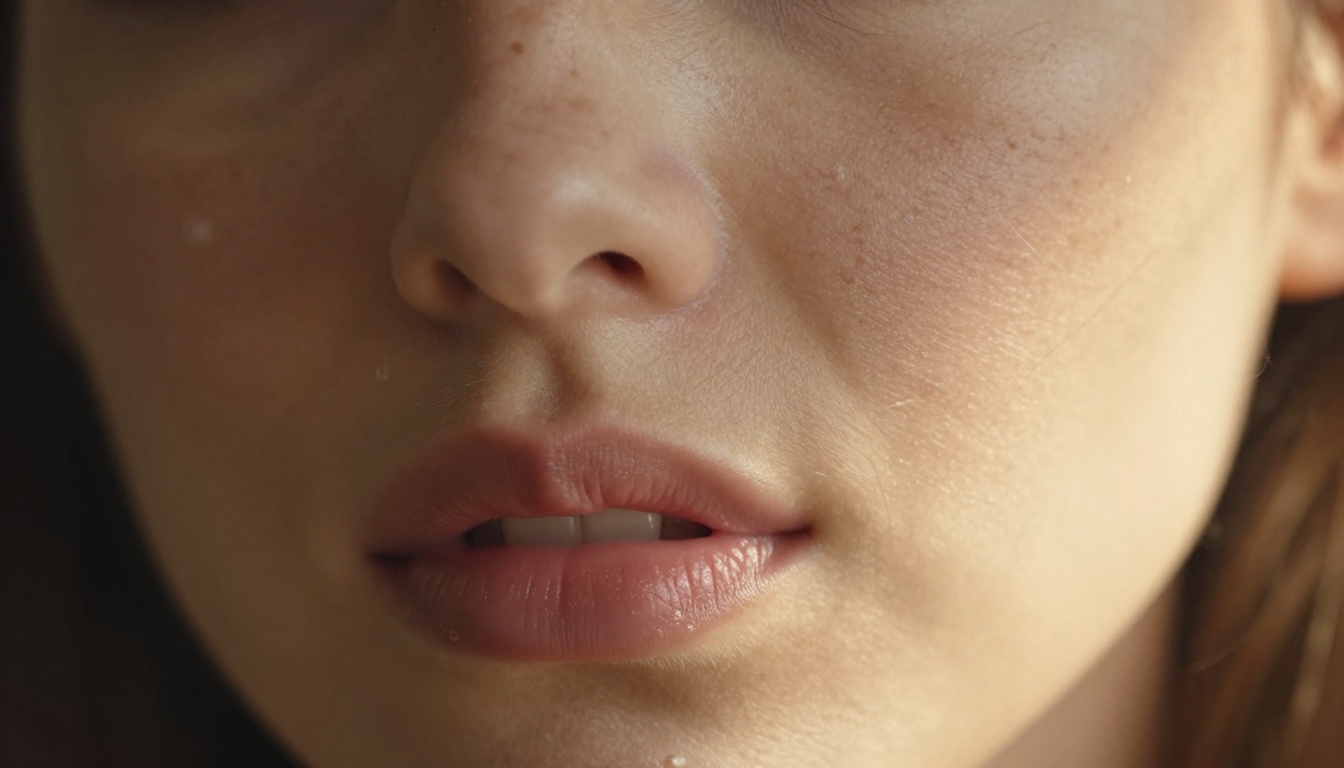
Skin is one of the most technically demanding things for an AI image generator to render correctly. Real human skin has visible pores, fine vellus hair, subtle pigmentation variations, subsurface scattering (the way light penetrates slightly into skin before bouncing back), and moisture that creates different reflective properties across different facial areas. Early AI models ignored almost all of this, producing faces with a smooth, waxy look that immediately registered as fake.
The models that have solved this problem use high-resolution photography training data combined with diffusion architectures that render skin at an extremely fine level. When you look at output from Seedream 4.5 or PicassoIA Image Editor Pro, you see actual pores on the nose and cheeks, natural freckle patterns, fine arm hair catching directional light, and lip texture with realistic moisture. These are not small details: they are what separate a convincing photo from obvious AI output.
What Makes a Photo Look Real
Three factors separate genuinely photorealistic AI images from AI art:
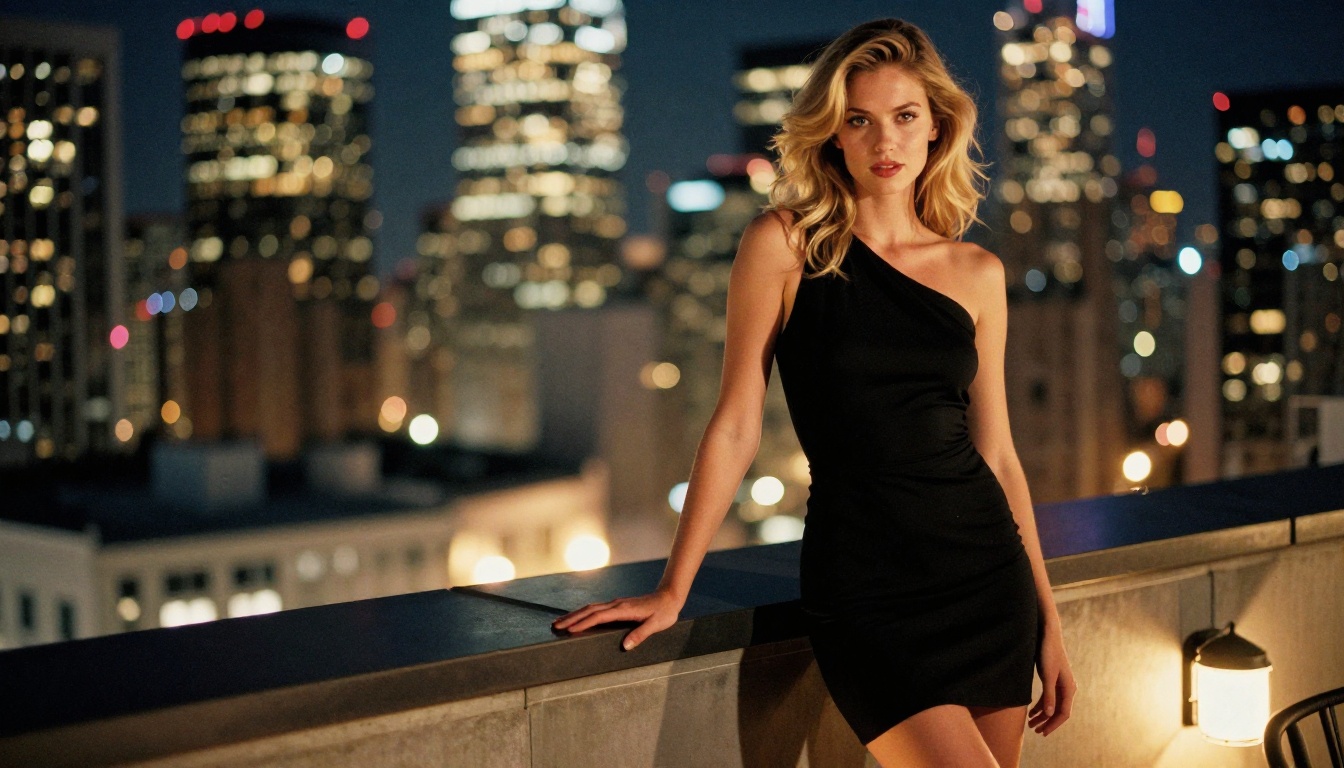
Lighting physics: Natural light creates shadows, bounces off surfaces, and wraps around curved forms in ways that follow physical rules. Images that nail this have highlights placed where physics dictates, not where they look "nice."
Imperfection: Real people have slightly asymmetrical faces, skin variations, fine lines under the eyes when they smile, and flyaway hairs. Images that look too perfect immediately read as artificial.
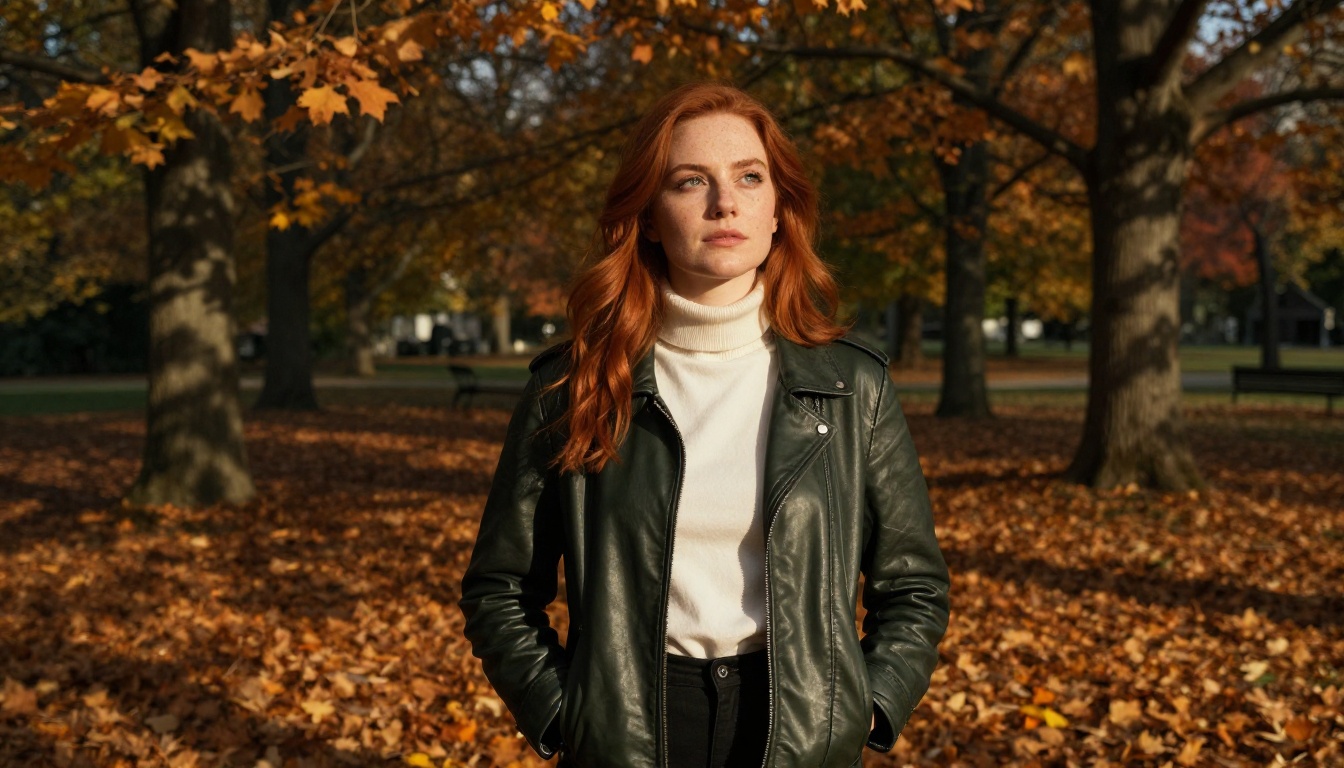
Depth of field: Real camera lenses create blur in the background that follows a specific physical relationship between aperture, focal length, and subject distance. Images where everything appears equally sharp look wrong to any trained eye.
The best AI girlfriend generators bake all three into their default output. When you prompt them correctly, you get photographic accuracy, not just visual attractiveness.
Top AI Models for Realistic Girlfriend Photos
Seedream 4.5 - The #1 Pick
Seedream 4.5 ⭐ is the standout recommendation for realistic AI girlfriend photos on PicassoIA. Developed by ByteDance, it accepts NSFW prompts, supports image editing alongside text-to-image generation, and delivers results in under 3 seconds. The realism it achieves is exceptional: skin texture, hair physics, natural lighting, and facial expressions all render at a level that competes with professional photography.
It responds well to complex, detailed prompts. Specify lighting direction, camera lens type, film stock simulation, and character details precisely, and Seedream 4.5 will honor them. The image editing mode means you can refine an existing image rather than regenerating from scratch every time you want a small change.
💡 Important: The newer Seedream 5 Lite does NOT accept NSFW content. For adult or suggestive images on PicassoIA, always use Seedream 4.5.
PicassoIA Image Editor Pro - Unlimited Volume
PicassoIA Image Editor Pro is the most cost-effective option for anyone who needs large volumes of images. It works as an img2img model: you provide a reference photo and it edits or restyls it with photorealistic precision. The headline advantage is the pricing model: Elite and Infinite plan subscribers get unlimited generations at no extra cost per image.
In practical terms, that means 1,000 girlfriend photos costs the same as 10, and both are included in the subscription. Compare this to pay-per-credit models like Nano Banana 2 where generating 1,000 images would cost around $100. Here it is included. The model delivers results in under 1 second, accepts NSFW content, and offers a 3-generation free trial with no credit card required.
Qwen Image 2 - Open Source Realism
Qwen Image 2 brings open-source image generation to PicassoIA. Being open source means it operates without the proprietary content filtering applied at the model level by many commercial platforms. It handles both text-to-image creation and image editing, delivers strong anatomical accuracy, and produces natural skin detail with genuine photographic quality. The editing capability makes it useful for iterative work where you want to adjust specific elements of an image without regenerating it from scratch.
Grok Imagine Image - Wardrobe Swap Specialist
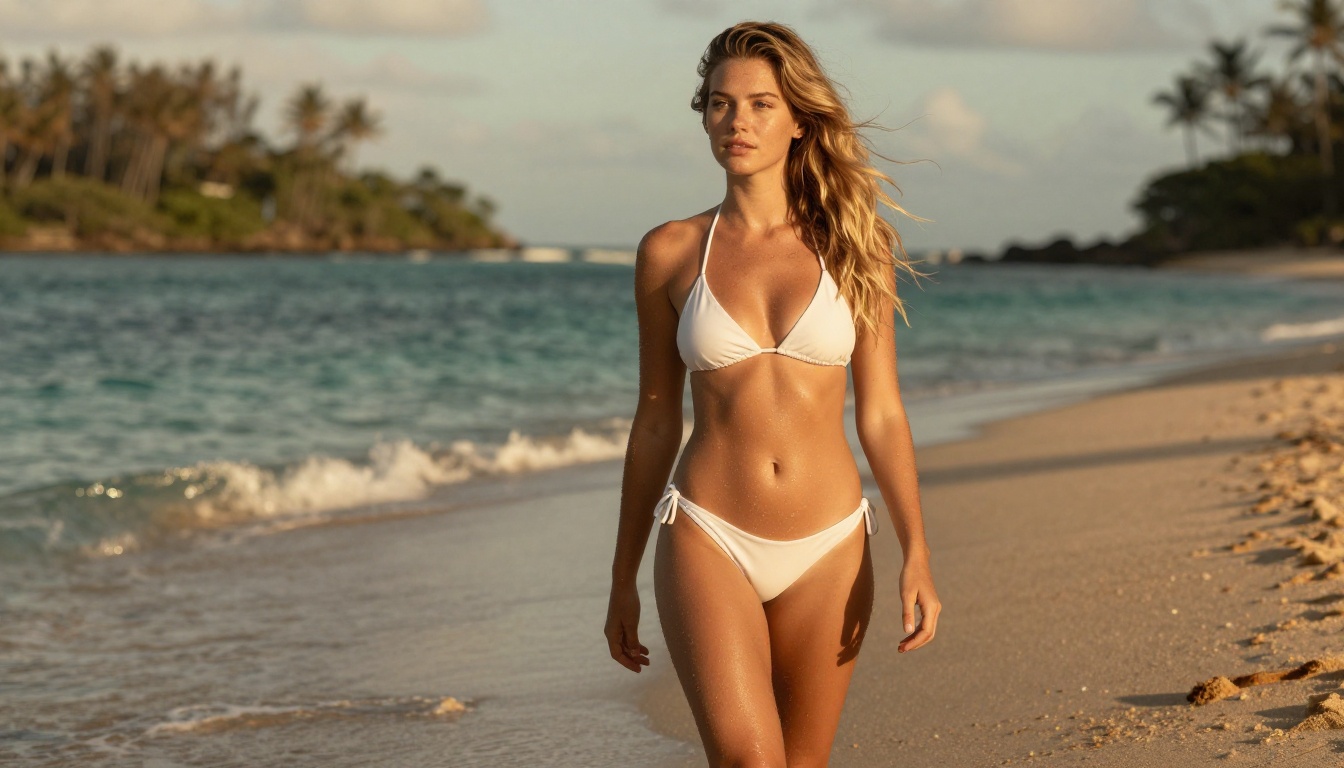
Grok Imagine Image is the specialist for image-to-image styling changes. Its particular strength is converting an existing photo into a different outfit or aesthetic with very realistic results, including a bikini-format conversion that maintains the subject's facial features and body proportions. This approach is ideal for virtual wardrobe experiments or building a consistent AI companion photo collection across different contexts and settings.
Recraft V4 - Pure Photo Realism
Recraft V4 focuses exclusively on text-to-image generation and does it with exceptional photographic accuracy. It accepts NSFW content and produces results with strong attention to lighting, texture, and composition. If you can write a detailed, precise text prompt, Recraft V4 delivers some of the most convincing realism available in this category.
P-Image - Under One Second
P-Image from PrunaAI generates images in under 1 second, making it the fastest option in this comparison. It supports NSFW content in text-to-image mode. When you need rapid iteration, testing many prompt variations before committing to a final render, P-Image is the tool that makes the workflow effortless. The speed also makes it practical for batch generation sessions where you want many variants of a concept quickly.
Wan 2.2 Image - Unrestricted Detail
Wan 2.2 Image (prunaai-wan-2.2-image) generates highly realistic images from text descriptions without content filters applied at the model level. It sits in the same photorealism tier as the other models here and adds extra creative latitude for prompts that more filtered models might soften or decline. Output quality is strong, with particularly good handling of complex lighting scenarios and natural outdoor environments.
Using Seedream 4.5 on PicassoIA
Since Seedream 4.5 is the top recommendation for photorealistic AI girlfriend photos, here is how to get the most out of it on PicassoIA.
Write Your Prompt Right
The quality of your output directly reflects the quality of your prompt. Vague prompts produce generic results. Specific prompts produce stunning ones. A reliable structure for photorealistic portrait prompts:
[Physical description] + [Outfit/Styling] + [Setting/Background] + [Lighting direction and quality] + [Camera lens and aperture] + [Film stock]
Weak prompt: "Cute girl, realistic"
Strong prompt: "Beautiful woman in her late twenties, wearing a white sundress, sitting at a sunlit café patio, soft morning light from the upper left creating gentle shadows on her right cheek, blurred cobblestone background, 85mm f/1.4 lens, Kodak Portra 400 film"
Include specifics like lighting direction, lens focal length, and film stock name. These are not decorative details: they signal to the model what photographic rendering style to produce, and Seedream 4.5 is specifically trained to respond to them with precision.
Adjust the Settings
Before generating, set the aspect ratio to match your intended output:
16:9 for wide, cinematic horizontal shots
1:1 for portrait-format square images
9:16 for full-body vertical compositions
For NSFW or suggestive content, Seedream 4.5 on PicassoIA does not require any special settings. The model accepts adult content prompts by default.
Refine Until Perfect
Because Seedream 4.5 generates in under 3 seconds, iteration is fast and practically free. Run 5-10 prompt variations to find the direction you want, then load the best result into the image editor and prompt the specific changes: a different background, adjusted lighting, or modified clothing. You do not have to start from zero every time you want to adjust a single detail.
Prompt Formulas That Get Real Results
Photorealism from an AI girlfriend generator is almost entirely a prompt precision problem. Here are the formulas that consistently work across the models listed above.
Portrait Shot Formula
Structure every portrait prompt as:
[Age and physical description] + [Expression] + [Lighting: direction, quality, color temperature] + [Background: distance, content, bokeh level] + [Camera: focal length and aperture] + [Film stock]
Example: "Attractive woman in her late twenties, genuine warm smile, soft diffused window light from the upper left, blurred forest background in shallow bokeh, 85mm f/1.8 lens, Kodak Portra 400, RAW photography"
The film stock specification matters. Different stocks have different color profiles and grain characteristics, and the best models have been trained to replicate them convincingly.
Full Body Shot Tips
Full body shots are harder to get right because they require accurate rendering of hands, legs, and feet, which have historically been the weakest points of AI image generation. To improve results:
Describe the pose explicitly: "standing with weight shifted to her right hip, arms relaxed at her sides, left hand slightly raised holding a bag"
Specify footwear: this forces the model to pay more attention to lower body rendering
Use low-angle composition: a slightly upward camera angle creates natural visual perspective that handles lower body details in a photographically convincing way
The Lighting Trick
Being specific about lighting is the single biggest realism multiplier. Replace vague lighting descriptions with precise physical ones.
Instead of "natural light," write:
"Warm volumetric morning light streaming through a window from the left, creating sharp highlights on the nose bridge and cheekbone, with soft shadow falling across the right side of the face, warm amber color temperature around 4200K"
That level of precision locks the model into rendering realistic light physics rather than applying a generic treatment to the image.
Best NSFW Models on PicassoIA
PicassoIA offers several models for unrestricted, realistic content creation:
Seedream 4.5 ⭐ - The best all-around NSFW model. Accepts adult content, supports image editing, and generates ultra-realistic results in under 3 seconds. (Its successor, Seedream 5 Lite, does not allow NSFW.)
PicassoIA Image Editor Pro - Img2img with unlimited generations on Elite/Infinite plans. That same 1,000-image volume costs approximately $100 on models like Nano Banana 2. Accepts NSFW, returns results in under a second, and includes a 3-image free trial with no credit card required.
Qwen Image 2 - Open-source model for creating or editing any image in seconds with highly detailed realism.
Grok Imagine Image - Realistically converts any image to a bikini format.
Recraft V4 - Very realistic results, text-to-image only.
Most AI girlfriend generators run on a credit model: every image depletes a credit balance, and when credits run out, generation stops. This works for casual use but breaks down quickly for anyone who iterates heavily or builds large image collections.
Plan Type
What You Get
Cost for 1,000 Images
Free Trial
3 images, no credit card
$0 (Image Editor Pro)
Pay-per-credit
Credits depleted per image
~$100 (Nano Banana 2 rate)
Elite or Infinite Plan
Unlimited with Image Editor Pro
Included in subscription
💡 The practical math: If you run sessions of 100-200 image iterations, the unlimited plan pays for itself in a few days. For anyone building reference libraries or testing prompt variations at scale, it is the clear choice.
Start with the free trial on PicassoIA Image Editor Pro to test the output quality before committing to a plan. No credit card required.
Mainstream AI platforms apply strict content policies that limit what kinds of images can be generated and often route prompts through review systems that soften or reject adult content. Platforms like Midjourney's public gallery mode, DALL-E's content policies, and Adobe Firefly's restrictions all limit creative freedom in ways that many creators find frustrating.
PicassoIA operates differently. The models listed in this article process prompts without the restrictive safety filters that would block or dilute suggestive content. For NSFW AI girlfriend photos, where standard platforms would decline the request outright, Seedream 4.5, PicassoIA Image Editor Pro, and P-Image accept the prompts and return results that match what was requested.
Your generated images also stay private. There are no public gallery requirements or community feeds where your images appear without your consent.
Start Generating Photos That Look Real
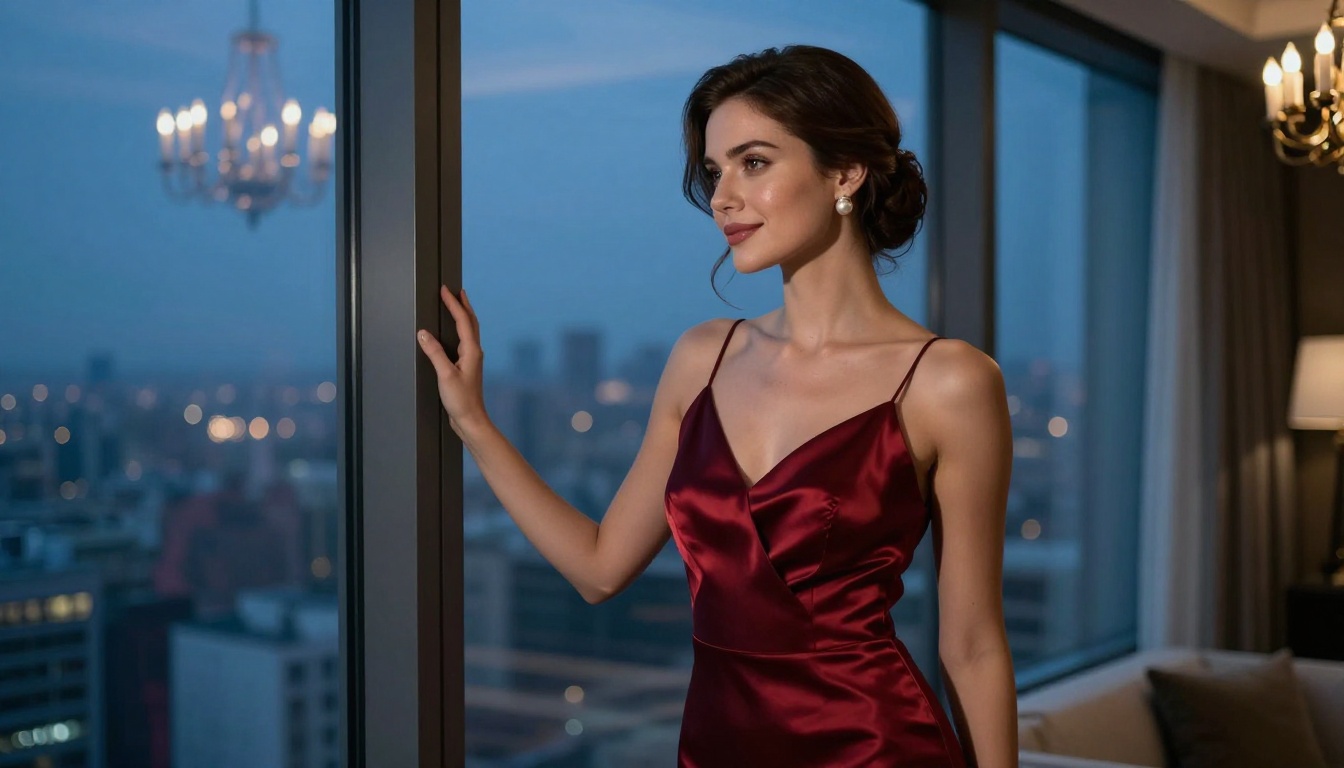
The technology is available right now, the models are live, and the results speak for themselves. Whether you want a photorealistic portrait, a beach image, a glamour shot, or something more adult in nature, the platforms outlined here can produce it at a quality level that required a professional photographer and model just a few years ago.
Every model listed is live on PicassoIA right now. The free trial on Image Editor Pro means there is zero barrier to testing the output quality before committing to anything.
👉 See every available AI model at picassoia.com/en/all-models and start creating photos that actually look real.