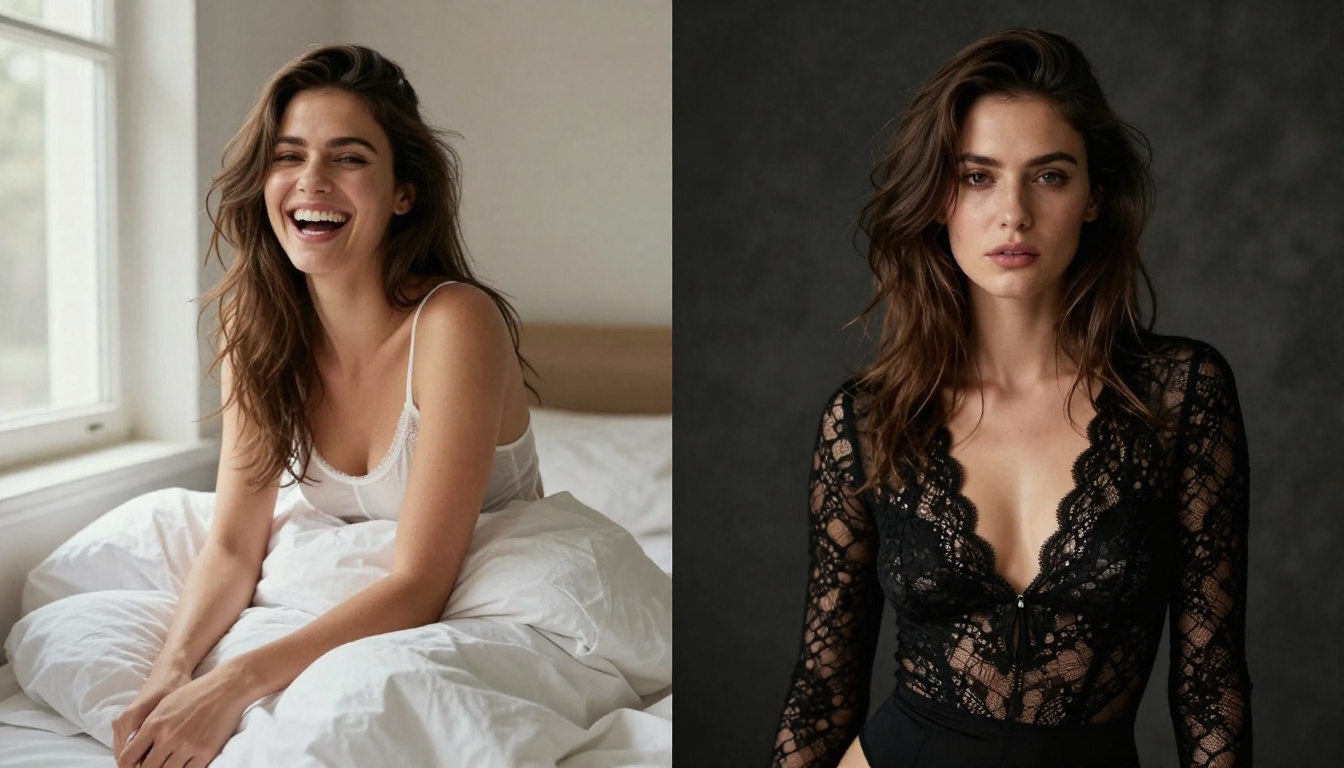
Best AI Girlfriend Image Generator for +18 Content in 2027
A detailed look at the best AI girlfriend image generators for +18 content in 2027. From photorealistic portrait models to NSFW-capable platforms, this article breaks down which tools produce the most realistic, beautiful AI girlfriend images and exactly how to use them.
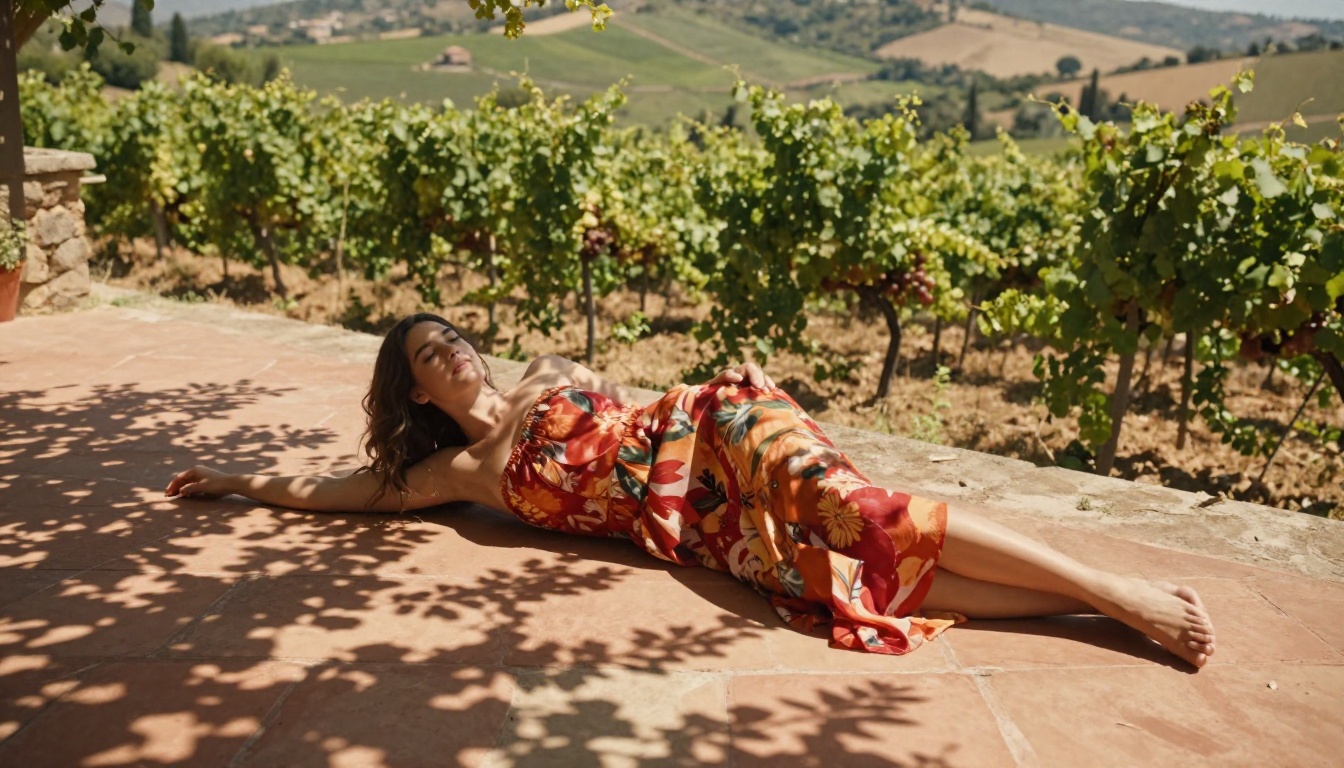
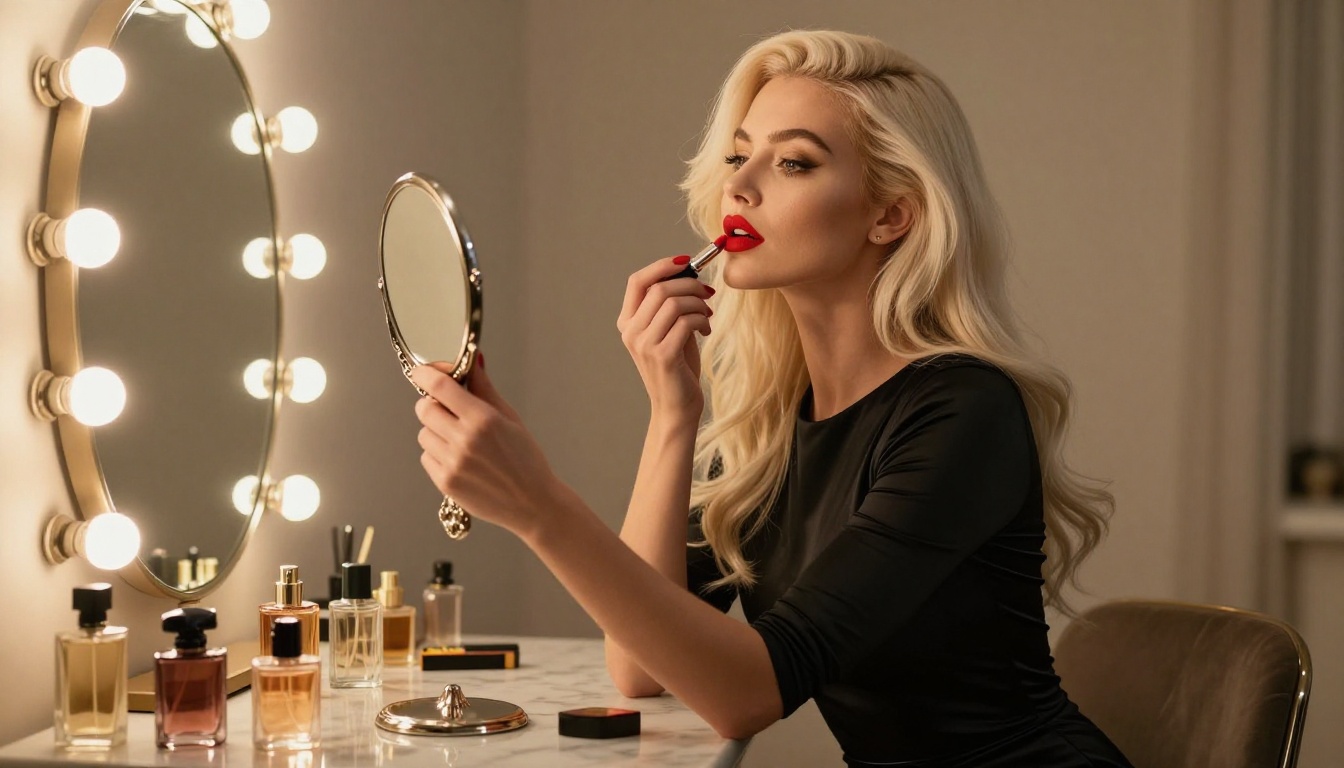
The demand for AI-generated girlfriend images has exploded. Whether for creative projects, personal entertainment, or artistic exploration, people are turning to AI image generators to create stunning, personalized companion visuals, including adult content. But not all models are equal. The gap between a blurry, uncanny output and a jaw-dropping, photorealistic portrait can come down to which model you pick and how you prompt it. This article cuts straight to what actually works.
What You Actually Need in a Generator
The word "best" gets thrown around loosely. Here is what separates the real contenders from the noise.
Realism That Feels Personal
The most important quality in an AI girlfriend generator is not the feature list, it is how real the output looks. Skin pores, natural lighting, realistic hair strands, and authentic body proportions all matter. A model that cannot render believable skin texture fails at the core job.
Full Control Over Appearance
Customization is everything. You want to control:
Hair color and length
Eye color and shape
Body type and proportions
Clothing (or lack thereof)
Setting and mood
Facial features and ethnicity
The best generators give you this control through detailed text prompts, not rigid sliders.
NSFW Capability That Does Not Break Immersion
Many generators slap on safety filters so aggressive that even a bikini gets flagged. For +18 content specifically, you need a platform where suggestive, glamorous, and artistically revealing imagery generates without constant refusals. The sweet spot: content that is sensual and beautiful without tipping into explicit territory.
Top Models for Photorealistic Results
These are the models that consistently deliver the kind of output that stops you mid-scroll.
Flux 1.1 Pro Ultra
Flux 1.1 Pro Ultra sits at the top for a reason. Developed by Black Forest Labs, it produces images with extraordinary skin texture, accurate facial anatomy, and natural light behavior. For portrait work, especially close-range beauty shots with detailed skin, nothing comes closer to real photography at this resolution.
It handles complex poses well, and when you describe lighting conditions specifically (e.g., "soft Rembrandt light from the upper left" or "golden hour backlight"), the model actually responds to it.
Best for: High-detail beauty portraits, fashion shots, and editorial glamour.
Flux 2 Pro and Flux 2 Max
Flux 2 Pro and Flux 2 Max are the next generation of Black Forest Labs' flagship series. Flux 2 Max particularly excels at rendering fine fabric details, including satin, lace, and sheer fabrics, with accurate translucency and draping behavior. For lingerie or elegant fashion shots, this level of material realism is hard to beat.
Best for: Clothing-focused shots where fabric texture and draping are critical.
Realistic Vision v5.1
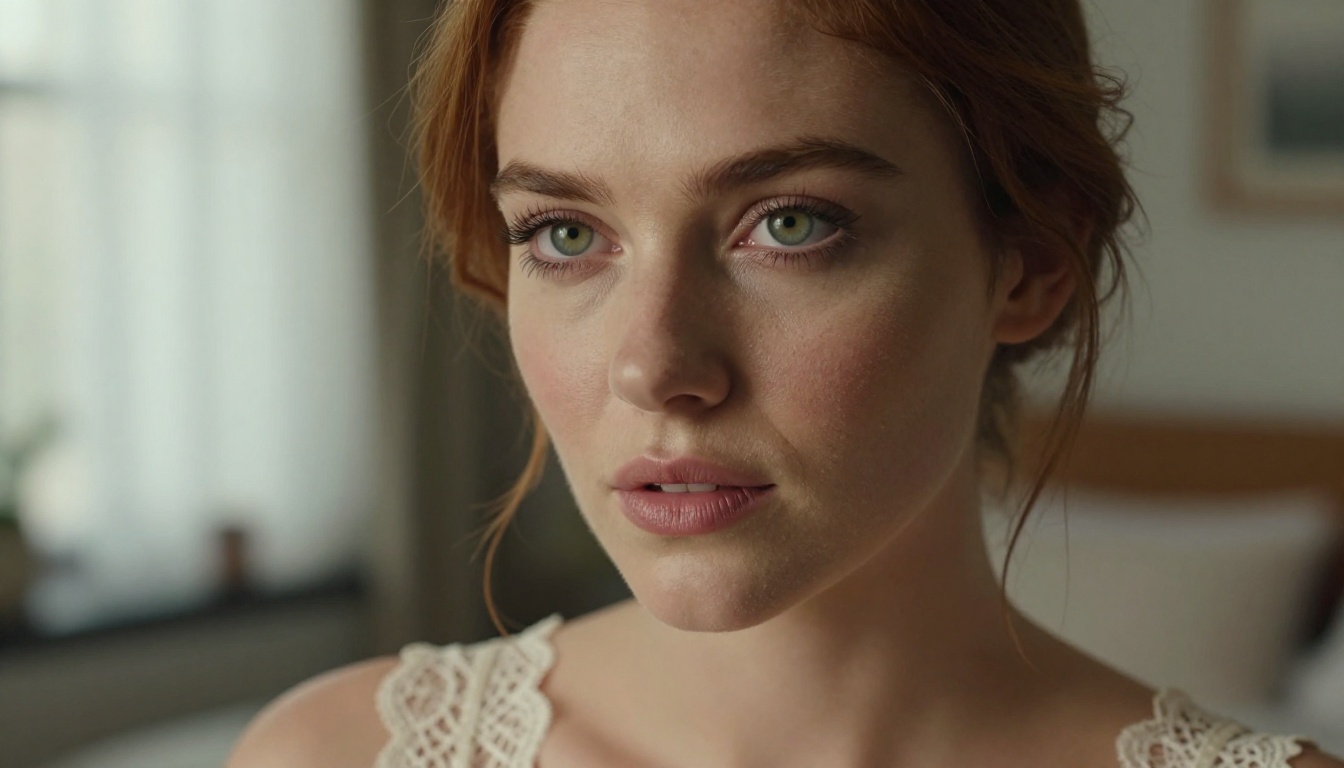
Realistic Vision v5.1 has been a workhorse model in the photorealism community for good reason. It is optimized specifically for human portraiture, particularly close-up facial shots. The model handles eye detail extremely well, including iris texture, catchlights, and eyelashes, which is often the first place AI portrait models fall apart.
Best for: Face-forward portraits where eye and skin detail are the primary focus.
RealVisXL v3.0 Turbo
RealVisXL v3.0 Turbo combines photorealism with speed. It is the model to use when you are iterating through prompt variations fast, getting 80% of the quality in a fraction of the generation time. Great for finding the right composition before committing to a high-detail render.
Best for: Fast iteration, prompt testing, and full-body composition work.
Stable Diffusion 3.5 Large
Stable Diffusion 3.5 Large brings Stability AI's latest architecture improvements to the table. It handles complex prompt instructions better than older SD models. You can describe very specific scenes with multiple elements and it largely respects them. The improvement in hand rendering alone is notable compared to earlier generations.
Best for: Complex scenes with multiple elements and specific environmental settings.
Model Comparison at a Glance
Model
Skin Realism
Speed
NSFW Capability
Best Use
Flux 1.1 Pro Ultra
★★★★★
Medium
High
Beauty portraits
Flux 2 Max
★★★★★
Medium
High
Fashion and fabric shots
Realistic Vision v5.1
★★★★★
Fast
Very High
Close-up face work
RealVisXL v3.0 Turbo
★★★★☆
Very Fast
High
Iteration and full body
SD 3.5 Large
★★★★☆
Medium
Medium
Complex scenes
GPT Image 1.5
★★★★☆
Fast
Medium
Variety
SDXL
★★★☆☆
Fast
High
General purpose
How to Write Prompts That Actually Work
Most people fail at AI girlfriend generation not because of the model but because of the prompt. Here is what changes everything.
Describe the Light First
Lighting is the single biggest factor in photorealism. Before you describe the person, describe where the light is coming from:
"Soft morning light from a large east-facing window"
💡 Pro tip: Add "volumetric" to any light description to push the model toward rendering atmospheric depth and ray behavior.
Anchor the Scene With Specifics
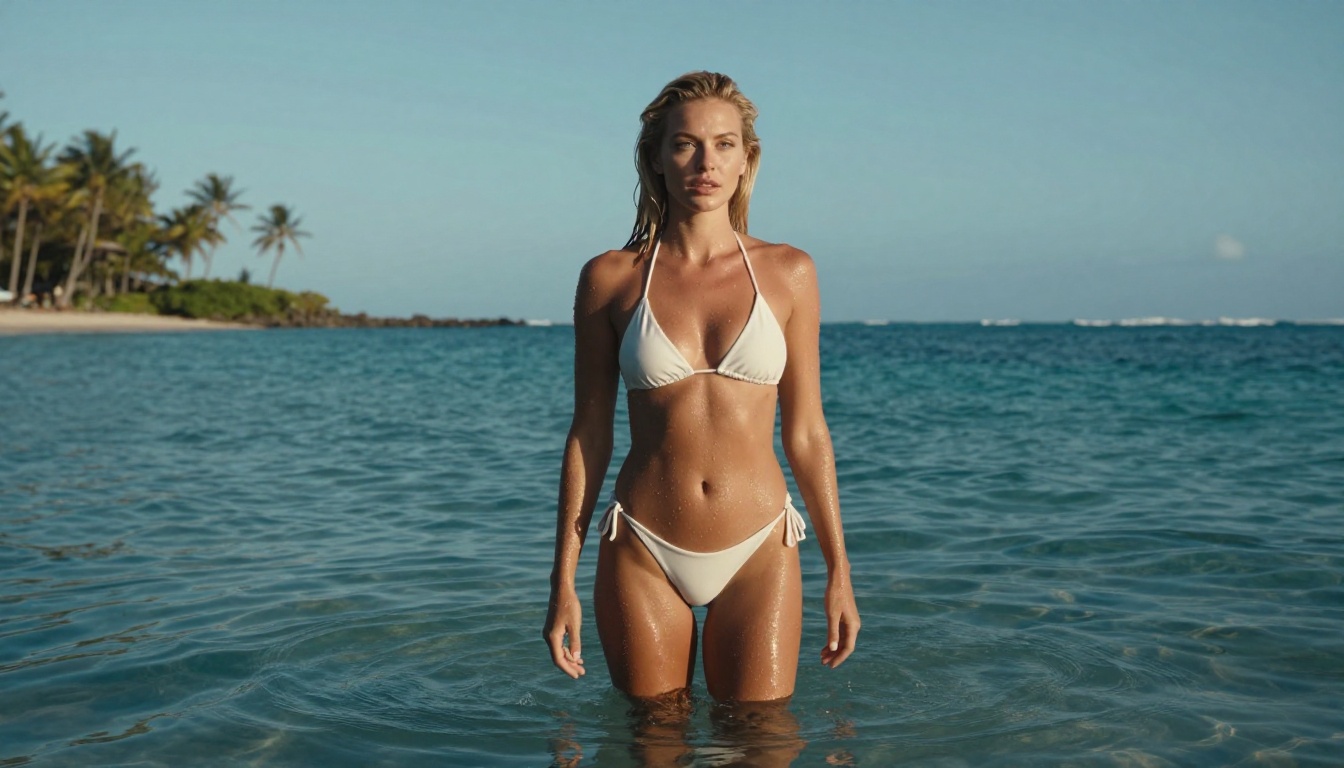
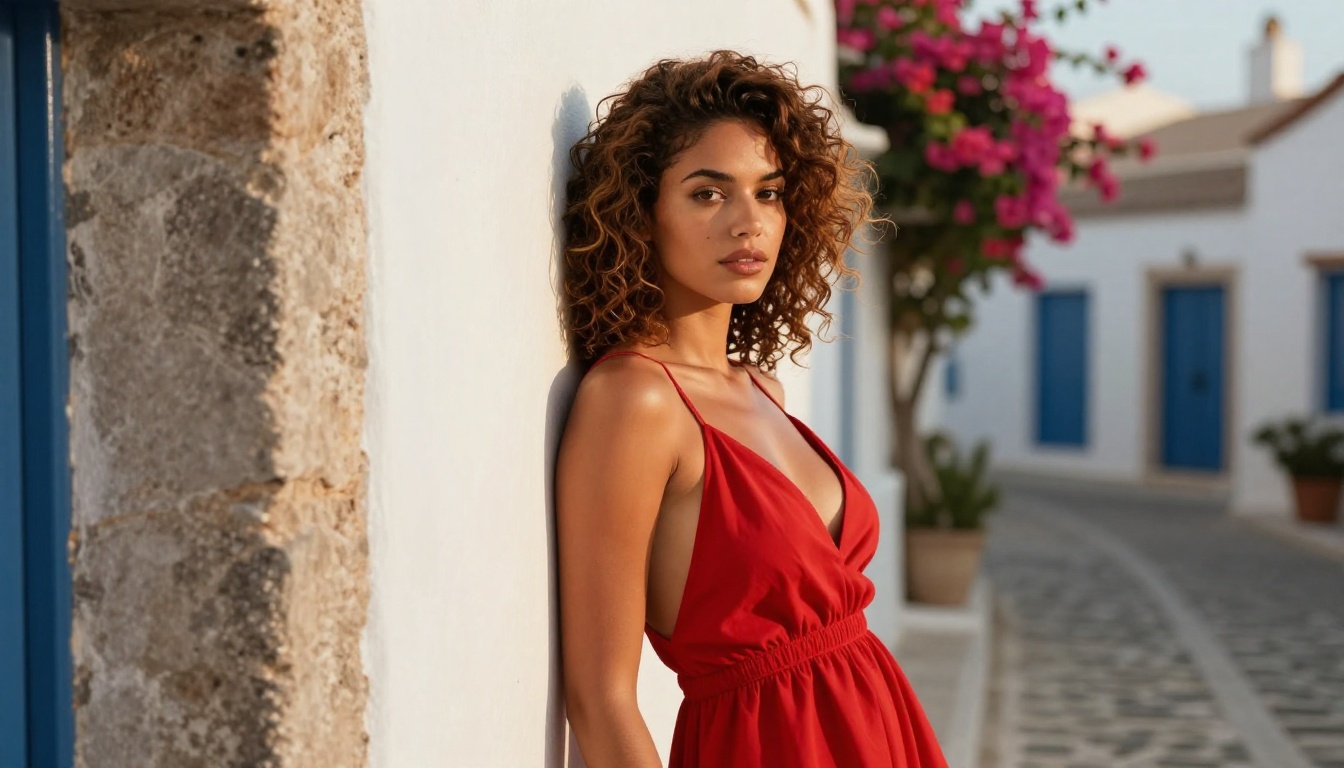
Vague prompts produce vague results. Instead of "a woman on a beach," try "a woman standing at ankle depth in the ocean at a secluded cove in Mykonos, late afternoon light, white sand visible through clear aquamarine water." Every noun you make more specific locks in more realism.
Specify the Camera
Adding camera specs tells the model what optical look to simulate:
85mm f/1.4 — close portrait with soft bokeh background
35mm f/2.8 — slightly wider with environmental context
135mm f/2.0 — telephoto compression with very blurred background
What you do not want in the image matters. Explicitly calling out what to avoid, such as "no visible background people," "clean uncluttered background," or "no visible seams on clothing," prevents the model from filling in details you do not want.
NSFW Content: Where the Line Is
For +18 content, understanding what is achievable within artistic guidelines keeps your generation process smooth and your outputs genuinely good.
Beautiful, Not Explicit
The most compelling AI girlfriend images operate in the space between tasteful and provocative. Think:
Bikini and swimwear in natural outdoor settings
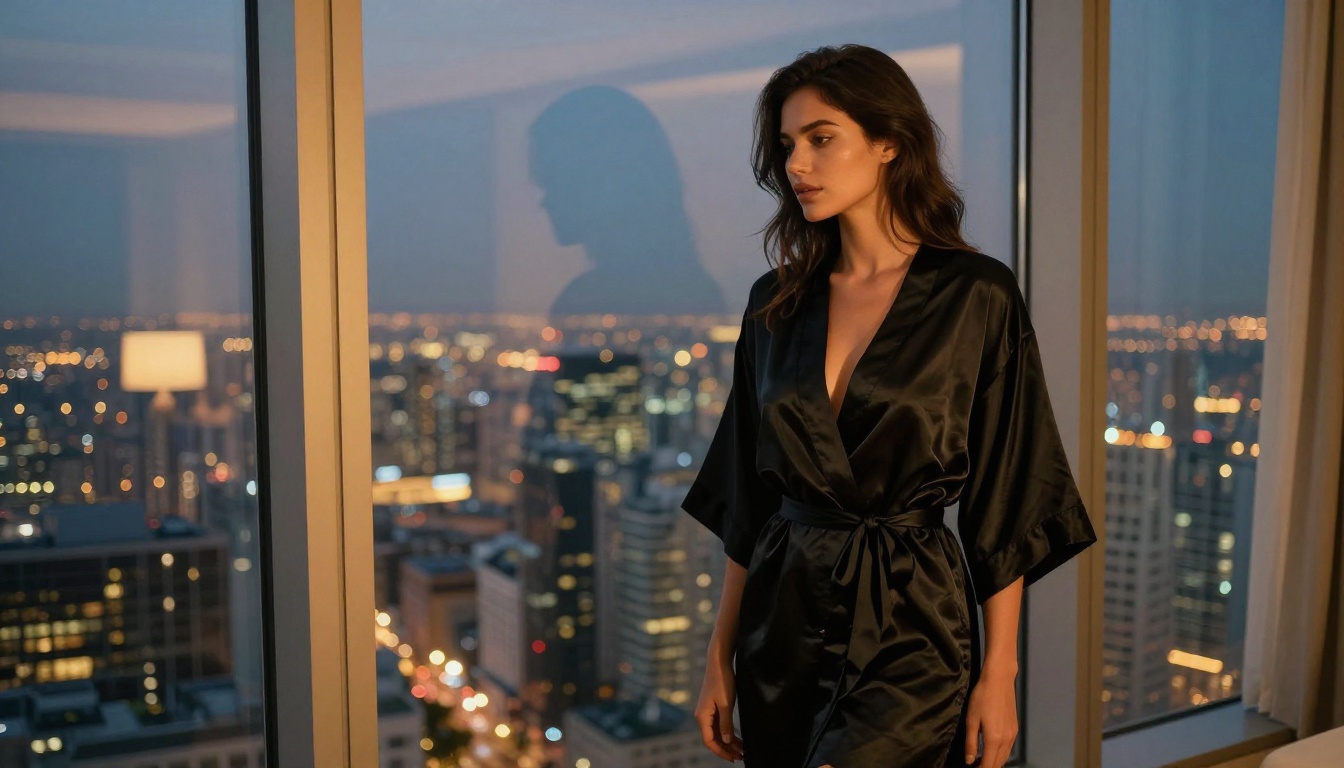
Lingerie in bedroom or boudoir environments
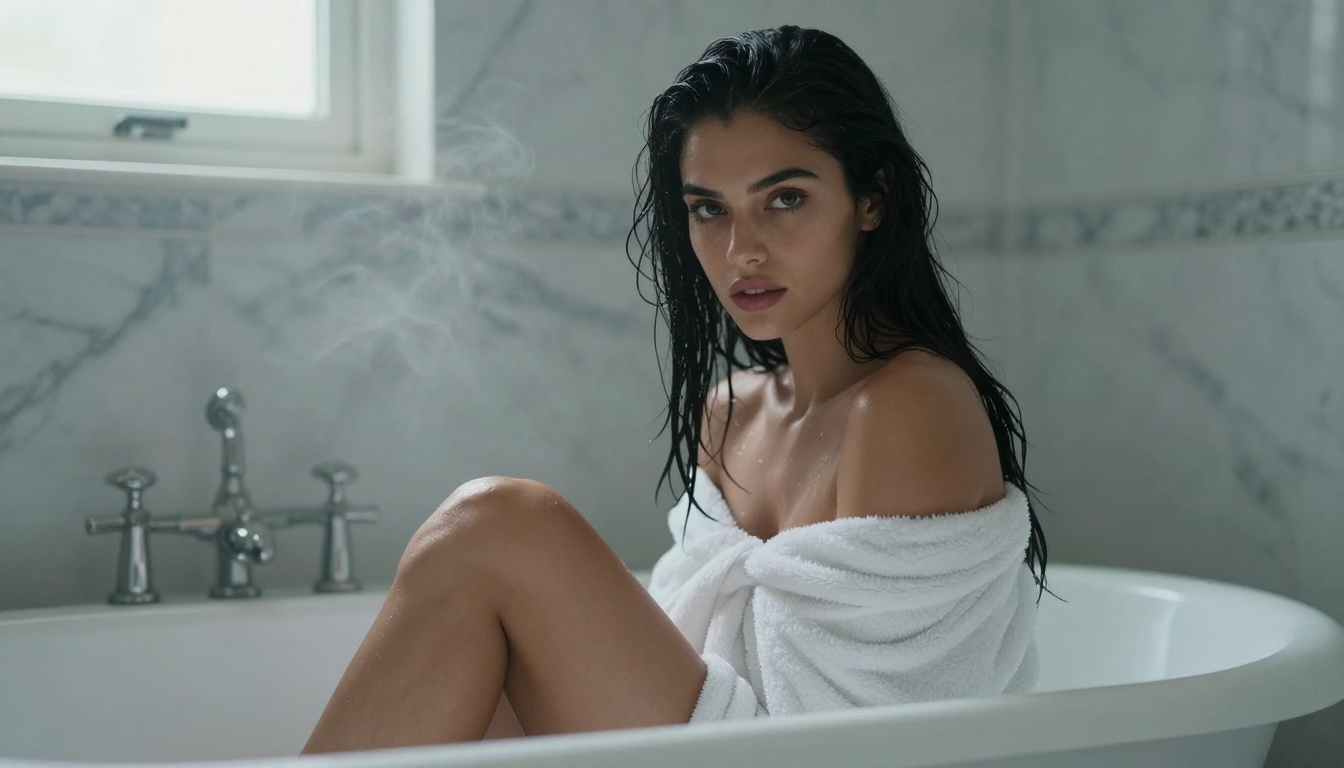
Implied nudity: a draped sheet, a towel, a body partially in frame
Sheer fabrics that suggest without revealing explicitly
Glamour poses in editorial contexts
This is the sweet spot where aesthetic quality peaks. Explicit content often sacrifices image quality for subject matter, whereas high-end suggestive imagery regularly produces gallery-quality results.
What Kills the Mood (and the Image)
Avoid prompts that are mechanically explicit. Beyond platform guidelines, they tend to produce anatomically incorrect results. The models are trained on vast amounts of artistic photography, editorial work, and fashion imagery. Lean into that training data and the output quality reflects it.
💡 The rule: The more it reads like a fashion or glamour photography brief, the better the output. The more it reads like explicit material, the more the model struggles.
Getting More From Your Best Images
Generating a great image is just the start. Several tools on the platform extend what you can do with it.
Upscale to Print Quality
Super Resolution models can upscale your generated images 2x to 4x without visible quality degradation. A 1024px output becomes a crisp, detailed 4096px file. This is particularly useful for images where skin texture and facial detail are already sharp at base resolution.
Fix Specific Details
If an image is almost perfect but one element is off, such as hair that is not quite right or a background with an odd element, inpainting tools let you mask and regenerate specific sections while preserving everything else. No need to start from scratch.
Swap Faces for Personalization
The Face Swap AI tool allows you to apply a specific face to any generated body or scene. Useful when you have found a perfect body composition and lighting setup but want to change the facial features.
Choosing the Right Style for Your Vision
Different aesthetic goals call for different models. Here is how to match intent to tool.
For Maximum Photorealism
Stack Flux 1.1 Pro Ultra with film grain descriptors and analog photography references in your prompt. The combination produces outputs that are routinely mistaken for actual photography.
For Stylized Glamour
Playground v2.5 Aesthetic has a natural bias toward beautiful, aesthetically polished outputs. It does not try to be a camera. It tries to be stunning. For editorial-style, slightly idealized portraits, it delivers a distinct look.
For Anime or Semi-Realistic Style
Proteus v0.3 covers the anime-adjacent aesthetic territory. If your AI girlfriend vision skews toward stylized, smooth-skinned anime portraiture rather than RAW photography, this is the right tool.
For Fast Experimentation
DreamShaper XL Turbo gives you high-quality outputs at speed. When you are testing 20 different prompt variations to find the ideal composition and lighting, speed matters more than absolute peak quality.
How to Use Flux 1.1 Pro Ultra on PicassoIA
For photorealistic AI girlfriend content, Flux 1.1 Pro Ultra is the go-to model. Here is exactly how to get the best results:
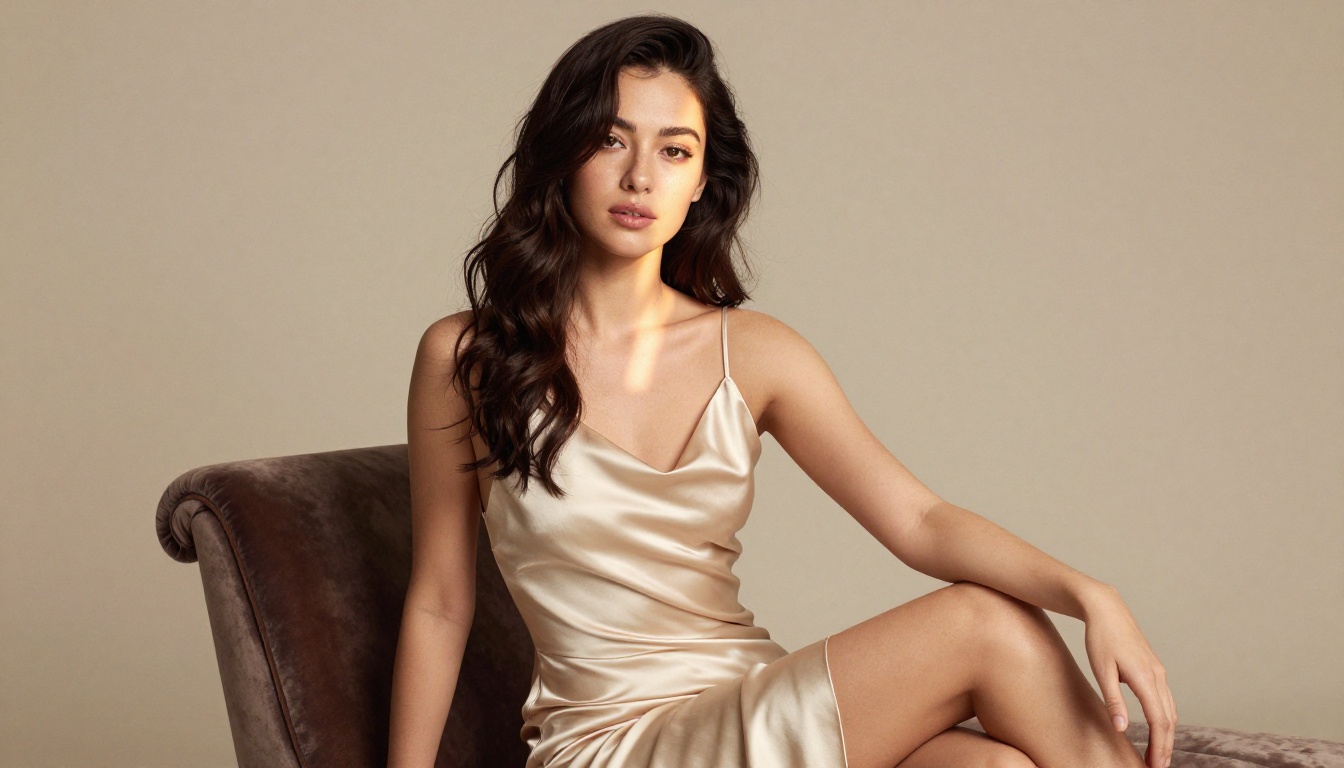
"A beautiful woman with dark brown hair and warm olive skin, wearing a strappy cream satin slip dress, standing on a hotel balcony overlooking the Amalfi Coast at golden hour, warm side light from the left, shot on 85mm f/1.4, Kodak Portra 400 film grain, photorealistic, 8K detail"
Step 4: Enable prompt upsampling
This feature expands your base prompt with additional detail automatically. For portrait work, it consistently improves skin and lighting quality.
Step 5: Generate and assess
Check: Is the skin texture convincing? Are the eyes detailed and natural? Is the lighting reading correctly? If any of these are off, adjust the relevant part of your prompt and regenerate.
Step 6: Upscale your best results
Take your winning image to the Super Resolution tool. At 4x upscale, skin detail and hair texture reach levels that make the image indistinguishable from studio photography.
Why Prompt Quality Beats Model Choice
People obsess over which model to use. The reality: a great prompt on a good model beats a lazy prompt on the best model every time.
The makers of Flux 2 Dev and Ideogram v3 Quality have both published guidance pointing to prompt specificity as the number one factor in output quality. More tokens describing the actual scene, including lighting, camera, and materials, outperform short high-level descriptions every time.
Prompt Type
Output Quality
Notes
Short and vague ("sexy woman on beach")
Low
Generic, anatomically unreliable
Medium specificity ("woman in bikini, golden hour")
Medium
Decent but lacks character
High specificity (lighting, camera, film stock)
High
Photorealistic, detailed, consistent
Expert (lighting, camera, film, texture details)
Elite
Near-indistinguishable from photography
Your Turn to Create
The models above are live right now on PicassoIA. You do not need expensive hardware, a subscription to five different services, or technical knowledge of diffusion models to get results that would have been impossible two years ago.
Pick a model, write a specific prompt, and generate. Then take the best output and push it through Super Resolution for a final polish. The difference between a forgettable AI image and something that looks like it came off a professional shoot is almost entirely in how deliberately you describe what you want.