If you want photorealistic AI girlfriend photos in seconds, the generator you pick decides everything. Speed, realism, and content freedom all vary wildly across platforms, and choosing wrong means waiting 30 seconds per image or getting your prompt blocked by aggressive safety filters. The best options today deliver studio-quality portraits in under 3 seconds, with no restrictions on the kind of images you can create.
This article breaks down the top AI girlfriend photo generators available right now, what makes each one fast, and which ones let you create exactly what you want without artificial limits.
Why Speed Is Everything
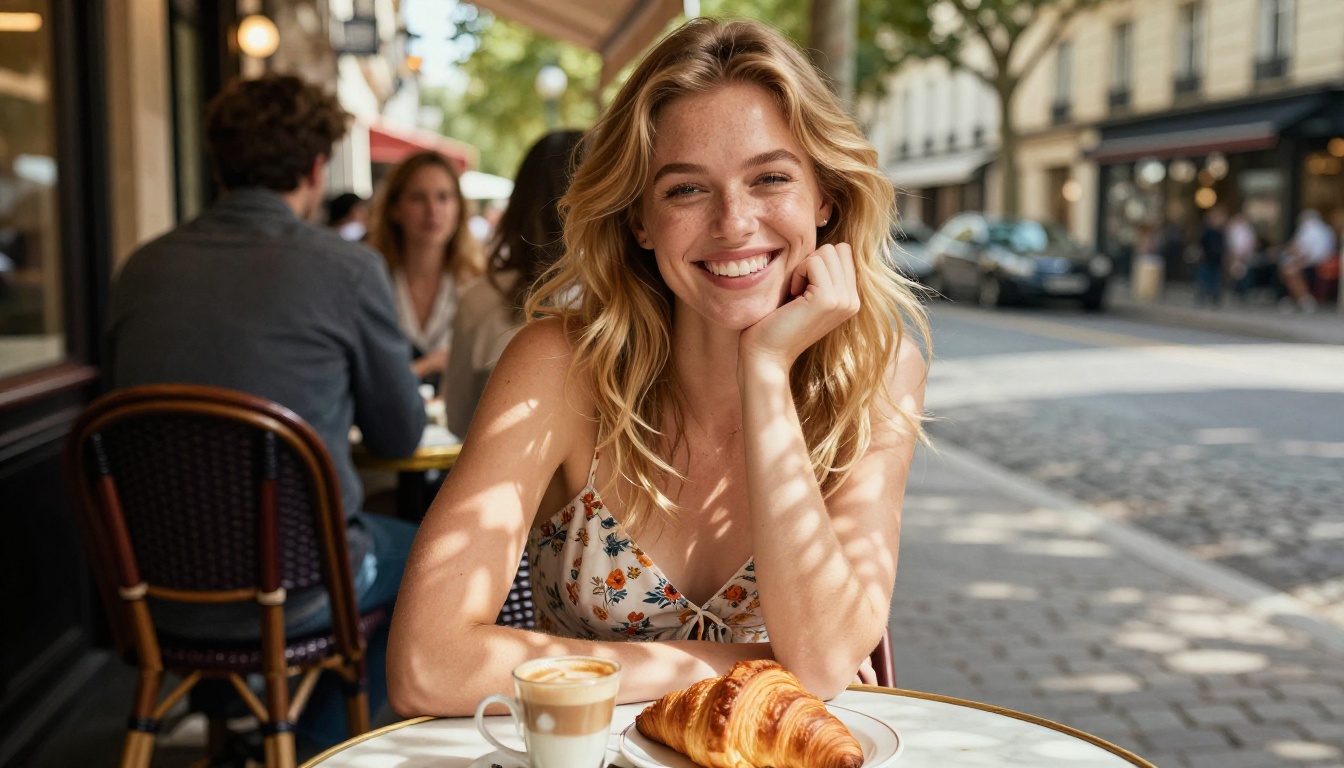
When you're creating multiple images for a project, for an AI companion profile, or just experimenting with styles, generation time compounds fast. A generator that takes 20 seconds per image means 20 minutes for 60 photos. One that delivers in 2 seconds means you're done in 2 minutes.
Speed also affects your creative flow. Slow generators break iteration. You set a prompt, wait, adjust, wait again. Fast generators let you refine in real time, testing angles, lighting, and outfits the same way a photographer would between shots.
The Real Bottleneck
Most AI generators slow down for one of three reasons: the model is large and running on shared compute, the platform routes prompts through safety filters that add latency, or the infrastructure simply isn't optimized for throughput. The fastest generators solve all three.
What "Fast" Actually Means
In practical terms, under 3 seconds is fast. Under 1 second is exceptional. Anything over 10 seconds belongs to a different category.
💡 Tip: Platforms that list "draft mode" or "fast mode" options usually offer a speed-quality tradeoff. For AI girlfriend photos, the fast mode is often good enough for previewing poses and lighting before committing to a full-quality render.
The Top Generators Right Now
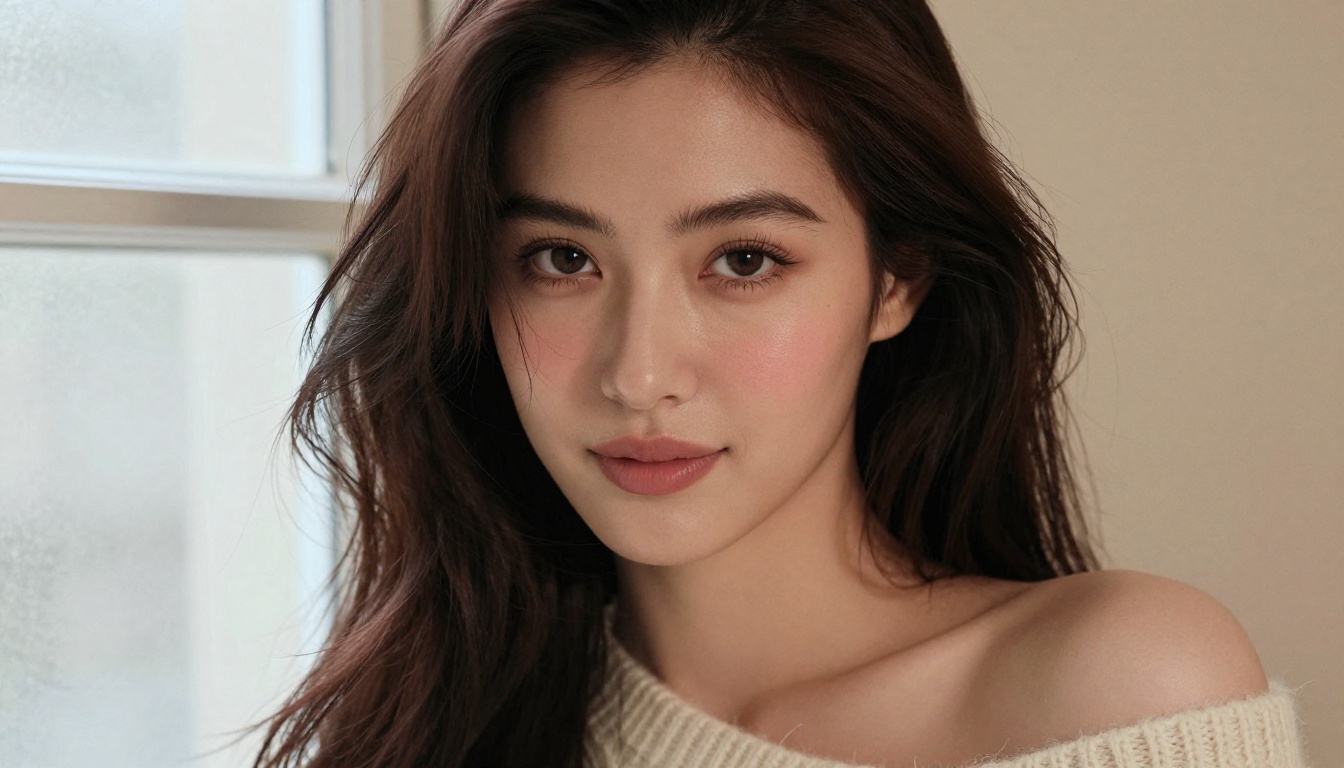
These are the generators producing the best AI girlfriend photos in 2027, ranked by the combination of speed, realism, and content freedom.
Seedream 4.5: The Best Overall
Seedream 4.5 is the top pick for AI girlfriend photo generation. It generates in under 3 seconds, accepts NSFW prompts without filtering, and produces results that look like they came from a professional camera rather than an AI model. Skin texture, hair detail, and lighting are all handled at a level most other models can't match.
What makes it stand out beyond speed is its image editing capability. You can take a generated photo and edit specific elements, changing the outfit, background, or expression without regenerating the entire image. That workflow alone saves enormous time on iterative projects.
The model is available on PicassoIA and requires no special setup. You write a prompt, get a result, and iterate from there.
Best for: Creators who need speed, realism, and full creative freedom in one model.
PicassoIA Image Editor Pro: Unlimited at No Extra Cost
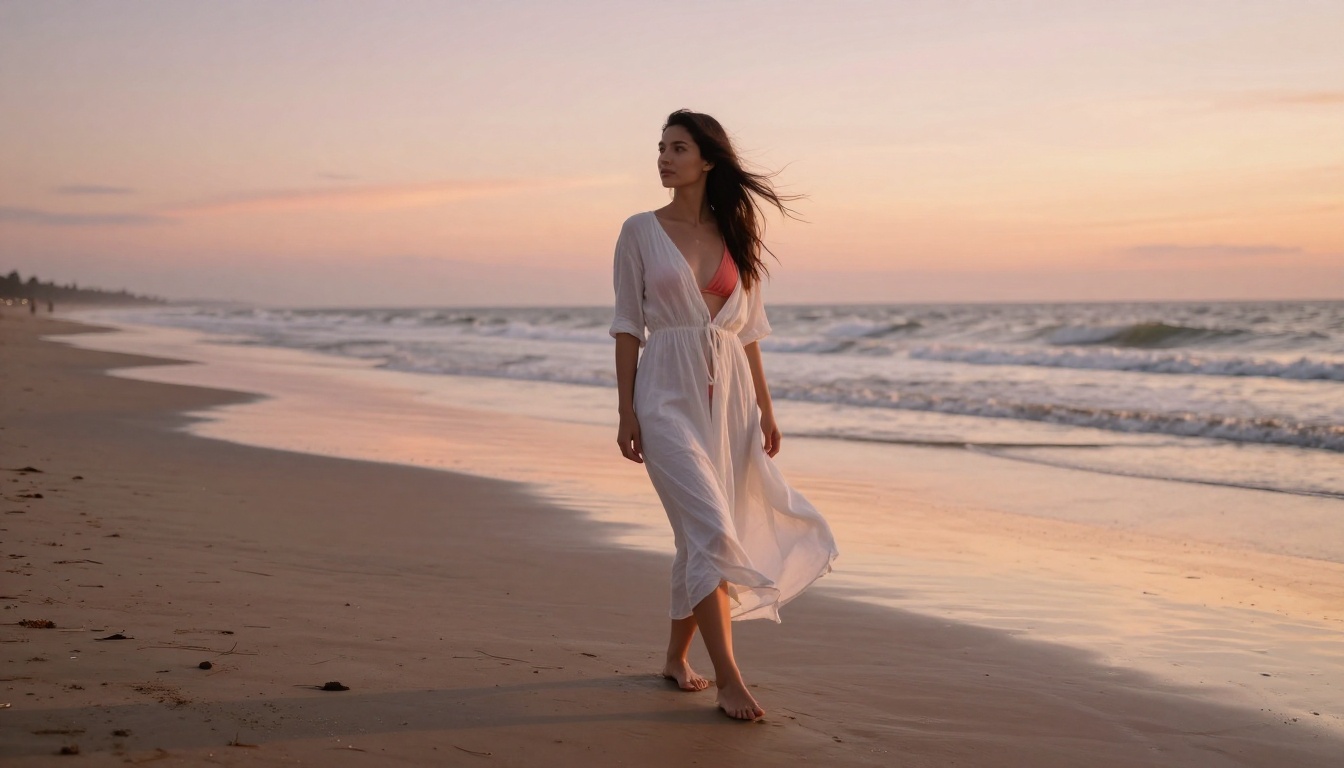
PicassoIA Image Editor Pro operates on an img2img model that consistently delivers results in under 1 second. The speed is remarkable on its own, but what makes this model genuinely different is the cost structure.
On Elite and Infinite subscription plans, image generation with this model is unlimited. That means 1,000 images cost the same as 10. Compare that to credit-based models where generating 1,000 AI girlfriend photos could run to $100 or more, and the value becomes obvious.
The model accepts NSFW content, handles realistic skin rendering accurately, and allows a 3-generation free trial with no credit card required. For anyone building a library of AI companion images or running a high-volume creative project, this is the most cost-effective option by a significant margin.
Best for: High-volume generation where per-image costs would otherwise add up fast.
Qwen Image 2: Open-Source Realism
Qwen Image 2 is an open-source model that both creates and edits images with detailed realism. Because it's open source, it comes without the proprietary content restrictions common in commercial models. You can generate and edit with full control.
The output quality is genuinely impressive, with detailed skin tones, natural hair rendering, and realistic background environments. Speed is solid, and the editing functionality means you're not starting from scratch with each iteration.
💡 Tip: Qwen Image 2's editing mode is particularly useful for adjusting AI girlfriend photos after the initial generation. You can refine specific areas, change clothing detail, or alter the background while keeping the facial structure intact.
Grok Imagine Image: Instant Outfit Conversions
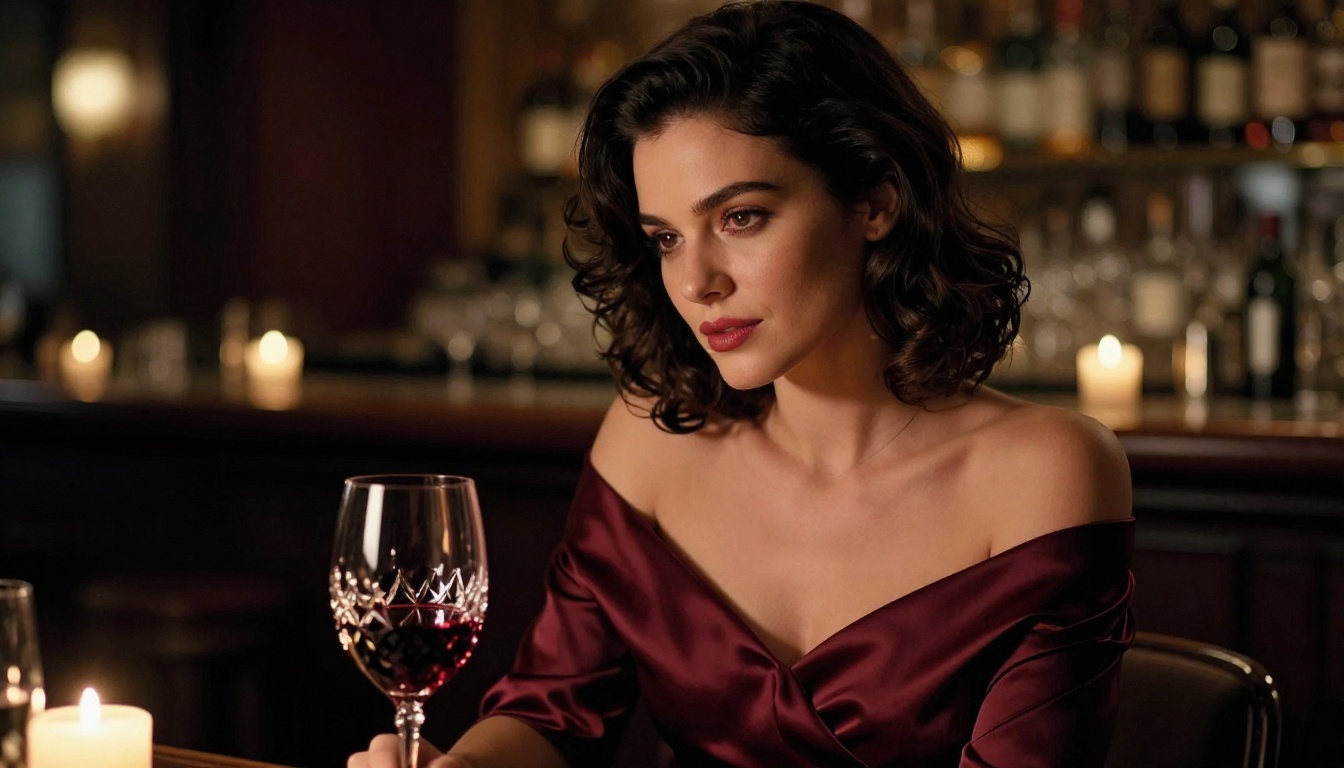
Grok Imagine Image has one standout capability: it realistically converts any photo into a different outfit format, most notably bikini-style conversions. The transformation quality is high, maintaining realistic body proportions and skin texture in the converted image.
For AI girlfriend photo workflows where you need to take a specific look from one context to another, this model handles transitions that other generators struggle with. The result looks photographed rather than composited.
Recraft V4: Maximum Realism, Text to Image
Recraft V4 is a text-to-image model focused on photographic output quality. It doesn't include image editing features, but the realism of its output is exceptional. For creators who prefer writing prompts rather than editing existing photos, Recraft V4 produces some of the most convincing AI girlfriend portraits available.
The model generates images that hold up to close inspection: pore texture, natural light falloff across skin, and realistic eye reflections all render accurately.
P-Image by PrunaAI: Under 1 Second
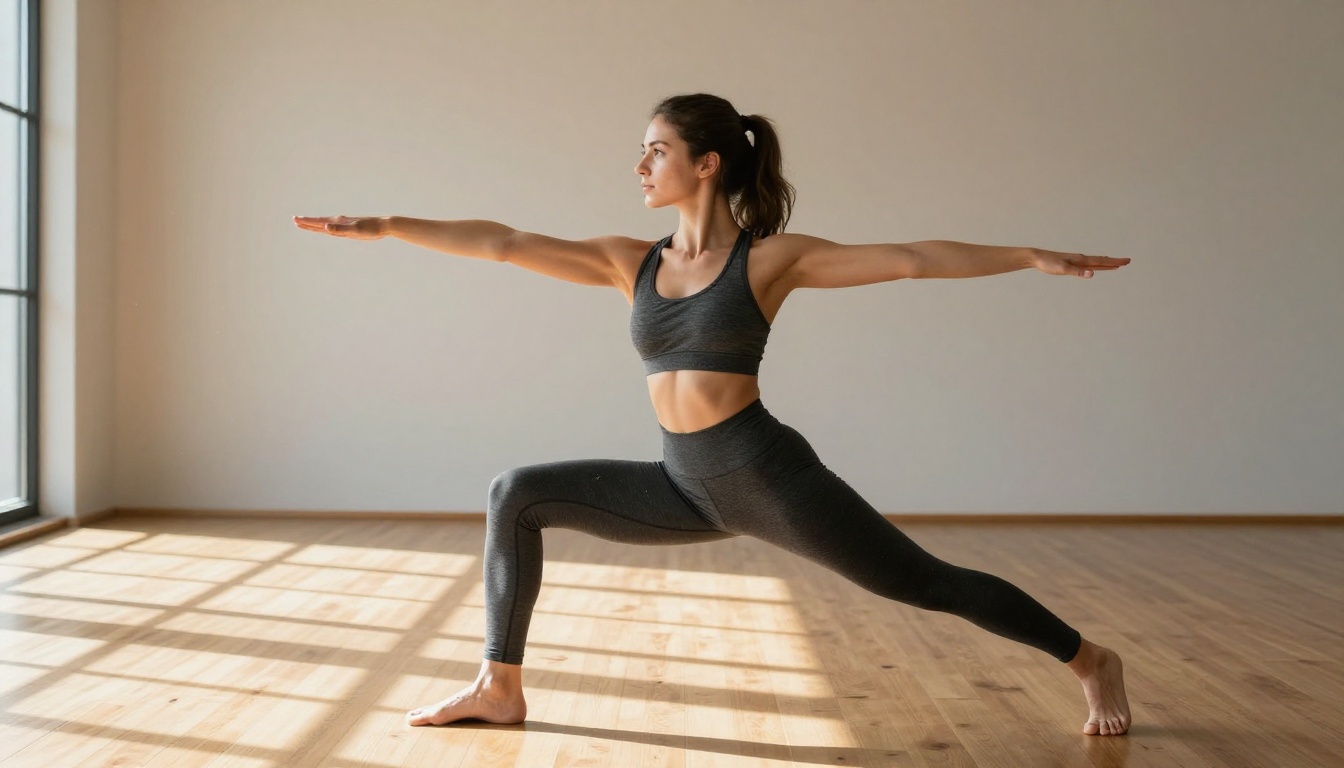
P-Image generates in under 1 second. That single fact makes it worth mentioning in any discussion about fast AI girlfriend photo generation. The model supports NSFW content and produces photorealistic results at a pace that makes real-time iteration genuinely feasible.
The tradeoff compared to Seedream 4.5 is in maximum output detail, but for rapid prototyping, volume generation, or projects where you need hundreds of images quickly, P-Image is unmatched.
Photorealism vs. Speed: Getting Both
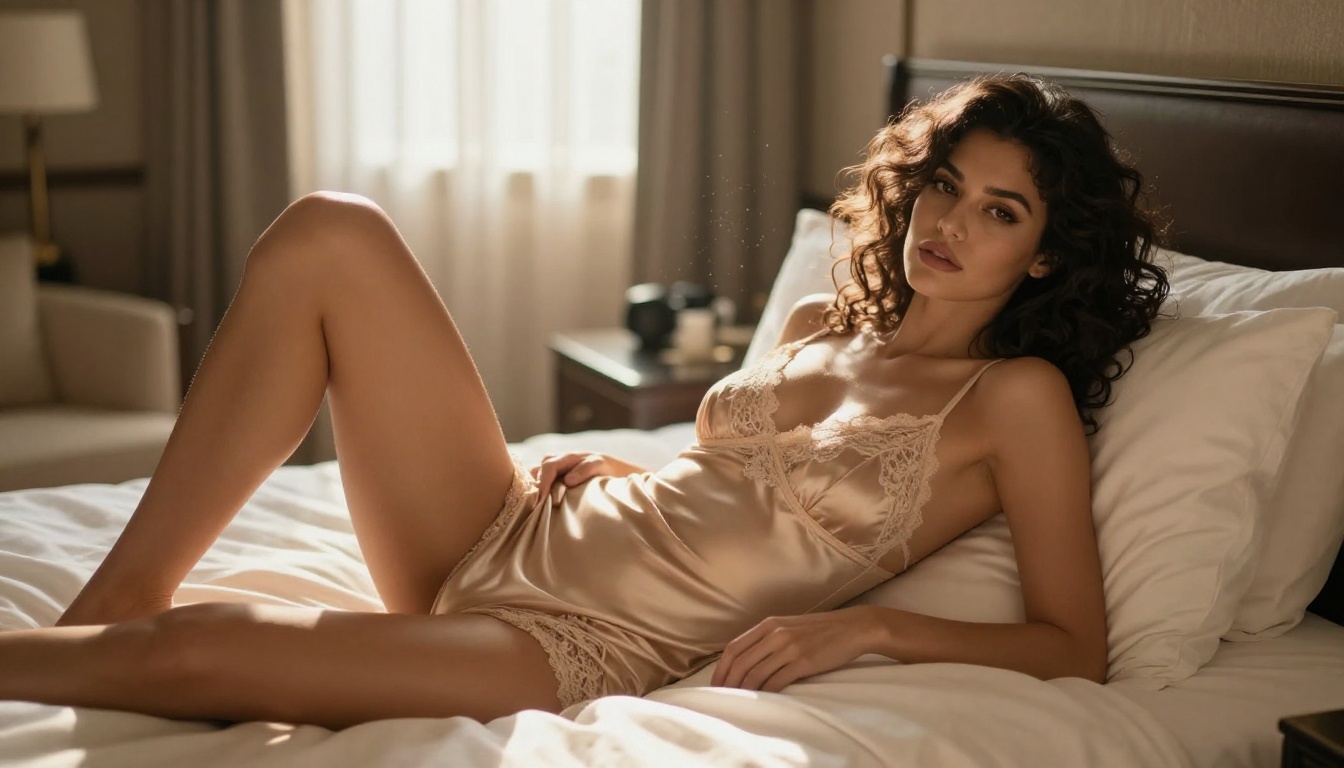
The conventional assumption is that photorealism costs time. Larger models with more parameters produce better detail, but take longer to run. That's been true historically, but the latest optimized models are breaking that pattern.
What Changed in 2025
The current generation of AI photo models achieves sub-3-second generation times through architectural optimizations that compress inference without degrading output quality. Models like Seedream 4.5 and P-Image demonstrate that you don't have to choose between quality and speed.
Prompt Quality Still Drives Output Quality
Even the fastest model produces mediocre results with a weak prompt. Detailed prompts covering lighting direction, camera lens, skin texture description, and background environment produce noticeably better output.
Strong prompt structure:
- Subject: Age, hair color, expression, pose
- Outfit: Specific fabric, color, fit description
- Lighting: Direction, warmth, natural vs. artificial
- Camera: Focal length, aperture for depth of field
- Environment: Indoor/outdoor, specific background description
A prompt like "beautiful woman, golden hour, 85mm lens, shallow depth of field, Paris café background" will outperform "hot girl outdoor" every time.
The NSFW Factor: Why It Matters
Most mainstream AI image generators block or heavily restrict NSFW content. For creators working on AI companion content, this becomes a significant problem. Prompts get flagged incorrectly, images get rejected mid-generation, or the output is sanitized to the point of being useless.
Models That Don't Filter You
The models listed above all support NSFW content on PicassoIA. This isn't a minor footnote. For AI girlfriend photo generation specifically, the ability to work without content filters affecting every other prompt is the difference between a usable tool and a frustrating one.
💡 Important: Content freedom here means artistic, glamour-style, and suggestive content that's non-explicit. The focus is on giving creators the tools to work without arbitrary restrictions while maintaining artistic standards.
Wan 2.2 Image: Realistic Without Restrictions
Wan 2.2 Image by PrunaAI generates highly realistic images from text descriptions without applying content filters that interrupt creative workflows. The model handles realistic portrait generation with accurate body proportions and natural skin rendering, making it a solid backup option when you want variation in your AI girlfriend photo workflow.
Upscaling Your AI Photos
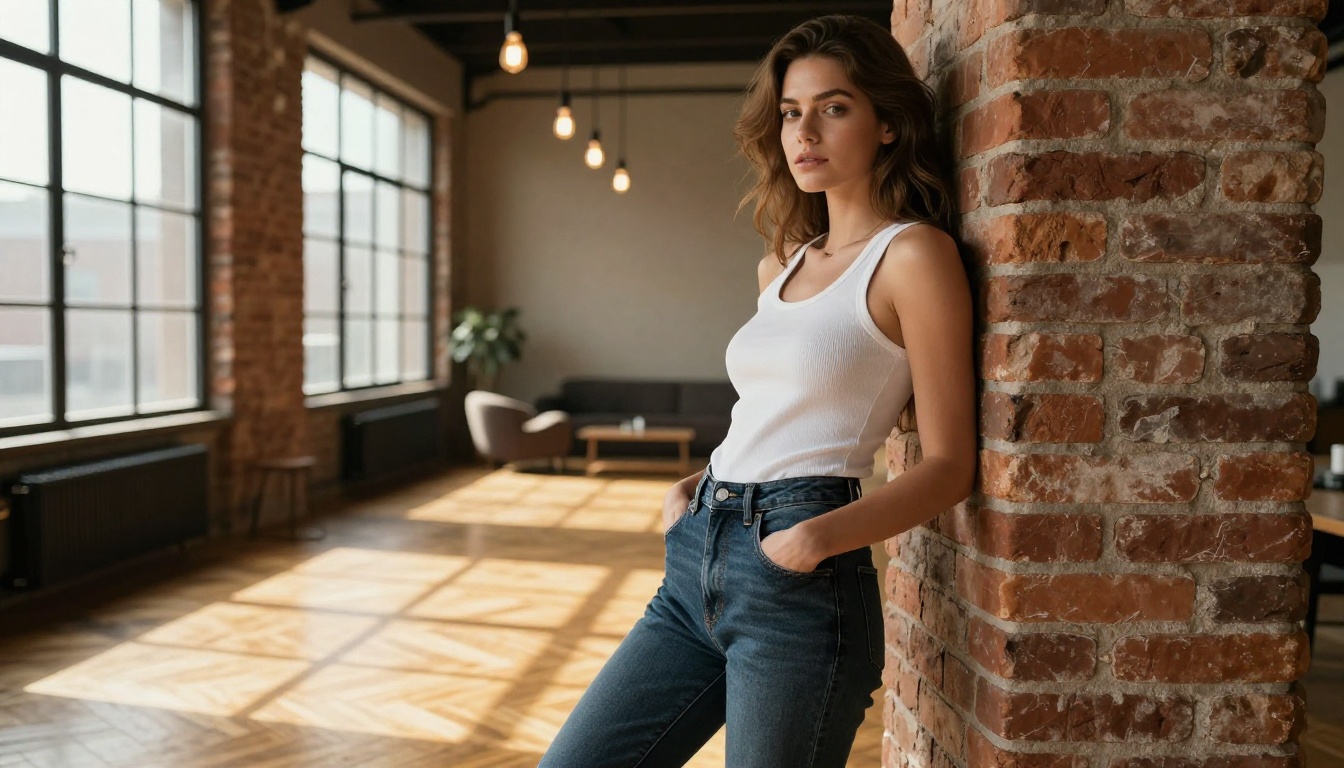
Even the best AI generators sometimes produce images that benefit from additional sharpening or resolution improvement. Upscaling tools take a good AI girlfriend photo and make it print-ready or suitable for large displays without losing detail.
The Best Upscaling Options on PicassoIA
Clarity Pro Upscaler is built specifically for photorealistic upscaling. It adds detail that looks natural rather than artificially sharpened, making it ideal for portrait images where skin texture is critical.
Crystal Upscaler specializes in portrait upscaling up to 4x, maintaining facial detail and hair texture during the enlargement process. For AI girlfriend photos where facial clarity is the priority, this is a strong option.
Image Upscale by Topaz Labs supports up to 6x enlargement, which is the highest multiplier available on the platform. For images that need to be significantly larger than their original generation resolution, this covers ground the other upscalers can't reach.
How to Use Seedream 4.5 on PicassoIA
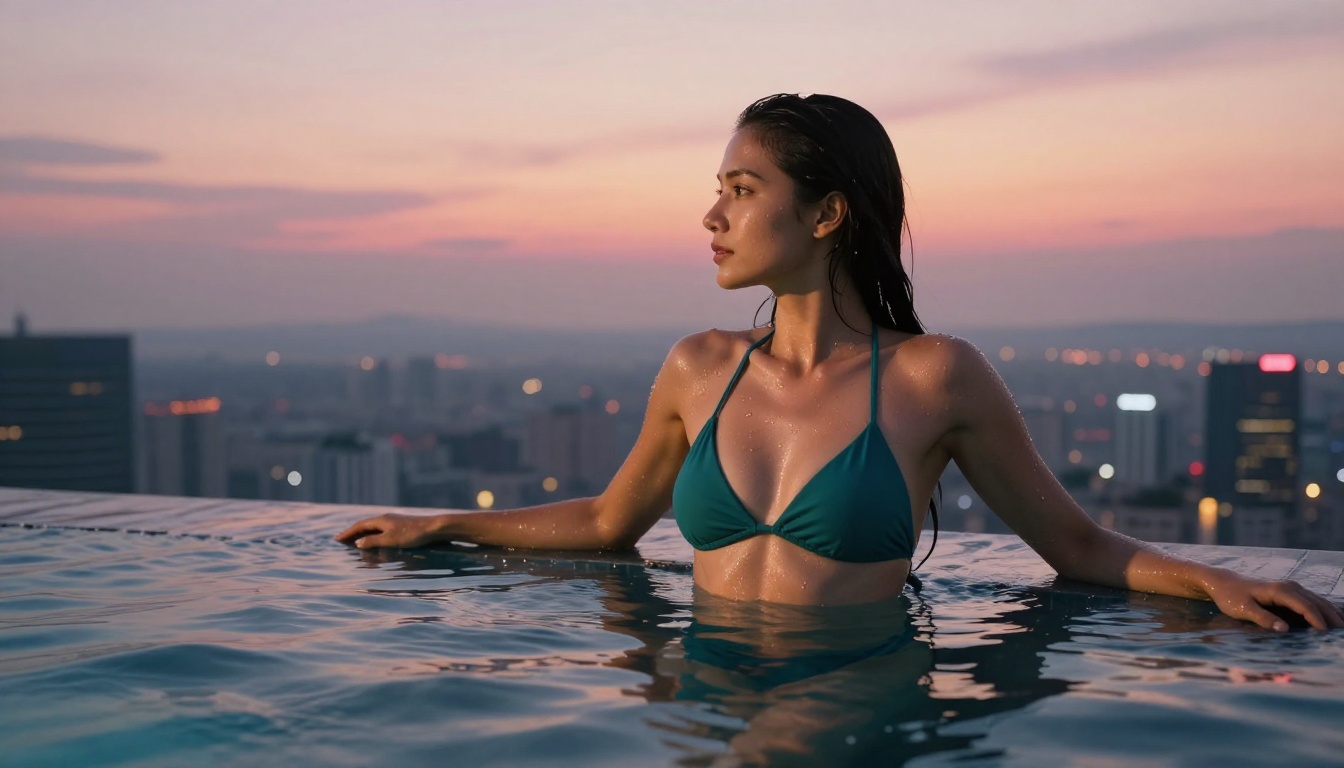
Seedream 4.5 is available directly through PicassoIA. Here's how to get the best results from it for AI girlfriend photo generation.
Step 1: Set Up Your Prompt Structure
Start with the subject and core description, then layer in environment, lighting, and camera details. A well-structured prompt produces consistent results that match your vision.
Example prompt for a photorealistic AI girlfriend photo:
"Young woman, mid-20s, warm brown hair, wearing a floral summer dress, standing at a sunlit garden table, dappled light through overhead trees, Canon 85mm f/1.4, shallow depth of field, Kodak Portra 400 film grain, photorealistic 8K"
Step 2: Use the Image Editing Feature
Once you have a base image you like, use Seedream 4.5's editing capability to adjust specific details. Change the background from garden to café without altering the subject. Update the outfit without regenerating the face. This is the workflow that separates iterative creators from those starting from scratch every time.
Step 3: Apply Upscaling for Final Output
After generating and editing to your satisfaction, run the result through Clarity Pro Upscaler or Crystal Upscaler for final output quality. The combination of Seedream 4.5 generation plus a dedicated upscaler produces images that are indistinguishable from professional photography at full resolution.
Parameter Tips for Best Results
- Aspect ratio: 16:9 for landscape, 9:16 for portrait/vertical formats, 1:1 for square
- NSFW prompts: Write naturally. Seedream 4.5 doesn't require special syntax for adult content prompts
- Prompt length: Longer, more specific prompts produce more consistent results. Aim for 50 words minimum
- Lighting specifics: Always name a light source direction. "Soft morning light from the left" produces better results than "good lighting"
What Makes These Photos Actually Look Real
The difference between AI girlfriend photos that look generated and ones that pass for real photographs comes down to a handful of technical factors.
Subsurface scattering: Realistic skin has light that penetrates and scatters beneath the surface. Models that render this correctly produce portraits with natural skin glow rather than a plastic-looking finish.
Film grain: Clean, noiseless images look artificially smooth. A subtle amount of film grain (like Kodak Portra 400 emulation) makes images look photographed rather than rendered.
Depth of field: Real cameras have a limited focal range. AI images with sharp focus everywhere look generated. Specifying a wide aperture (f/1.4, f/1.8) in your prompt adds realistic background blur.
Natural imperfections: Perfect symmetry and flawless skin read as artificial. Prompts that include natural freckles, slight asymmetry, or a genuine candid expression push realism significantly higher.
💡 Quick tip: Add "Kodak Portra 400 film grain" and "85mm f/1.4 shallow depth of field" to almost any portrait prompt. These two additions consistently improve the photographic quality of AI girlfriend photos across multiple models.
The comparison between PicassoIA and other AI image platforms comes down to three things: model selection, content freedom, and cost structure.
Most mainstream generators offer one or two models with strong safety filters and per-generation pricing. PicassoIA aggregates multiple top-tier models in one interface, with NSFW content support across the best options and an unlimited plan that removes per-generation costs entirely.
Where PicassoIA wins:
Where per-image pricing applies:
- The best NSFW models require a subscription
- Unlimited generations require Elite or Infinite tier
For high-volume AI girlfriend photo creation, the math on unlimited plans is straightforward. At typical credit-based rates of $0.05 to $0.10 per image, 1,000 images cost $50 to $100. An unlimited plan makes that cost fixed regardless of volume.
The Video Side of AI Companion Content
If you want to take your AI girlfriend photos further, several models on PicassoIA convert static images into short video clips. PicassoIA Video generates unlimited video from text prompts at up to 720p. P-Video by PrunaAI handles text, image, or audio input and generates at up to 1080p with its safety filter disabled by default, making it a strong option for extending any AI girlfriend photo into an animated clip.
For clips up to 15 seconds with no watermarks, Grok Imagine Video accepts an image directly and auto-matches your source photo's proportions.
Start Creating Right Now
Everything covered in this article is available in one place. Start with Seedream 4.5 for fast, high-realism results. Add PicassoIA Image Editor Pro for unlimited iteration without per-image costs. Use Clarity Pro Upscaler or Crystal Upscaler for final output quality that holds up at any size.
The full catalog of available models, including every option mentioned in this article, is at picassoia.com/en/all-models. The free trial on PicassoIA Image Editor Pro requires no credit card, so you can test the quality before committing to a plan.
Write your first prompt today and see what the current generation of AI girlfriend photo generators actually delivers when speed and quality are both working in your favor.


