When creative professionals look for tools that can transform ideas into visual reality, the landscape of AI image and video generators presents both overwhelming choice and unprecedented opportunity. The right selection isn't about finding the most popular tool but identifying which solution matches your specific workflow, budget constraints, and quality expectations.

The shift from traditional digital creation to AI-assisted workflows represents more than technological convenience—it fundamentally changes what's possible within time and resource constraints. Professional photographers who previously spent hours on composite edits now generate background alternatives in minutes. Video producers crafting explainer content can prototype scenes before committing to expensive shoots. Marketing teams needing consistent brand imagery across campaigns maintain visual coherence without studio bookings.
💡 Real Impact: The most significant advantage isn't speed alone but the ability to iterate rapidly. Failed concepts become learning opportunities rather than sunk costs when generation takes seconds instead of days.
Top AI Image Generators Available Today
Several platforms have established themselves as industry standards through consistent output quality and reliable performance. Each serves different creative needs with distinct strengths.
Flux Series Models
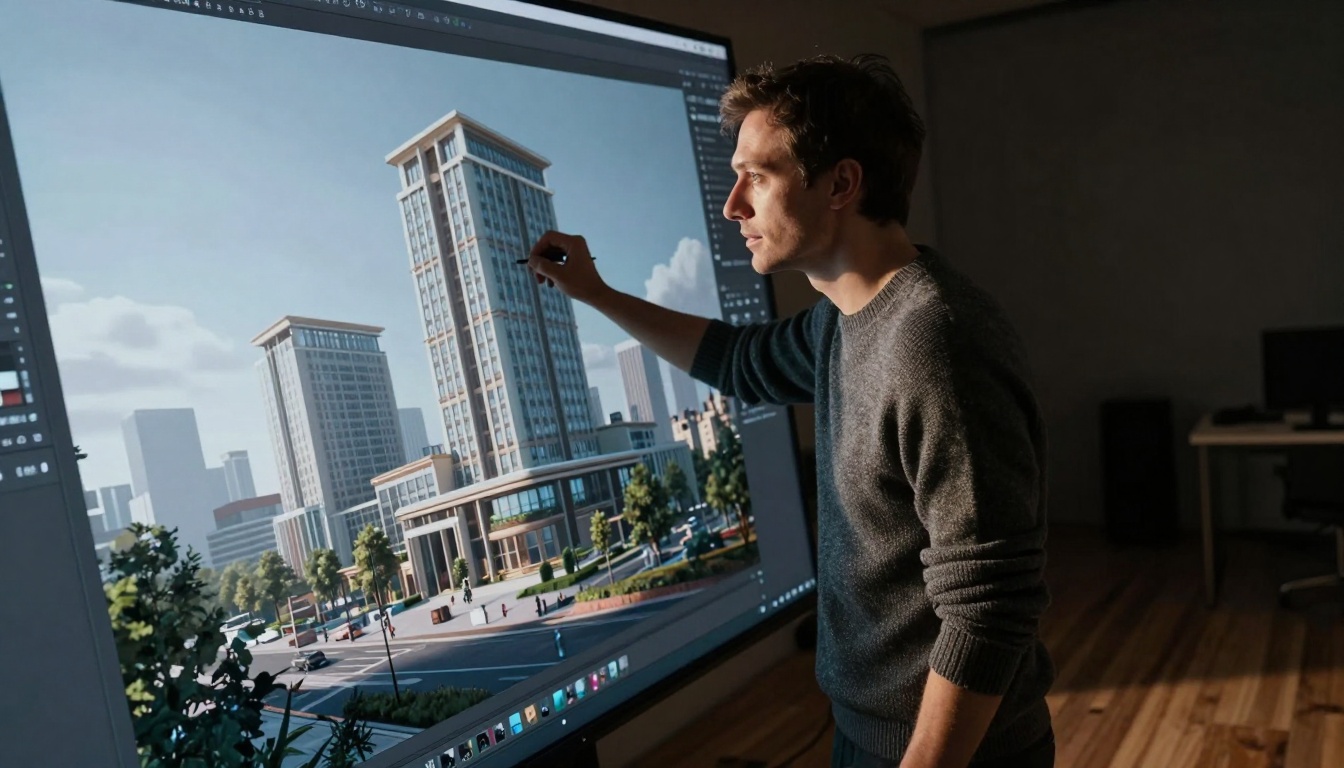
The Flux-2-Klein-4b and Flux-2-Klein-9b-base represent the current frontier in text-to-image generation, offering exceptional detail fidelity and prompt comprehension. These models excel at architectural visualization, product photography concepts, and complex scene construction where spatial relationships matter.
Key Strengths:
- Architectural precision: Correct perspective and material representation
- Consistent character generation: Maintains identity across multiple images
- Complex composition handling: Manages multiple subjects with clear relationships
OpenAI's GPT Image Models
GPT Image 1.5 brings OpenAI's language understanding to visual generation, creating imagery that closely follows nuanced prompt instructions. The model demonstrates particular strength in conceptual art and abstract representation where traditional generators struggle with ambiguity.
Where It Excels:
- Conceptual interpretation: Translates abstract ideas into coherent visuals
- Style consistency: Maintains artistic direction across generation batches
- Prompt refinement: Responds well to iterative adjustment of descriptions
Professional-Grade Options
Flux-2-Max and Flux-2-Pro serve commercial production needs where reliability cannot be compromised. These models prioritize consistency across large generation sets—essential for branding campaigns requiring dozens of variations with uniform quality.
Leading AI Video Generators Compared
Video generation represents a more complex challenge with temporal consistency, motion physics, and narrative coherence all requiring simultaneous optimization. Current solutions address different segments of this complexity spectrum.
High-Quality Production Models
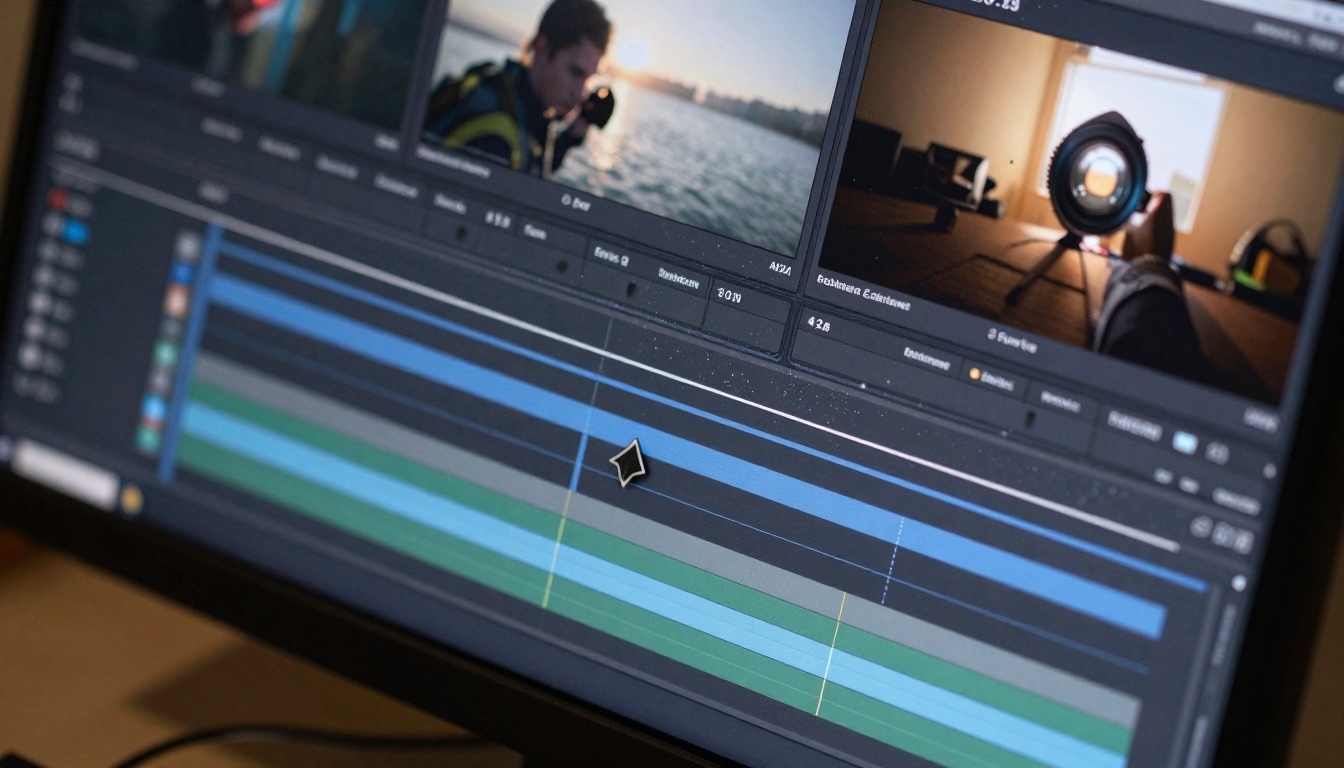
Sora-2-Pro and Sora-2 establish the quality benchmark for cinematic output, generating footage with believable physics and natural motion. These models work best for concept visualization and pre-visualization where production values matter.
Production Advantages:
- Cinematic camera movements: Simulates professional filming techniques
- Temporal coherence: Maintains object identity throughout sequences
- Physics simulation: Natural object interaction and environmental response
Fast Iteration Solutions
For rapid prototyping and social content creation, Veo-3.1-Fast and WAN-2.6-T2V offer balanced speed-to-quality ratios. These tools suit marketing teams needing weekly content refreshes or educators creating instructional materials.
Speed Benefits:
- Quick turnaround: Seconds instead of hours for usable output
- Batch processing: Generate multiple variations simultaneously
- Parameter experimentation: Test different styles without long waits
Specialized Video Tools
Kling-V2.6 focuses on character animation and expressive movement, while WAN-2.6-I2V excels at image-to-video transformation for existing assets. Choose based on your primary content type rather than seeking universal solutions.
Free vs Paid Options: What You Actually Get
The cost structure of AI generation tools follows a predictable pattern: free tiers offer limited capabilities that work for experimentation, while paid plans unlock production-ready features.
| Feature Category | Free Tier Limitations | Paid Tier Advantages |
|---|
| Generation Speed | Queue-based, minutes per image | Real-time, seconds per image |
| Output Resolution | 1024×1024 maximum | 4K and custom dimensions |
| Batch Processing | Single images only | Multiple simultaneous generations |
| Commercial Rights | Personal use only | Full commercial licensing |
| API Access | Basic web interface only | Full integration capabilities |
| Priority Support | Community forums | Direct technical assistance |
💡 Budget Planning: Calculate your monthly generation volume before committing. Many creators overestimate needs and pay for capacity they never use. Start with measured usage tracking.
Quality Comparison: Technical vs Aesthetic Metrics
Evaluating generator quality requires separating technical performance from aesthetic appeal—two dimensions that don't always correlate.
Technical Performance Indicators:
- Prompt adherence: How closely output matches description
- Consistency: Similar results from identical prompts
- Artifact control: Minimal visual anomalies or distortions
- Resolution fidelity: Detail preservation at scale
Aesthetic Quality Factors:
- Artistic coherence: Visual elements working harmoniously
- Emotional impact: Imagery that connects with viewers
- Style authenticity: Faithful representation of requested genres
- Composition balance: Professional visual arrangement
Creative Applications Across Industries
Different professional fields leverage AI generation for distinct operational advantages. The most successful implementations match tool capabilities to specific workflow gaps.
Architecture and Real Estate
Primary Use: Flux-2-Flex for architectural visualization, generating client presentations before construction begins. The ability to show multiple design alternatives accelerates approval processes.
Workflow Integration: Concept → AI visualization → Client feedback → Refinement → Final design
E-commerce and Product Marketing
Tool Selection: P-Image for consistent product imagery across catalogs. Maintaining uniform lighting and composition reduces post-production workload significantly.
Production Efficiency: Single product shoot → Multiple background variations → Style-consistent variations → Campaign assets
Entertainment and Media
Video Focus: Seedance-1.5-Pro for storyboarding and Kling-V2.6-Motion-Control for character animation pre-visualization.
Pipeline Enhancement: Script → Storyboard → Pre-visualization → Production planning → Shoot execution
Education and Training
Content Creation: Qwen-Image-2512 for illustrative diagrams and Hailuo-2.3 for explanatory animations.
Learning Impact: Complex concepts → Visual simplification → Animated explanation → Student comprehension

Getting Started: Practical First Steps
New users often struggle with initial prompt formulation and parameter adjustment. These foundational practices establish productive workflows from the beginning.
Prompt Engineering Fundamentals
Effective prompts combine specificity with creative freedom. Include these elements:
- Primary subject with descriptive adjectives
- Environment and context details
- Lighting and atmosphere conditions
- Composition and perspective instructions
- Style and medium specifications
Example progression: "a dog" → "a golden retriever puppy" → "a golden retriever puppy playing in autumn leaves" → "a golden retriever puppy playing in autumn leaves with afternoon sun creating dappled light through maple trees, low-angle perspective, photorealistic photography style"
Parameter Optimization Sequence
Adjust settings in this order for consistent improvement:
- Seed value for reproducibility
- Guidance scale for prompt adherence strength
- Sampling steps for detail refinement
- Resolution parameters for output size
- Style modifiers for aesthetic direction
Workflow Integration Patterns
Match generation rhythm to your creative process:
- Exploratory mode: Rapid iterations with varied parameters
- Refinement mode: Incremental adjustments to promising results
- Production mode: Batch generation with fixed parameters
- Hybrid approach: Combine AI generation with traditional editing
Next Steps for Content Creators
The most effective approach involves progressive skill development rather than immediate mastery. Start with one tool category, establish proficiency, then expand your toolkit.
Phase 1: Foundation Building (Weeks 1-4)
- Select one image generator (P-Image recommended for beginners)
- Generate 50+ images across different subjects
- Document prompt variations and resulting quality
- Establish personal quality benchmarks
Phase 2: Skill Development (Weeks 5-8)
- Add one video generator (WAN-2.2-I2V-Fast for accessible start)
- Create 20+ short sequences
- Master temporal consistency controls
- Develop motion and pacing intuition
Phase 3: Workflow Integration (Weeks 9-12)
- Combine generators for complex projects
- Establish quality assurance protocols
- Develop batch processing efficiencies
- Create reusable templates and presets
Phase 4: Professional Application (Ongoing)
- Integrate with existing creative tools
- Develop client presentation methodologies
- Establish pricing models for AI-assisted work
- Build portfolio demonstrating unique capabilities
The tools exist not as replacements for creative vision but as amplifiers of execution capability. Your unique perspective combined with appropriate technical solutions creates work that stands apart through both conceptual strength and technical excellence. Begin with focused experimentation on PicassoIA's platform, where diverse models offer entry points matching different experience levels and creative objectives.


