The landscape of AI image generation has evolved dramatically by 2026. With dozens of models now available, choosing the right one for your project can feel overwhelming. We spent weeks testing every major AI image generator to bring you this analysis.

This isn't about finding one "best" model. Different models excel at different tasks. A model that creates stunning photorealistic portraits might struggle with abstract art. One that generates images quickly might lack the fine detail you need for commercial work.
What Makes an AI Image Generator Great?
Before diving into specific models, let's talk about what actually matters when evaluating these tools. We focused on five key criteria:
Image quality remains the most obvious metric. Does the model produce images that look professional and polished? Can it handle complex prompts with multiple elements? How well does it render fine details like textures, lighting, and shadows?
Prompt understanding separates good models from great ones. The best generators interpret your descriptions accurately while adding creative nuance. They understand context, style references, and compositional directions without requiring exhaustive prompt engineering.
Generation speed impacts your workflow significantly. Some models produce results in seconds, while others take minutes. For iterative creative work, speed becomes crucial.
Versatility determines whether a model can handle different art styles and subjects. Can it generate photorealistic portraits, fantasy landscapes, product shots, and abstract art with equal competence?
Consistency matters when you need multiple images for a project. The best models maintain quality across different prompts and produce reliable results.
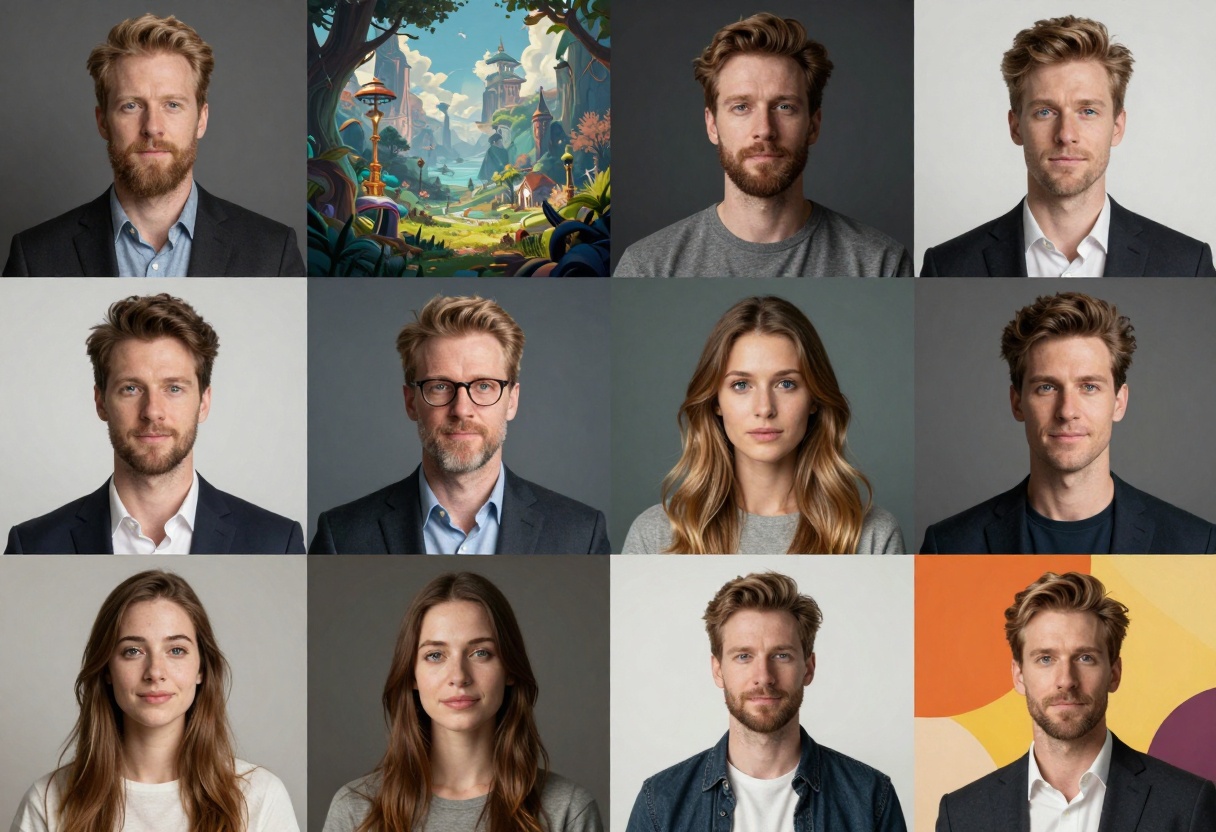
When it comes to creating images that look indistinguishable from professional photography, three models stand out in 2027.
Flux-2-Max delivers exceptional photorealism with incredible attention to lighting and texture. The model excels at portraits, capturing subtle skin tones, natural expressions, and realistic depth of field. We tested it on dozens of portrait prompts, and the results consistently rivaled professional studio photography.
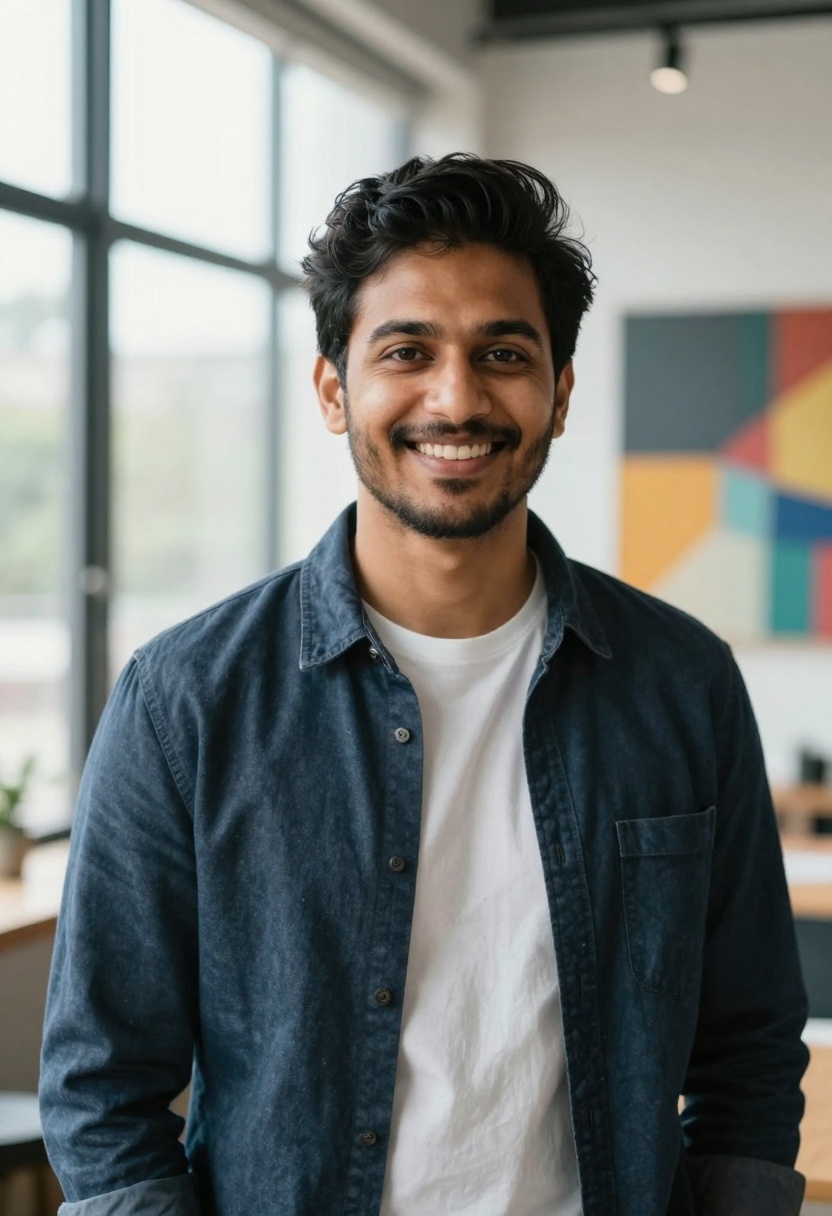
What sets Flux-2-Max apart is its understanding of photographic concepts. When you mention "golden hour lighting" or "shallow depth of field," the model knows exactly what you mean. It handles complex scenes with multiple light sources and maintains consistent quality across different subjects.
The model supports resolutions up to 4 megapixels and offers fine control over aspect ratios. You can work with reference images, making it particularly useful for creating variations on existing photography styles.
GPT Image 1.5 brings a different approach to photorealism. While Flux-2-Max focuses on technical perfection, GPT Image 1.5 adds a layer of creative interpretation. The results feel more artistic while maintaining photographic quality.
This model particularly shines with product photography and architectural visualization. It understands commercial photography conventions and can generate images that look ready for advertising campaigns. The ability to control background transparency makes it invaluable for product shots.
Nano Banana Pro emerged as the dark horse in our testing. This Google model combines speed with remarkable quality, generating high-resolution images faster than most competitors while maintaining impressive detail.
The model supports up to 14 reference images, allowing you to guide the generation process with multiple visual examples. This feature proves especially useful when trying to match a specific photographic style or combining elements from different references.
Best for Fantasy and Artistic Styles
Creating imaginative, non-photorealistic imagery requires different strengths. These models excel at bringing fantasy concepts to life.
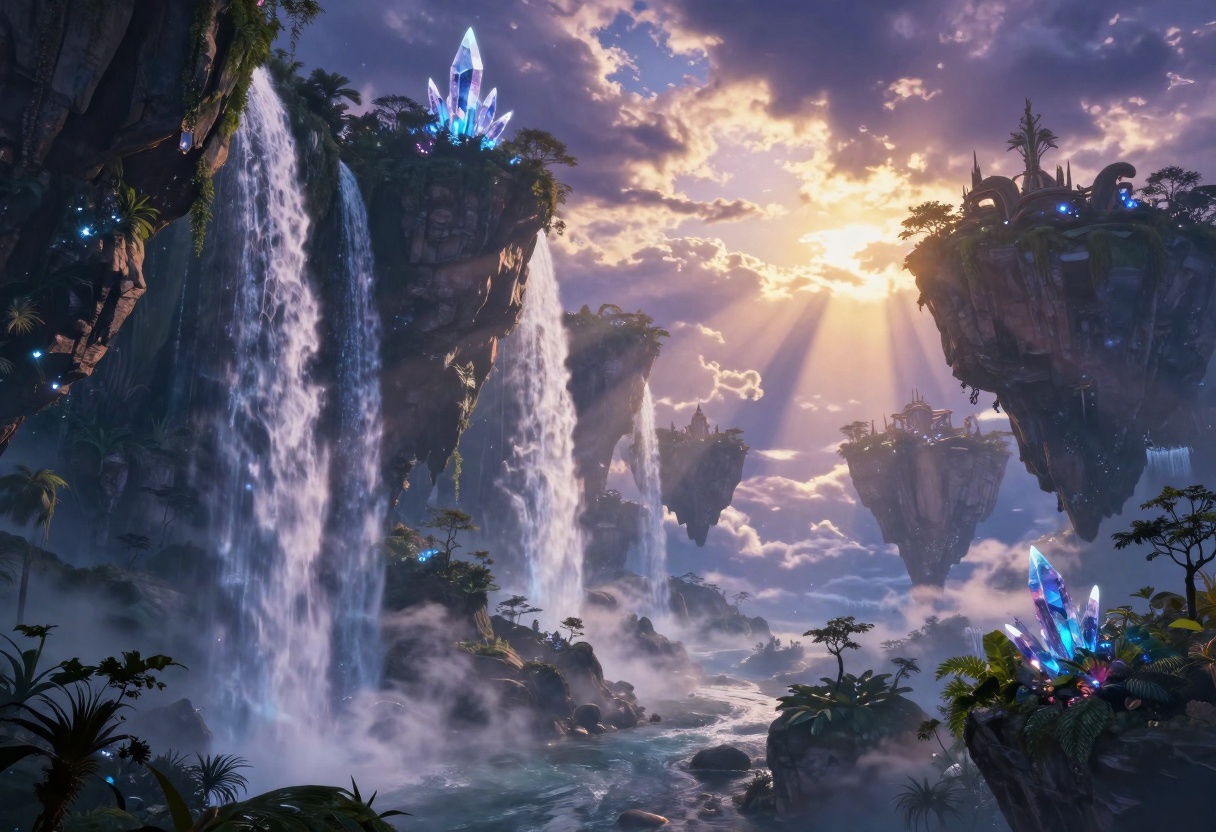
Flux-2-Flex prioritizes creative freedom over photorealism. The model interprets prompts with artistic flair, adding visual interest and stylistic elements that push beyond literal description. When generating fantasy landscapes, character designs, or surreal compositions, this model delivers stunning results.
We tested Flux-2-Flex on complex fantasy scenes, including floating islands, magical creatures, and otherworldly architecture. The model handled these abstract concepts with confidence, creating cohesive compositions that felt professionally illustrated.
Seedream 4.5 brings ByteDance's computer vision expertise to artistic image generation. The model excels at style consistency, making it ideal for creating multiple images that need to match visually. This proves crucial for storyboarding, concept art series, or any project requiring visual continuity.
The generation speed impressed us particularly. Seedream 4.5 produces high-quality artistic images noticeably faster than competitors, enabling rapid iteration on creative concepts.
Ideogram V3 specializes in integrating text into images seamlessly. While most AI generators struggle with legible text, Ideogram V3 handles typography naturally. This makes it perfect for creating posters, book covers, logos, and any design requiring clear text elements.
Speed Champions for Quick Iterations
When you need results fast, these models deliver without compromising too much on quality.
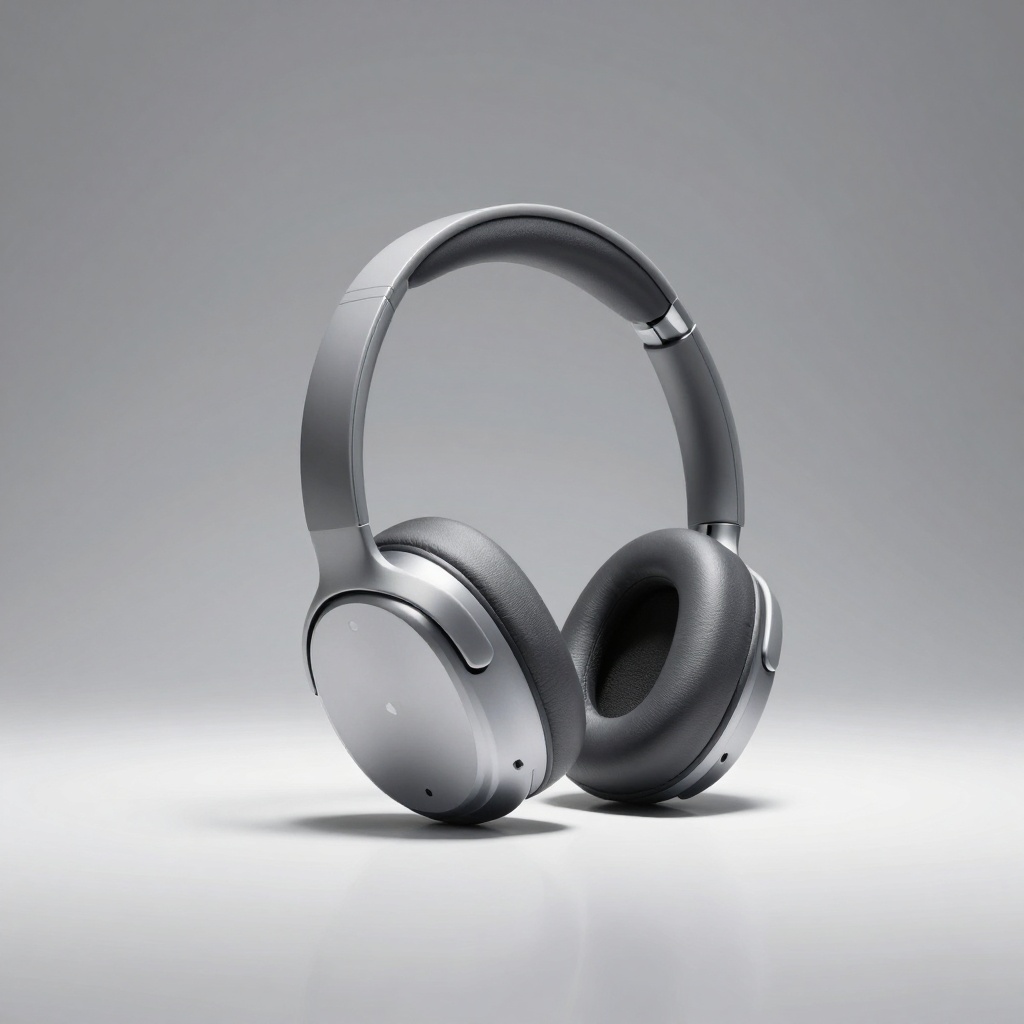
Flux-Schnell lives up to its name, generating quality images in under 5 seconds. While it can't match the absolute peak quality of slower models, the speed advantage proves invaluable for brainstorming, rough concepts, and rapid prototyping.
We used Flux-Schnell for an entire product photography session, generating hundreds of variations to find the perfect shot. The ability to iterate this quickly transforms the creative process.
SDXL Lightning 4Step takes a different technical approach but achieves similar speed results. The model produces solid images in just four diffusion steps, drastically reducing generation time. Quality remains surprisingly high for such a fast model.
Specialized Models for Specific Tasks
Some models carve out niches by excelling at particular types of imagery.
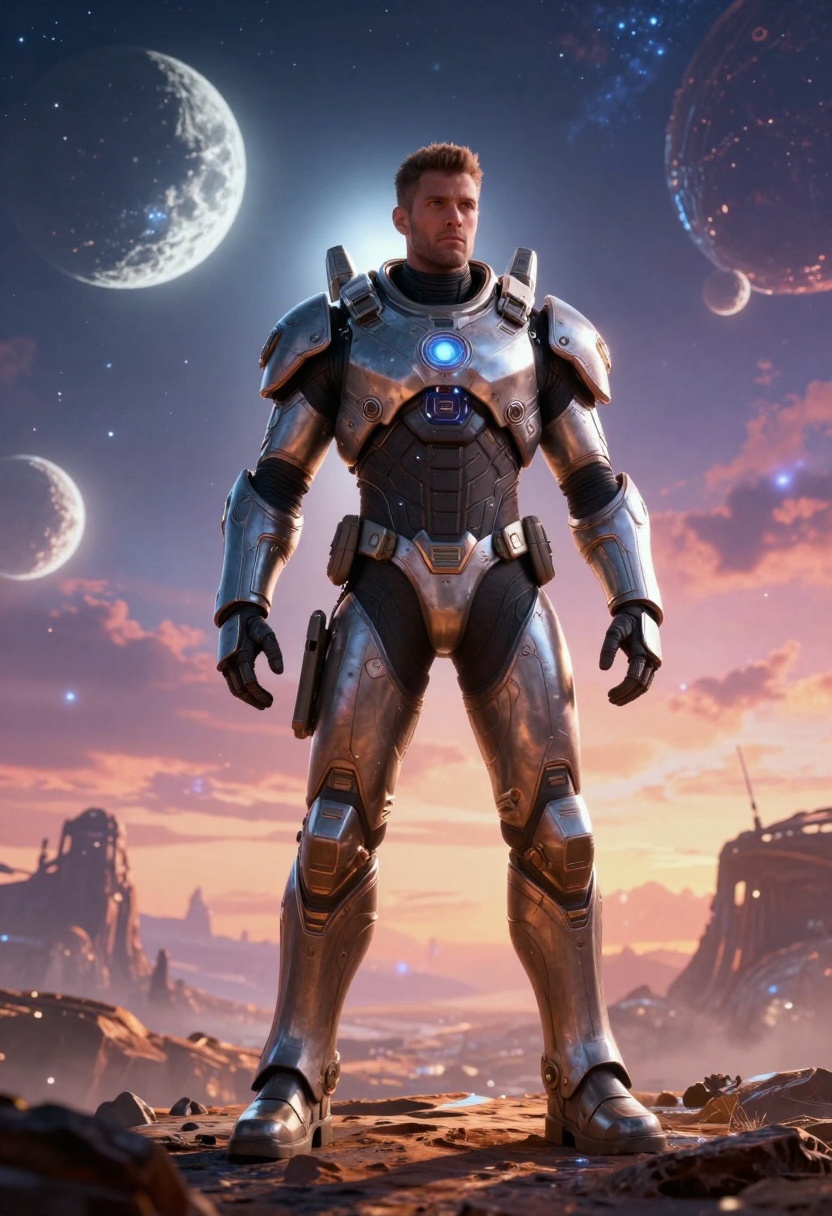
P-Image-Edit revolutionizes image editing workflows. Rather than generating from scratch, this model excels at modifying existing images. Need to change colors, add elements, or adjust composition? P-Image-Edit handles these tasks with remarkable precision in about one second.
The speed makes it feel like using a traditional photo editor, but with AI's creative capabilities. We used it to refine generated images, adjust lighting, and make quick changes without starting over.
Wan 2.2 Image focuses on cinematic quality, creating images with movie-like production values. The lighting, composition, and color grading feel professionally directed. When your project demands that "film still" aesthetic, this model delivers.
Sana from NVIDIA brings cutting-edge technical capabilities, generating ultra-high-resolution images with exceptional detail. The computational efficiency impressed us - Sana produces large images faster than many models create smaller ones.
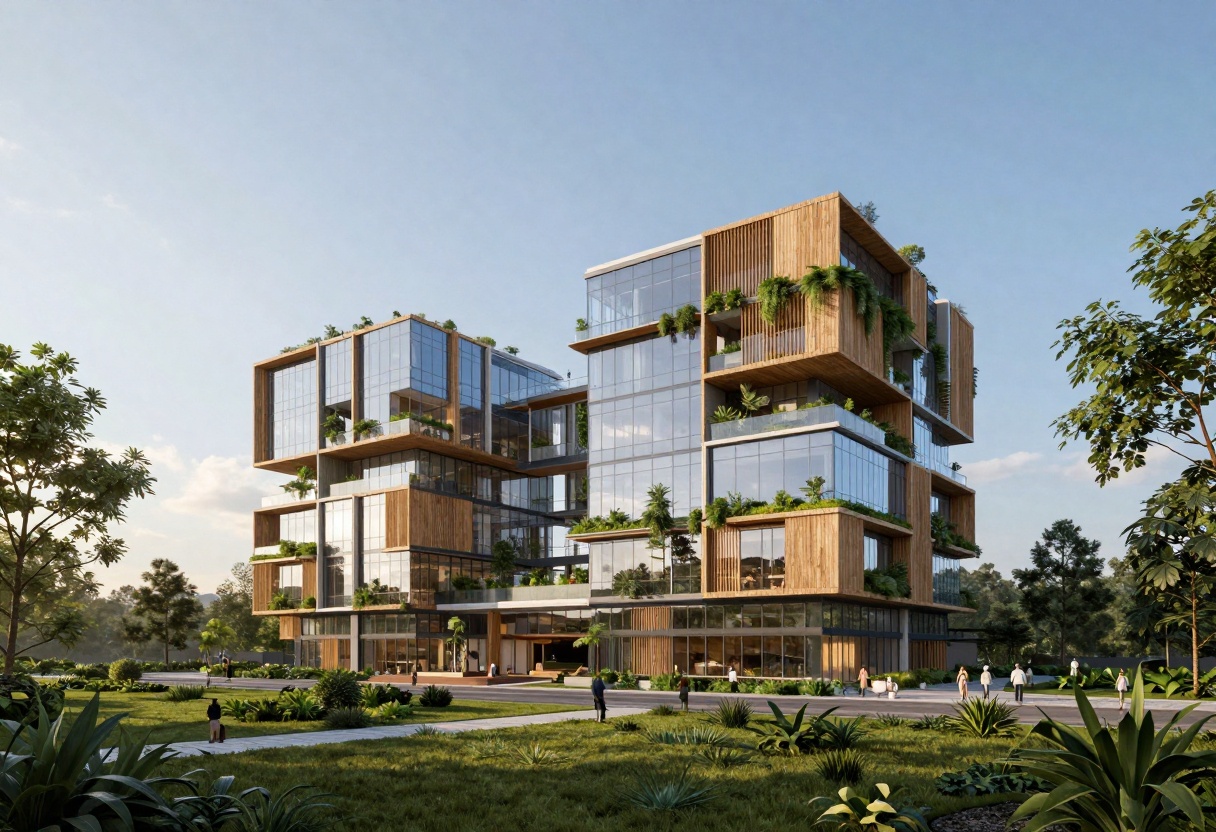
Models for Commercial and Business Use
Creating imagery for commercial purposes demands specific considerations around licensing, consistency, and professional quality.
Bria Image 3.2 positions itself explicitly for commercial applications, with clear licensing and intellectual property protections. The model generates high-quality images while addressing the legal concerns businesses face when using AI-generated content.
Recraft V3 brings vector capabilities to AI generation, producing scalable graphics perfect for logos, icons, and design elements. The SVG output maintains quality at any size, solving a major limitation of bitmap-based generators.
Abstract and Experimental Art
For pushing creative boundaries and generating truly unique visuals, these models excel.
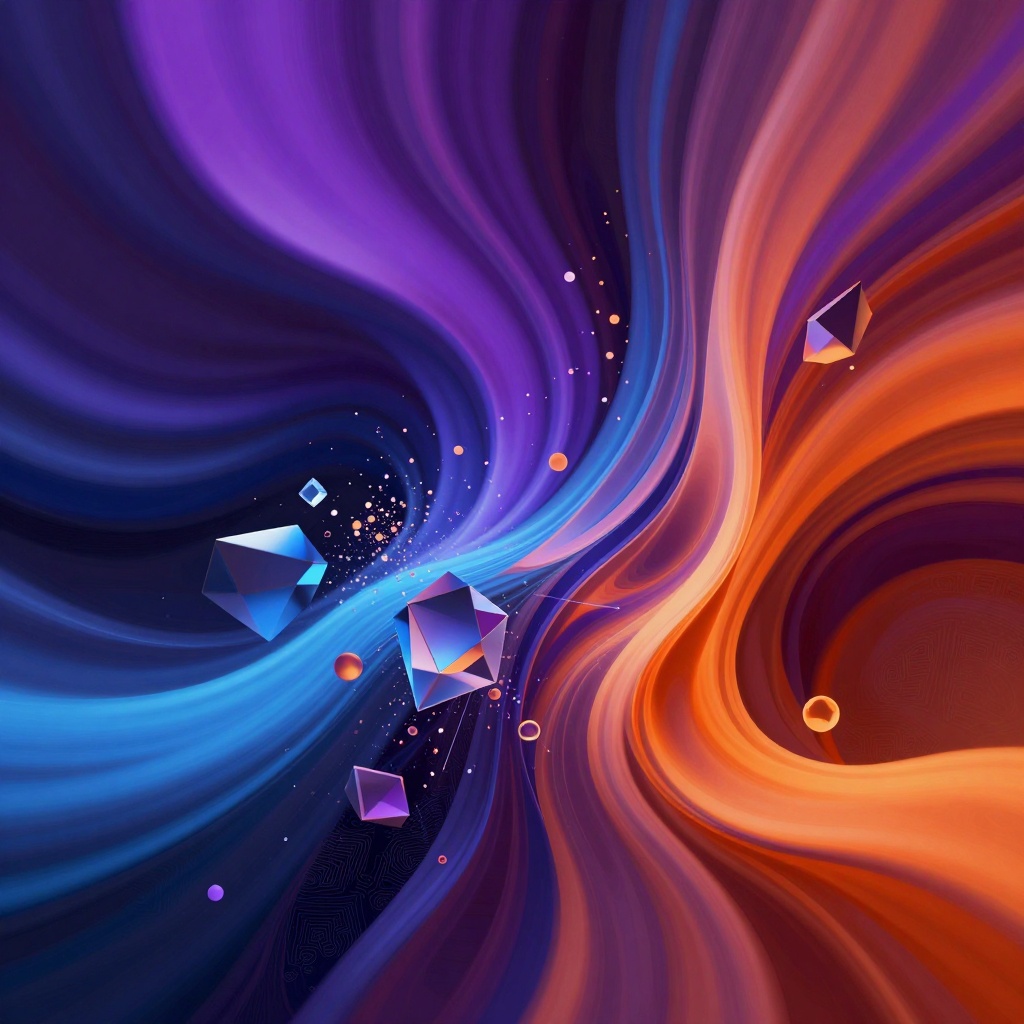
Qwen Image from Alibaba's research team takes bold creative risks. The model interprets abstract prompts with fascinating results, creating unique visual styles that feel fresh and unexpected. When you want something genuinely different, Qwen Image delivers.
Proteus V0.3 specializes in anime and stylized artwork, but handles abstract concepts with equal skill. The model understands artistic movements and can generate images that reference specific art history periods or contemporary styles.
Food, Fashion, and Lifestyle Photography
Specialized commercial photography requires models that understand genre conventions.
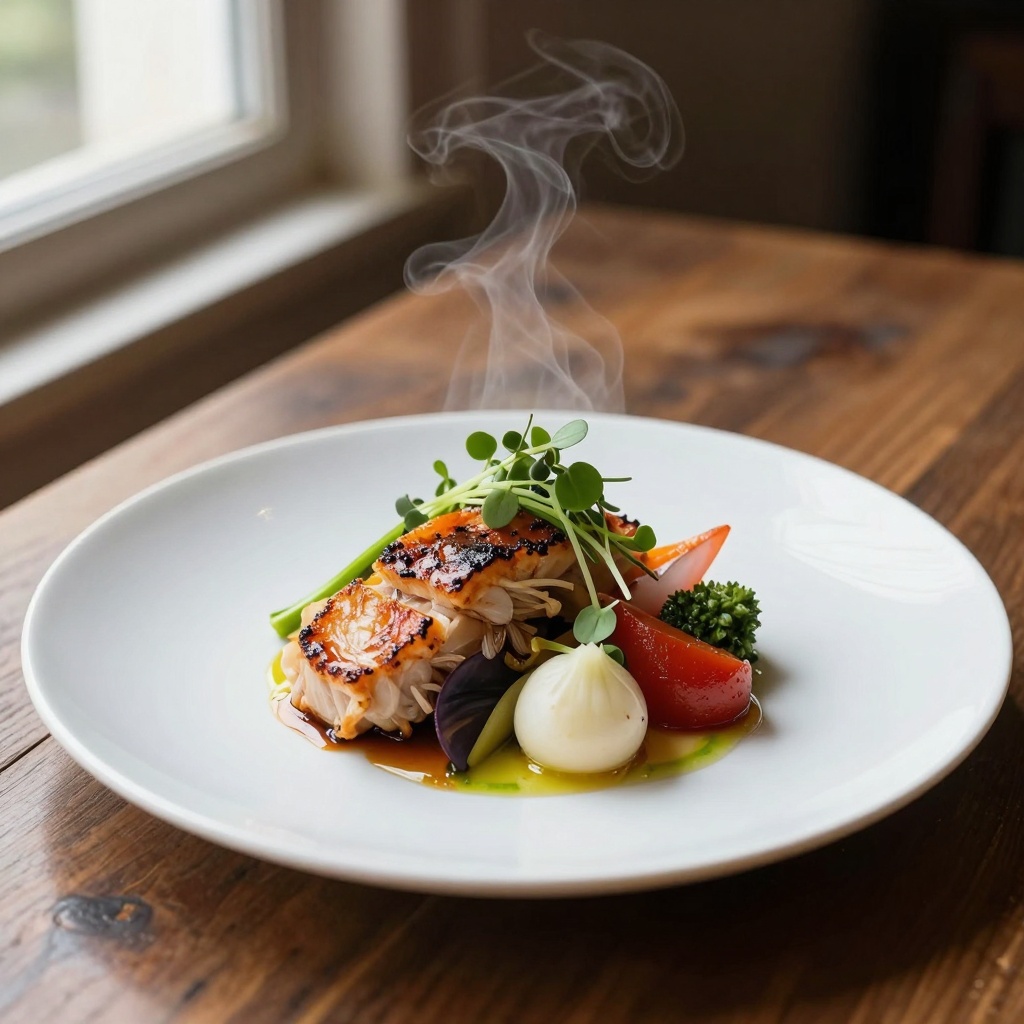
Realistic Vision V5.1 excels at lifestyle photography, creating images that feel authentic and relatable. The model understands the aesthetic conventions of food photography, fashion editorials, and interior design shoots.
We tested it extensively on food imagery, and the results consistently looked appetizing and professionally styled. The model handles challenging lighting scenarios, like natural window light for food photography, with impressive accuracy.
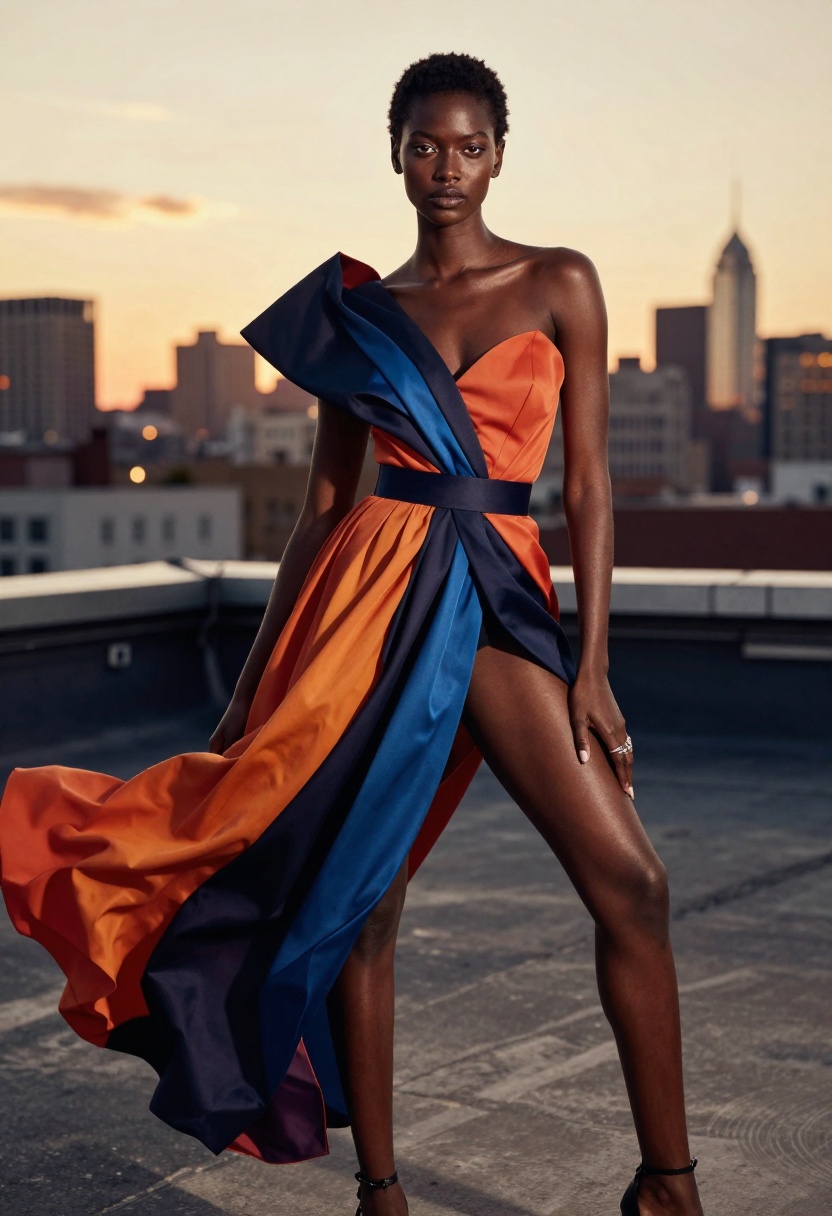
Playground V2.5 brings a polished aesthetic to fashion and portrait work. The images feel editorial-ready, with sophisticated composition and styling. For social media content, marketing materials, or lifestyle brands, this model produces consistently appealing results.
Natural World and Wildlife
Generating convincing nature and wildlife imagery presents unique challenges.
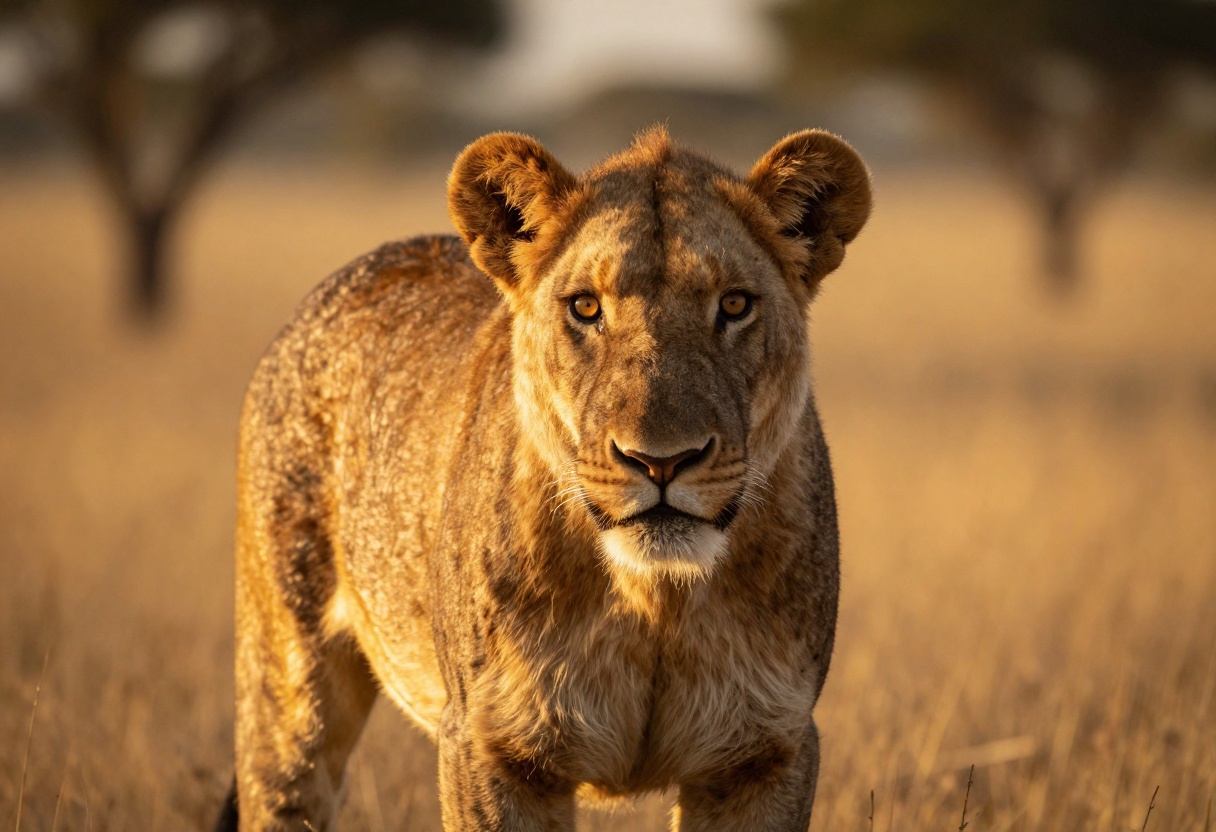
Imagen 4 from Google demonstrates remarkable understanding of natural environments. The model creates believable ecosystems, accurate animal anatomy, and realistic outdoor lighting. We tested it on various wildlife and landscape scenarios, and the biological accuracy impressed us.
The model particularly excels at capturing the atmosphere of natural environments - misty forests, desert landscapes, underwater scenes - with authentic lighting and weather effects.
Comparison Table
| Model | Best For | Speed | Max Resolution | Key Strength |
|---|
| Flux-2-Max | Photorealism | Medium | 4 MP | Professional quality portraits |
| GPT Image 1.5 | Product photography | Fast | 2 MP | Commercial photography |
| Nano Banana Pro | Versatile projects | Fast | 4K | Reference image support |
| Flux-2-Flex | Artistic images | Medium | 4 MP | Creative interpretation |
| Seedream 4.5 | Fantasy art | Very Fast | 4K | Style consistency |
| Ideogram V3 | Text integration | Fast | High | Typography in images |
| Flux-Schnell | Quick iterations | Very Fast | 2 MP | Generation speed |
| P-Image-Edit | Image editing | Instant | Varies | Modification speed |
| Sana | High resolution | Fast | Ultra High | Computational efficiency |
| Imagen 4 | Nature scenes | Medium | High | Environmental accuracy |
Practical Tips for Getting Better Results
After generating thousands of images across these models, we've learned what actually works when crafting prompts.
Be specific about what you want, but leave room for the model's creative interpretation. Instead of "a cat," try "a fluffy orange tabby cat sitting on a windowsill in afternoon sunlight." The additional detail helps, but avoid over-constraining the composition.
Reference photographic or artistic concepts that the model will understand. Terms like "bokeh," "golden hour," "chiaroscuro lighting," or "Dutch angle" work well because they're specific and widely understood.
Start simple and iterate. Generate a basic version of your concept first, then refine with follow-up prompts. This approach works better than trying to capture everything perfectly in one massive prompt.
Match the model to your task. Don't use a photorealism specialist for cartoon artwork or vice versa. The specialized models exist because they genuinely excel at their respective domains.
Consider generation time in your workflow. For brainstorming, use the fastest models. Save the slower, higher-quality models for your final output.
Using Flux-2-Max on PicassoIA
Let's walk through creating professional images with one of our top-rated models. Flux-2-Max offers the best balance of quality and control for most projects.
Step 1: Access the Model
Visit the Flux-2-Max page on PicassoIA. The interface provides clear access to all the model's capabilities.
Step 2: Craft Your Prompt
Enter your text description in the prompt field. Focus on specific details that matter for your image:
- Subject and composition
- Lighting and atmosphere
- Style and mood
- Technical details (angle, depth of field)
For example: "Professional headshot of a creative director in modern office, natural window lighting, shallow depth of field, confident expression, contemporary business attire, warm color palette"
Step 3: Configure Settings
Resolution determines the final image size. For most purposes, 1-2 MP provides excellent results. Choose 4 MP only when you need maximum detail for print or large displays.
Aspect ratio should match your intended use. Select 1:1 for social media, 16:9 for widescreen presentations, or 2:3 for portrait-oriented work. The "match_input_image" option proves useful when working with reference images.
Output format affects file size and quality. WEBP offers the best compression for web use. Choose PNG for transparency support or when you need lossless quality. JPG works well for photography when file size matters.
Step 4: Add Reference Images (Optional)
Flux-2-Max accepts up to 8 reference images. This feature lets you show the model examples of the style, composition, or subject matter you want. Upload images that represent elements you want to see in your result.
The model doesn't copy these images - it uses them to understand your aesthetic preferences and visual goals.
Step 5: Fine-Tune Advanced Options
Safety tolerance controls content filtering. The default setting works for most professional applications. Adjust only if you're generating content that might trigger false positives.
Output quality ranges from 0-100. The default of 80 provides excellent results with reasonable file sizes. Increase for archival or print work where maximum quality matters.
Seed enables reproducible results. When you generate an image you like, note the seed value. Using the same seed with similar prompts produces consistent results, useful for creating image series.
Step 6: Generate and Refine
Click generate and wait for processing to complete. Flux-2-Max typically takes 15-30 seconds depending on resolution and complexity.
Review your result. If it's close but needs adjustments, modify your prompt slightly and generate again. Use the same seed if you want to preserve aspects of the composition while changing specific details.
Step 7: Download Your Image
Once satisfied with the result, download in your chosen format. The image is ready for use in your project.
The Future of AI Image Generation
Based on our extensive testing of 2027's models, several trends are reshaping the field.
Quality continues improving across all model types. Even fast, efficient models now produce results that would have been considered top-tier just two years ago. The gap between premium and budget options is narrowing.
Specialization is increasing. Rather than trying to do everything, newer models focus on excelling at specific tasks. This trend benefits users because specialized models consistently outperform generalists in their domains.
Speed and efficiency gains are accelerating. The latest models generate high-quality images faster than ever, making AI generation viable for real-time and interactive applications.
Better prompt understanding means you can be more conversational in your descriptions. Models increasingly grasp context, metaphor, and artistic references that would have confused earlier versions.
Integration with traditional workflows is becoming seamless. Tools like P-Image-Edit that modify existing images bridge the gap between AI generation and conventional creative software.
Choosing Your Model
After all this testing, here's our practical advice.
For general-purpose work requiring consistently good results, start with Flux-2-Max or Nano Banana Pro. Both handle diverse subjects well and offer enough control for most projects.
For commercial projects where licensing matters, consider Bria Image 3.2 or other models explicitly designed for business use. The legal clarity provides peace of mind.
For rapid ideation and brainstorming, use Flux-Schnell or SDXL Lightning. The speed advantage lets you explore more creative directions.
For specific genres like anime, typography, or architecture, choose specialized models trained on those domains. The focused training produces noticeably better results.
For experimental work where you want truly unique results, try Qwen Image or Proteus. These models take creative risks that more conservative generators avoid.
The "best" AI image generator in 2027 isn't a single model - it's having access to multiple specialized tools and knowing when to use each one. PicassoIA provides access to all these models in one platform, letting you choose the right tool for each specific task.
Start with the recommendations above, experiment with different models, and develop your own preferences based on your creative needs. The technology is advancing so rapidly that new capabilities emerge constantly. What's impossible today might be standard tomorrow.
The real power of AI image generation in 2027 isn't just the quality of individual models - it's the ability to try multiple approaches, iterate quickly, and find the perfect tool for each creative challenge.


