The gap between AI-generated images and real photography has nearly closed in 2027. What used to require a professional studio setup, expensive gear, and hours of post-processing now takes a single text prompt and roughly 10 seconds of compute time. But with more than 91 text-to-image models available on platforms like PicassoIA, the real question is not whether AI can generate images. It is which model is actually worth your time.
This ranking covers the 10 best AI image generators in 2027, evaluated on photorealism, prompt adherence, creative flexibility, speed, and real-world output quality. Whether you are a brand director sourcing campaign visuals, a content creator building a social audience, or a developer integrating generative AI into a product, this list will save you hours of trial-and-error testing.
What to Look For in an AI Image Generator
Not all text-to-image models are built the same. Before diving into the rankings, here are the criteria that separate a great model from a mediocre one in 2027.
Resolution and Pixel Fidelity
The best models generate at 1024px or higher natively, with sharp details, realistic skin pores, accurate fabric textures, and zero visible artifacts. Anything that looks "painted" or unnaturally smooth in areas where sharpness is expected is a quality red flag.
Prompt Adherence
A model that ignores your instructions is useless, regardless of how beautiful its default outputs look. Top-tier generators follow complex multi-element prompts, retain spatial relationships between subjects, and handle compositional direction accurately. The difference between a 5-word prompt and a 50-word prompt should be clearly visible in the output.
Speed vs. Output Quality
Some models optimize for speed (4-step inference, turbo variants) while others sacrifice generation time for ceiling quality. Depending on your workflow, you may need both. This ranking notes which models fall into each category so you can choose accordingly.
#1 GPT Image 1.5
Best for: Photorealistic portraits, product photography, multi-subject scenes
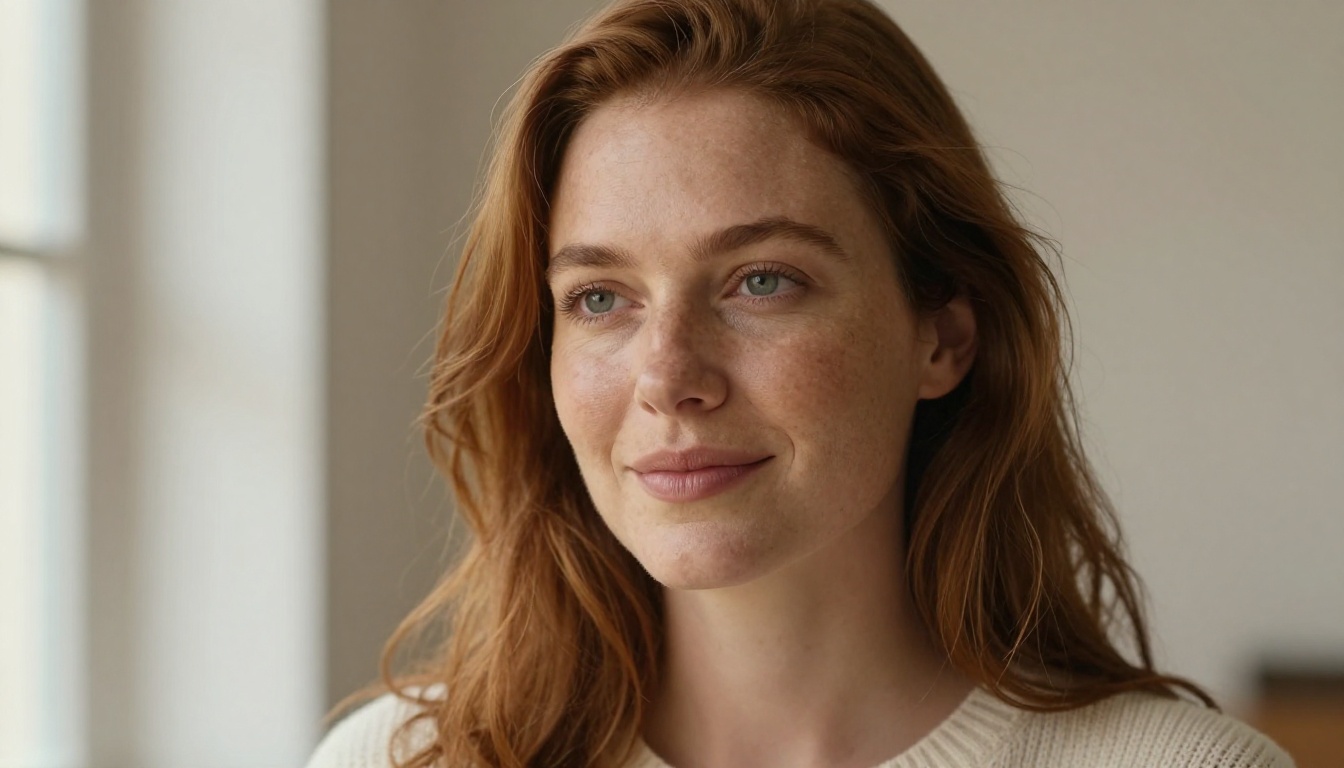
GPT Image 1.5 from OpenAI sits at the top of this ranking for one straightforward reason: it consistently produces the most photorealistic results from natural language prompts across a wide variety of subjects and scenarios. The model has an almost uncanny ability to interpret context, spatial composition, lighting direction, and human anatomy without requiring explicit technical instruction.
Where most models still struggle with hands, complex facial expressions, and reflective surfaces, GPT Image 1.5 handles them with a level of fidelity that frequently passes the "is this a real photograph?" test. It supports 16:9 and square formats natively, and prompt adherence for long, detailed descriptions is exceptional throughout.
Strengths:
- Near-photographic realism in portraits and product shots
- Strong text rendering within images (logos, signs, labels)
- Excellent at multi-element scene composition
Weaknesses:
- Slower generation compared to turbo alternatives
- Can be conservative with dramatic or abstract stylistic requests
💡 Tip: Give GPT Image 1.5 explicit lighting directions like "volumetric morning light from the left" and camera specs like "85mm f/1.4 shallow depth of field" to extract maximum photorealism from each generation.
#2 Flux 2 Pro
Best for: High-volume production, versatile styles, consistent commercial outputs
Flux 2 Pro by Black Forest Labs is the workhorse of this list. Building on the already strong Flux 1.1 lineage, Flux 2 Pro delivers a meaningful improvement in color accuracy, fine detail rendering, and compositional control. It handles everything from photorealistic portraits to stylized editorial images without requiring heavy prompt engineering.
The model is particularly strong for professional and commercial use cases where consistency and reliability across large batches matter. Color grading, light directionality, and background-foreground separation are all noticeably sharper than its predecessors. For teams generating at volume, Flux 2 Dev also provides a research-oriented entry point into the same architecture.
Strengths:
- Excellent consistency across multiple generations of the same prompt
- Superior color accuracy and tonal range
- Strong for both photorealistic and stylized creative outputs
- Reliable for large-batch production workflows
Weaknesses:
- Full quality ceiling requires detailed, well-structured prompts to reach
💡 Tip: Pair Flux 2 Pro with Flux Dev LoRA for custom style fine-tuning on branded visual projects.
How to Use Flux 2 Pro on PicassoIA
Generating with Flux 2 Pro takes under a minute from prompt to output. Here is the process step by step:
- Open the Flux 2 Pro model page on PicassoIA
- In the Prompt field, write a detailed description of your scene including lighting direction, mood, subject details, and camera lens
- Set your Aspect Ratio to 16:9 for landscape scenes, 1:1 for portraits, or 9:16 for vertical social formats
- Adjust Steps to 28-35 for production-quality output, or 20 for faster drafts
- Set Guidance Scale between 3.5 and 4.5 for balanced natural realism
- Click Generate and review your output
Parameter reference:
| Parameter | Value | Effect |
|---|
| Guidance Scale | 3.0 to 4.0 | Natural, photographic look |
| Guidance Scale | 5.0 to 7.0 | Stylized, saturated output |
| Steps | 20 | Fast draft mode |
| Steps | 35+ | Production-quality detail |
#3 Imagen 4 Ultra
Best for: Ultra-high-resolution outputs, landscapes, architectural visuals
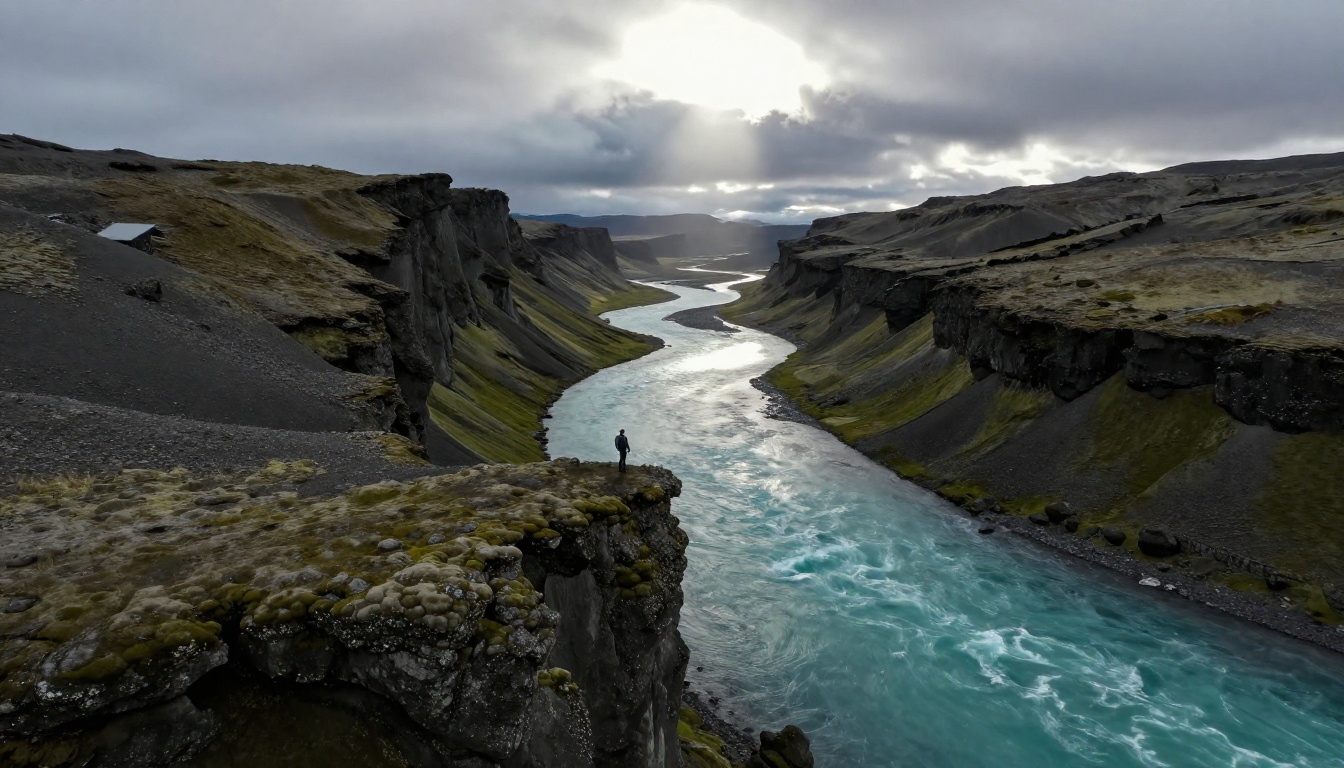
Imagen 4 Ultra is Google's flagship text-to-image model in 2027, earning its top-three position through sheer resolution fidelity and surface detail rendering. The model excels at producing outputs where micro-details, material textures, and spatial accuracy matter most, including architectural renders, product visualizations, and landscape photography.
Imagen 4 Ultra reproduces realistic surface textures, from rough stone walls to water ripples to fine fabric weaves, with exceptional precision. Outdoor lighting simulation, including overcast cloud diffusion and golden hour rim lighting, is among the best available in any current model. For scenes without primary human subjects, it regularly produces outputs indistinguishable from professional photography. The lighter-weight Imagen 4 Fast offers speed-oriented access to the same model family.
Strengths:
- Best-in-class material and surface texture rendering
- Accurate outdoor lighting and atmospheric effects simulation
- High-resolution native output with exceptional fine detail
Weaknesses:
- Less flexible with abstract or highly creative stylistic prompts
- Human subjects can occasionally lack warmth in facial expressions
#4 Ideogram v3 Quality
Best for: Text-in-image generation, poster design, editorial visuals
Ideogram v3 Quality occupies a specific niche where no other model comes close: text rendering within images. If your use case requires legible, stylistically integrated typography inside the generated output, such as product labels, social media cards, movie poster artwork, or event signage, this is the clear choice in 2027.
Beyond text, Ideogram v3 Quality produces editorial-grade compositions with strong typographic sensibility and clean design aesthetics. Backgrounds are handled with restraint, letting subjects breathe rather than being overwhelmed. For rapid iterations, Ideogram v3 Turbo provides a speed-quality tradeoff well-suited to prototyping workflows.
Strengths:
- Best text legibility and typographic integration among all current models
- Clean, editorial composition style that is ready for print
- Strong for poster design, signage, and product label visuals
Weaknesses:
- Less impressive on naturalistic photorealistic photography versus top-tier alternatives
💡 Tip: For typography-heavy projects that also need design balance, use Ideogram v3 Balanced to find the right midpoint between design fidelity and generation speed.
#5 Recraft V4 Pro
Best for: Brand-ready visuals, consistent style, design system outputs
Recraft V4 Pro is the model built for designers. What distinguishes it is design intelligence: the model does not just generate images, it generates images that look like they belong in a coherent visual system. Color harmony, compositional balance, whitespace, and typographic awareness are baked into outputs in a way that feels intentional rather than accidental.
For agencies, marketing teams, and product designers, Recraft V4 Pro reduces the rounds of iteration between raw AI output and a production-ready asset. It is also available in vector format via Recraft V4 SVG, making it the only model in this ranking capable of producing scalable vector graphics directly from text prompts.
Strengths:
- Exceptional design coherence and brand-system awareness
- Available in both raster and scalable SVG vector output formats
- Strong for iconography, product mockups, and marketing assets
Weaknesses:
- Less suited for naturalistic photography or realistic human portrait work
#6 Stable Diffusion 3.5 Large
Best for: Open-source control, fine-tuning, custom visual workflows
Stable Diffusion 3.5 Large from Stability AI remains one of the most capable openly available diffusion models in 2027. Its primary advantage over proprietary alternatives is customizability: via LoRA fine-tuning, ControlNet integrations, and a thriving community of custom checkpoints, SD 3.5 Large adapts to virtually any visual style or specialized domain.
Out of the box, it produces strong photorealistic outputs with accurate anatomy and solid compositional reasoning. For teams that want full control over the generation pipeline, including pose and structural control via SDXL Multi ControlNet LoRA, it remains the reference architecture for custom AI image workflows in 2027.
Strengths:
- Open weights allow full fine-tuning and domain adaptation
- Compatible with ControlNet for precise pose and structural control
- Large active community with thousands of custom fine-tuned checkpoints
- Strong for niche visual domains and specialized stylization
Weaknesses:
- Default outputs require more prompt engineering than proprietary models
- Less intuitive for non-technical users without customization layers
#7 Flux Kontext Max
Best for: Text-guided image editing, iterative refinement, in-context modification
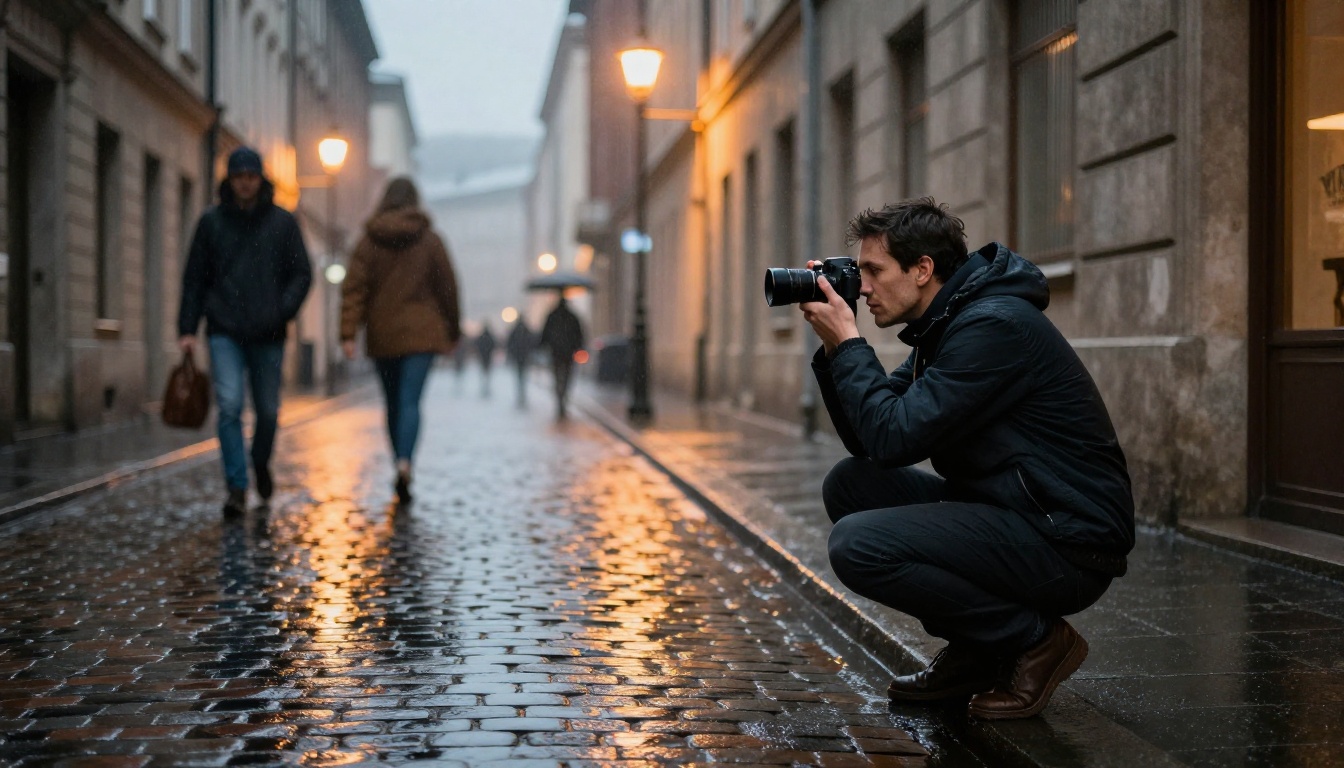
Flux Kontext Max represents a different paradigm from standard text-to-image generation. Rather than starting from a blank canvas, it specializes in editing and transforming existing images based on natural language instructions. Tell it to "change the jacket to red" or "add mountains behind the subject" and it executes with context-aware spatial precision.
This makes it exceptionally valuable for iterative creative workflows where refining an existing concept is more efficient than regenerating from scratch. The model preserves subject identity and scene coherence while applying targeted modifications. For teams working with client-approved base images, this capability is difficult to replicate with any other model. The more accessible Flux Kontext Pro provides a lighter-weight entry point to the same editing capability.
Strengths:
- Best-in-class text-guided image editing and in-context modification
- Preserves subject identity and composition across iterative edits
- Ideal for approval-based production workflows with locked compositions
Weaknesses:
- Not optimized for pure text-to-image generation starting from a blank canvas
#8 Seedream 5 Lite
Best for: Fast generation, high-volume batch workflows, social content
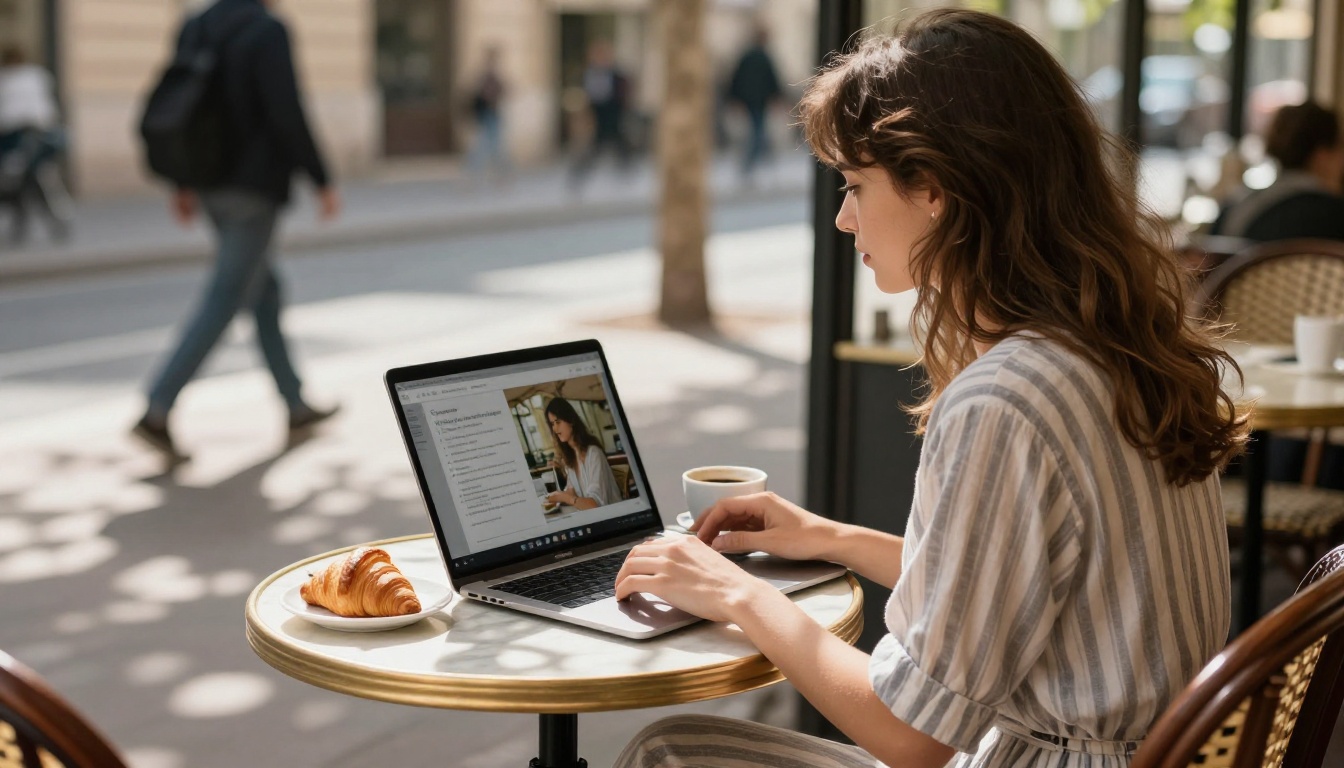
Seedream 5 Lite from ByteDance is the speed leader in this ranking. It produces sharp, usable images at a fraction of the inference time required by top-tier models, without sacrificing the fundamentals: clean compositions, accurate colors, and solid prompt adherence for standard use cases.
For content creators generating large volumes of social media images, blog visuals, or ad variations, Seedream 5 Lite delivers the throughput that premium models simply cannot match. The quality ceiling is lower than GPT Image 1.5 or Flux 2 Pro, but for its intended use case, high-volume content production, it is more than adequate. For higher-resolution requirements within the same model family, Seedream 4.5 offers a quality step-up.
Strengths:
- Fastest generation speed in this entire ranking
- Solid output quality for standard social and content creation workflows
- Excellent throughput for high-volume batch generation at scale
Weaknesses:
- Does not compete with premium models on photorealism or fine detail fidelity at maximum resolution
#9 Qwen Image 2 Pro
Best for: Multilingual prompts, Asian aesthetics, mixed text-visual scenes
Qwen Image 2 Pro from Alibaba's Qwen team distinguishes itself through multilingual prompt understanding and strong performance on visual styles that Western-centric models tend to handle poorly. East Asian aesthetics, traditional art styles, and multilingual text rendering inside images are areas where it consistently outperforms the alternatives on this list.
The model also performs well on mixed-content scenes that combine photographic elements with graphic design conventions, such as social media posts with overlaid typography, infographic-style product layouts, and retail visual assets. For broader exploration of the Qwen image family, Qwen Image 2 provides a solid standard-tier alternative at lower cost per generation.
Strengths:
- Superior multilingual text prompt understanding including Asian languages
- Strong on East Asian visual styles and aesthetic traditions
- Effective at mixed photo-graphic compositional scenes
Weaknesses:
- Less consistent output on Western editorial photography styles compared to top-tier alternatives
#10 Flux 2 Dev
Best for: Research, prototyping, fine-tuning for custom pipelines
Flux 2 Dev rounds out this ranking as the developer-oriented sibling of Flux 2 Pro. It delivers the same core architecture and output quality at a tier suited for experimentation, custom fine-tuning, and integration into AI-powered products and generation pipelines.
While Flux 2 Pro is optimized for end-user production workflows, Flux 2 Dev gives builders, researchers, and teams the access needed to adapt the model to proprietary datasets, custom styles, or specialized domain outputs. It is the right starting point for anyone integrating image generation capabilities into their own applications on top of the Flux architecture. Faster inference is available via Flux Schnell for rapid prototyping iterations.
Strengths:
- Full fine-tuning support for custom styles and domain adaptation
- Strong base output quality matching Flux 2 Pro in most standard scenarios
- Correct foundation for building AI image products and pipelines on Flux
Weaknesses:
- Lacks the production optimization layer present in the Flux 2 Pro variant
Rankings at a Glance
| Rank | Model | Best For | Speed | Quality |
|---|
| 1 | GPT Image 1.5 | Photorealism, portraits | Medium | ★★★★★ |
| 2 | Flux 2 Pro | Production, versatility | Medium | ★★★★★ |
| 3 | Imagen 4 Ultra | Textures, architecture | Medium | ★★★★★ |
| 4 | Ideogram v3 Quality | Text-in-image, design | Medium | ★★★★☆ |
| 5 | Recraft V4 Pro | Brand design, vectors | Medium | ★★★★☆ |
| 6 | SD 3.5 Large | Custom workflows, OSS | Medium | ★★★★☆ |
| 7 | Flux Kontext Max | Image editing, refinement | Fast | ★★★★☆ |
| 8 | Seedream 5 Lite | Volume, social content | Very Fast | ★★★☆☆ |
| 9 | Qwen Image 2 Pro | Multilingual, mixed | Fast | ★★★☆☆ |
| 10 | Flux 2 Dev | R&D, fine-tuning | Medium | ★★★★☆ |
The Right Model for Your Needs
Picking the right model from this list comes down to what you are making and at what volume.
For Portraits and People
Start with GPT Image 1.5. Its handling of human anatomy, facial expressions, and skin texture in natural lighting is unmatched among the current generation. For editorial portraits that need to pass a "real photo" test, this is the model to reach for first.
For Landscapes and Environments
Imagen 4 Ultra is the clear pick. Its surface texture rendering, outdoor light simulation, and architectural accuracy make it the standard for environments, locations, and scenes without primary human subjects.
For Speed at Scale
Seedream 5 Lite and Flux Kontext Max are the right options when throughput matters more than ceiling quality. Both handle large batch runs reliably without degrading consistency across generations.
For Design Professionals
Recraft V4 Pro and Ideogram v3 Quality sit in a class of their own for design-system thinking and typography-integrated visuals. If your output goes directly into a brand system or print production workflow, start here.

Try These Models Right Now
Every model in this ranking is available to run directly on PicassoIA without setup, installation, or API credentials. Open any model page, write your prompt, and generate in seconds. The platform gives you instant access to over 91 text-to-image models side by side, so you can compare outputs from different generators on the same prompt and find the one that fits your creative needs.
Whether you are testing Flux 2 Pro for your next campaign, experimenting with Ideogram v3 Quality for poster design, or pushing GPT Image 1.5 to its photorealism ceiling, the tools are ready. Write a prompt, hit generate, and see what the current state of AI image synthesis can actually produce for your work.


