Finding the Best AI Image Generator for Art: A Practical Guide for Creatives
This guide examines the top AI image generation models specifically for artistic applications. We compare output quality, artistic style capabilities, detail resolution, and practical workflow integration for digital artists, illustrators, and creative professionals. The analysis covers photorealistic rendering, artistic control, and which models deliver professional-grade results worth your time and resources.
The landscape of AI image generation has exploded in recent years, but not all models are created equal when it comes to artistic applications. For professional artists, illustrators, and creative teams, the choice of AI tool can mean the difference between generic outputs and gallery-worthy creations.
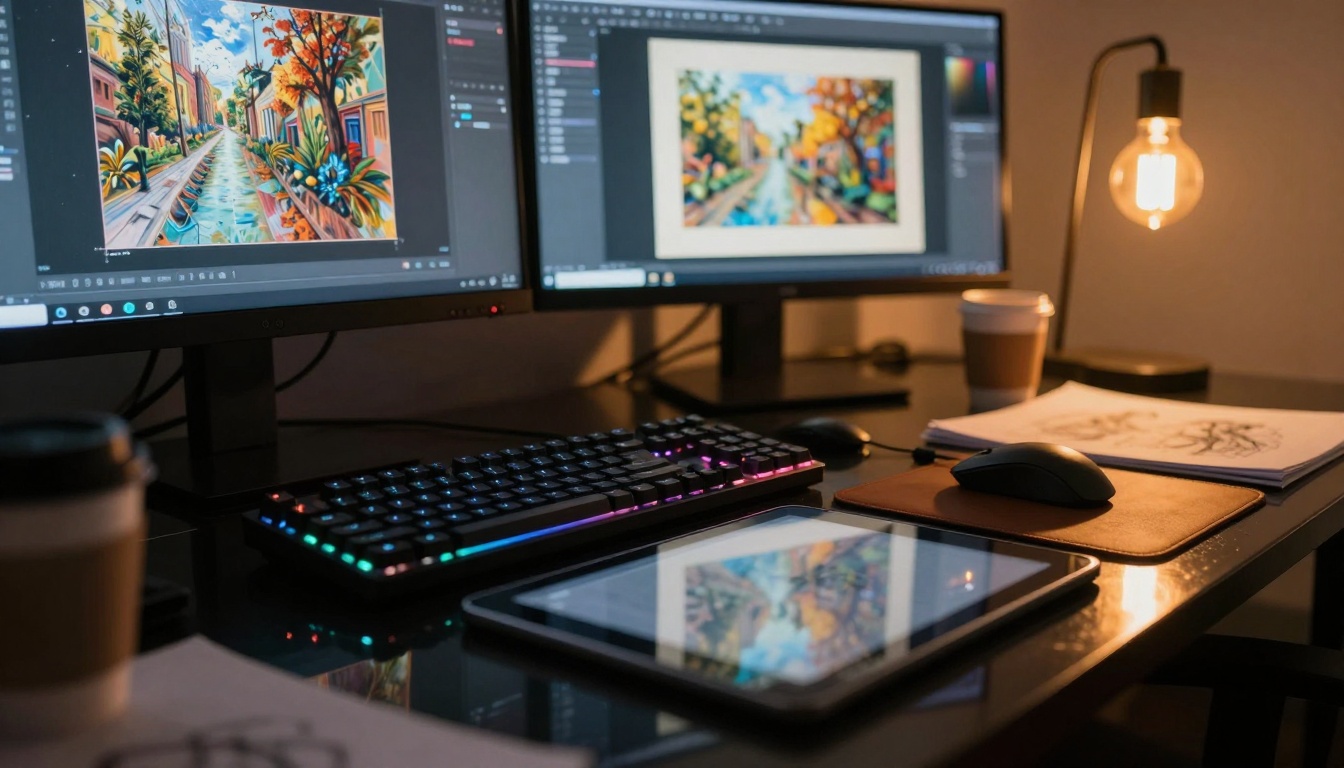
Above: Professional AI artist workstation showing integration of digital tools
What Artists Need from AI Generators
Professional artists have specific requirements that casual users might overlook:
Detail Resolution: The ability to render fine textures, intricate patterns, and subtle lighting variations
Artistic Control: Parameters that allow for specific style directions, not just vague prompts
Consistency: Reliable outputs that match creative vision across multiple generations
Workflow Integration: Tools that fit into existing creative pipelines rather than disrupting them
Top Models for Artistic Applications
1. Flux Series: The Professional's Choice
The Flux model family from Black Forest Labs has become the industry standard for professional artists. What sets it apart:
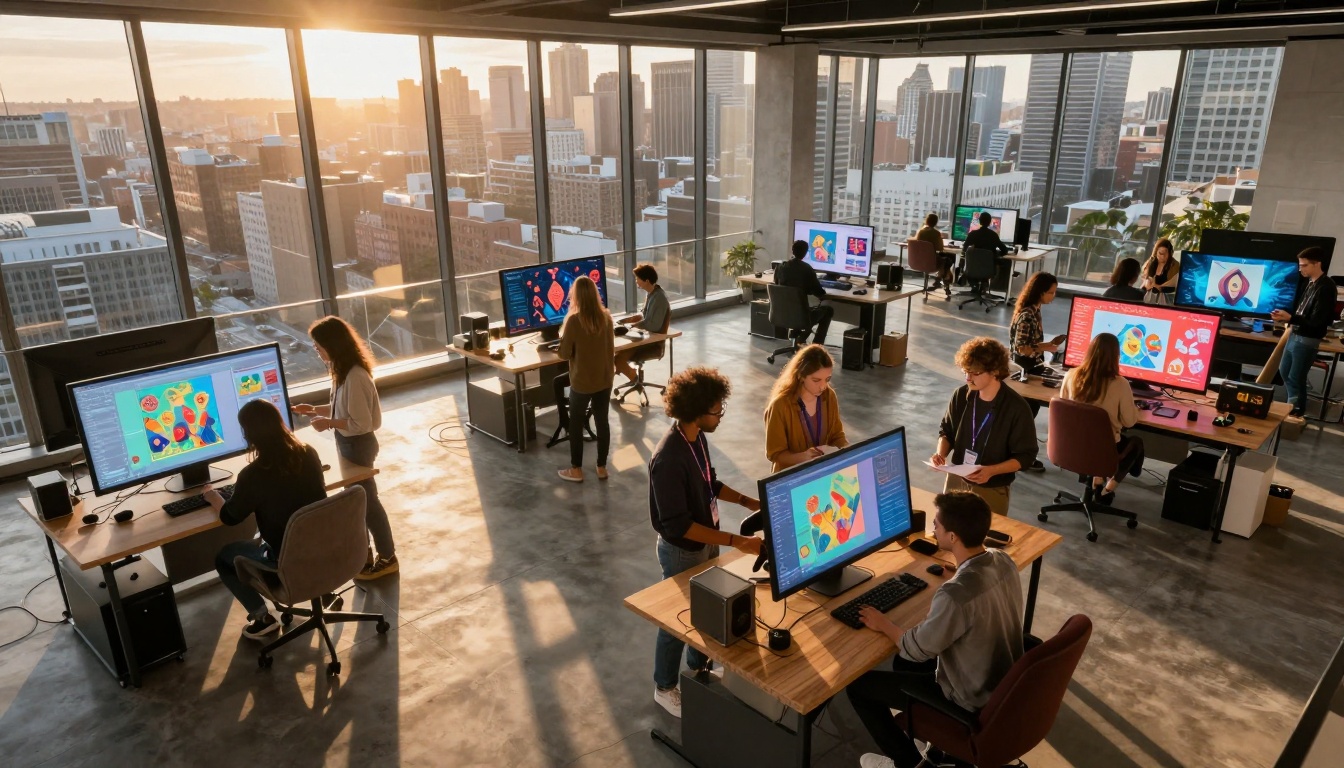
Above: Creative teams using AI tools in collaborative studio environment
Key Flux Models for Artists:
flux-2-pro: Highest quality output with exceptional detail
flux-2-max: Maximum resolution capabilities for large-scale works
flux-2-flex: Versatile style adaptation for different artistic needs
Why Artists Choose Flux:
💡 Flux consistently delivers photorealistic results with proper lighting, depth, and texture that other models struggle with. The attention to detail in things like fabric texture, skin pores, and environmental lighting makes it worth the processing time.
2. GPT Image 1.5: The Conceptual Innovator
GPT Image 1.5 from OpenAI excels at conceptual art and imaginative scenes. Where it shines:
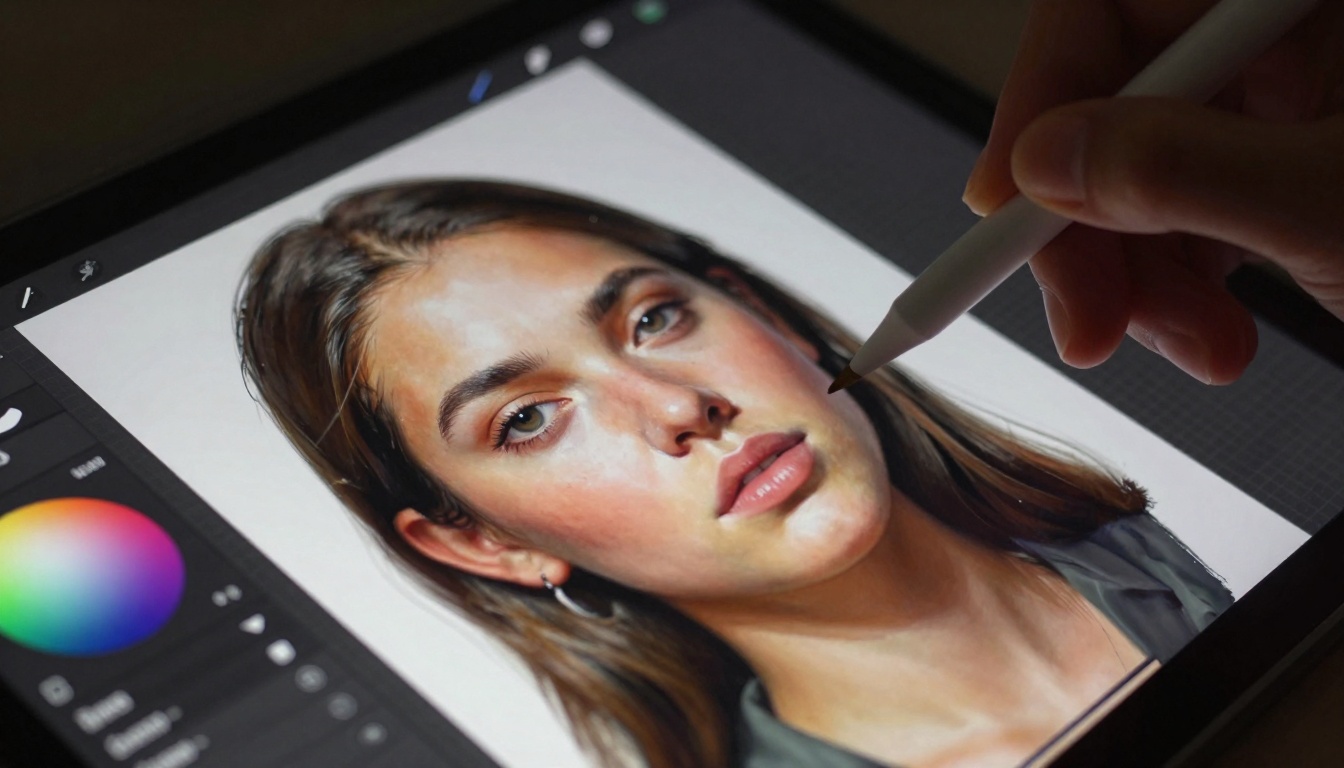
Above: Detailed view of AI painting process with brush stroke precision
Concept Development: Excellent for initial concept sketches and mood boards
Creative Interpretation: Strong at understanding abstract prompts and artistic direction
Style Blending: Can merge multiple artistic styles in coherent ways
Best For: Concept artists, storyboard creators, and those needing imaginative rather than photorealistic outputs
3. Qwen Image Series: The Detail Master
The Qwen Image models have gained reputation for technical precision:
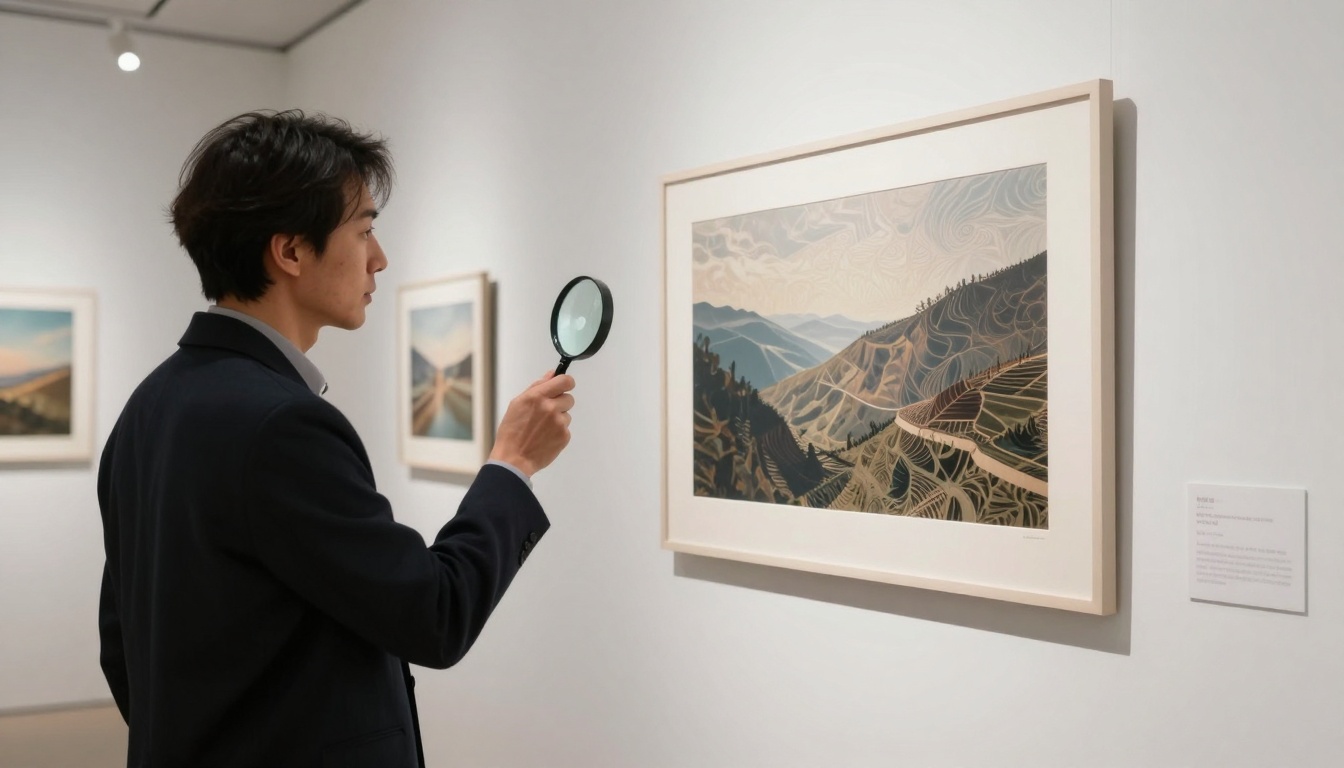
Above: Gallery curator examining AI-generated art print quality
Technical Strengths:
Architectural Precision: Excellent for product design, architectural visualization
Material Accuracy: Realistic rendering of different surfaces and textures
Consistent Scale: Maintains proper proportions and spatial relationships
Particularly Effective For: Industrial designers, architects, and technical illustrators who need precise, accurate representations
4. p-image & z-image-turbo: The Speed Solutions
For artists who need rapid iteration and workflow speed:
p-image: Fast generation with solid artistic quality
z-image-turbo: Ultra-fast processing for concept iteration
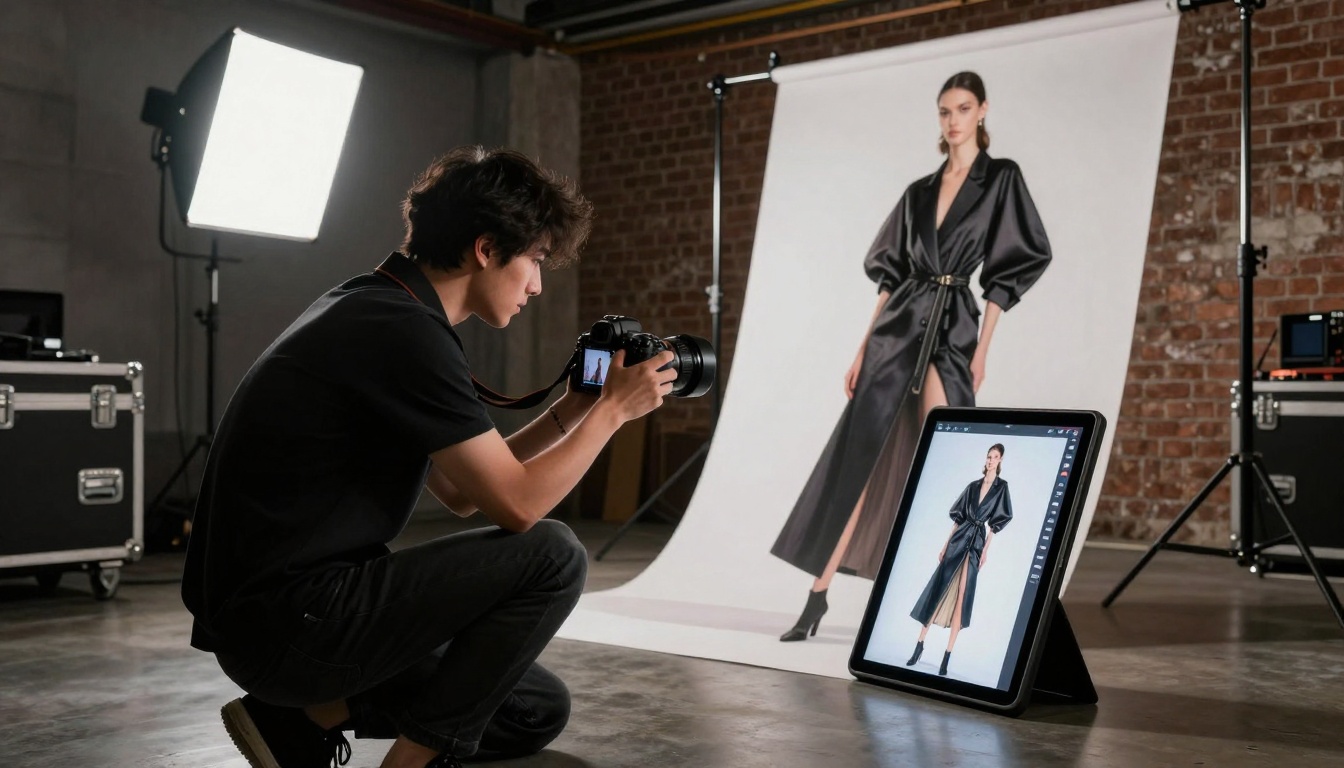
Above: Fashion photographer using AI concepts as shooting reference
When Speed Matters:
💡 These models aren't about maximum quality—they're about maximum iterations per hour. For artists developing multiple concepts quickly, the ability to generate 20 variations in the time it takes Flux to produce 2 can be more valuable.
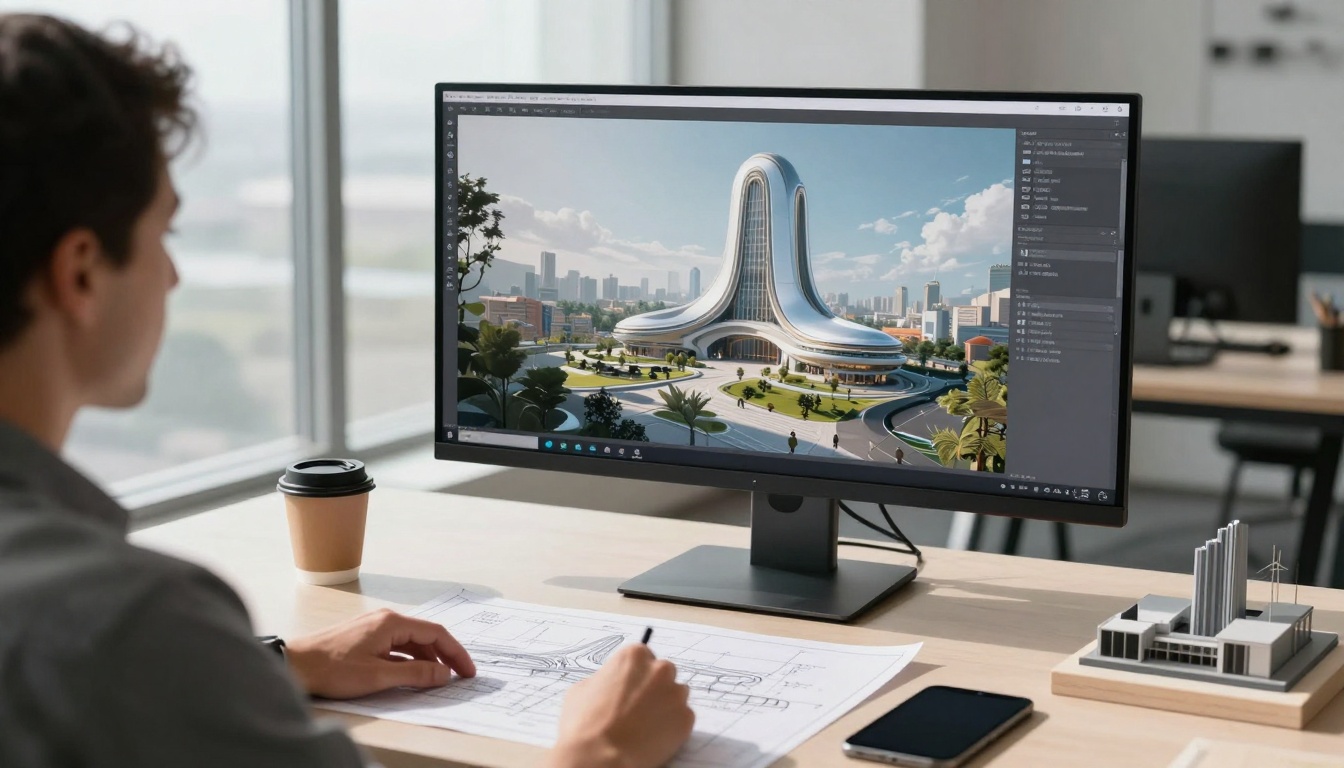
Above: Architect integrating AI concepts into traditional design workflow
Artistic Considerations Beyond Model Choice
Prompt Engineering for Artists
Professional results require professional prompts. Key elements for artistic generation:
1. Lighting Specification
"Volumetric morning light from northeast window, soft shadows with subtle fill light from reflected surfaces"
2. Texture Details
"Visible brush strokes in oil paint technique, canvas weave texture showing through in thinner areas"
3. Composition Direction
"Rule of thirds composition with subject placed at intersection points, leading lines directing viewer attention"
4. Color Palette Control
"Limited palette of cadmium red, ultramarine blue, and titanium white with earth tone accents"
Workflow Integration Strategies
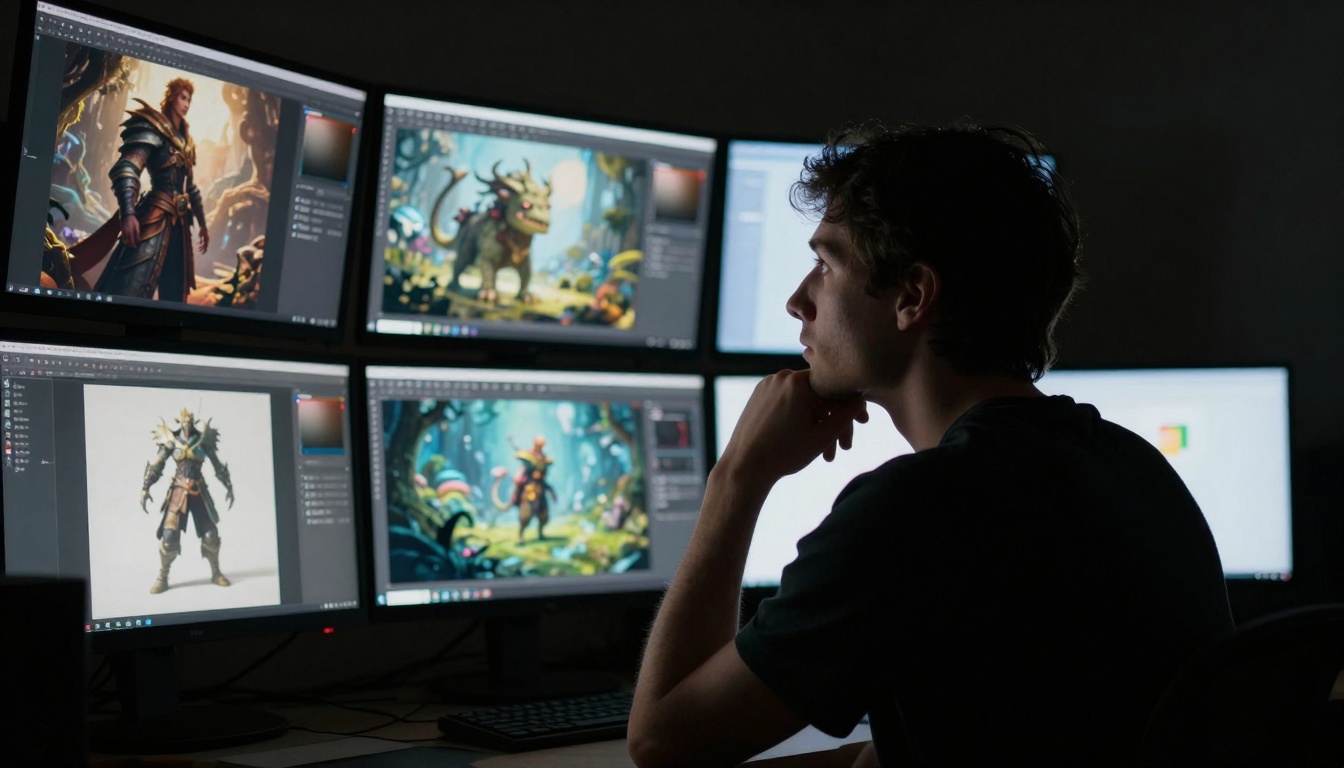
Above: Concept artist using AI for character and environment development
Effective Artist Workflows:
Concept Phase: Use faster models (z-image-turbo, p-image) for rapid idea generation
Development Phase: Switch to quality models (Flux, Qwen) for refined versions
Final Phase: Use highest-quality model (flux-2-pro) for finished artwork
Post-Processing: Traditional digital painting over AI base for final polish
Ethical & Practical Considerations
Copyright & Originality
💡 While AI tools generate images, the artist's creative direction, selection, and post-processing constitute the actual artistic work. Most professional artists use AI as a starting point rather than a finished product.
Style Development
AI should complement your existing style, not replace it
Use consistent prompting patterns to develop recognizable outputs
Blend AI generations with traditional techniques for unique results
The PicassoIA Platform Advantage
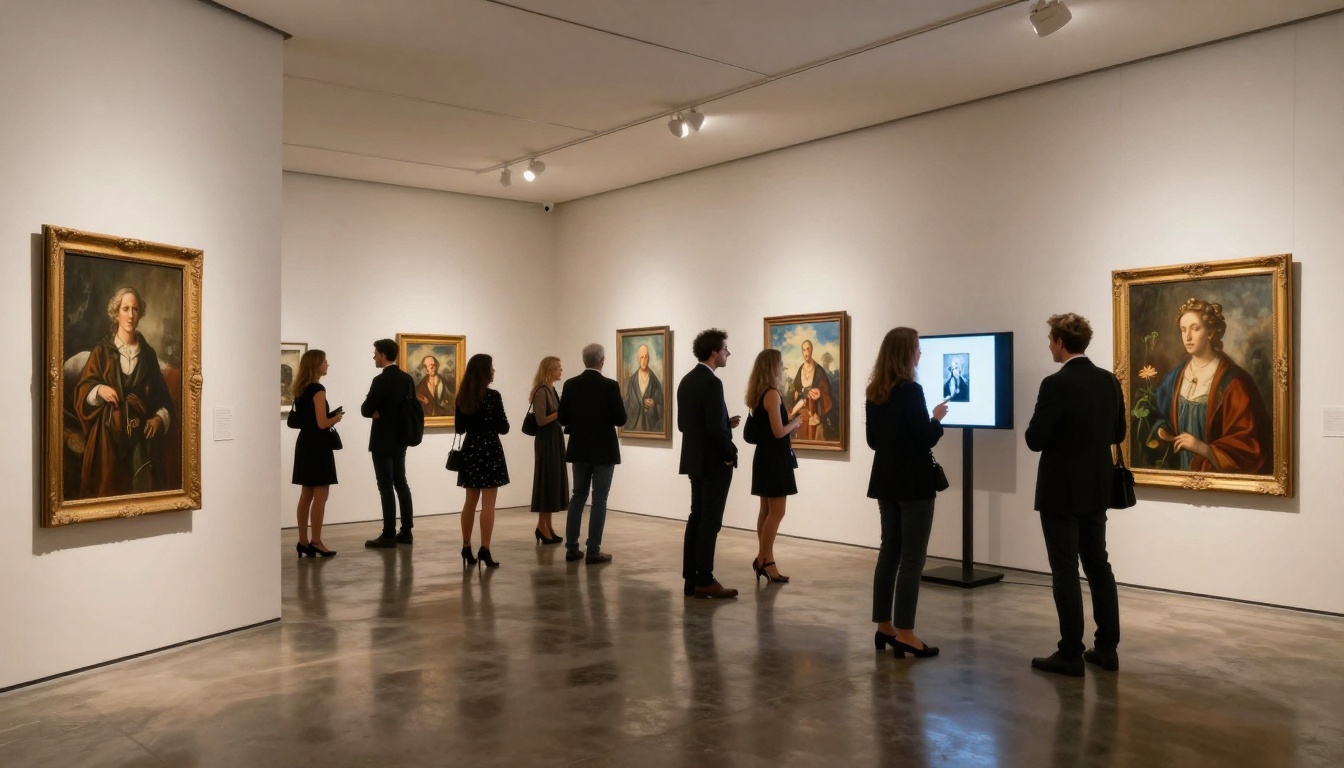
Above: Exhibition showing integration of AI and traditional art forms
Why PicassoIA for Artists:
Model Variety: Access to all major image generation models in one place
Consistent Quality: Professional-grade outputs across different models
Workflow Tools: Batch processing, style consistency features, and parameter libraries
Cost Efficiency: Pay-per-use model rather than expensive subscriptions
What specific artistic problems are you trying to solve?
Which parts of your workflow could benefit from AI assistance?
What quality level is necessary for your intended use?
Step 2: Model Selection Strategy
Start with faster models for exploration
Graduate to quality models for production work
Maintain a library of effective prompts for each model
Step 3: Integration Planning
How will AI outputs enter your existing workflow?
What post-processing steps will you apply?
How will you maintain artistic consistency?
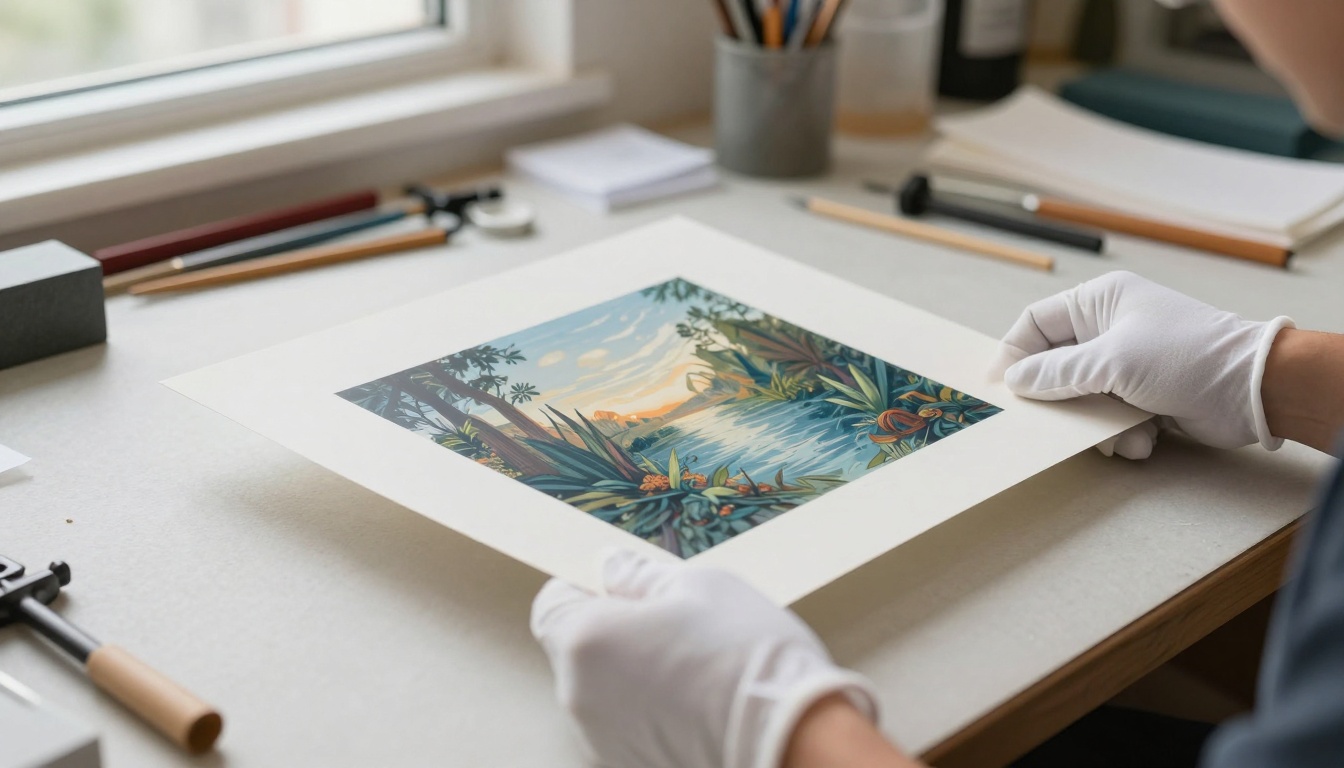
Above: Professional handling and conservation of AI-generated art prints
Common Artistic Applications
Digital Painting Assistance
Use AI for background generation, then paint foreground elements traditionally
Generate texture references for specific materials and surfaces
Create lighting studies for complex scenes
Concept Art Development
Rapid character concept generation with consistent style
Environment exploration with multiple architectural styles
Mood board creation with coherent color palettes
Illustration Workflow
Generate base compositions, then refine with traditional illustration
Create consistent character poses across multiple scenes
Develop background details that complement foreground subjects
The Future of AI in Art
The integration of AI into artistic workflows is not about replacement but about augmentation. The most successful artists aren't those who use AI instead of traditional skills, but those who use AI to enhance what they already do well.
Key Trends to Watch:
Style Consistency Tools: AI that learns and replicates your personal artistic style
Workflow Integration: Seamless AI tools within existing creative software
Collaborative AI: Models that work with artists in iterative dialogue
Specialized Models: AI trained on specific artistic genres or techniques
Your Next Steps with AI Art Generation
The best approach is practical experimentation. Start with the models that match your current needs:
Remember: The tool is only as good as the artist using it. Your creative vision, artistic judgment, and post-processing skills will determine the final quality far more than which AI model you choose.
Start creating today—the combination of human creativity and AI capability produces results that neither could achieve alone. The artists who embrace these tools while maintaining their unique creative voice will define the next generation of artistic expression.