Best AI Image Generator for Beginners: Start Creating Today
This guide walks complete beginners through choosing and using AI image generators. We cover simple interfaces, basic prompting techniques, and practical workflows that deliver results from day one. Learn what actually works for newcomers, which models are genuinely beginner-friendly, and how to avoid common frustration points when starting with AI image creation.
The door to AI image creation used to require technical credentials. You needed to understand machine learning frameworks, navigate complex parameter grids, and speak the language of latent spaces. That barrier has crumbled. Today, anyone with a simple idea and basic typing skills can generate stunning visual content. The revolution isn't just about the technology—it's about accessibility.
That moment before creation begins—hands poised, idea forming, interface waiting.
When you're starting out, the most important factor isn't raw power. It's approachability. The best tools for beginners share common traits: clean interfaces, immediate feedback, and guidance that helps rather than overwhelms.
What beginners actually need
💡 Beginner reality check: You don't need every feature on day one. You need the core features working well.
Professional AI artists use tools with hundreds of parameters, custom training datasets, and complex workflow integrations. As a beginner, you need something fundamentally different:
Beginner Needs
Professional Tools
Simple text input
Complex parameter grids
Immediate results
Batch processing
Clear error messages
Technical logs
Guided learning
Full control
Community examples
Advanced techniques
The gap between these needs explains why some people give up early. They choose tools designed for experts, get overwhelmed by complexity, and assume AI image generation "isn't for them." That assumption is wrong—they just chose the wrong starting point.
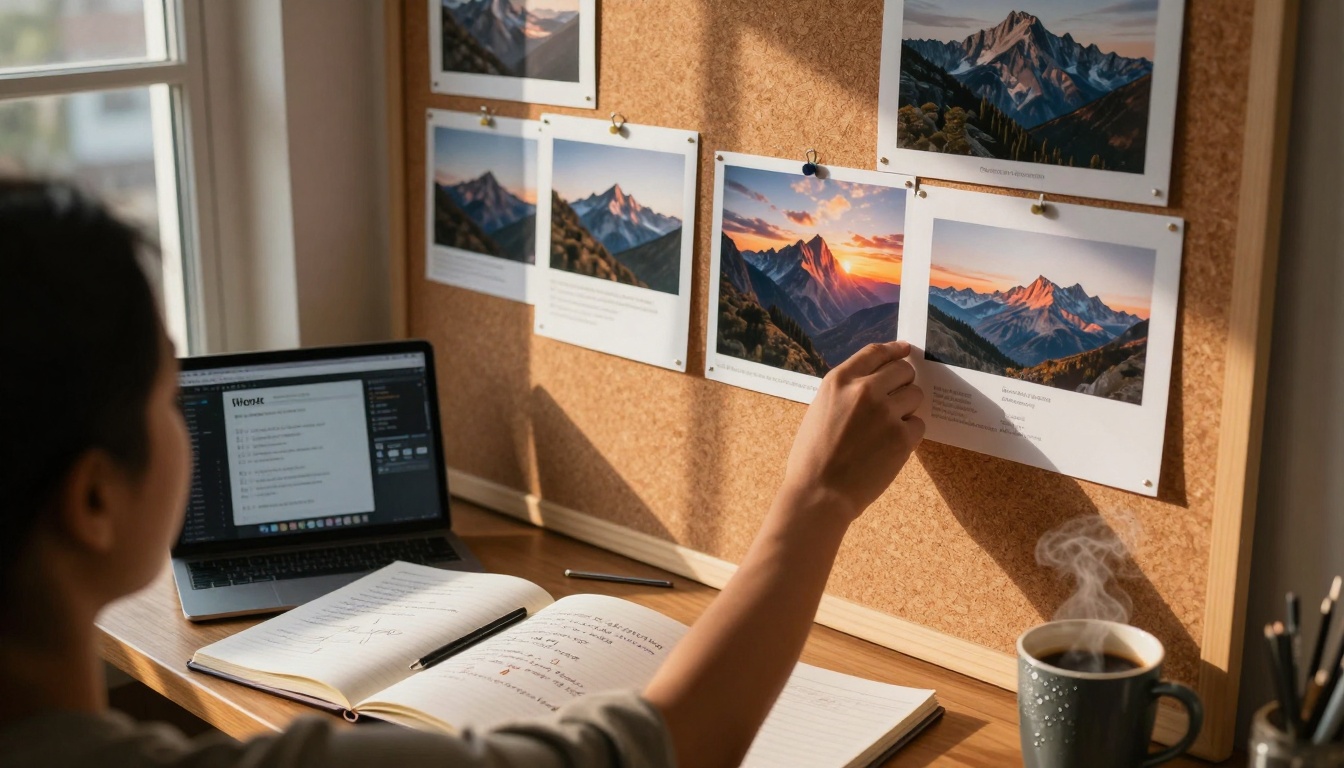
Progression visible on a corkboard—from simple attempts to polished creations.
Simple interfaces that work
The interface is your conversation with the AI. If it feels like arguing with a stubborn bureaucrat, you'll quit. If it feels like chatting with a creative partner, you'll continue.
Look for these interface elements:
Single text box prominence: The prompt input should be the central focus, not buried in menus
Example prompts: Clickable examples that show what's possible
Visual feedback during generation: Progress indicators that show something is happening
Clear output organization: Generated images arranged logically, not scattered randomly
One-click variations: Easy ways to try different versions of successful prompts
Some platforms nail this simplicity. PicassoIA's p-image model offers exactly this approach—clean interface, immediate generation, and results that match beginner expectations.
Basic prompting: Start with what you know
Everyone overcomplicates their first prompts. They try to write poetic descriptions, use technical art terms, or mimic examples they've seen from professionals. Stop that. Start simpler.
Your first prompt formula:
[Subject] + [Basic action] + [Simple setting]
Examples that work:
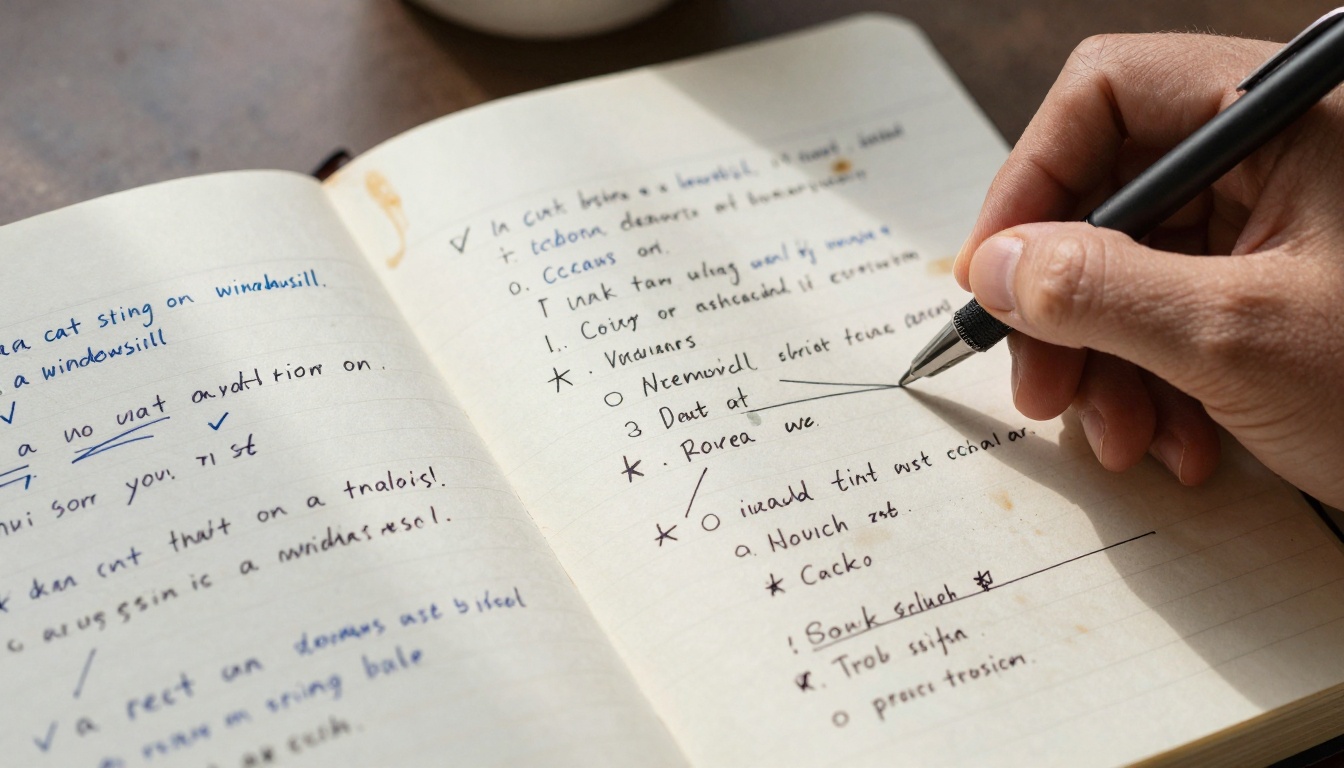
"A cat sitting on a windowsill"
"A cup of coffee on a wooden table"
"A person walking in a park"
"A mountain with a sunset"
Notice what's missing: artistic styles, lighting descriptions, camera specifications. Add those later, once you've confirmed the AI understands your basic intent.
The learning process documented—simple prompts, notes on what worked, gradual complexity.
This gradual approach builds confidence. Each small success makes the next step feel achievable rather than intimidating.
Model choices: Which ones work for newcomers
Not all AI models are created equal for beginner purposes. Some excel at photorealism but require precise technical input. Others handle abstraction well but struggle with consistency. For beginners, you want models that:
Understand natural language (not just art terminology)
Produce consistent results (similar prompts yield similar quality)
Have reasonable speed (under 30 seconds feels interactive)
Offer clear documentation (not just technical papers)
Based on these criteria, several models stand out:
For photorealism beginners
Flux models: Excellent at understanding everyday scenes and objects
GPT Image 1.5: Strong natural language understanding, good for descriptive prompts
For creative exploration
SDXL variations: Good balance of creativity and accessibility
Qwen Image: Handles imaginative concepts well with simple prompts
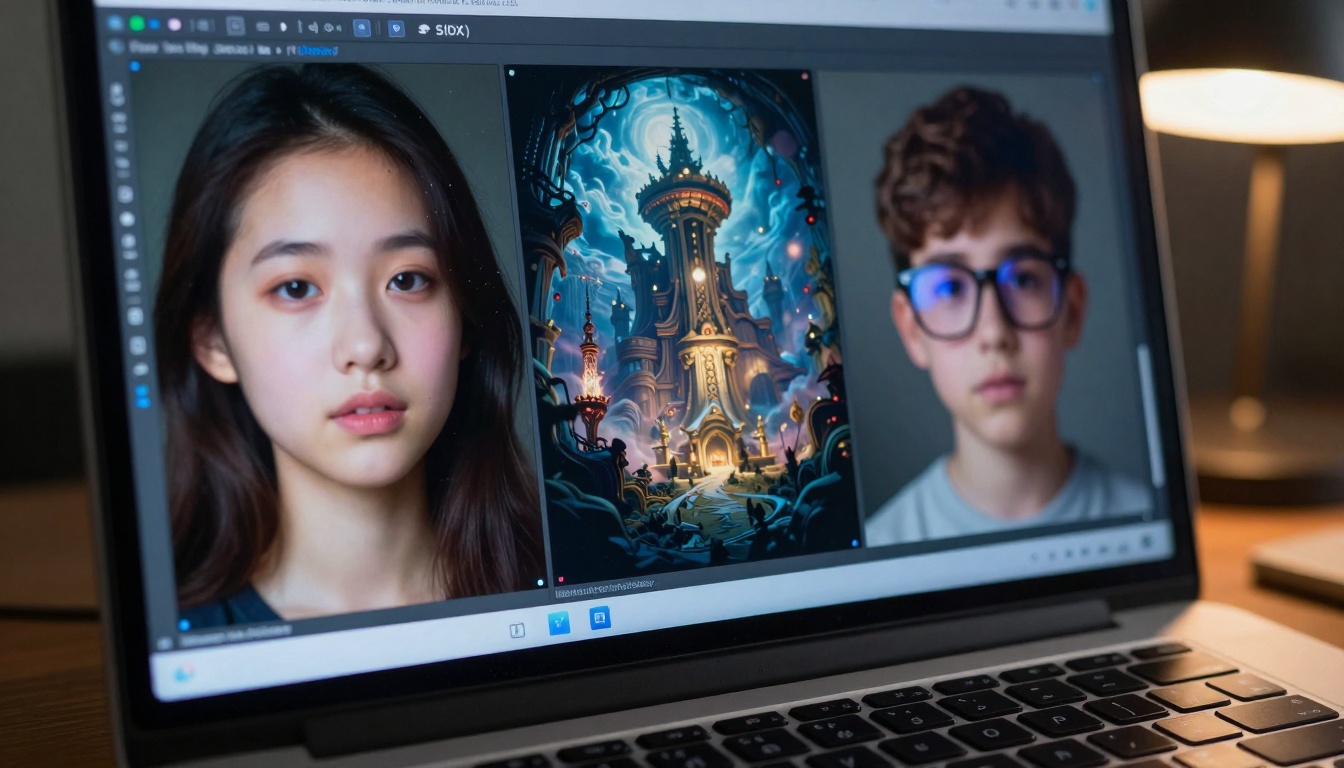
Side-by-side comparison showing different model outputs from the same prompt.
Important: Don't get trapped in "best model" debates early. Pick one that meets the criteria above, use it consistently for a month, then explore others. Jumping between models too quickly prevents you from learning their specific behaviors.
Common mistakes and how to avoid them
Every beginner makes the same mistakes. Knowing them in advance saves weeks of frustration.
Mistake 1: Overly complex prompts
What happens: The AI gets confused, produces garbled results, or ignores parts of your prompt.
Solution: Start with 3-5 word prompts. Add complexity only when simple prompts work reliably.
Mistake 2: Expecting perfection immediately
What happens: You compare your first attempts to professional work online, get discouraged.
Solution: Compare your third attempt to your first attempt. Measure progress against yourself, not experts.
Mistake 3: Not saving successful prompts
What happens: You create something great, forget how you did it, can't reproduce it.
Solution: Keep a simple text file or notebook. Copy-paste successful prompts with notes about what worked.
Mistake 4: Ignoring community examples
What happens: You struggle alone when solutions exist in shared knowledge.
Solution: Browse community galleries, not to copy, but to understand what's possible with simple prompts.
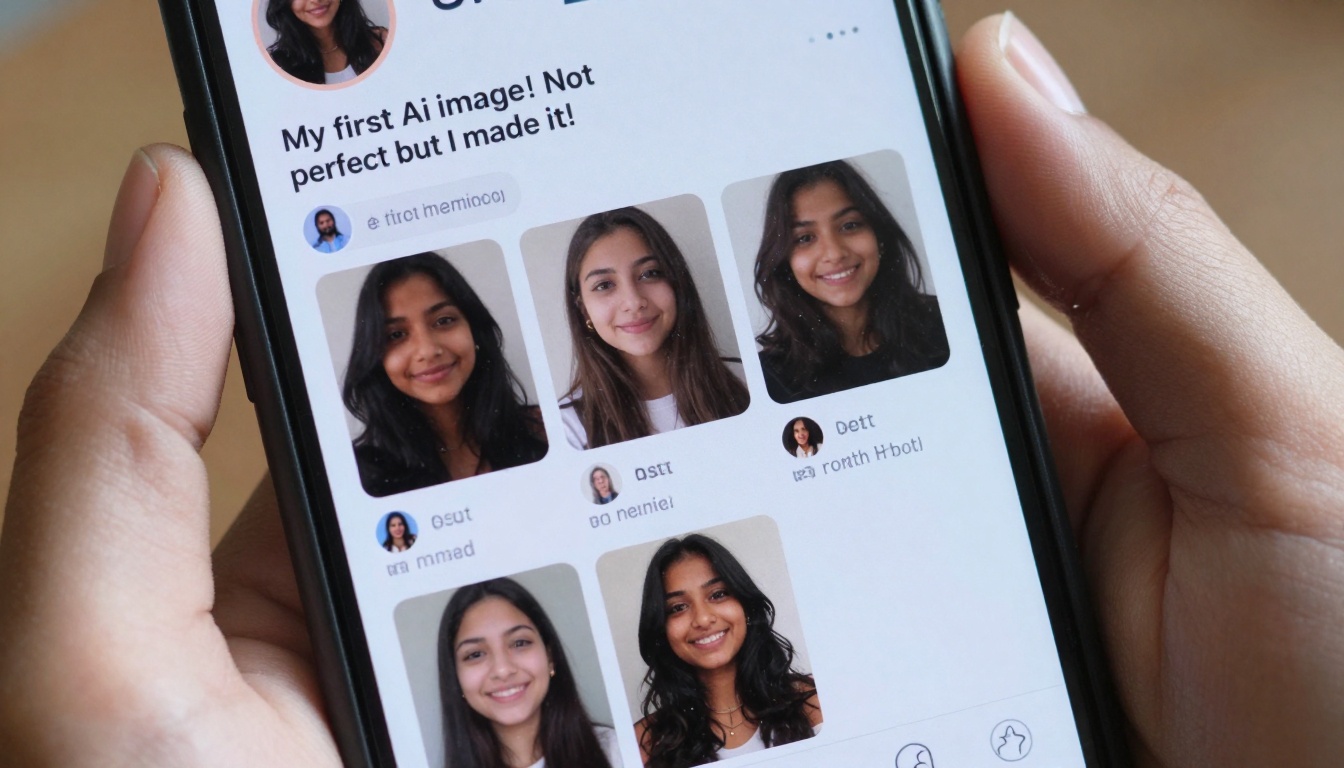
Social sharing creates feedback loops—early attempts get encouragement, improvements get recognition.
Building skills: From first image to consistent results
Skill development follows a predictable pattern if you approach it systematically.
Week 1-2: Exploration phase
Generate 5-10 images daily with simple prompts
Don't judge quality—just observe what the AI produces
Note which simple subjects work reliably
Identify 2-3 "go-to" prompts that consistently produce okay results
Week 3-4: Refinement phase
Take your reliable prompts and add one adjective each time
Experiment with time of day ("morning light" vs "sunset")
Try basic emotions ("happy dog" vs "sleepy dog")
Build a library of 10-15 prompts that work 80% of the time
Month 2: Expansion phase
Combine elements from different successful prompts
Experiment with simple camera terms ("close-up", "wide angle")
Develop personal preferences for certain types of images
Visual timeline of growth—from tentative beginnings to confident workflow.
Key metric: Your "success rate"—the percentage of prompts that produce usable results—should increase from about 20% in week 1 to 60-70% by month 2. Usable doesn't mean perfect; it means "good enough for my current purpose."
Integration with other creative tools
AI image generation rarely exists in isolation. The real power comes from combining it with tools you already use.
Basic integration workflows:
For social media content:
Generate background image with AI
Add text overlay in Canva or similar tool
Adjust colors for platform consistency
Export optimized size
For personal projects:
Create multiple image variations with AI
Select best options
Make minor edits in basic photo editors (cropping, brightness)
Use in presentations, documents, or personal websites
For learning design principles:
Generate images with different compositions
Analyze what makes some work better than others
Apply those principles to your next prompts
Create before/after comparisons to track improvement
AI becomes one tool among many—integrated rather than isolated.
Tool stack progression:
Month 1: AI generator only
Month 2: AI + basic image editor (for cropping/color)
Month 3: AI + editor + layout tool (for compositions)
Month 4: AI + full creative suite (as needed for projects)
The goal isn't to become an AI expert. It's to make AI a reliable part of your creative toolkit.
Community and learning resources
Learning alone works, but learning with others works better. The AI art community has evolved from exclusive technical circles to inclusive creative spaces.
Where to learn:
For prompt techniques:
Community prompt libraries (shared successful prompts)
YouTube tutorials focused on beginners, not experts
Discord servers with dedicated beginner channels
For technical questions:
Platform-specific documentation (often has beginner sections)
Reddit communities with "no stupid questions" policies
Official support channels that actually answer basic questions
For inspiration:
Gallery sites that show prompts alongside images
Social media accounts that document learning journeys
Challenge communities with weekly beginner-friendly themes
What to avoid:
Advanced technique discussions early on (they'll confuse more than help)
Model superiority debates (different tools work for different people)
Perfectionist communities (they raise standards too quickly for beginners)
Paywalled "secret techniques" (good information is usually freely shared)
Creativity happens where you're comfortable—not just at professional workstations.
Community participation rule: Share your learning process, not just your best results. When beginners see other beginners progressing, it normalizes the struggle and makes success feel attainable.
Moving beyond basics when you're ready
You'll know when you're ready to advance. The signs include:
Simple prompts feel too limiting
You can predict roughly what an AI will produce from a prompt
You have specific creative goals that require more control
You're frustrated by limitations rather than intimidated by complexity
Next-step options:
Technical depth:
Learn about negative prompts (specifying what you don't want)
Experiment with seed values for consistency
Understand basic parameters like guidance scale and steps
Combine AI generation with manual editing in layers
Workflow integration:
Set up batch processing for multiple variations
Create prompt templates for recurring needs
Integrate AI into existing creative software via plugins
That moment of realization—you created this, and you can create more.
Critical mindset shift: Advanced techniques aren't "better" than basics. They're different tools for different jobs. Sometimes a simple prompt in a beginner-friendly model produces exactly what you need. Knowing when to use simple approaches versus complex ones is itself an advanced skill.
Your starting point today
The most common reason people don't start is decision paralysis. Too many options, too many opinions, too much uncertainty. Here's your elimination path:
Choose one platform with beginner-friendly models (PicassoIA works well)
Pick one model from their beginner recommendations (p-image or similar)
Write five simple prompts using the formula above
Generate all five without judging quality
Identify which prompt worked best
Make three variations of that successful prompt
Save your notes about what worked
That's 30 minutes of activity that moves you from "thinking about trying AI" to "having created AI images."
The tools exist. The guidance exists. The community exists. The only missing piece is your first prompt. Type it. See what happens. Adjust. Try again. That's the entire process—repeated until you have the skills you want.
💡 Final thought: Every expert was once a beginner who didn't quit after their first awkward attempts. Your early images might not be masterpieces, but they're the necessary foundation for whatever you want to create next.