The difference between a creator who scales and one who stalls usually isn't talent. It's workflow. And right now, the single biggest workflow upgrade available to visual creators is picking the right AI image generator. Not all of them are built the same. Some are fast but imprecise. Others give you stunning realism but fight you on anything outside their training data. Knowing which one fits your actual production process means fewer frustrations, more consistent output, and more hours spent on creative decisions instead of fixing broken generations.
Most creators try one or two generators, stick with whichever produces the least headaches, and never revisit the decision. That's a mistake. The landscape has shifted dramatically in 2027, and the gap between the best and average tools is now massive in terms of output quality, prompt responsiveness, and practical usability for professional work.
The model you use shapes your creative ceiling. If your generator struggles with realistic skin tones or can't maintain compositional consistency across a batch, you're constantly compensating. That compensation costs time, and time is the one thing creators never have enough of.
Speed vs. Quality Trade-offs
Fast text-to-image models generate results in seconds but often sacrifice detail, lighting accuracy, or anatomical correctness. High-fidelity models take longer but produce images that hold up under scrutiny on large screens, in print, or in client presentations.
The smart approach: use fast models for ideation and rapid iteration, then switch to high-fidelity models for final deliverables. This split between exploration and production is what separates creators who get good results from those who get great ones consistently.
Prompt Control Matters
A generator is only as good as its responsiveness to your input. If you write a detailed prompt and the model ignores half of it, you're not working with a tool, you're fighting one. Prompt fidelity, the degree to which a model follows your instructions precisely, varies wildly between AI image generators.
The best text-to-image models in 2027 handle layered prompts: specific lighting conditions, camera angles, subject behavior, and background depth all in a single input. That level of control is what makes AI image generation genuinely useful for professional creators rather than just experimental.
The Top AI Image Models Right Now
PicassoIA gives you access to over 90 text-to-image models under one platform. Instead of juggling five separate subscriptions and different interfaces, you work with a consistent UI while swapping the underlying model depending on what the project demands. Here's a breakdown of the standout models worth building into your workflow.
GPT Image 2 for Photorealism
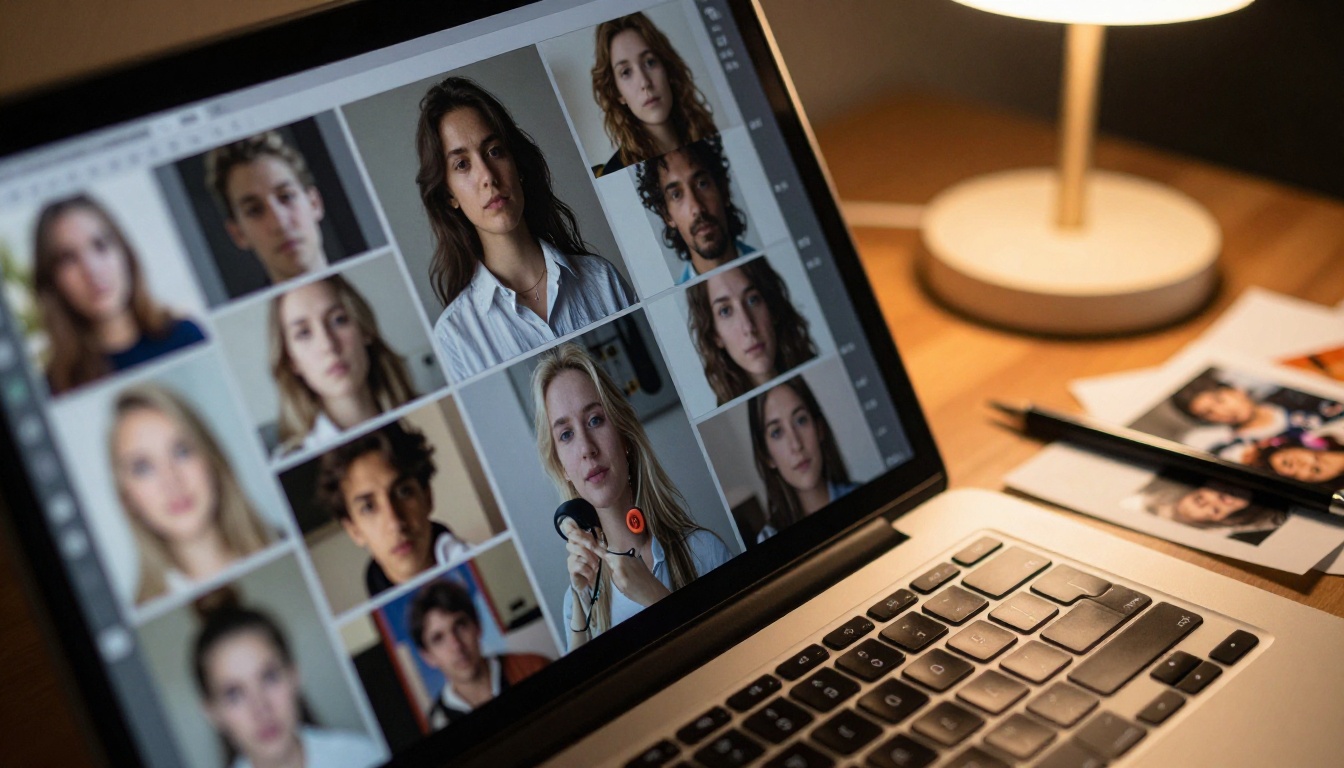
GPT Image 2 is currently one of the most capable models for producing photorealistic output from text prompts. It handles complex scene composition well, including multi-subject setups with accurate spatial relationships, realistic lighting, and natural material textures.
For creators doing commercial photography-style work, lifestyle content, or any project where the output needs to pass as a real photograph at first glance, GPT Image 2 is the benchmark against which other photorealism models get measured.
💡 Tip: When using GPT Image 2, include camera and lens specifications in your prompt, like "Canon 85mm f/1.4, shallow depth of field, volumetric morning light from the left," to push output quality significantly higher.
Flux Redux Dev for Creative Variety
Flux Redux Dev by Black Forest Labs excels at generating image variations from a reference image. If you have a visual concept that's close but not quite right, Flux Redux Dev takes that reference and produces variations that maintain the core composition while giving you room to iterate style, color, and atmosphere.
This is particularly useful for brand campaigns where consistency across multiple hero visuals matters. You establish the visual language once in a single strong image, then generate variations without losing the compositional coherence that makes a campaign feel cohesive.
Qwen Image Edit Plus for Editing Workflows
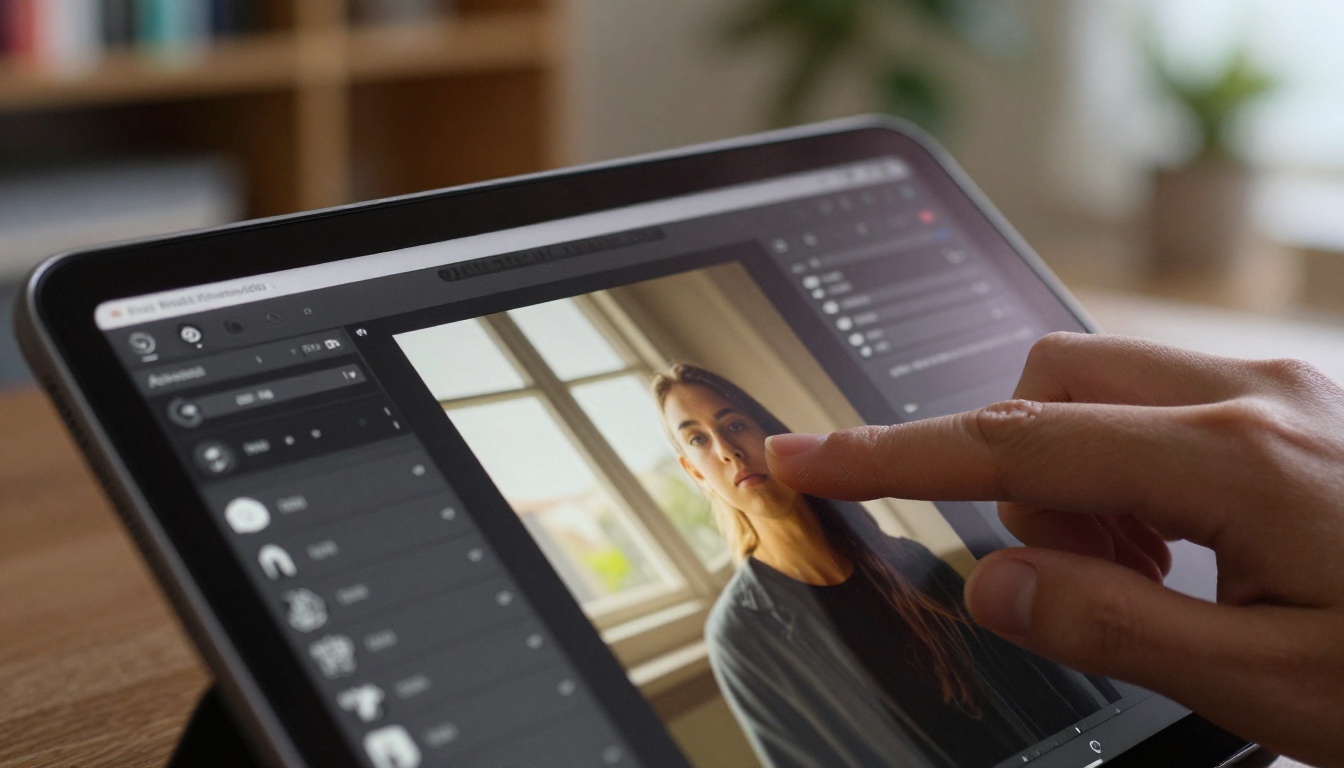
Qwen Image Edit Plus sits at the intersection of image generation and image editing. Rather than starting from a blank prompt, you bring in an existing image and describe what you want changed. The model handles contextual edits intelligently, preserving what you want to keep while modifying specific elements with awareness of the surrounding scene.
For creators who shoot real photography and want to augment it with AI elements, remove distracting background details, or replace props and wardrobe, this model is far more practical than pure text-to-image generators. It closes the gap between what you shot and what you actually needed.
Knowing a model exists is different from knowing how to build it into a real workflow. Here's how working creators are actually integrating AI image generation in 2027.
Social Media Content at Scale
The biggest immediate win for most content creators is batch production. Instead of shooting or sourcing 30 images for a month of social posts, you generate them. With a well-tuned prompt template, you can maintain visual consistency across a full content calendar while adapting the specific subject or scenario per post.
The process works like this: define your visual style in a base prompt including lighting quality, color temperature, subject type, and composition style, then vary only the specific element that changes between posts. The result is a cohesive visual feed that would take days to produce manually, completed in a single session.
| Workflow Need | Recommended Model | Why |
|---|
| Photorealistic portraits | GPT Image 2 | Best skin tone and lighting realism |
| Visual variations from reference | Flux Redux Dev | Consistent style across iterations |
| Editing existing photos with AI | Qwen Image Edit Plus | Context-aware targeted editing |
| Custom trained visual style | P-Image Trainer | LoRA fine-tuning on your own references |
Brand Campaigns and Commercial Work
For agencies and freelancers working with brand clients, AI image generation changes the pitch process. Instead of mood boards assembled from stock photos that approximate the vision, you generate actual mockups of the campaign concept before any real production happens.
Clients respond differently to a generated image that shows their product in the exact environment, lighting, and style being proposed. It collapses the feedback loop between concept and approval, which is where most project timeline padding gets absorbed. Fewer revision rounds, faster sign-off, more efficient billing.
What to Look for Before Choosing
Not every creator needs the same thing from an AI image generator. Here's the framework for matching a model to your actual requirements rather than just picking the most talked-about option.
Output Resolution and Aspect Ratios
If your work ends up on screens exclusively, 1080p output is sufficient for most use cases. If you're producing for print, billboards, or high-resolution digital publications, you need a generator with high-res output capability or the ability to upscale cleanly without artifacts.
Also check aspect ratio support. Not every model handles non-standard ratios like 9:16 for vertical social video or 4:5 for Instagram feed posts natively. Some require post-generation cropping, which alters your composition in ways that may not work for your intended frame.
Prompt Flexibility
Run a few test prompts that reflect your actual use cases before committing to any model. Include a specific lighting setup, a defined camera angle, and a detailed background environment. If the model ignores two of those three elements, you'll spend more time fixing outputs than creating new ones.
The best text-to-image models in 2027 follow detailed prompts reliably across varied subject matter. Consistency across different prompt types is more valuable than a single spectacular output that can't be replicated.
Commercial Rights
This is non-negotiable for professional creators. Confirm that the platform grants commercial usage rights for generated images before building any client workflow around it. Most reputable platforms do, but the specifics around derivative works and model training data vary significantly between providers.
PicassoIA supports commercial use across its model library, which removes one important legal variable from the equation when billing clients for AI-assisted creative production.
Using GPT Image 2 Step by Step
GPT Image 2 is one of the strongest entry points for creators who want photorealistic output without a steep learning curve. Here's exactly how to use it for professional results.
Step 1: Open the Model Page
Navigate to the GPT Image 2 model page on PicassoIA. You'll see the prompt input and a set of generation parameters including aspect ratio and quality settings.
Step 2: Write a Structured Prompt
Structure your prompt in clear layers for best results:
- Subject: Who or what is in the image ("A woman in her late 20s, dark curly hair, minimal styling")
- Action or Pose: What they're doing ("seated at a wooden desk, writing in a journal, relaxed posture")
- Environment: Where they are ("in a bright Scandinavian-style living room, afternoon light from the left")
- Camera: How it's shot ("50mm lens, f/2.0, natural window light, slight warm tone")
- Style Finish: The texture and quality ("photorealistic, 8K resolution, Kodak Portra 400 film grain, cinematic")
Step 3: Set Your Aspect Ratio
Choose 16:9 for landscape or banner use, 9:16 for social stories and reels, or 1:1 for square feed posts. GPT Image 2 maintains strong compositional integrity across all ratios without awkward cropping artifacts.
Step 4: Iterate on One Variable at a Time
Run your first generation and evaluate the output. If it's close but not right, adjust one element of your prompt at a time. Change the lighting description, the camera angle, or the background detail in isolation. Iterating on single variables helps you identify which prompt elements the model responds to most predictably.
Step 5: Batch Variations with Flux Redux Dev
Once you have an output you're satisfied with, bring it into Flux Redux Dev as a reference image to generate style-consistent variations. This combination produces a hero image plus a full supporting visual set in one session, which is the most efficient production path for campaign work.
Making It Work for Your Creative Style
The models are tools. How you use them determines the output quality far more than which specific model you pick. Two creators with access to the same AI image generator will produce drastically different results based on how they write prompts and how they approach iteration.
Building a Prompt System
The creators getting the most consistent results aren't writing prompts from scratch every time. They have prompt templates: a structure that stays constant while specific variables change per project or client.
A practical base template looks like this:
[Subject description], [action or expression], [environment with light direction and color temperature], [camera: lens and aperture], photorealistic, 8K resolution, Kodak Portra 400 film grain, [specific color palette or mood]
Once this template is calibrated to your visual style, switching subjects or environments while maintaining aesthetic consistency becomes fast and repeatable. You stop reinventing the prompt and start producing.
Mixing Models for Best Results
No single text-to-image model is perfect for every situation. The creators producing the highest quality AI-assisted work use multiple models strategically, each handling the part of the process it does best:
This isn't a complicated pipeline once it's established. It becomes a natural production sequence that achieves results no single model could deliver on its own.
The Real Difference in 2027
What separates top-tier AI image output from mediocre output right now isn't access to models. It's prompt quality, deliberate model selection for the specific task at hand, and disciplined iteration. Creators who treat AI generation like a vending machine, put a prompt in and accept whatever comes out, will always produce generic work.
Creators who approach it with the same intentionality they'd bring to setting up a real photo shoot, making decisions about light direction, composition framing, subject behavior, and atmospheric mood, consistently produce output that stands apart from the crowd of AI-generated content already flooding every platform.
When Resolution Actually Matters
For screen-only deliverables, most modern text-to-image models produce sufficient resolution for digital platforms. Where creators run into real limitations is when they need print-ready files or when they're cropping heavily to fit different aspect ratios across platforms.
If resolution is a recurring bottleneck, PicassoIA's super-resolution tools upscale generated images 2x to 4x without the blocky artifacts that simple bicubic scaling introduces. This extends the practical usability of AI-generated images into print territory without requiring a separate high-resolution regeneration step.
When Your Style Has to Be Consistent
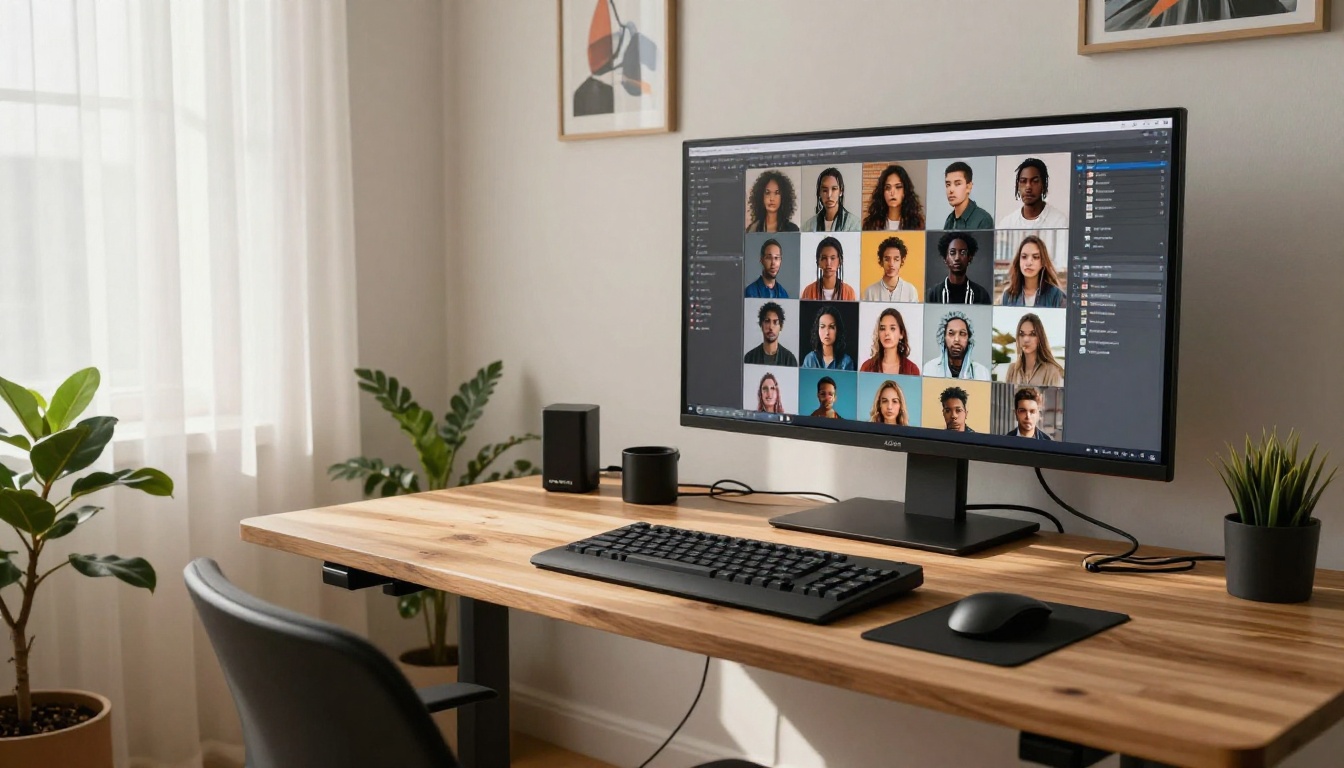
If every image you deliver needs to feel like it came from the same shoot, with consistent color grading, lighting character, and compositional voice, a trained LoRA is the most reliable solution available. The P-Image Trainer lets you train on your own reference images, giving the model enough context to reproduce your specific visual language across entirely new prompts.
This is particularly valuable for photographers who want AI variations that match their shooting style, or for brands that need AI output aligned with established visual identity guidelines without starting from scratch every session.
A Side-by-Side Look
| Feature | GPT Image 2 | Flux Redux Dev | Qwen Image Edit Plus |
|---|
| Best for | Photorealism from prompts | Image variations from reference | Editing existing photos |
| Input type | Text prompt | Text prompt plus reference image | Image plus edit instruction |
| Prompt complexity | Handles layered detailed prompts | Works best with visual reference | Targets specified edit areas |
| Ideal use case | Hero campaign images | Batch visual variations | Photo augmentation and refinement |
| Style control | High via detailed prompting | High via reference image | Targeted to specified elements |
Start Creating This Week
Every model discussed here is available on PicassoIA with no software installation or local GPU required. You write the prompt, choose the model, and the infrastructure handles the rest. For creators who've been considering adding AI image generation to their workflow but haven't committed, the barrier to starting is genuinely low right now.
The smartest thing you can do is run a real test project this week. Pick one specific deliverable you'd normally spend hours producing, whether that's a social media content batch, a client mood board, or a product lifestyle shot, and produce it entirely with AI generation. The result will tell you more about where the technology fits in your specific process than any written comparison can.
Start with GPT Image 2 for your first photorealistic batch. Move to Flux Redux Dev for style-consistent variations. Use Qwen Image Edit Plus to refine anything that needs targeted adjustment. The production pipeline is already there. What you build with it is entirely up to you.


