If you've spent hours briefing a freelance designer only to get back something generic, you already know the frustration. The process of creating a memorable logo or polished graphic asset used to demand weeks, revision cycles, and a budget that most small brands simply didn't have. That changed when AI image generators reached a point where the output was genuinely production-ready. Today, the best AI image generator for logo and graphic design can take a single paragraph of description and return a scalable, professional brand mark in seconds.
This article covers the specific models that perform best for logo work, visual identity design, and graphics creation, including which ones support vector output, which ones actually render text correctly inside an image, and how to get results that hold up at every size from a favicon to a billboard.
Why AI Has Changed Logo Design Forever
From Hours to Minutes
A traditional logo project moves through discovery, sketching, digital drafts, and multiple approval rounds. Even with a skilled designer, that process rarely takes less than two weeks for a solid deliverable. AI image generators collapse that timeline completely.
You can now generate 20 logo concept directions in the time it used to take to write a creative brief. That doesn't replace the need for strategic brand thinking, but it radically accelerates the visual exploration phase. Brands that used to spend thousands of dollars just to reach the first round of concepts can now do that work in an afternoon.
When Quality Stopped Being Negotiable
The early wave of AI image tools produced results that were impressive as novelties but unusable as professional assets. Shapes were inconsistent, text was garbled, and the overall output looked distinctly machine-generated. That era is over.
Models like Recraft V4 Pro SVG and Ideogram V3 Quality deliver outputs that match what a mid-to-senior level designer would produce from scratch. The gap between AI-generated and human-created is now about refinement and brand strategy, not raw quality.
What to Look for in an AI Logo Generator
Not every text-to-image model is built for logo and graphic design work. Most are optimized for photorealistic scenes or artistic compositions. When you're evaluating tools for brand identity work specifically, three capabilities separate the good from the exceptional.
Text Accuracy Inside the Image
This is where most AI models still struggle. Generating an image with readable, correctly spelled text was nearly impossible two years ago. Today, specific models have been trained to handle typography accurately. Ideogram V3 Balanced and its quality-focused counterpart were specifically designed with text legibility as a priority. If your logo concept includes a wordmark or tagline, these models are your starting point.
💡 Pro tip: When prompting for logos with text, always spell out exactly what the text should say. Write "with the word NOVA in clean sans-serif capitals" rather than "with a brand name." The more literal your instruction, the more accurate the output.
Native Vector Output
Most AI image generators produce raster files (JPG, PNG). Raster files degrade when scaled up, which makes them a poor choice for logo work. Logos appear on everything from business card embossing to billboard vinyl, and they need to scale without losing crispness.
The standout models for vector output on PicassoIA are Recraft V4 SVG and Recraft V4 Pro SVG. These generate actual scalable vector graphics rather than rasterized approximations, which means the output can go directly into a production workflow without needing a designer to manually re-trace the artwork.
Style Control and Consistency
A brand identity isn't a single image. It's a system of visual assets that need to feel coherent across different applications. Recraft V4 Pro and Recraft V4 both offer strong style consistency when you use repeated seed values and structured prompts. This matters when you're generating a primary logo, secondary mark, favicon variant, and social media badge that all need to share a visual language.
Recraft V4 SVG: Built for Logos
Of all the models available for logo and graphic design work, the Recraft family sits in a category of its own. The reason is straightforward: it outputs actual vector files. No other model type on the platform does this as cleanly for design production.
Why Vector Output Is Non-Negotiable
A JPG of a logo is not a logo. It's a preview. Professional production workflows, whether for print, embroidery, signage, or web, require an SVG or EPS source. When you use Recraft V4 Pro SVG, you get an output that can be opened in Illustrator, Figma, or Affinity Designer immediately, with editable paths, clean anchor points, and proper scalability.
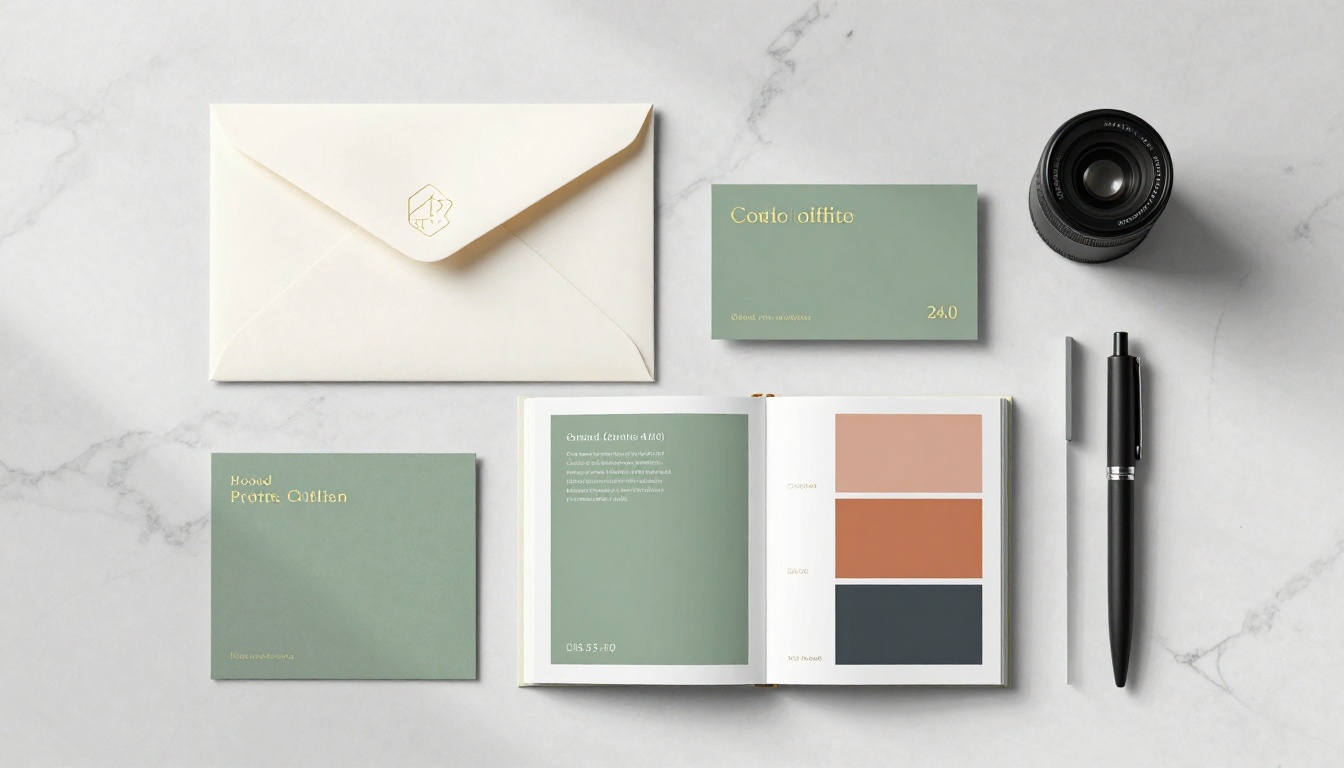
The difference between generating a PNG approximation and a true SVG is the difference between a concept sketch and a finished asset. For freelancers, agencies, and startups who need production-ready brand marks without paying for a full design engagement, this matters enormously.
How to Use Recraft V4 Pro SVG
Here's a step-by-step approach for logo generation with this model:
-
Define the core symbol. Decide whether you want a lettermark (initials only), wordmark (full company name), combination mark (icon plus text), or abstract symbol. State this clearly at the start of your prompt.
-
Specify style. Use terms like "minimal geometric," "bold sans-serif," "organic botanical," or "clean monogram." Avoid vague instructions like "modern" without supporting details.
-
State colors by hex or descriptive name. "Navy blue and warm gold" works. For precision, specify "#1A2B5E and #D4A843."
-
Describe the target industry. "For a boutique law firm," "for a sustainable food brand," or "for a tech startup" gives the model useful context to align the aesthetic.
-
Set the background. Specify "on white background" or "transparent background" to control how the mark is isolated.
💡 Quick example prompt: "Minimal geometric circular logo mark for a wellness brand, clean lines, sage green and warm ivory, no text, centered composition, vector-ready, white background, SVG style"
Ideogram V3: The Typography Specialist
If your logo needs readable text, the Ideogram V3 family is the strongest option available. While Recraft excels at icon-based and vector work, Ideogram was architecturally designed with typography accuracy as a core feature.
Balanced, Quality, or Turbo?
The Ideogram V3 family has three variants with distinct trade-offs:
For a final deliverable where text accuracy is critical, Ideogram V3 Quality is the right choice. For initial concept rounds where you need to evaluate 10-15 directions quickly, Ideogram V3 Turbo saves significant time without sacrificing too much resolution.
Prompt Tips for Ideogram
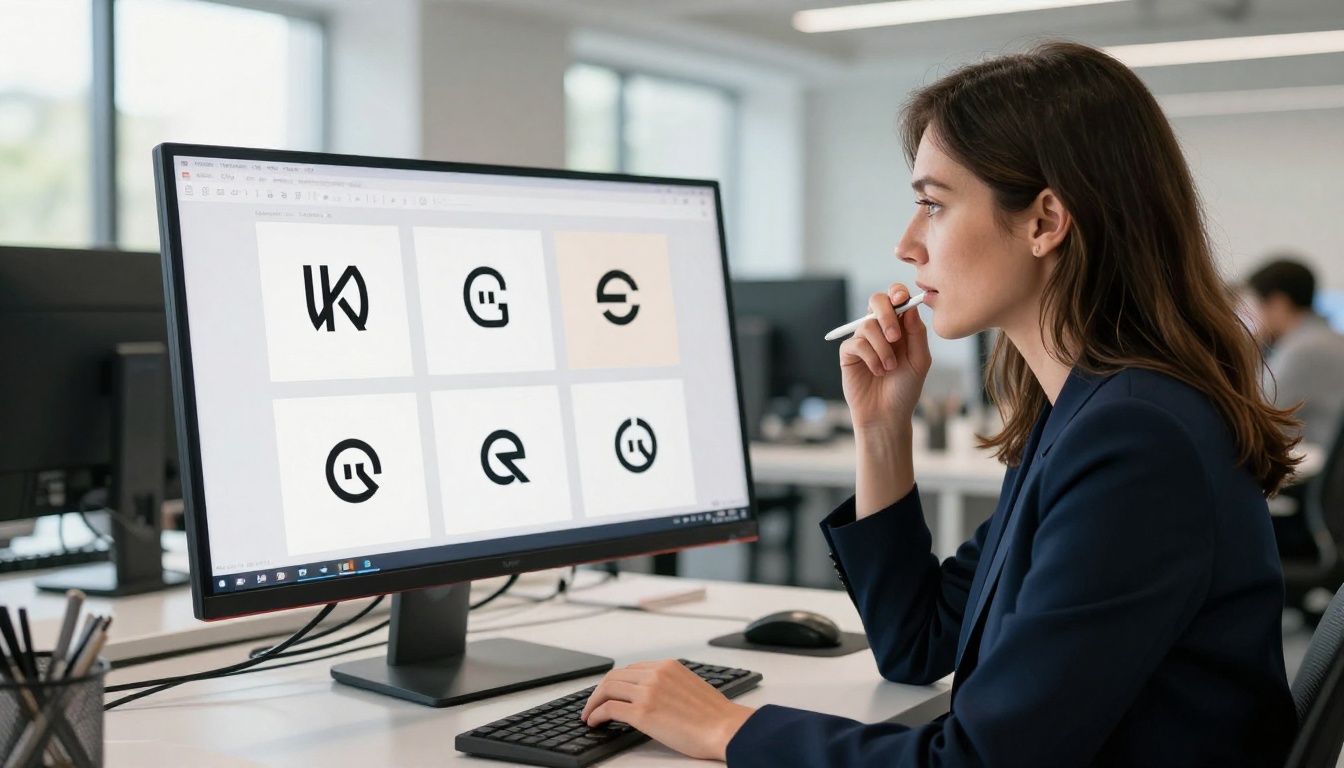
Ideogram responds well to explicit typographic instruction. Instead of describing a logo in abstract terms, tell it exactly how the text should sit:
- "Bold condensed sans-serif uppercase wordmark centered on white background"
- "Elegant serif logotype with tight letter-spacing, centered, black on cream"
- "Stacked two-line type lockup, primary brand name in bold, tagline below in thin weight"
Combining Ideogram's text handling with Recraft's vector output is actually a strong workflow: use Ideogram to prototype the right typographic feel, then re-create the final asset in Recraft SVG format for production.
Flux Models: Branding at a Higher Level
While Recraft and Ideogram handle the pure logo use case, the Flux model family excels at brand photography and lifestyle brand assets. These aren't logo generators in the strict sense, but they're essential for the broader graphic design context where logos live.
Flux 1.1 Pro Ultra for Brand Photography
Flux 1.1 Pro Ultra produces the highest-fidelity photorealistic output of any model on the platform. For brand photography tasks such as product mockups, lifestyle campaign images, hero banners, and editorial-style brand content, it consistently outperforms alternatives.
The "Ultra" designation means it handles particularly demanding prompt complexity without losing coherence. When you need a brand photography asset that looks like it came from a professional studio shoot, this is the model to reach for.

Flux 2 Pro for Detailed Compositions
Flux 2 Pro handles complex multi-element compositions better than most models at this generation tier. When you're building marketing assets that include multiple brand elements, people, environments, and the visual language of a brand all in one frame, Flux 2 Pro maintains structural coherence across the full image.
Its companion model, Flux 2 Max, pushes resolution and detail further for cases where the final output needs to hold up at large print sizes or as hero images on high-DPI displays.
Side-by-Side: Top Models Compared
Here's how the most relevant models stack up specifically for logo and graphic design work:
💡 Key insight: For a complete brand identity project, the optimal workflow combines Recraft V4 Pro SVG for the logo mark itself, Ideogram V3 for wordmark exploration, and Flux 1.1 Pro Ultra for the surrounding brand photography.
Writing Prompts That Actually Work
The biggest variable in AI logo generation isn't the model. It's the prompt. Most people generate mediocre results not because the tool is limited, but because the instruction is vague. A strong logo prompt is structured, specific, and leaves nothing to interpretation.
The 4 Elements of a Strong Logo Prompt
Every effective logo generation prompt should include these four components:
- Mark type: "circular badge logo," "minimal letter mark," "abstract geometric symbol," "bold wordmark"
- Visual style: "Art Deco inspired," "Swiss modernist," "organic and hand-crafted," "sharp corporate angles"
- Color specification: "monochromatic black and white," "primary blue and secondary gold," "earthy palette of terracotta and forest green"
- Context: "for a luxury skincare brand," "for a SaaS company targeting enterprise clients," "for a family-run bakery"
What you leave out matters as much as what you include. Prompts that say "make a good logo for my company" produce generic, unusable output. Prompts that specify every dimension of the visual identity brief produce assets that look intentional.
Industry-Specific Prompt Patterns
Different industries have distinct visual conventions that AI models recognize. Using the right industry signals helps steer the output toward appropriate aesthetics:
Legal and Finance: "Clean sans-serif wordmark, deep navy and silver, precise geometric shapes, no ornamentation, corporate confidence"
Food and Hospitality: "Warm illustrated badge, hand-crafted feel, terracotta and cream palette, circular composition with script interior text"
Technology: "Minimal abstract mark, flat geometric shapes, gradient-free, electric blue or stark monochrome, scalable to favicon size"
Health and Wellness: "Organic curved forms, soft sage and warm white, balanced symmetry, clean and breathable spacing"
Luxury Retail: "Thin weight serif logotype, gold foil feel on black, refined letter-spacing, no icon, pure typographic mark"
💡 Tip: Run the same prompt through both Recraft V4 Pro SVG and Ideogram V3 Balanced and compare the outputs. Each model interprets style and composition differently, and the best result often comes from the model that best matches your specific visual direction.
PicassoIA isn't just a single-model tool. It provides access to over 91 text-to-image models from a single interface, which matters for professional graphic design work in a specific way. Different projects require different model strengths, and having immediate access to switch between Recraft V4 SVG for vector work, Ideogram V3 Quality for typography, and Flux 2 Max for brand photography means you're not constrained to one visual style or output format.
Beyond image generation, the platform also provides Super Resolution tools for upscaling raster outputs to print quality, and Background Removal for isolating logo marks from their generated backgrounds. This makes it possible to go from a text prompt to a production-ready isolated brand asset without leaving the platform.

Create Your First AI Logo Right Now
The barrier between "I have a brand concept" and "I have a production-ready logo" has dropped dramatically. Whether you're a solo founder who needs a brand mark today, a freelance designer looking to accelerate your concept rounds, or an agency scaling up your visual identity output, the tools on PicassoIA make it genuinely possible to create professional-grade logo and graphic design assets without a traditional design workflow.
Start with Recraft V4 Pro SVG if you need a scalable vector logo mark. Reach for Ideogram V3 Quality the moment text accuracy matters. Build your brand photography with Flux 1.1 Pro Ultra. The workflow is yours to define, and every model is a single prompt away.
Open PicassoIA, describe what your brand looks like, and let the best AI image generator for logo and graphic design do the rest.


