Anime and manga have always attracted artists who obsess over detail. The clean line work, expressive eyes, the way a single panel can carry enormous emotional weight. For a long time, generating art in this style with AI was hit or miss. Models trained on western illustration often flattened the aesthetic into something generic. That changed when the community started fine-tuning their own models, and now platforms like PicassoIA give everyone access to the best of them without needing to run anything locally.
This article breaks down the best AI image generators for anime and manga style, how each one performs, and exactly what kind of prompts get the best results.
Why Anime AI Art Has Taken Off
The numbers are hard to argue with. Anime-style AI art now accounts for a significant share of community-generated content across every major image platform. The reasons come down to three things: a passionate fanbase, a style that is learnable by machines because of its consistency, and an enormous training dataset built up over decades of official and fan-made content.
Unlike photorealistic art, where errors in skin texture or lighting destroy believability instantly, anime has a stylized consistency that AI handles well once you give it the right model. The big eyes, simplified anatomy, graphic shadows, and cell-shaded color fills are all patterns that neural networks lock onto efficiently.
The other factor is creative freedom. Generating your own characters, scenes, and narratives in a style you love, without committing months to learning to draw manually, is genuinely appealing. AI bridges that gap in minutes.
What Separates Good from Great
Style accuracy matters most
The biggest failure mode in AI anime art is a blended look, where the output sits uncomfortably between photorealism and illustration. A good anime model commits fully. Eyes are large and expressive with visible catchlights. Linework is clean, not muddy. Color fills are graphic rather than photographic.
When testing a model, run the same character prompt three times. If the style reads consistently as anime rather than a vague illustrated look, the model is doing its job.
Character consistency across scenes
This is where most free-tier generators fall short. If you generate the same character twice and they look like different people, that model is not ready for storytelling or character development work. Consistency comes from architectural choices in the model itself, and from how you construct your prompts.
💡 Tip: Use consistent seed numbers and detailed physical descriptors in every prompt when you need a character to appear across multiple images. Age, hair color, eye color, and clothing should all be spelled out each time.
Prompt sensitivity for anime details
Anime has dozens of sub-styles, each with its own visual language. A shonen battle scene calls for dynamic motion lines, dramatic lighting, and muscular intensity. A shojo romance scene emphasizes softness, floral elements, and emotional subtlety. A good model responds to those differences when you describe them clearly.
Top Anime Models on PicassoIA
SDXL: The Anime Community's First Choice
SDXL sits at the center of the anime AI art ecosystem. When the community started creating dedicated anime fine-tunes, SDXL was the base model of choice. Its higher resolution output and improved understanding of complex scenes made it better suited to anime than earlier generations of Stable Diffusion.
The base SDXL model handles anime prompts surprisingly well even without additional fine-tuning. Add anime-specific trigger words to your prompts and the results shift convincingly toward the style. For those who want to push further, LoRA fine-tunes built on top of SDXL allow per-character or per-style specialization.
Best for: General anime character generation, portrait work, scene composition.
Prompt style: Describe style explicitly. "anime style, cel shaded, soft lighting, large expressive eyes, pastel color palette" goes much further than a bare description of a character.
Dreamshaper XL Turbo: Speed Without Sacrifice
Dreamshaper XL Turbo is built on the SDXL architecture but fine-tuned for faster inference without throwing away quality. It handles anime and fantasy illustration styles with a warmth and softness that suits shojo aesthetics particularly well.
The turbo designation means it generates in fewer steps, making it practical when you are iterating on a concept and need to test multiple prompt variations quickly. The quality-to-speed ratio here is genuinely impressive.
Best for: Shojo aesthetics, fantasy settings, character portraits with soft lighting.
Prompt style: This model responds well to mood and atmosphere descriptors. "soft watercolor tones, dreamy bokeh background, golden hour, elegant flowing hair, anime style" produces results that feel almost painted.
SDXL Lightning 4Step: When Speed Is Everything
SDXL Lightning 4Step from Bytedance takes the speed argument to its logical conclusion. Four inference steps to a full image. The output does not match the quality ceiling of a full SDXL run, but for rapid concept testing or generating large batches of reference images, nothing else comes close in this category.
It handles anime style competently and holds up well for character sketches, background ideas, and quick concept visualization. When you know what you want and just need to get it out of your head and onto a screen fast, this model delivers.
Best for: Rapid iteration, concept testing, volume generation.
💡 Tip: Because the model runs fewer steps, your prompts need to be more precise. Remove vague filler words and be direct about exactly what you want. Specificity compensates for the shorter inference chain.
Flux Dev: Where Realism Meets Anime Softness
Flux Dev is not a dedicated anime model, but it handles the semi-realistic edge of anime aesthetics with unusual polish. Characters generated with Flux Dev in an anime-influenced style land somewhere between illustration and photograph, which is exactly what a certain segment of the community is after.
This is the right tool when you want anime-inspired art that does not fully commit to the stylized look. Think modern manhwa (Korean webtoon style), where characters are elongated, features are large but not extreme, and rendering is closer to detailed illustration than classic anime.
Best for: Semi-realistic anime, manhwa aesthetics, detailed portrait work.
Stable Diffusion 3.5 Large: Detailed Manga Panels
Stable Diffusion 3.5 Large brings improved text understanding and compositional accuracy. For manga specifically, where panel layout, action lines, and dramatic black-and-white rendering matter, this model's improved instruction-following makes it easier to specify exactly what you need in a scene.
The Large variant uses more parameters, meaning it handles complex multi-character scenes better than smaller models. If your work involves detailed background environments alongside characters, this is where to start.
Best for: Complex scene composition, manga-style rendering, multi-character images.
RealVisXL v3.0 Turbo: Semi-Realistic Anime Portraits
RealVisXL v3.0 Turbo sits at an interesting crossroads. Built for photorealism, it responds well to hybrid prompts that pull anime facial features into an otherwise realistic image. The result is a style popular in fan art communities, sometimes called realistic anime or anime-adjacent photography.
Characters generated here have large, luminous eyes and idealized features, but rendered with photographic lighting and skin texture. It is a striking hybrid that works particularly well for portrait-only compositions.
Best for: Realistic anime portraits, character headshots, beauty-focused compositions.
Prompt style: Blend descriptors. "realistic anime portrait, large expressive eyes, photorealistic skin texture, soft studio lighting, detailed iris, cinematic depth of field" hits the sweet spot for this model.
Model Comparison at a Glance
Anime Sub-Styles You Can Actually Generate
Shonen vs. Shojo
These two dominant aesthetic poles in anime require very different prompting strategies.
Shonen (action-oriented, typically male-targeted) calls for:
- Dynamic poses with strong foreshortening
- Dramatic directional lighting with hard shadows
- Intense facial expressions, sharp angular features
- Motion blur, speed lines, high-contrast scenes
Shojo (relationship-focused, typically female-targeted) calls for:
- Soft, diffused lighting with warm pastels
- Flowing hair and delicate accessories
- Large, luminous eyes with detailed catchlights
- Floral elements, soft bokeh backgrounds
- Emotional, slightly melancholic or romantic expressions
Including the style name itself in your prompt ("shonen style", "shojo aesthetic") helps models that have seen enough training data pick up on these conventions automatically.
Chibi and Super Deformed Characters
Chibi is its own challenge. The proportions are deliberate and extreme: oversized heads (often 1:1 or 1:2 head-to-body ratio), small stubby limbs, exaggerated emotional expressions. Most general anime models need specific prompting to get this right.
Use explicit size descriptor language: "chibi style, 1:1 head-to-body ratio, large round eyes, tiny hands, super deformed, cute aesthetic, pastel colors." Without this specificity, models tend to drift toward normal proportions.
Dark Fantasy Manga
This is one of the most popular categories and one where AI genuinely shines. The dark fantasy manga aesthetic combines detailed ink linework with heavy black shadows, worn textures, and a gritty atmosphere that contrasts with mainstream anime softness.
For this style, prompts that include "manga linework, heavy ink shadows, black and white, detailed crosshatching, dramatic chiaroscuro, warrior aesthetic" push models into this territory. Specifying monochrome output amplifies the effect.
Prompt Writing for Anime Style
Writing prompts for anime is a skill that takes about thirty minutes to develop if you start with the right framework. Here is a structure that works across most models:
[Character Description] + [Clothing / Accessories] + [Setting / Background] + [Lighting] + [Style Tags] + [Quality Modifiers]
Working examples
Basic character portrait:
1girl, long silver hair, violet eyes, white miko outfit, shrine background, soft natural lighting, anime style, cel shaded, high detail, 4k
Action scene:
1boy, spiky dark hair, determined expression, mid-air combat pose, energy blast in right hand, dramatic stormy sky, dynamic angle, shonen style, motion lines, cinematic lighting, detailed
Manga panel:
samurai warrior, torn clothing, defeated enemy in background, rain falling, extreme close-up face, manga linework, black and white, heavy ink, dramatic shadows, chiaroscuro
💡 Tip: Add negative prompts for anime work. Common things to reject: realistic, photorealistic, 3d render, low quality, blurry, bad anatomy, extra fingers, watermark. Negative prompts alone can dramatically lift output quality.
What not to do
Vague prompts produce generic results. "A cute anime girl" gives you exactly that: something generic. Specify age descriptors (adult, young woman), hair style (waist-length, twin tails, short bob), eye style (heterochromia, star-shaped pupils, teary), and emotional state (quietly contemplative, fiercely determined, warmly smiling).
The more you describe, the more the model has to work with.
How to Use SDXL on PicassoIA
Since SDXL is the foundation for much of the anime AI art ecosystem, here is a step-by-step on getting the most out of it on PicassoIA.
Step 1: Open SDXL
Go to the SDXL model page on PicassoIA. You will see the prompt input, negative prompt field, and a set of parameters in the right panel.
Step 2: Write your base prompt
Start with style tags, then character, then setting. Example:
anime style, cel shaded, 1girl, long pink hair, blue school uniform, cherry blossom park, soft spring lighting, detailed eyes, 4k
Step 3: Fill the negative prompt
Paste this into the negative prompt field to avoid the most common failures:
realistic, 3d, cgi, watermark, text, low quality, blurry, bad anatomy, extra limbs, deformed hands
Step 4: Set your parameters
| Parameter | Recommended Value | Notes |
|---|
| Steps | 30-40 | 20-25 for faster previews |
| CFG Scale | 7-9 | Higher enforces prompt more strictly |
| Sampler | DPM++ 2M Karras | Reliable choice for anime work |
| Resolution | 1024x1024 or 1024x768 | Native SDXL resolution range |
Step 5: Generate and iterate
Run a first generation. If the result leans too photorealistic, add more explicit style tags. If anatomy is off, add specific negative prompts targeting the issue ("bad hands, extra fingers, distorted face").
Step 6: Refine with inpainting
Once you have a base result you like, use Flux Fill Dev to fix specific areas. This inpainting tool lets you redraw just the hands, face, or background without regenerating the entire image.
Styles by Model: Quick Reference
| Art Style | Recommended Model | Prompt Tags |
|---|
| Classic anime | SDXL | anime style, cel shaded, vibrant |
| Soft shojo | Dreamshaper XL Turbo | shojo, pastel, dreamy, floral |
| Dark manga | Stable Diffusion 3.5 Large | manga linework, monochrome, ink |
| Realistic anime | RealVisXL v3.0 Turbo | realistic anime, large eyes, photorealistic |
| Manhwa / webtoon | Flux Dev | manhwa style, clean lines, soft render |
| Fast concept art | SDXL Lightning 4Step | anime, concept art, fast sketch |
Beyond Still Images
Anime storytelling is sequential. Once you have your characters, it is natural to want to animate them. PicassoIA's text-to-image models pair directly with the platform's video generation tools, letting you take a still character image and add motion to it.
Flux Schnell is worth mentioning here for generating quick source images for video workflows. Its speed makes it practical as a first-pass step before handing an image off to a video generation model.
For those who want to push output quality further, the Super Resolution tools on PicassoIA can upscale your anime art to larger dimensions, which is particularly useful when printing or displaying work at significant sizes. And if a character's face needs correcting after generation, the platform's inpainting tools let you fix it in seconds without starting over.
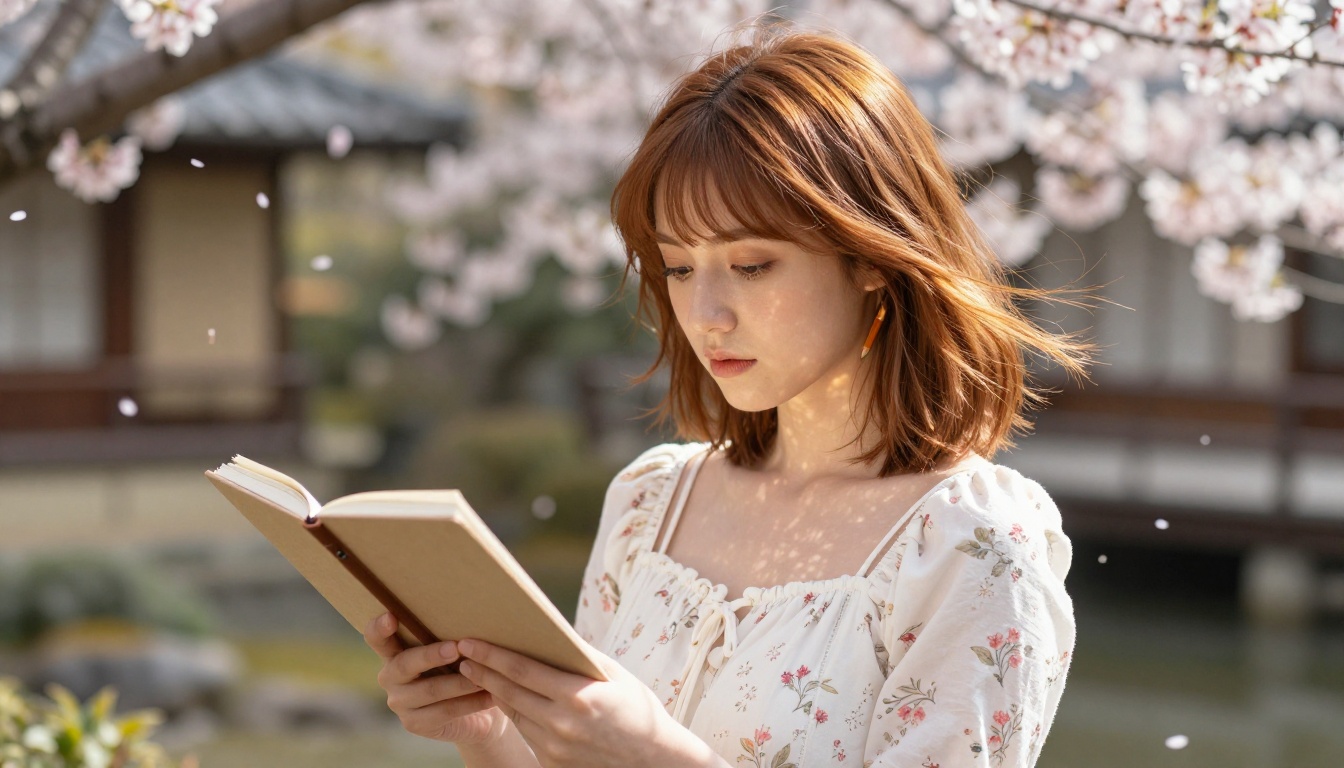
Start Creating Your Anime Characters
The gap between "I want to make anime art" and "I am making anime art" is smaller than it has ever been. The models covered here, from SDXL to Dreamshaper XL Turbo to RealVisXL v3.0 Turbo, are all available directly through PicassoIA with no local setup required.
Start with SDXL if you want the most versatile starting point. Move to Dreamshaper XL Turbo when you want that warm, illustrated feel. Use SDXL Lightning 4Step when you are in rapid-iteration mode and need to test ten variations in the time it takes to refine one.
The prompts you write will get better the more you experiment. Save the ones that work, iterate on the ones that do not, and share what you produce. The anime AI art community is still writing its own rules, and there is room for every style, from delicate shojo watercolors to brutal dark fantasy manga, in what these tools can produce.
Pick a character from your imagination. Give it a name, a look, a world. Then open SDXL on PicassoIA and start typing. The first result will not be perfect. The fifth one might surprise you.


