logo designbrand designai image generatordesign tools
The Best AI Image Generators for Logo and Brand Design in 2027
A practical breakdown of the top AI image generators for logo and brand design. From SVG-native tools to prompt-driven brand kits, see which models produce the cleanest results and how to use them on a single platform.
Your logo is the first thing people remember about your brand. For years, creating a strong one meant hiring a specialist or spending weeks inside vector software. That equation has shifted. AI image generators now produce logo concepts, brand mark iterations, and full identity assets that are genuinely client-ready, not just impressive for a prototype. But not every AI image tool is built the same way, and for logo and brand design specifically, the difference between a useful model and a frustrating one comes down to a few critical factors: typography rendering accuracy, vector export capability, style control, and how cleanly the model follows complex compositional prompts.
This article breaks down the strongest AI image generators for logo and brand design work, shows you which models on PicassoIA deliver the best results, and walks through how to build a full brand kit without touching professional design software.
What Separates Logo-Capable AI from the Rest
Most AI image generators are optimized for photorealistic scenes or artistic illustration. Logo design has completely different requirements. A logo needs to work at 16px on a favicon and at 3 meters on a billboard. It needs clean edges, readable text, and a mark that holds up in monochrome. That eliminates a large portion of the AI image generation market immediately.
The 4 things that actually matter
When evaluating any AI model for logo or brand design output, these four factors separate the tools worth using from the ones to skip:
Vector or vector-ready output: Logos need to scale infinitely. A raster PNG is a starting point, not a final asset. Tools that output SVG files, or that produce images clean enough to auto-trace into vectors, have a significant practical advantage.
Typography accuracy: Most AI image generators distort text in ways that make it unusable. The models that handle lettering well are a distinct minority, and they tend to be purpose-built for it.
Consistency across variations: Brand design requires generating multiple versions of the same concept with consistent proportions and style. Models with strong prompt adherence and style locking outperform generic generators.
Negative space and simplicity: The best logos are simple. AI models trained predominantly on complex scenes sometimes struggle to produce the deliberate minimalism that logo design requires.
Why prompt structure matters more for logos
With landscape or portrait photography, a vague prompt still produces something visually interesting. Logo design does not work that way. Ambiguous prompts produce cluttered marks with proportional inconsistencies and letterform distortions. The AI models that perform best for this use case reward prompts that specify geometry, weight, color treatment, and background explicitly. The more constraints you add, the cleaner the output.
The Best AI Models for Logo and Brand Design
These are the models available on PicassoIA that consistently perform for logo and visual identity work. Each has a different strength, and the right choice depends on whether you need vector output, photorealistic brand mockups, or typographically precise concepts.
Recraft 20B SVG: the vector-native choice
Recraft 20B SVG is the standout option for anyone who needs actual scalable vector output from an AI prompt. Unlike models that generate raster images you then need to vectorize manually, Recraft 20B SVG outputs clean SVG files directly. That means your AI-generated logo mark is already in the format every printer, sign company, and brand guideline template requires.
The model handles geometric mark design particularly well: abstract letter marks, icon-based logos, and wordmark concepts with simple geometric lettering. Output tends toward clean, modern aesthetics with strong contrast, which aligns with current brand design direction.
Its companion, Recraft 20B, generates raster images across a broader range of visual styles, making it useful for brand mood boards, lifestyle imagery, and logo application mockups. And if you have a raster image you want to bring into the vector world, Recraft Vectorize converts it into clean SVG automatically, handling curves and edges with noticeably better results than standard auto-trace tools.
💡 Tip: When prompting Recraft 20B SVG for logo marks, describe shape geometry explicitly. "A circular badge containing a stylized mountain silhouette with a single horizontal baseline" produces cleaner results than abstract descriptions.
GPT Image 1 and GPT Image 2: precision prompt-following
OpenAI's image models have a particular strength for brand design: they follow complex, detailed prompts more accurately than most generators. When you need to specify exact spatial relationships, color values, or compositional rules, GPT Image 1 and GPT Image 2 consistently produce outputs that match the brief.
This makes them especially useful for brand identity concept generation: creating multiple logo application mockups with a specific color palette, generating brand scene imagery with accurate brand colors, or producing product visualizations with consistent brand elements across frames.
GPT Image 2 improves on GPT Image 1 with better text rendering accuracy, a critical capability for any logo that includes lettering, and sharper fine-detail output at high resolutions.
Riverflow 2.0 Pro: typography built in
Typography is where most AI image generators fail for logo and brand design work. Riverflow 2.0 Pro addresses this directly by embedding font control into the generation pipeline. You can specify font families, weight, tracking, and alignment as part of your prompt, and the model outputs images where the typography actually reads correctly.
This matters enormously for wordmark logos, combination marks where a logotype appears alongside a symbol, and brand headline treatments. The companion model Riverflow 2.0 Fast delivers the same typography control at faster generation speeds, useful for iterating through type treatment options quickly.
Ideogram Layerize: text layers made extractable
Ideogram's Layerize model takes a different approach to the typography problem. Rather than just rendering text more accurately, it generates images with extractable text layers, letting you pull typography out of the final composition and work with it independently in a design tool. For brand designers who want AI to generate a concept and then refine it in Figma or Illustrator, this is a significant workflow accelerator.
Flux Pro Finetuned: custom style locking
Brand consistency means every asset looks like it belongs to the same family. Flux Pro Finetuned lets you train the model on specific visual references, then generate new brand assets in that locked style. This is particularly powerful for established brands that need new marketing imagery but need it to feel continuous with existing brand photography or illustration styles.
For logo design specifically, you can fine-tune on existing brand assets and generate variations that maintain proportional consistency, line weight, and visual character across all outputs.
Seedream 4.5: high-resolution brand photography
Seedream 4.5 generates photorealistic 4K images with exceptional color accuracy and scene coherence. For brand design, this translates to high-quality lifestyle photography featuring brand products, professional headshots for brand identity packages, and campaign imagery that matches specific brand color palettes with precision.
While it is not a logo generator in the strict sense, it is a strong tool for building the surrounding visual ecosystem that gives a brand identity its depth: the photography style, the environmental colors, the model and product aesthetics.
Fibo by Bria: precision for product brands
Fibo generates AI images with a focus on precision and commercial accuracy, with output that tends toward clean, professional photography aesthetics. For product-based brands, it pairs well with Bria's Product Cutout and Product Shadow tools, creating a full product photography pipeline for brand assets without a studio setup.
💡 Tip: For e-commerce brands, use Fibo to generate the product hero shot, Product Cutout to isolate it on a transparent background, and Product Shadow to add realistic depth. The result is a brand-ready product asset in three tool calls.
Since Recraft 20B SVG is the only AI model in this category that outputs actual vector files natively, it is worth walking through the process in detail.
Logo prompts that perform well on Recraft 20B SVG follow a specific structure. Start with the shape container (circle, square, horizontal rectangle), describe the mark inside it, then specify the color treatment.
Prompt structure that works:
[Shape] containing [mark description]. [Color treatment]. [Style: minimal/bold/geometric]. No text, single color, clean edges.
Example prompt:
Circle containing a stylized letter A formed from two overlapping triangles with a negative space cutout at the center. Black on white background. Minimal geometric. No text.
Step 3: Iterate on proportions
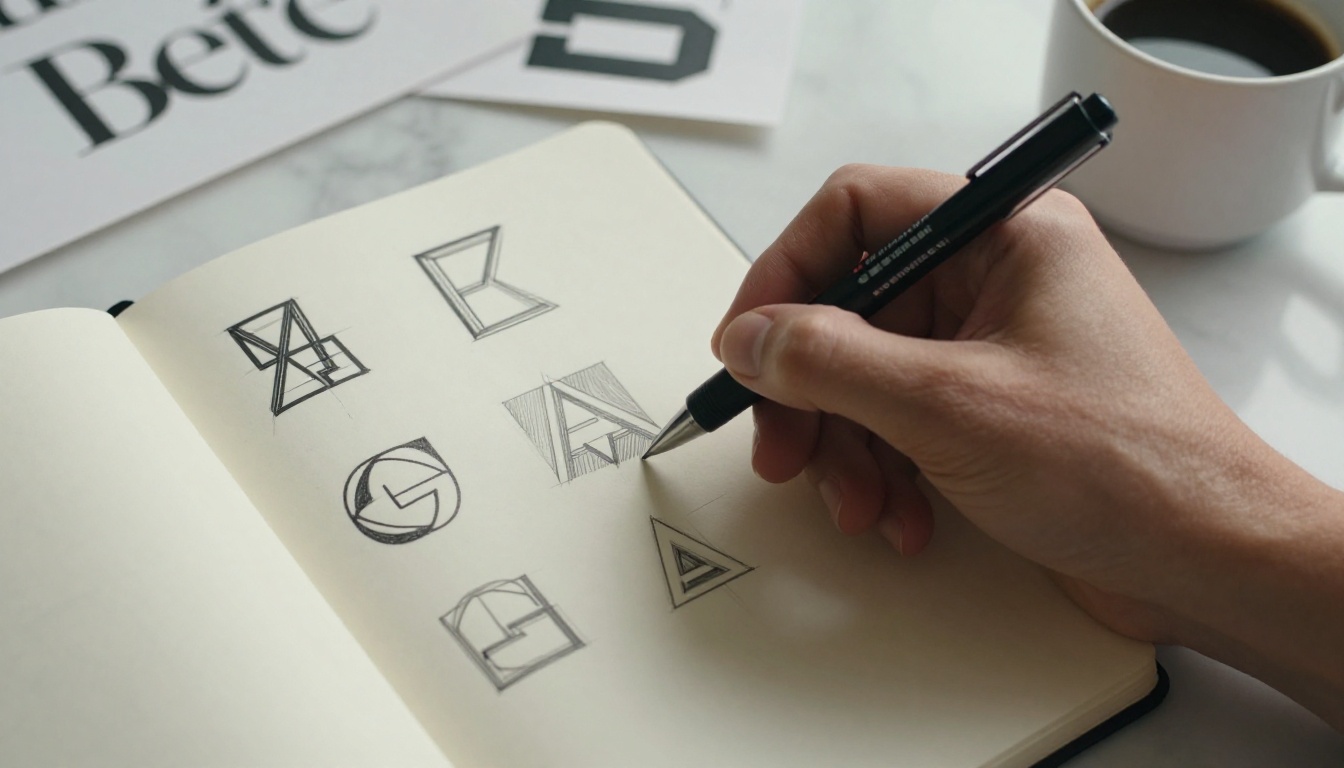
Generate 4 to 6 variations with slight prompt adjustments. Focus on changing descriptive terms for proportions and weight rather than the core concept. "Thin strokes" versus "bold strokes," "open form" versus "closed form," and "symmetrical" versus "asymmetric" each produce meaningfully different outputs.
Step 4: Export and refine
Download the SVG output. Open it in Figma, Illustrator, or Inkscape. The vector paths from Recraft 20B SVG are typically clean enough to use directly, with minor node cleanup. Add your brand typography separately using your chosen typeface.
💡 Tip: If you need to convert an existing raster sketch or rough reference image to SVG before starting, run it through Recraft Vectorize first. It handles hand-drawn sketches and rough references with reliable output quality.
SVG vs. Raster: The Format Decision
Most AI image generators produce JPEG or PNG output. For brand design, this creates a practical problem: raster files degrade when scaled up, and logos need to print at any size. Here is where the format decision matters across real-world brand use cases:
When raster output is acceptable:
Social media profile images at fixed pixel dimensions
Website favicon exports from a larger SVG source file
Brand photography and lifestyle imagery
Digital-only assets like email headers or banner ads
When SVG is non-negotiable:
Print materials at any size: business cards, posters, signage
Merchandise printing and embroidery digitization
Brand guideline documentation
Providing source files to a print vendor
Laser engraving or die-cut applications
For any brand asset that will leave the screen, SVG is the professional standard. Recraft 20B SVG is currently the most direct AI path to that output without manual vectorization work.
Building a Full Brand Kit with AI
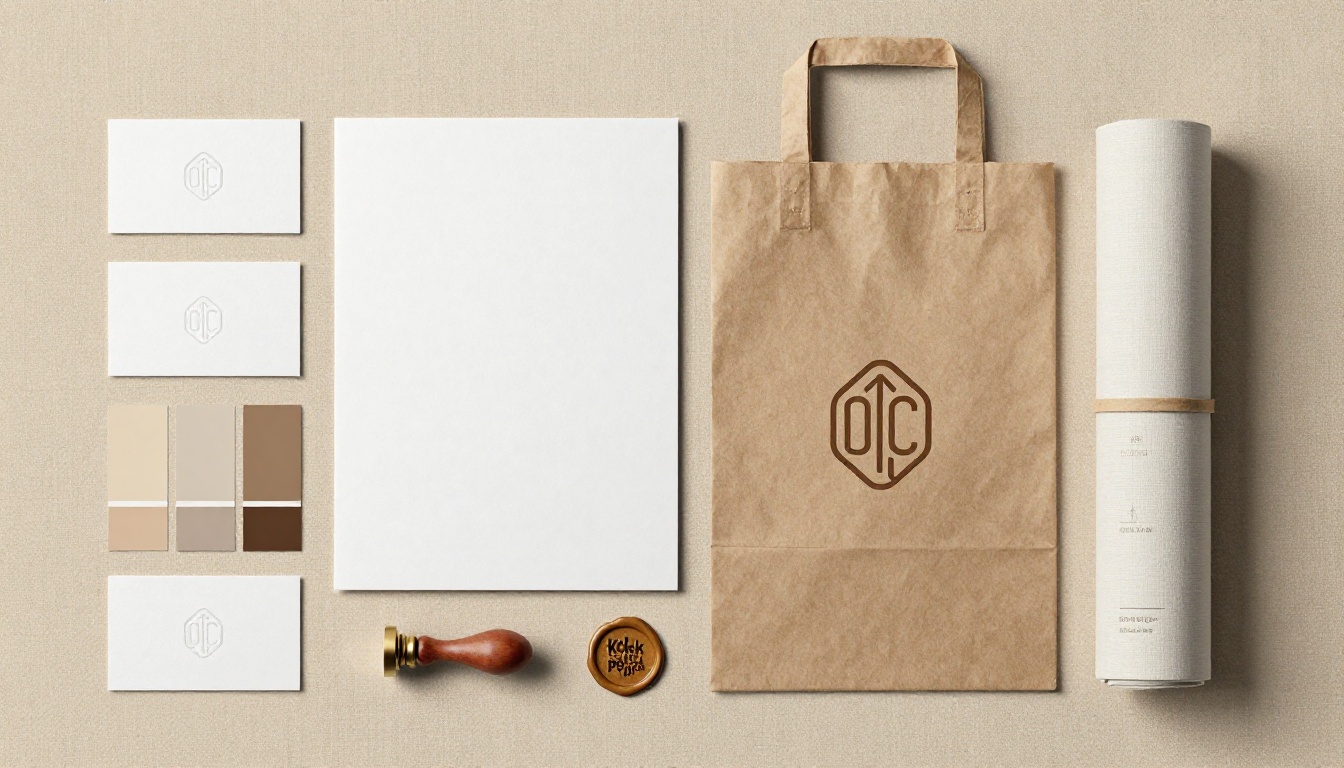
A logo is one piece of a brand identity. The full system includes: color palette, typography, brand photography style, icon set, and application templates. AI tools now cover most of this without specialist design software.
Colors and typography
Use GPT Image 2 or Gemini 2.5 Flash Image to generate color palette visualizations. Prompt with your brand's personality keywords and the emotional response you want ("warm, trustworthy, artisan" or "cool, technical, precise") and ask for a flat color palette tile layout. The outputs give you a strong visual reference for shortlisting hex codes to build from.
For typography, Riverflow 2.0 Pro lets you test different typefaces in actual brand contexts, generating headline and body type pairings rendered in realistic layouts before you commit to a font system.
Brand photography and mockups
Seedream 4.5 handles the lifestyle photography side of brand identity: generating images of your product category in settings that match your brand's environmental aesthetic. Prompt with color temperature, setting type (urban, natural, studio), and the general mood of the scene.
For product mockups specifically, Fibo paired with Product Shadow produces studio-quality product photography without a physical product. This is particularly useful early in a brand development process when physical samples do not yet exist.
3 Mistakes That Produce Unusable Logo Output
Even with the right model, certain prompt patterns consistently produce results that fail for brand design. These three are the most common:
1. Over-describing visual complexity
Prompting for "a logo with a mountain, sun, water ripples, and a wolf silhouette" produces a cluttered result regardless of which model you use. Logo design operates on deliberate constraints. Effective prompts describe one primary mark with one point of visual interest. Strip everything else out.
2. Not specifying the background treatment
Without explicit background instructions, most models default to adding gradient backgrounds, drop shadows, or contextual environments. For a logo asset, state "white background, no shadows" or "transparent background" explicitly. Then use Recraft Remove Background if the output still contains background elements after generation.
3. Treating AI output as final without testing
AI-generated logo concepts should be tested against their actual use contexts before being finalized. That means checking the mark at small sizes (16px favicon), in monochrome, on dark and light backgrounds, and at large print scales. A mark that looks strong at 800x800px on a screen often has edge quality or proportion issues that only appear in real use.
Start Building Your Brand Identity Today
The models covered in this article, from Recraft 20B SVG to Seedream 4.5 and GPT Image 2, are all accessible from a single platform on PicassoIA. That means you can move from logo concept to brand photography to color palette to product mockup in one place, without managing separate API accounts or switching between different interfaces.
The practical workflow looks like this: start with Recraft 20B SVG for the mark, bring in Riverflow 2.0 Pro for wordmark typography testing, generate supporting lifestyle imagery with Seedream 4.5, and lock your visual identity with Flux Pro Finetuned for consistent future asset generation.
Most people underestimate how much can be produced before a project needs to involve a specialist. Try a prompt, see what the model returns, and iterate from there. The distance between an initial AI concept and a production-ready brand asset is almost always smaller than expected.