Most people who want to try AI image generation think they're walking into something complicated. They're not. The best AI image tool for total beginners is the one that gets out of your way, lets you describe what you want, and hands you back something impressive in under 30 seconds. That experience exists right now, and you don't need to install anything, study any software, or own a powerful machine to access it.
This article breaks down which tools work best for people starting from zero, what makes them actually beginner-friendly, and how to get your first real result without guessing.
There's a reason so many first-timers give up before they even generate an image. The internet is full of tutorials written for people who already know what LoRA, CFG scale, and sampler settings mean. That content is useful once you've spent a few weeks with these tools. For a brand-new user, it's just noise.
The real barrier isn't the technology. It's the way most resources talk about it.
Most Tutorials Assume Too Much
Walk through any popular AI art tutorial and you'll find phrases like "adjust your negative prompt," "use a 1:1 aspect ratio for consistency," and "try a CFG of 7.5." None of that makes sense to someone who just wants to type "a woman reading a book in a cozy library" and see what happens.
The best tools for beginners don't require you to know any of that. You write a description. The tool generates an image. That's the entire process.
The Technology Got Dramatically Simpler
Two years ago, running an AI image generator required a capable GPU, a local Python install, and the patience to troubleshoot dependency conflicts. That's over. Today's best models run in a browser, produce results in seconds, and need nothing more than an internet connection. The tools have grown up. The tutorials just haven't caught up yet.

Not every AI image generator is built the same way. Some are built for professionals who want granular control over every parameter. Others prioritize speed and simplicity. If you're a total beginner, you want the second category.
Here's what separates a genuinely accessible tool from one that just claims to be:
One Input, One Output
The best beginner experience is a single text box. You type your description, press generate, and get an image. No sliders to configure, no negative prompts to fill in, no model checkpoints to select. Just describe what you want.
Fast Results
Waiting 3 minutes per image while experimenting is frustrating. Fast models let you iterate freely. You try a prompt, see the result, adjust the wording, and try again. That loop is how you improve quickly, and it only works if generation is fast.
No Installation, No Setup
Browser-based tools win for beginners. Nothing to download, no GPU required, works on any device. You open a tab, type a prompt, and generate.
💡 Tip: If a tool asks you to configure a Python environment before your first generation, it's not designed for beginners. Start with a browser-based platform instead.

The Best AI Image Models for Total Beginners
When it comes to the best AI image tool for total beginners, the model powering the generator matters more than the interface around it. Here are the models that consistently deliver excellent results without requiring any technical knowledge.
Flux Schnell: Speed First
Flux Schnell from Black Forest Labs is the fastest high-quality image model available. It generates images in a matter of seconds, and the output quality is far above what you'd expect from something so quick. For a beginner, this is the perfect starting point. You write a prompt, you get an image, you refine your description, and you try again. The speed makes experimentation feel effortless rather than tedious.
Best for: Your first 50 image generations. Quick concept testing. When you just want to see what's possible.
Flux Dev: Quality Without Complexity
Flux Dev is the photorealistic sibling of Flux Schnell. It takes a bit longer but produces noticeably sharper, more detailed images with better color accuracy and more realistic textures. The interface is equally simple: just a text prompt, so there's nothing new to figure out. Once you've done your initial experimenting with Flux Schnell, Flux Dev is the natural next step when you want polished results from your best prompts.
Best for: Portrait photography prompts, landscape scenes, and any image where detail matters.
SDXL: The Reliable Classic
SDXL from Stability AI is one of the most widely used image models in the world. It's been refined over years of use and excels at a huge variety of styles, from photorealistic scenes to illustrated looks. Beginners love it because the results are consistently good even with simple prompts. It doesn't overthink your instructions, and it handles vague descriptions better than most other models.
Best for: When you're not sure exactly what you want, or when you want variety across multiple generations.
Ideogram v3 Turbo: For Maximum Realism
Ideogram v3 Turbo is exceptional at generating photorealistic images, especially portraits of people. If you want to create images that could pass for professional photography, this model delivers. It's also one of the best available for generating images that include readable text, which makes it useful for social media graphics, posters, or anything where words need to appear in the image.
Best for: Realistic portrait photography, lifestyle imagery, and any image requiring readable text.
Imagen 4: Google's Powerhouse
Imagen 4 is Google's flagship image model, and it shows. The lighting accuracy, color consistency, and level of photorealistic detail are among the best available. As a beginner, you'll notice the difference immediately in how natural the images look. Skin tones, fabric textures, outdoor lighting: it all renders with a level of authenticity that makes other models look slightly artificial by comparison.
Best for: Any prompt involving people, nature, or architecture where you want maximum realism.
P Image: Under One Second
P Image is built specifically for speed, generating high-quality images in under one second. That sounds like a small technical detail, but it completely changes how you interact with the tool. When feedback is near-instant, you stop treating each prompt like a commitment and start using the tool more like a sketchpad. It's surprisingly addictive and is one of the best options for beginners who want to build real instincts through volume.
Best for: Rapid experimentation, building intuition through trial and error, mobile use.
Speed vs. Quality: A Quick Comparison
| Model | Speed | Image Quality | Best Use Case |
|---|
| P Image | Under 1 second | Great | Rapid iteration, experimentation |
| Flux Schnell | 2-5 seconds | Excellent | Fast testing, first-timers |
| SDXL | 10-15 seconds | Very Good | Versatile, reliable results |
| Flux Dev | 15-30 seconds | Outstanding | Polished final results |
| Ideogram v3 Turbo | 10-20 seconds | Outstanding | Realism, text-in-image |
| Imagen 4 | 15-25 seconds | Outstanding | People, nature, architecture |
How to Write a Prompt That Actually Works
The prompt is the only thing you need to do well. Everything else in these tools is handled for you. Here's a simple, repeatable formula that works every time.
The 3-Part Formula
1. Subject: What's in the image? Be specific.
- Bad: "a woman"
- Better: "a woman in her thirties with dark hair, wearing a white linen shirt"
2. Setting: Where is this happening?
- Bad: "outside"
- Better: "sitting at a wooden table outside a café on a sunny afternoon, with Paris streets visible in the background"
3. Style modifier: What should it look like?
- Add: "photorealistic, 8K, natural lighting, Kodak film grain" for a photography look
- Add: "warm tones, golden hour light, shallow depth of field" for mood
Put those three elements together and you have a prompt that will consistently produce strong results.
💡 Tip: Think like a photographer giving instructions to a cinematographer. Where is the camera? What's the lighting? What's in the background? The more specific you are, the more control you have over the output.
5 Mistakes Every Beginner Makes
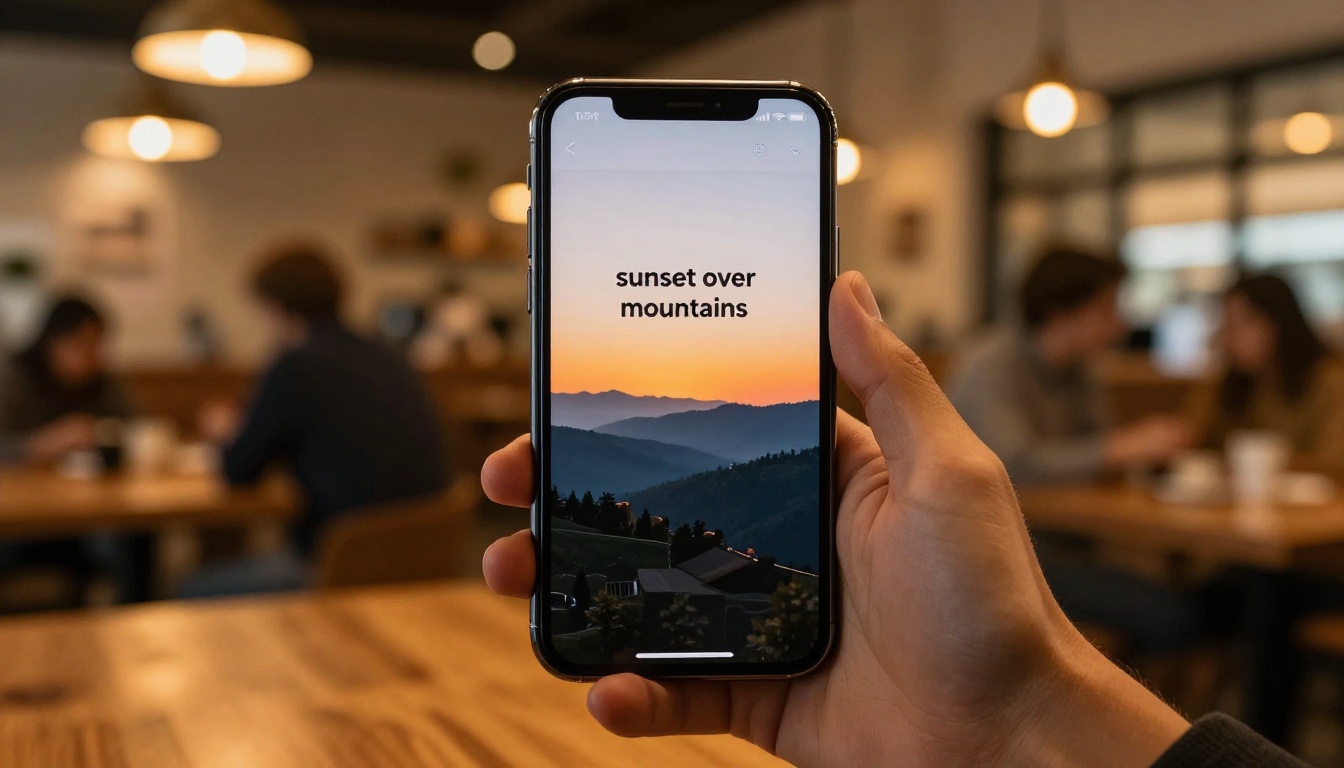
- Too vague: "A beautiful scene" produces nothing useful. Describe exactly what you see in your head.
- Too many concepts: "A woman, a dragon, a mountain, a city, a sunset" produces a confusing mess. Pick one strong visual idea.
- Relying on adjectives: "Amazing, stunning, incredible" don't help the model. Describe what "amazing" actually looks like in physical terms.
- Ignoring lighting: Lighting makes or breaks a realistic image. Add a lighting description to every prompt.
- Giving up after one try: Your first prompt is a starting point. Tweak one element at a time and iterate.
How to Use Flux Schnell Step by Step
Flux Schnell is available directly on PicassoIA. Here's how to use it from scratch.
Step 1: Open the model page
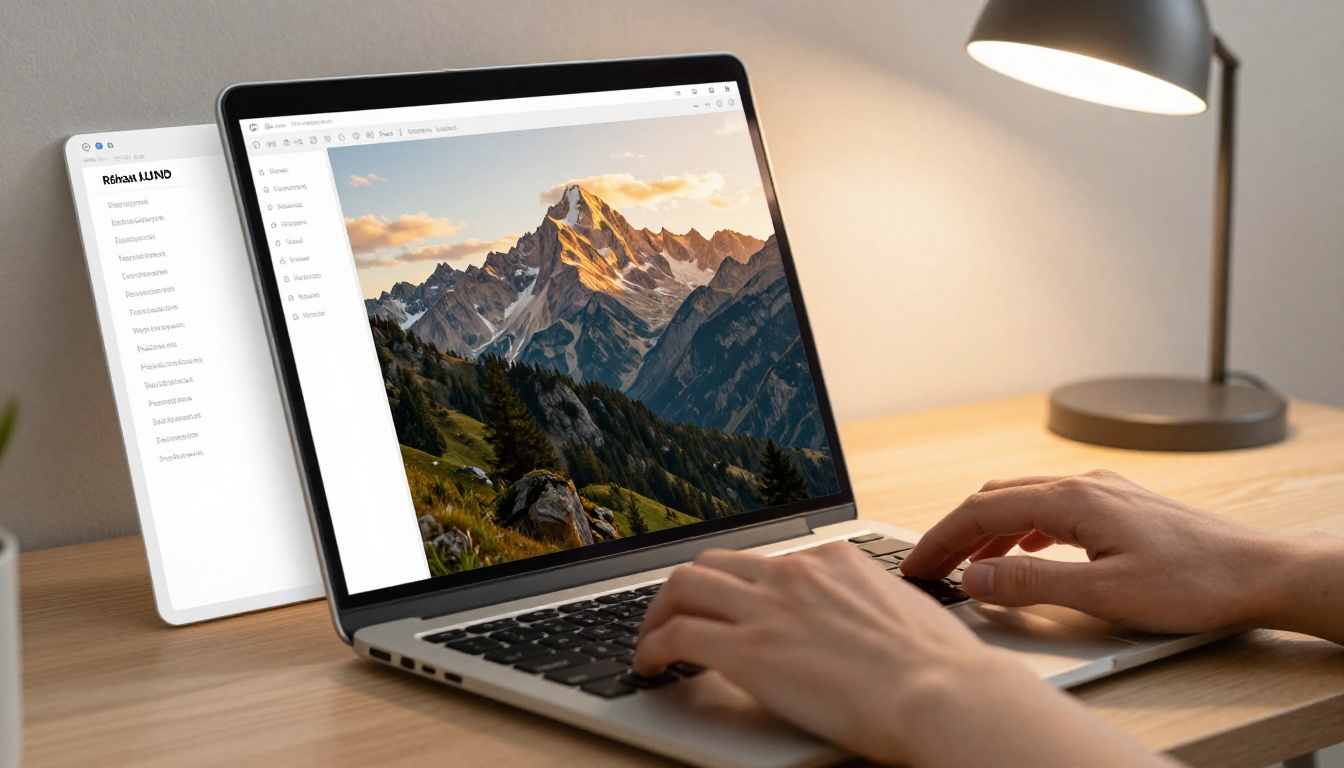
Go to the Flux Schnell page on PicassoIA. You'll see a clean text input area at the center of the screen.
Step 2: Write your prompt
Type your description using the 3-part formula above. Example:
"A young woman with wavy red hair sitting at a sun-lit café in Rome, warm golden afternoon light, 35mm lens, Kodak Portra 400 film grain, photorealistic"
Step 3: Select aspect ratio
Choose 16:9 for wide or landscape images, 1:1 for square, or 9:16 for vertical format. For a first try, 16:9 or 1:1 work well.
Step 4: Press Generate
Results appear in seconds. If the first result isn't quite what you wanted, identify what's off and adjust one specific element in your prompt.
Step 5: Iterate
The real skill in AI image generation isn't writing the perfect prompt the first time. It's improving with each result. Try changing the lighting description. Swap the setting. Add a camera angle. After 5-10 iterations, you'll see exactly how the model interprets language.
💡 Tip: Save prompts that produce results you like. Over time you'll build a personal library of prompt structures that work reliably for different types of images.
Beyond Images: What Else You Can Do
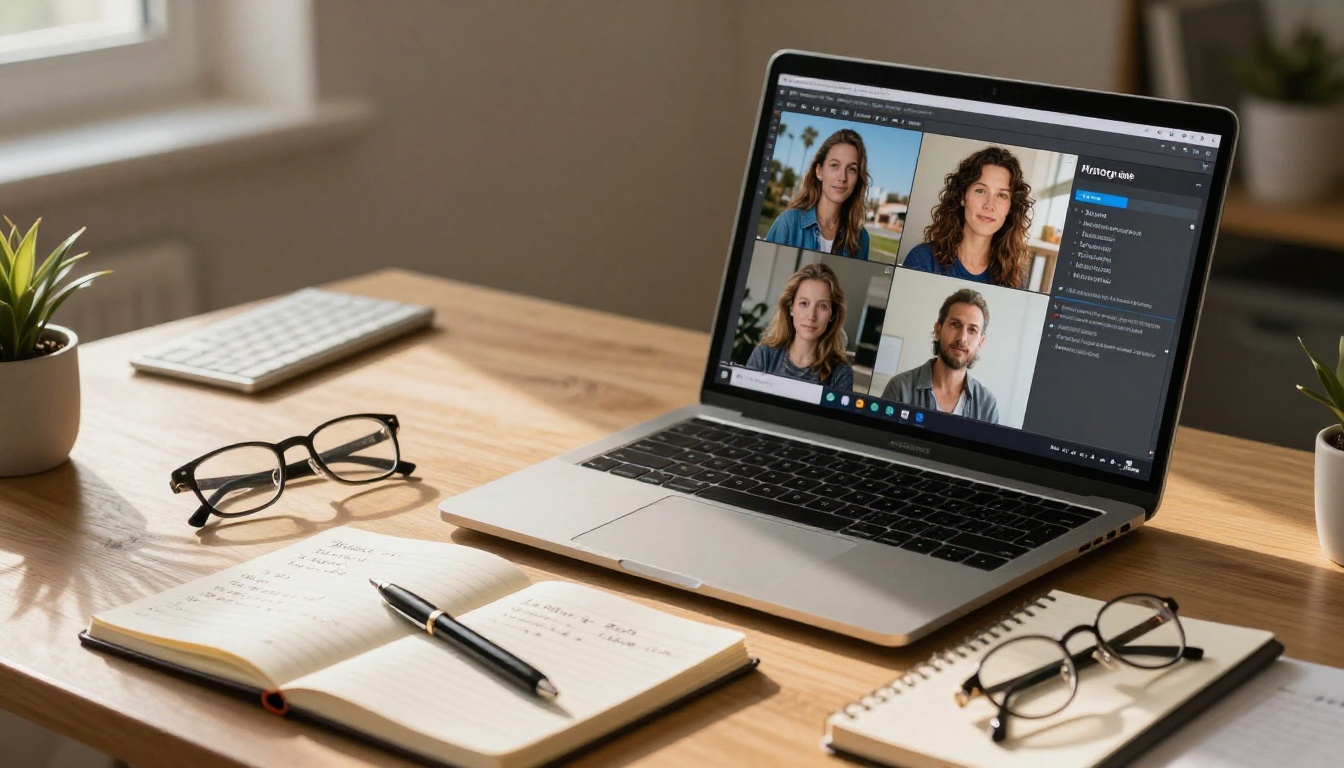
Once you're comfortable with text-to-image generation, PicassoIA offers a range of related capabilities that require the same simple approach.
- Super Resolution: Take any generated image and upscale it to 2x or 4x the original size for printing or detailed editing
- Background Removal: Strip the background from any image instantly, no manual selection needed
- Face Swap AI: Replace a face in any image with a photorealistic swap
- Video Upscaling and Restoration: Take any video and upscale, stabilize, or restore it with a single click
- Image Restoration: Fix old or damaged photos by removing noise, blur, or scratches automatically
None of these tools require more than uploading an image or typing a description. The same simplicity that makes the text-to-image tools accessible applies across the entire platform.
The Right Model for Your First Image
Picking the right model as a beginner comes down to one question: do you want fast feedback or polished results?
If you want fast feedback, start with P Image or Flux Schnell. Generate 20-30 images with different prompts, see how the model interprets language, and build your instincts for what works.
If you want polished results right away, go with Flux Dev or Imagen 4. Take more time with each prompt, and you'll get images that genuinely impress.
If you want text rendered accurately in your image, Ideogram v3 Turbo is the correct choice. It's one of the only models that handles typography inside images with real reliability.
For most people, the ideal starting sequence looks like this:
- Start with Flux Schnell: get comfortable, experiment freely
- Move to Flux Dev: apply your best prompts for better output
- Try Imagen 4 or Ideogram v3 Turbo: get photorealistic results for specific use cases

Start Creating Your First Image Right Now
The best way to get good at this is to stop reading about it and start doing it. Open Flux Schnell on PicassoIA, type a description of something you'd genuinely like to see, and press generate. That's your first step.
You'll probably adjust the prompt two or three times before you get exactly what you wanted. That's normal, it's part of the process, and it's honestly where most of the fun is. Each iteration shows you something about how these models interpret language, and that knowledge builds faster than you'd expect.
Within an hour of real experimentation, you'll have a feel for what works. Within a week, you'll be producing images that genuinely surprise you. No design background required. No technical knowledge needed. Just a description and a browser.
Try it now: Pick any scene from your imagination and describe it in 2-3 sentences. Paste it into Flux Schnell and see what comes back. Then adjust one element and try again. That loop is how everyone who is good at this got there.


