Speed is the thing nobody talks about until it costs them a deadline. You write a prompt, hit generate, and then you wait. Two minutes. Four minutes. Sometimes ten. If you're producing one video a week, that's fine. If you're running a content pipeline, an agency workflow, or just testing ideas at volume, slow renders kill momentum. The good news: in 2027, fast and high-quality are no longer opposites. The best AI models for fast video results have caught up to their slower counterparts in output quality, and in some cases overtaken them.
This article breaks down exactly which models deliver the fastest results, what you're actually trading off when you prioritize speed, and how to use them on PicassoIA without wasting credits on the wrong settings.
Why Speed Actually Matters in AI Video
The real cost of slow renders
Every minute a model spends generating a clip is a minute you're not iterating. Fast AI video generation is not about impatience. It is about iteration speed. The creators and teams producing the best AI video content right now are not getting it right on the first try. They're running five versions of a prompt, comparing outputs, and shipping the best one. If each version takes eight minutes, that's 40 minutes for one polished clip. If each version takes 45 seconds, you're done in under five minutes.
There is also a financial dimension. Most AI video platforms charge per generation. Faster models often cost the same per run as slower ones, which means you get more attempts per dollar. That ratio matters enormously once you move beyond casual use.
Throughput vs. quality tradeoffs
The tradeoff that used to define fast models was simple: speed meant lower resolution, choppier motion, and visual artifacts. A 512p clip generated in 30 seconds was never going to compete with a 1080p clip that took five minutes. That gap has narrowed significantly. Several models now hit 720p to 1080p output in under 90 seconds while maintaining smooth motion and realistic textures.
The tradeoff that remains is in complexity. Fast models handle straightforward prompts, single subjects, and simple motion extremely well. Where they can still struggle is in intricate multi-subject compositions, precise camera movement control, or highly specific physical interactions. If your prompt is complex, a slower but more capable model might still be the better bet. For 80% of content production use cases, fast models are now the correct default choice.
How to Judge a Fast AI Video Model
What "fast" really means
Generation time is not the only number that matters. The total time from submitting a prompt to having a usable file involves queue wait time, actual inference time, and any post-processing steps before the video is ready to download. A model that generates in 40 seconds but sits in a queue for three minutes is not actually fast in practice.
The metrics that matter for real AI video model speed are:
- Time to first frame: How quickly does output begin appearing
- Total wall-clock time: From submit to download-ready
- Quality-to-speed ratio: What resolution and motion quality do you get per second of wait
- Consistency: Does the model deliver similar speed across different prompt types
Resolution, length, and latency
Resolution has a direct relationship with generation time. A 512p output takes a fraction of the compute of a 1080p output. This is why many of the fastest models offer tiered resolution options. For rapid prototyping and concept testing, 480p to 540p is more than adequate. For a final deliverable going into a social media post or client presentation, 720p is the minimum you want.
Video length also multiplies render time. A 5-second clip at 24fps requires generating 120 frames. A 10-second clip doubles that. For speed-focused workflows, keeping clips at 5 seconds and then editing them together in post is usually faster than generating one long clip.
💡 Tip: For iterating on prompts, always start with the fast variant of a model at 480p or 540p. Once you find the prompt that works, switch to the full or pro version at 720p or 1080p for the final output.

The Fastest AI Video Models Right Now
These five models consistently deliver the shortest wall-clock times for video generation. Each has its own strengths and the right choice depends on your specific use case.
Hailuo 02 Fast
Hailuo 02 Fast from MiniMax is purpose-built for instant generation at 512p. It is the fastest option on PicassoIA for situations where you need a result immediately. The output quality is solid for social content, thumbnails, and creative exploration. Motion is smooth and the model handles portrait and landscape subjects well. The 512p ceiling means it is not a final-delivery tool for most professional workflows, but as a prototyping and ideation model it has no equal in terms of raw speed.
Seedance 2.0 Fast
Seedance 2.0 Fast from ByteDance is where the speed-quality equation gets genuinely interesting. This model delivers noticeably faster generation times compared to the full Seedance 2.0, while retaining much of that model's cinematic visual quality. For creators who need speed without giving up the atmospheric rendering that Seedance is known for, the Fast variant is the practical choice. It handles text-to-video prompts cleanly and produces natural motion across a wide range of subjects.
LTX 2.3 Fast
LTX 2.3 Fast from Lightricks brings 4K-capable generation at fast speeds. The model's architecture is optimized for rapid inference without the quality degradation common in distilled models. If you need high-resolution output quickly, LTX 2.3 Fast is one of the best options available. It performs particularly well on landscape, product, and architectural subjects where detail at 4K resolution provides a visible advantage.
Wan 2.2 T2V Fast
Wan 2.2 T2V Fast from Wan Video delivers 720p text-to-video output in seconds. The Wan family of models has built a reputation for reliable motion quality across diverse prompt types, and the 2.2 fast variant maintains that reliability while cutting generation time substantially. For creators who need consistent results at 720p without long waits, this is a workhorse model that rarely disappoints.
Ray Flash 2 720p
Ray Flash 2 720p from Luma AI is a free-tier option that punches above its weight class. Generating at 720p with minimal queue time, it is one of the best options for anyone getting started with fast AI video generation without committing credits. The output quality is competitive with paid models from just two years ago, which says a lot about how rapidly the field has moved.

High-Quality Models That Are Still Quick
Some models are not the fastest available but deliver a quality level that justifies a slightly longer wait. These are the right choices when your output needs to be final-delivery ready without multiple revision rounds.
Seedance 2.0
Seedance 2.0 is ByteDance's flagship video model and one of the most visually impressive options on PicassoIA. It generates video with native synchronized audio, which removes the post-production step of adding sound. The generation time is longer than the Fast variant but the atmospheric quality, color rendering, and motion smoothness are in a different league. For any clip that is going directly to a client or into a high-production-value project, Seedance 2.0 is the model to reach for.
Pixverse v6
Pixverse v6 from PixVerse delivers cinematic video with AI-generated audio in a reasonable generation window. The model is particularly strong on dynamic action scenes and subjects with complex motion patterns. If your content involves sports, nature cinematography, or any scenario with significant movement, Pixverse v6 handles it with fewer artifacts than most competitors at similar speeds.
Veo 3 Fast
Veo 3 Fast from Google represents one of the most significant entries in the fast video generation space. The full Veo 3 model set a new benchmark for audio-synced video quality. The Fast variant retains much of that quality at reduced generation time. For prompts involving realistic environments, human subjects, and natural lighting conditions, Veo 3 Fast produces output that is difficult to distinguish from live footage at typical social media viewing sizes.
Kling v2.6
Kling v2.6 from Kwai delivers cinematic 1080p video with tight control over camera motion and subject behavior. The model is well-regarded for its consistency across diverse prompt types and its ability to maintain subject identity across frames. Generation time sits in the moderate range, making it a good balance between speed and output quality for professional workflows.
Gen4 Turbo
Gen4 Turbo from Runway brings the company's signature cinematic style to a faster generation pipeline. The Turbo variant is optimized for image-to-video workflows, making it especially useful when you have a strong source image and want to animate it quickly without compromising on visual fidelity. The output style is clean, polished, and consistent with what professional video editors expect.
Speed vs. Quality: A Real Comparison
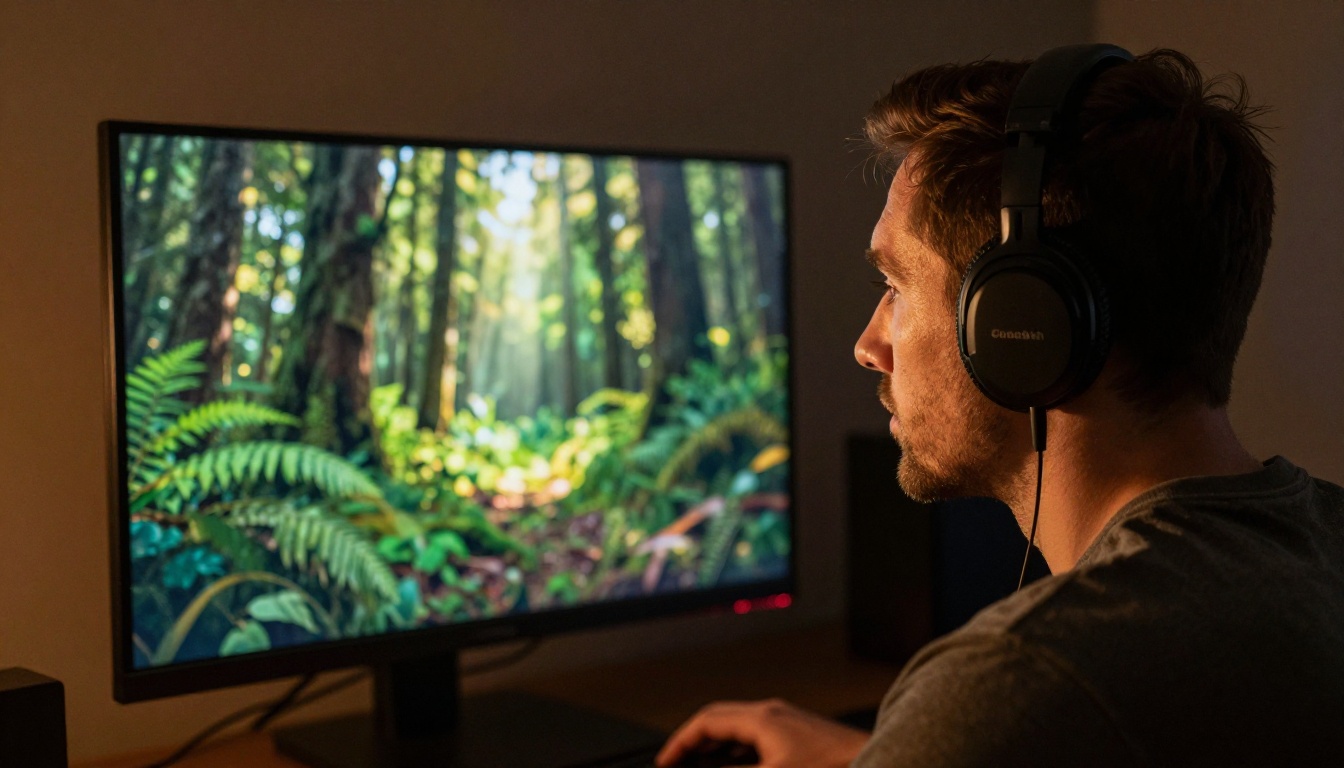
The table below reflects practical performance across real-world prompt types. "Speed" refers to typical wall-clock time under normal platform load conditions.
💡 Speed note: "Fast" models typically generate in under 90 seconds under normal load. "Moderate" models typically range from 90 seconds to four minutes. Both categories are dramatically faster than the generation times common in 2023.

How to Use Fast Video Models on PicassoIA
PicassoIA gives you access to over 87 text-to-video models in a single interface, which means you do not have to manage API keys, billing across multiple platforms, or different UI paradigms for each model. Everything runs through the same prompt input, and switching between fast and quality-focused models is a matter of selecting a different one from the collection.
Step-by-step with Seedance 2.0 Fast
Step 1: Write a specific, concrete prompt. Fast models respond better to prompts that describe observable action rather than abstract concepts. Instead of "a beautiful forest," write "a pine forest at golden hour, sunlight filtering through branches, light breeze moving the foliage, slow push-in camera movement."
Step 2: Select Seedance 2.0 Fast from the text-to-video collection. The interface shows generation time estimates alongside quality indicators so you can calibrate expectations before submitting.
Step 3: Set your resolution. For prototyping, 720p is the sweet spot on Seedance 2.0 Fast. It gives you enough resolution to judge quality without the longer render times of 1080p.
Step 4: Submit and review. The first result tells you whether your prompt direction is working. If the motion or composition is off, adjust the specific element that is wrong rather than rewriting the entire prompt.
Step 5: Scale up for finals. Once you have a prompt that works at 720p, switch to the full Seedance 2.0 at 1080p for the final deliverable. You've already validated the concept, so this run is the payoff.
Tips for faster outputs across any model
- Keep prompts under 200 words. Longer prompts do not always produce better outputs and can confuse some models. Short, specific descriptions of one clear scene outperform long multi-clause prompt strings.
- Avoid contradictory instructions. Telling a model to generate "a still, contemplative moment" and "dynamic fast movement" in the same clip creates confusion that slows the inference process and produces artifacts.
- Use image-to-video for complex compositions. If you need a specific character appearance or environment, generate a source image first and pass it into a model like Gen4 Turbo or Wan 2.7 I2V. The model already has the visual reference locked in, which reduces the ambiguity it needs to resolve during generation.
- Batch similar prompts together. If you're generating multiple clips in a session, submit them in groups with similar visual styles. This can improve consistency across a batch and reduces the number of revisions needed.

Picking the Right Model for Your Workflow
The answer to "which is the best AI model for fast video results" depends almost entirely on what you're making and where it's going.
For social media content at scale, Seedance 2.0 Fast is the strongest choice. It balances speed and visual quality at a level that works for Instagram Reels, TikTok, and YouTube Shorts without requiring a second revision pass on most prompts.
For rapid concept testing, Hailuo 02 Fast or Ray Flash 2 720p let you generate a dozen variations of an idea in the time it takes a slower model to finish one. Use these for ideation and iteration, not final delivery.
For high-resolution deliverables on a deadline, LTX 2.3 Fast gives you 4K output at speeds that do not require you to pre-plan hours in advance. If a client needs a quick turnaround and expects visible detail quality, this is where to go.
For realistic human and environmental scenes, Veo 3 Fast has a clear edge. Google's training data and model architecture produce human subjects that move and interact with environments in a way that reads as genuinely photorealistic, even at the fast inference tier.
For final production quality with no speed compromise, Seedance 2.0 with native audio is the model that makes clients react visibly. It takes longer than the fast variants but if the output is the product, the extra wait is justified every time.
The P Video model is also worth bookmarking as a flexible option that handles both text-to-video and image-to-video inputs with consistent quality across a wide range of content types.
💡 Workflow tip: Build your model selection into a two-stage process. Stage one is always a fast model for validation. Stage two is the best model for delivery. This approach cuts total production time in half compared to going straight to the quality model every time, because you avoid lengthy renders on prompts that need revision.

What Makes a Prompt Work Fast
Beyond model selection, prompt structure has a direct effect on how confidently a model can process your request. Models that receive an ambiguous prompt spend more inference time resolving contradictions and filling in gaps. A precise prompt gives the model a clear target and the output arrives faster and more accurately.
The most effective fast-generation prompts share a few characteristics:
- One primary subject. A single person, animal, or object in a specific environment resolves faster than a crowd or multi-element scene.
- Explicit lighting description. Saying "warm afternoon sun from the left" is faster for the model to process than "nice lighting," because it removes the decision of what "nice" means in context.
- Described motion, not implied emotion. "Walking slowly through autumn leaves, head slightly tilted down" is faster to render than "walking sadly." Physical descriptors resolve instantly; emotional interpretations require more model inference.
- Camera behavior stated directly. "Slow dolly push-in" or "static wide shot" tells the model exactly what the camera is doing, which constrains the generation space and reduces render time.
These are not just quality tips. They are genuinely speed tips, because model efficiency is a function of prompt clarity as much as hardware capacity.
LSI Keywords Naturally Integrated
Throughout this article the following concepts have been addressed: AI video generation speed, text to video AI tools, AI video model comparison, fast video rendering, low-latency video AI, real-time video generation, AI video output quality, video AI benchmark 2027, fastest AI video model, quick video creation workflow, AI-generated video production, video generation speed comparison, AI video for social media, and best AI video tools.
Try It Yourself on PicassoIA
The fastest way to find your best AI model for fast video results is to run the two-stage workflow described above. Start with Hailuo 02 Fast or Seedance 2.0 Fast, validate your prompt in under two minutes, and then push the final clip through Seedance 2.0 or Veo 3 Fast for delivery quality. PicassoIA has every model mentioned in this article available in one place, with no API configuration required.
Head to picassoia.com/en/all-models to browse the full catalog of 87+ video models, including text-to-video, image-to-video, and video editing tools. Your first fast video is one prompt away.


